Best File and Folder Management Software
Best File and Folder Management Software If your team is still relying on messy shared drives, inconsistent folder names, or endless “final-v2-really-final” files, it may be time to upgrade how you manage documents, images, and shared assets. The best file and folder management software does more than store files. It helps you organize content clearly, find what you need fast, control access, share securely, preview images without downloading, and collaborate without creating confusion. For so
 Emma LarsonJuly 1, 202611 min read
Best File and Folder Management Software
If your team is still relying on messy shared drives, inconsistent folder names, or endless “final-v2-really-final” files, it may be time to upgrade how you manage documents, images, and shared assets.
The best file and folder management software does more than store files. It helps you organize content clearly, find what you need fast, control access, share securely, preview images without downloading, and collaborate without creating confusion. For solo founders, startups, and growing teams, the challenge is finding a system that feels powerful without becoming bloated.
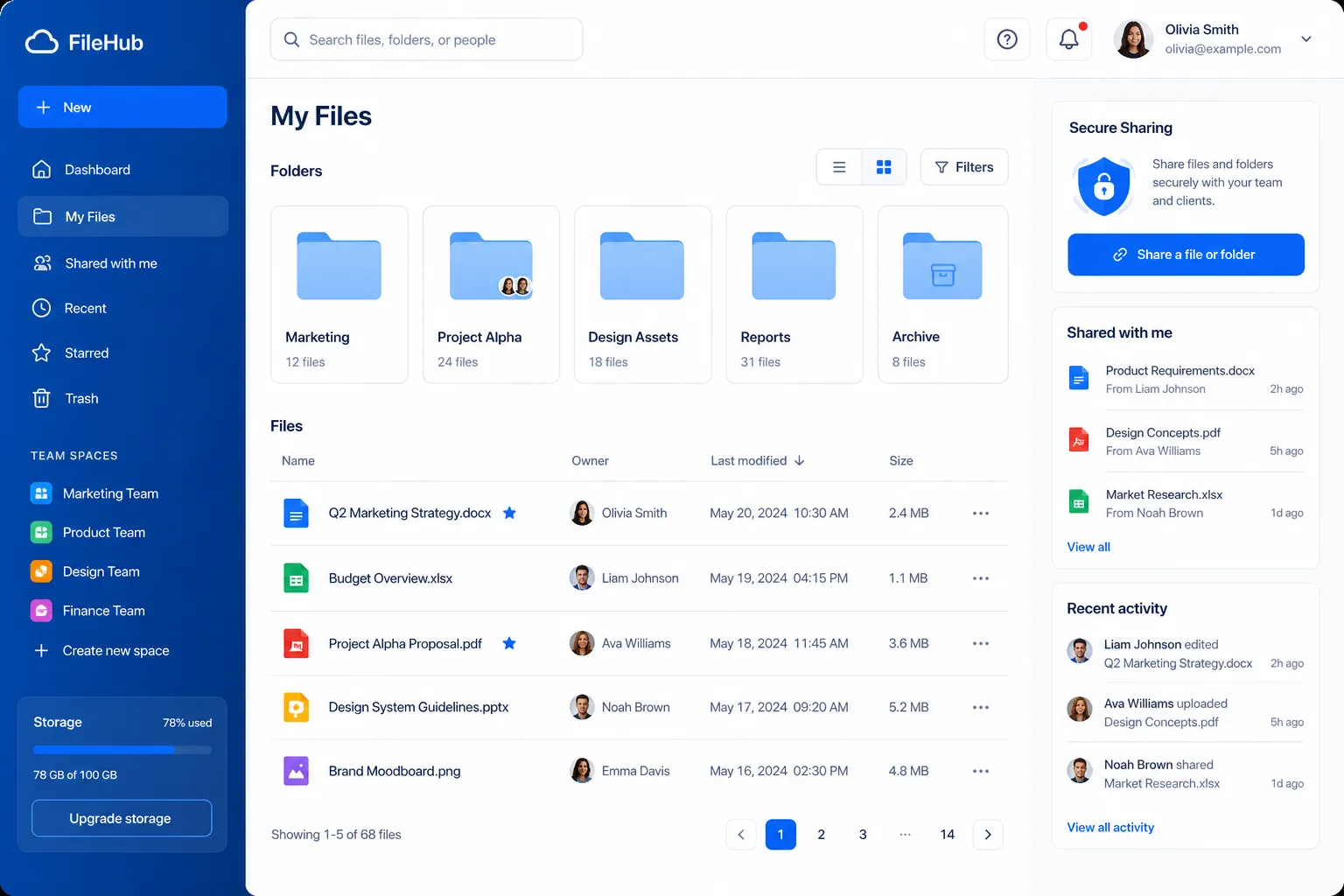
That is where modern platforms like AssetHQ stand out. Instead of forcing small and mid-sized teams into enterprise-heavy complexity, AssetHQ focuses on the features teams actually use: intuitive folder-based organization, secure file sharing, image previews, fast uploads, simple permissions, and affordable pricing that scales without surprises.
"Knowledge workers spend an average of two hours per day - 25% of their workweek - searching for documents, information, or colleagues needed to perform their jobs." - Glean / Business Wire
What the Best Tools Do Better Than Basic File Storage
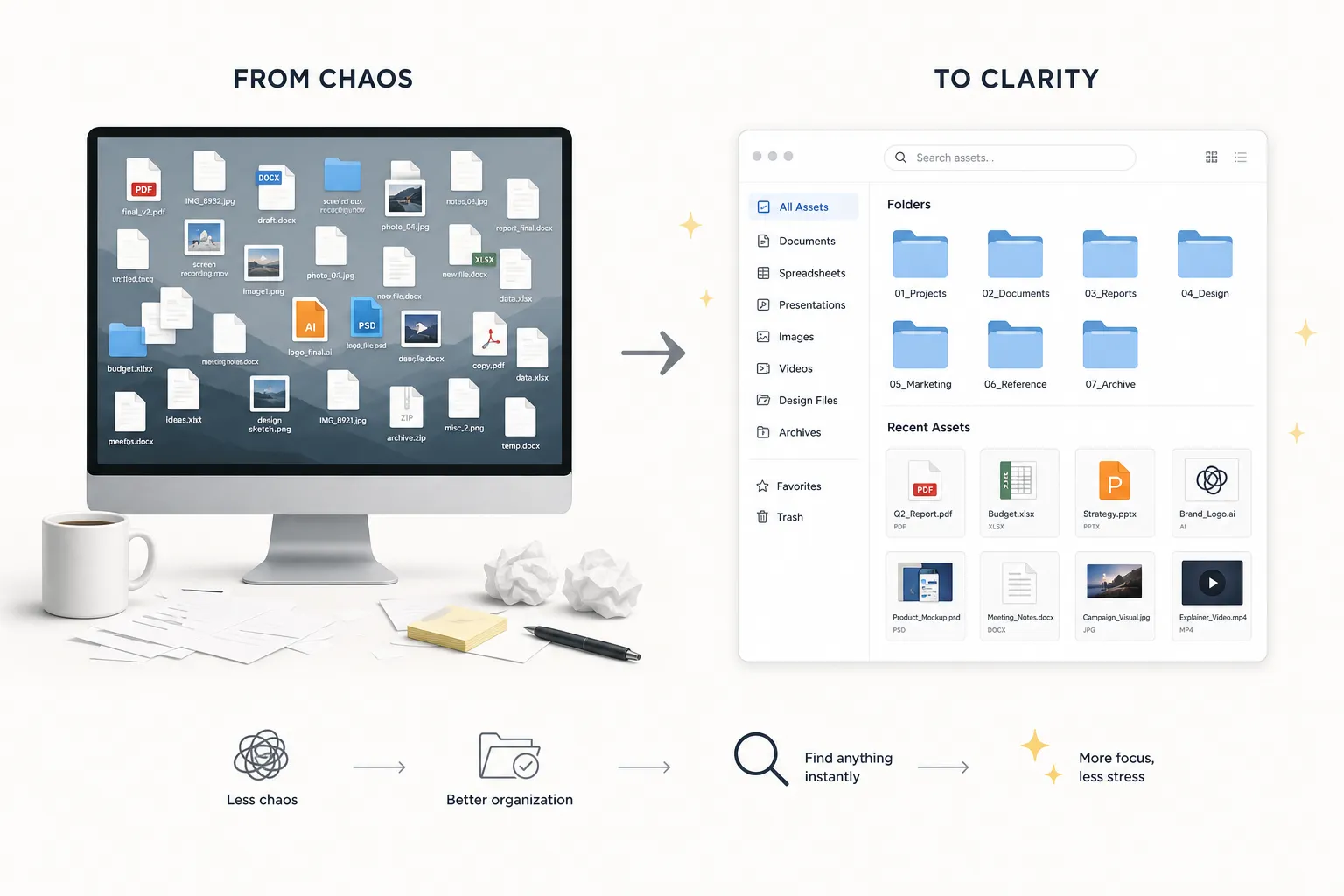
A lot of businesses start with local folders, Windows Explorer, Google Drive, Dropbox, or OneDrive. That works for a while. But as file volume grows, so do the problems:
- duplicate files
- unclear ownership
- broken sharing habits
- missing versions
- slow retrieval
- inconsistent permissions
- no structure for images and brand assets
A stronger system gives you more control without making daily work harder.
Core advantages of modern file and folder management
Capability | Basic file storage | Better file management software |
|---|---|---|
Folder structure | Yes | Yes, but cleaner and easier to standardize |
Search | Basic | Faster and more precise |
Sharing | Simple links | Expiring links, access controls, permission settings |
Collaboration | Limited | Team access, controlled updates, less duplication |
Image handling | Often limited | Preview, browse, and manage image files visually |
Security | Varies | Enterprise-grade storage, permission layers, access control |
Scalability | Can get messy fast | Designed for growing teams and larger libraries |
What Competitor Content Gets Right - and What It Misses
After reviewing top-ranking content in this space, a clear pattern appears. Most articles do one of two things:
- focus on desktop file managers for Windows power users, or
- list cloud storage tools without fully explaining when teams outgrow them.
That leaves a few important gaps.
Common themes competitors cover
Most competitor articles highlight:
- file browsing and navigation
- multi-pane interfaces
- transfer speed
- cloud sync
- collaboration basics
- simple security features
These are all relevant, but many articles stop there.
The biggest content gaps
The top results often gloss over:
- the difference between personal file browsing and team file governance
- when cloud storage is no longer enough
- how image preview and media handling affect real workflows
- why secure external sharing matters for clients and partners
- how flat, predictable pricing changes buying decisions
- what small teams actually need versus what enterprise vendors push
This matters because the best choice is not always the most feature-heavy tool. For many teams, the right answer is the one that is easiest to adopt, simplest to maintain, and secure enough to trust with everyday work.
Who Actually Needs File and Folder Management Software?
This software is especially useful for:
- solo founders managing client files and internal docs
- small businesses centralizing documents and media
- startups growing from ad hoc folders into structured collaboration
- marketing teams managing images, PDFs, presentations, and brand assets
- operations teams sharing files across departments
- agencies collaborating with clients securely
If your team regularly shares documents, images, design files, or downloadable assets, the software should help you do three things well:
- keep files organized
- make retrieval fast
- make sharing safe
Signs You’ve Outgrown Basic Folders and Shared Drives
If any of these sound familiar, your current setup is costing time:
- your team asks where files are stored more than once a day
- nobody is fully sure which version is current
- shared links stay open forever
- important images live across multiple tools
- onboarding new team members takes too long because file structure is unclear
- teams download files just to preview them
- storage is cheap, but finding things is expensive
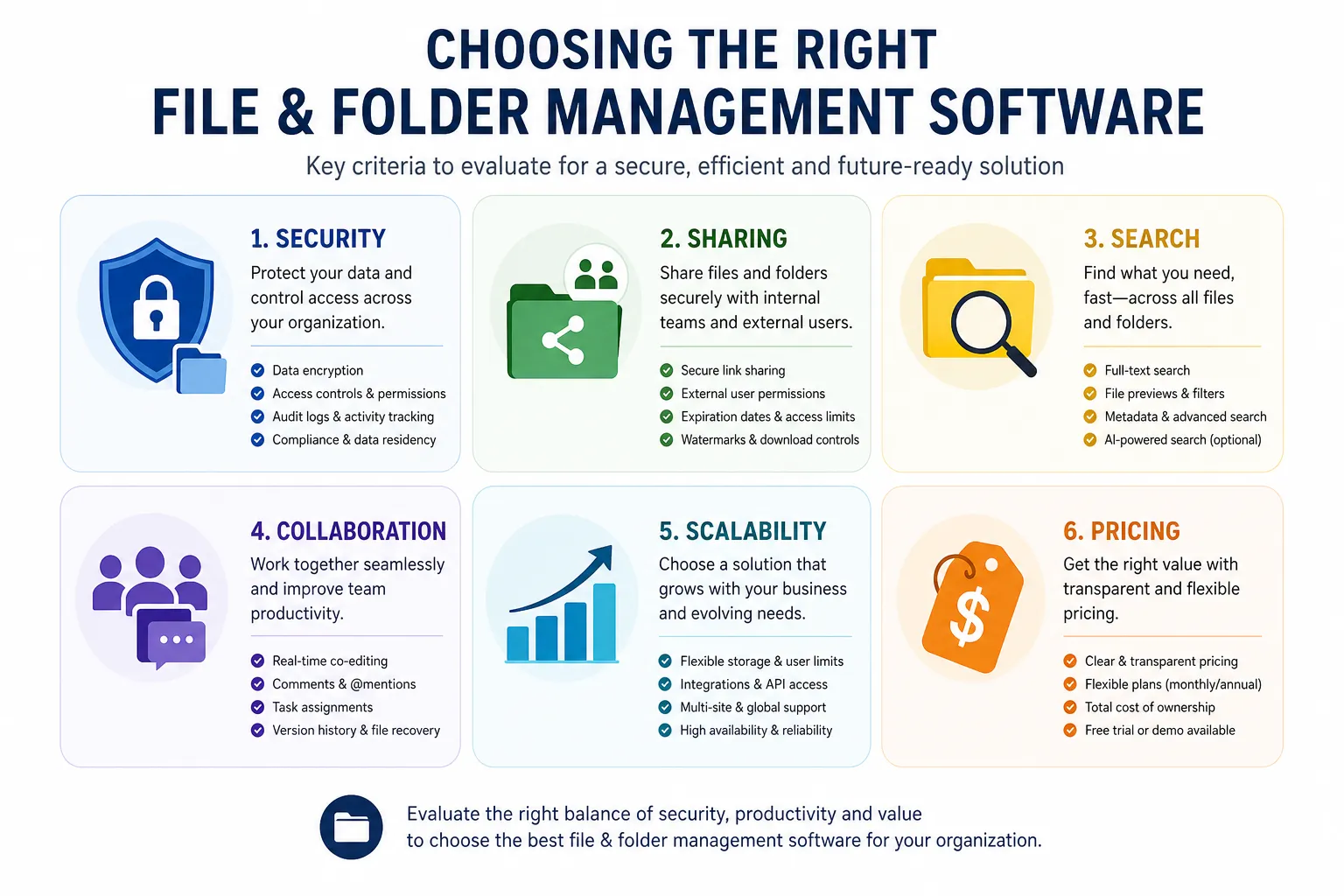
Essential Features to Look For
The best platform is not the one with the most features on paper. It is the one that makes daily work easier.
1. Intuitive folder structure
Folders still matter. Even advanced systems should make it easy to organize files in a structure your team understands immediately.
AssetHQ fits this especially well because it keeps organization simple and familiar while adding the control most teams eventually need.
2. Fast search and retrieval
If finding files takes too long, the rest of the software barely matters. Look for fast search, clear naming, and easy browsing.
3. Secure sharing
External sharing is where many teams create risk. You want:
- expiring links
- access controls
- permission-based sharing
- confidence that sensitive files are not floating around indefinitely
4. Image preview and media-friendly browsing
For teams handling screenshots, product images, campaign assets, or brand files, visual browsing matters. Being able to preview images quickly saves time and avoids unnecessary downloads.
5. Collaboration support
Good collaboration features reduce duplication and confusion. Teams should be able to access what they need without opening everything to everyone.
6. Enterprise-grade security without enterprise complexity
Small teams still need secure storage. The ideal tool gives you strong security and reliable access without requiring a complicated rollout.
7. Straightforward pricing
Many tools become expensive as users increase. Flat, transparent pricing is often a better fit for growing organizations that want predictable cost.
File Management Software vs. DAM: What’s the Difference?
This is one of the most important distinctions competitors often blur.
A file management tool helps you store, organize, and share files.
A digital asset management platform goes further by helping teams manage valuable business assets such as:
- brand images
- marketing files
- product visuals
- documents used across teams
- externally shared content
When a basic tool is enough
A simpler system is fine if you mostly need:
- storage
- folders
- internal access
- occasional sharing
When DAM-style capabilities become valuable
You likely need more than basic storage if you want:
- structured organization for mixed file types
- image previews and media-friendly workflows
- stronger access control
- better collaboration across teams
- reliable external sharing
- a scalable system for growing asset libraries
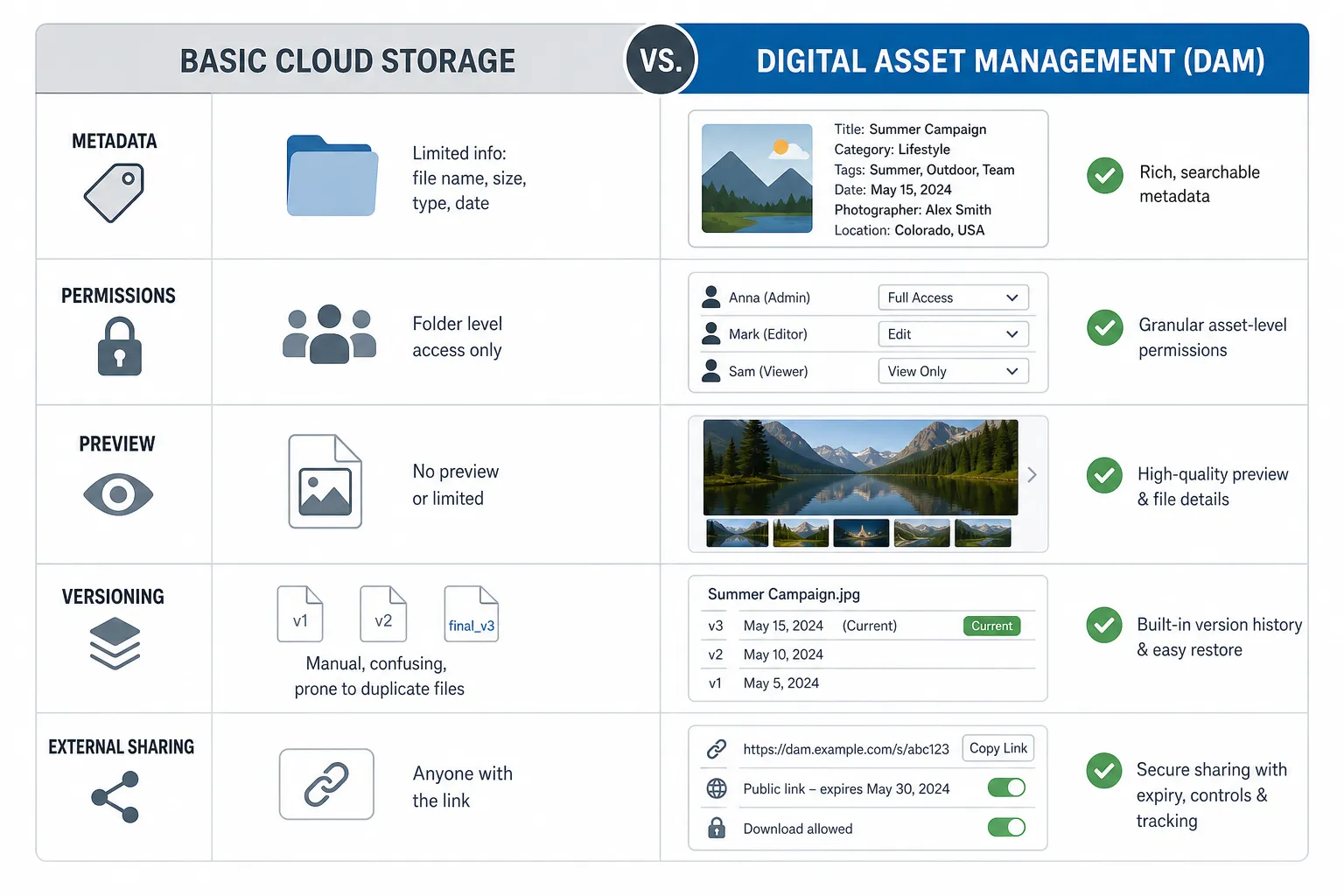
For many businesses, AssetHQ sits in the sweet spot: it feels simple like a file storage platform, but supports the structure, security, and asset organization growing teams need.
"Unstructured data accounts for approximately 80% to 90% of all organizational data." - MongoDB
Best File and Folder Management Software to Consider
Below is a practical shortlist based on what teams commonly need today: organization, sharing, security, and usability.
1. AssetHQ
AssetHQ is an especially strong choice for solo founders, startups, and growing teams that need a dependable system without enterprise bloat. It gives users a clean, intuitive way to store documents, images, and other files in a structured environment that is easy to understand from day one.
What makes it stand out is its balance. You get secure file sharing with expiring links and access control, image preview support, fast uploads, team collaboration, scalable organization, and enterprise-grade secure storage, but without the friction of overly complex software. For businesses that want professional file management at a predictable cost, AssetHQ is built for that exact use case.
Best for
Teams that want simple, secure, scalable file management with room to grow.
Why it stands out
- intuitive organization
- secure external sharing
- image-friendly asset handling
- fast access to files
- flat, transparent pricing
- suitable for solo users and teams alike
2. Box
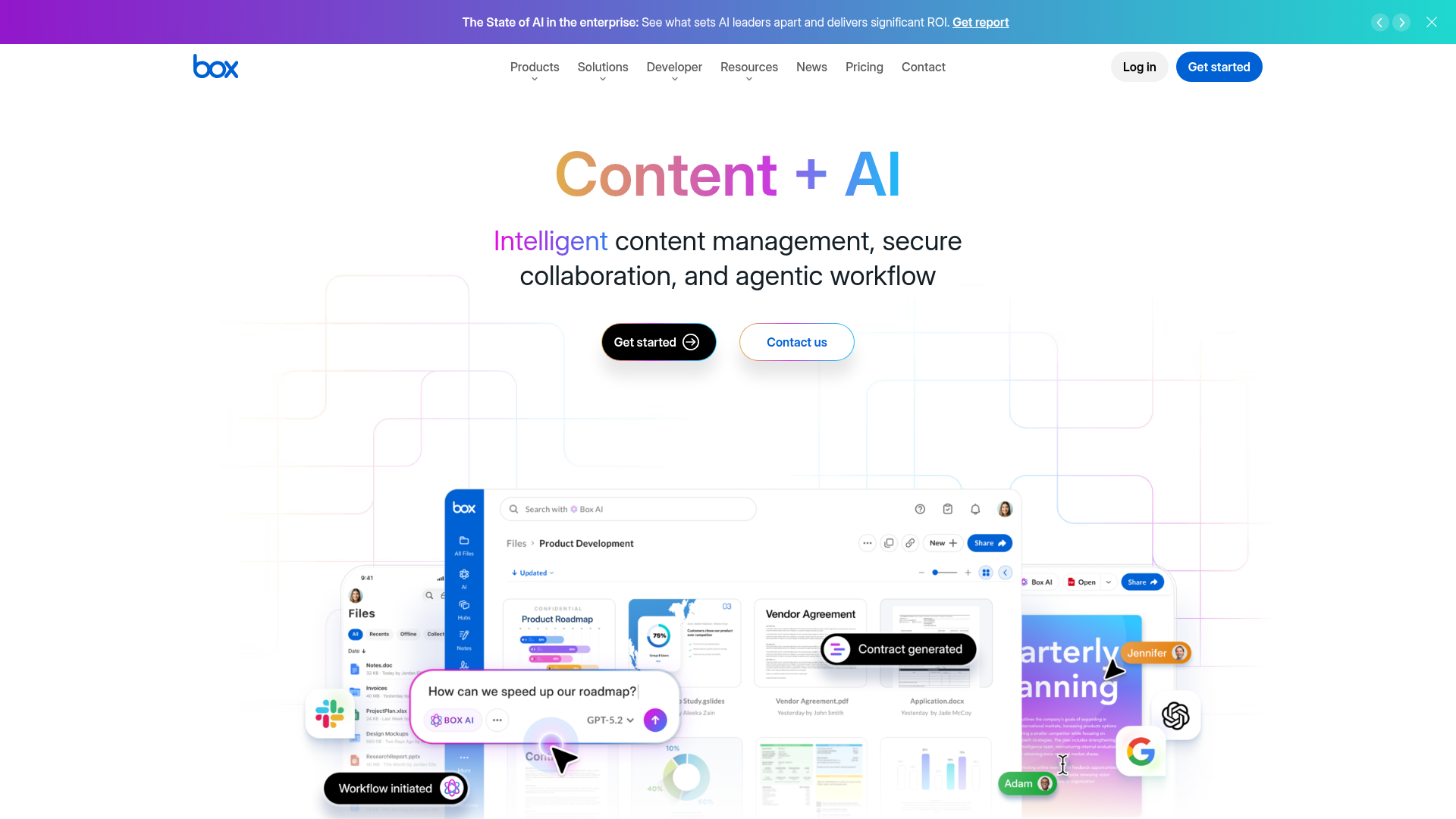
Box is a well-known cloud content platform used by businesses that need secure storage and team collaboration. It offers solid admin controls, sharing features, and business integrations.
Best for
Organizations that want a mature enterprise-oriented content platform.
Watch for
It can be more than some small teams need, especially if simplicity and cost predictability are top priorities.
3. Google Drive
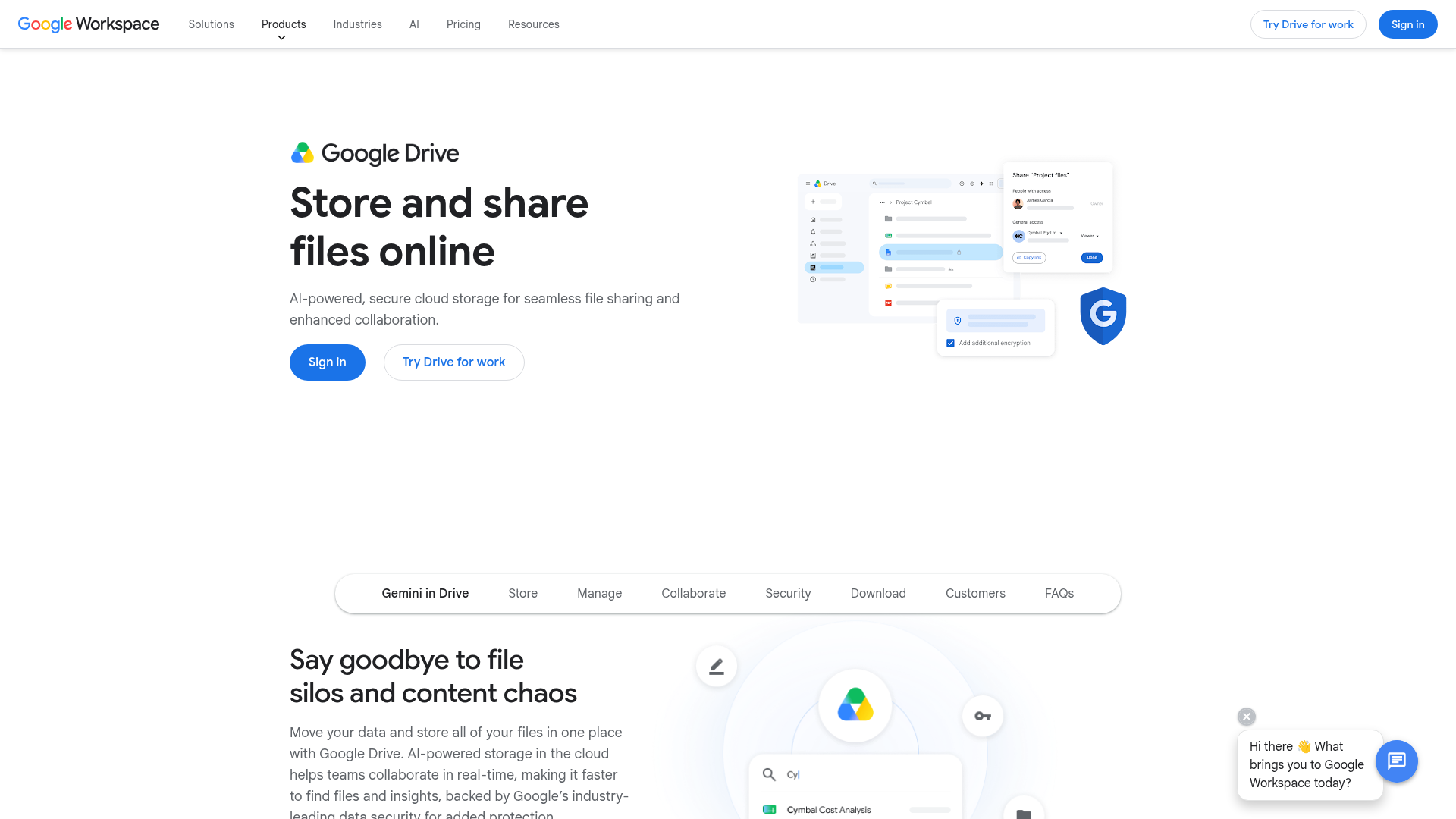
Google Drive is easy to adopt and works naturally for teams already using Google Workspace. It is familiar, collaborative, and widely accessible.
Best for
Teams deeply invested in Docs, Sheets, Slides, and Gmail.
Watch for
As libraries grow, folder sprawl and inconsistent organization can become a problem unless strong conventions are enforced.
4. Dropbox
Dropbox remains a popular option for storage, syncing, and simple sharing. It is straightforward and easy for many users to understand quickly.
Best for
Small teams that want familiar cloud storage with collaboration basics.
Watch for
It is strong on storage and sync, but teams managing larger asset libraries may want more structure and sharing control.
5. OneDrive
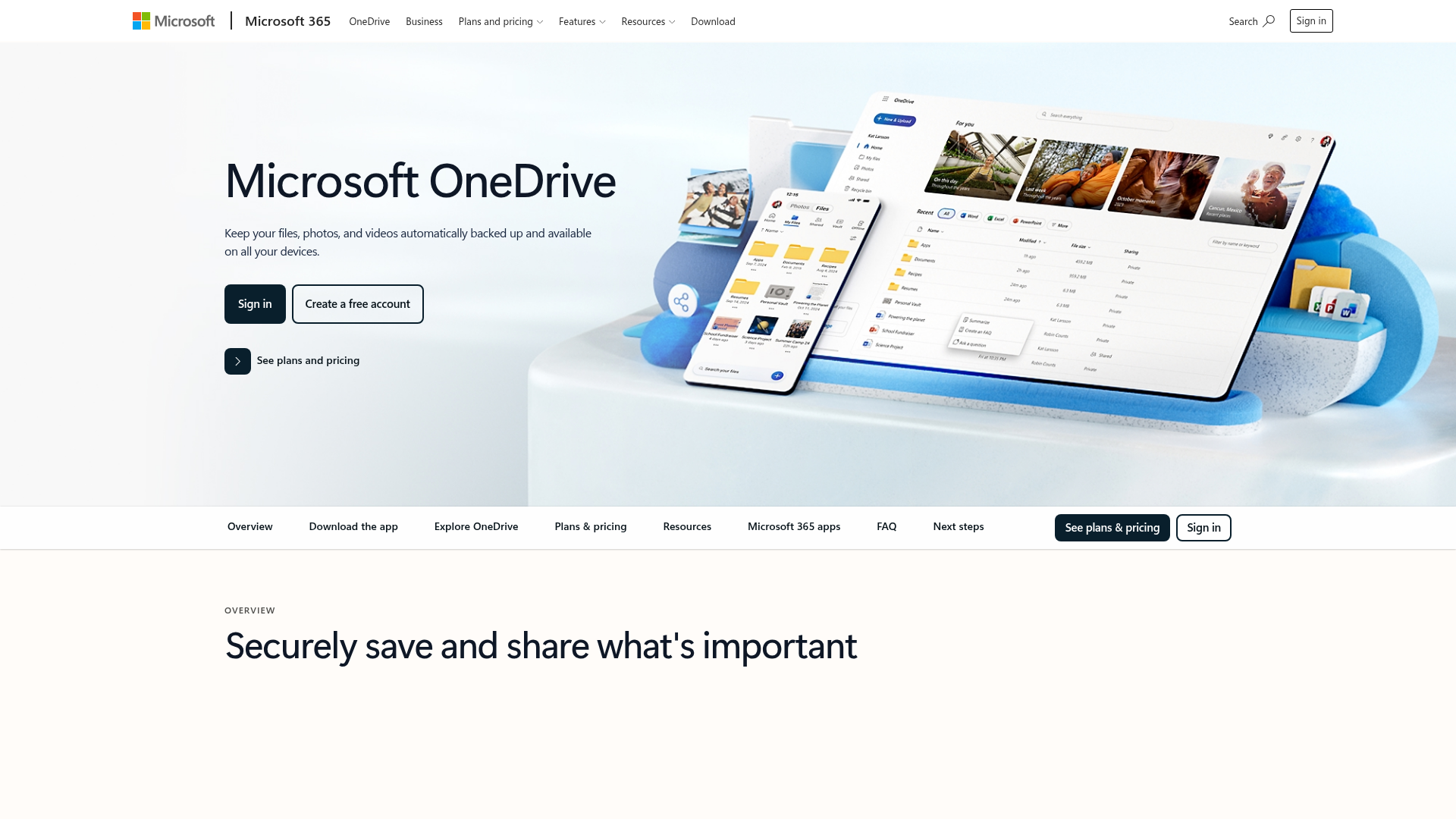
OneDrive is the natural fit for businesses using Microsoft 365. It integrates well with Word, Excel, PowerPoint, and Teams.
Best for
Microsoft-first teams that want native compatibility across everyday office tools.
Watch for
It is convenient, but not always the clearest solution for teams that need stronger asset organization or visually oriented file browsing.
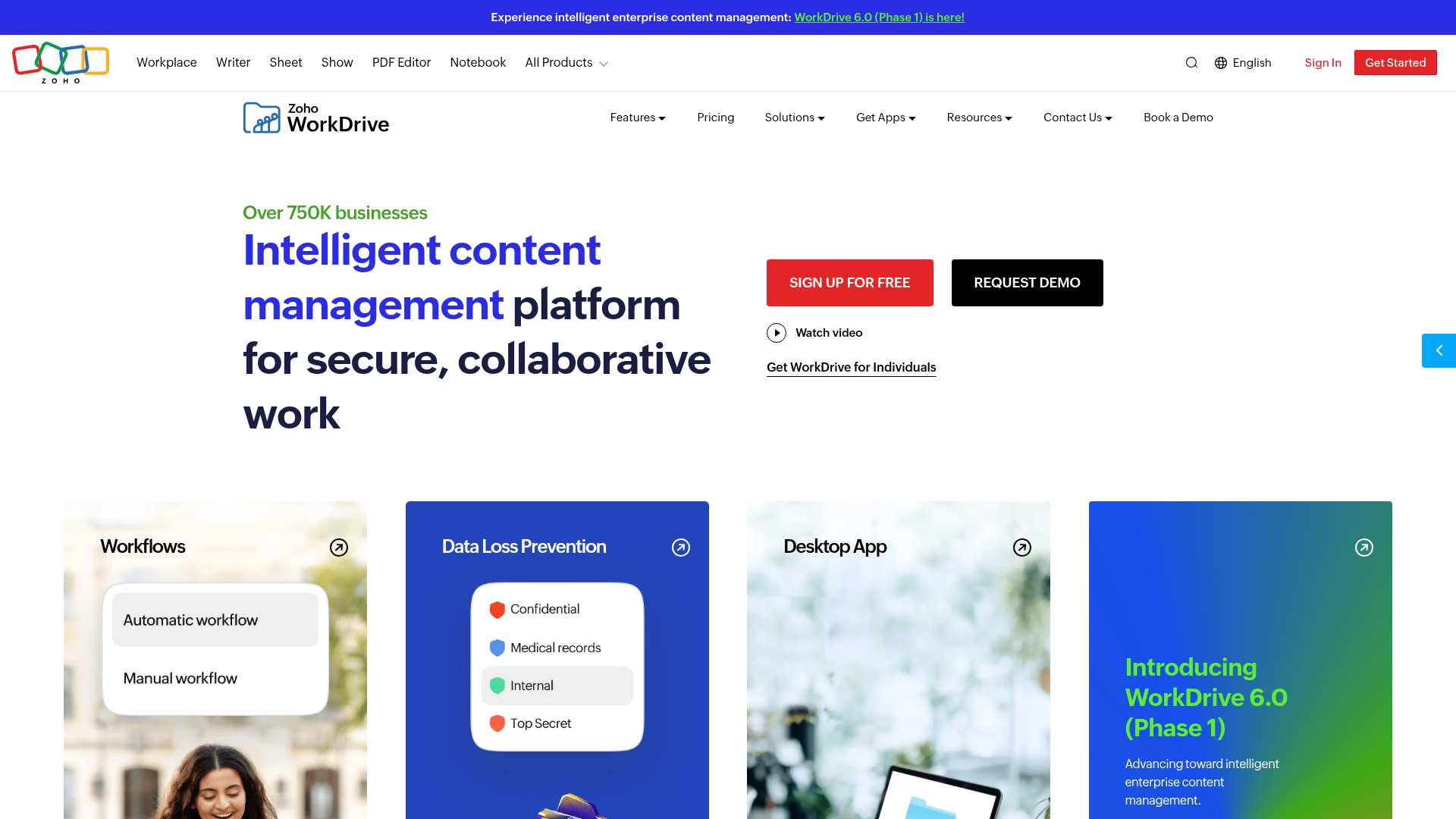
6. Zoho WorkDrive
Zoho WorkDrive is a collaborative team file platform with structured folder management and integration across the Zoho ecosystem.
Best for
Teams already committed to Zoho applications.
Watch for
The biggest value often comes when you are already using several Zoho tools together.
7. M-Files
M-Files focuses heavily on document management, governance, automation, and metadata-driven workflows.
Best for
Organizations with more advanced compliance, workflow, or document lifecycle needs.
Watch for
It can be more complex than necessary for small teams looking for a simpler operational setup.
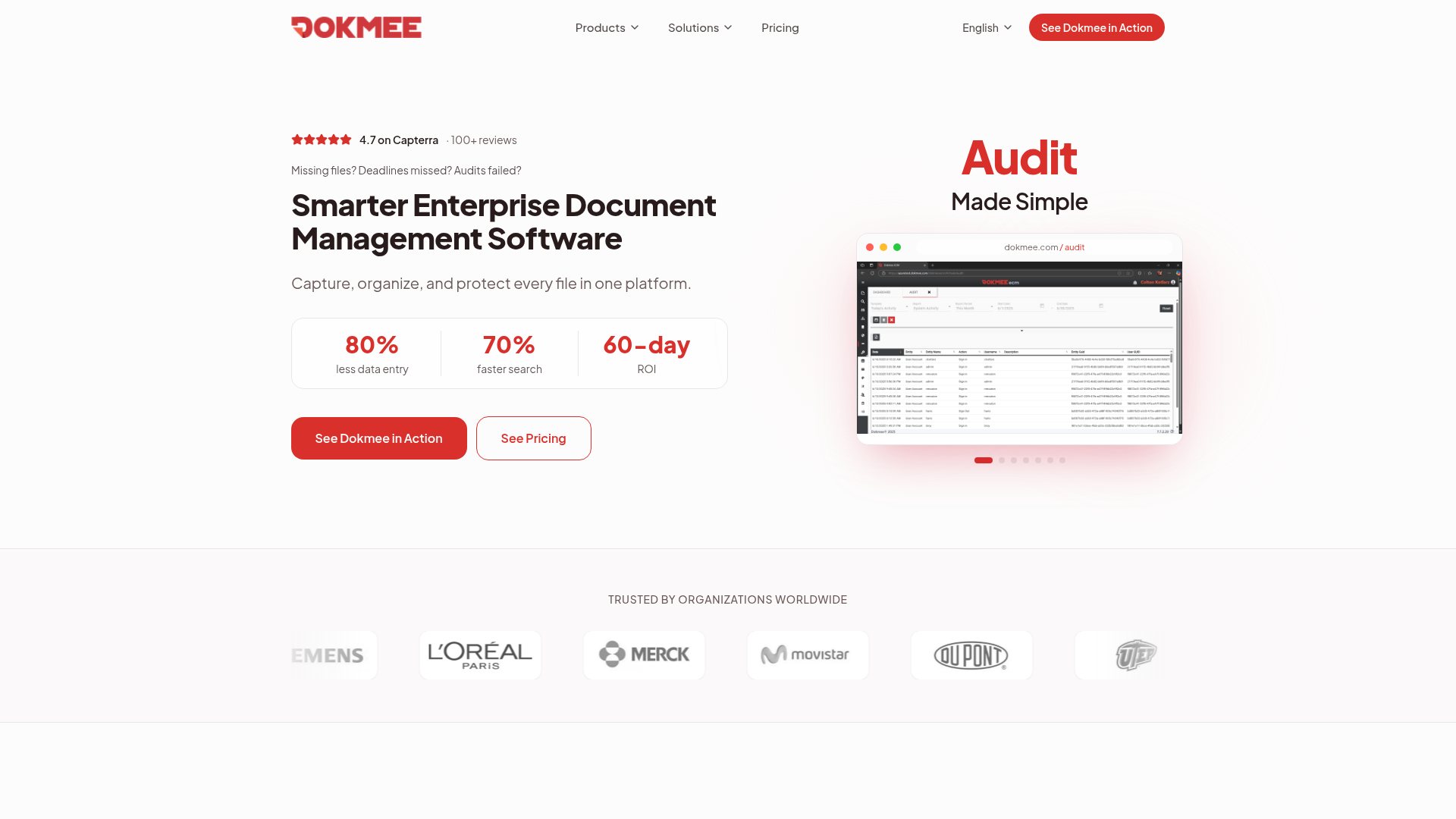
8. Dokmee
Dokmee is an ECM-focused platform designed for document capture, indexing, retrieval, and controlled access.
Best for
Businesses that prioritize document-heavy workflows and formal record handling.
Watch for
It is less appealing for teams mainly seeking lightweight collaboration and intuitive day-to-day file organization.
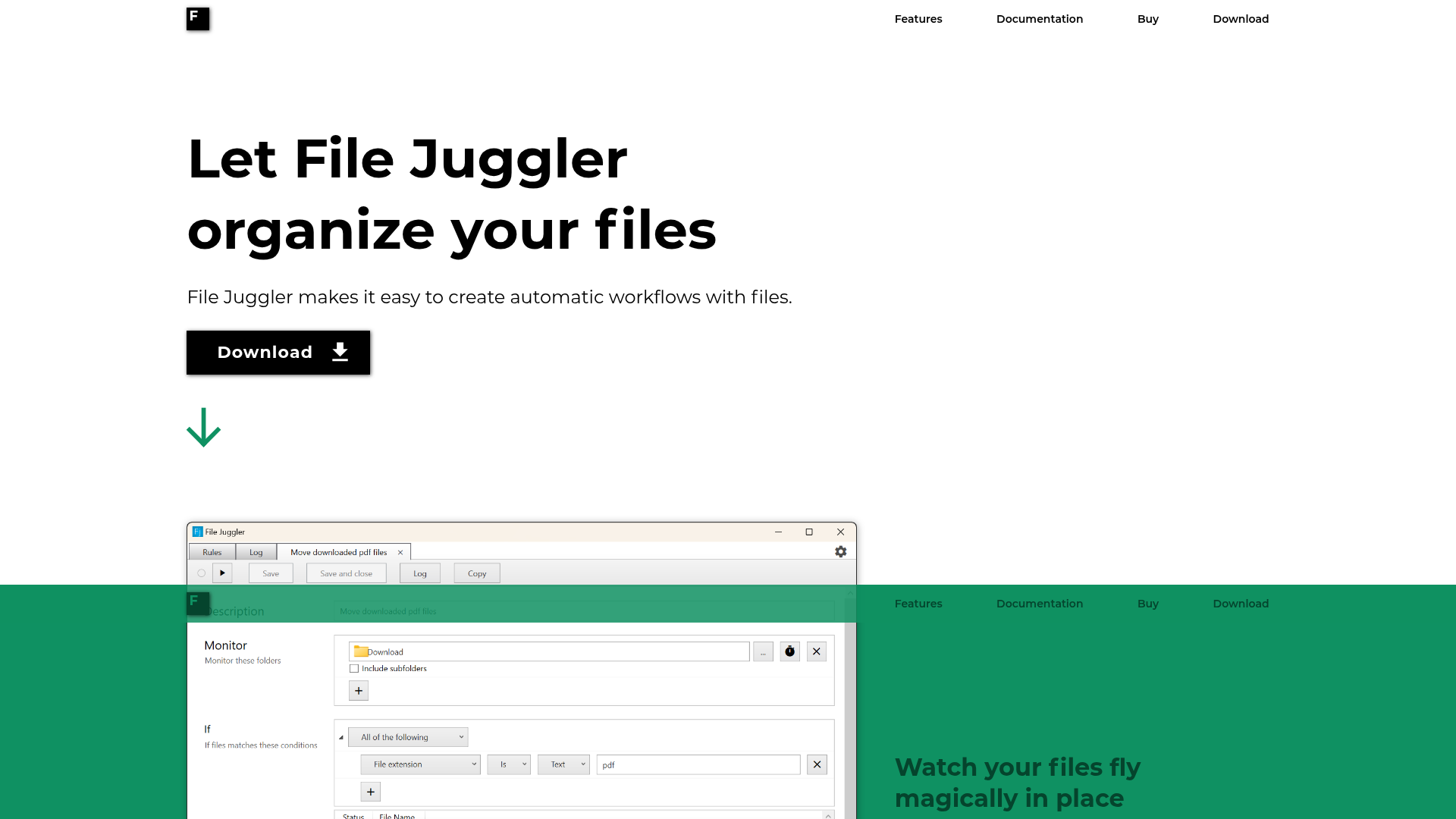
9. File Juggler
File Juggler is an automation utility for users who want rule-based handling of local files, such as moving, renaming, or sorting files automatically.
Best for
Individual users with repetitive desktop file workflows.
Watch for
It is not a team-oriented collaboration platform and is much narrower in scope than cloud-based solutions.
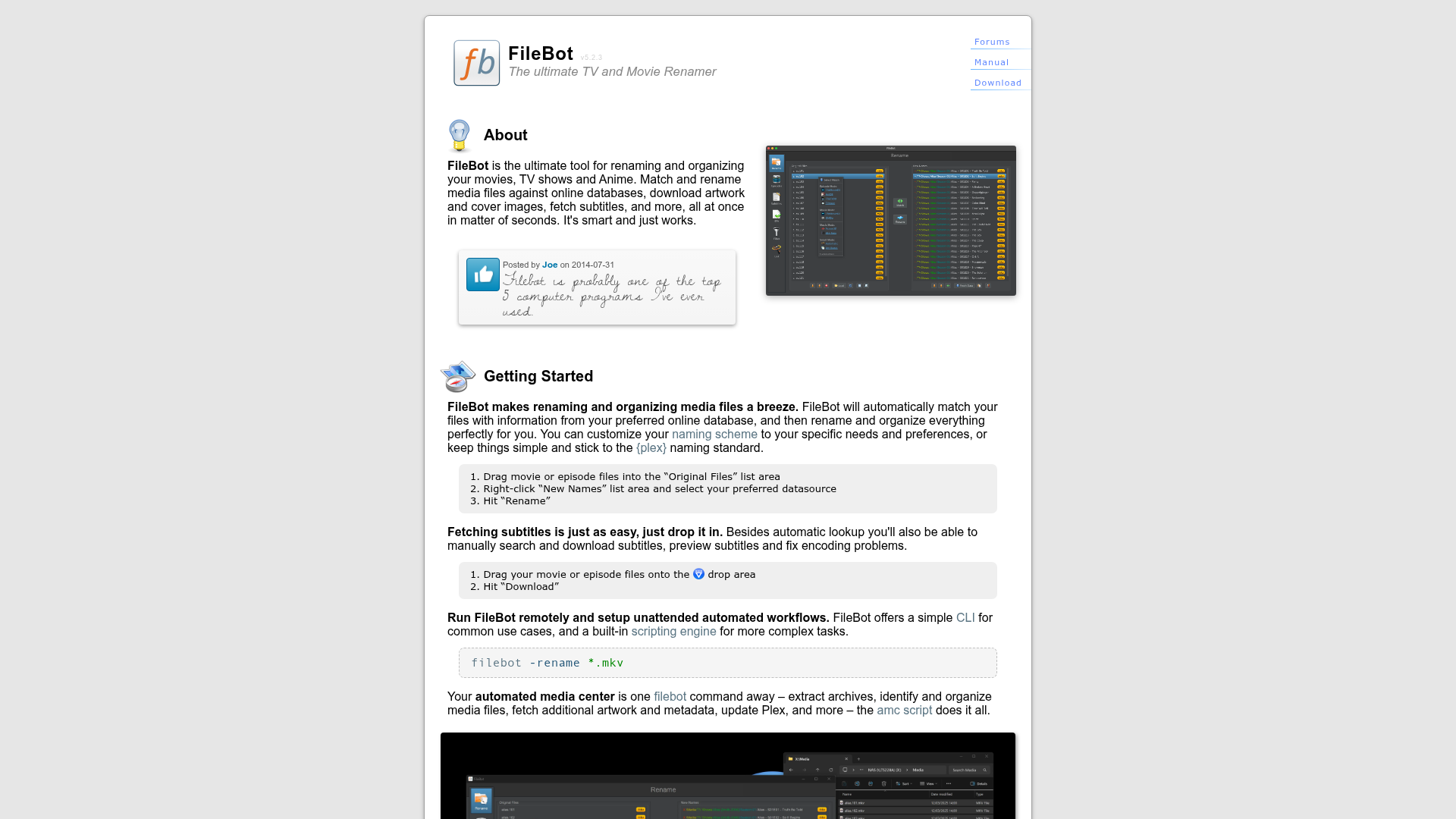
10. FileBot
FileBot specializes in renaming and organizing media files, especially video and audio libraries.
Best for
Media-heavy personal workflows and niche renaming tasks.
Watch for
It is highly specific and not designed as a full file management solution for business collaboration.
Comparison Table
Software | Best for | Strengths | Potential limitation |
|---|---|---|---|
AssetHQ | Solo users, startups, growing teams | Simple organization, secure sharing, image preview, flat pricing | Less suited to companies wanting highly customized enterprise workflow automation |
Box | Business content management | Security, collaboration, admin controls | Can feel enterprise-heavy |
Google Drive | Google Workspace teams | Familiarity, collaboration, accessibility | Structure can become messy |
Dropbox | Basic cloud storage and sharing | Easy sync and sharing | Less structured for asset-heavy teams |
OneDrive | Microsoft 365 teams | Native Microsoft integration | Limited visual asset focus |
Zoho WorkDrive | Zoho ecosystem users | Team folders, integrations | Best value inside Zoho stack |
M-Files | Governance-heavy document workflows | Metadata, automation, compliance | More complexity |
Dokmee | Document-centric organizations | Capture, indexing, retrieval | Less simple for everyday team use |
File Juggler | Solo automation users | Rule-based file actions | Not collaborative |
FileBot | Media renaming | Bulk renaming, metadata matching | Narrow business use |
How to Choose the Right Software for Your Team
The best choice depends less on popularity and more on fit.
Choose based on workflow, not feature count
Ask:
- Do we mainly manage documents, images, or both?
- Do we need secure external sharing?
- How important are image previews?
- Will solo use become team collaboration later?
- Are we paying per user, and how fast will that cost grow?
- Do we want flexibility without heavy setup?
A simple decision framework
If you need... | Consider prioritizing... |
|---|---|
Easy setup and intuitive use | AssetHQ, Google Drive, Dropbox |
Microsoft integration | OneDrive |
Enterprise content governance | Box, M-Files |
Document indexing and retrieval | Dokmee |
Local automation | File Juggler |
Media renaming | FileBot |
Best Practices for Organizing Lots of Files
The software matters, but your structure matters too.
Use a clear naming convention
Keep names readable and consistent. Include project, client, date, or version where needed.
Standardize folders early
A strong folder framework prevents chaos later. Start simple and evolve only when needed.
Separate active and archived files
Do not keep everything mixed together. Clear archive practices make current work easier to manage.
Limit unnecessary duplicates
Centralized access reduces file copies floating across email, chat, and local desktops.
Set sharing rules
Use access controls and expiring links for files that leave your organization.
Make previewing easy
If your team handles visuals, choose a system where browsing images is fast and frictionless.
Why AssetHQ Is a Strong Fit for Growing Teams
Many businesses do not need an oversized enterprise suite. They need a system that solves the real problems:
- file chaos
- unclear permissions
- poor collaboration
- weak external sharing
- difficult image handling
- rising software costs
AssetHQ addresses these directly with a clean, dependable experience. It gives teams:
- simple and intuitive file management
- organized storage for documents, images, and shared files
- secure file sharing with expiring links and access controls
- image preview and management support
- team collaboration features that help organizations grow
- enterprise-grade secure storage
- fast uploads and quick file access
- affordable flat pricing with no hidden fees
- a scalable path from solo use to team-wide adoption
That combination is rare. Many tools are either too basic or too heavy. AssetHQ is compelling because it stays focused on the middle ground most businesses actually want.
Final Verdict
The best file and folder management software should make your work feel simpler, not more technical. It should help your team stay organized, find files quickly, share securely, and scale without creating new problems.
If you only need basic storage, several well-known tools may be enough. But if you want a more reliable system for managing documents, images, and shared business files without getting buried in enterprise complexity, AssetHQ is one of the smartest options to consider.
For solo founders, startups, and growing teams, it offers the right mix of usability, security, collaboration, and pricing clarity. If your current setup is starting to feel messy, slow, or risky, now is a good time to move to a platform built for better structure.
FAQ
Is there a better alternative to Windows Explorer?
Yes. If you need more than basic local browsing, a modern platform like AssetHQ offers better organization, secure sharing, image previews, and easier collaboration than Windows Explorer. It is especially useful when files need to be shared across a team.
What is the best way to organize lots of files?
The best approach is to use a clear folder structure, consistent naming conventions, and a centralized system with fast search and access controls. A platform like AssetHQ also helps reduce duplicates and keeps documents and images easy to find.
Is there a better file manager for Windows 11?
Yes, depending on your needs. For individual desktop management, specialized tools may help, but for teams, AssetHQ is a stronger option because it adds secure sharing, collaboration, and scalable organization beyond what Windows 11 includes by default.
Which file manager app is best?
The best app depends on your workflow. For growing businesses that need simple, secure, and scalable file management, AssetHQ is a strong choice because it balances usability, security, and affordability without unnecessary complexity.
What replaced MS Explorer?
Microsoft replaced Internet Explorer with Edge, but for file browsing, Windows still uses File Explorer. Many teams now supplement it with platforms like AssetHQ when they need stronger file organization, sharing controls, and team access.
Is there a better file manager for Windows 11?
There can be. If your priority is better collaboration, secure links, image handling, and easier file access across a team, AssetHQ is often more practical than relying only on Windows 11’s built-in tools.