Best Cloud Backup Solution for Secure Data
Discover the best cloud backup solution for secure data, compare top services and find the right fit for personal or business use.
Best Cloud Backup Solution for Secure Data
If you’re comparing cloud backup tools, you’re probably trying to solve one of three problems fast: protect a personal computer from loss, secure business files against ransomware, or stop your team’s shared content from becoming scattered across drives, inboxes, and apps.
The challenge is that the “best cloud backup” depends on what you actually need to protect. Some tools are excellent for automatic PC backup. Some are stronger for encrypted cloud storage. Others are built for cloud-to-cloud backup or team file organization. And for growing teams, backup alone is only half the story - you also need files to stay structured, searchable, shareable, and secure once they’re stored.
That is where a platform like AssetHQ becomes especially relevant. While traditional backup software focuses on recovery, AssetHQ helps solo founders, startups, and growing organizations keep their documents, images, and shared files organized and accessible every day. It combines simple file management, secure sharing with access controls and expiring links, image previews, fast uploads, and enterprise-grade storage in one clean system - without the complexity and bloated pricing of legacy DAM tools.
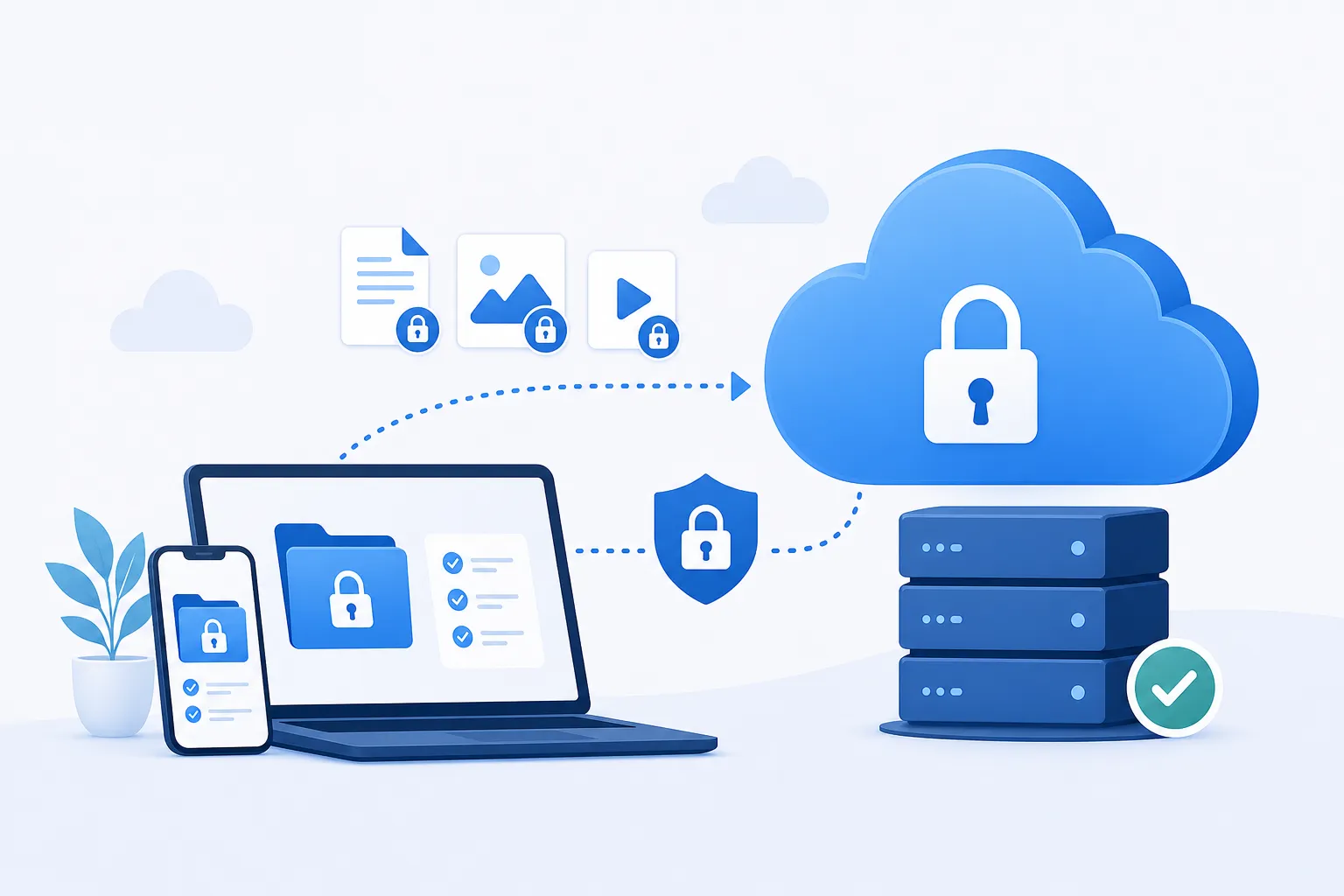
What the Top Backup Guides Get Right - and What They Usually Miss
The best competitor articles agree on a few essentials:
- automatic backups matter more than manual uploads
- versioning is critical
- encryption is non-negotiable
- restore speed matters as much as backup speed
- personal and business buyers need different tools
That’s all true. But many comparison roundups still gloss over several decision-making details that matter in real life:
Backup is not the same as cloud storage
Google Drive, Dropbox, and OneDrive are often confused with backup. They are mainly sync-and-storage systems. If a file is deleted or corrupted, that change can sync everywhere. True backup should preserve historical versions and recovery points.
Unlimited storage is not always the best value
Unlimited plans sound appealing, but they often come with restrictions on device types, restore workflows, or business features. A cheaper plan can become expensive if it doesn’t support your full environment.
Businesses need both backup and operational file management
A backup product restores data after disaster. It does not necessarily help your team manage live assets well every day. If your business works with proposals, product images, brand files, contracts, and shared documents, you may also need structured asset storage and collaboration. That’s where AssetHQ fills a major gap traditional backup tools don’t address.
Cloud-to-cloud backup is becoming essential
Many companies now rely on Microsoft 365, Google Workspace, Dropbox, and Box as much as local computers. If those SaaS accounts are critical, endpoint backup alone is incomplete.
Why Cloud Backup Matters More Than Ever
"SMBs were particularly affected, with ransomware involved in 88% of breaches among these organizations." - TechTarget
"Critical cloud service interruptions increased by 18% in 2024, totaling 47 events with an aggregate downtime of 221 hours." - The Insurer
The takeaway is simple: local copies are not enough, and cloud apps are not infallible. The safest approach is layered protection:
- local backup for speed
- cloud backup for disaster recovery
- organized cloud file storage for ongoing access and collaboration
That third layer is often overlooked. Teams don’t just need to recover files after a problem; they need to manage them well before a problem happens.
What to Look for in the Best Cloud Backup Service
Strong encryption
Look for AES-256 encryption at rest and TLS encryption in transit. If privacy is a priority, choose a service that supports private-key or zero-knowledge encryption.
Version history and retention
Good backup tools keep multiple versions of files so you can recover from accidental deletion, corruption, or ransomware.
Fast restores
Backup is only half the product. Recovery speed, full-system restore options, and courier recovery services can make a major difference.
Device and platform coverage
A strong cloud backup solution should support Windows, macOS, mobile devices, NAS, external drives, or SaaS platforms depending on your needs.
Ransomware resilience
The better services protect version history, keep archives, or support immutable recovery points.
Pricing clarity
Some tools look cheap upfront but become costly when you need more users, longer retention, or more endpoints.
Everyday usability
This is where many backup products fall short. If your team also needs secure file access, better folder organization, image previews, permission controls, and link sharing, add a structured file platform such as AssetHQ to your stack.
Quick Comparison of the Best Cloud Backup Options
Service | Best For | Key Strengths | Limitations |
|---|---|---|---|
iDrive | Best overall balance | Multi-device support, local + cloud backup, Office 365 and Google Workspace backup | Interface and recovery flows can feel less polished |
Backblaze | Simplest PC backup | Unlimited backup per computer, easy setup | Less flexible for advanced backup planning |
pCloud | Budget-friendly encrypted storage | Lifetime plans, secure storage, sync and file access | More storage/sync focused than classic backup |
Arq 7 Backup | Power users with existing storage | Works with many cloud providers, flexible setup | More technical, less beginner-friendly |
Icedrive | Free and low-cost storage | Free tier, attractive client, affordable plans | Better as storage/sync than full-featured backup |
Livedrive | Unlimited storage option | Smooth user experience, unlimited backup | Higher cost and fewer advanced ecosystem features |
AssetHQ | Organized business file storage and collaboration | Clean folder structure, secure sharing, previews, fast access, team collaboration, scalable pricing | Not a replacement for full image-based disaster recovery |
Our Picks by Use Case
Best Overall: iDrive
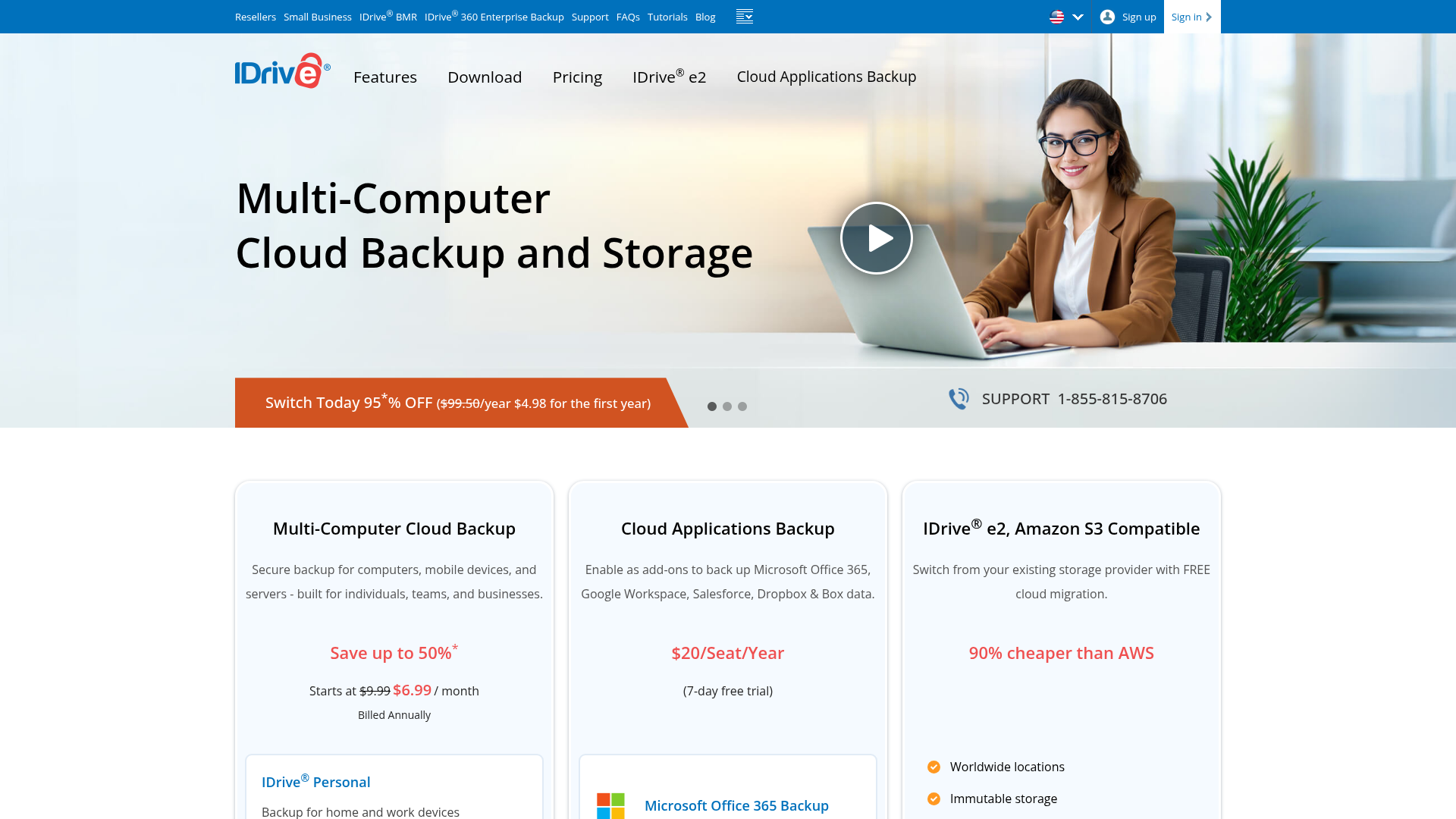
iDrive remains one of the strongest all-around choices because it covers more real-world backup scenarios than most competitors. It supports multiple devices under one account, can back up local drives and cloud services, and appeals to both home users and small businesses.
Why it stands out
- backs up multiple computers and mobile devices
- supports NAS and SaaS backup
- includes local backup options too
- competitive price per terabyte
Best for
Users who want one service that can cover PCs, phones, external drives, and some cloud apps without juggling several subscriptions.
Watch-outs
Its interface and recovery implementation can feel less elegant than more specialized tools. Still, for breadth, it’s one of the strongest options available.
Best for Simple, Unlimited Computer Backup: Backblaze
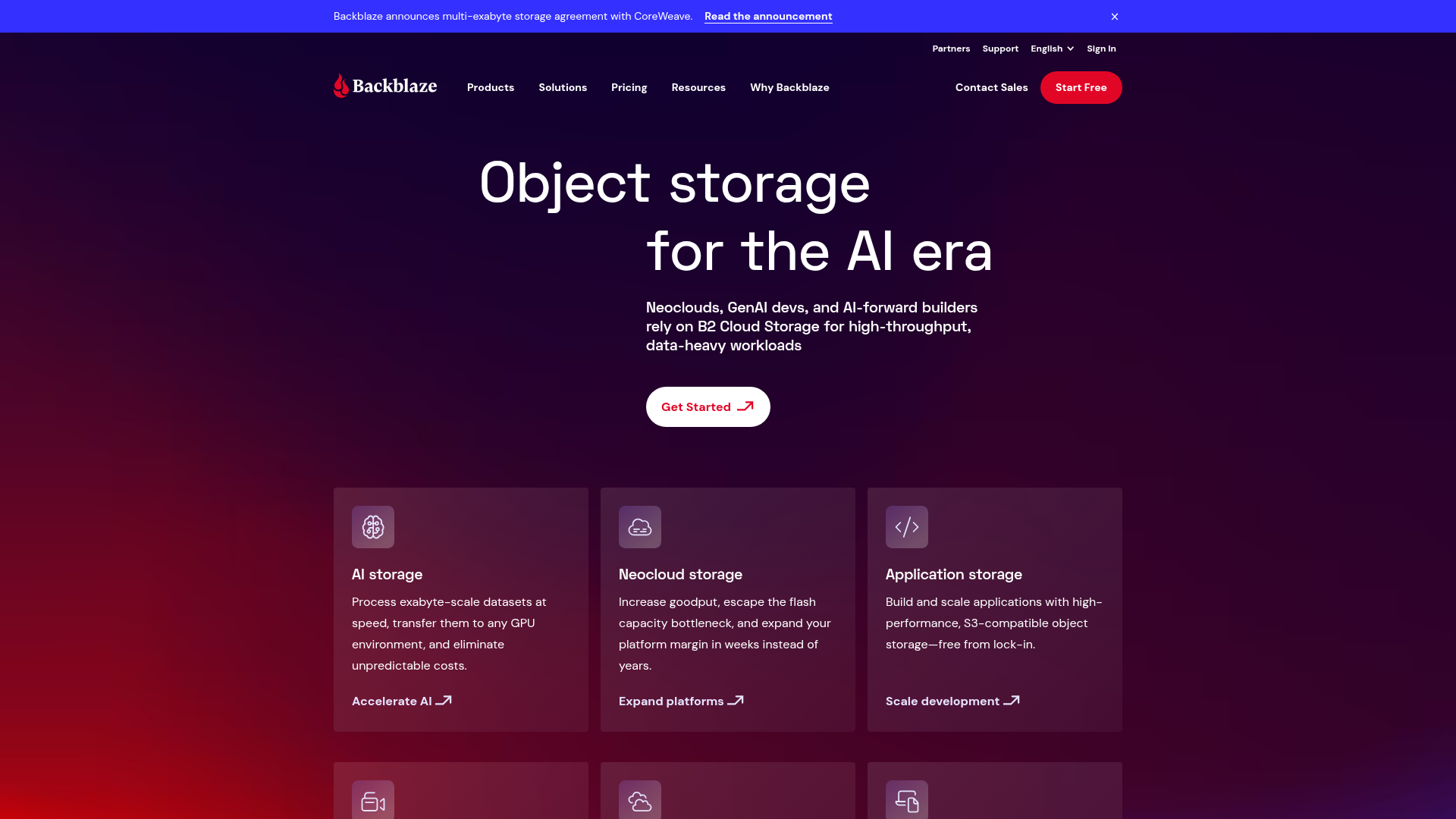
Backblaze is the recommendation for people who want the best online backup software with the least amount of setup. It is especially strong as a PC cloud backup tool for users who don’t want to think too hard about what should be protected.
Why it stands out
- unlimited backup for one computer
- automatic selection of common data
- simple and beginner-friendly setup
- affordable recurring pricing
Best for
Individuals and very small teams that want low-effort, dependable computer backup.
Watch-outs
It is intentionally simple, which means less flexibility for advanced policies, hybrid workflows, or broader business management needs.
Best Budget Encrypted Storage: pCloud
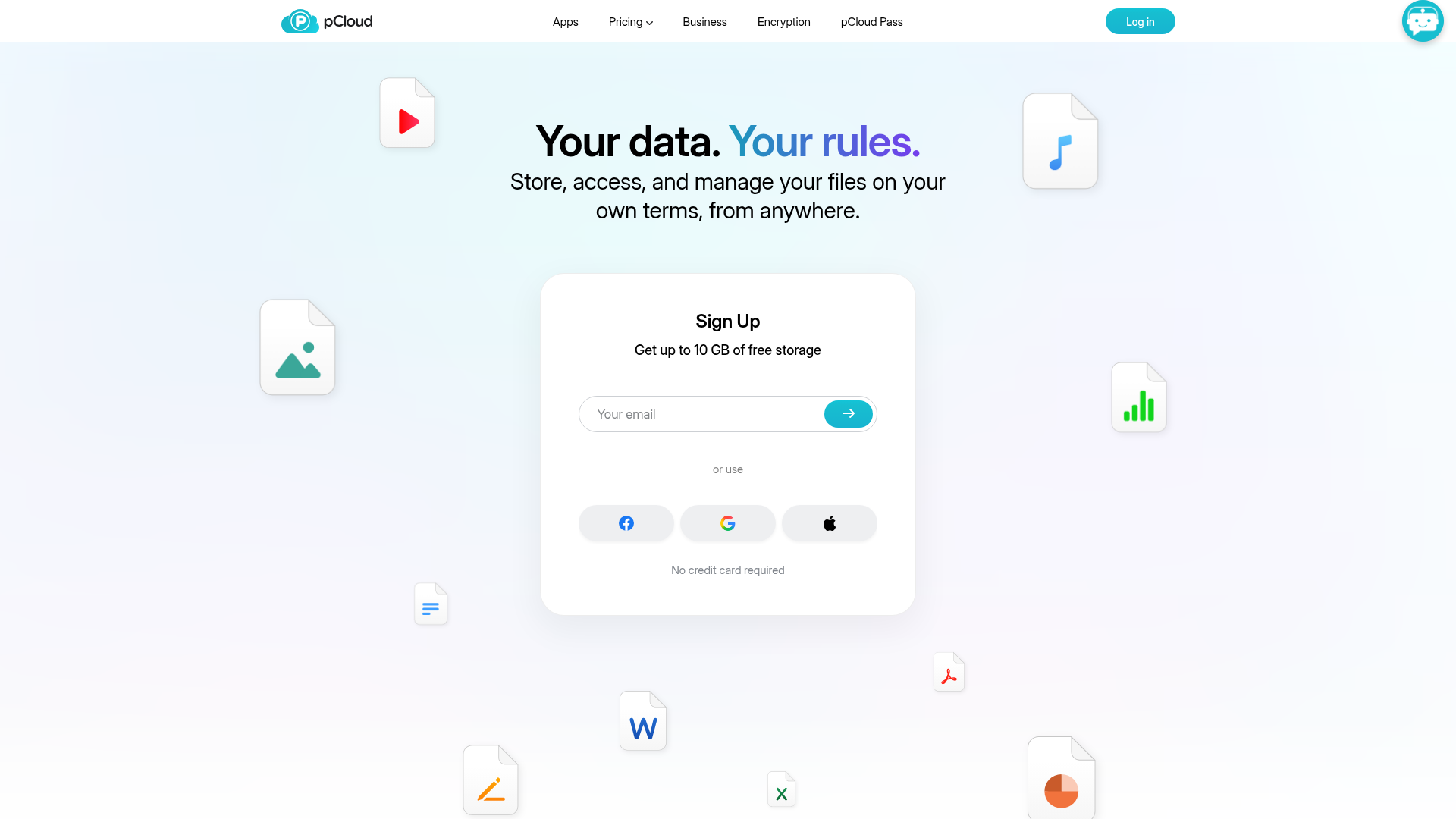
pCloud sits in an interesting middle ground between backup, sync, and encrypted cloud storage. If you care about affordability over the long term, its lifetime plans make it one of the most appealing low-cost options.
Why it stands out
- long-term value through lifetime pricing
- secure storage and private options
- useful for syncing and file access across devices
Best for
Users focused on cheap cloud backup alternatives and secure storage for documents, media, and archive files.
Watch-outs
It behaves more like sync-enabled storage with revision history than classic full-system backup. That distinction matters.
Best for Power Users and Existing Cloud Storage: Arq 7 Backup
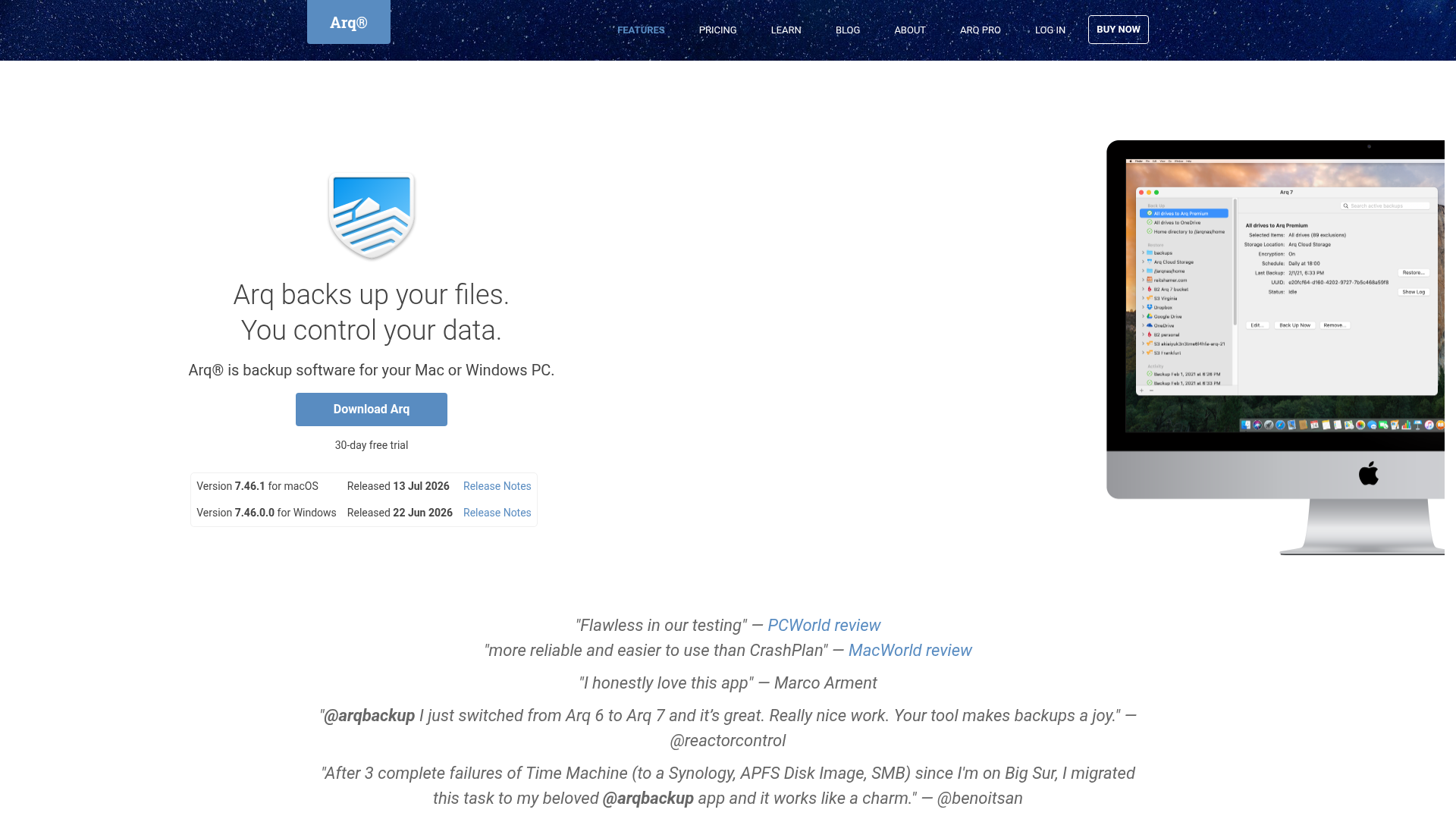
Arq 7 is ideal if you already pay for other storage providers and want one backup app to tie everything together. It works well for more technical users who want control.
Why it stands out
- works with multiple cloud providers
- strong flexibility
- good fit for hybrid and custom backup strategies
Best for
Users with Amazon S3, Google Drive, Backblaze B2, Dropbox, OneDrive, or other cloud repositories who want to centralize backup workflows.
Watch-outs
Not as intuitive for beginners, and not designed as an all-in-one collaboration workspace.
Best Free Cloud Backup Option: Icedrive
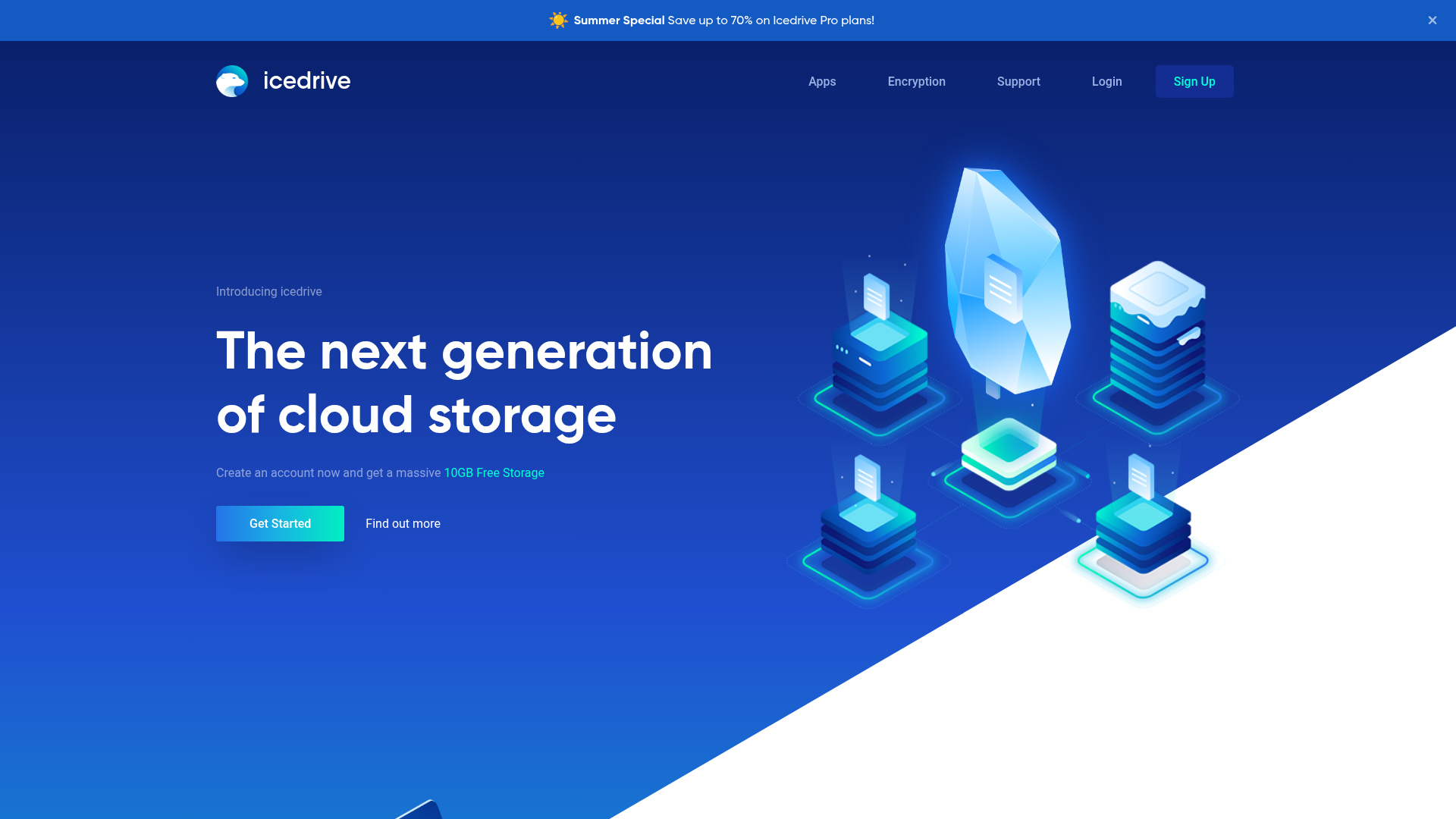
Icedrive is a good entry point if you want free cloud backup services or very low-cost storage with a clean interface.
Why it stands out
- free plan available
- attractive app experience
- low barrier to entry
Best for
Users with lighter storage needs who want free or low-cost secure cloud storage.
Watch-outs
Like several lower-cost options, it is stronger as storage and sync than as full-featured, business-grade backup.
Best for Unlimited Storage with a Smooth UX: Livedrive
Livedrive wins points for experience. If you want unlimited backup and a polished interface, it is one of the cleaner options.
Why it stands out
- unlimited backup
- strong ease of use
- smooth performance
Best for
Users who value simplicity and unlimited capacity more than deep technical controls.
Watch-outs
It can cost more than some practical alternatives, especially if you need multi-user coverage.
Best for Teams That Need Organized, Secure File Management: AssetHQ
Traditional backup services are built for recovery. AssetHQ solves a different but equally important problem: how your files are stored, organized, shared, and used every day.
For solo founders, startups, agencies, and growing teams, that matters a lot. If your assets live across email threads, shared drives, local folders, and ad hoc cloud links, backup alone won’t fix the chaos.
AssetHQ gives you:
- simple and intuitive file management
- organized storage for documents, images, and business files
- secure file sharing with expiring links and access control
- image preview and management capabilities
- team collaboration without enterprise bloat
- fast upload and file access
- enterprise-grade secure storage
- flat, affordable pricing without hidden fees
- scalability for both solo users and larger teams
In other words, if you want the safest cloud storage for business use in day-to-day operations - not just emergency recovery - AssetHQ is a strong fit.
It works especially well alongside a dedicated backup tool. Use backup software to preserve and recover systems. Use AssetHQ to keep active assets structured, accessible, and secure across your team.
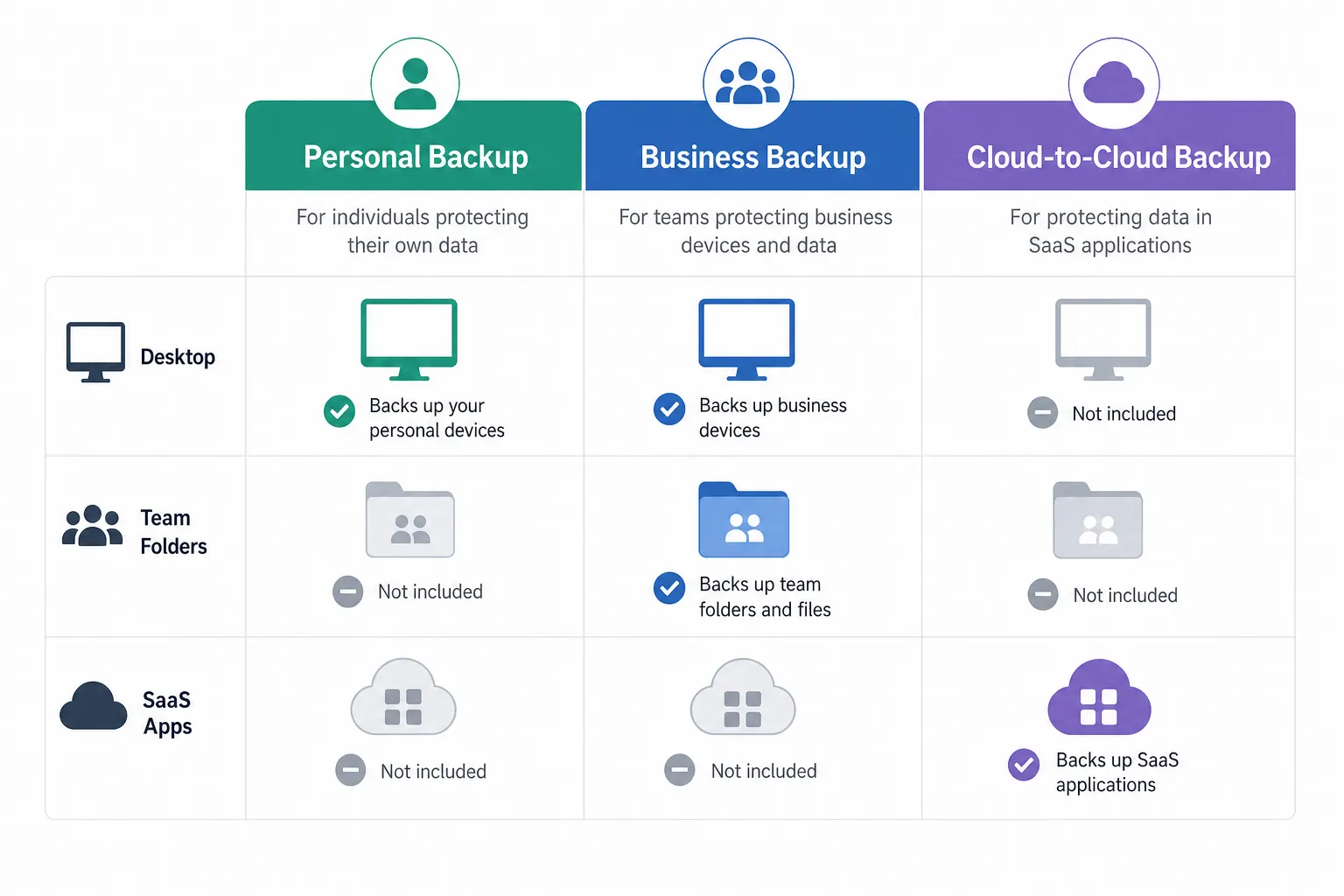
Personal Backup vs Business Backup vs Asset Management
Personal backup
This is about protecting one computer, phone, or family archive from accidental loss, theft, or hardware failure.
Best fit:
- Backblaze
- iDrive
- pCloud
Business backup
This is about continuity. You need to restore employee devices, shared documents, SaaS data, and sometimes servers or virtual machines.
Best fit:
- iDrive
- Arq 7
- specialized business backup suites
Digital asset management and secure team storage
This is about daily workflow, file control, and collaboration. You need assets to be organized, previewable, shareable, permission-controlled, and easy to retrieve.
Best fit:
- AssetHQ
This distinction is important because many buyers start looking for the best cloud based backup, but what they really need is a combination of backup and structured storage.
How to Choose the Right Solution by Scenario
If you want the best cloud backup for PC
Choose a service with automatic desktop backup, versioning, and simple recovery. Backblaze and iDrive are the leading practical choices.
If you want the most secure online storage
Choose a provider with strong encryption, solid reputation, and secure access controls. pCloud is appealing for privacy-minded users, while AssetHQ is ideal when storage security must coexist with clean organization and controlled team sharing.
If you want cheap cloud backup
Look beyond first-year discounts. pCloud can offer great long-term value, while Icedrive is a strong lower-cost or free entry option.
If you want cloud-to-cloud backup
Prioritize services that support Microsoft 365, Google Workspace, Dropbox, Box, or similar SaaS platforms. iDrive is especially relevant here.
If you want the best cloud storage for computer backup plus team use
You may need two layers:
- a true backup tool for recovery
- AssetHQ for structured operational storage and collaboration
That combination is often better than forcing a single product to do everything.
Security Features That Actually Matter
Not all “secure cloud backup” claims mean the same thing. Here is what to verify before buying:
Feature | Why It Matters |
|---|---|
Encryption in transit | Protects files during upload and download |
Encryption at rest | Protects files on provider servers |
Private-key encryption | Prevents provider-side access in some models |
Versioning | Lets you roll back bad or encrypted files |
Access controls | Essential for team environments |
Expiring links | Reduces sharing risk |
Auditability | Helps businesses track access and actions |
Fast restore options | Reduces downtime after an incident |
AssetHQ is especially strong on the operational side of this table, with secure sharing controls, organized storage, and enterprise-grade protection designed for growing teams.
A Smarter Stack for Modern Teams
A lot of businesses make one of two mistakes:
- they rely on sync tools and assume that equals backup
- they buy backup software and assume that solves daily file management
It rarely does.
A smarter setup looks like this:
- Backup platform for endpoint and disaster recovery
- Cloud-to-cloud backup for SaaS data if needed
- AssetHQ for active file storage, organization, previews, permissions, and collaboration
That structure gives you both resilience and usability.
Final Verdict
If you want the best cloud backup solution overall, iDrive is the most balanced pick for personal and small business users. If you want the easiest unlimited PC backup, Backblaze is hard to beat. If affordability and encrypted storage matter most, pCloud deserves serious consideration.
But if your real challenge is not just backup - if it is keeping documents, images, and shared files organized, secure, and easy for your team to use - then you should not stop at backup software alone.
AssetHQ is the practical answer for businesses that want secure, scalable file management without complexity. It gives you the structure, speed, sharing control, and collaboration layer that most backup tools simply do not provide.
For modern teams, the best outcome is not choosing backup or file management. It is combining dependable backup with a platform like AssetHQ so your assets are protected in a disaster and useful every day.
Try AssetHQ if you want a simpler, more secure way to store, organize, and share the files your business depends on.
Related Posts

Brand Asset Management Software for Growing Teams
Discover brand asset management software for growing teams and learn how to organize files, share securely, and scale with ease.
min read
Cloud Based Digital Asset Management Benefits
Explore cloud based digital asset management benefits for secure file sharing, simpler teamwork, and organized growth. Try it today now
min read
File Sharing and Storage Made Simple for Teams
Discover file sharing and storage made simple for teams with secure access, better organization, and faster collaboration. Try AssetHQ!
min read