Best Digital Asset Management Platforms for Teams
Best Digital Asset Management Platforms for Teams If your team is still juggling files across email threads, shared drives, Slack messages, and random desktop folders, choosing the best digital asset management platforms is no longer optional. It is how you stop wasting time, protect brand consistency, and give people a dependable way to store, organize, preview, and share the right files fast. For solo founders, startups, small businesses, and growing teams, the challenge is not just finding
 Emma LarsonMay 15, 202610 min read
Best Digital Asset Management Platforms for Teams
If your team is still juggling files across email threads, shared drives, Slack messages, and random desktop folders, choosing the best digital asset management platforms is no longer optional. It is how you stop wasting time, protect brand consistency, and give people a dependable way to store, organize, preview, and share the right files fast.
For solo founders, startups, small businesses, and growing teams, the challenge is not just finding the best digital asset management software. It is finding a platform that is easy to use, secure, affordable, and scalable without forcing you into the complexity of enterprise-heavy systems.
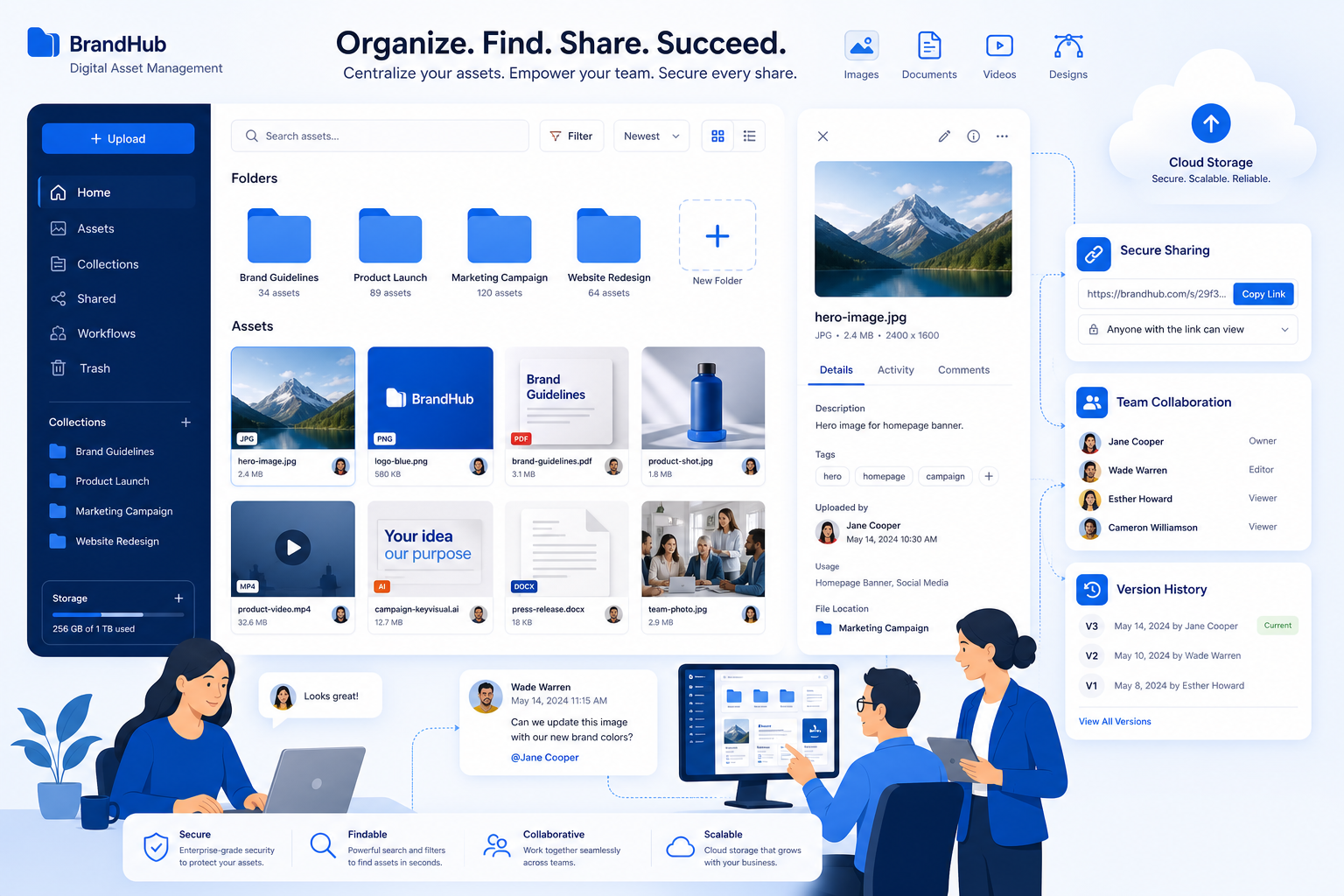
That is exactly where a simpler approach matters. AssetHQ is built for teams that need professional-grade file management without bloated workflows: intuitive folder organization, secure file sharing with expiring links and access control, image preview support, fast uploads, reliable access, team collaboration, and flat pricing with no hidden fees.
In this guide, we will break down the best digital asset management solutions for teams, what they do well, where they fit best, and how to choose the right one for your workflow.
"The global DAM market was valued at USD 4.22 billion in 2023 and is projected to reach USD 11.94 billion by 2030, growing at a CAGR of 16.2% from 2024 to 2030." - Grand View Research
"Employees spend an average of 3.6 hours daily searching for information." - VentureBeat
What the Top Ranking Articles Get Right - and What They Miss
After reviewing the leading competitor roundups, a few patterns show up again and again:
- They focus heavily on enterprise DAM brands
- They emphasize metadata, search, governance, and portals
- They compare platforms mostly from a marketing-team perspective
- They often overlook smaller teams with practical file management needs
- They rarely explain when a lightweight DAM is actually the smarter buy
That creates an important content gap.
Many teams do not need a massive DAM rollout. They need:
- clear folder-based organization
- secure file storage
- image and document previews
- easy sharing with access controls
- team collaboration
- reliable performance
- pricing that makes sense as they grow
That is why the best answer is not always the most feature-heavy product. Often, the best digital asset management tool is the one your team will actually adopt.
What Makes the Best Digital Asset Management Platform?
A good DAM should do more than store files. It should make your content easier to manage, safer to share, and faster to find.
Core features that matter most
Feature | Why it matters |
|---|---|
Centralized storage | Keeps documents, images, and media in one dependable location |
Search and organization | Helps teams find the latest approved file quickly |
Version control | Reduces confusion around outdated assets |
Secure sharing | Protects files with permissions, expiring links, and access controls |
Image preview support | Lets teams verify visuals without unnecessary downloads |
Collaboration tools | Makes it easier for internal teams and external partners to work together |
Scalability | Supports solo users today and growing teams tomorrow |
Transparent pricing | Helps smaller organizations avoid expensive surprises |
The most overlooked buying factor: usability
This is where many roundups fall short. A DAM can have excellent governance features, but if your team finds it too complex, they will keep using shared drives and workarounds.
For many organizations, the best platform is one that balances:
- strong organization
- simple navigation
- secure file sharing
- fast upload and access
- affordable long-term pricing
That is the gap AssetHQ fills especially well.
Best Digital Asset Management Platforms for Teams
Below is a practical shortlist of the leading options based on usability, organization, collaboration, security, and scalability.
Quick Comparison Table
Platform | Best for | Strengths | Tradeoffs |
|---|---|---|---|
AssetHQ | Solo users, startups, SMBs, growing teams | Simple file management, secure sharing, image previews, affordable flat pricing | Less enterprise workflow complexity than heavyweight DAM suites |
Bynder | Mid-market and enterprise brand teams | Brand governance, portals, taxonomy, workflows | Premium pricing and more setup effort |
Brandfolder | Marketing and brand distribution teams | Discoverability, polished UX, branded sharing | Better for brand ops than general file management |
Canto | Teams wanting ease plus DAM depth | Usability, visual libraries, sharing, permissions | Less advanced for very complex governance |
Acquia DAM (Widen) | Large enterprises | Metadata depth, integrations, governance | Heavier rollout and admin requirements |
MediaValet | Rich-media-heavy teams | Search, AI tagging, scale, portals | Often more than small teams need |
Filecamp | Budget-conscious smaller teams | Simplicity, branded portals, lower cost | Limited enterprise depth |
Cloudinary | Developer-led media workflows | Optimization, transformation, delivery | Less intuitive for nontechnical brand teams |
Why AssetHQ Belongs on the Shortlist
Before comparing the bigger DAM names, it is worth calling out a platform that many comparison articles miss: AssetHQ.
AssetHQ is especially strong for teams that need dependable digital asset management without the cost, learning curve, or overhead of traditional enterprise software.
Where AssetHQ stands out
- Simple and intuitive file management that does not require special training
- Secure file sharing with expiring links and access control
- Organized storage for documents, images, and shared files
- Image preview and management capabilities for visual teams
- Fast upload and file access for day-to-day efficiency
- Team collaboration features that work well for growing organizations
- Enterprise-grade secure storage
- Affordable flat pricing with no hidden fees
- Scalable structure for solo users and teams alike
For companies that want a practical DAM and file storage system instead of an overengineered enterprise suite, AssetHQ is often the smarter fit.
In-Depth Reviews of the Best Digital Asset Management Software
1. AssetHQ
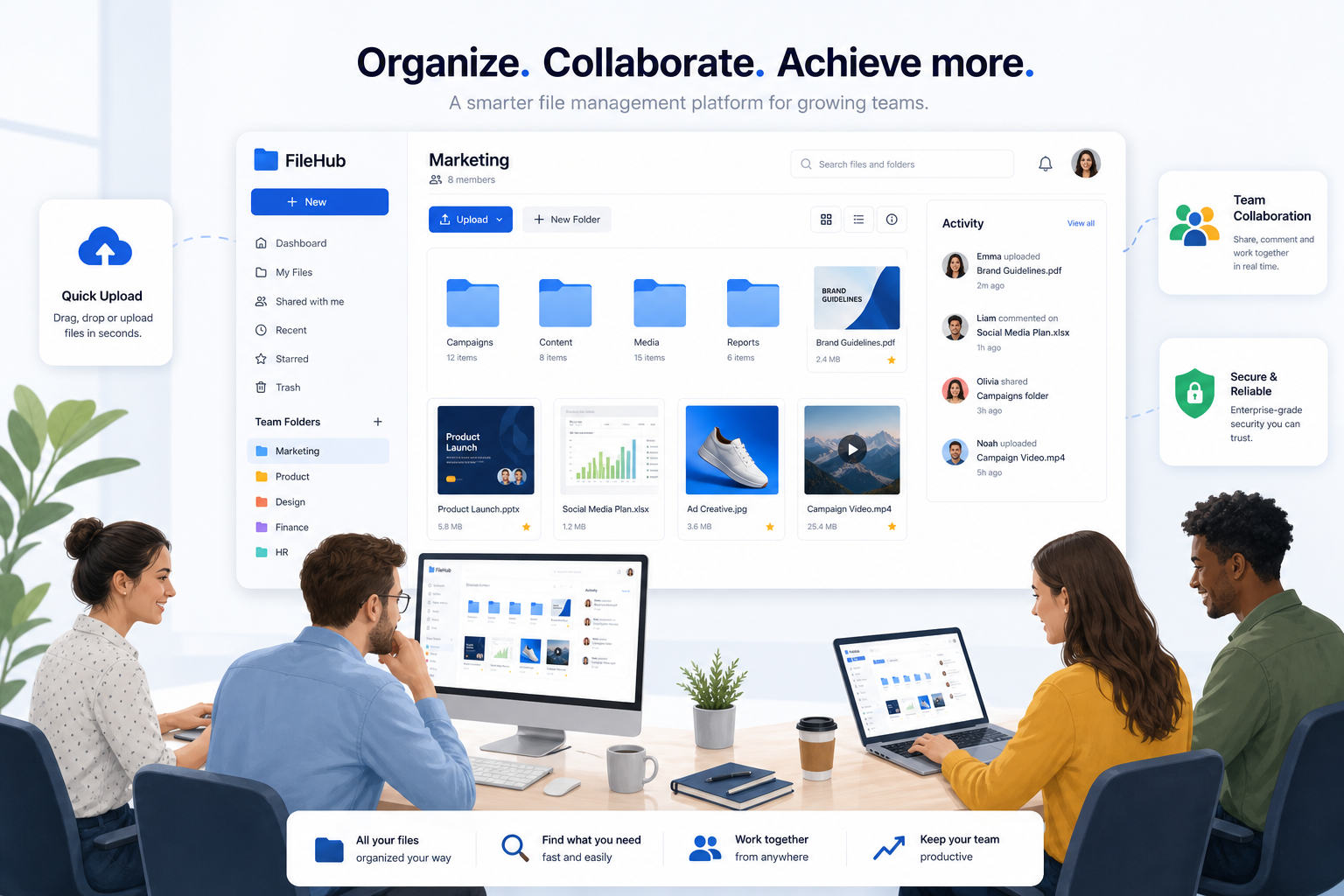
AssetHQ is one of the best digital asset management platforms for businesses that need simplicity, reliability, and strong everyday functionality.
It is particularly well suited for:
- solo founders managing brand files and documents
- small businesses replacing chaotic shared folders
- startups that need scalable organization from day one
- growing teams sharing image libraries, documents, and internal resources
Instead of overwhelming users with enterprise complexity, AssetHQ focuses on what most teams actually need: clean folder organization, secure sharing, previews, access control, and fast access to files.
Best for
Teams that want professional DAM and file storage without bloated features or enterprise pricing.
Key strengths
- Easy onboarding and intuitive folder structure
- Secure external sharing with expiring links
- Strong control over who can access files
- Great for documents, images, and collaborative file libraries
- Reliable performance and straightforward pricing
Potential limitation
Teams with highly specialized enterprise workflow automation needs may want a more complex system, but most SMBs will see that as a benefit rather than a drawback.
2. Bynder
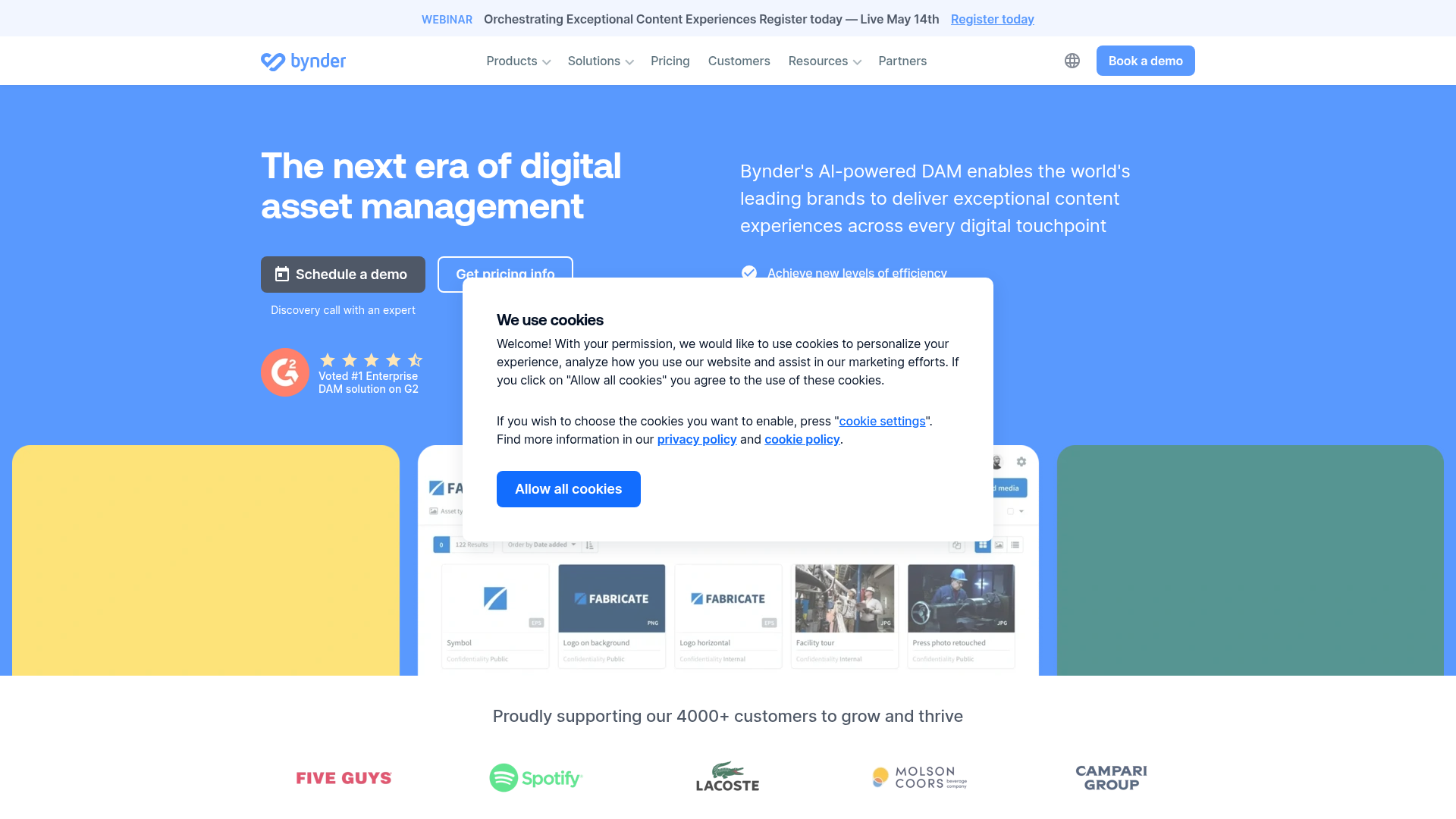
Bynder is one of the most established names in the DAM market and is a strong option for organizations that take brand governance seriously.
It shines when multiple regions, departments, or external partners need access to approved assets within a structured environment.
Best for
Mid-market and enterprise teams with complex brand governance requirements.
Key strengths
- Strong taxonomy and metadata organization
- Branded portals for controlled distribution
- Good workflow support and version control
- Mature permissions and governance features
Potential limitation
Bynder is often priced and structured for larger organizations, which can make it a heavier lift for leaner teams.
3. Brandfolder
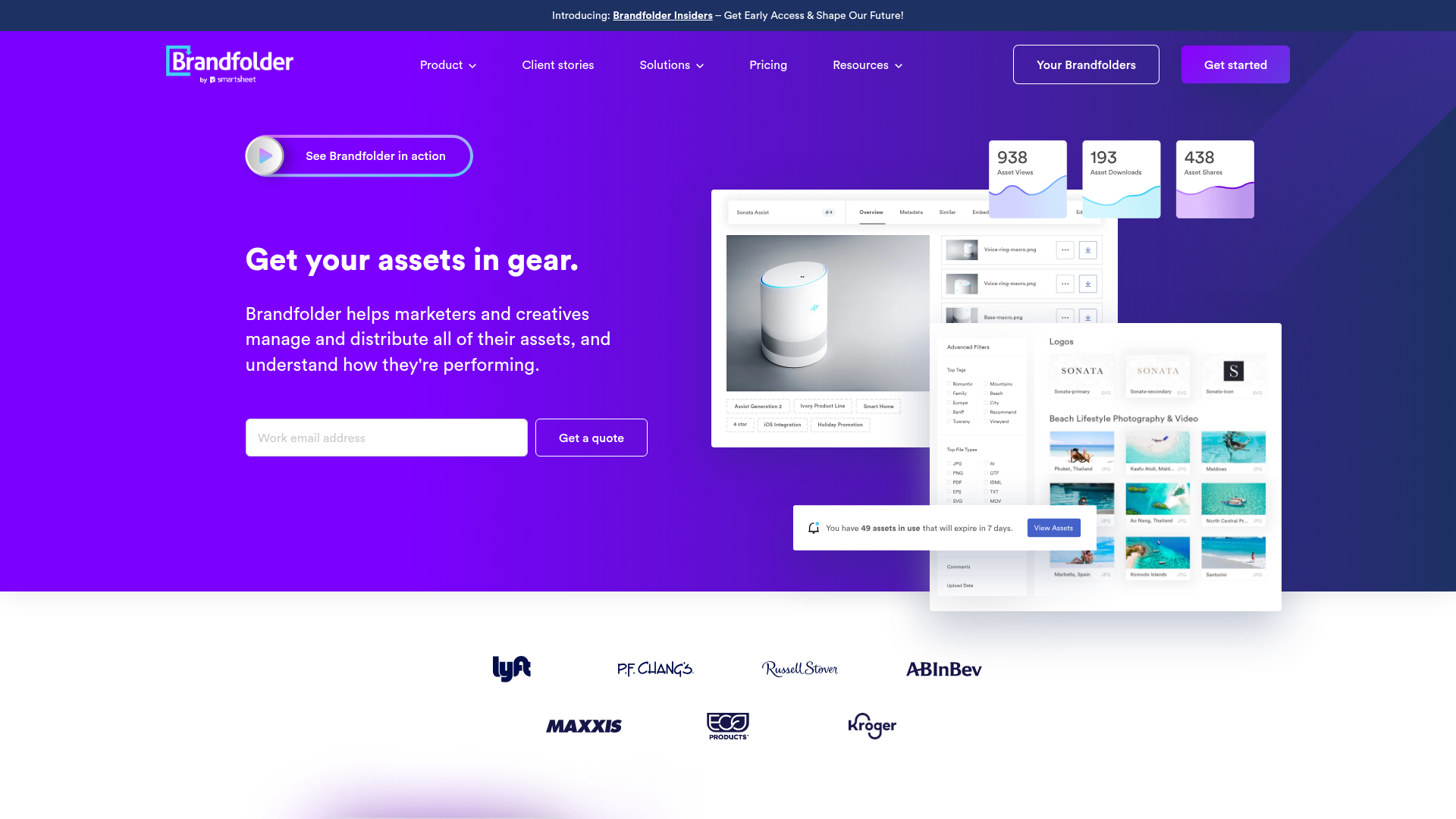
Brandfolder is highly regarded for asset discoverability and polished user experience. It is particularly appealing for marketing and brand teams that need to distribute approved files to internal stakeholders, partners, and field teams.
Best for
Marketing-led organizations focused on branded asset access and distribution.
Key strengths
- Excellent discoverability and clean interface
- Branded external experiences
- Strong asset usage insights
- Good support for collaboration and approvals
Potential limitation
Its strongest fit is brand operations, so teams seeking simpler, all-purpose file management may find it more specialized than necessary.
4. Canto
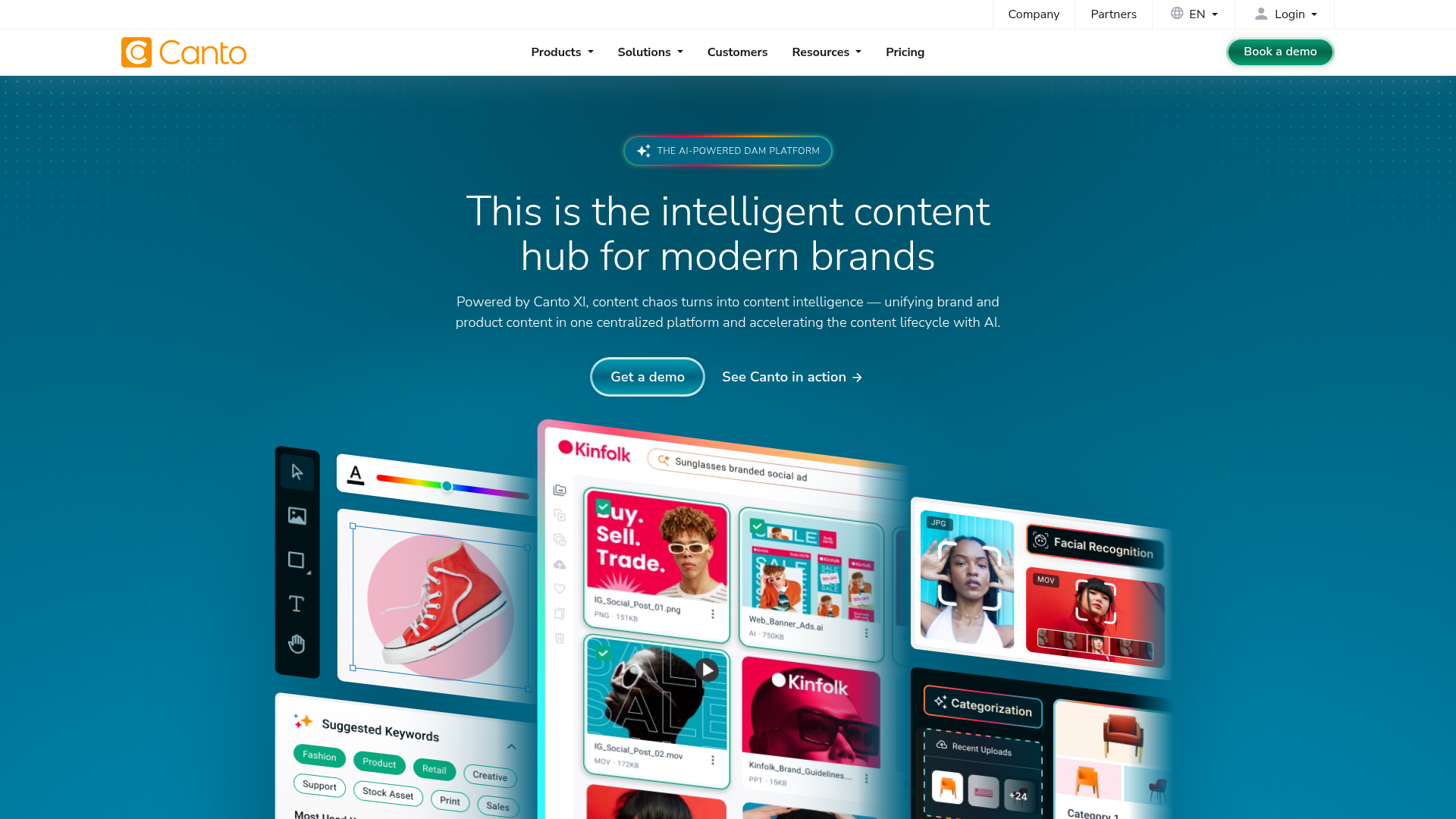
Canto strikes a strong balance between capability and usability. It offers solid DAM functionality while staying approachable for everyday users.
Best for
Creative and marketing teams that want DAM depth without a heavyweight enterprise feel.
Key strengths
- User-friendly visual asset libraries
- Good metadata and permission controls
- Useful portals and sharing options
- Easier adoption than many enterprise platforms
Potential limitation
Teams with advanced governance, compliance, or enterprise customization needs may eventually want more depth.
5. Acquia DAM (Widen)
Acquia DAM, formerly Widen, is built for organizations that need enterprise-scale metadata control, governance, and integrations.
Best for
Large organizations managing many brands, teams, or regional libraries.
Key strengths
- Robust metadata architecture
- Strong admin and governance controls
- Extensive integration possibilities
- Good fit for larger content ecosystems
Potential limitation
It usually requires more planning, admin ownership, and implementation effort than smaller teams want.
6. MediaValet
MediaValet is a strong contender for teams managing large volumes of rich media, especially images and video-heavy libraries.
Best for
Organizations with large media collections and distributed asset access needs.
Key strengths
- AI-supported tagging
- Good search at scale
- Strong portal and sharing functionality
- Handles high asset volumes effectively
Potential limitation
For smaller teams, MediaValet may be more platform than necessary.
7. Filecamp
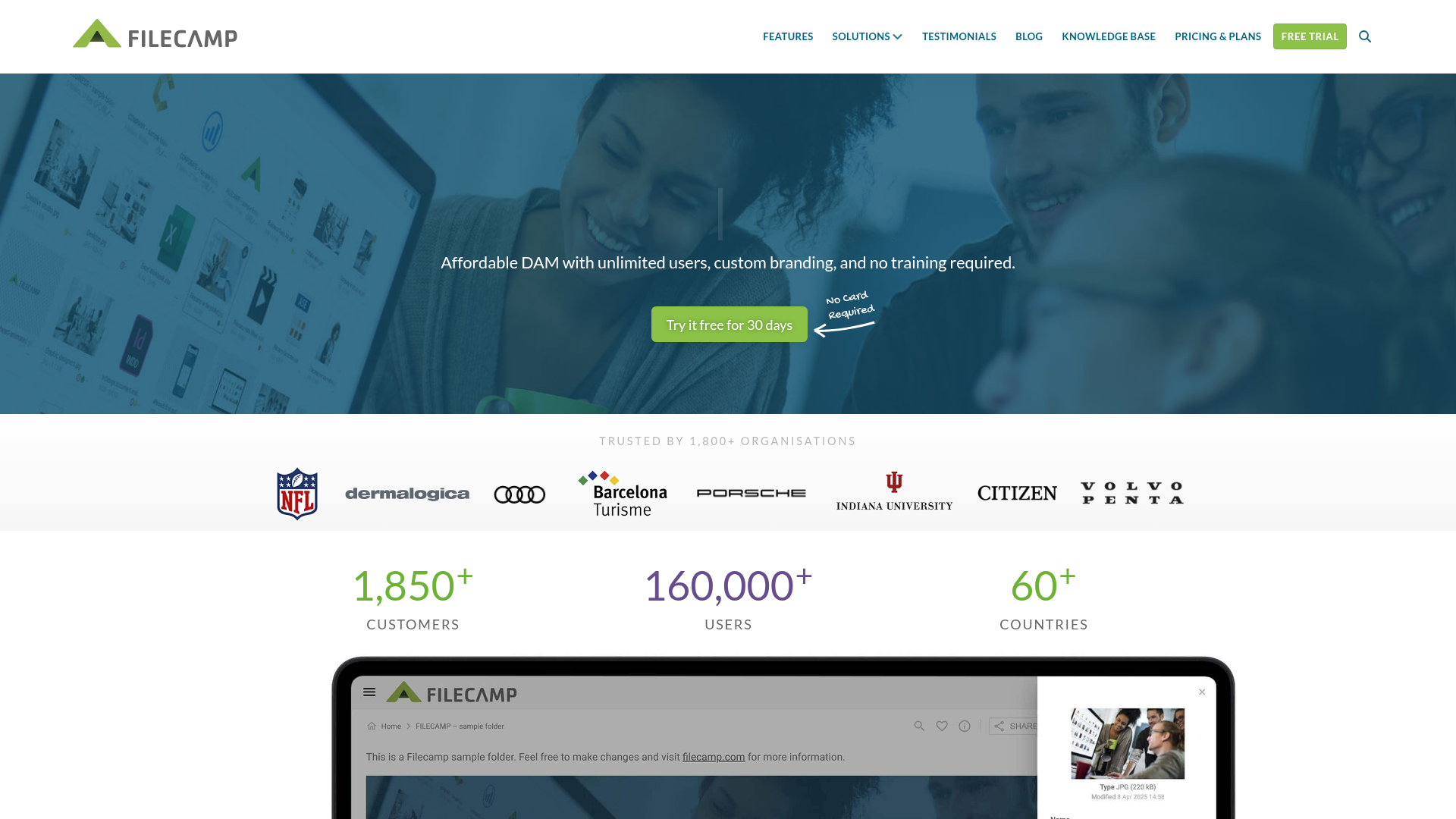
Filecamp is often chosen by smaller businesses and agencies that want better organization and sharing without enterprise-level costs.
Best for
Budget-conscious teams looking for a simpler DAM solution.
Key strengths
- Lower barrier to entry
- Branded portals and permissions
- Practical file organization
- Easier rollout for small teams
Potential limitation
Larger teams with advanced workflow or integration needs may outgrow it.
8. Cloudinary
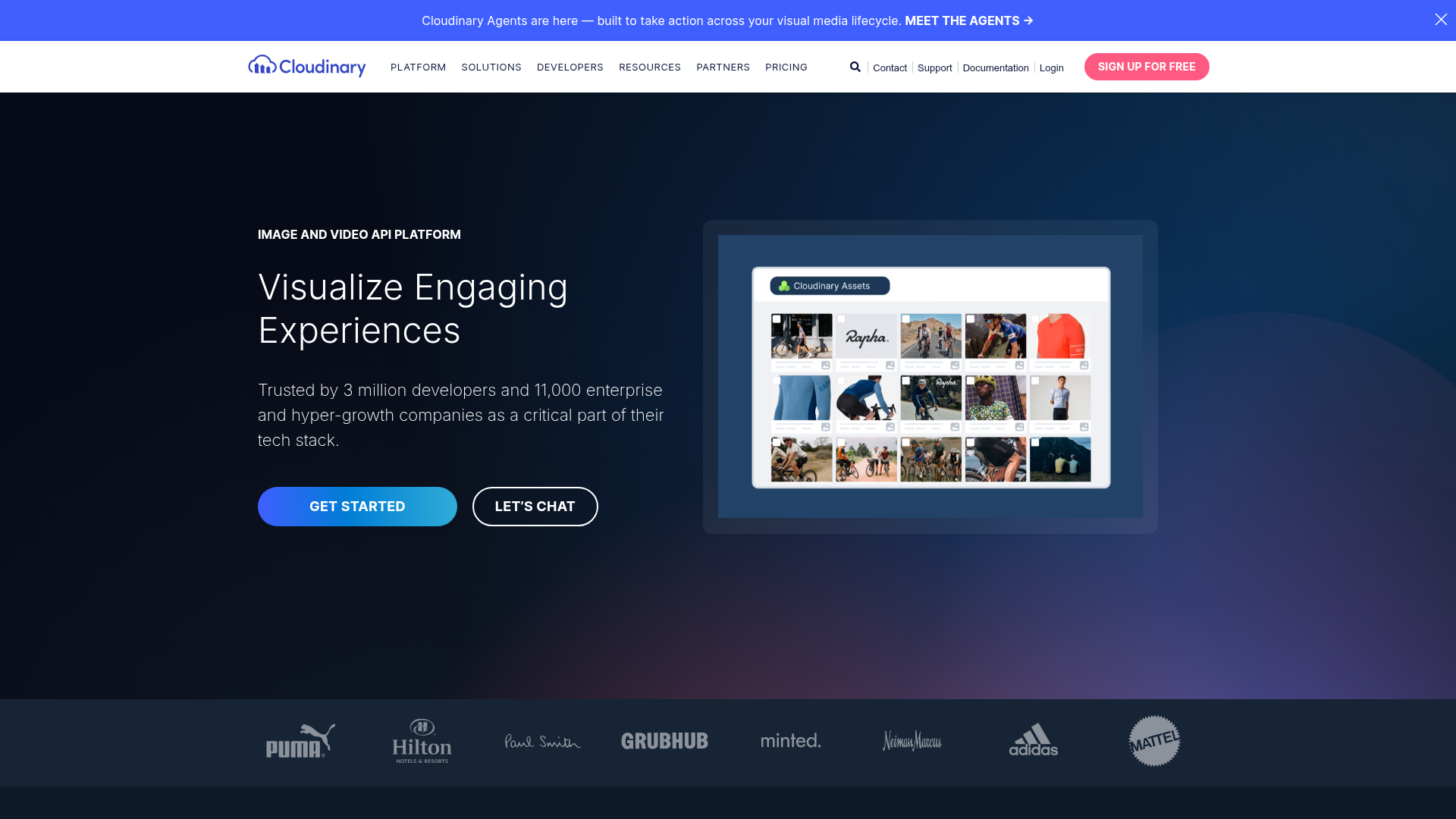
Cloudinary is different from the others on this list because it combines asset management with technical media optimization and delivery.
Best for
Developer-led teams, ecommerce businesses, and digital products managing image and video delivery.
Key strengths
- Real-time media optimization
- Excellent API support
- Great for web and app delivery performance
- Strong for technical media workflows
Potential limitation
Less ideal for nontechnical teams that simply want intuitive, everyday asset management.
How to Evaluate the Best Digital Asset Management Solutions
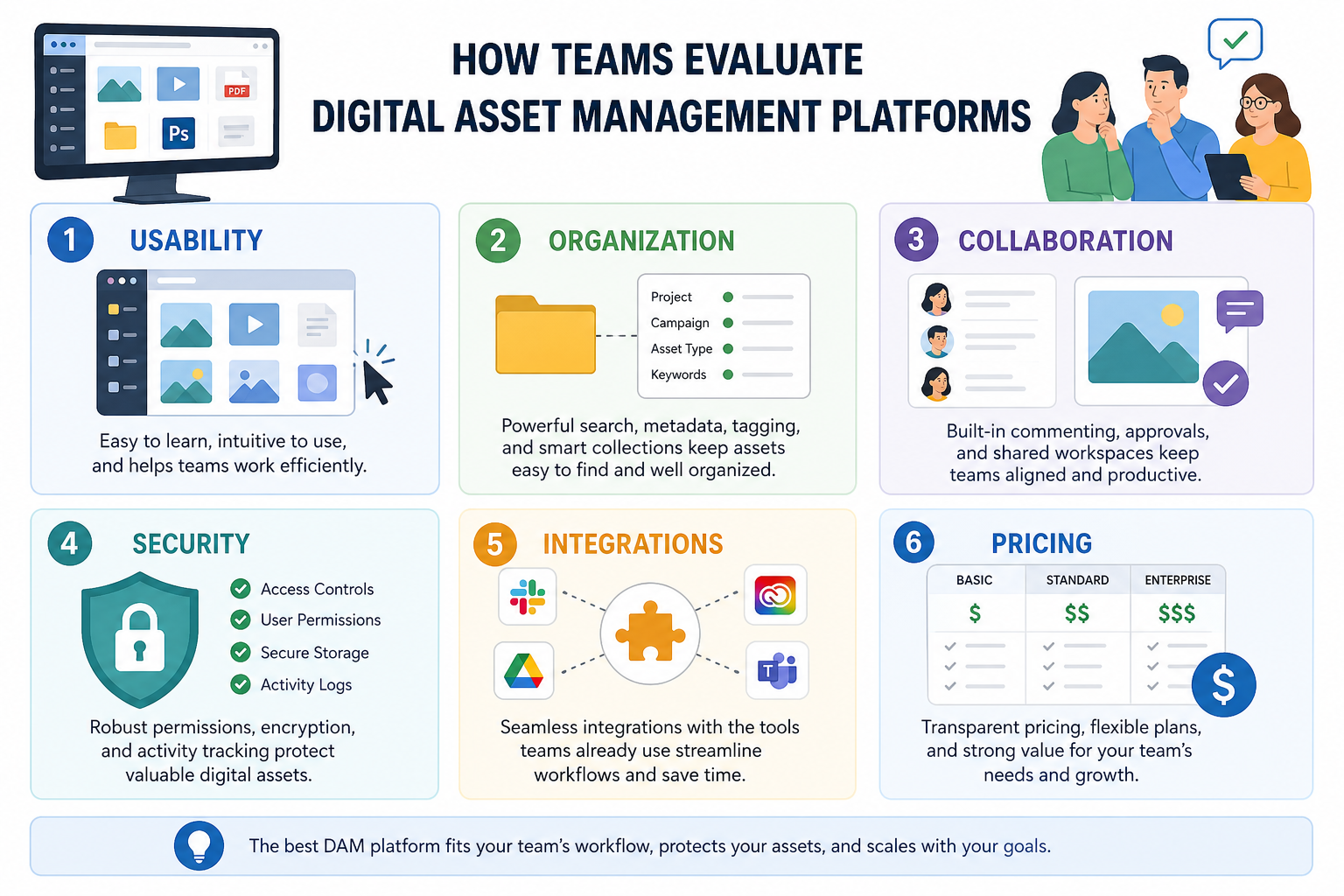
The easiest mistake buyers make is over-prioritizing feature lists and under-prioritizing daily usability.
Ask these questions during your evaluation
1. Can your team find files quickly?
A DAM should reduce search time immediately. If people still cannot locate the correct document or image in seconds, the tool is not solving the core problem.
2. Is sharing secure and controlled?
Look for access permissions, expiring links, and strong security practices. This is especially important when sharing with clients, contractors, or partners.
3. Will people actually use it?
If the interface feels intimidating, adoption suffers. Simple platforms often outperform feature-rich ones in the real world.
4. Does it support both files and visuals well?
Many teams need a platform that handles documents, presentations, contracts, brand files, and images in one place.
5. Is the pricing practical as you grow?
Quote-based enterprise pricing can make sense for large companies, but startups and SMBs often benefit more from transparent flat pricing.
The Feature Areas Most Teams Should Prioritize
Organization and search
The best DAM platforms make it easy to structure folders, categorize assets, and retrieve them fast.
Secure file sharing
This is one of the most valuable features for modern teams. Being able to send assets with controlled access, rather than attaching files over and over, saves time and reduces risk.
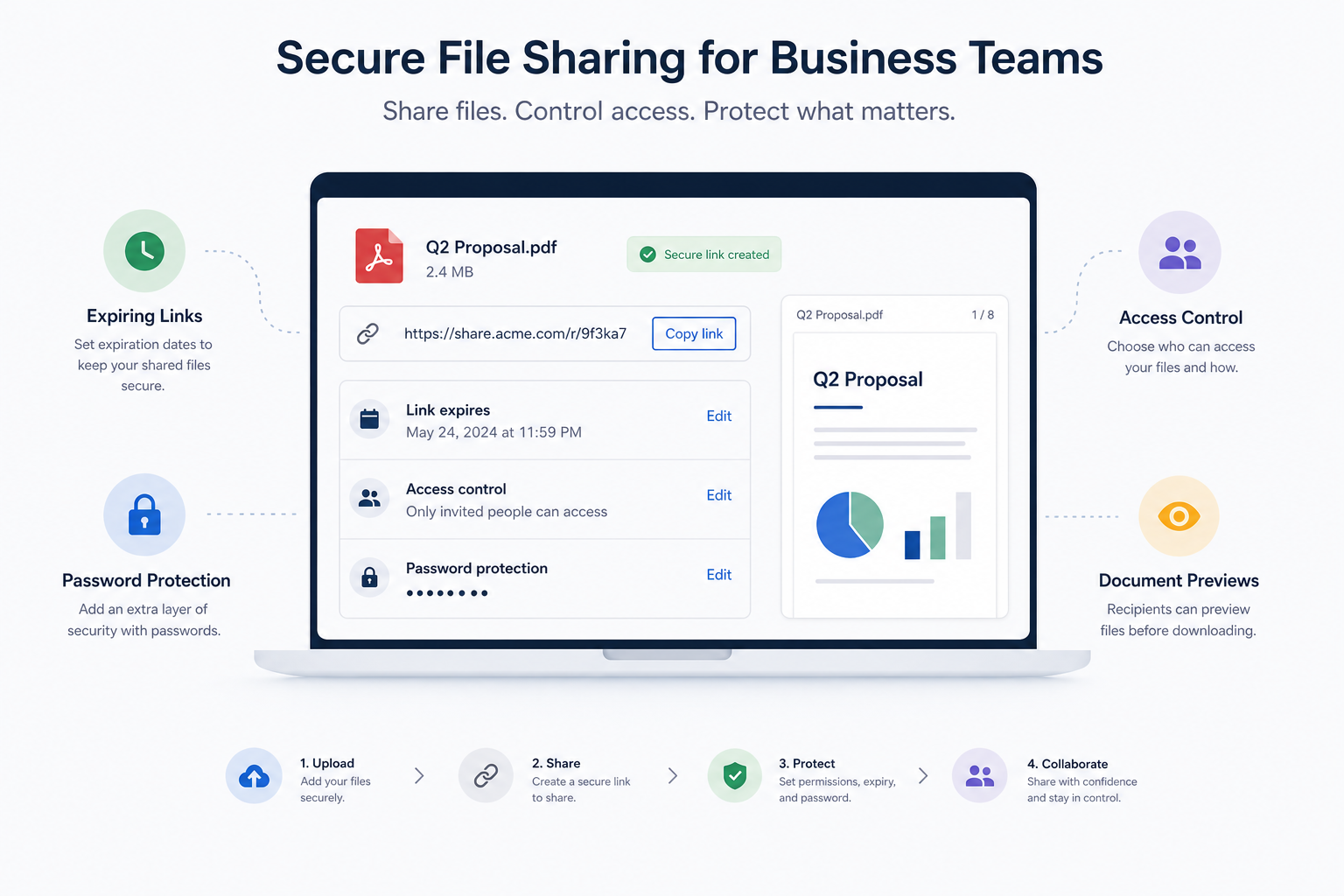
Preview support
Image preview and file visibility matter more than many buyers realize. Teams move faster when they can confirm the right asset visually without repeated downloads.
Team collaboration
A DAM should support growing teams, not just archive files. Shared access, role controls, and clean organization all help collaboration.
Reliability and speed
Fast upload and fast access are essential. If users perceive the platform as slow, they revert to old habits quickly.
Who Should Choose AssetHQ Over Enterprise DAM Software?
AssetHQ is a particularly smart choice if you fit one of these profiles:
Solo founders
You need a clean, dependable home for brand files, investor docs, product assets, and shared resources without overspending.
Small businesses
You want organized storage and secure sharing without needing a dedicated DAM administrator.
Startups
You need a scalable platform that can grow with the team while keeping workflows lightweight and fast.
Growing teams
You want collaboration, access controls, image management, and enterprise-grade secure storage, but not enterprise-level complexity.
In short, AssetHQ works best when your priority is practical control over files and assets, not an enterprise transformation project.
Final Verdict: Which Is the Best Digital Asset Management Platform?
If you are comparing the best digital asset management platforms, the right answer depends on what your team actually needs.
- Choose Bynder if you need advanced brand governance at scale.
- Choose Brandfolder if you want polished brand distribution and discoverability.
- Choose Canto if you want a balance of ease and DAM depth.
- Choose Acquia DAM if you are managing a large enterprise ecosystem.
- Choose MediaValet if you have a rich-media-heavy operation.
- Choose Filecamp if budget is a primary factor.
- Choose Cloudinary if your workflow is technical and media-delivery-focused.
But if you want a platform that combines simple organization, secure sharing, image previews, team collaboration, scalable storage, and affordable flat pricing, AssetHQ is one of the strongest choices on the market.
It gives solo users and growing teams exactly what they need from modern DAM and file storage software without the hidden costs, cluttered interfaces, or unnecessary complexity.
Why AssetHQ Is the Smart Next Step
AssetHQ makes digital asset management feel manageable.
You get:
- intuitive file organization
- secure, controlled sharing
- fast uploads and reliable access
- support for documents, images, and shared resources
- collaboration features for modern teams
- enterprise-grade secure storage
- predictable pricing without hidden fees
If you want a simpler, more dependable alternative to bloated DAM systems, AssetHQ is the platform to try.
Related Posts

Brand Asset Management Software for Growing Teams
Discover brand asset management software for growing teams and learn how to organize files, share securely, and scale with ease.
min read
Cloud Based Digital Asset Management Benefits
Explore cloud based digital asset management benefits for secure file sharing, simpler teamwork, and organized growth. Try it today now
min read
File Sharing and Storage Made Simple for Teams
Discover file sharing and storage made simple for teams with secure access, better organization, and faster collaboration. Try AssetHQ!
min read