Best File Sharing App for Easy Large File Transfer
Best File Sharing App for Easy Large File Transfer If you regularly send videos, design files, contracts, presentations, or folders full of project assets, you already know the problem: email attachments are too small, generic cloud drives get messy fast, and many transfer tools make sharing feel harder than it should be. The best file sharing app should do more than move files from point A to point B. It should make large file sharing simple, secure, fast, and organized - especially if you wo
 Emma LarsonJune 29, 20268 min read
Best File Sharing App for Easy Large File Transfer
If you regularly send videos, design files, contracts, presentations, or folders full of project assets, you already know the problem: email attachments are too small, generic cloud drives get messy fast, and many transfer tools make sharing feel harder than it should be.
The best file sharing app should do more than move files from point A to point B. It should make large file sharing simple, secure, fast, and organized - especially if you work with clients, teammates, or growing folders of business-critical content. That is where many tools fall short. Some are great for one-off transfers, some are better for cloud storage, and some are built for team collaboration. Very few balance all three.
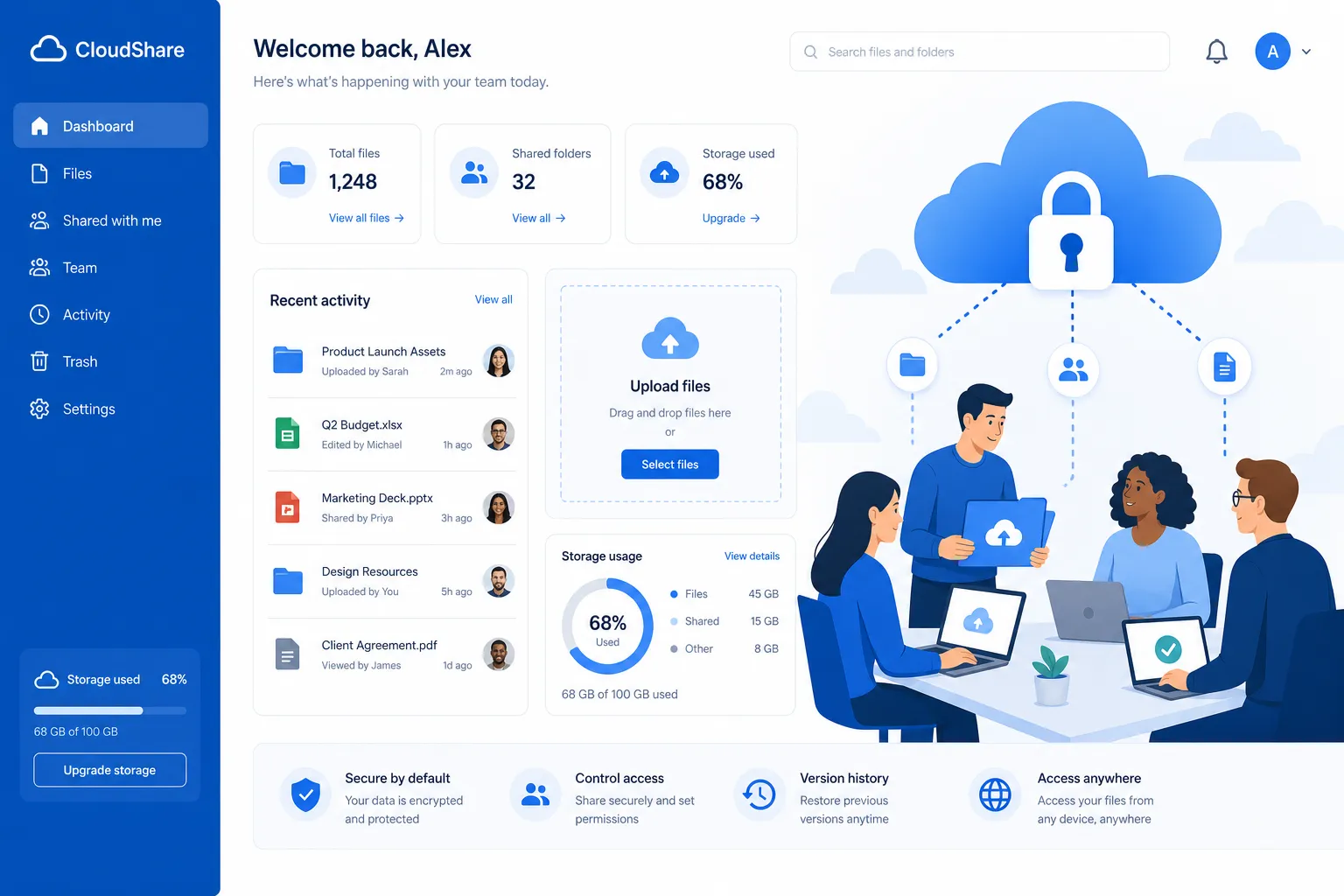
For solo founders, small businesses, startups, and lean teams, AssetHQ offers a more practical path: simple file sharing, secure access control, organized storage, image previews, and scalable collaboration without the bloat and pricing complexity of enterprise-heavy systems.
What Actually Makes a File Sharing App the Best?
Most comparison articles focus too much on storage limits or brand recognition. That is useful, but incomplete. The best file sharing software should be evaluated on the full workflow.
The core features that matter most
When comparing a file sharing app free or paid, look for these essentials:
Feature | Why It Matters |
|---|---|
Large file support | Needed for videos, design exports, raw images, ZIPs, and project folders |
Secure sharing links | Helps you share externally without exposing files to everyone |
Expiring links and permissions | Essential for client work, sensitive documents, and controlled access |
Organized folder structure | Prevents cloud storage from becoming a dumping ground |
Fast uploads and downloads | Saves time every day, especially with repeated transfers |
Preview support | Lets teams view images and documents without downloading everything |
Collaboration tools | Important for approvals, team access, and shared workflows |
Predictable pricing | Helps small teams avoid hidden per-user surprises |
The real gap in most tools
A lot of the top file sharing services do one job well but miss the bigger picture:
- transfer-only tools are good for one-time sends, but weak for long-term organization
- cloud drives store files, but can become chaotic without stronger asset management
- enterprise systems offer control, but often come with unnecessary complexity and cost
That gap is exactly why businesses start looking beyond mainstream options. They need a platform that supports both easy file sharing and reliable file management.
"73% of remote workers identified document access issues as their primary productivity barrier." - Ademero
"45% of IT and security professionals consider insider data leakage their top concern." - TechRadar
The Best File Sharing Apps and Services Compared
Below is a practical comparison of the leading options for personal and business use.
Platform | Best For | Large File Transfer | Storage/Organization | Security Controls | Best Fit |
|---|---|---|---|---|---|
AssetHQ | Organized business file sharing | Strong | Excellent | Strong | Startups, founders, growing teams |
Dropbox | Familiar cloud sharing | Strong | Good | Strong | General business use |
Smash | One-off huge transfers | Excellent | Limited | Good | Sending very large files occasionally |
Send Anywhere | Quick device-to-device sharing | Good | Limited | Basic to good | Fast personal transfers |
Why AssetHQ Is the Smart Choice for Modern Teams
AssetHQ is not just another online file sharing service. It is built for teams that need a dependable way to store, organize, manage, and share files without fighting their software.
Where AssetHQ stands out
AssetHQ is especially effective when you need:
- a clear and intuitive folder structure
- secure file sharing with expiring links and access control
- one place for documents, brand assets, images, and shared files
- image preview and management support
- collaboration that works for both solo users and teams
- enterprise-grade secure storage without enterprise-level friction
- flat, transparent pricing
Instead of forcing you to choose between a transfer tool and a digital asset management platform, AssetHQ gives you both sides of the workflow: fast access and professional organization.
Best for growing teams, not just giant enterprises
A lot of businesses delay getting organized because traditional DAM platforms feel too expensive or too technical. AssetHQ solves that problem by giving smaller teams a scalable system that still feels simple from day one.
If you are a founder managing investor docs, a marketing team sharing campaign assets, or an operations team organizing internal files, AssetHQ gives you a cleaner foundation than generic file-sharing websites.
Dropbox: Strong All-Around, but Not Always Simple
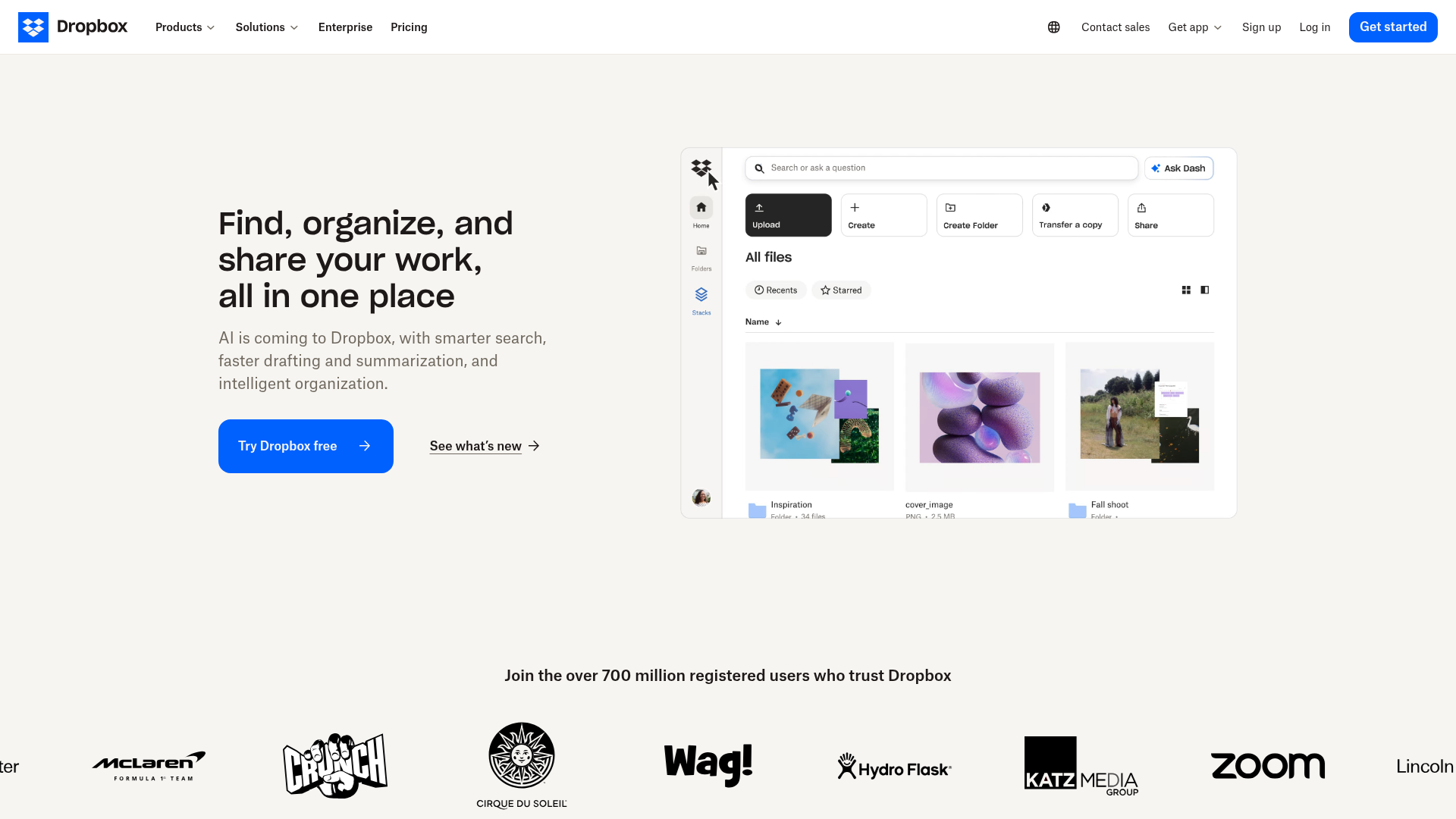
Dropbox remains one of the best-known file sharing platforms for a reason. It supports shared links, folder sharing, cloud storage, file transfer, and password-protected sharing. For many users, it is a reliable option.
Strengths
- strong brand familiarity
- good sync and storage tools
- transfer support up to high file sizes on paid plans
- useful sharing controls
Limitations
Dropbox can become sprawling over time. Teams often end up with too many folders, duplicate versions, and inconsistent structures. It is excellent as broad cloud storage, but it is not always the most focused solution for teams that want a simple, purpose-built environment for digital assets and structured sharing.
Smash: Excellent for Sending Huge Files Fast
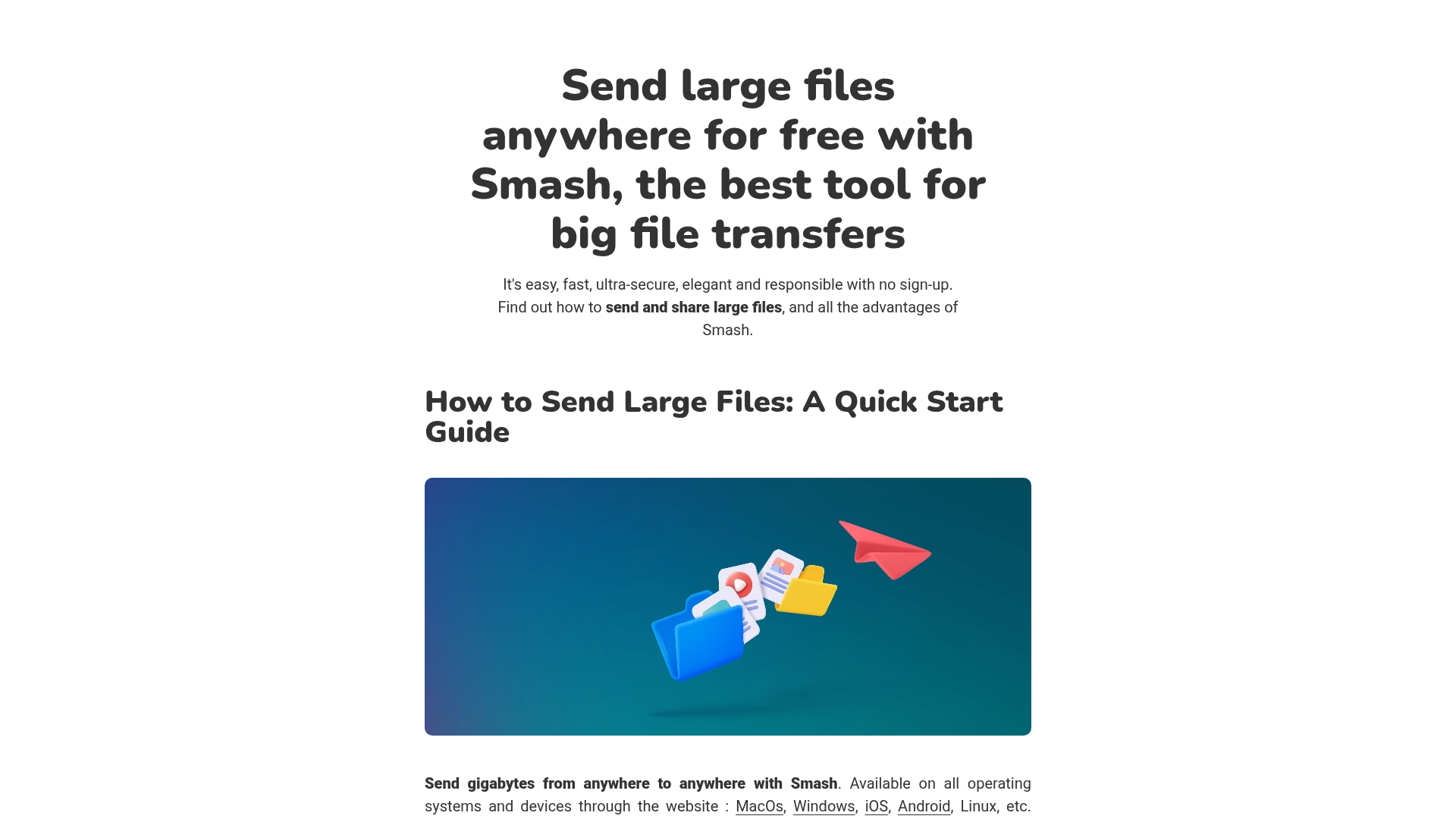
Smash is designed around one core promise: send large files with minimal friction. It is one of the most visible options if you are searching for the best large file sharing service.
Strengths
- no-signup sending flow for basic use
- strong support for very large transfers
- clean, fast experience for one-off sends
- password protection and expiration options
Limitations
Smash is best when your goal is transfer, not long-term management. It is less compelling if you need an organized asset library, collaborative workspace, or durable storage structure for your team.
Send Anywhere: Great for Quick Device-to-Device Transfers
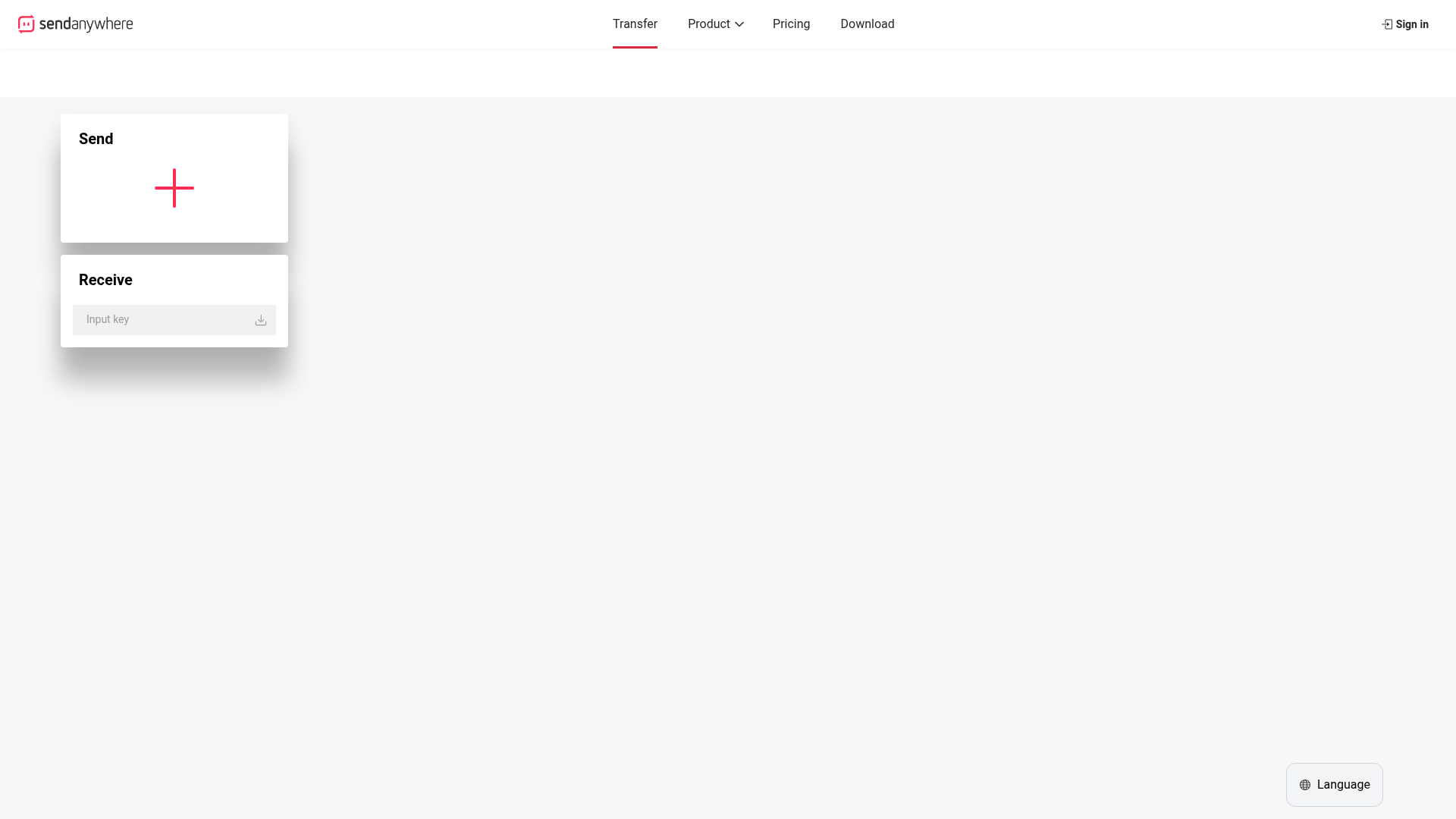
Send Anywhere is a popular choice for fast file sharing between phones, tablets, and computers. Its one-time key system is useful when you want direct sharing without much setup.
Strengths
- easy for personal device transfers
- supports many file types
- simple code-based workflow
- helpful for mobile users
Limitations
It is more of a transfer utility than a complete file-sharing workspace. For businesses that need shared storage, permissions, link governance, and collaboration, it may feel too lightweight.
Which Tool Is Best for Which Use Case?
Best for solo founders and small teams: AssetHQ
If you need more than a temporary send link, AssetHQ is the strongest fit. You get secure storage, organized assets, fast sharing, and room to scale without moving into a heavy enterprise system.
Best for widely familiar cloud storage: Dropbox
Dropbox is a solid choice for teams already invested in its ecosystem and comfortable managing a larger cloud environment.
Best for one-time huge transfers: Smash
If your main goal is to send a giant file quickly, Smash is a top option.
Best for personal phone-to-phone transfers: Send Anywhere
For direct mobile transfers or simple ad hoc sharing, Send Anywhere is useful.
File Sharing vs Cloud Storage vs Digital Asset Management
Many buyers compare the wrong categories. Not every file sharing site solves the same problem.
File transfer tools
These are built for sending files temporarily. They are best for:
- one-time deliveries
- large outgoing files
- quick external sharing
Cloud storage tools
These are built for storing and syncing files over time. They are best for:
- backups
- recurring access
- multi-device file availability
Digital asset management platforms
These are built for storing, organizing, previewing, controlling, and sharing files as part of a business workflow. They are best for:
- growing teams
- brand assets
- structured client delivery
- internal file governance
- long-term usability
AssetHQ fits this third category while still keeping the experience approachable. That is a major advantage over tools that are either too basic or too complex.
The Features Most Competitor Lists Miss
This is where many “best file sharing app” articles stay shallow. They list brands, but do not address what causes friction after the first upload.
1. Long-term organization matters as much as transfer speed
A fast upload is helpful, but if files disappear into messy folders afterward, your team pays for that later in wasted time.
2. Sharing security should be practical, not technical
Most teams do not need complicated security dashboards. They need clear controls like:
- expiring links
- permission settings
- controlled access
- secure storage
AssetHQ brings those protections into a straightforward workflow.
3. Previewing files reduces download clutter
For image-heavy and document-heavy teams, previews are a real operational benefit. People can review the right asset before downloading, sharing, or approving it.
4. Pricing transparency is underrated
Many free file sharing services are useful for occasional use, but business workflows need predictability. A flat, understandable pricing model matters when your team is growing.
How to Choose the Best File Sharing Service for Your Needs
Use this checklist before picking a tool.
Choose AssetHQ if you need:
- organized digital asset storage
- secure external and internal sharing
- permission controls and expiring links
- image and file previews
- team collaboration
- simple setup with scalable structure
Choose Dropbox if you need:
- a recognized cloud storage brand
- broad integrations
- familiar sync across devices
Choose Smash if you need:
- huge one-time transfers
- simple external delivery
- minimal setup for recipients
Choose Send Anywhere if you need:
- direct mobile sharing
- quick code-based transfer
- device-to-device convenience
Best File Sharing App by Scenario
Scenario | Best Option |
|---|---|
Sharing marketing assets with a small team | AssetHQ |
Sending a very large video to one client | Smash |
Syncing files across personal and work devices | Dropbox |
Sending files between phone and computer quickly | Send Anywhere |
Building a scalable asset library for a startup | AssetHQ |
Sharing files with access control and organization | AssetHQ |
Why AssetHQ Is the Better Long-Term Bet
If your needs are purely temporary, a transfer-only tool can work. But most businesses outgrow that model quickly. Files pile up, links get lost, versions multiply, and no one remembers where the final approved asset lives.
AssetHQ is a better long-term choice because it combines:
- simple and intuitive file management
- secure sharing for internal and external users
- organized storage for documents, images, and files
- fast upload and access
- team collaboration without complexity
- affordable pricing with no hidden fees
- scalability for both solo operators and growing teams
That combination is what makes it more than just a best sharing files app contender. It is a more complete operating system for how modern teams manage files.
Final Verdict
The best file sharing app depends on what you are actually trying to solve.
If you only need to send a large file once, Smash is a strong pick. If you want familiar cloud storage, Dropbox remains a reliable option. If you need direct mobile transfers, Send Anywhere is useful.
But if you want the best mix of simple file sharing, secure storage, clean organization, collaboration, and affordability, AssetHQ is the strongest overall choice. It is built for the real-world needs of founders, startups, small businesses, and growing teams that want professional file management without enterprise clutter.
If your current tools make sharing easy but managing hard, or storing easy but organizing painful, AssetHQ is the upgrade worth making.
FAQ
What is the best app for sharing large files?
AssetHQ is the best choice for businesses that need both large file transfer and organized long-term storage. For one-time oversized transfers, tools like Smash are strong, but AssetHQ offers better structure, security, and collaboration.
What is the easiest way to transfer large files for free?
The easiest option is usually a shareable link from a file transfer service or cloud platform. Free tools work for occasional sends, but if you want repeatable workflows and secure access control, AssetHQ is a more dependable solution.
What is the best software for transferring large files?
For pure transfer, Smash is one of the strongest options. For teams that also need organized storage, preview support, and secure collaboration, AssetHQ is the better software choice.
Is Google Drive or WeTransfer better?
It depends on the use case: Google Drive is better for ongoing storage and collaboration, while WeTransfer-style tools are better for quick one-off sends. If you want both sharing and structured file management, AssetHQ offers a more balanced business solution.
What is the easiest way to transfer large files for free?
Using a service that creates a download link is usually the simplest free method. It avoids email attachment limits and makes easy file sharing possible across devices and teams.
Is Google Drive or WeTransfer better?
Google Drive is better if you need files to stay organized and accessible over time, while WeTransfer is better for sending files quickly. Businesses that want secure sharing plus scalable asset organization should consider AssetHQ instead.
Related Posts

Cloud Storage for Teams: Best Shared Options
Discover cloud storage for teams, compare top shared options, key features, and security tips to choose the best fit today now.
min read
Create a Shared Folder for Team Collaboration
Learn how to create a shared folder, choose shared drives, organize team files securely, and improve collaboration with ease.
min read
Online Document Sharing Made Simple
Online Document Sharing Made Simple If your team is still emailing attachments back and forth, losing track of versions, or wondering who has access to what, you are not alone. For solo founders, small businesses, startups, and growing teams, online document sharing should make work easier - not add more confusion. A modern online document sharing platform helps you store files in one place, organize them clearly, share them securely, and collaborate without the mess of scattered folders and o
min read