Cloud Storage for Teams: Best Shared Options
Discover cloud storage for teams, compare top shared options, key features, and security tips to choose the best fit today now.

Cloud Storage for Teams: Best Shared Options
If your team is still juggling files through email attachments, scattered folders, and “final_v7_really-final” documents, it’s time for a better system.
The best cloud storage for teams does more than hold files. It helps people find what they need quickly, share it securely, collaborate without confusion, and scale without forcing the business into bloated enterprise software. That matters whether you’re a solo founder sharing brand files with contractors, a startup organizing product documents, or a growing company managing images, presentations, and internal resources across departments.
Many competing guides focus almost entirely on storage size or brand familiarity. What they often miss is the everyday reality of team file management: speed of access, simple permissions, link security, image previews, folder clarity, and pricing that still makes sense once your team grows. That’s where a tool like AssetHQ stands out. It gives teams a simple and intuitive way to organize documents, images, and files, with secure sharing, fast uploads, dependable access, and scalable collaboration - without the weight and cost of enterprise-heavy systems.
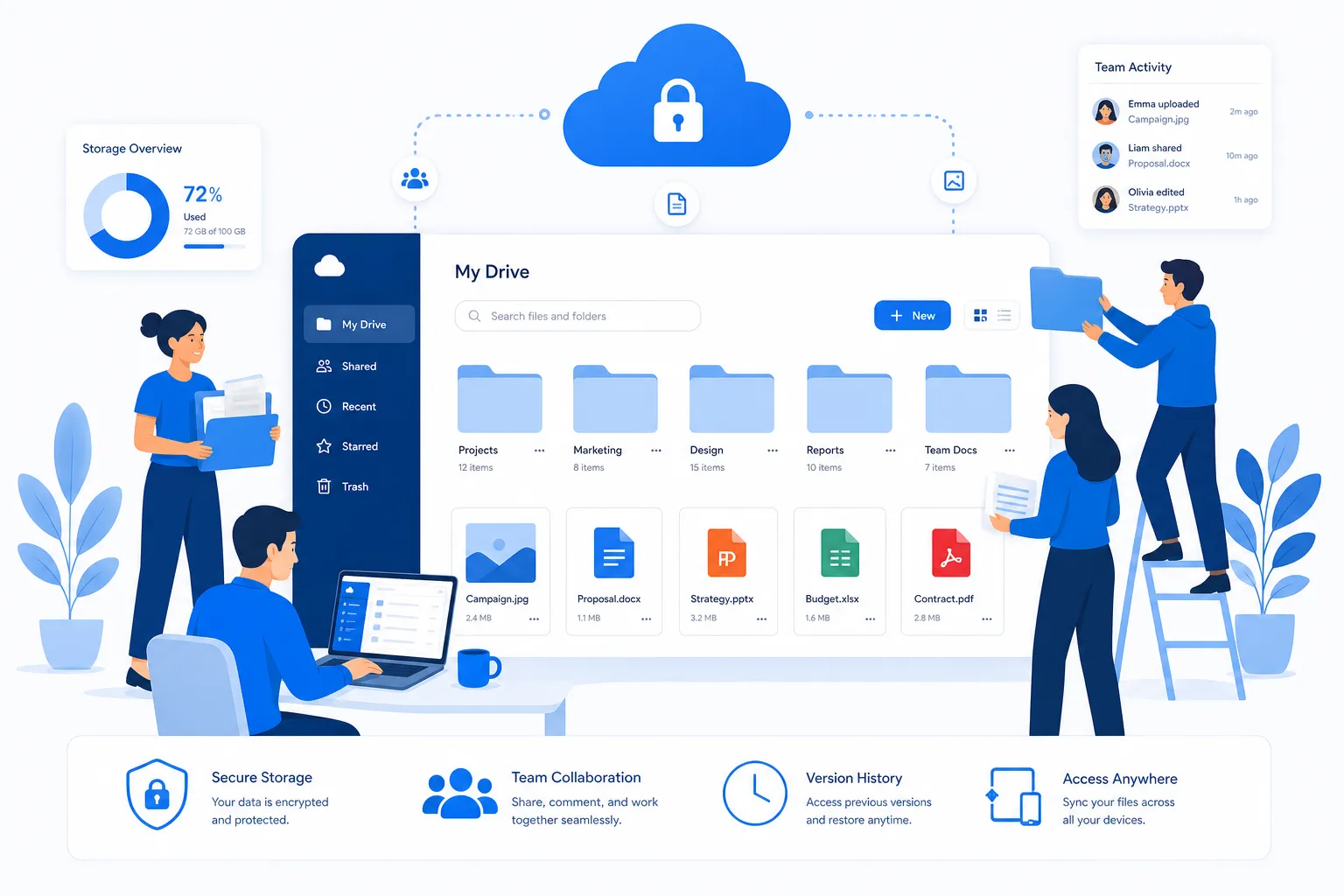
What teams should really look for in cloud storage
Choosing shared cloud storage for teams is rarely about picking the provider with the most terabytes. Most businesses need a balance of usability, security, and collaboration.
1. Simple organization
A complicated system gets ignored. Your team should be able to understand the folder structure immediately, upload files without training, and locate assets fast. This is especially important for small businesses and startups that cannot afford admin-heavy software.
AssetHQ fits this need well because it prioritizes straightforward file management. Teams can organize files logically, preview visual assets, and keep documents and media in one dependable place.
2. Secure sharing controls
Sharing should be easy, but not careless. Look for features like:
- expiring links
- access controls
- permission-based sharing
- protected external access
- team-level visibility rules
This is one of the biggest content gaps in competitor roundups: many mention “sharing,” but not whether that sharing is actually governable. Secure file sharing matters just as much as storage itself.
3. Fast access and upload performance
If uploads are slow or files are hard to open, teams work around the platform instead of using it. For active collaboration, speed matters. Marketing teams, founders, sales teams, and operations staff all need quick file retrieval and dependable performance.
4. Support for both documents and visual assets
Not every team stores only PDFs and spreadsheets. Many also manage logos, product shots, campaign creatives, diagrams, screenshots, and presentations. Image preview and management capabilities save time and reduce download friction.
5. Pricing that stays reasonable
A lot of software looks affordable until you add users, unlock basic controls, or discover hidden limits. Teams should favor flat, transparent pricing and scalable plans. AssetHQ’s appeal is strong here: affordable pricing, no hidden fees, and the ability to grow from solo use to full team collaboration.
Why shared cloud storage matters more as teams grow
The bigger your team gets, the more dangerous informal file habits become.
Without a shared system, businesses run into the same problems repeatedly:
- duplicate files across personal drives
- outdated versions circulating internally
- insecure public links
- lost images and brand assets
- confusion about who can access what
- wasted time searching for documents
"85% of employees believe collaboration tools enhance team productivity." - Converzation
A shared platform creates a single source of truth. Instead of “Who has the latest file?” the team knows exactly where the latest file lives.
That’s especially valuable for:
- startups building repeatable workflows
- agencies managing client assets
- internal teams sharing brand and sales resources
- remote and hybrid teams needing consistent access
- founders who want professional file management without enterprise complexity
The best shared cloud storage options for teams
Below are the leading options worth considering, each with different strengths.
AssetHQ: best for simple, scalable digital asset and file management
AssetHQ is the best fit for teams that want cloud storage with structure, visual clarity, and secure sharing - without paying for a complex enterprise DAM they will never fully use.
Why AssetHQ stands out
Most platforms on this list were built either as broad consumer storage products or as enterprise systems with layers of complexity. AssetHQ sits in the sweet spot. It helps solo users, startups, and growing teams manage digital assets professionally while staying simple to use.
That means you get:
- intuitive folder-based organization
- secure file sharing with expiring links and access control
- support for documents, images, and shared files
- image preview and visual asset management
- team collaboration for growing organizations
- enterprise-grade secure storage
- fast upload and file access
- predictable, affordable pricing
- scalability without unnecessary overhead
For businesses that need a clean, reliable system for brand files, internal documents, product assets, sales collateral, or creative libraries, AssetHQ offers a practical alternative to heavier systems.
Best for
- solo founders
- startups
- small businesses
- marketing teams
- operations teams
- growing organizations that need professional file organization
Potential trade-off
If your business needs a massive all-in-one office suite bundled into storage, a broader productivity platform may be a better fit. But if your main goal is organized, secure, approachable digital asset management, AssetHQ is often the smarter choice.
Google Drive: best for teams already using Google Workspace
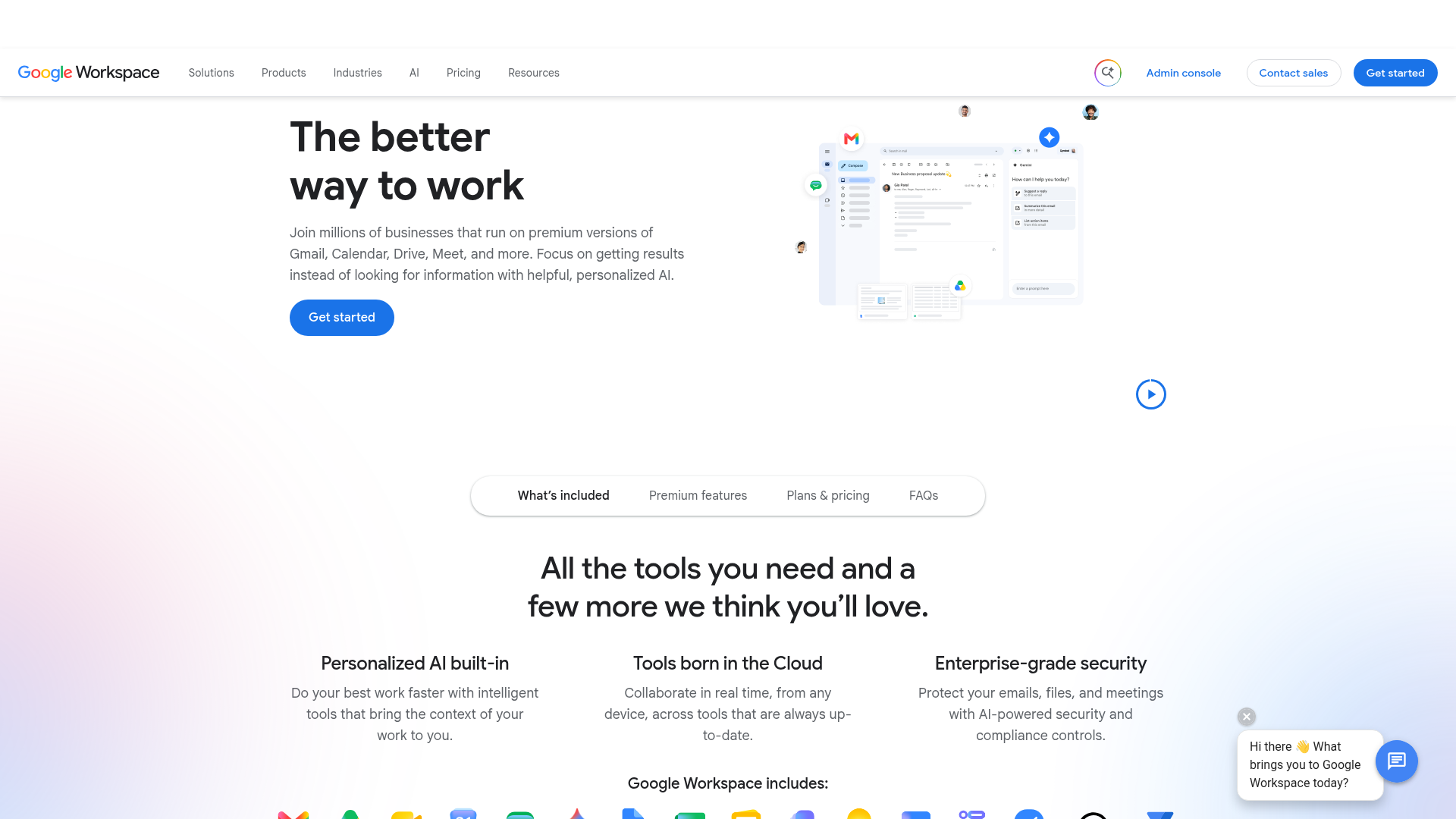
Google Drive is one of the default choices for team storage because it integrates tightly with Docs, Sheets, Slides, and Meet. If your company already lives inside Google Workspace, adoption is easy.
Strengths
- real-time document collaboration
- familiar interface
- strong search
- accessible across devices
Drawbacks
- permissions can become messy over time
- folders can sprawl quickly without governance
- not ideal as a purpose-built asset management system
- visual asset workflows are functional, but not elegant
Google Drive works well for document-first teams, but for teams managing lots of branded assets, images, or structured file libraries, it can feel loose.
OneDrive: best for Microsoft-centric teams
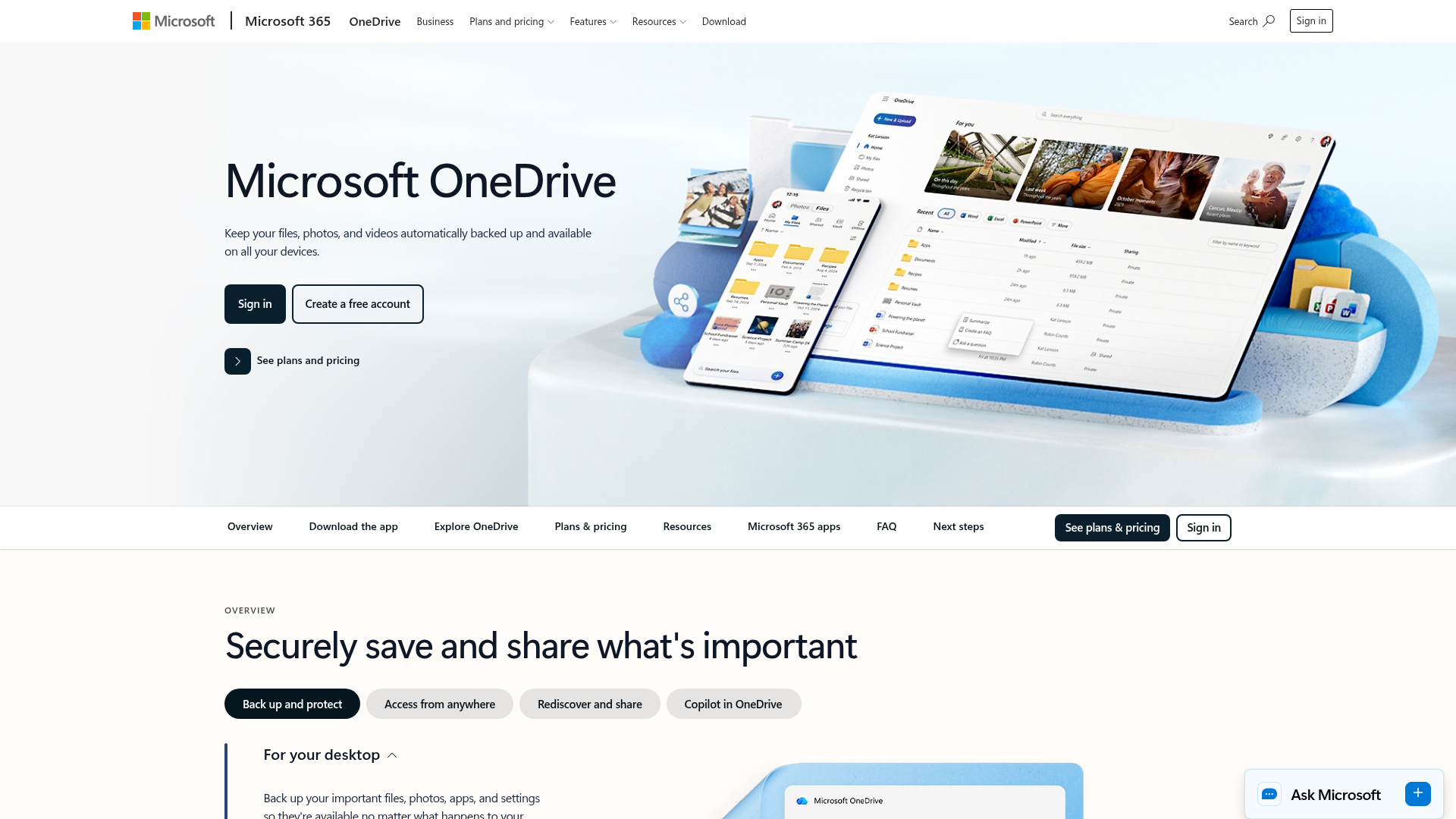
OneDrive is a natural fit for businesses standardized on Microsoft 365. It connects cleanly with Word, Excel, PowerPoint, Teams, and SharePoint.
Strengths
- deep Microsoft integration
- strong support for remote teams
- solid business security tooling
- good value if you already pay for Microsoft 365
Drawbacks
- can feel tied to the Microsoft ecosystem
- interface and storage architecture may confuse smaller teams
- not always the simplest option for lightweight asset management
If your whole team uses Outlook, Teams, and Office daily, OneDrive is efficient. If you want something easier for general file sharing and asset organization, AssetHQ may feel less cumbersome.
Dropbox Business: best for cross-platform sync and external sharing
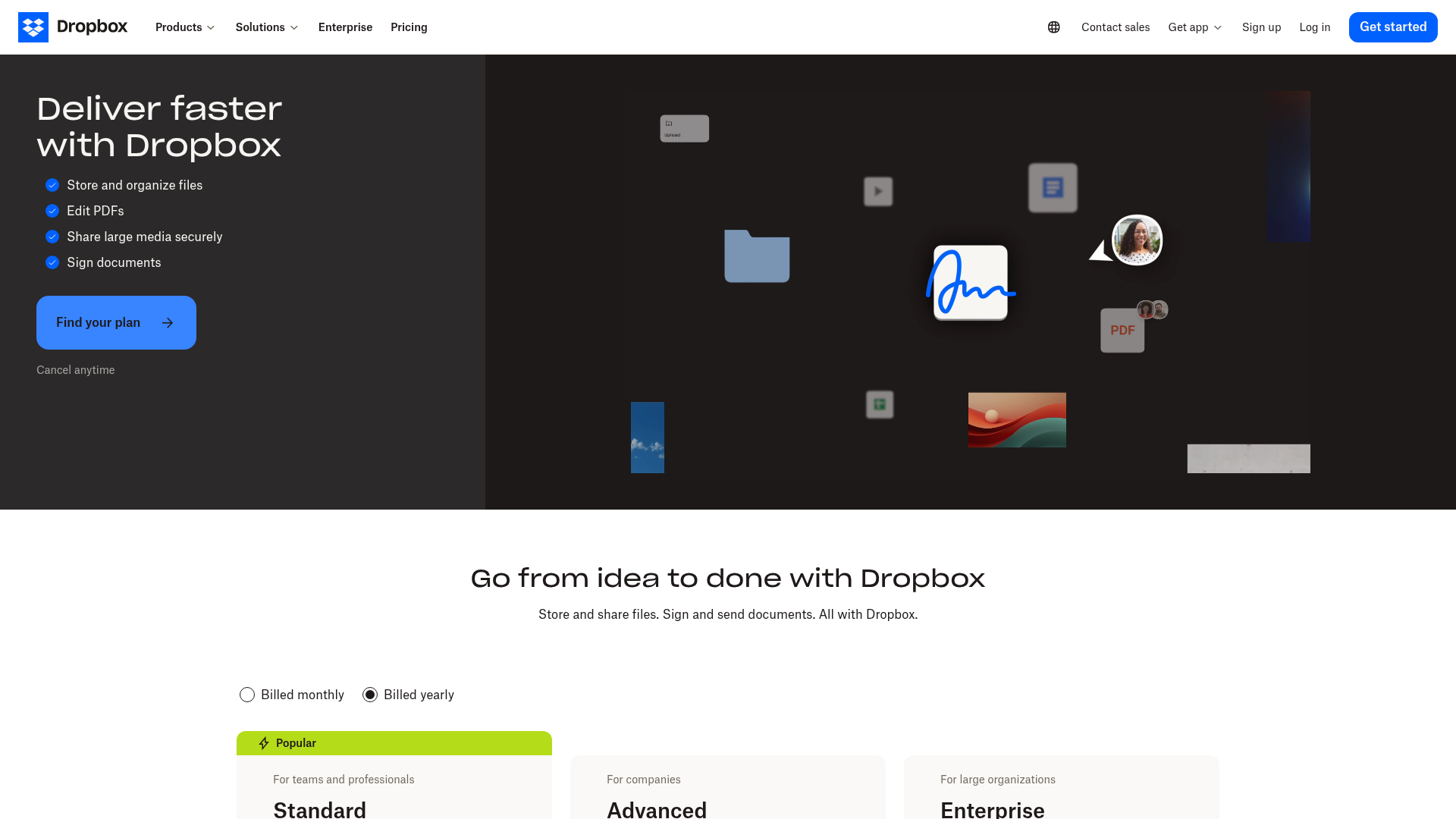
Dropbox remains strong because it made syncing feel easy before most competitors caught up. It still does cross-device file access very well.
Strengths
- dependable sync
- good external sharing
- clean file access across platforms
- decent toolset for smaller teams
Drawbacks
- can get expensive
- interface has expanded beyond its original simplicity
- less specialized for organized digital asset workflows
Dropbox is solid for teams that want reliable sharing and syncing, but businesses needing more structured file organization may prefer a platform built around that experience.
Box: best for large organizations with compliance needs
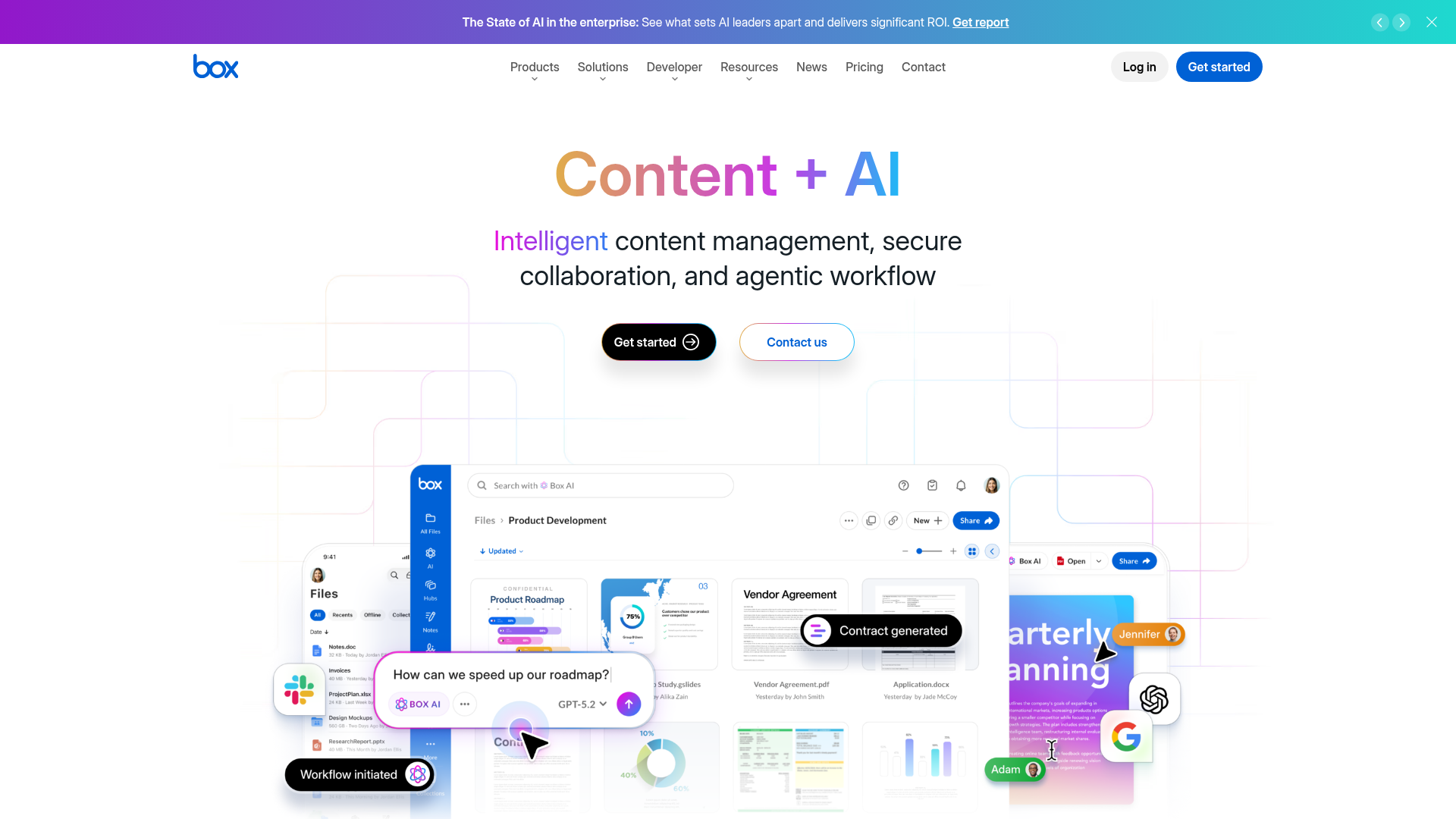
Box is often chosen by enterprises that care deeply about governance, compliance, and formal controls.
Strengths
- strong security and compliance features
- enterprise collaboration tooling
- admin visibility and governance
- broad integration ecosystem
Drawbacks
- overkill for many startups and small businesses
- pricing can climb
- not the simplest experience for teams that just need clean storage and sharing
For highly regulated organizations, Box makes sense. For smaller teams wanting clarity and speed, it may be more platform than they need.
Sync.com: best for privacy-focused teams
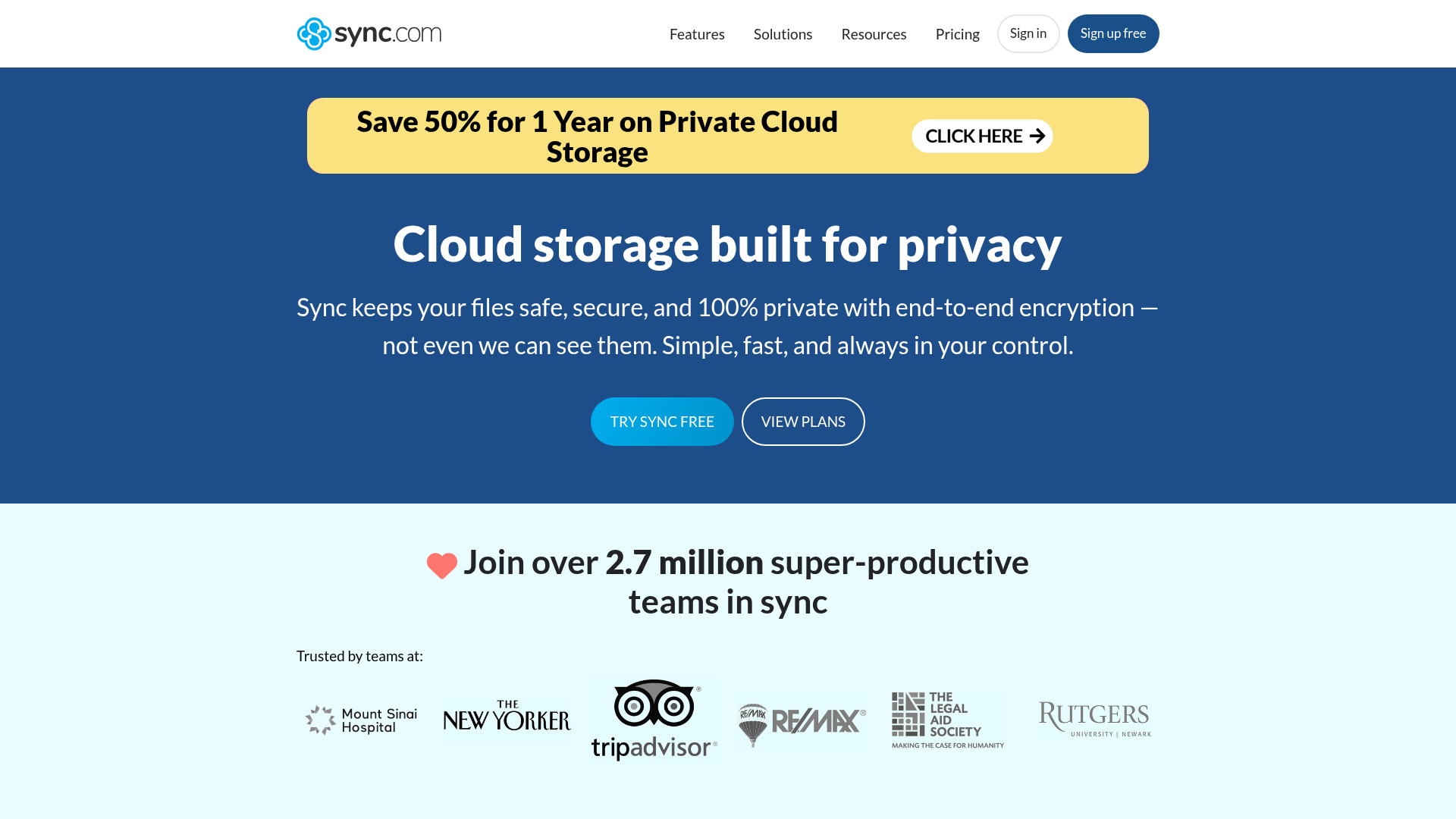
Sync.com is widely recommended for secure cloud storage because of its emphasis on privacy and encrypted sharing.
Strengths
- strong privacy posture
- secure file sharing controls
- useful team features
- attractive pricing on some plans
Drawbacks
- slower performance than some rivals
- less polished for asset-heavy workflows
- productivity ecosystem is narrower
If privacy is your top priority, Sync.com is a good option. If your business also wants strong visual organization and easier day-to-day asset handling, AssetHQ may provide a better balance.
FileCloud: best for organizations needing deployment flexibility
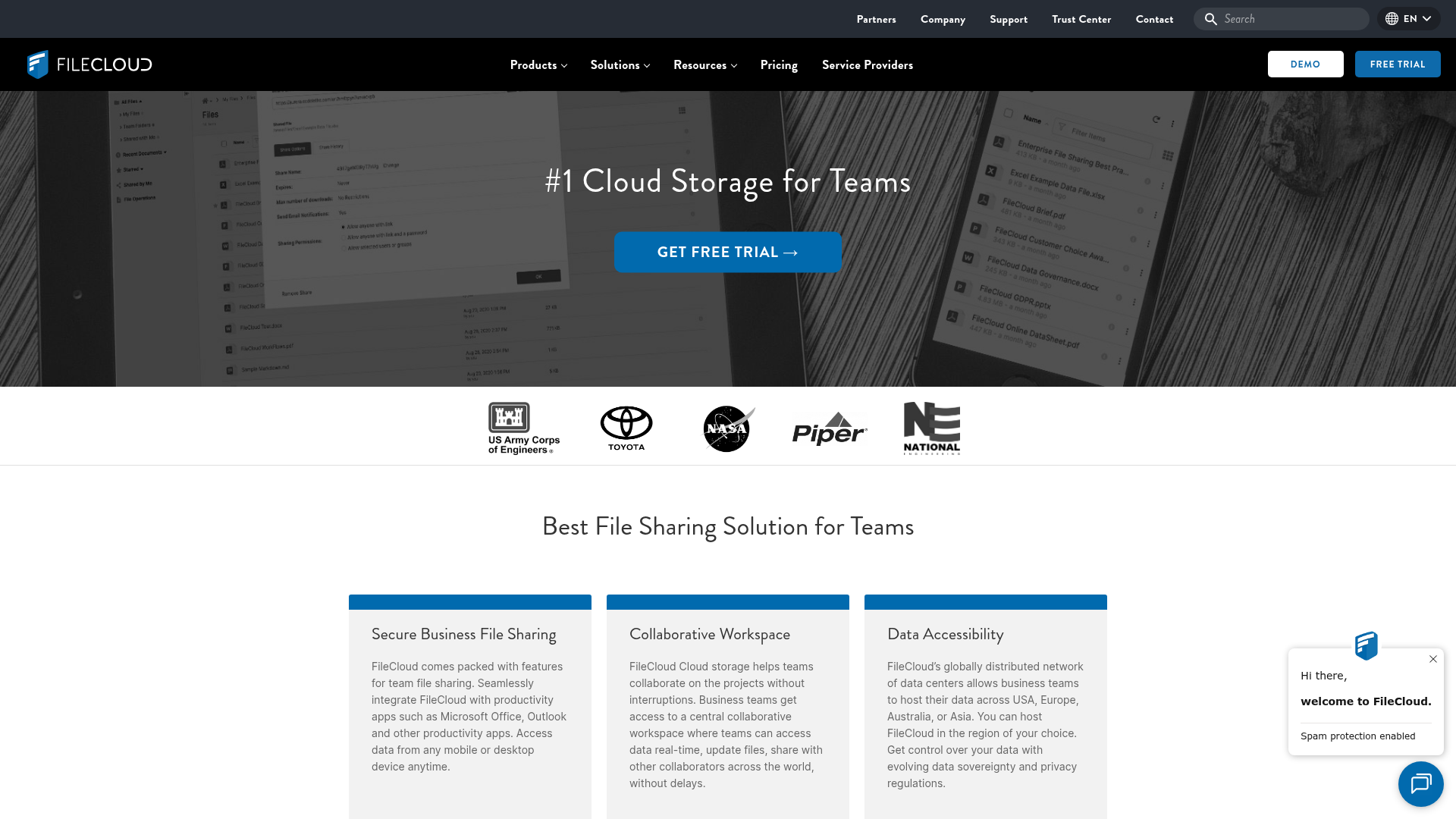
FileCloud is geared toward businesses that want more control over deployment, including self-hosted and region-specific setups.
Strengths
- deployment flexibility
- strong admin controls
- data residency options
- enterprise security features
Drawbacks
- more complex buying and setup experience
- better suited to IT-led organizations
- less friendly for small teams wanting instant simplicity
For businesses with technical requirements around hosting or compliance, FileCloud is worth a look. For lean teams that want to get organized fast, AssetHQ offers a more approachable path.
Side-by-side comparison table
Platform | Best for | Ease of use | Secure sharing | Visual asset handling | Collaboration | Pricing feel |
|---|---|---|---|---|---|---|
AssetHQ | Startups, small businesses, growing teams | High | High | High | High | Transparent |
Google Drive | Google Workspace users | High | Medium | Medium | High | Moderate |
OneDrive | Microsoft 365 teams | Medium | High | Medium | High | Strong bundled value |
Dropbox Business | Cross-platform teams | High | High | Medium | Medium | Can get expensive |
Box | Enterprises, compliance-heavy orgs | Medium | High | Medium | High | Enterprise-level |
Sync.com | Privacy-focused teams | Medium | High | Medium | Medium | Competitive |
FileCloud | IT-led orgs with hosting needs | Medium | High | Medium | Medium | Depends on deployment |
What competitor articles often miss
After reviewing top-ranking content in this space, a few patterns stand out.
They overemphasize storage size
Yes, storage matters. But most teams outgrow bad organization before they run out of gigabytes. Search intent here is not just “where can I store files,” but “how can my team work better with files.”
They assume every team wants an office suite
Not all teams need Docs, Sheets, and video conferencing built into the same product. Many want a reliable system for files and digital assets that is simpler than a full collaboration suite.
They underplay visual asset management
This is a major gap. Teams often manage both documents and images, yet many articles treat all files the same. Image previews, simple asset browsing, and structured visual organization are meaningful advantages.
They don’t talk enough about usability at small-team scale
A system can be “powerful” and still be wrong for a startup or founder-led team. AssetHQ’s biggest advantage is that it helps businesses behave like organized pros without forcing them into enterprise-style complexity.
Security matters: what safe sharing should include
Security is not just encryption in a spec sheet. For teams, it shows up in everyday controls.
Look for these basics:
- role-based access
- file and folder permissions
- expiring shared links
- controlled external access
- centralized ownership
- activity visibility
- enterprise-grade storage protection
"In the second half of 2025, 83% of incidents involving major cloud and SaaS-hosted environments exploited identity issues for initial access." - Google Cloud
That statistic highlights an important truth: access management is just as important as raw storage security. Teams need to know who can open what, who shared it, and how long that access should last.
AssetHQ supports this more practical model of secure collaboration by making file sharing controlled and easy to manage, not loose and improvised.
How to choose the right option for your team
The right decision depends on your working style more than the logo on the homepage.
Choose AssetHQ if:
- you want a simple but professional way to manage documents and assets
- your team works with images as well as standard files
- you need secure file sharing with access control
- you want clean organization without enterprise bloat
- you care about predictable pricing
Choose Google Drive if:
- your team is already fully committed to Google Workspace
- document collaboration is the main priority
- you want a familiar ecosystem
Choose OneDrive if:
- you run on Microsoft 365
- you rely on Teams and Office apps daily
- bundled business productivity matters most
Choose Dropbox if:
- cross-platform sync is your top concern
- your team frequently shares files externally
- you want a widely known interface
Choose Box or FileCloud if:
- compliance or deployment control is central
- your organization has more formal IT governance
- you need advanced enterprise controls
A practical rollout plan for any team
Even the best platform fails if adoption is chaotic. Here is a simple rollout plan.
Step 1: define your core folders
Start with a clear structure such as:
- Brand
- Sales
- Product
- Operations
- Finance
- Client Deliverables
- Archive
Step 2: assign ownership
Each major folder should have a responsible owner who keeps naming, permissions, and version practices clean.
Step 3: standardize sharing rules
Set clear internal rules for:
- when to use shared links
- who can share externally
- when links should expire
- which files require restricted access
Step 4: migrate active assets first
Do not start with your full historical archive. Move the files your team uses weekly, then expand.
Step 5: train for 15 minutes, not 3 hours
If a tool requires a long onboarding session, that is a warning sign. The best team storage tools should feel intuitive. AssetHQ is especially useful here because its simplicity reduces training friction.
Final verdict
There is no single best cloud storage platform for every company. But there is a best fit for the kind of team you are today.
If you are a large enterprise with formal compliance workflows, you may lean toward Box or FileCloud. If you are deeply tied to Google or Microsoft, Drive and OneDrive are obvious contenders. If you want privacy above all else, Sync.com deserves attention.
But if you are a solo founder, startup, small business, or growing team that wants secure, organized, easy-to-use cloud storage without overspending or overcomplicating things, AssetHQ is the strongest choice.
It gives you what most teams actually need: simple file organization, image and document management, secure sharing with control, fast access, scalable collaboration, and reliable pricing. In other words, it helps your business stay organized and professional without becoming harder to run.
If your current storage setup feels messy, slow, or fragile, try AssetHQ and move to a system your team will actually enjoy using.
FAQ
Is Google Drive or OneDrive better for collaboration?
It depends on your existing ecosystem. Google Drive is often better for browser-based, real-time document collaboration, while OneDrive works best for teams already using Microsoft 365, Teams, and Office apps.
Which all cloud storage options can be used in teams?
Teams commonly use AssetHQ, Google Drive, OneDrive, Dropbox Business, Box, Sync.com, and FileCloud. The best choice depends on whether your priority is simplicity, office suite integration, privacy, compliance, or visual asset management.
What is the 32110 backup rule?
The 3-2-1-1-0 backup rule means keeping 3 copies of data, on 2 different media types, with 1 offsite copy, 1 immutable or offline copy, and 0 backup errors verified through testing. It is a stronger modern version of traditional backup planning.
Is a 3/2/1 backup outdated?
No, 3/2/1 is still a strong foundation, but many businesses now extend it to 3-2-1-1-0 for better ransomware protection. For teams using cloud storage, the key is combining organized shared access with a backup strategy that includes offsite and recoverable copies.
Related Posts
Create a Shared Folder for Team Collaboration
Learn how to create a shared folder, choose shared drives, organize team files securely, and improve collaboration with ease.
min read
Best File Sharing App for Easy Large File Transfer
Best File Sharing App for Easy Large File Transfer If you regularly send videos, design files, contracts, presentations, or folders full of project assets, you already know the problem: email attachments are too small, generic cloud drives get messy fast, and many transfer tools make sharing feel harder than it should be. The best file sharing app should do more than move files from point A to point B. It should make large file sharing simple, secure, fast, and organized - especially if you wo
min read
Online Document Sharing Made Simple
Online Document Sharing Made Simple If your team is still emailing attachments back and forth, losing track of versions, or wondering who has access to what, you are not alone. For solo founders, small businesses, startups, and growing teams, online document sharing should make work easier - not add more confusion. A modern online document sharing platform helps you store files in one place, organize them clearly, share them securely, and collaborate without the mess of scattered folders and o
min read