Business Cloud Storage: Best Options for Teams
Business Cloud Storage: Best Options for Teams If your team is juggling files across email threads, local drives, shared folders, and too many disconnected apps, you are already feeling the real problem behind the search for business cloud storage. It is not just about where files live. It is about whether your team can find what it needs fast, share it securely, and stay organized as the business grows. For solo founders, startups, and small teams, the challenge is even more specific. Many pl
Business Cloud Storage: Best Options for Teams
If your team is juggling files across email threads, local drives, shared folders, and too many disconnected apps, you are already feeling the real problem behind the search for business cloud storage. It is not just about where files live. It is about whether your team can find what it needs fast, share it securely, and stay organized as the business grows.
For solo founders, startups, and small teams, the challenge is even more specific. Many platforms are either too basic, too expensive, or too bloated with enterprise features you may never use. What most growing companies actually need is simpler: reliable cloud storage, clear folder organization, secure sharing, fast access, image and file previews, and collaboration features that do not require a week of onboarding.
That is where this guide helps. We reviewed the market through the lens of what teams really need: simplicity, security, collaboration, affordability, and room to scale. We will also show where tools like AssetHQ stand out as a practical option for businesses that want modern file management without enterprise-heavy complexity.
What business cloud storage actually means
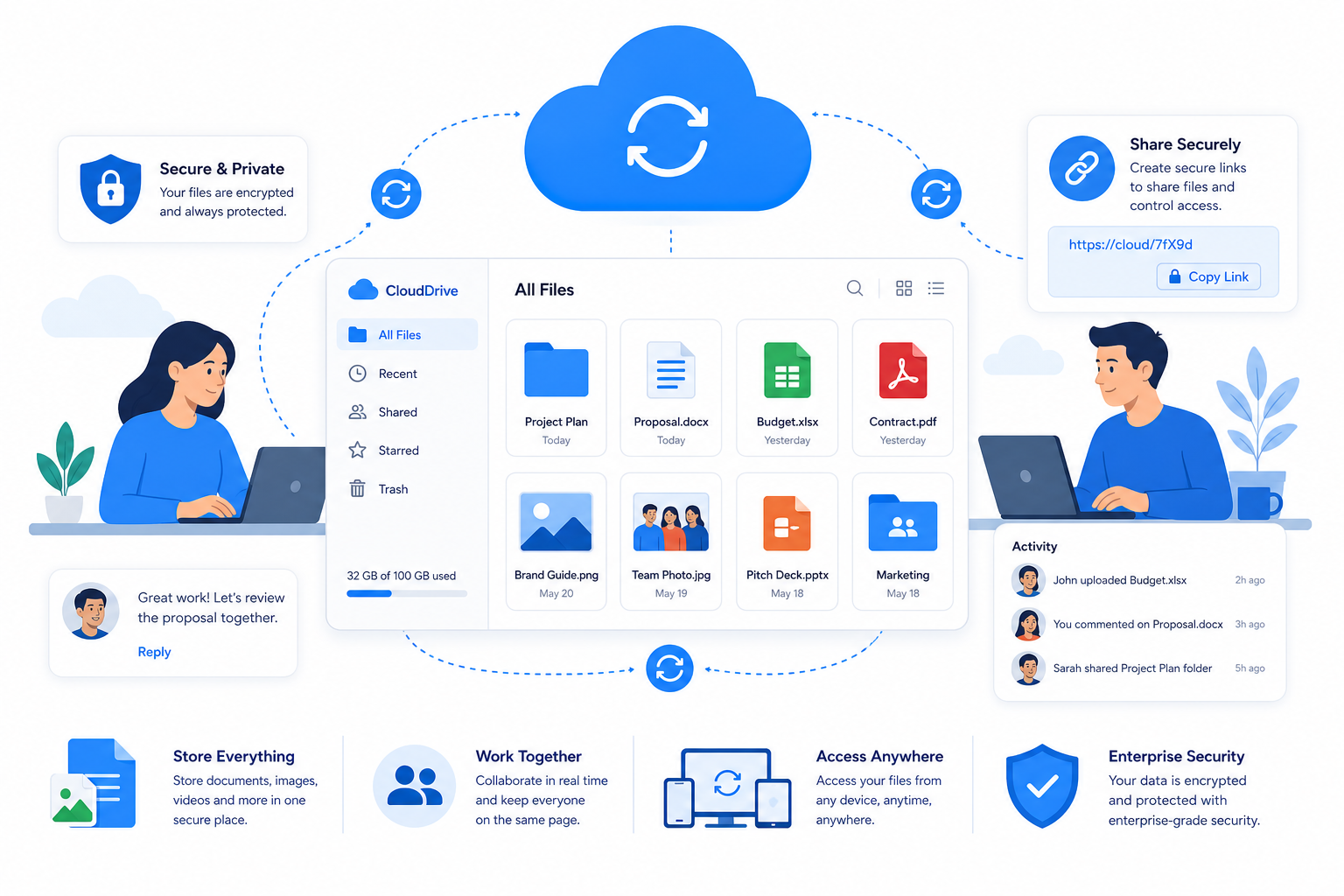
Business cloud storage is a service that lets your company store, organize, access, and share files online instead of relying on local servers, USB drives, or scattered employee devices.
At a basic level, that includes:
- Centralized file storage
- Access from any device
- Team permissions and user management
- File sharing with internal and external users
- Sync, backup, and recovery support
- Security controls for business data
But the best business cloud storage platforms go further. They help teams create a single source of truth for documents, images, presentations, brand assets, contracts, and shared working files.
For many businesses, that starts looking less like generic cloud storage and more like lightweight digital asset management. That is why platforms such as AssetHQ are increasingly relevant: they combine organized file storage with intuitive management, image preview support, secure sharing, and collaboration tools that are actually usable for small and growing teams.
Why small teams outgrow generic storage tools
Many companies start with whatever is available: free cloud accounts, shared drives, or ad hoc folders. That works for a while, until it does not.
The most common breaking points are:
- Files become hard to find
- Permission control gets messy
- External sharing feels risky
- Visual assets are difficult to preview and manage
- Teams duplicate files across apps
- Storage costs rise in unpredictable ways
- Admin setup becomes more complex than the team can support
Competitor guides often compare storage limits and pricing, but they usually gloss over a more important question: how easy is it for a team to work inside the system every day?
That daily usability matters. If your cloud storage is hard to navigate, slow to upload, or awkward for sharing, your team will work around it instead of using it properly.
What to look for in the best business cloud storage
1. Simple file organization
Folder structure still matters. Teams need a clear, intuitive way to group files by client, campaign, department, project, or asset type.
Look for:
- Familiar folder and subfolder structures
- Fast search
- Visual browsing
- Preview support for images and documents
- Easy bulk upload and drag-and-drop management
This is one of the clearest areas where AssetHQ fits modern team needs. It offers straightforward file organization that feels familiar, not overengineered, which makes adoption much easier for small teams.
2. Secure file sharing
Sharing should be fast, but never loose or uncontrolled. Good business cloud storage should include:
- Shareable links
- Password-protected links
- Expiring links
- Access restrictions
- Download controls
- Audit-friendly permissions
These features are essential if you send files to clients, contractors, agencies, or partners.
3. Collaboration features
You may not need a full document suite inside your storage platform, but you do need smooth collaboration around files.
Useful collaboration features include:
- Shared folders
- Team workspaces
- Permission-based access
- Version awareness
- Comments or review workflows
- Easy handoff between internal and external users
4. Security and admin control
Business storage should not be judged only by convenience. Teams also need confidence that sensitive files are protected.
Minimum expectations include:
- Encryption in transit and at rest
- Role-based permissions
- Admin controls
- Activity logs or reporting
- Backup and recovery support
- SSO or advanced access options for larger teams
"As of 2025, 78% of businesses have adopted cloud services, yet 9% of cloud data is publicly accessible, with 97% of that data classified as restricted or confidential." - Source
5. Predictable pricing
Many teams do not need complicated custom contracts. They need affordable, flat pricing they can understand.
That is another content gap in many competitor articles: they compare starting price, but not pricing clarity. Hidden user thresholds, upload caps, or advanced security locked behind top-tier plans can dramatically change the total cost.
6. Scalability without bloat
The right tool should work for a solo founder today and still support a growing team later. That means:
- Easy user additions
- Logical permissions as teams expand
- More storage when needed
- No forced migration to an entirely different system
Common content gaps in competitor articles
After reviewing leading competitor content, a few patterns stand out.
They focus too much on big-name vendors
Dropbox, OneDrive, Box, Egnyte, and similar tools dominate most roundups. They are solid products, but they are not always the best fit for smaller organizations that want less complexity and faster onboarding.
They blur cloud storage, backup, and DAM
Some articles recommend backup-first tools when the reader likely needs day-to-day file access and team collaboration. Others do not explain the difference between basic storage and a more organized digital asset workflow.
They undervalue usability
Real teams do not choose tools by storage size alone. They choose tools their team will actually use consistently.
They rarely address image-heavy workflows
If your business works with product photos, marketing creatives, brand files, documentation, or visual content, image previews and organized access matter a lot. Generic cloud storage articles often overlook this.
They do not speak enough to startups and small teams
Small teams need practical guidance, not enterprise procurement language. They need to know what works when you have limited IT support and want a platform that is secure, intuitive, and affordable.
Best business cloud storage options for teams
Below is a practical comparison of the most relevant options for businesses evaluating cloud storage today.
Quick comparison table
Platform | Best For | Key Strengths | Potential Drawbacks |
|---|---|---|---|
AssetHQ | Small teams, startups, visual file management | Simple organization, secure sharing, image previews, collaboration, flat pricing | Less known than major legacy vendors |
Dropbox Business | General business use | Strong sync, familiar interface, broad integrations | Can get expensive as needs grow |
Microsoft OneDrive | Microsoft-based companies | Native Microsoft 365 integration, familiar ecosystem | Best only if you already rely on Microsoft tools |
Box | Compliance-heavy organizations | Security, governance, integrations, enterprise controls | Feels heavier for smaller teams |
Egnyte | Hybrid and policy-driven environments | Strong admin controls, hybrid storage capabilities | Higher complexity and cost |
FileCloud | Deployment flexibility and control | On-prem, hosted, governance, compliance options | More infrastructure-oriented than simple team-first tools |
"In 2024, 44% of organizations reported experiencing a cloud data breach, with 14% occurring within the past year." - Source
1. AssetHQ
Best for: startups, solo founders, small businesses, and growing teams that want simple, secure, scalable file management.
AssetHQ is especially compelling if your team needs more than basic storage but less than an oversized enterprise content system. It is built around clarity and usability: organized file storage, intuitive folder structures, image preview support, secure sharing, and collaboration features that help teams move quickly.
Why it stands out:
- Simple and intuitive file management
- Organized storage for documents, images, and shared files
- Secure file sharing with expiring links and access control
- Image preview and management capabilities
- Fast upload and file access
- Team collaboration features for growing organizations
- Enterprise-grade secure storage without unnecessary complexity
- Affordable flat pricing with no hidden fees
- Scales from solo use to team-wide use cleanly
For teams that want business cloud storage to feel dependable rather than complicated, AssetHQ fills a gap that many competitor articles ignore.
Who should choose AssetHQ
Choose AssetHQ if you want:
- A clean home for documents and digital assets
- Better file sharing controls without enterprise overhead
- Faster onboarding for non-technical teams
- A scalable file platform that remains easy to use
- A DAM-adjacent storage solution for visual and mixed file types
2. Dropbox Business
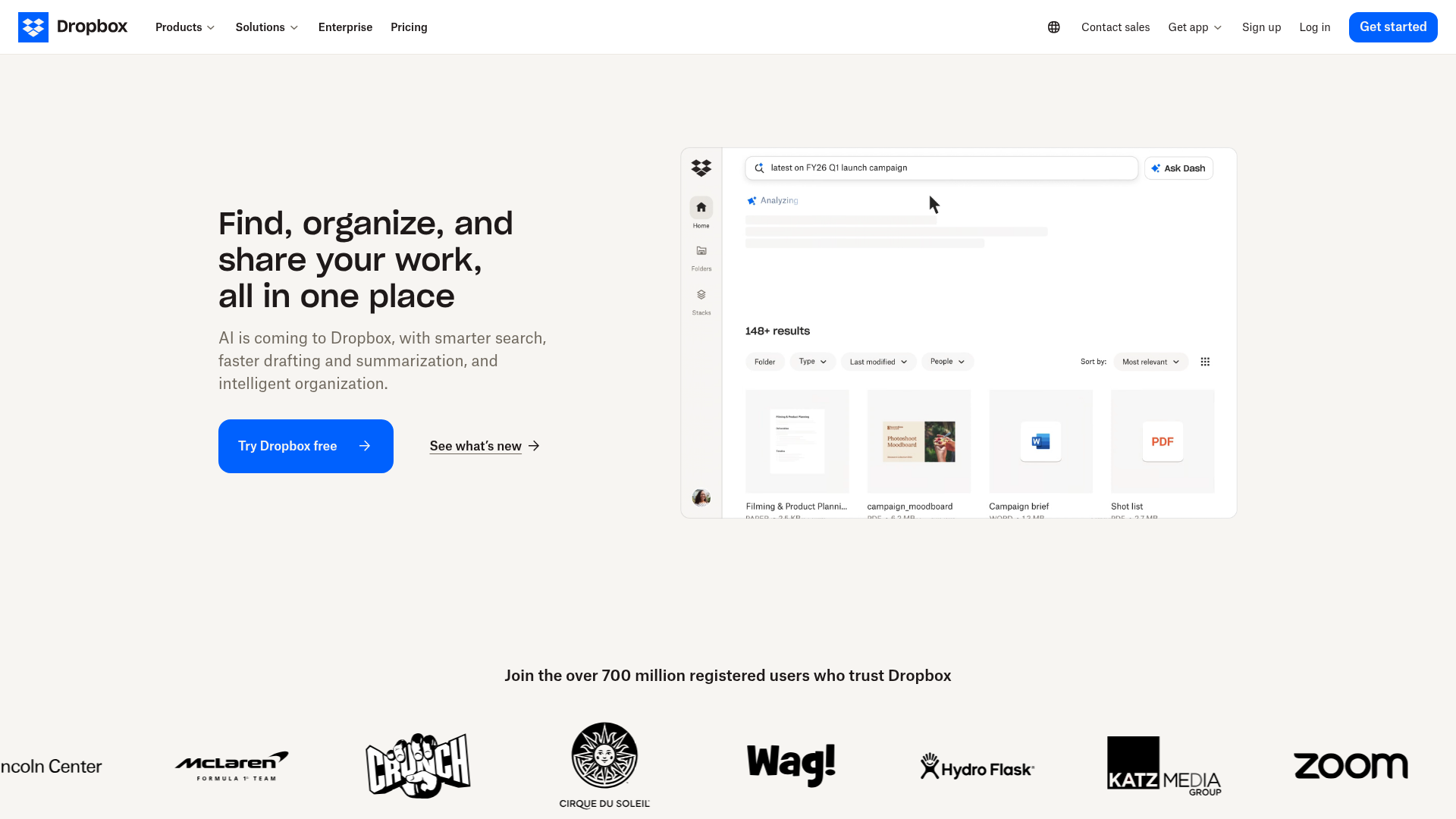
Best for: teams that want a familiar, polished cloud storage platform with mature sync and sharing.
Dropbox remains one of the easiest mainstream tools to recommend because it is simple to understand and widely adopted. It is especially strong for file synchronization and external sharing.
Strengths:
- Smooth interface
- Reliable syncing
- Good sharing tools
- Broad app ecosystem
Limitations:
- Pricing can climb quickly
- Storage and advanced admin features may require higher tiers
- Less specialized for structured asset management than platforms like AssetHQ
3. Microsoft OneDrive
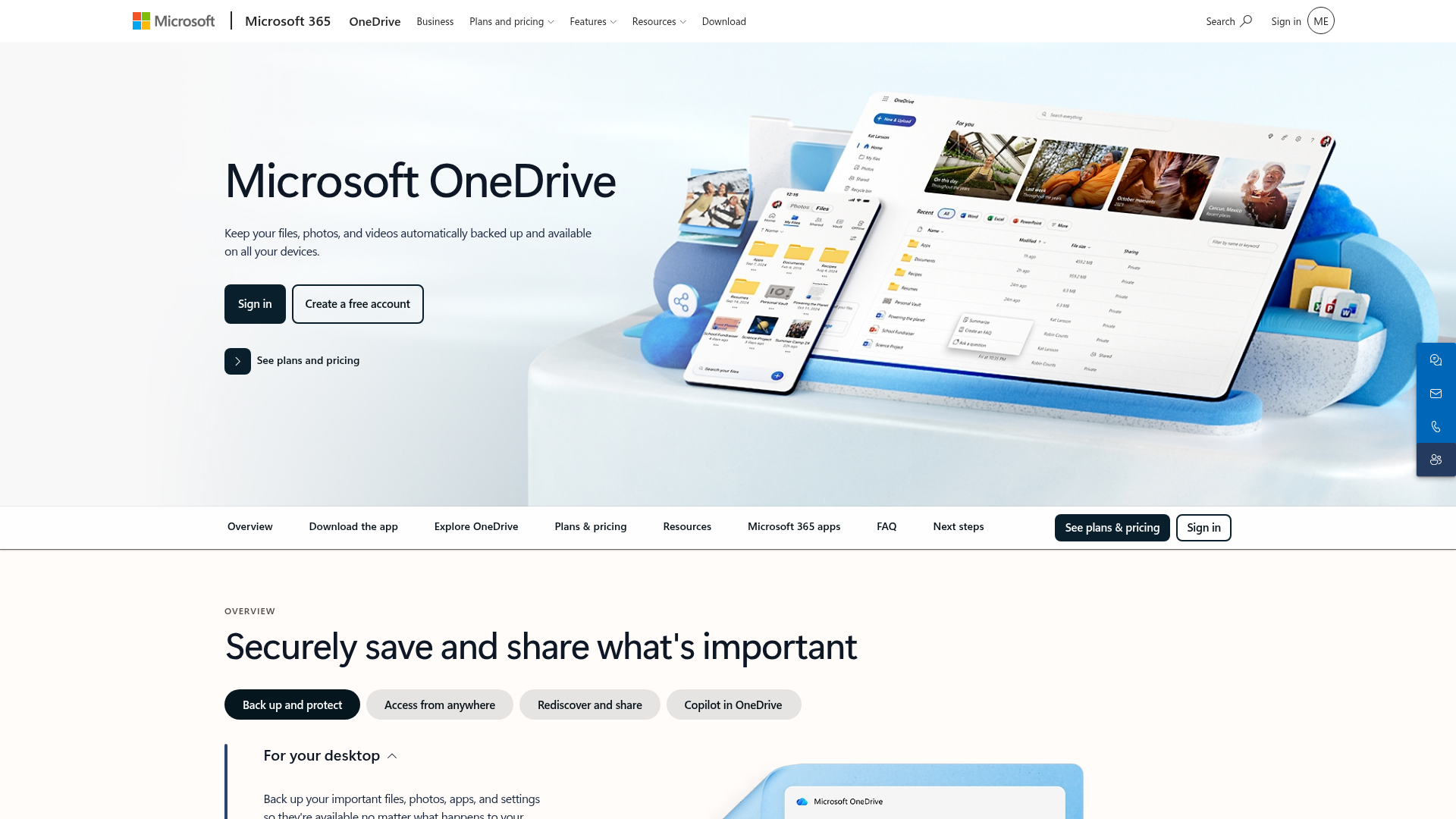
Best for: companies already committed to Microsoft 365.
OneDrive makes the most sense when your team already lives in Word, Excel, Outlook, and Teams. In that environment, it becomes a natural extension of your workflow.
Strengths:
- Deep Microsoft integration
- Strong document collaboration
- Familiar for many office-based teams
Limitations:
- Less appealing outside the Microsoft ecosystem
- Interface and file organization can feel fragmented in mixed-tool environments
- Not ideal if your primary need is visual asset management
4. Box
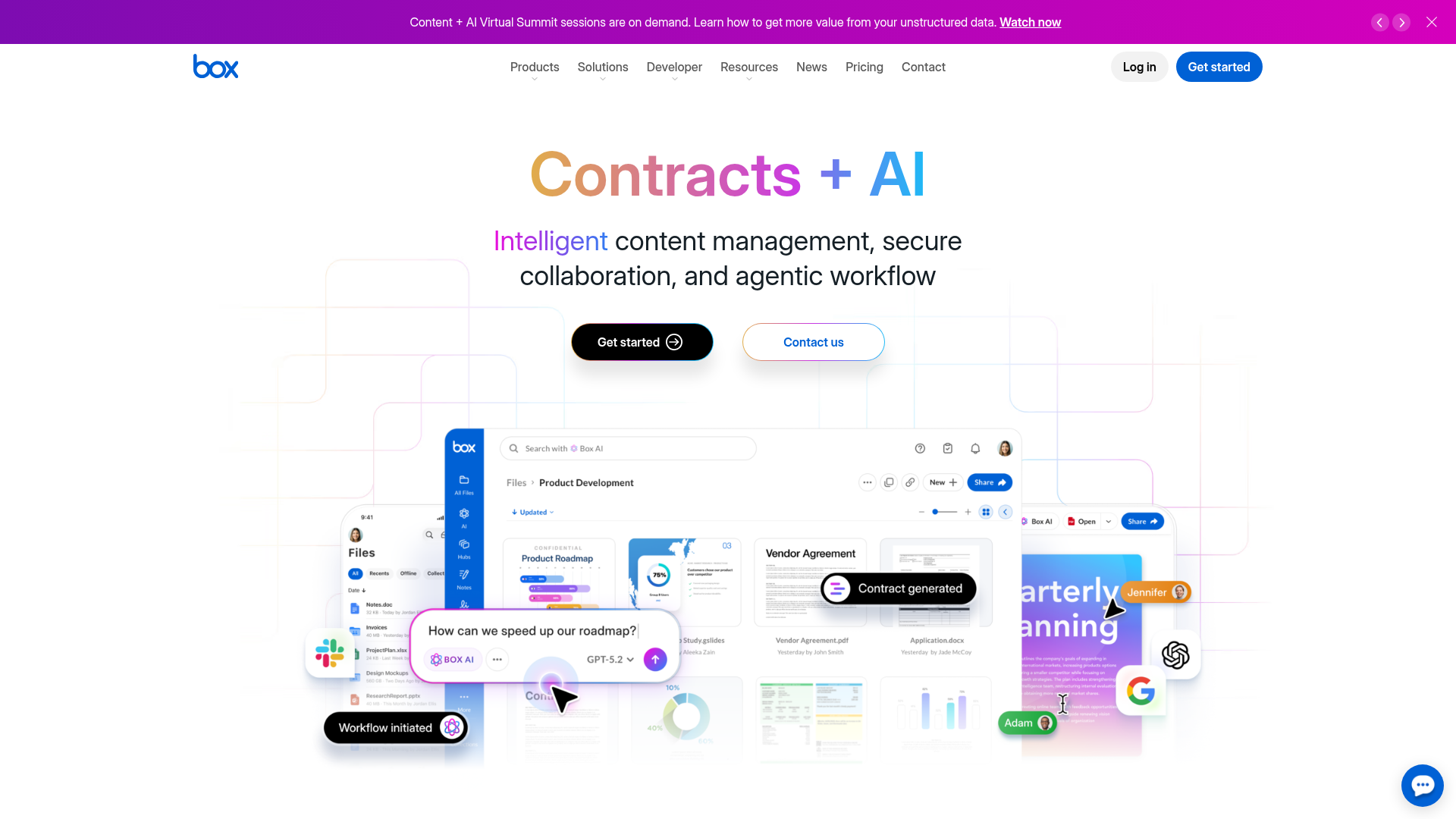
Best for: larger organizations with strict compliance and governance needs.
Box is often chosen by enterprises that care deeply about security controls, integrations, and formal content management.
Strengths:
- Strong enterprise security posture
- Wide integration catalog
- Good governance capabilities
Limitations:
- More than many small teams need
- Can feel process-heavy
- Higher-value features are often aimed at larger organizations
5. Egnyte

Best for: companies that need hybrid storage and tighter policy enforcement.
Egnyte has a strong reputation in environments where businesses need cloud convenience plus more traditional control.
Strengths:
- Hybrid deployment approach
- Granular admin features
- Security and governance depth
Limitations:
- Less lightweight than startup teams typically want
- Custom pricing and complexity can slow evaluation
- Overkill for teams mainly seeking easy file storage and sharing
6. FileCloud
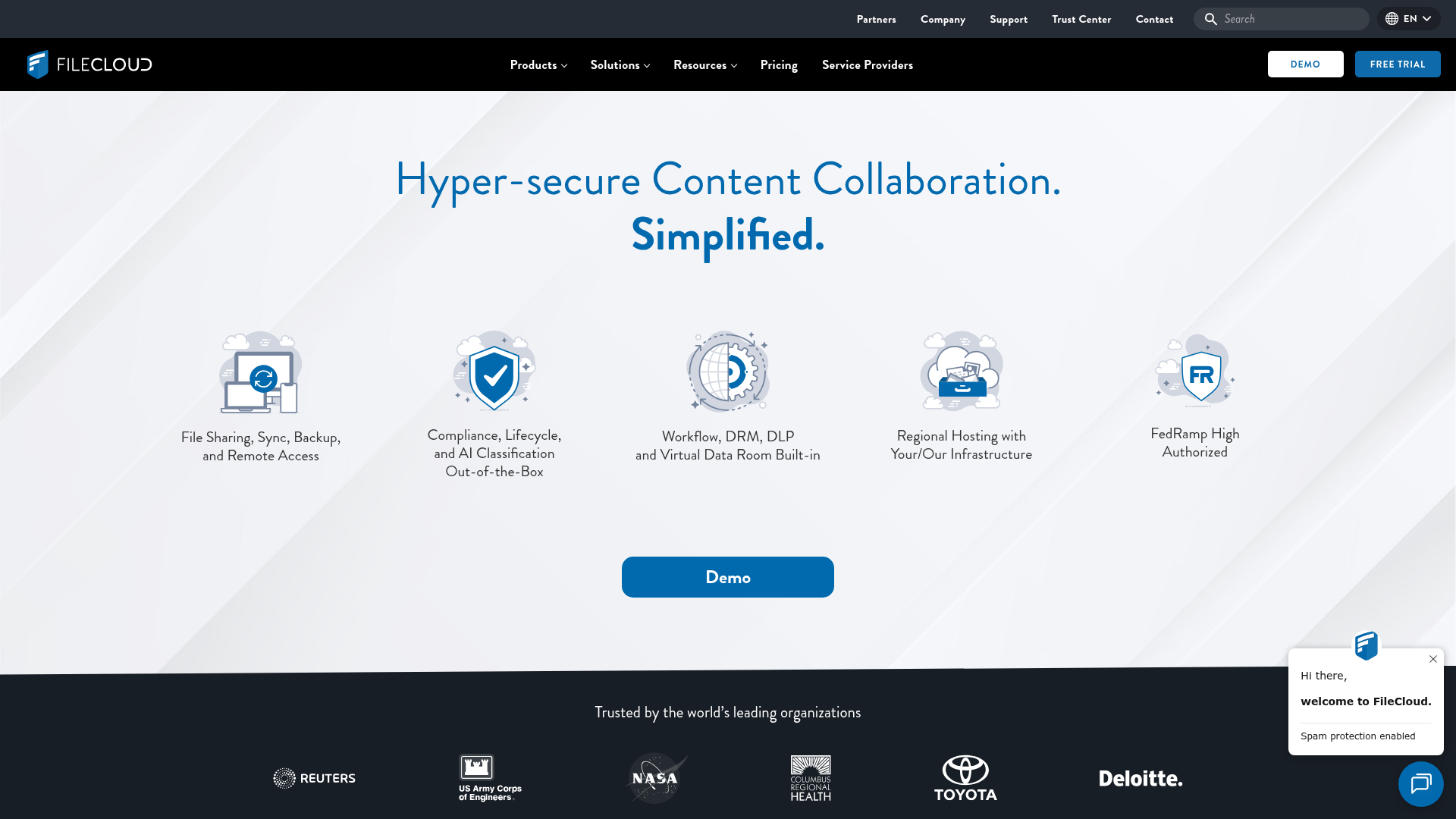
Best for: organizations that need more deployment flexibility, including self-hosted or highly controlled setups.
FileCloud is a strong choice for businesses with specific infrastructure, compliance, or deployment requirements.
Strengths:
- Hosted and self-hosted flexibility
- Governance and compliance features
- Broad administrative control
Limitations:
- Not as simple for small teams to adopt
- Better for IT-led rollouts than lightweight team-first adoption
- Less focused on streamlined visual asset management
Which option is best for your team size?
Best for solo founders
If you are working alone but want a professional, scalable system, focus on ease of use and future growth. AssetHQ is a strong fit because it avoids unnecessary complexity while still giving you structured storage, secure sharing, and room to expand.
Best for small businesses
For teams of 2 to 25 people, the sweet spot is a platform that combines organization, access control, and easy collaboration. AssetHQ and Dropbox are both strong here, but AssetHQ is often better if your workflow includes documents plus images and shared assets.
Best for growing teams
For businesses adding departments, contractors, and clients, permission structure and clean organization become more important. Look for a platform that stays easy to use even as your file library grows. AssetHQ’s scalable simplicity is a major advantage here.
Best for larger or compliance-driven teams
If you need formal governance, advanced audit features, or deployment flexibility, Box, Egnyte, and FileCloud deserve a closer look.
Business cloud storage vs backup vs DAM
This distinction is important and often missed.
Type | Primary Purpose | Best For |
|---|---|---|
Cloud Storage | Day-to-day file access and sharing | Teams collaborating on active files |
Cloud Backup | Data protection and disaster recovery | Recovery after deletion, outages, or attacks |
Digital Asset Management (DAM) | Organizing and controlling rich media and brand assets | Marketing, creative, and file-heavy teams |
Many growing companies need a combination of cloud storage and light DAM functionality. That is one reason AssetHQ is so relevant. It provides storage and organization in a way that is especially useful for teams managing documents, images, and shared assets without needing a giant enterprise DAM stack.
The features that matter most in real-world use
Fast uploads and access
Speed matters. If users have to wait for uploads, previews, or downloads, they will store files somewhere else. Business cloud storage should feel responsive.
Image previews and visual navigation
For many teams, files are not just spreadsheets and PDFs. They are product images, social graphics, presentations, packaging designs, event photos, and client assets. A visual-friendly storage experience saves time.
Permission control without confusion
The best platforms make it obvious who can view, edit, download, or share. That reduces risk and simplifies collaboration.
Flat, understandable pricing
Clear pricing helps teams scale confidently. Hidden storage jumps or feature gates create friction later.
A low learning curve
This is where many enterprise tools lose small teams. If training is required just to upload, organize, and share files properly, the tool may not be the right fit.
How to choose the right business cloud storage
Use this checklist before you decide:
Choose based on your workflow, not vendor popularity
Ask:
- Do we mainly store documents, images, or both?
- Do we need secure client-facing sharing?
- How important are previews and easy browsing?
- Do we need deep compliance features or practical simplicity?
- Will non-technical users adopt this quickly?
- Can pricing stay predictable as we grow?
Prioritize these five criteria
- Ease of organization
- Secure sharing controls
- Collaboration support
- Security and admin confidence
- Pricing clarity and scalability
A simple decision guide
If your priority is... | Best fit |
|---|---|
Simple, scalable storage with asset-friendly organization | AssetHQ |
Familiar all-around file syncing | Dropbox |
Microsoft 365 workflow integration | OneDrive |
Enterprise governance and compliance | Box |
Hybrid storage and policy control | Egnyte |
Self-hosting and deployment flexibility | FileCloud |
Final verdict
The best business cloud storage solution is not automatically the biggest brand or the one with the longest enterprise feature list. It is the platform your team can use confidently every day to store, organize, preview, share, and protect important files.
For many small businesses, solo founders, startups, and growing teams, the real need is not complexity. It is clarity.
That is why AssetHQ deserves serious attention. It brings together the essentials modern teams actually need:
- simple and intuitive file management
- secure file sharing with expiring links and access control
- organized storage for documents, images, and files
- image preview and management capabilities
- team collaboration for growing organizations
- enterprise-grade secure storage
- fast upload and file access
- affordable flat pricing with no hidden fees
- scalable structure for solo users and teams alike
If you want business cloud storage that feels professional, dependable, and easy from day one, AssetHQ is a smart place to start.
FAQ
What is the Veeam 321 rule?
The 3-2-1 rule is a backup best practice: keep three copies of your data, on two different types of storage, with one copy stored offsite. While business cloud storage helps teams access and share active files, you should still pair it with a proper backup strategy for resilience.
What is business cloud storage?
Business cloud storage is an online service that lets companies store, organize, access, and share files securely from anywhere. It gives teams a centralized place for documents, images, and other assets while supporting permissions, collaboration, and scalable growth.
What features should small teams look for in business cloud storage?
Small teams should prioritize simple file organization, secure sharing, clear permissions, fast file access, and predictable pricing. If your team works with visual content, image previews and easy asset management are also important.
How is business cloud storage different from cloud backup?
Business cloud storage is designed for everyday file access, sharing, and collaboration, while cloud backup is focused on recovery after deletion, ransomware, or outages. Most businesses benefit from using cloud storage for active work and backup for protection.
Why is AssetHQ a good option for growing teams?
AssetHQ is a strong choice because it combines simple file management, secure sharing controls, image preview support, and team collaboration in one scalable platform. It is especially useful for businesses that want reliable storage without the complexity or hidden costs of enterprise-heavy systems.
Related Posts

Brand Asset Management Software for Growing Teams
Discover brand asset management software for growing teams and learn how to organize files, share securely, and scale with ease.
min read
Cloud Based Digital Asset Management Benefits
Explore cloud based digital asset management benefits for secure file sharing, simpler teamwork, and organized growth. Try it today now
min read
File Sharing and Storage Made Simple for Teams
Discover file sharing and storage made simple for teams with secure access, better organization, and faster collaboration. Try AssetHQ!
min read