Cloud Document Storage for Modern Teams
Cloud Document Storage for Modern Teams Modern teams do not just need a place to dump files. They need a dependable system for storing, organizing, sharing, previewing, and protecting documents without turning daily work into an IT project. That is the real appeal of cloud document storage. It gives solo founders, startups, small businesses, and growing teams a central place for contracts, proposals, brand assets, reports, images, and internal files - while making them available from anywhere.
 Kevin SimphiweJune 25, 202610 min read
Cloud Document Storage for Modern Teams
Modern teams do not just need a place to dump files. They need a dependable system for storing, organizing, sharing, previewing, and protecting documents without turning daily work into an IT project.
That is the real appeal of cloud document storage. It gives solo founders, startups, small businesses, and growing teams a central place for contracts, proposals, brand assets, reports, images, and internal files - while making them available from anywhere. The best platforms also make collaboration easier with permissions, link sharing, version visibility, and a folder structure people can actually understand.
For many teams, the challenge is not whether to move documents into the cloud. It is choosing a solution that feels simple enough to adopt quickly, but powerful enough to support secure growth. That is exactly where AssetHQ stands out: intuitive organization, secure sharing, fast file access, image-friendly management, and straightforward pricing without the bloat of enterprise-heavy systems.
What cloud document storage actually means
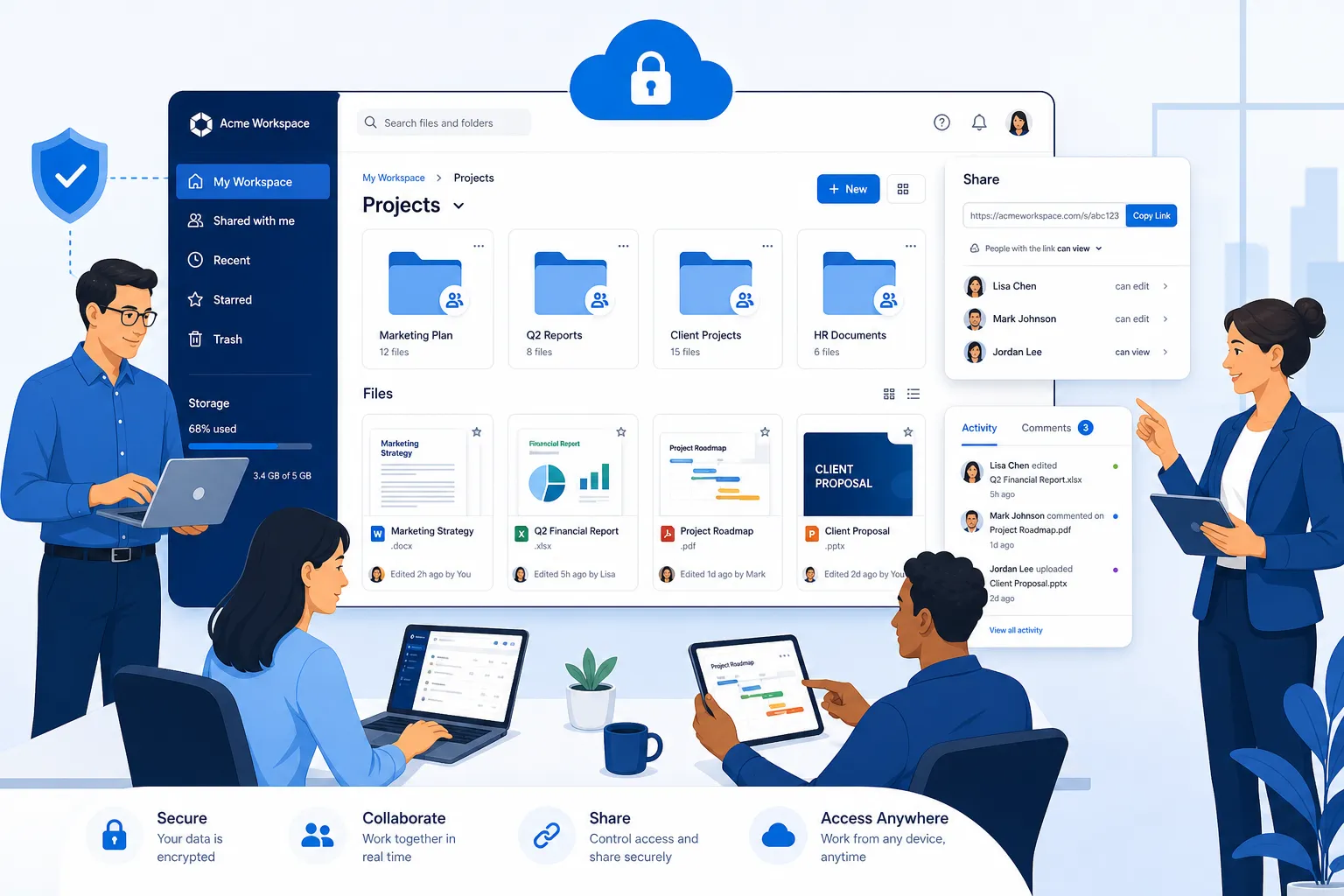
Cloud document storage is an online file system that lets your team upload, store, access, and manage files over the internet instead of relying only on local hard drives or office servers.
In practice, that means your team can:
- keep documents in one shared workspace
- access files from different devices and locations
- control who can view, edit, or download files
- share documents externally without email attachments
- maintain a cleaner, more scalable filing system
When people talk about cloud docs or cloud documents, they usually mean files that live in a cloud-based environment and can be accessed or collaborated on online. Those files may include PDFs, Word files, spreadsheets, presentations, invoices, images, product sheets, legal documents, and more.
The biggest benefit is not storage alone. It is operational clarity. A good platform reduces file chaos.
Why modern teams are moving away from traditional file storage
Older file systems often fail teams in predictable ways:
- files live on one employee’s laptop
- version names become messy and unreliable
- large attachments clog email inboxes
- permissions are inconsistent
- remote access is slow or insecure
- images and documents are hard to preview quickly
- onboarding new teammates takes too long
Cloud-based systems solve these problems by centralizing access while keeping control in the hands of admins and team leads.
"In 2025, the global cloud storage market was valued at approximately USD 136.8 billion and is projected to reach USD 501.3 billion by 2034." - IMARC Group
That growth reflects a simple reality: teams need file systems built for distributed work, not just bigger digital filing cabinets.
The core jobs cloud storage should do for your team
A modern platform should support more than uploads and downloads. It should help your team work faster and with less friction.
1. Store documents reliably
The foundation is secure, dependable storage for contracts, internal docs, marketing materials, media files, and operational records.
2. Organize content clearly
The best platforms keep files easy to find through intuitive folder structures, naming consistency, and searchable organization.
3. Share files securely
Instead of sending attachments back and forth, teams should be able to share files via controlled links, with options like access restrictions and expiration dates.
4. Support collaboration
A good system helps multiple people work from the same source of truth without confusion about where the latest file lives.
5. Protect sensitive information
Enterprise-grade security, permission controls, and account-level protections are no longer optional.
What teams usually miss when comparing platforms
Many comparison pages focus too heavily on storage size and monthly pricing. That matters, but it is not enough.
The real differentiators are often:
- how fast it is to upload and retrieve files
- whether non-technical users can understand the interface
- whether images and documents can be previewed easily
- how simple it is to share files with clients or contractors
- whether access controls are granular enough for real teams
- whether pricing stays predictable as the team grows
This is one of the biggest gaps in competitor coverage. Tools are often judged by terabytes alone, even though usability and control drive adoption.
The must-have features in cloud document storage
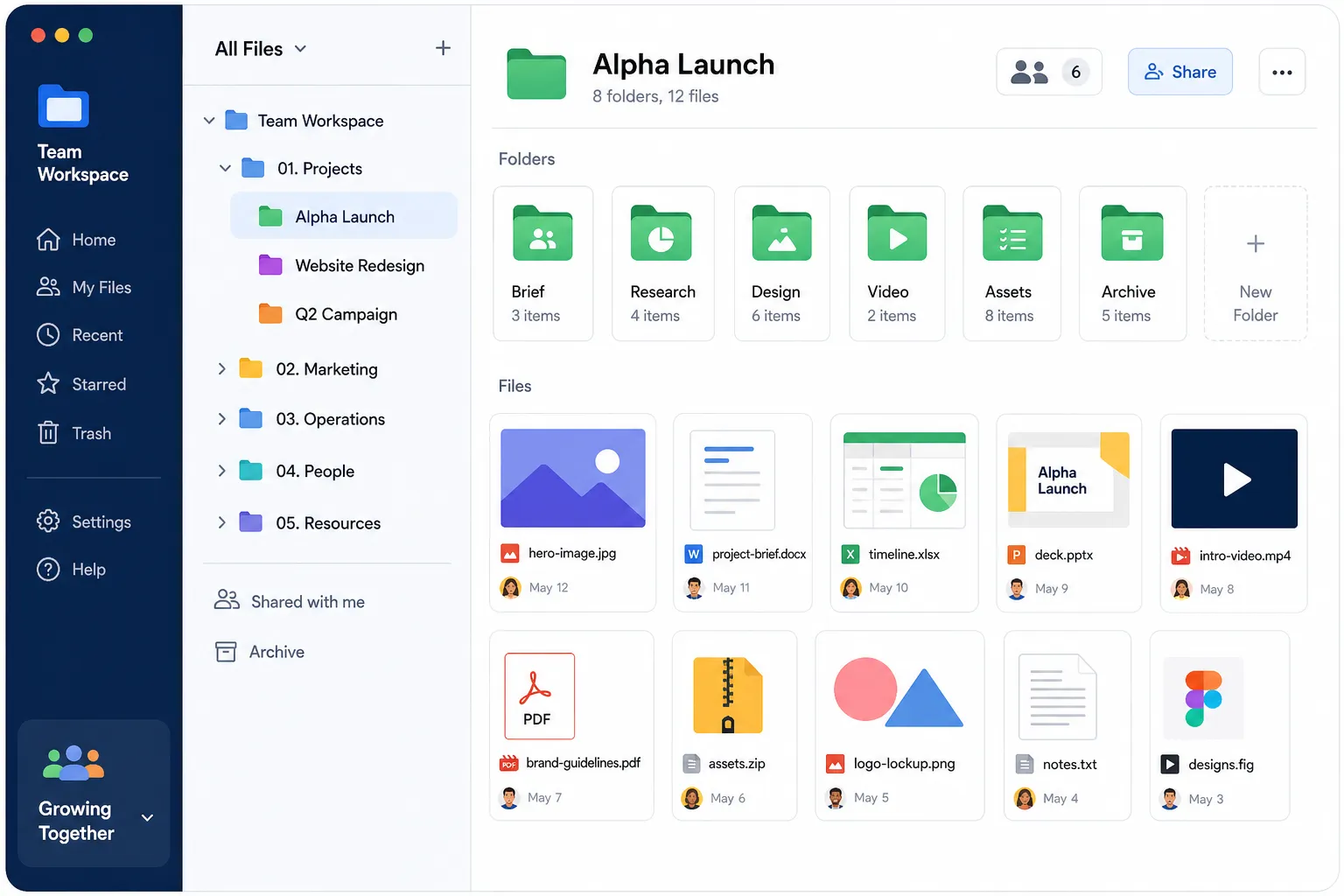
Simple, intuitive file organization
If your team cannot understand the workspace in five minutes, adoption will suffer. Clear folders, consistent hierarchy, and easy navigation matter more than flashy extras.
AssetHQ is built around this principle. Teams can organize documents, images, and shared files in a familiar structure without the overhead of a complicated DAM rollout.
Secure sharing controls
A modern team frequently shares files outside the organization. That might mean sending documents to clients, freelancers, vendors, or legal partners. Secure sharing should include:
- link-based sharing
- access permissions
- view/download restrictions when available
- expiring links
- easy revocation
AssetHQ naturally fits this need with secure file sharing designed to feel lightweight for users, while still giving teams confidence and control.
Fast upload and access
Speed is a feature. If uploads stall or file retrieval feels clunky, people start saving things elsewhere. That leads to shadow systems and version confusion.
Fast file access helps teams stay in one trusted workspace.
Image previews and visual management
Many businesses do not just manage text documents. They manage brand images, product photos, screenshots, diagrams, sales collateral, and creative assets. Image preview support saves time and reduces needless downloading.
This is another practical area where AssetHQ delivers value for lean teams that need both file storage and light DAM capabilities.
Team collaboration support
Growing teams need shared access without losing control. That includes internal collaboration across departments, with enough structure for ownership and accountability.
Scalable permissions and security
Security should scale with the team. Even smaller businesses need strong controls for sensitive files such as HR documents, pricing sheets, legal contracts, or financial records.
"Breaches that span multiple environments average over $5 million in costs and take approximately 283 days to identify and contain." - IBM
That is why secure cloud document storage is not just an IT consideration. It is a business continuity decision.
Cloud document storage vs. basic cloud backup
These categories overlap, but they are not identical.
Feature | Cloud Document Storage | Basic Cloud Backup |
|---|---|---|
Main purpose | Active file access and collaboration | Disaster recovery and restoration |
Everyday team use | High | Low |
Sharing links | Usually included | Often limited |
Folder-based organization | Core feature | Secondary |
Permissions and access control | Important | Often minimal |
File previews | Common | Less common |
Collaboration support | Strong | Limited |
A backup solution is useful, but it is not a substitute for an organized workspace where your team actively manages cloud documents every day.
Who benefits most from cloud docs
Solo founders
Founders need a reliable home for proposals, client files, brand assets, invoices, and process docs without paying for oversized enterprise suites.
Startups
Startups move quickly and need shared access without chaos. Early-stage teams benefit from a clean system that can scale as headcount and file volume grow.
Small businesses
Smaller businesses often need professional-grade storage and secure sharing, but without dedicated admins or long implementation cycles.
Growing teams
As more people touch more files, manual organization breaks down. Growing teams need structure, permissions, and collaboration support that remain simple to use.
How to evaluate a platform before you commit
The best way to compare solutions is to test them against real workflows, not just feature checklists.
Ask these questions:
Can people find files fast?
Search, folder hierarchy, and naming clarity should work for everyday users, not just admins.
Can you share files professionally?
Look for clean external sharing, link control, and expiration options.
Can you manage both documents and images?
If your team handles visual content, preview support matters more than many vendors admit.
Will the system stay affordable as you grow?
Some tools look inexpensive at first, then layer on storage fees, user tiers, or premium features. Flat, transparent pricing is a major advantage.
Is the interface simple enough for fast adoption?
A system your team actually uses is more valuable than a feature-rich platform nobody wants to touch.
Common mistakes teams make with cloud storage
Using too many tools at once
One app for contracts, another for images, another for client shares, and another for archives creates fragmentation. Teams work better when core files live in a single organized system.
Ignoring permissions until later
Access control should be part of setup from day one, especially for finance, legal, HR, and executive files.
Treating storage like a dumping ground
Without folder standards and ownership, even the best platform becomes cluttered. Good systems support good habits.
Choosing complexity over fit
Large enterprise suites can be powerful, but many small and mid-sized teams do not need that much overhead. They need something clear, secure, and dependable.
What a right-sized solution looks like
For many businesses, the ideal platform sits between two extremes:
- too basic to manage growing team workflows
- too complex and expensive to justify
That middle ground is where AssetHQ is compelling.
It gives teams:
- simple and intuitive file management
- organized storage for documents, images, and shared files
- image preview and management support
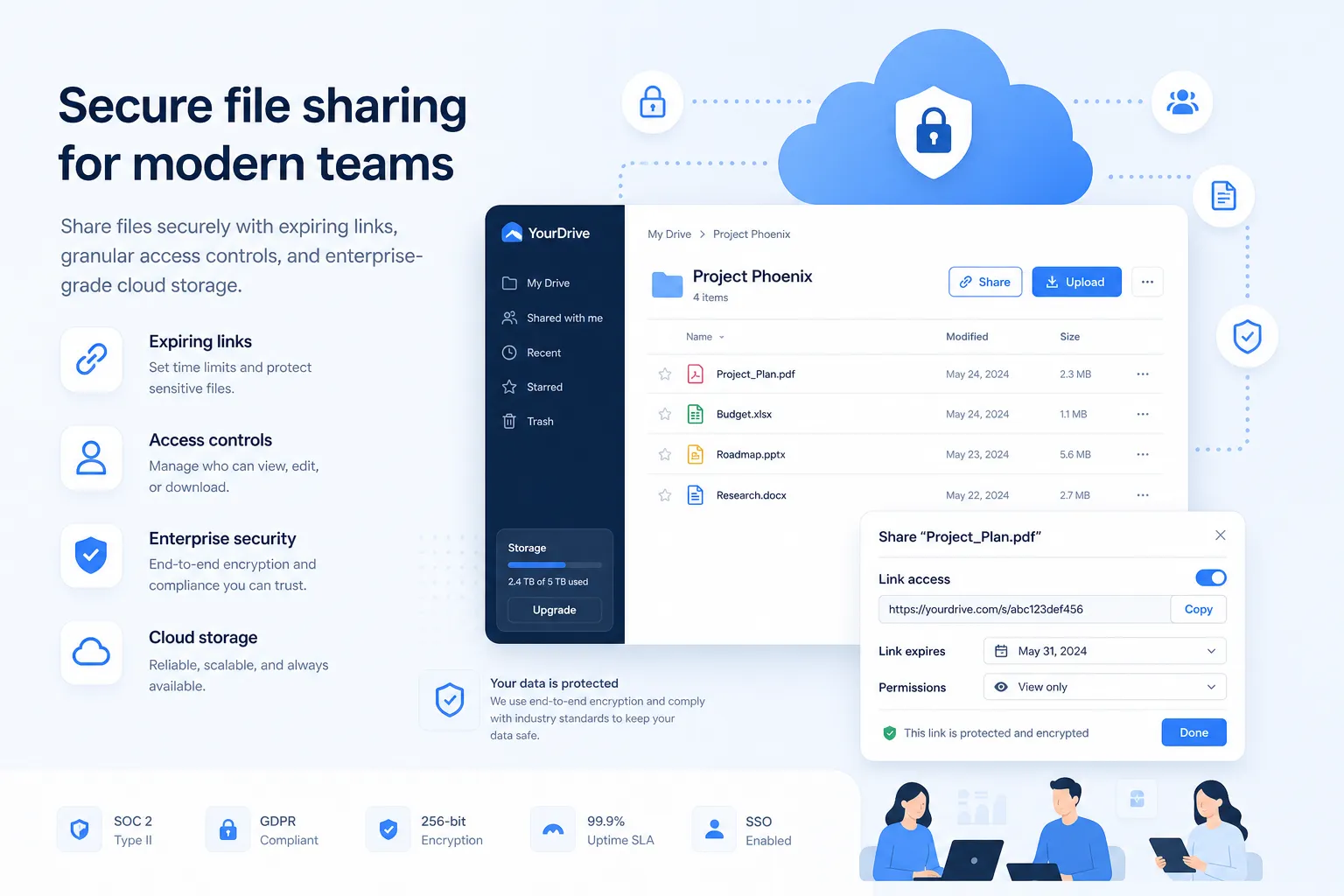
- secure sharing with expiring links and access control
- collaboration features for teams
- enterprise-grade secure storage
- fast upload and file access
- affordable flat pricing with no hidden fees
- scalability for solo users through growing organizations
In other words, it solves practical daily file management problems without burying users under enterprise-heavy complexity.
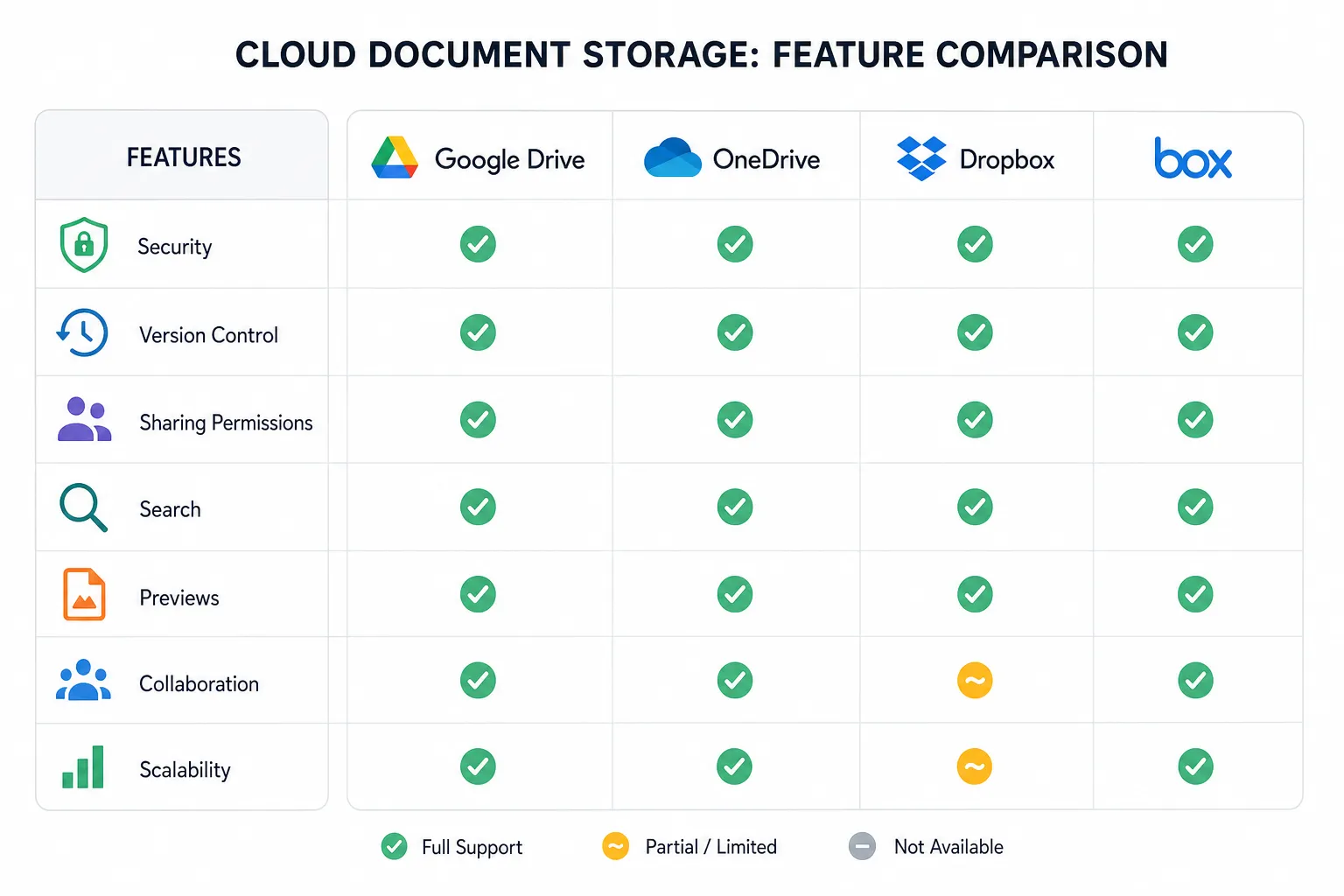
Comparing a general cloud storage tool vs. a focused team file platform
A broad consumer cloud storage app may work for personal backups or casual sharing. But modern teams often need something more purpose-built.
Need | Basic Consumer Storage | Focused Team File Platform |
|---|---|---|
Personal file backup | Strong | Strong |
Team folder structure | Moderate | Strong |
Secure client file sharing | Limited to moderate | Strong |
Image preview workflows | Varies | Strong |
Admin control | Varies | Strong |
Usability for non-technical teams | Mixed | Strong when well-designed |
Transparent team pricing | Mixed | Often better in focused tools |
This is why many organizations eventually move from generic storage into a platform that better supports ongoing team operations.
A quick look at OneDrive and FileCloud in the market
Competitor research shows a few clear patterns.
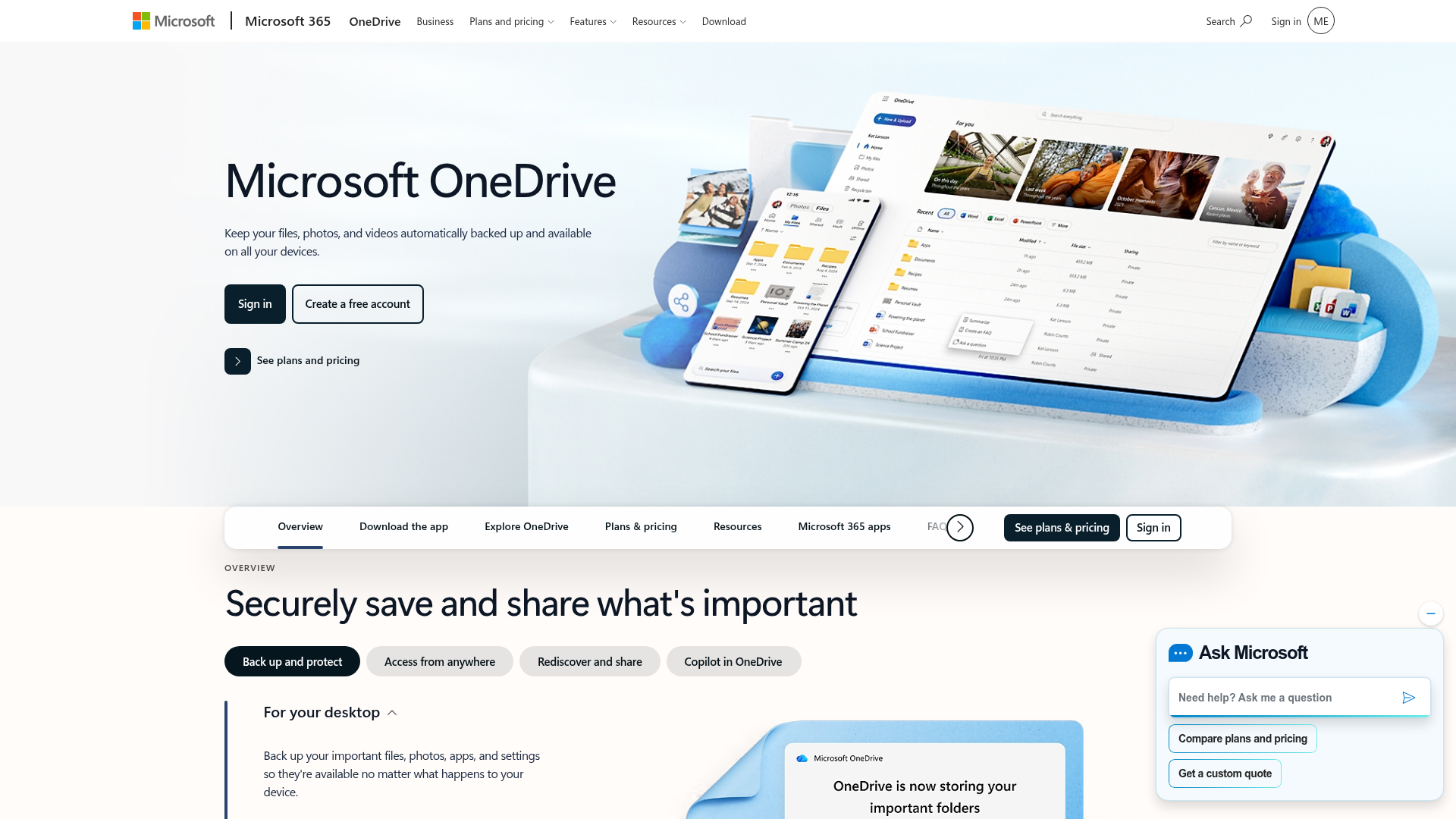
OneDrive emphasizes Microsoft ecosystem benefits, file backup, cross-device access, and plans bundled with Microsoft 365. It is especially strong for Windows and Office-centric teams.
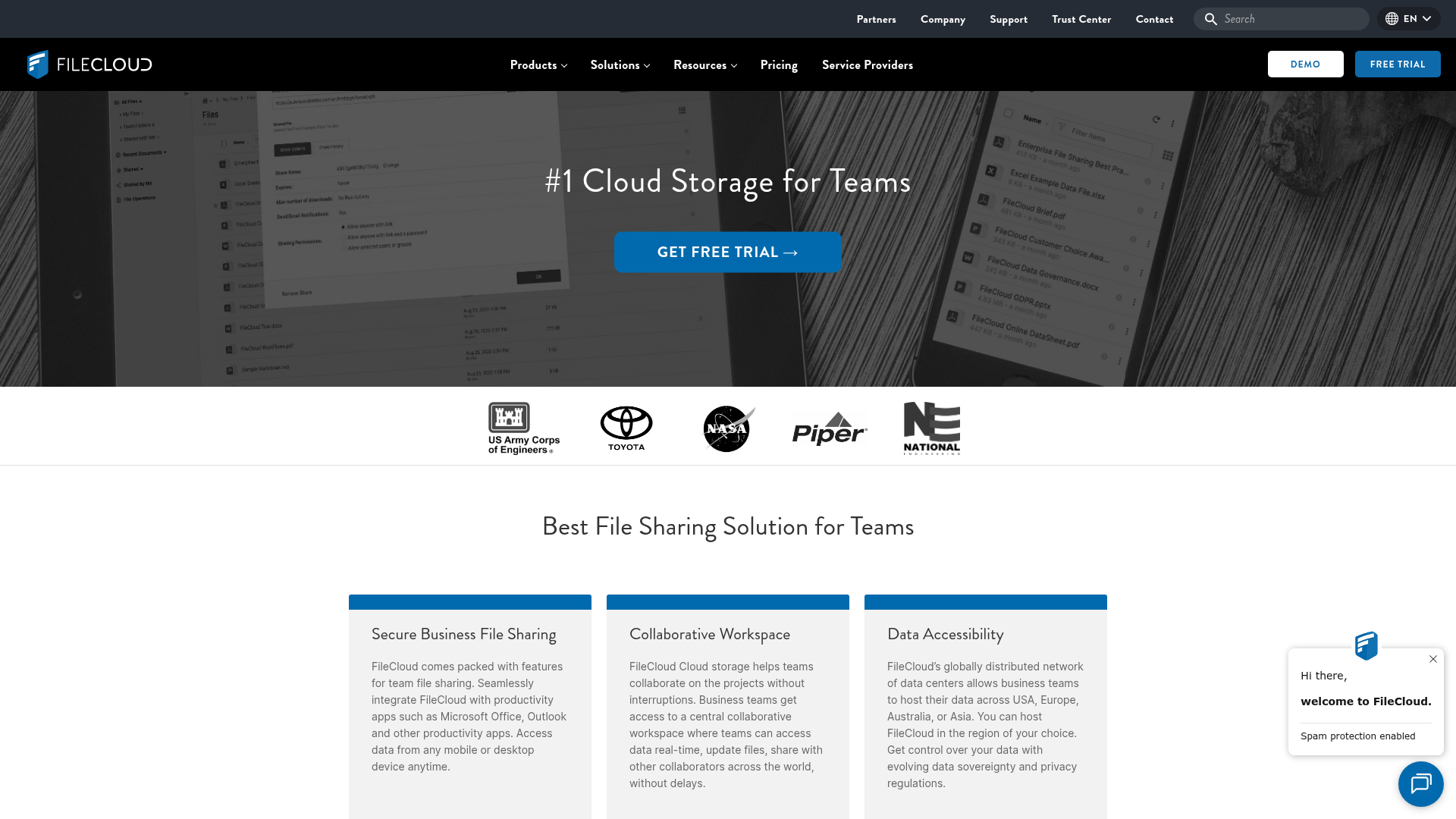
FileCloud emphasizes secure business file sharing, compliance, deployment flexibility, and enterprise-oriented controls for larger organizations or regulated environments.
Those are useful models, but there is a gap between consumer storage and enterprise-heavy systems. Many smaller teams want strong sharing, clear organization, and security without the extra burden. That is where AssetHQ can provide a better fit.
Best practices for organizing cloud documents
A good tool matters, but so does the way you use it.
Create a top-level folder structure by function
Use simple, durable categories such as:
- Operations
- Sales
- Marketing
- Finance
- HR
- Client Files
- Brand Assets
Standardize naming conventions
Use consistent names with dates, versions, or client labels where helpful.
Separate internal and external share folders
This helps reduce accidental exposure and makes permissions easier to manage.
Assign ownership
Each major folder or collection should have an owner responsible for structure and cleanup.
Review stale files regularly
Archive or remove outdated items to keep the workspace usable.
Security considerations you should not skip
Cloud storage convenience should never come at the expense of control.
Look for:
- role-based access
- secure sharing links
- expiring access options
- encrypted storage and transfer
- admin oversight
- dependable infrastructure
- permission boundaries across teams
For many businesses, “good enough” security is no longer enough. Clients, partners, and internal stakeholders expect professional file handling.
How AssetHQ fits modern document workflows
AssetHQ is especially well suited for businesses that want professional file management without overcomplication.
It works well for:
- founders managing business files and brand assets
- agencies sharing files with clients
- startups centralizing internal documents
- operations teams organizing repeatable workflows
- growing companies that need secure collaboration and clean storage
- teams managing both documents and images in one place
Its value is not only in storing files, but in making file management easier to understand and easier to maintain.
That matters because the real cost of bad storage is often not storage itself. It is wasted time, duplicate work, slower collaboration, and higher risk.
Final verdict
Cloud document storage is no longer a nice-to-have. It is the operating layer behind how modern teams store, organize, share, and protect their most important files.
The best solution is not necessarily the one with the most features or the biggest brand name. It is the one your team can adopt quickly, trust daily, and scale without friction.
If you want a platform that combines intuitive organization, secure sharing, image-friendly management, fast access, and predictable pricing, AssetHQ is a strong choice. It gives solo users and growing teams a simpler path to professional file management - without the complexity of bloated enterprise systems.
If your current setup feels messy, slow, or hard to control, this is the moment to fix it. Try AssetHQ and build a cloud document storage system your team will actually enjoy using.
FAQ
Is Google offering 1TB free?
No. Google does not offer 1TB of storage for free. Free plans are typically limited, so teams that need serious document management should expect to pay for a professional cloud storage solution.
How do I add cloud storage to Microsoft Teams?
You can connect cloud storage to Teams through Microsoft 365 integrations such as OneDrive and SharePoint. For broader file management needs, many businesses also use a dedicated platform alongside Teams for clearer organization, secure sharing, and better control.
What is the best way to organize your files in Teams?
The best approach is to use a simple top-level folder structure, consistent naming conventions, and clear ownership for each folder. Separate internal and external files, and review stale documents regularly to avoid clutter.
Can Microsoft Teams be used for document management?
Yes, Microsoft Teams can support document collaboration, especially for organizations already using Microsoft 365. But for teams that want more intuitive file organization, image management, and streamlined sharing, a focused document storage platform can be a better fit.
How to get 2TB Google storage for free?
In most cases, you cannot get 2TB of Google storage for free through a standard account. Teams that need that level of capacity should compare paid options based on security, sharing controls, usability, and total cost, not just storage volume.
Can I get 1TB OneDrive for free?
No, 1TB of OneDrive storage is generally included with a paid Microsoft 365 plan, not a free account. If you need business-ready storage, it is better to choose a solution based on workflow fit, collaboration features, and secure access rather than chasing free space alone.
Related Posts

Brand Asset Management Software for Growing Teams
Discover brand asset management software for growing teams and learn how to organize files, share securely, and scale with ease.
min read
Cloud Based Digital Asset Management Benefits
Explore cloud based digital asset management benefits for secure file sharing, simpler teamwork, and organized growth. Try it today now
min read
File Sharing and Storage Made Simple for Teams
Discover file sharing and storage made simple for teams with secure access, better organization, and faster collaboration. Try AssetHQ!
min read