Cloud Storage for Large Video Files: Best Free Options
Explore cloud storage for large video files, compare free options, and find secure, scalable storage for sharing and backup today.
Cloud Storage for Large Video Files: Best Free Options
If you work with video, you already know the pain points: huge file sizes, slow uploads, limited free storage, confusing sharing settings, and the constant worry that a client, teammate, or editor won’t be able to access the right version when they need it.
That’s why choosing the right cloud storage for large video files matters. The best option isn’t just about getting more gigabytes for free. It’s about upload speed, file-sharing controls, security, preview support, organization, and whether the platform can still work for you when your library grows from a few clips to thousands of assets.
For solo creators, startups, and growing teams, there’s also a practical question: how do you start with free cloud storage without getting trapped in a platform that becomes expensive, messy, or hard to manage later?
This guide compares the best free cloud storage platforms for large video files, explains where each one shines, and shows when it makes sense to move from “free enough” to a more dependable system like AssetHQ for long-term organization, secure sharing, and team collaboration.
"As of 2026, YouTube alone sees approximately 500 hours of video uploaded every minute." - anythingcounter.com
"A 2026 survey by Gigamon revealed that 83% of security breaches now involve artificial intelligence." - GlobeNewswire
What actually matters in cloud storage for large video files
A lot of roundups focus too heavily on headline storage numbers. But when you’re storing large files, especially video, that’s only one part of the story.
Large file support
Some free cloud services advertise generous storage but quietly make large uploads frustrating with file-size caps, throttling, or poor resume behavior. For video teams, reliable handling of big uploads matters more than flashy free tiers.
Upload and download speed
Fast cloud storage is essential when you’re moving raw footage, interview recordings, product demos, training videos, or social media exports. A free plan that takes forever to upload a 4GB file can cost more in wasted time than a paid plan ever would.
Secure sharing
If you send videos to clients, contractors, or internal teams, you need more than a generic public link. Stronger platforms offer expiring links, access control, permission settings, and better visibility over who gets what.
Organization and preview experience
Free cloud file storage can quickly become chaotic when folders are messy and thumbnails are hard to browse. If your workflow includes documents, images, and videos together, structure matters. This is one of the biggest gaps in many free cloud storage services: they help you store files, but not manage them well.
Scalability
The best free cloud storage service should give you a useful starting point, but it should also have a clear path forward. Once you outgrow free storage, you’ll want a platform that stays simple, affordable, and organized.
Quick comparison: best free cloud storage for large files and videos
Platform | Free storage | Best for | Key limitation | Good fit for |
|---|---|---|---|---|
pCloud | 10GB | Media storage and streaming | Some advanced features require paid upgrades | Creators who want easy media access |
MEGA | 20GB | Generous free cloud space | Transfer and bandwidth constraints can be annoying | Users who want more free cloud data storage upfront |
Google Drive | 15GB shared | Collaboration and document workflows | Shared with Gmail and Google Photos | Google ecosystem users |
Dropbox | 2GB | Polished syncing and sharing | Very limited free tier | Users who value ease of use over free space |
TeraBox | 1TB | Maximum free storage headline | Trade-offs in trust, ads, and experience | Casual backup needs |
AssetHQ | Not positioned as “free-first” | Clean organization, secure sharing, team DAM | Built for reliability over gimmicky free tiers | Teams ready for professional file management |
The best free cloud storage platforms for large video files
pCloud

pCloud is one of the strongest choices if your priority is cloud storage for large video files rather than generic document storage. It’s especially appealing for creators who want a smooth balance of free cloud storage, media-friendly browsing, and long-term upgrade flexibility.
Why it stands out
pCloud performs well for large files because it’s built with media use cases in mind. It supports video playback, gives you a cleaner experience for browsing assets, and offers a solid desktop and mobile workflow.
Best use case
If you need free cloud storage for files that include videos, photos, and project exports, pCloud is one of the best-balanced options.
Main downside
The free plan is useful but not massive, and some privacy and feature add-ons are reserved for paid users.
MEGA
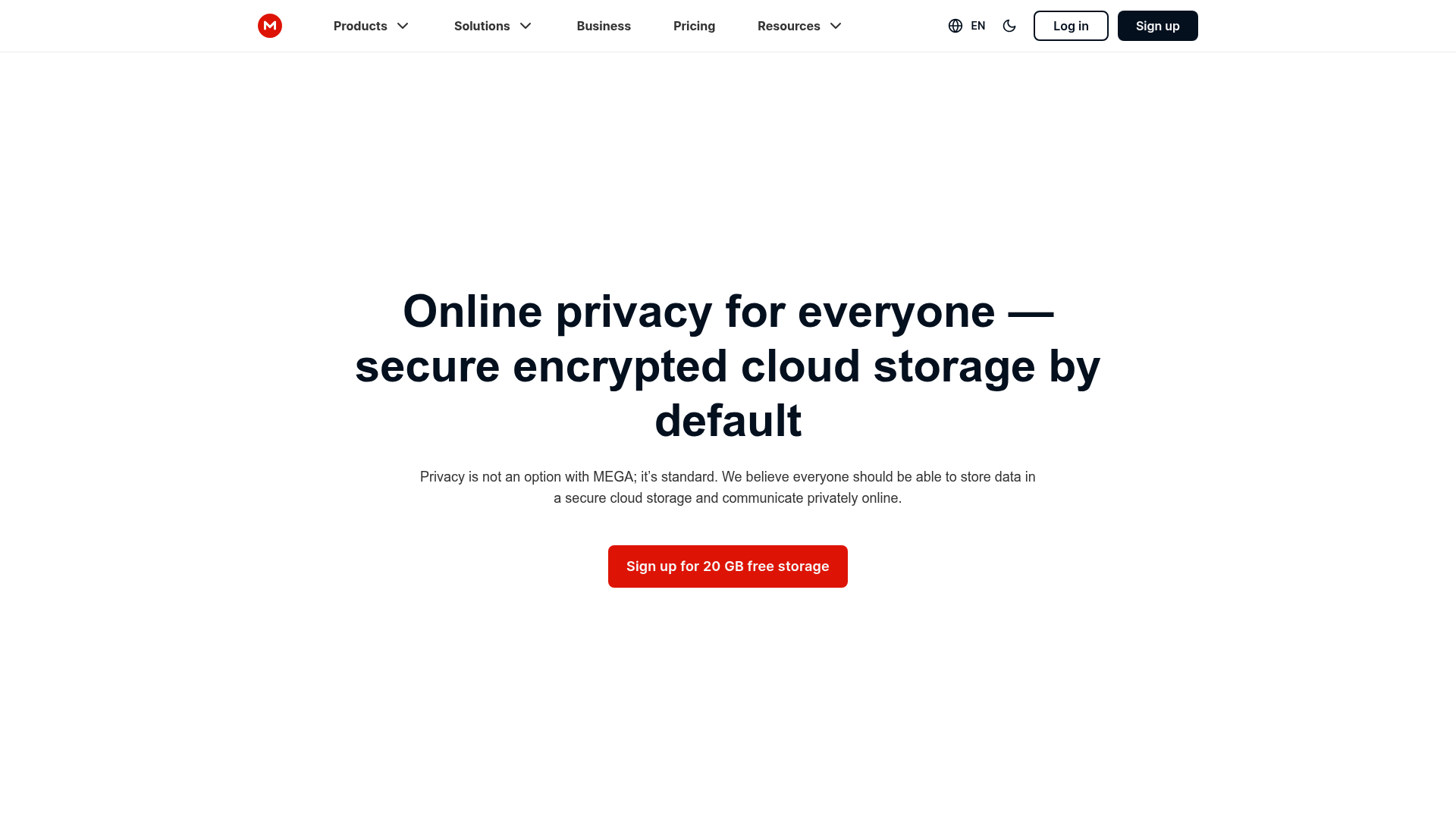
MEGA remains popular because it offers more free cloud space than many mainstream alternatives. If your immediate goal is free cloud backup storage or free shared cloud storage with a relatively generous allowance, it deserves a look.
Why it stands out
A 20GB free tier is still eye-catching in a market where many tools offer far less. It’s a practical option for users who need free cloud storage for large files without paying on day one.
Best use case
MEGA works best when your top priority is getting more free cloud drive storage right away.
Main downside
Bandwidth and transfer constraints can create friction, especially if you move large video files often.
Google Drive
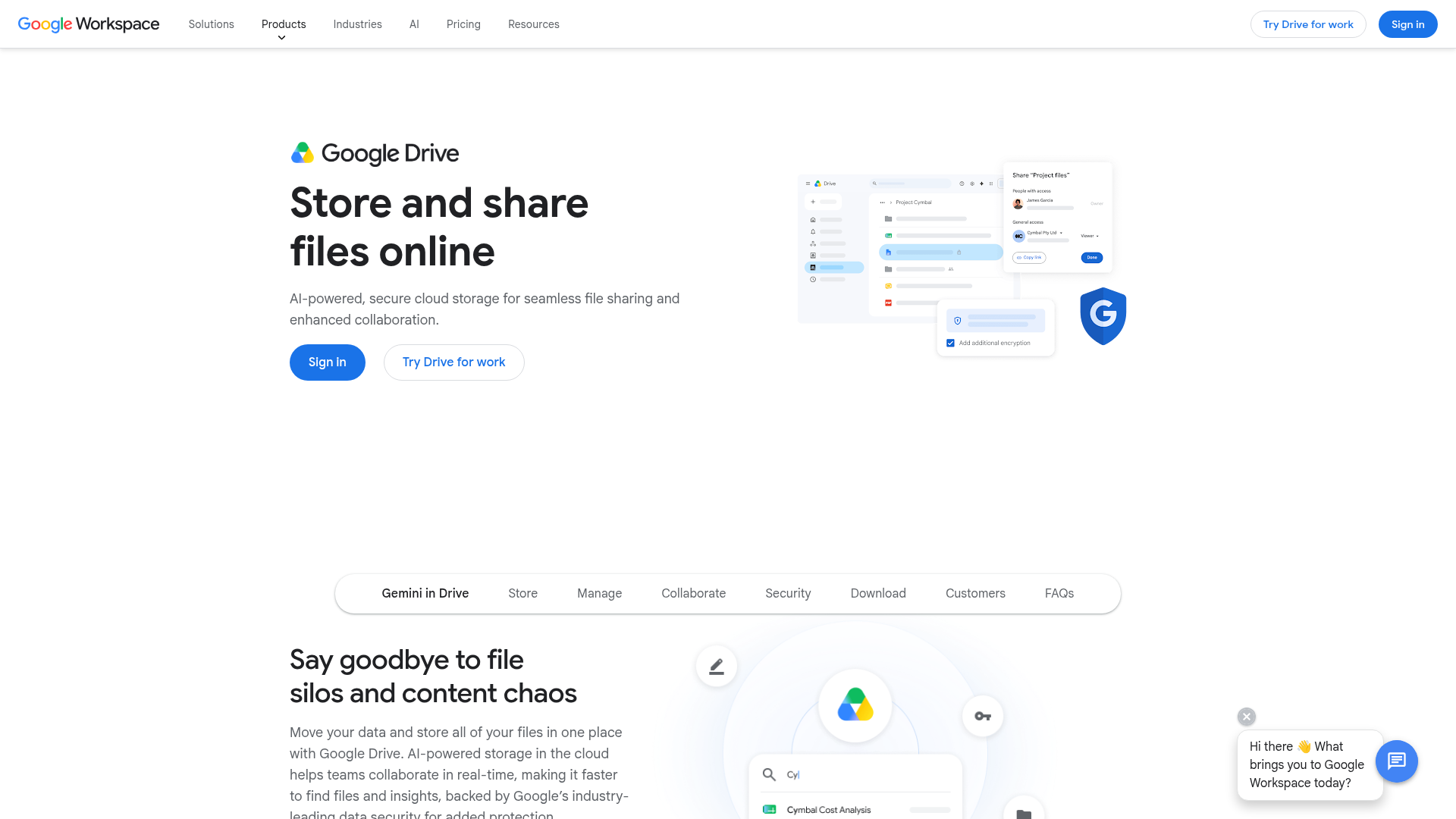
Google Drive is one of the most familiar free cloud storage services, and for many users, familiarity is a real advantage. It combines file storage, sharing, and document collaboration in one place.
Why it stands out
If you already live in Google Docs, Sheets, and Gmail, Drive feels seamless. For free cloud storage for documents plus occasional video storage, it’s very convenient.
Best use case
Google Drive is a strong option when you need a broad free cloud service for file sharing and team collaboration around mixed file types.
Main downside
The 15GB is shared across Gmail, Google Photos, and Drive, so your available space can disappear quickly. It’s useful, but not always the best cloud storage for large amounts of data if video is your main workload.
Dropbox
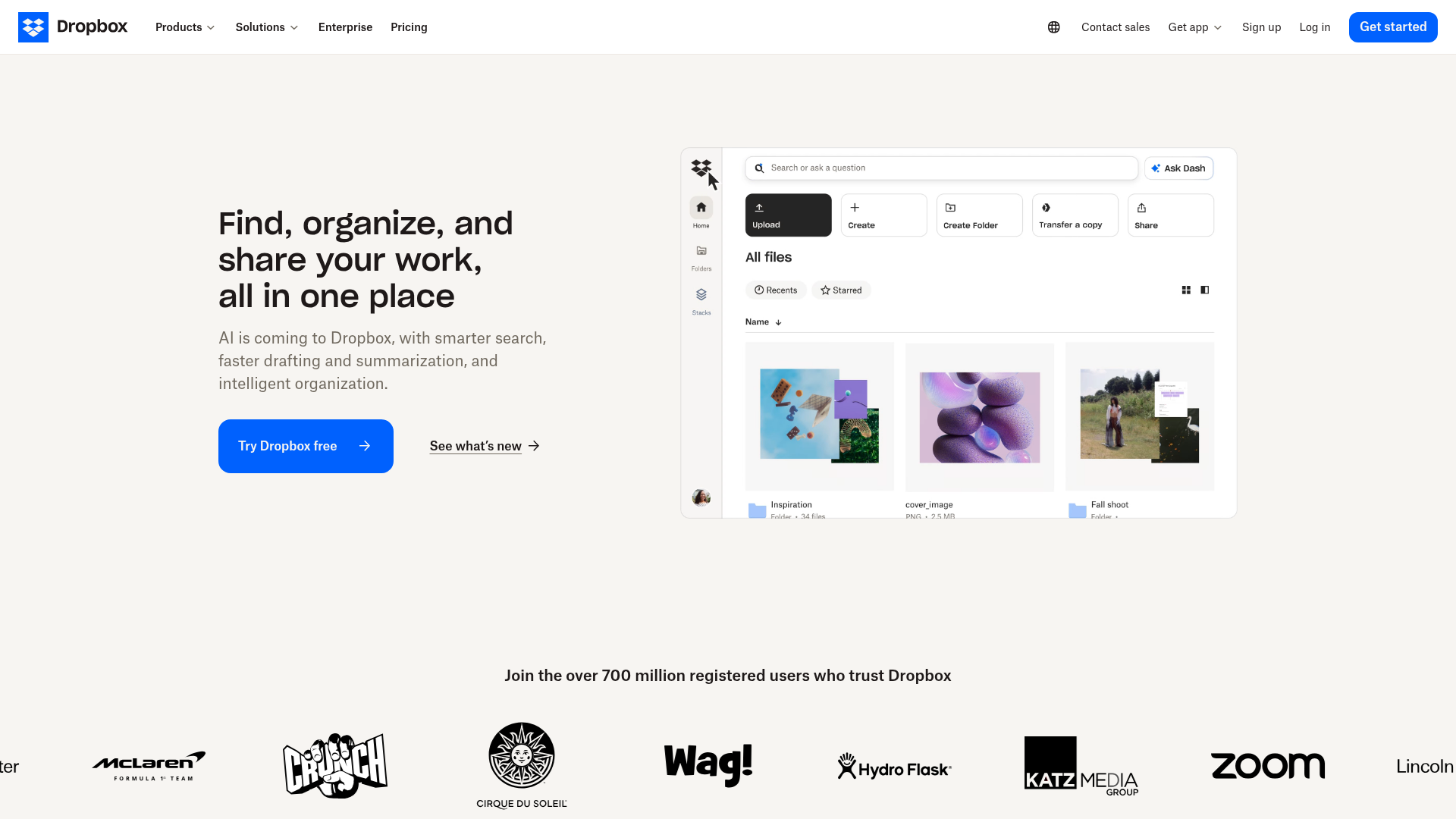
Dropbox is still one of the easiest platforms to use for syncing and sharing files across devices. For many teams, its polished experience is the reason it stays relevant.
Why it stands out
Dropbox is simple, reliable, and good at cross-device file access. Sharing workflows are straightforward, which helps if you frequently send edits, cuts, or deliverables.
Best use case
It’s a good fit for users who care more about frictionless file sharing than maximizing free cloud storage.
Main downside
The 2GB free plan is restrictive. For anyone handling regular video files, it’s hard to call it one of the best large cloud storage options unless you plan to upgrade quickly.
TeraBox
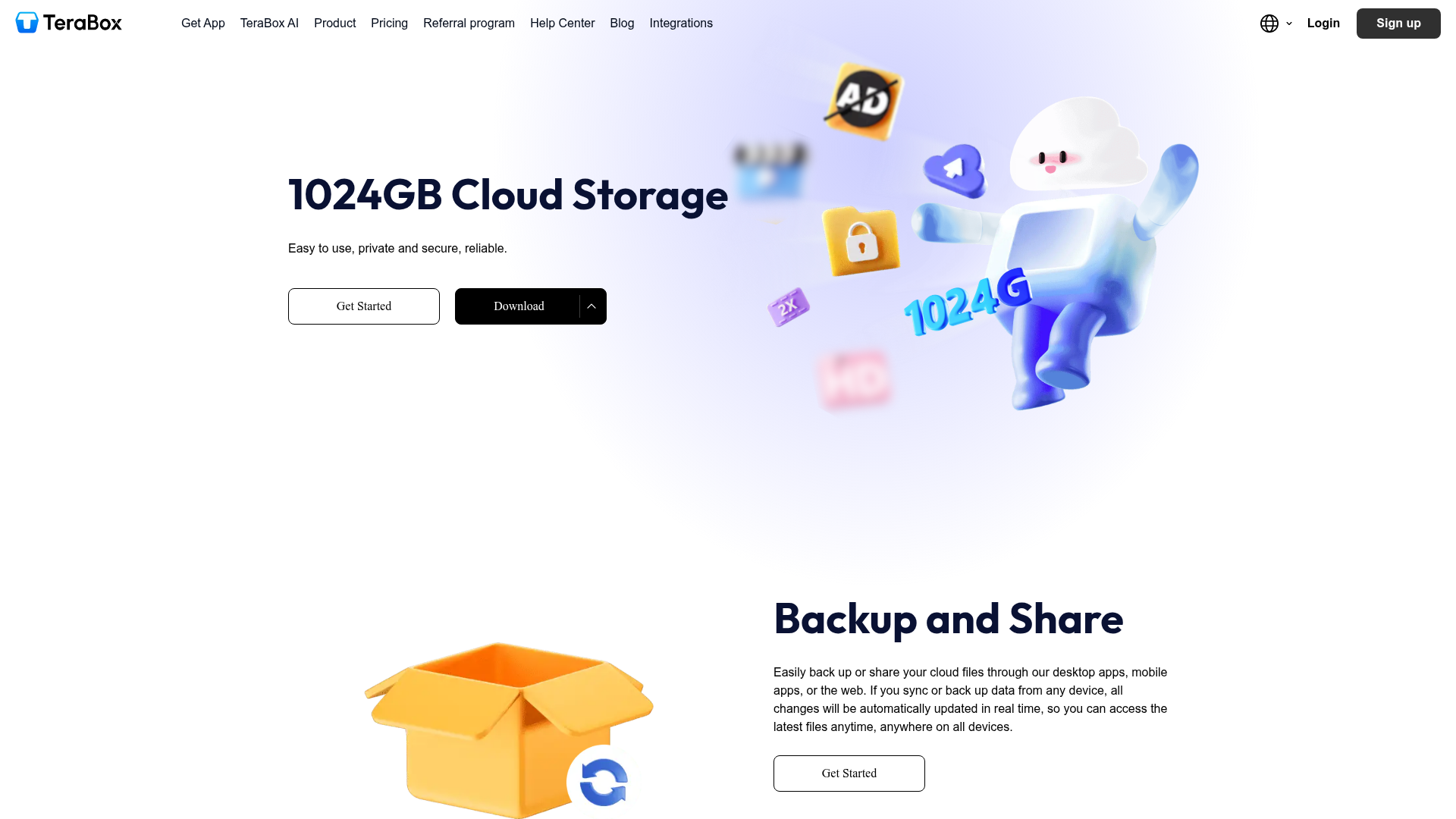
TeraBox gets attention for one reason: the free tier is enormous on paper. If you’re searching for free unlimited cloud storage or something close to it, this is often one of the first names you’ll see.
Why it stands out
The 1TB free plan is far larger than what most competitors offer. For sheer capacity, it’s hard to ignore.
Best use case
TeraBox is best for casual users who mainly want lots of free data storage cloud capacity for non-critical files.
Main downside
Huge free storage always comes with trade-offs. Trust, privacy, ads, and overall experience deserve extra scrutiny here, especially if you plan to store business content, client work, or sensitive media.
AssetHQ
While AssetHQ is not trying to win the “biggest free cloud space” contest, it fills a major content gap most competitor lists ignore: what happens after free storage becomes operationally messy.
Free cloud storage platforms are fine for getting started. But as soon as you’re managing client videos, brand assets, internal documents, product images, or a shared content library, simple storage stops being enough. You need structure, control, and a better way to collaborate.
Why AssetHQ is the smarter long-term choice
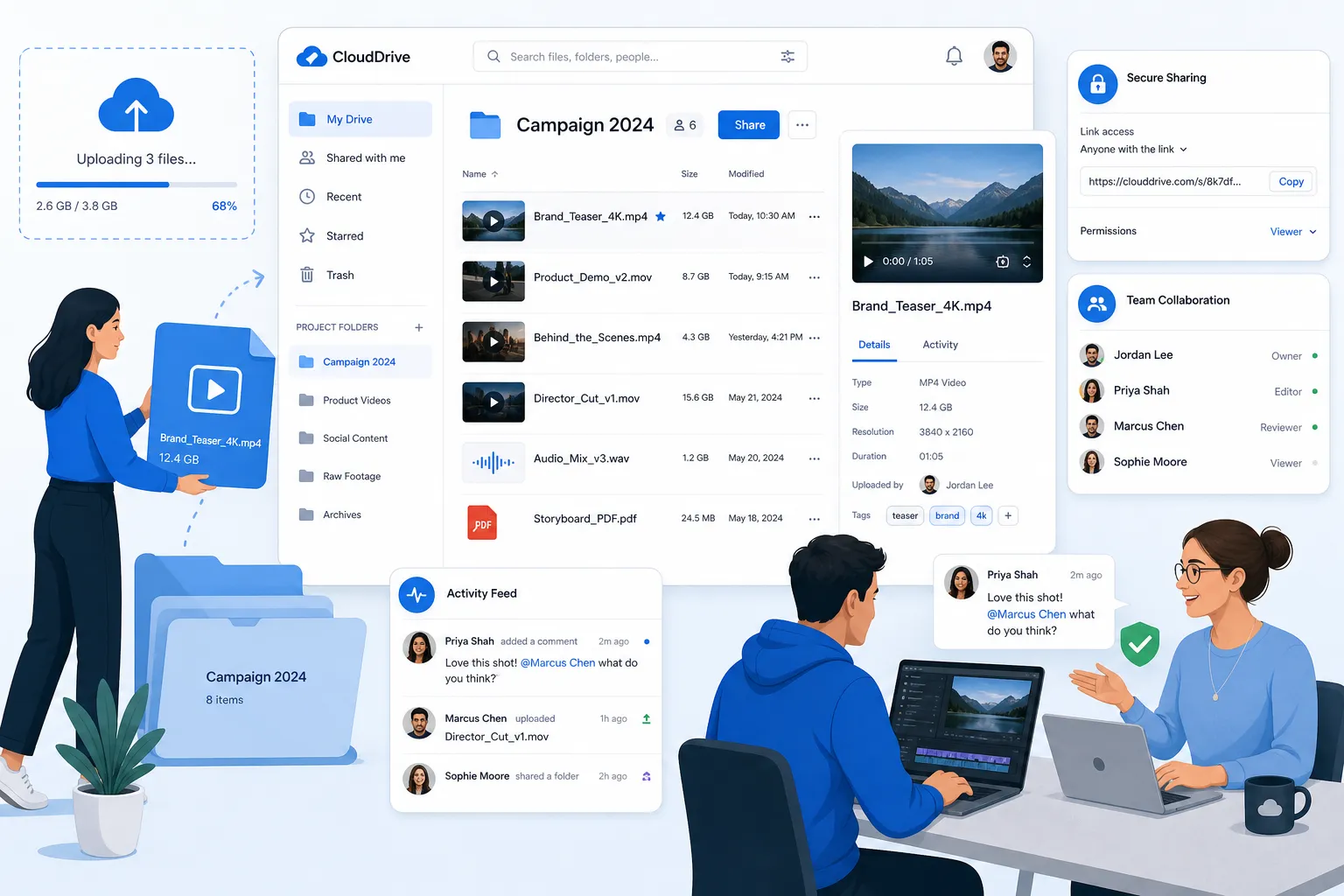
AssetHQ is built for teams that want:
- simple and intuitive file management
- organized storage for documents, images, and files
- image preview and asset browsing
- secure file sharing with expiring links and access control
- fast upload and file access
- team collaboration without bloated enterprise software
- enterprise-grade secure storage
- flat, predictable pricing with no hidden fees
- scalability for solo users, startups, and growing teams
That combination makes it especially compelling for businesses that have outgrown free cloud storage for sharing files but don’t want the complexity of traditional DAM systems.
Where AssetHQ fits best
If your workflow involves both storage and presentation, AssetHQ offers a more professional setup than generic free cloud storage apps. Instead of dumping assets into a catch-all drive, you can keep everything organized and shareable in a way that feels clean for both internal teams and external stakeholders.
The real advantage
The real advantage is not just storage. It’s confidence. Your team knows where files live, what version to use, who can access them, and how to share them securely without workarounds.
What the competitor articles often miss
Most articles about the best cloud storage for large video files compare free storage totals, upload speeds, and security. That’s useful, but incomplete.
Here are the biggest content gaps that deserve more attention:
Free storage is rarely enough for serious video workflows
A single high-resolution project can eat through a free tier fast. If you’re handling raw footage, exports, thumbnails, captions, and documents together, you need a plan for organization and growth.
File management matters as much as storage
Many free cloud storage platforms help you upload files, but not manage them elegantly. Search, folder structure, image preview, and asset retrieval are what save time day after day.
Sharing controls are critical for professional use
Creators and teams don’t just store videos. They share them with clients, editors, partners, and stakeholders. Platforms with better link control, access permissions, and expiration settings create a much safer workflow.
Mixed asset libraries are the norm
Video rarely lives alone. It comes with storyboards, scripts, brand graphics, contracts, thumbnails, transcripts, and approval documents. The best cloud storage for documents is often not the same as the best tool for media-heavy collaboration unless the platform is designed for both.
Which option is best for your specific use case?
If you want the most balanced free option for video
Choose pCloud.
If you want the biggest practical free tier from a mainstream-style provider
Choose MEGA.
If you’re deeply invested in Google tools
Choose Google Drive.
If you want polished sharing and syncing more than free space
Choose Dropbox.
If you only care about getting a huge amount of free storage
Choose TeraBox, but be cautious.
If you need professional organization, secure sharing, and team-ready file management
Choose AssetHQ.
Free vs paid cloud storage: when should you upgrade?
You should usually stay on a free cloud service until one of these happens:
- you regularly exceed your storage cap
- uploads become too slow or unreliable
- sharing large files feels clunky
- your team starts duplicating files or losing track of versions
- you need stronger access control
- your asset library includes videos, images, and documents that need better organization
At that point, the question shifts from “where can I get more free cloud storage?” to “which platform will make my work easier every week?”
That’s where AssetHQ becomes especially attractive. It offers a cleaner, more scalable system for businesses that need dependable file storage and digital asset management without paying for enterprise bloat.
How to choose the right platform before you commit
Before you download free cloud storage or move your video library, ask these questions:
- How large are your typical files?
If you regularly work with multi-GB uploads, prioritize performance and resume reliability. - Do you share files externally?
If yes, secure sharing should matter as much as storage amount. - Do you work alone or with a team?
Solo use is different from managing approvals, handoffs, and shared folders. - Are your files only videos?
Most teams also need free cloud storage for documents, images, and presentations. - What happens when free runs out?
A platform with affordable, transparent scaling is often a better choice than one with flashy free limits and frustrating upgrades.
Final verdict
If you want the best cloud storage for large video files on a free plan, pCloud is the strongest all-around choice. MEGA is a close contender if your priority is maximizing free cloud space. Google Drive and Dropbox remain solid for general collaboration, while TeraBox is tempting for raw storage volume but requires more caution.
But for businesses and growing teams, the bigger decision is not just where to store files for free. It’s where to build a workflow that stays organized, secure, and easy to scale.
That’s where AssetHQ stands apart.
AssetHQ gives you a simpler way to manage digital assets, share files securely, preview images, organize mixed file libraries, and collaborate without the clutter and complexity of oversized enterprise systems. If you’re ready to move beyond basic free cloud storage and create a cleaner, more dependable home for your files, AssetHQ is the smart next step.
FAQ
Where can I store large video files for free?
You can store large video files for free on platforms like pCloud, MEGA, Google Drive, and TeraBox. For most users, pCloud offers the best balance of storage, usability, and media-friendly access, while MEGA and TeraBox focus more on headline free space.
What is the best cloud service for large videos?
For free use, pCloud is the strongest all-around option for large videos because it combines practical storage, solid performance, and a media-friendly experience. For teams that need better organization and secure collaboration, AssetHQ is a better long-term choice.
Will Google give 1TB storage for free?
No, Google does not offer 1TB of storage for free. Google Drive’s free tier is typically 15GB shared across Drive, Gmail, and Google Photos, so it fills up quickly if you work with video files.
How to get 200GB for free?
Getting a true 200GB free cloud storage plan from major providers is uncommon. In practice, most users combine smaller free tiers or choose a provider with a larger promotional free allowance, but serious video workflows usually require a paid upgrade sooner rather than later.
Where to save videos permanently?
For long-term storage, the safest approach is to use reliable cloud storage plus backup, not just a single free account. If the videos matter to your business, choose a dependable platform with secure sharing, clear organization, and scalable storage such as AssetHQ.
Is TeraBox really 1TB free?
Yes, TeraBox is widely known for offering 1TB free storage, but that headline benefit comes with trade-offs. Before using it for important business or client files, review the platform carefully for privacy, usability, and sharing limitations.
Related Posts

Brand Asset Management Software for Growing Teams
Discover brand asset management software for growing teams and learn how to organize files, share securely, and scale with ease.
min read
Cloud Based Digital Asset Management Benefits
Explore cloud based digital asset management benefits for secure file sharing, simpler teamwork, and organized growth. Try it today now
min read
File Sharing and Storage Made Simple for Teams
Discover file sharing and storage made simple for teams with secure access, better organization, and faster collaboration. Try AssetHQ!
min read