File Storage Services for Secure Team Growth
Discover file storage services for secure team growth. Compare options, features, and pricing to choose the right platform today.

File Storage Services for Secure Team Growth
If your team is growing, file storage stops being a simple “where do we save this?” problem and becomes an operational one.
You need a system that keeps documents, images, and shared files organized. You need secure file sharing that does not create risk. You need fast access for daily work, clear permissions for internal and external users, and enough structure to scale without forcing your team into an overbuilt enterprise platform.
That is where the right file storage service makes a real difference.
For solo founders, startups, small businesses, and growing teams, the challenge is not just finding more file storage space. It is choosing between cloud platforms, file server software, digital asset management tools, hosted systems, and hybrid options without overpaying or creating more admin work. Many teams end up stuck between consumer-grade file storage apps that feel too loose and enterprise systems that feel too heavy.
AssetHQ sits in the middle in the best possible way: simple enough to adopt quickly, powerful enough to support secure team growth, and structured enough to keep files usable as your business expands.
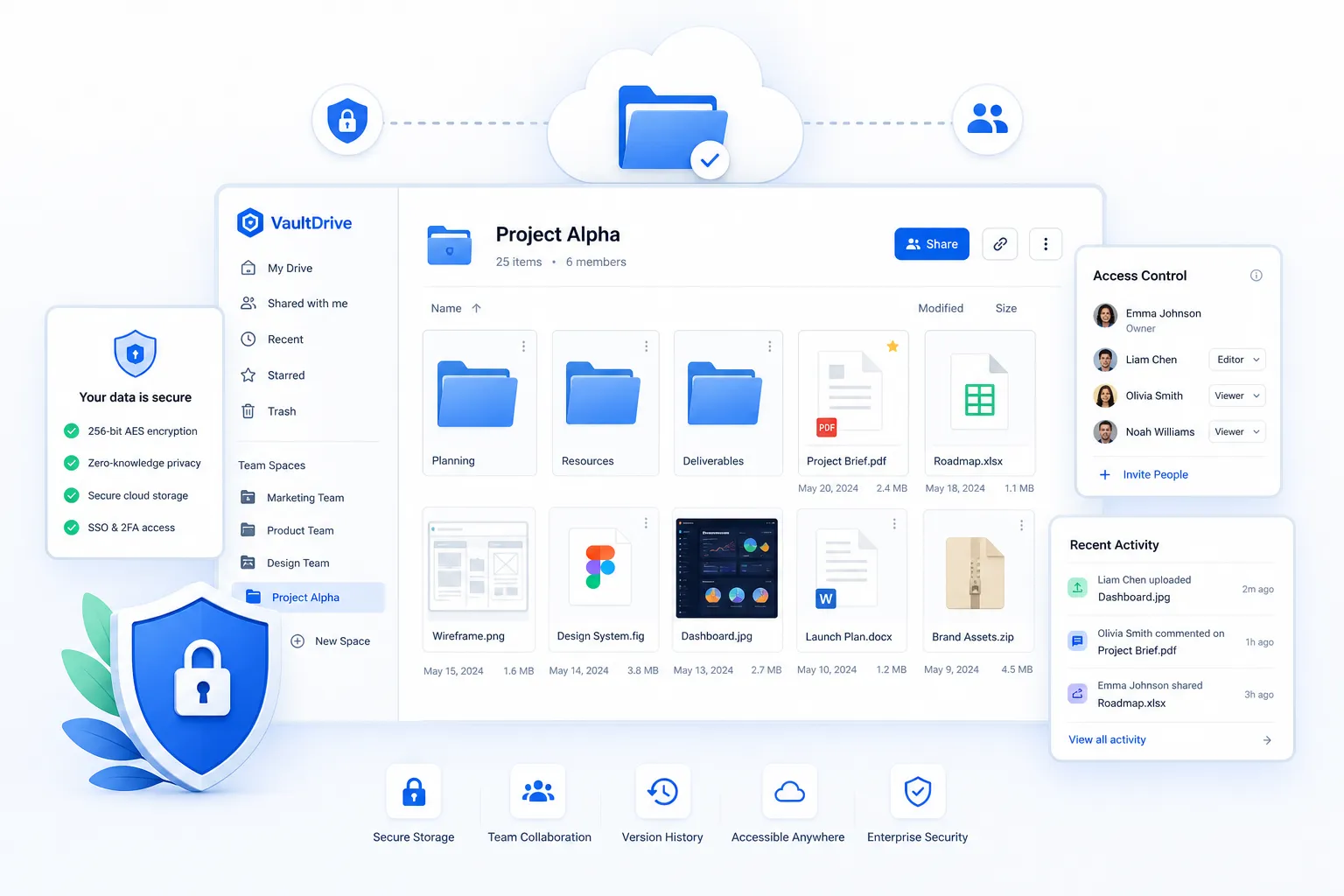
What file storage services actually are
A file storage service is a platform that lets individuals or teams upload, organize, access, protect, and share digital files. Depending on the product, that may include:
- Cloud-based storage accessed through a browser or app
- Desktop sync through file storage apps
- Team folders and permissions
- External sharing with expiring links
- File previews, search, and version history
- Compliance, audit, and access controls
- Self-hosted or hosted file storage hosting models
The important thing is this: not every file storage website solves the same problem.
Some tools are built mainly for personal backup. Some are collaboration-first. Some are closer to a document management system. Some function as a file server replacement. Others, like AssetHQ, blend secure storage, intuitive organization, image and file management, and team collaboration in a way that works for growing businesses.
The 3 main categories of file storage
1. Cloud file storage services
These are the most common file storage sites. They are hosted by a provider and accessed via web, mobile, or desktop.
Best for:
- Fast setup
- Remote teams
- Shared access across devices
- Lower IT overhead
Examples include Google Drive, OneDrive, Dropbox, Box, and AssetHQ.
2. Self-hosted or on-premises file server systems
A file server stores files on infrastructure you manage directly. This can be a local office server, private cloud, or hybrid deployment.
Best for:
- Strict control requirements
- Custom infrastructure policies
- Organizations with internal IT resources
This route usually requires dedicated file server software, ongoing maintenance, backups, and security management.
3. Digital asset and structured file management platforms
These are purpose-built file storage solutions that do more than hold files. They help teams organize, preview, classify, share, and collaborate around assets such as documents, brand files, images, and internal resources.
Best for:
- Teams with lots of shared assets
- Companies that need cleaner organization
- Businesses that want simple collaboration without complexity
This is where AssetHQ stands out. It gives teams dependable file storage management with an intuitive folder structure, preview support for visual assets, secure sharing, team permissions, and straightforward pricing.
What competitors usually get right - and what they miss
The best-ranking comparison articles tend to agree on a few things:
- Security matters
- Collaboration matters
- Integrations matter
- Pricing matters
- Different tools fit different company sizes
That is all true. But most articles gloss over the real-world buying issues smaller and growing teams face:
Content gaps most comparison posts miss
They confuse storage with management
A lot of file storage websites can store files. Far fewer make those files easy to find, preview, govern, and share properly as the team grows.
They focus too much on enterprise checklists
Many comparison articles overemphasize compliance jargon and underemphasize usability. For many businesses, the bigger day-to-day risk is not lacking a niche certification. It is having a messy folder structure, unclear ownership, and uncontrolled sharing.
They do not explain when a file server is the wrong answer
A self-managed file server can sound appealing, but for many startups and small teams it creates unnecessary cost, maintenance, and risk.
They ignore visual asset workflows
Teams often manage not just PDFs and spreadsheets, but logos, social media images, product photography, presentations, and branded files. Image preview and visual organization are often treated as a side note when they should be central.
They rarely speak to affordability clearly
Growing teams need scalable file storage software without surprise costs. Flat, transparent pricing matters more than many articles admit.
Why file storage strategy matters more as teams grow
Growth creates friction in file handling long before most teams notice it.
The first symptoms are familiar:
- People ask for “the latest version”
- Shared links stay open too long
- Files get duplicated across tools
- Images and documents are hard to preview quickly
- New hires cannot tell where anything belongs
- External sharing becomes hard to track
These are not minor annoyances. They slow execution, increase security risk, and make collaboration harder.
"In 2024, the U.S. cloud storage market was valued at $20.5 billion and is projected to reach $60.2 billion by 2034." - Emergen Research
"SMBs accounted for 71% of verified data breach incidents in the 2025 research cited." - TechRadar
The lesson is simple: teams need file storage solutions that support both access and control.
The most important features in a modern file storage service
Not every team needs the same depth, but the strongest file storage service options usually perform well across these areas.
1. Easy organization
The best systems make it obvious where files belong.
Look for:
- Clean folder hierarchy
- Fast search
- Logical navigation
- Team-friendly structure that scales
AssetHQ is especially strong here because it avoids bloated complexity. Teams can create a simple, dependable organizational structure without needing a specialist to manage it.
2. Secure sharing
Sharing is where many file storage apps break down. It should be easy, but never careless.
Look for:
- Expiring links
- Password-protected access when needed
- Role-based permissions
- Internal vs external sharing controls
AssetHQ gives teams secure file sharing with access control and expiring links, which is exactly what growing organizations need when working with contractors, clients, and partners.
3. Fast upload and reliable access
If your file storage app feels slow, your team will work around it. That usually means more attachments, more local copies, and more confusion.
Look for:
- Fast upload
- Stable file access
- Good browser performance
- Device-friendly experience
4. Visual previews and asset usability
For teams handling images, marketing materials, or product files, preview support matters. It saves time and reduces needless downloads.
Look for:
- Thumbnail previews
- Image-friendly browsing
- Quick file recognition
- Fewer “download to check” steps
This is another area where AssetHQ naturally fits modern digital teams.
5. Collaboration support
Not every storage system is a collaboration platform, but it should support collaborative work.
Look for:
- Shared folders
- Team access settings
- Clear ownership
- Simple ways to work across departments
6. Security and admin controls
Even smaller teams need enterprise-grade secure storage principles.
Look for:
- Access controls
- Audit visibility
- Secure hosting
- Permission management
- Data protection standards
7. Transparent pricing
Many businesses do not need a massive enterprise contract. They need dependable file storage software with clear pricing and no hidden fees.
AssetHQ’s affordability and simple scaling are important advantages here.
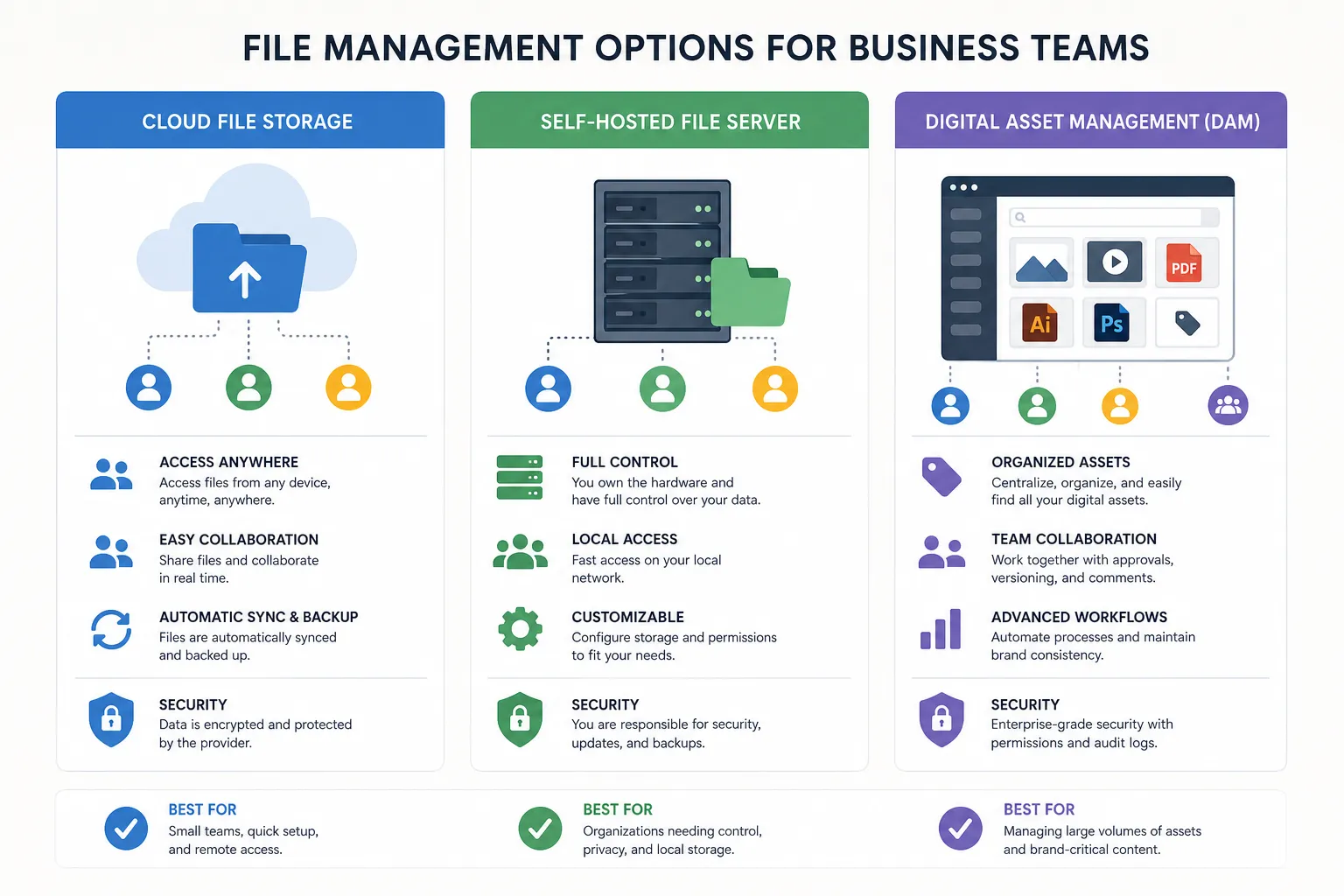
Cloud storage vs file server vs DAM: which model fits your team?
Quick comparison table
Option | Best for | Strengths | Limitations |
|---|---|---|---|
Cloud file storage service | Small teams, remote teams, fast deployment | Easy access, low IT overhead, collaboration-ready | Can get messy without structure |
Self-hosted file server | IT-heavy organizations, custom infrastructure needs | Full control, local hosting options | Higher maintenance, backup burden, security responsibility |
Digital asset management / structured file platform | Growing teams managing docs and images | Better organization, previews, controlled sharing, easier collaboration | Some enterprise tools are overly complex |
Hybrid file storage system | Mid-market or regulated teams | Mix of control and accessibility | More setup complexity |
When cloud file storage is the best choice
Choose cloud storage if you want:
- Quick rollout
- Easy team onboarding
- Access from anywhere
- Lower admin overhead
- Simpler growth
This is the right fit for most startups, founders, agencies, and small businesses.
When a file server makes sense
Choose a file storage server or file server setup if:
- You must host data internally
- You have dedicated IT resources
- You need full infrastructure-level control
- You are replacing a legacy network drive with a private system
When a DAM-style platform is smarter
Choose a structured platform like AssetHQ if:
- You need more than just raw storage
- Your team handles documents and visual assets
- You want cleaner organization without enterprise bloat
- You need secure sharing and collaboration in one place
The top file storage services to compare
Below is a practical comparison of leading file storage services and adjacent platforms for growing teams.
1. Google Drive
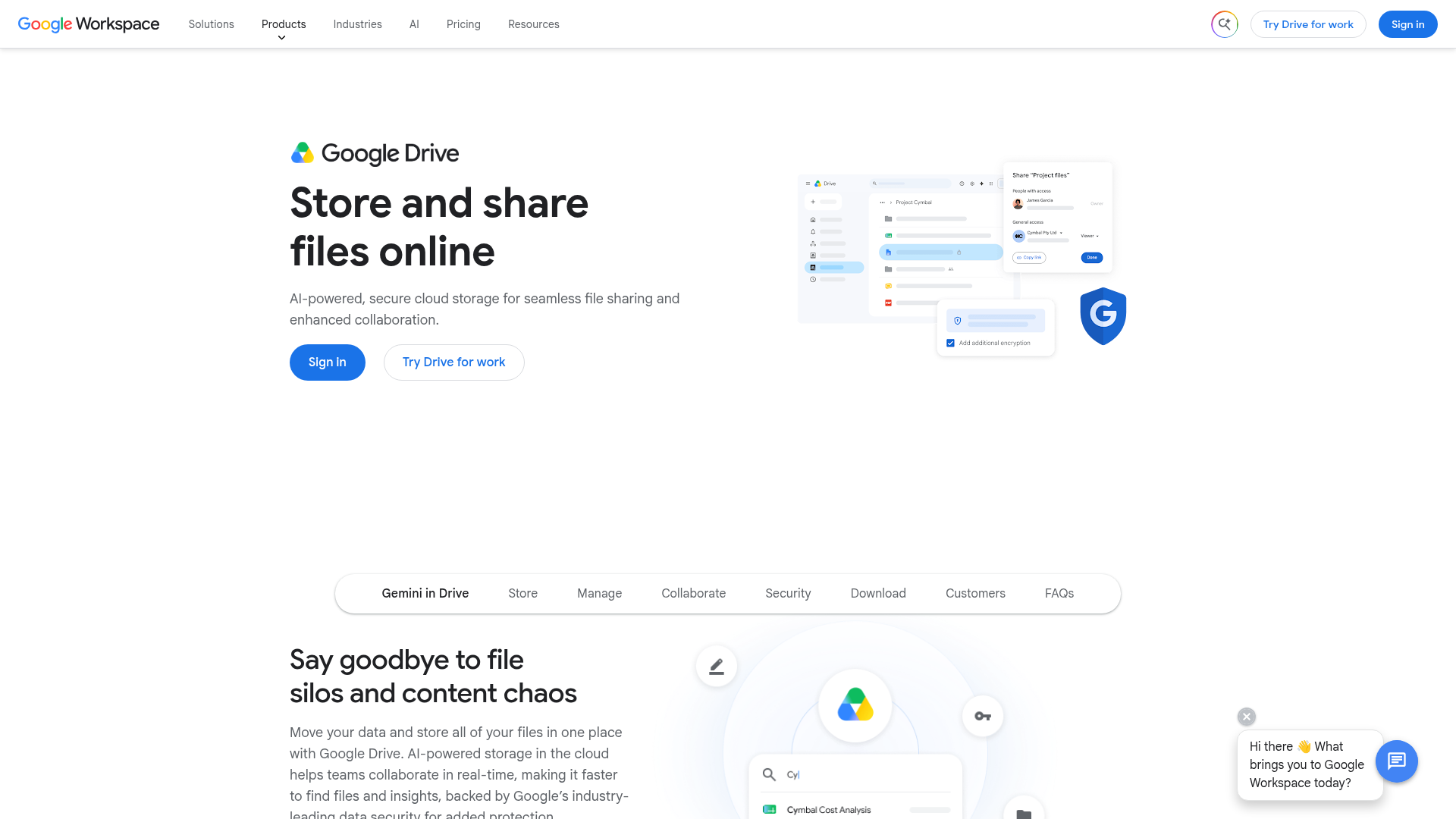
Google Drive is one of the most widely used file storage sites for browser-based collaboration. It is especially strong for teams already using Google Workspace.
Best for
- Real-time document collaboration
- Lightweight team sharing
- Google-first businesses
Pros
- Familiar interface
- Strong search
- Easy sharing
- Tight Docs, Sheets, and Slides integration
Cons
- Can become disorganized quickly
- Folder and permission sprawl is common
- Visual asset management is basic
2. Microsoft OneDrive
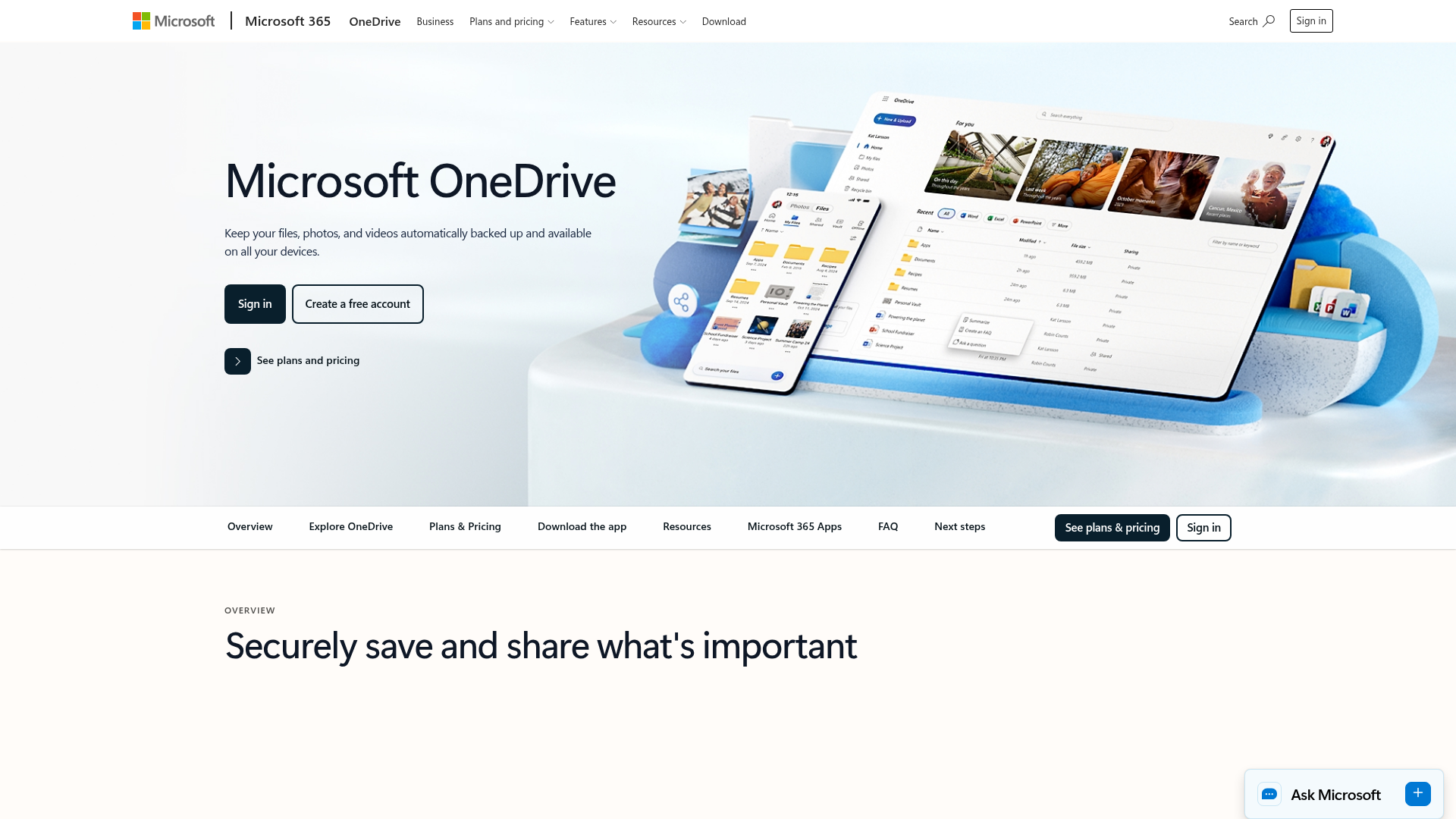
OneDrive is a strong file storage service for Microsoft 365 organizations. It works especially well when your workflows already revolve around Word, Excel, Teams, and SharePoint.
Best for
- Microsoft-centric companies
- Office document workflows
- Enterprises with established IT controls
Pros
- Deep Microsoft integration
- Good versioning
- Mature governance options
Cons
- Can feel complex for smaller teams
- Often requires understanding OneDrive vs SharePoint roles
- May be heavier than necessary for simple file storage management
3. Dropbox Business
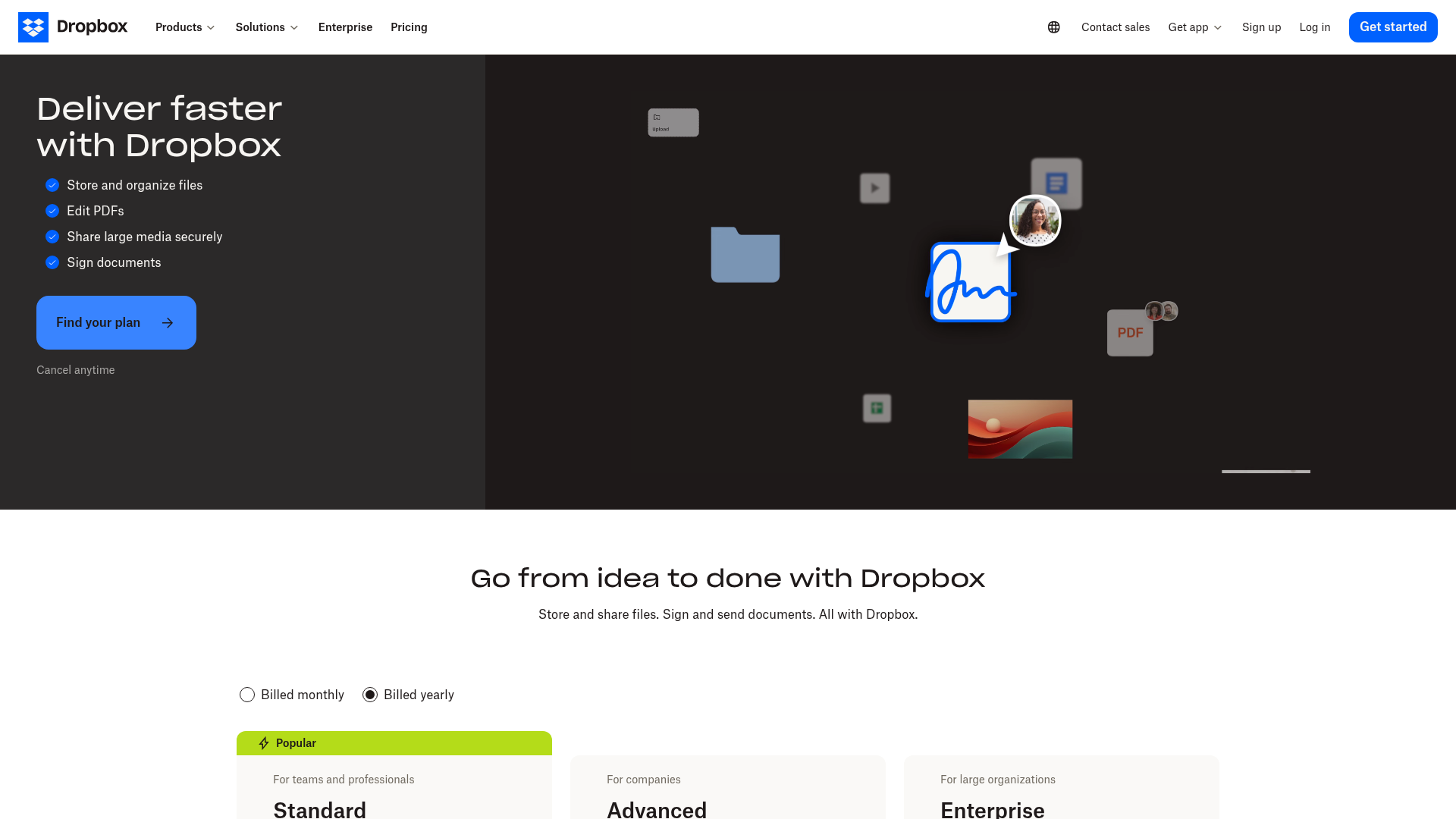
Dropbox Business remains a popular file storage app for teams that want straightforward syncing and simple external sharing.
Best for
- Agencies
- Consulting teams
- Cross-company collaboration
Pros
- Easy adoption
- Strong sync
- Good link sharing and file requests
Cons
- Pricing can feel premium
- Native content management is limited
- Structured asset organization is not its main strength
4. Box
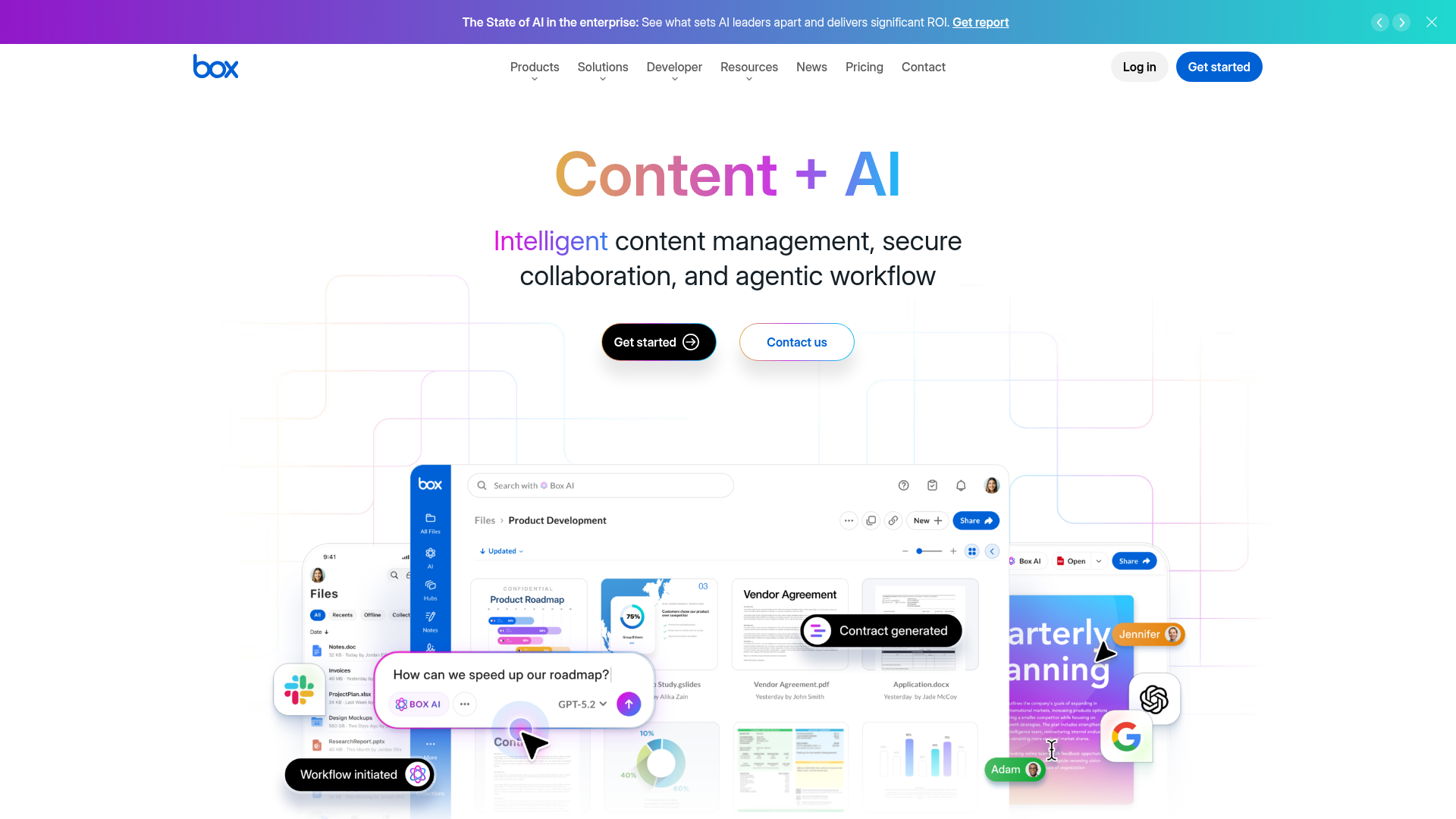
Box is a security-heavy file storage solution aimed at businesses with governance and compliance needs.
Best for
- Regulated industries
- Large organizations
- Policy-driven content workflows
Pros
- Strong compliance posture
- Fine-grained controls
- Good workflow and retention capabilities
Cons
- More configuration-heavy
- Less lightweight for small teams
- Often more than startups need
5. Egnyte
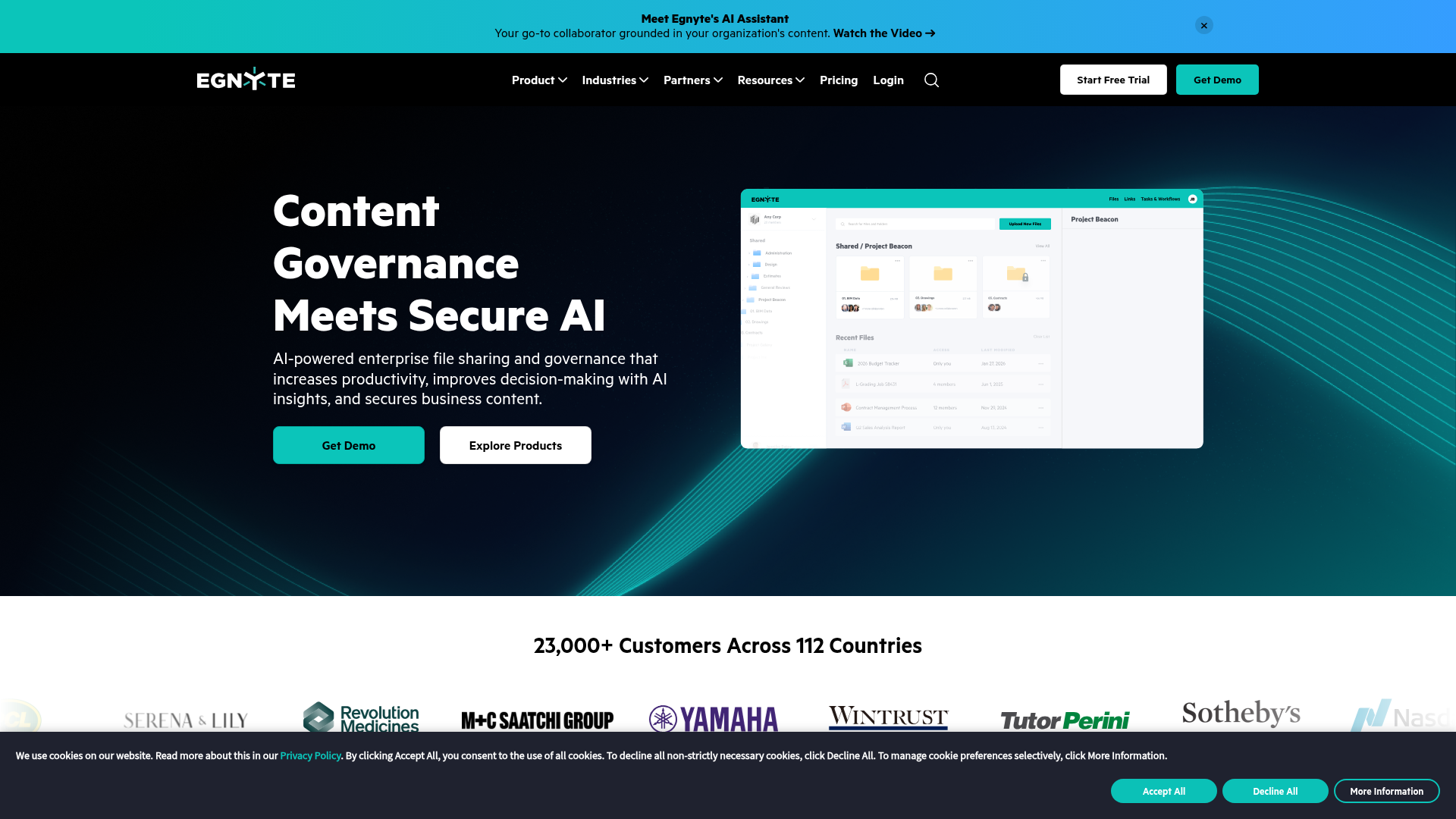
Egnyte blends cloud collaboration with strong governance and hybrid deployment support.
Best for
- Hybrid environments
- Sensitive file workflows
- Mid-market and enterprise teams
Pros
- Granular permissions
- Good compliance tooling
- Hybrid flexibility
Cons
- More setup than basic cloud storage
- Can be more platform than small teams need
- Higher complexity than simple file storage apps
6. FileCloud
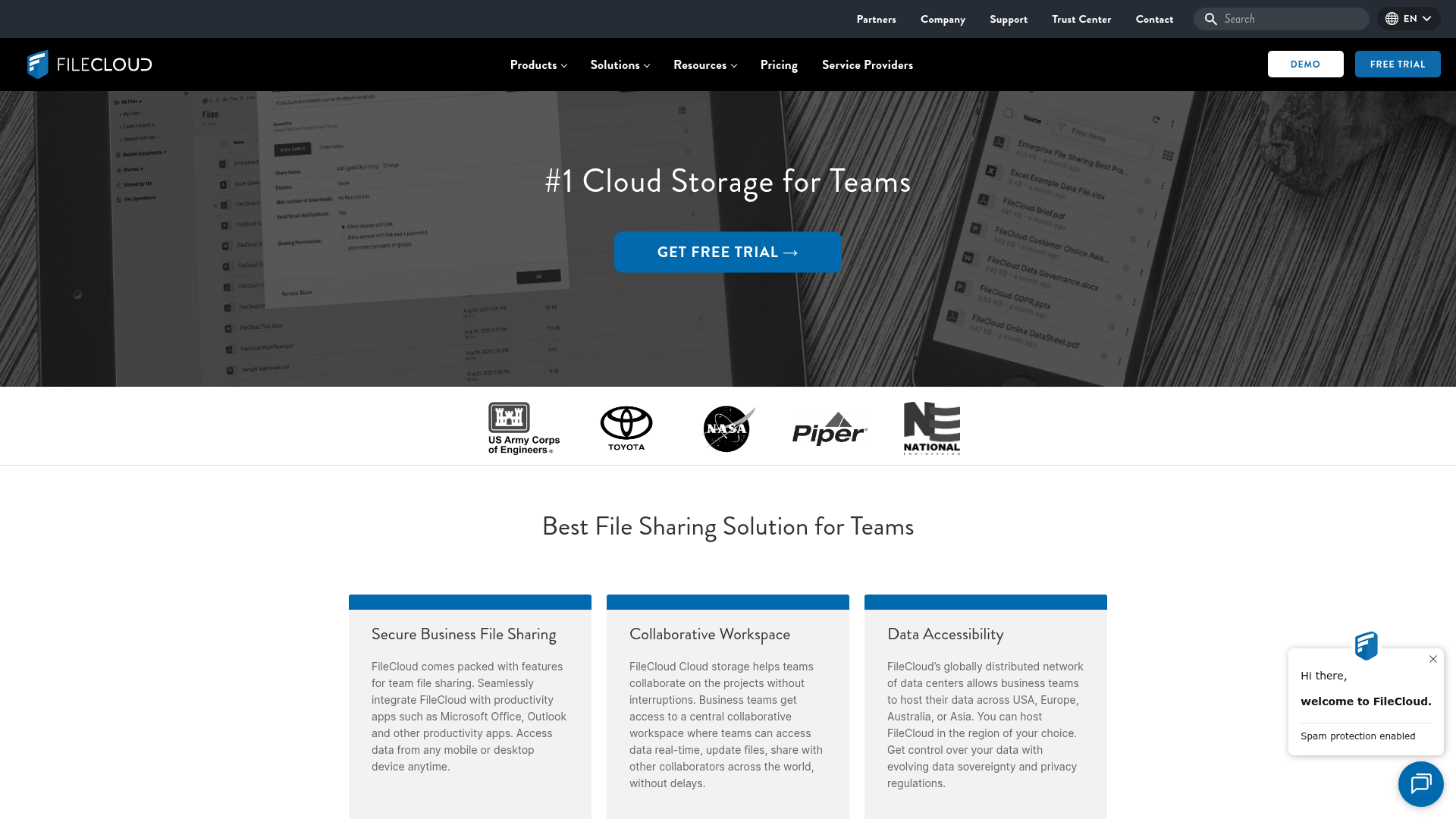
FileCloud is positioned as a secure file server and cloud storage alternative with deployment flexibility, governance tools, and remote access features.
Best for
- Teams wanting hosted or self-hosted options
- Businesses with residency requirements
- Admin-led deployments
Pros
- Broad deployment models
- Good access control options
- Security-focused positioning
Cons
- Heavier product footprint
- More admin-oriented than simplicity-oriented
- Not ideal if your top priority is lightweight everyday usability
7. AssetHQ
. Possible solutions: (1) Try the plain HTTP version of the URL (http:// instead of https://), (2) The website may be completely down, or (3) Contact the website administrator about their broken SSL configuration. Please fix your mistakes.)
AssetHQ is built for teams that want dependable file storage without the clutter and complexity of enterprise-heavy systems. It combines practical digital asset management with intuitive organization, image preview support, secure sharing, team collaboration, and enterprise-grade secure storage.
Best for
- Solo founders
- Startups
- Small businesses
- Growing teams managing documents and images
Pros
- Simple and intuitive file management
- Secure sharing with expiring links and access control
- Organized storage for documents, images, and files
- Helpful image preview and asset visibility
- Straightforward collaboration for growing teams
- Affordable pricing with no hidden fees
- Scales from individual use to team use
Cons
- Not meant to mimic giant enterprise suites
- Best fit is teams prioritizing clarity and usability over sprawling complexity
Why AssetHQ deserves serious consideration
Most file storage companies force buyers into one of two extremes: overly basic cloud drives or heavy enterprise software. AssetHQ is compelling because it stays focused on what many growing teams actually need:
- A file storage system people can understand quickly
- Professional-grade sharing and permission controls
- Better visibility into visual files and brand assets
- Fast access without technical overhead
- Scalable structure without surprise cost creep
For businesses that want reliable digital asset management and secure file storage in one clean experience, AssetHQ is a very strong fit.
How to choose the right file storage service for your business
Choose based on workflow, not brand recognition
A famous file storage company is not automatically the right one. Start with how your team actually works.
Ask:
- Are we mostly storing internal documents?
- Do we share files externally often?
- Do we manage lots of images or brand assets?
- Do we need simple team collaboration?
- Do we have IT resources for server management?
- Are we outgrowing our current folder chaos?
Match the solution to your stage
Business stage | Recommended approach |
|---|---|
Solo founder | Simple cloud storage or lightweight DAM with strong organization |
Small business | File storage software with secure sharing and team permissions |
Growing team | Structured file storage management with previews, folders, and collaboration |
Compliance-heavy org | Governance-focused file storage solutions or hybrid system |
IT-led enterprise | File server software, hosted enterprise platform, or hybrid deployment |
Prioritize these buying criteria
Security
Minimum expectations:
- Controlled sharing
- Role-based access
- Safe hosting
- Expiring links
- Permission clarity
Usability
If the tool is hard to use, staff will create shadow workflows.
Collaboration
The platform should support shared access without turning every action into an admin task.
Scalability
You need room to grow without re-platforming too early.
Cost transparency
Look closely at user minimums, storage tiers, and hidden admin costs.
Common mistakes teams make when choosing file storage software
Mistake 1: Buying for edge cases instead of daily work
A system can look impressive in a feature checklist but still slow your team down every day.
Mistake 2: Treating all file storage options as interchangeable
A file storage app, a file server, and a digital asset management platform solve different problems.
Mistake 3: Ignoring file previews and findability
This is especially costly for marketing, design, product, and operations teams.
Mistake 4: Underestimating permissions
Sharing without proper controls is one of the fastest ways to create avoidable risk.
Mistake 5: Accepting complexity too early
Many small businesses adopt tools built for much larger organizations and spend months fighting the system.
Why AssetHQ is a smart choice for secure team growth
AssetHQ is a strong choice because it aligns with how smaller and growing teams actually operate.
It does not assume you have a dedicated IT department. It does not bury useful features under enterprise noise. And it does not make you choose between simplicity and professionalism.
Instead, it gives you:
- A clean structure for documents, images, and shared files
- Secure file sharing with access control and expiring links
- Image preview support that helps teams work faster
- Collaboration features that feel practical, not bloated
- Enterprise-grade secure storage without enterprise heaviness
- Fast upload and file access
- Flat, transparent pricing
- A scalable foundation for both solo users and teams
That balance is rare, and it is exactly why AssetHQ fits modern business growth so well.
Final verdict
The best file storage service is not the one with the longest feature list. It is the one your team will actually use well as the business grows.
If you need deep enterprise governance and a large IT footprint, tools like Box, Egnyte, or FileCloud may make sense. If you live entirely inside Google or Microsoft, Drive or OneDrive may be enough.
But if you want simple, dependable, secure file storage management for documents, images, and shared assets without overcomplicating the workflow, AssetHQ is one of the smartest options to evaluate.
It gives growing teams the structure they need, the sharing controls they should have, and the usability they usually struggle to find.
If your current file storage setup feels messy, expensive, or harder than it should be, this is the moment to switch to a platform designed for clarity. Try AssetHQ and build your next stage of growth on a file system your team can trust.
FAQ
What are some popular file storage services?
Popular options include Google Drive, Microsoft OneDrive, Dropbox Business, Box, Egnyte, FileCloud, and AssetHQ. The right choice depends on whether you prioritize simple collaboration, tighter governance, self-hosting flexibility, or clean digital asset management for a growing team.
What is the most secure file storage?
The most secure option is usually the one that combines strong access controls, secure sharing, reliable hosting, and clear permission management. For many growing teams, a platform like AssetHQ is a strong fit because it adds expiring links, controlled access, and enterprise-grade secure storage without unnecessary complexity.
What are the three types of file storage?
The three main types are cloud file storage, self-hosted or on-premises file servers, and structured digital asset or file management platforms. Each serves a different need, from simple remote access to full infrastructure control to organized team collaboration.
What is the most secure file storage?
Security depends on configuration as much as the platform itself. A secure file storage service should offer access control, expiring links, protected sharing, and dependable infrastructure so your team can collaborate without exposing sensitive files.
Related Posts

Brand Asset Management Software for Growing Teams
Discover brand asset management software for growing teams and learn how to organize files, share securely, and scale with ease.
min read
Cloud Based Digital Asset Management Benefits
Explore cloud based digital asset management benefits for secure file sharing, simpler teamwork, and organized growth. Try it today now
min read
File Sharing and Storage Made Simple for Teams
Discover file sharing and storage made simple for teams with secure access, better organization, and faster collaboration. Try AssetHQ!
min read