Best Cloud Storage for Photos in 2026
Best Cloud Storage for Photos in 2026 If you are trying to choose the best cloud storage for photos in 2026, you are probably dealing with one of three problems: your phone is full, your photo library is scattered across devices, or you need a safer long-term home for important memories and client work. That is exactly where most guides stop too early. They list a few storage services, mention “security” and “free space,” and move on. But storing photos properly is not just about raw gigabyt
 Emma LarsonJune 22, 202612 min read
Best Cloud Storage for Photos in 2026
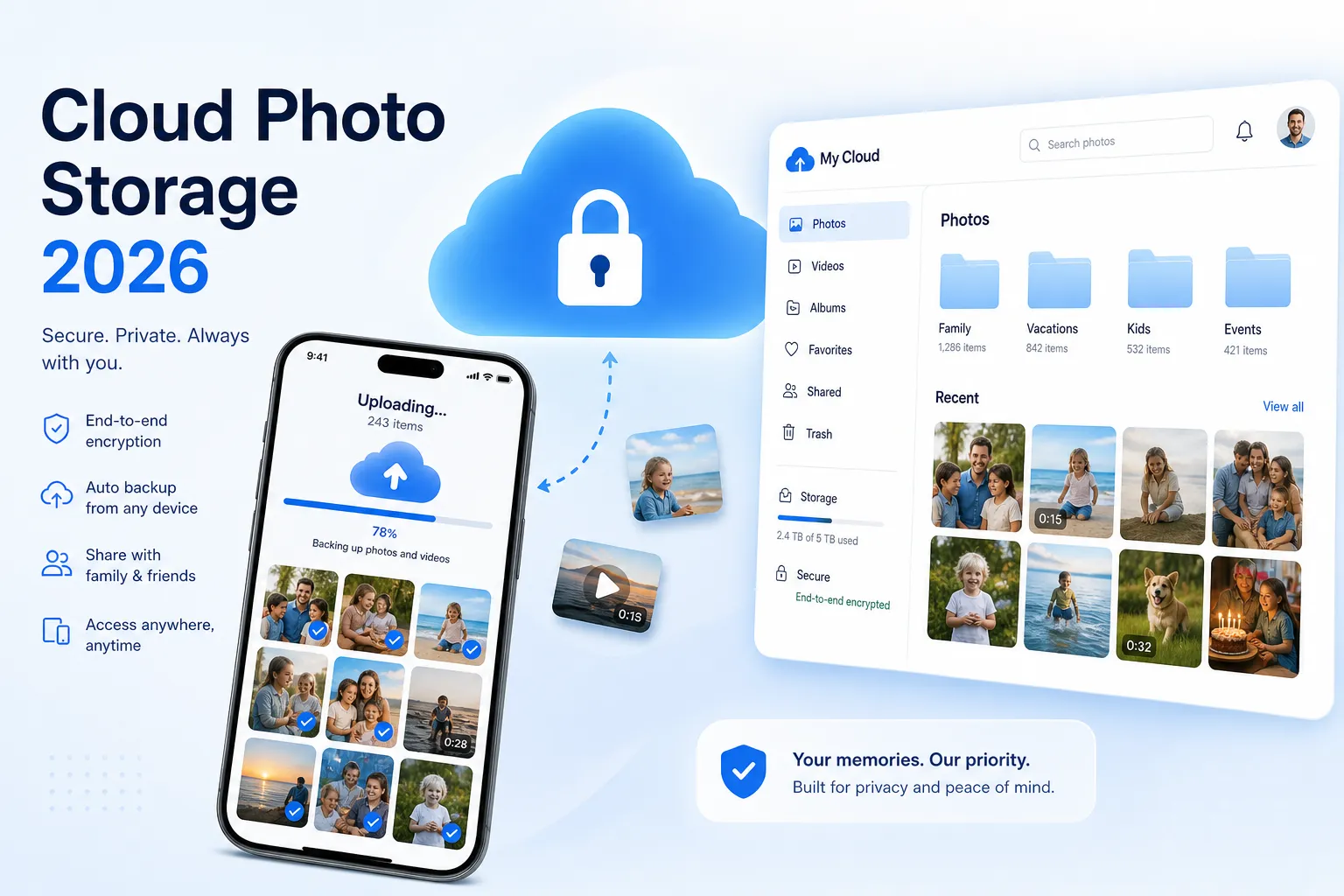
If you are trying to choose the best cloud storage for photos in 2026, you are probably dealing with one of three problems: your phone is full, your photo library is scattered across devices, or you need a safer long-term home for important memories and client work.
That is exactly where most guides stop too early. They list a few storage services, mention “security” and “free space,” and move on. But storing photos properly is not just about raw gigabytes. It is about fast uploads, easy previews, reliable sharing, video support, privacy, pricing that still makes sense a year from now, and whether the platform stays simple when your library grows from a few hundred files to tens of thousands.
For solo creators, photographers, startups, and growing teams, there is also another layer: organizing files so they are easy to find, share, approve, and protect. That is why platforms like AssetHQ are increasingly relevant. If you need more than a dump folder in the cloud, AssetHQ gives you a simple, intuitive way to manage documents, images, and shared files with secure access control, image previews, fast file access, and flat pricing that does not feel like a trap. It is especially useful when your “photo storage” starts becoming “photo operations.”
In this guide, you will find the best options for personal use, photographers, mixed photo-and-video libraries, free storage, cheap plans, and organized team use. We will also cover what most competing articles gloss over: long-term value, recovery risk, collaboration, and when you need cloud storage versus proper digital asset management.
"As of 2026, approximately 5.3 billion photos are taken worldwide each day, with a significant portion stored in cloud services." - dblabsapps.com
That alone explains why choosing the right service matters.
What Actually Matters When Choosing Cloud Storage for Photos
Before comparing providers, it helps to know what separates a decent storage tool from one you will still be happy with after years of uploads.
1. Photo and video handling
A service may work well for documents but feel clumsy for photos. Look for:
- thumbnail previews
- fast upload for large batches
- support for RAW files if you shoot professionally
- decent mobile backup
- video file support without awkward limits
If you store both images and footage, the best cloud storage for photos and videos should make both feel equally easy to manage.
2. Organization
Folders still matter. Tags help. Search matters more than people expect.
For individuals, that means finding vacation albums, family archives, or work images quickly. For teams, it means a clear system for campaigns, product shots, brand assets, client galleries, and shared folders. This is where AssetHQ stands out naturally: it is built around simple file organization, quick image preview, secure sharing, and straightforward team access without the weight of enterprise-heavy DAM tools.
3. Sharing and access control
Many people only realize weak sharing is a problem when they need to send files to a client, family member, or teammate. Good sharing should include:
- private links
- expiration dates
- permission control
- simple access management
- reliable download experience
If collaboration is part of your workflow, this becomes essential rather than optional.
4. Security and recovery
Marketing pages love the word “secure,” but not all security is equal.
You should care about:
- encryption at rest and in transit
- zero-knowledge encryption if privacy is critical
- account recovery options
- version history
- file restoration
- redundancy and backup design
"In 2023, 93% of ransomware attacks targeted backup data, with 75% successfully compromising the victims' ability to recover their information." - Computer Weekly
That is a strong reminder that cloud storage is not just convenience. It is part of your protection strategy.
5. Cost over time
Some services look cheap monthly but become expensive over several years. Others offer better long-term value through annual plans or lifetime pricing. If you expect to store photos indefinitely, pricing matters more than promo headlines.
Quick Comparison Table
Service | Best For | Free Storage | Video Support | Privacy Level | Team-Friendly | Standout Strength |
|---|---|---|---|---|---|---|
pCloud | Best overall value | Up to 10 GB | Strong | Medium, optional private encryption | Moderate | Lifetime plans and polished apps |
Google Photos / Drive | Easiest everyday use | 15 GB shared | Strong | Medium | Moderate | Seamless Android and Google ecosystem |
iCloud Photos | Best for Apple users | 5 GB | Strong | Medium | Low | Smoothest iPhone/Mac integration |
Sync.com | Best privacy | 5 GB | Good | High | Moderate | Zero-knowledge encryption by default |
MEGA | Best generous free tier | 20 GB | Good | High | Moderate | Large free allowance |
Dropbox | Best familiar syncing | 2 GB | Good | Medium | Strong | Clean syncing and sharing |
AssetHQ | Best for organized photo ops and teams | Contact for plans | Strong | High, enterprise-grade security | High | Simple DAM-style organization and secure collaboration |
The Best Cloud Storage Services for Photos in 2026
1. pCloud - Best Overall for Long-Term Value
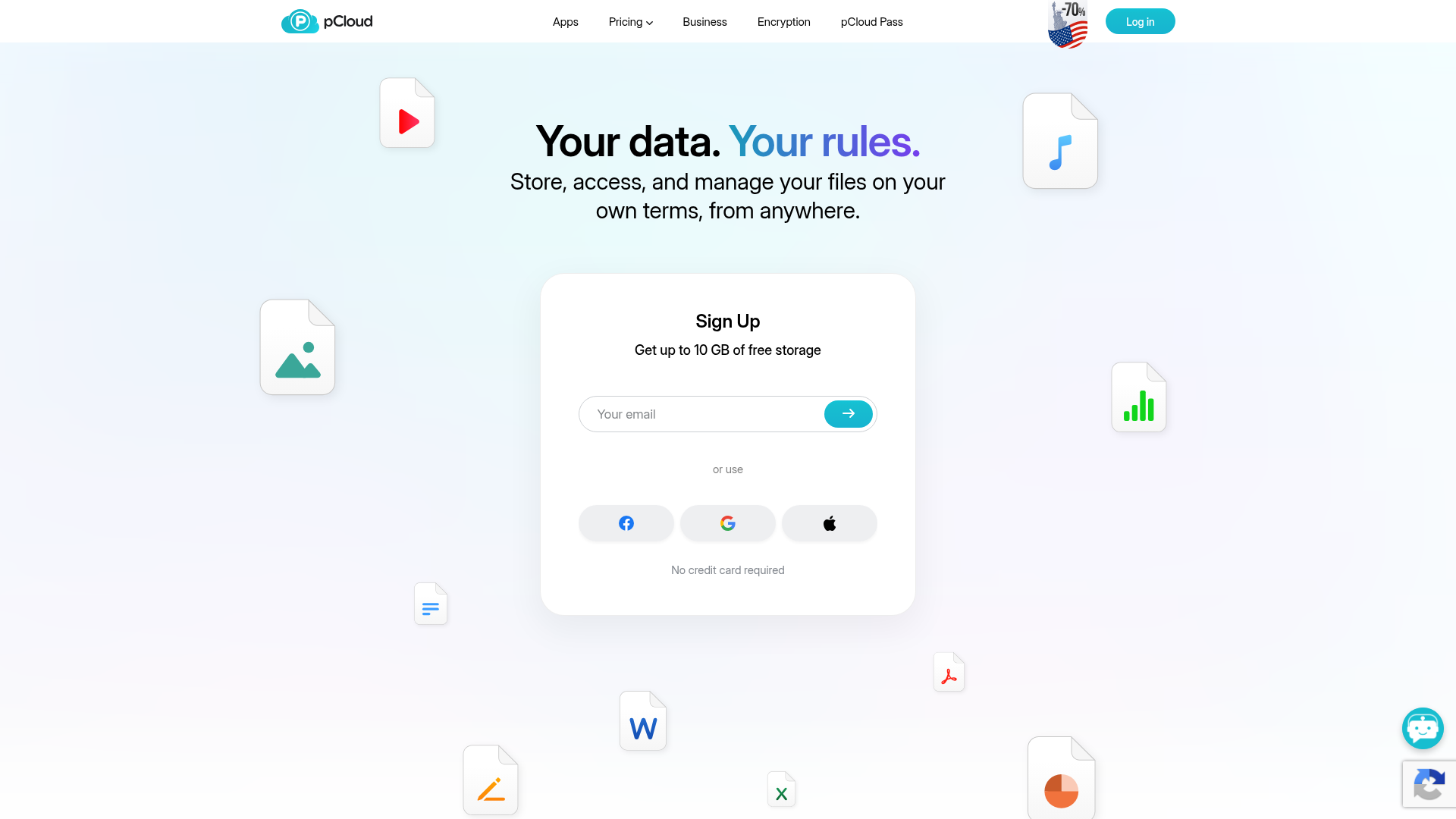
pCloud remains one of the strongest all-around choices because it balances usability, pricing, and broad platform support better than most competitors. If you want the best cloud for photos without being tied too tightly to Apple, Google, or Microsoft, this is usually the easiest recommendation.
Why it works well for photos
- good previews for common image formats
- automatic mobile uploads
- fast access across desktop and mobile
- no awkward file size limits for normal use
- useful folder-based organization
Where it stands out
Its biggest advantage is value. The lifetime plans are unusual in a market dominated by subscriptions, and for long-term archives that can make real financial sense.
Limitations
pCloud’s zero-knowledge privacy is not included by default. If you want the most private vault-style protection, you pay extra for pCloud Encryption.
Best for
- families building a long-term archive
- photographers who want easy access on multiple devices
- users who care about value over many years
2. Google Photos / Google Drive - Best for Simplicity and Search
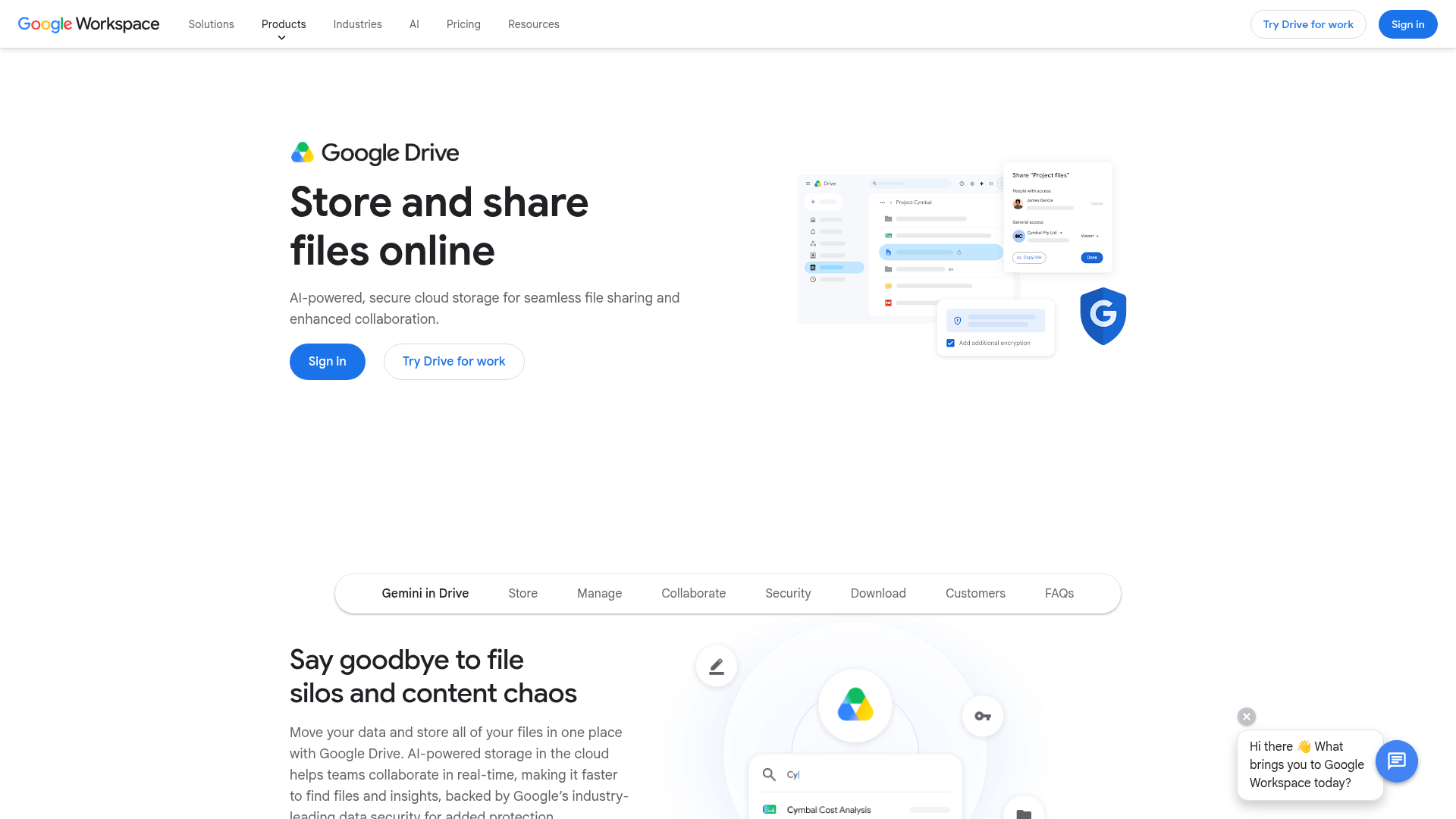
If your life already runs through Gmail, Android, Google Docs, and Google Photos, then Google’s ecosystem is still one of the easiest answers for online storage for photos and videos.
Why it works well for photos
- smart search and image recognition
- smooth Android backup
- easy sharing with links and albums
- simple cross-device access
- strong integration with Google Photos
For many people searching for google cloud storage for photos and videos, what they really want is convenience. Google offers that better than almost anyone.
Limitations
Privacy is not its strongest point. Files are encrypted, but Google controls the keys. If that matters to you, this is a trade-off.
Best for
- casual users
- Android owners
- families who want easy sharing
- anyone wanting google storage for photos with minimal setup
3. iCloud Photos - Best for Apple Users
If you use an iPhone, iPad, and Mac every day, iCloud Photos is the smoothest option. It works quietly in the background and feels native because it is.
Why it works well for photos
- automatic sync across Apple devices
- efficient optimization for local storage
- easy album creation and sharing
- integrated backup experience
Limitations
Outside Apple’s ecosystem, it becomes much less attractive. Collaboration and advanced organization are also limited compared with more dedicated platforms.
Best for
- iPhone-first users
- Apple households
- users prioritizing low-friction backup over advanced management
4. Sync.com - Best for Privacy-Focused Photo Storage
If privacy is your priority, Sync.com is one of the best cloud storage options for photographers, business owners, and anyone storing sensitive images or client assets.
Why it works well for photos
- zero-knowledge encryption by default
- strong security posture
- reliable syncing and sharing
- good file retrieval tools
Limitations
You may notice slightly slower performance than less privacy-focused rivals, especially with large media uploads. That is the trade-off.
Best for
- photographers with client galleries
- professionals handling confidential media
- users wanting the best online storage for photographers with privacy built in
5. MEGA - Best Free Cloud Storage for Photos
If your main goal is free space, MEGA deserves attention. It remains one of the better choices for best cloud storage for photos free, especially if you want more room upfront than Apple, Dropbox, or Sync.com offer.
Why it works well for photos
- generous free storage
- good privacy orientation
- solid support for large files
- useful for mixed photo and video libraries
Limitations
Its trust history is more complicated than some competitors, and some users may prefer more established mainstream platforms for long-term peace of mind.
Best for
- users starting with free online storage for photos
- mixed personal media libraries
- privacy-conscious users on a budget
6. Dropbox - Best for Familiar File Sync and Sharing
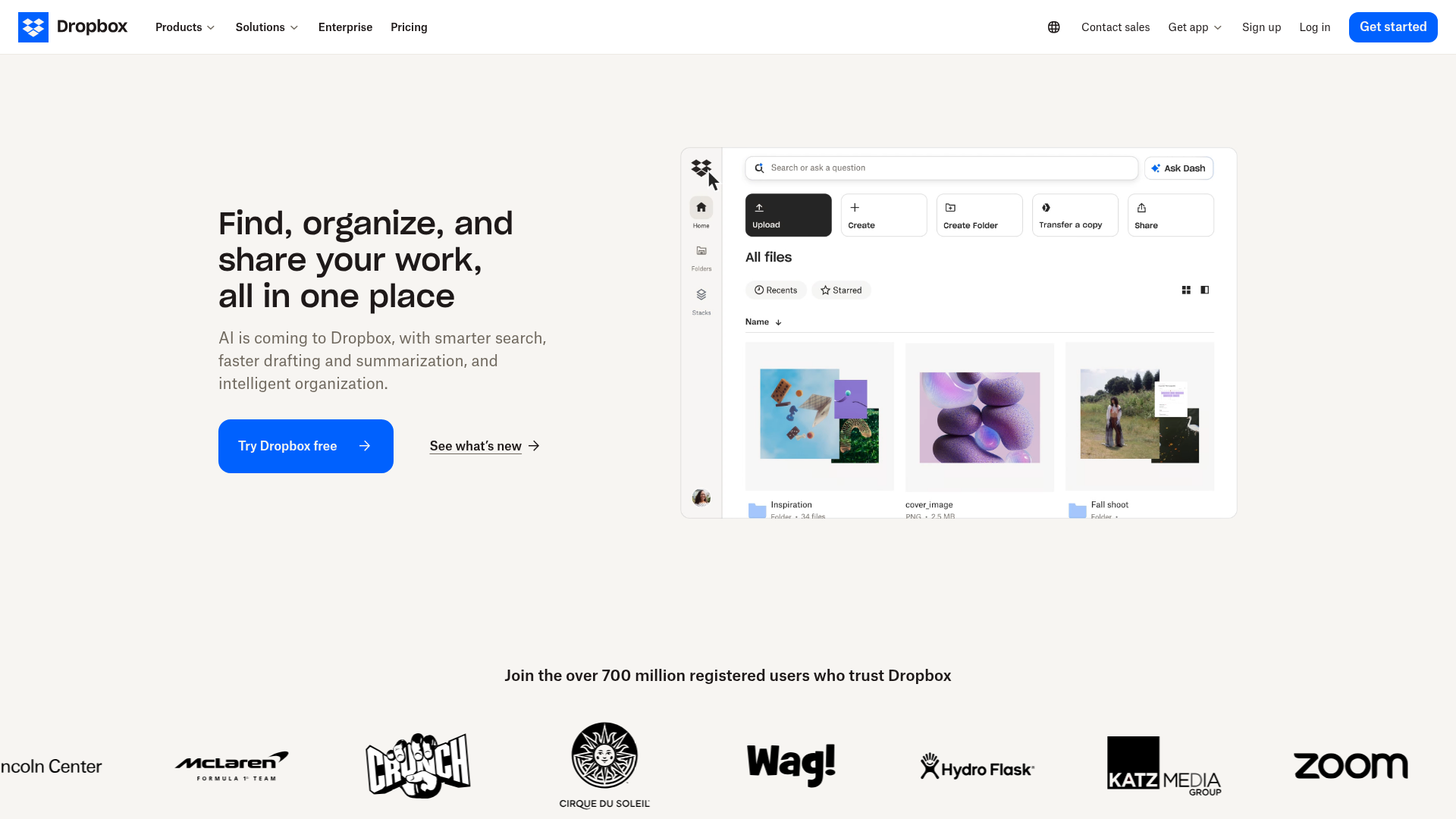
Dropbox is no longer the obvious default it once was, but it still does a lot well. Its syncing is polished, its sharing is simple, and many people already know how to use it.
Why it works well for photos
- dependable sync
- clean link sharing
- easy folder collaboration
- broad third-party familiarity
Limitations
The free plan is small, and long-term value is weaker than pCloud for many users.
Best for
- users already comfortable with Dropbox
- small teams needing simple file exchange
- people who value fast onboarding
7. AssetHQ - Best for Organized Photo Management, Teams, and Growth
AssetHQ is not just another generic cloud folder. It is best suited for users who need more structure around documents, images, and shared files without moving into bloated enterprise software.
That makes it especially compelling for startups, agencies, solo founders, marketing teams, and growing organizations that manage lots of visual assets but do not want the complexity or pricing sprawl of traditional DAM systems.
Why it works well for photos
- simple and intuitive file management
- image preview and management capabilities
- secure file sharing with expiring links and access controls
- organized storage for documents, images, and other files
- fast uploads and file access
- scalable collaboration for teams
- enterprise-grade secure storage
- affordable flat pricing without hidden fees
Why it fills a gap other tools miss
Most cloud storage services are designed to store files. AssetHQ is designed to help you manage them. That difference matters once your library turns into a workflow.
If your team needs to:
- store product photos
- organize campaign creative
- manage brand assets
- review image files internally
- share files securely with clients
- control who sees what
then AssetHQ becomes more practical than consumer-first photo backup services.
Best for
- growing teams
- small businesses
- founders managing content and brand assets
- anyone wanting a simpler alternative to complex DAM tools
Best by Use Case
Best cloud storage for photographers
If you are a photographer, your needs are different from a casual phone user. You may need RAW support, client-safe sharing, privacy, version control, and dependable upload of large batches.
Top picks:
- Sync.com for privacy and client security
- pCloud for long-term value and ease
- AssetHQ for organized online photo storage for photographers working with clients or teams
Best cloud storage for photos and videos
Photos are one thing. Video files are another. They eat storage quickly and expose slow upload performance fast.
Top picks:
- pCloud for balanced media handling
- Google Drive for easy everyday online storage for photos and videos
- MEGA for generous space and good large-file support
- AssetHQ for business libraries mixing images, video files, and shared documents
Best free cloud storage for photos
If you want to start without paying:
Service | Free Space | Best For |
|---|---|---|
MEGA | 20 GB | Largest free tier |
Google Drive | 15 GB | Easy mainstream option |
pCloud | Up to 10 GB | Good all-round starter |
Sync.com | 5 GB | Private free storage |
iCloud | 5 GB | Apple users only |
Cheap cloud storage for photos
For users focused on affordability rather than “free forever,” pCloud often wins because of annual discounts and lifetime options. Google and iCloud are cheap to start, but their monthly costs keep going.
AssetHQ is also worth considering for businesses because flat, transparent pricing can be more predictable than per-user or feature-gated pricing models elsewhere.
Content Gaps Most Competitor Articles Miss
After reviewing top-ranking articles in this space, a few recurring gaps become obvious.
They focus too much on storage size, not workflow
A lot of guides compare gigabytes and monthly fees, but they ignore what happens after upload. That matters because the best place to store photos online is not just where files fit - it is where you can actually find, preview, share, and manage them.
They underplay mixed photo and video libraries
Many users no longer need just photo backup. They need cloud storage for video files too. If your library includes 4K clips, social video exports, product footage, drone shots, or event recordings, the service has to handle far more than a photo album.
They rarely separate personal backup from business asset management
This is one of the biggest missed opportunities. iCloud and Google Photos are fine for simple personal use. But as soon as a team needs organized access, link controls, approvals, folders that make sense, and secure external sharing, a platform like AssetHQ is more relevant than another consumer backup app.
They do not talk enough about link security
Sharing photos is one of the most common cloud-storage tasks. Yet many roundups barely mention expiring links, permission settings, or access control. AssetHQ’s secure sharing model is especially useful here because it is built for controlled access rather than casual sending.
Cloud Storage vs Digital Asset Management: Which Do You Actually Need?
This is where many readers can save time and avoid the wrong purchase.
Choose standard cloud storage if:
- you mainly want backup
- you are storing personal photos
- you do not need structured collaboration
- you are okay with basic folder systems
- simple sharing is enough
Choose a DAM-style solution like AssetHQ if:
- your photos are part of business operations
- multiple people need access
- you need cleaner organization
- image preview matters
- secure link sharing matters
- you want scalable storage without enterprise bloat
- you manage documents, images, and files together
AssetHQ is especially strong in this middle ground. It gives you the simplicity smaller teams want, with the controls and structure that growing organizations eventually need.
How to Choose the Right Option for You
For personal family photos
Pick Google Photos, iCloud, or pCloud depending on your ecosystem and budget.
For professional photographers
Pick Sync.com if privacy matters most, pCloud if value matters most, or AssetHQ if client delivery, organization, and team collaboration are part of the workflow.
For teams handling creative assets
Pick AssetHQ. This is where simple storage stops being enough, and organized file management starts saving real time.
For free storage
Start with MEGA or Google Drive, then upgrade once the library becomes permanent or business-critical.
For long-term value
Pick pCloud first, especially if lifetime pricing appeals to you.
Practical Setup Tips for Safer Photo Storage
Even the best cloud storage for files and photos should not be your only line of defense.
Use the 3-2-1 mindset
Keep:
- 3 copies of important photos
- on 2 different media types
- with 1 copy offsite or in the cloud
Separate archive folders clearly
Use folders like:
- Family / Year / Event
- Clients / Client Name / Project
- Brand Assets / Product / Final
- Video / Raw / Edited / Exports
This sounds basic, but it prevents chaos later.
Turn on two-factor authentication
Do this for every service you use.
Review sharing permissions quarterly
Especially if you send galleries, client folders, or business assets externally.
Don’t rely only on your phone
Phone sync is useful, but it is not a complete file strategy. Once you care about access, sharing, structure, and recovery, you need a real system.
Final Verdict
If you want the best cloud storage for photos in 2026 for pure all-around value, pCloud is the strongest overall pick.
If you want the easiest mainstream option, go with Google Photos / Google Drive.
If you are all-in on Apple, iCloud Photos is the least-friction choice.
If privacy matters most, Sync.com is the best answer.
If you want the best free cloud storage for photos, MEGA gives you the most room to start.
But if your needs go beyond simple backup - if you need organized storage, secure file sharing, image preview, scalable collaboration, and a platform that helps solo users and teams actually manage their files - then AssetHQ is the smartest move.
It fills the gap between messy consumer cloud storage and overly complex enterprise DAM software. You get clean organization, secure access control, fast uploads, intuitive navigation, and dependable storage for documents, images, and shared files without paying for a bloated system you do not need.
If your photos are important enough to keep, they are important enough to manage properly. That is where AssetHQ becomes more than storage. It becomes infrastructure.
FAQ
What is the best long-term storage for photos?
pCloud is one of the best long-term options because its lifetime plans can reduce ongoing subscription costs while still offering solid apps and reliable access. If you need better organization and team access, AssetHQ is a stronger long-term choice for business photo libraries.
Where to store 30 years of photos?
For a large archive, use a mix of cloud storage plus a second backup. pCloud works well for personal long-term storage, while AssetHQ is ideal if you want organized folders, image previews, and secure sharing for a large growing library.
Where is the best place to store photos permanently?
There is no single “permanent” place, so the safest approach is cloud storage combined with a local backup. Choose a dependable service with strong recovery options, then keep a second copy elsewhere for extra protection.
What is the best cloud storage to store photos?
pCloud is the best all-around pick for most people because it balances usability, price, and long-term value. If you need structured file management and secure collaboration, AssetHQ is better suited for teams and business use.
Where to store 30 years of photos?
The best approach is to store them in a reliable cloud platform and keep another backup on an external drive or second service. For personal archives, pCloud is excellent, while AssetHQ is better if those photos are part of a business workflow.
Will I lose my photos if I stop paying for iCloud storage?
Not immediately, but Apple may stop syncing new files and can limit access to storage features if your account exceeds the free tier. It is best to download or move important photos before cancelling so you stay in control of your library.
Related Posts

Brand Asset Management Software for Growing Teams
Discover brand asset management software for growing teams and learn how to organize files, share securely, and scale with ease.
min read
Cloud Based Digital Asset Management Benefits
Explore cloud based digital asset management benefits for secure file sharing, simpler teamwork, and organized growth. Try it today now
min read
File Sharing and Storage Made Simple for Teams
Discover file sharing and storage made simple for teams with secure access, better organization, and faster collaboration. Try AssetHQ!
min read