Cloud File Storage for Small Business: Best Options
Cloud File Storage for Small Business: Best Options If you're running a small business, cloud file storage is no longer just a nice upgrade. It's the practical replacement for messy desktop folders, fragile external drives, and expensive on-premise servers that are hard to maintain. Whether you're a solo founder sharing proposals with clients, a startup organizing product assets, or a growing team managing documents and images across departments, the right setup should do three things well:
 Emma LarsonJuly 5, 202611 min read
Cloud File Storage for Small Business: Best Options
If you're running a small business, cloud file storage is no longer just a nice upgrade. It's the practical replacement for messy desktop folders, fragile external drives, and expensive on-premise servers that are hard to maintain.
Whether you're a solo founder sharing proposals with clients, a startup organizing product assets, or a growing team managing documents and images across departments, the right setup should do three things well:
- keep files secure
- make sharing simple
- stay easy to manage as your business grows
Too many tools get this wrong. Some are affordable but clunky. Some are powerful but overloaded with features small teams will never use. Others look simple until pricing, permissions, and file management start becoming a hassle.
This guide compares the best cloud file storage for small business use, shows what matters when evaluating options, and explains where a simpler platform like AssetHQ fits best for teams that want dependable storage and collaboration without enterprise software bloat.
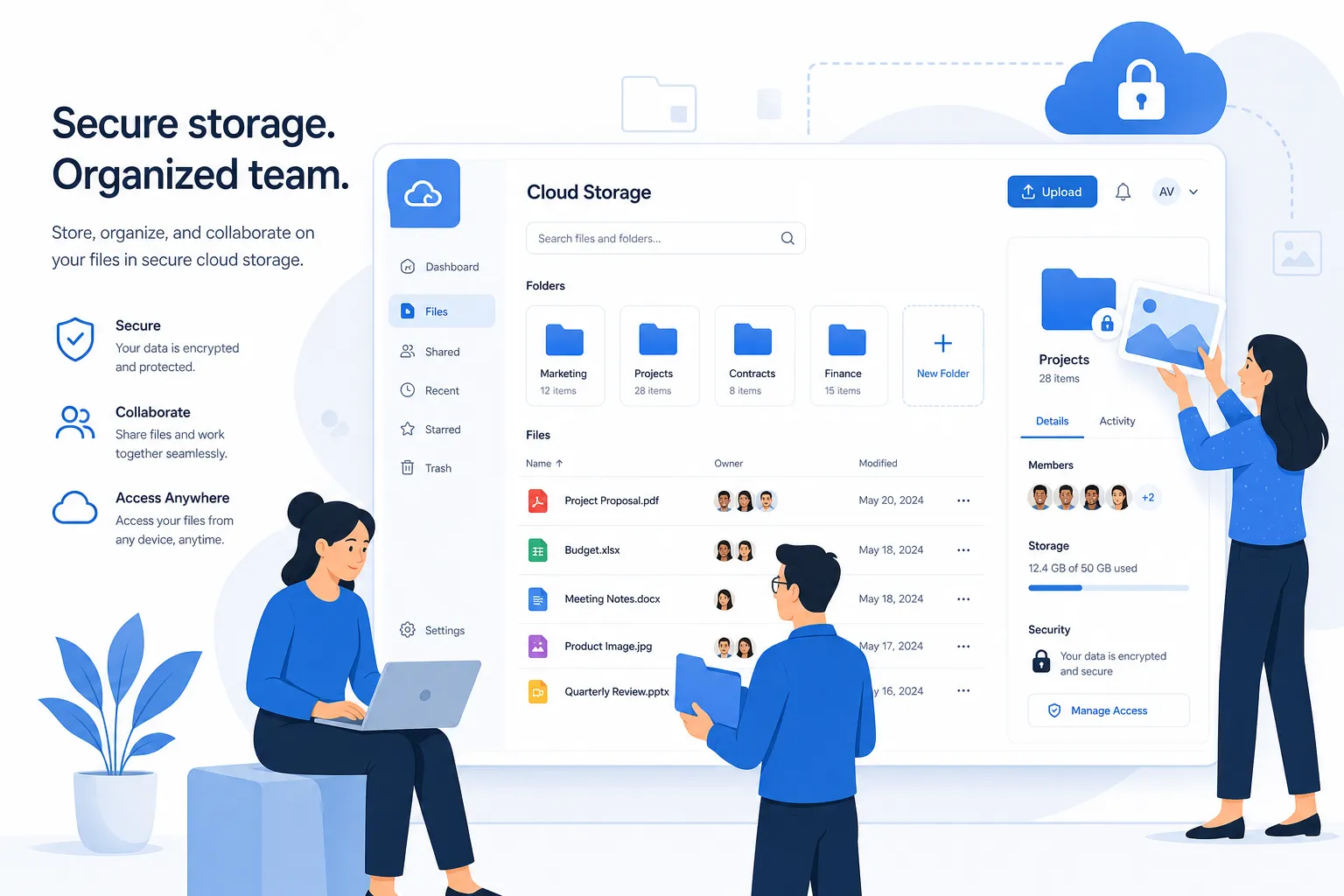
What small businesses actually need from cloud file storage
Most competitor articles focus on brand names, storage limits, and pricing tables. That's useful, but it misses the daily reality for small teams.
The best cloud service for small business isn't necessarily the one with the longest feature list. It's the one that helps people find files fast, share them safely, and avoid wasting time.
The essentials
A strong cloud file service for small business use should include:
- clear folder organization
- fast uploads and reliable access
- permission-based sharing
- secure links, ideally with expiration controls
- file previews for documents and images
- collaboration features for internal teams and external partners
- scalable storage without confusing upgrade traps
- pricing that feels predictable
The hidden requirements many guides gloss over
These are the content gaps most comparison pages miss:
Simplicity matters more than feature volume
A lot of small teams don't need complex workflow builders, layered admin frameworks, or enterprise deployment models. They need something people will actually use correctly.
Image and document handling are often treated separately
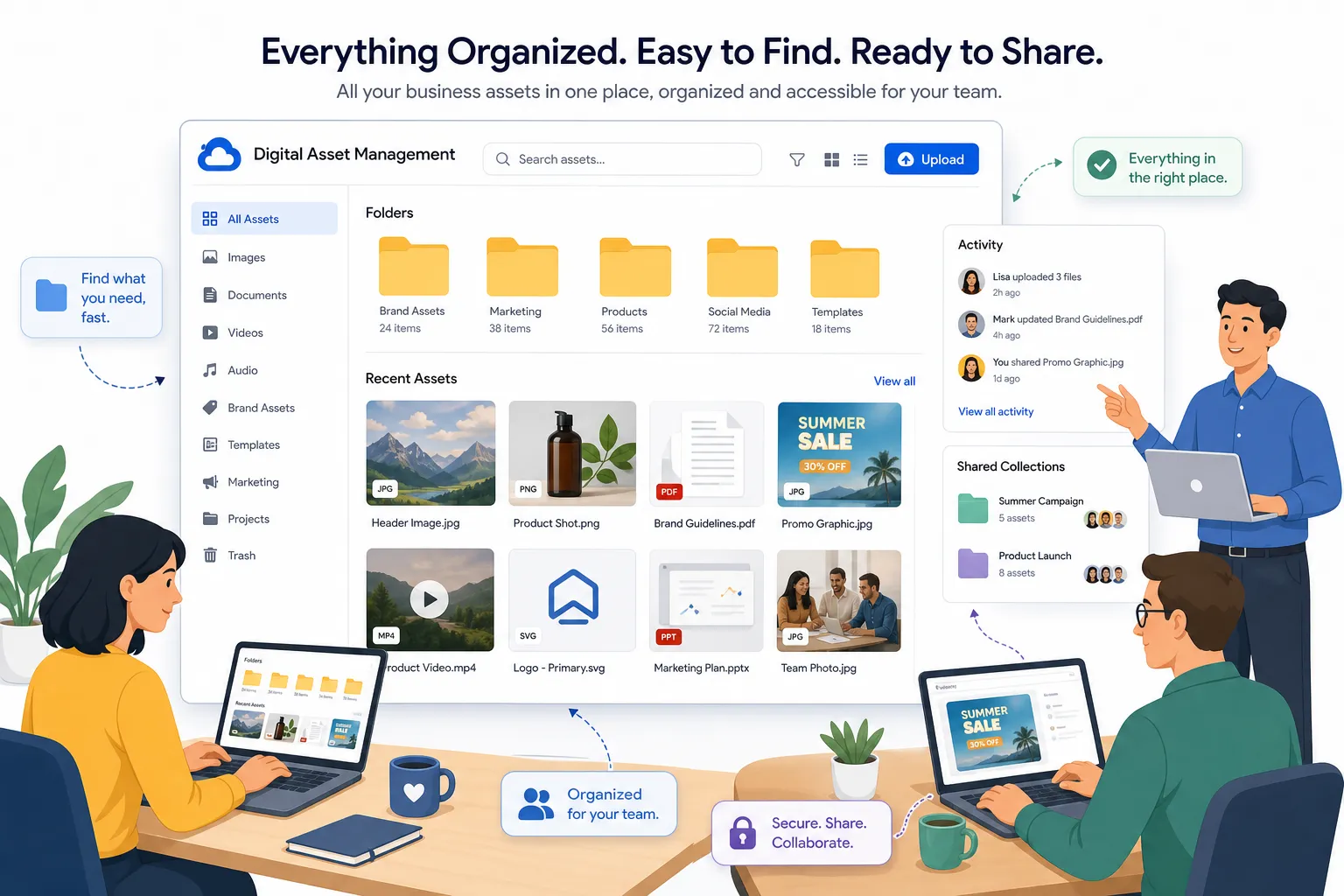
Many businesses don't just store files. They manage proposals, contracts, brand files, product shots, reference images, PDFs, and working docs in the same place. That means preview support and organized storage matter as much as raw capacity.
Client-facing sharing is a real use case
A lot of "cloud based file sharing for small business" decisions come down to how easy it is to share files externally without losing control. Expiring links, access settings, and a professional file-sharing experience matter.
Flat, understandable pricing reduces friction
Small businesses are rightly cautious about hidden storage costs, add-ons, or forced jumps into enterprise tiers.
Why businesses are moving away from local file servers
Traditional file servers can still work, but for most small businesses they create more overhead than value.
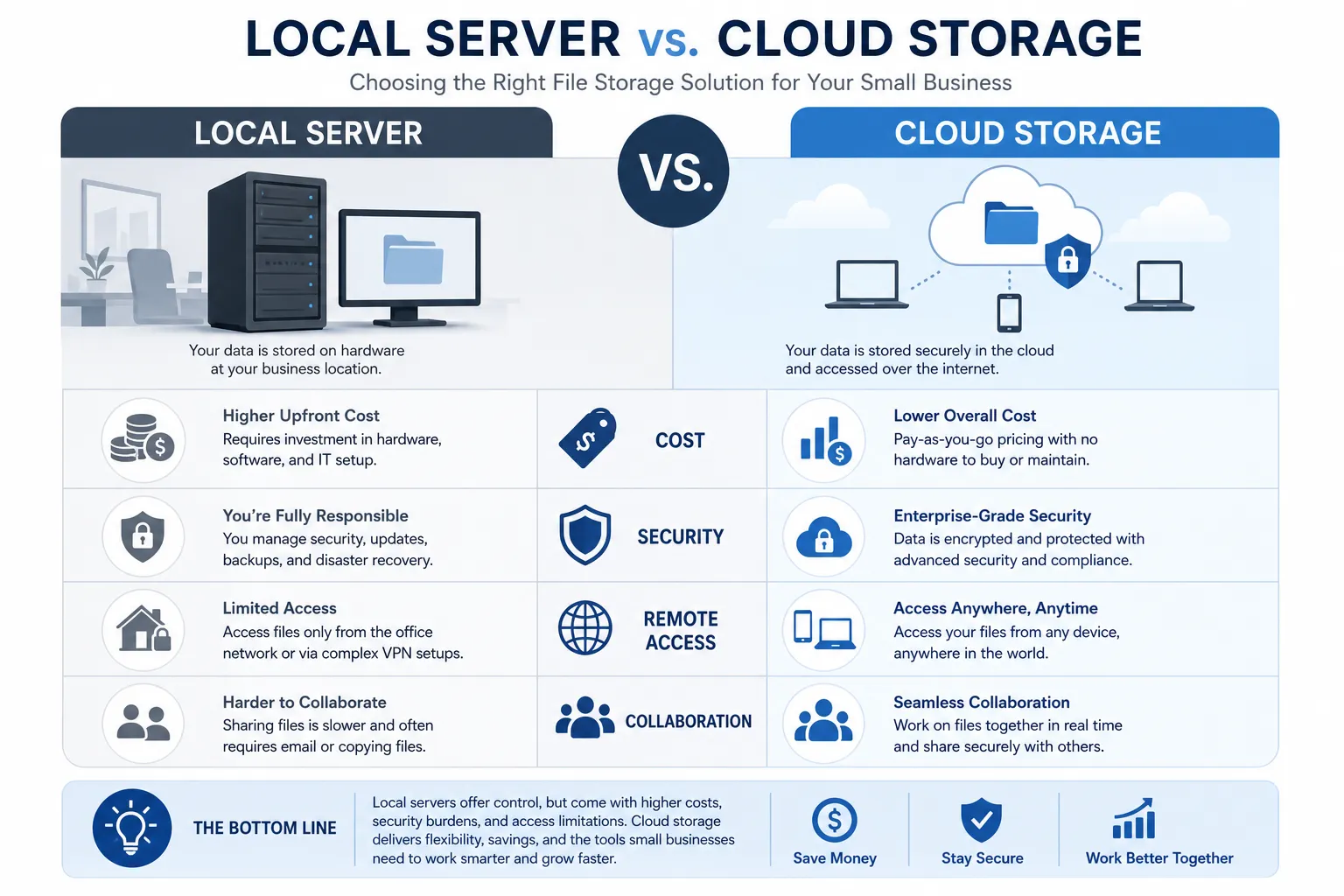
Where local storage falls short
Local file server | Cloud file storage for business |
|---|---|
Requires hardware purchase and maintenance | No physical server management |
Limited remote access without extra setup | Access from anywhere |
Higher risk from local failure or office disruption | Offsite resilience and backup-oriented architecture |
Harder to scale | Easier to expand as needs grow |
Often needs IT support | Usually easier for small teams to self-manage |
For many businesses searching for a cloud based file server for small business needs, the real goal isn't "the cloud" itself. It's replacing complexity with reliability.
"69% of SMBs experienced at least one cyberattack in the past year." - Devolutions State of IT Security in SMBs 2023-2024, cited by CSO Online
That stat highlights a key point: storing and sharing files isn't just about convenience anymore. It's about reducing operational and security risk.
How to evaluate the best cloud storage options for business
Before comparing platforms, it's worth deciding what kind of business you are.
If you're a solo founder or freelancer
You likely need:
- affordable storage
- professional file sharing
- simple organization
- easy client access
- minimal admin overhead
If you're a startup or small internal team
You likely need:
- shared cloud storage for small business collaboration
- structured folders by client, project, or department
- permissions for different teammates
- image previews and document access
- room to grow without replatforming
If you're a more regulated or IT-heavy business
You may care more about:
- advanced compliance features
- deep Microsoft or Google integrations
- larger admin controls
- hybrid deployment or enterprise workflows
The decision criteria that matter most
Evaluation factor | Why it matters |
|---|---|
Ease of use | If the team finds it confusing, adoption drops |
Sharing controls | Critical for external collaboration and confidentiality |
File organization | Prevents duplicate work and file chaos |
Preview support | Helps teams move faster without downloading everything |
Security | Protects sensitive documents and assets |
Price transparency | Makes budgeting easier |
Scalability | Avoids migrations later |
Collaboration features | Improves team productivity |
Best cloud file storage options for small business
This section focuses on practical fit, not just popularity.
1. AssetHQ: Best for simple, scalable file organization and sharing
AssetHQ is especially well suited for solo founders, startups, and growing teams that need a clean, dependable way to manage documents, images, and shared files.
What makes it stand out is its balance. It gives businesses professional-grade storage and sharing without forcing them into the complexity of heavyweight enterprise DAM or bloated collaboration suites.
Why AssetHQ fits small business needs well
- simple and intuitive file management
- organized storage for documents, images, and other files
- image preview and management capabilities
- secure file sharing with expiring links and access control
- team collaboration features for growing organizations
- enterprise-grade secure storage
- fast upload and file access
- affordable flat pricing with no hidden fees
- scalable setup for solo users and teams alike
For businesses that want cloud folder sharing and professional asset organization without technical overhead, AssetHQ solves a very specific problem: making file management usable.
Best for
- small businesses with lots of documents and images
- client-facing teams sharing files externally
- startups that need structure early
- organizations that want a simpler alternative to heavier DAM tools
Potential limitation
If you need deeply specialized enterprise workflow orchestration or a huge legacy ecosystem, you may still compare broader suites. But for practical everyday file storage and collaboration, AssetHQ is a strong fit.
2. Microsoft OneDrive: Best for Microsoft-heavy businesses
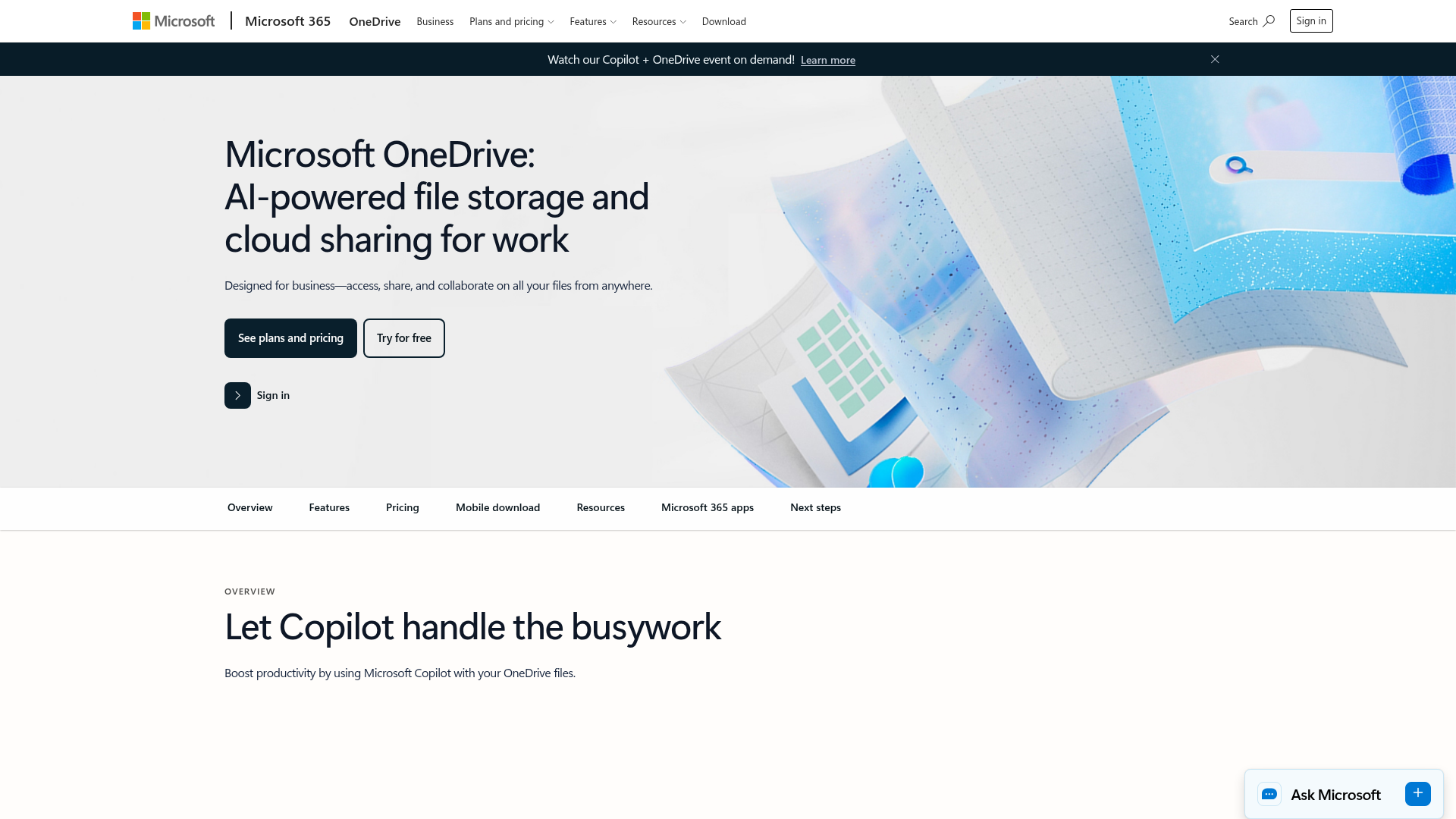
OneDrive is one of the best-known cloud storage options for small business users already operating inside Microsoft 365. If your team lives in Word, Excel, Outlook, and Teams, it can feel familiar and convenient.
Strengths
- strong Microsoft ecosystem integration
- real-time co-editing for Office files
- broad business adoption
- good baseline storage per user
Trade-offs
- folder and permission setups can become confusing for less technical teams
- external sharing controls may require careful admin management
- not always ideal for image-centric asset handling
Best for
- businesses already standardized on Microsoft 365
- teams focused mainly on office documents
3. Box: Best for security-conscious and compliance-oriented teams
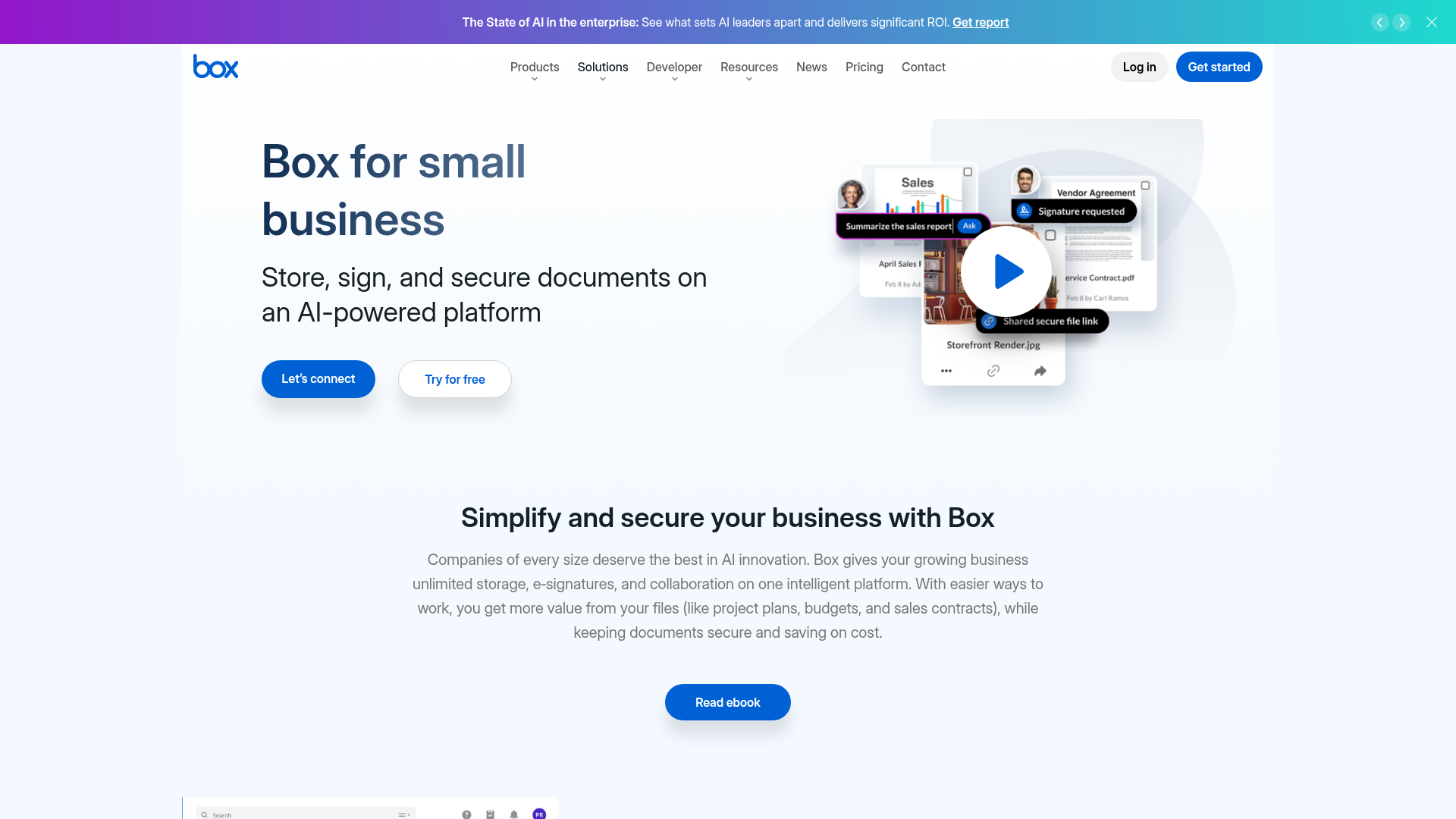
Box is often positioned as a secure, enterprise-friendly content platform. It offers mature permissions, collaboration, and governance features.
Strengths
- strong security reputation
- advanced admin and compliance options
- external collaboration support
- integrations across many business tools
Trade-offs
- can feel heavier than necessary for smaller teams
- pricing may be less appealing if you just need straightforward storage and sharing
- interface and feature depth can exceed what lean teams want
Best for
- businesses with stronger compliance needs
- teams that expect more complex governance requirements
4. Dropbox Business: Best for familiar syncing and broad usability
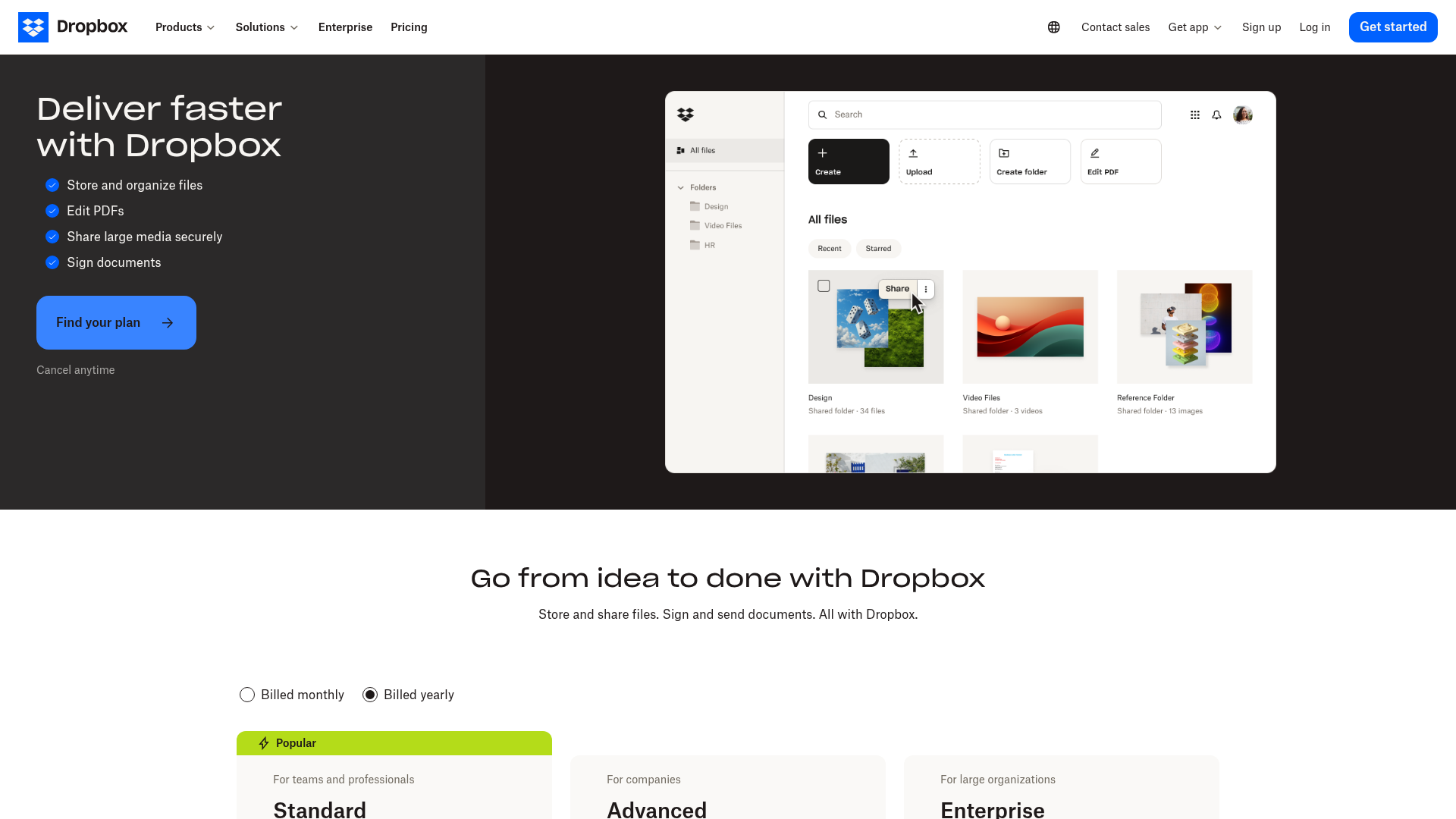
Dropbox remains a recognizable choice for cloud file sharing services, especially for teams that prioritize sync reliability and a familiar interface.
Strengths
- easy onboarding
- strong cross-device syncing
- well-known file sharing experience
- decent fit for general collaboration
Trade-offs
- pricing can climb as needs grow
- less purpose-built for structured digital asset organization
- some teams outgrow it when they need clearer control and hierarchy
Best for
- small teams wanting fast adoption
- businesses that prioritize simple syncing over specialized asset management
5. Google Workspace: Best for Google-native collaboration
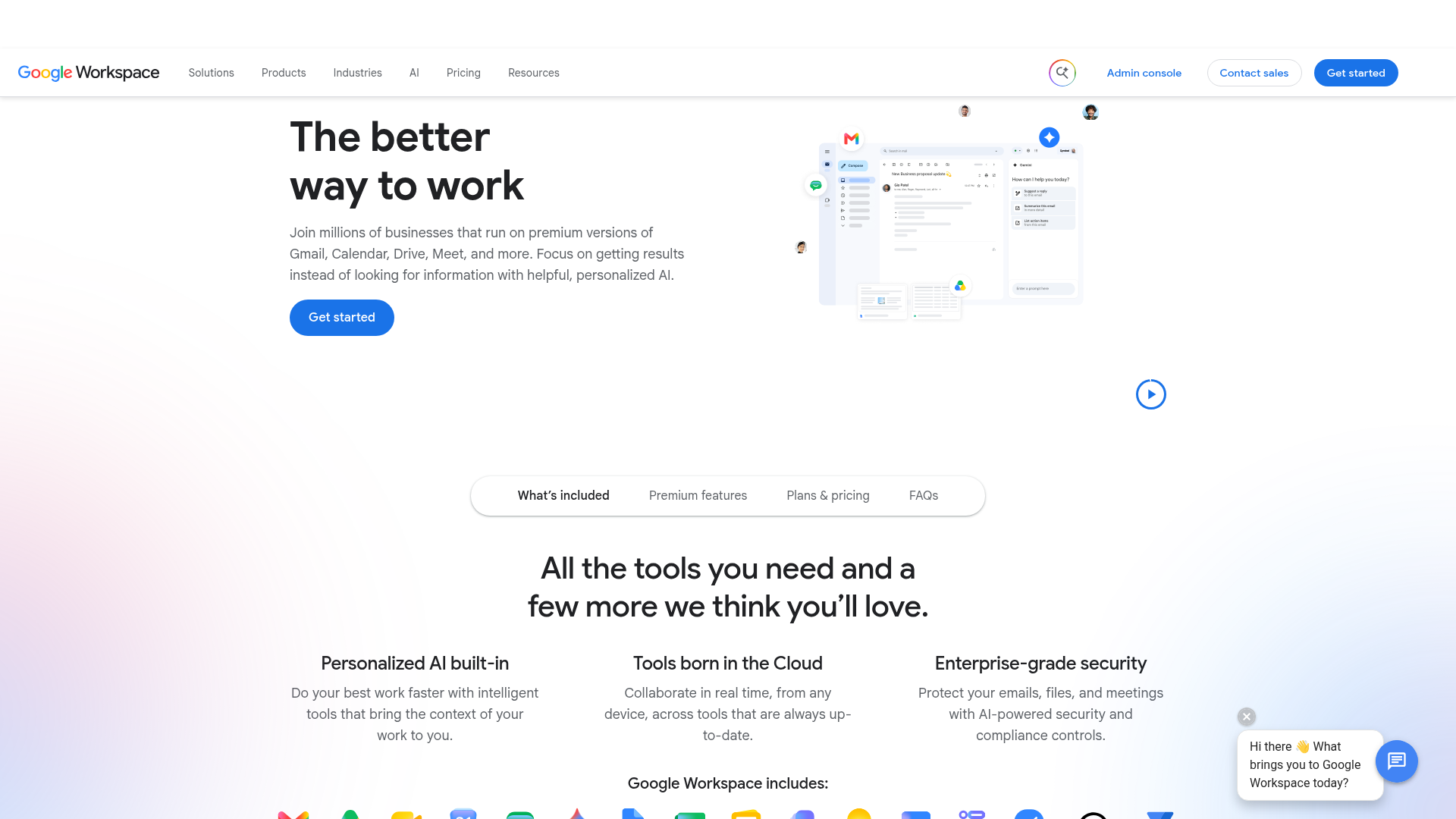
Google Workspace is an obvious option for companies built around Docs, Sheets, and Gmail. For document collaboration, it is highly effective.
Strengths
- excellent collaborative editing
- easy browser-first workflow
- familiar tools for many teams
- strong baseline productivity suite
Trade-offs
- not always ideal for teams managing large structured file libraries
- permission management can become messy across shared drives
- less focused on polished digital asset storage workflows
Best for
- Google-centric teams
- businesses focused on real-time document collaboration
6. Egnyte: Best for more advanced business control
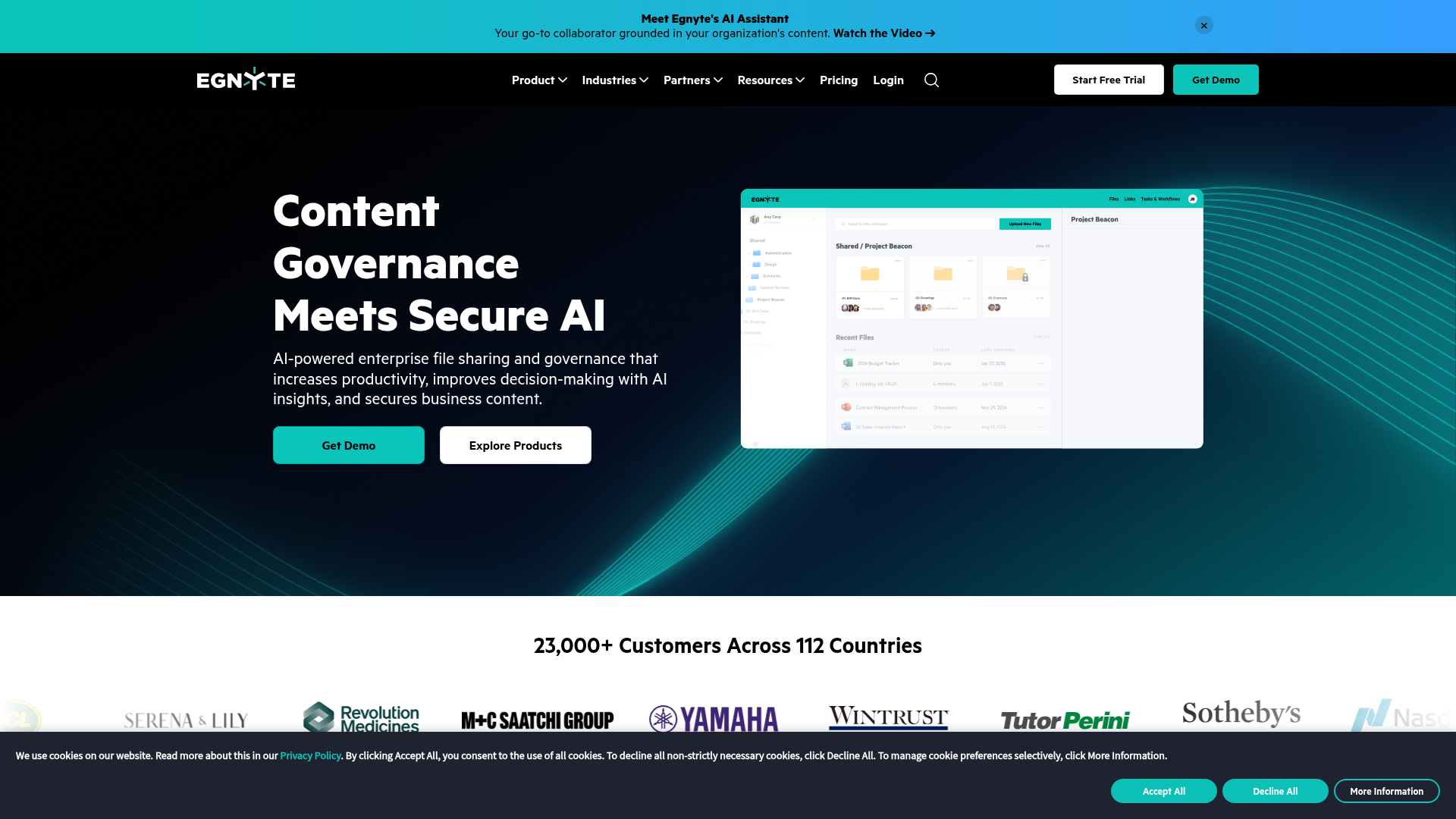
Egnyte is frequently chosen by businesses that need a more controlled environment, especially where hybrid storage or deeper policy management matters.
Strengths
- strong administrative control
- advanced business-oriented features
- good fit for more demanding governance needs
Trade-offs
- often more than a small team needs
- higher complexity and cost than simpler tools
- less attractive for founders who just want an intuitive cloud based file sharing service
Best for
- growing organizations with more advanced IT or compliance requirements
Side-by-side comparison
Platform | Best for | Simplicity | External sharing | Image/file organization | Scalability | Likely fit for small teams |
|---|---|---|---|---|---|---|
AssetHQ | Simple asset and file management | High | High | High | High | Excellent |
OneDrive | Microsoft environments | Medium | Medium | Medium | High | Strong |
Box | Security and governance | Medium | High | High | High | Good |
Dropbox Business | Sync and familiarity | High | High | Medium | Medium | Strong |
Google Workspace | Doc collaboration | High | Medium | Medium | High | Strong |
Egnyte | Advanced control | Low-Medium | High | High | High | Situational |
Which option is best based on your business type
Best for solo founders
If you're managing proposals, invoices, client files, brand assets, and project documents alone, the right platform should feel lightweight and organized.
AssetHQ is particularly compelling here because it provides a professional way to store, preview, organize, and share files without forcing you into a complicated system.
Best for startups
Startups often need cloud file sharing for business use that scales cleanly. Early on, it's less about enterprise bells and whistles and more about structure, speed, and avoiding file chaos.
AssetHQ, Dropbox, and Google Workspace are all reasonable contenders, but AssetHQ has an advantage when files include both documents and image-heavy assets that need better organization.
Best for Microsoft-first companies
If your team already works deeply in Microsoft apps, OneDrive may be the most natural operational fit.
Best for compliance-heavy teams
If governance and regulatory support are core priorities, Box or Egnyte will deserve serious consideration.
What the top-ranking competitor articles get right, and what they miss
After synthesizing leading articles from Microsoft, Box, and Business.com-style comparison pages, a pattern emerges.
What they cover well
- general cloud storage benefits
- pricing snapshots
- collaboration and remote access
- baseline security features
- major brand comparisons
What they often miss
1. Day-to-day file usability
Many articles discuss storage as capacity. Small businesses experience storage as retrieval, previewing, sharing, and organizing.
2. The role of images and digital assets
A lot of comparison content assumes businesses only manage office documents. In reality, many teams need to manage logos, product photos, campaign assets, PDFs, screenshots, presentations, and client deliverables together.
3. The cost of complexity
Tools can be "powerful" and still be the wrong fit. Complexity carries a real cost in onboarding, errors, and underuse.
4. Secure external sharing as a buying trigger
For many small businesses, the search for the best secure file sharing for small business use starts because email attachments are failing, client workflows are messy, or shared links feel risky.
Security should be practical, not just technical
Security matters, but small businesses don't just need secure systems. They need secure workflows.
That means asking:
- can I control who sees what?
- can I stop access later?
- can I share a link without exposing everything?
- can teammates use the system correctly without extra training?
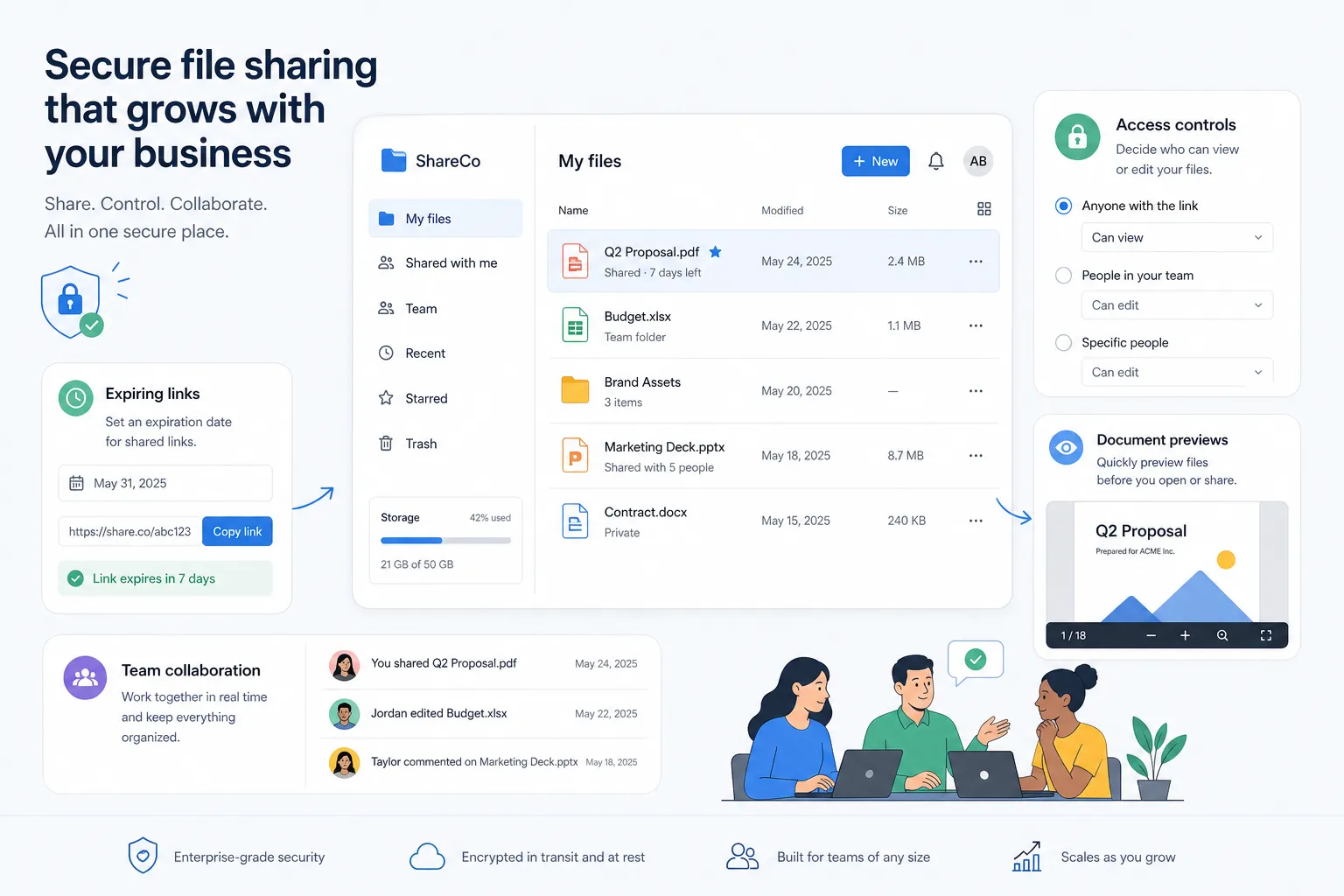
A secure platform for small teams should make the safe choice the easy choice.
That is one reason AssetHQ is attractive for growing organizations. Secure sharing with expiring links and access control is useful in practice, not just in a spec sheet. It helps teams work faster without compromising professionalism or trust.
How much should small business cloud file storage cost?
A common mistake is evaluating cloud storage purely by the lowest sticker price.
Cheap storage can become expensive if it creates:
- permission confusion
- wasted time finding files
- weak client sharing workflows
- extra charges for necessary features
- poor scalability later
Better pricing questions to ask
Instead of asking "What is the cheapest plan?" ask:
- does this include the sharing controls I need?
- can my whole team use it without friction?
- will I need to pay more just to stay organized?
- is pricing predictable as we grow?
AssetHQ's flat, transparent pricing model is particularly appealing for small businesses because it reduces uncertainty. That matters when you're trying to balance capability with budget discipline.
A practical framework for choosing the right tool
Use this quick framework when narrowing your options.
Choose AssetHQ if
- you want simple but professional file storage
- your team handles documents and images together
- you need secure client-friendly sharing
- you care about usability as much as storage
- you want a scalable platform without enterprise clutter
Choose OneDrive if
- your business runs on Microsoft 365
- Office integration matters most
- you mostly manage internal documents
Choose Google Workspace if
- your team is deeply Google-native
- real-time editing is the top priority
- your file library is more document-centric
Choose Dropbox if
- you want easy familiarity and syncing
- your needs are straightforward
- structured asset management is less important
Choose Box or Egnyte if
- compliance, governance, or advanced admin controls outweigh simplicity
- your business has broader enterprise requirements
The real shift: from storage to organized business operations
The most helpful way to think about cloud file storage for small business isn't as digital shelf space. It's as infrastructure for how work happens.
When your files are organized, shareable, secure, and easy to preview:
- teams answer faster
- client delivery improves
- duplicate work drops
- onboarding gets easier
- growth creates less chaos
"48% of small and medium-sized companies use cloud-based technology for data storage and backup." - Salesforce, cited by Box
That number reinforces how mainstream cloud adoption has become. The real differentiator now is not whether a business uses cloud storage, but whether it chose a tool that supports the way the business actually works.
Final verdict
If you're comparing the best cloud file storage for small business, the strongest option depends on what you value most.
- Choose OneDrive if Microsoft integration is your top priority.
- Choose Google Workspace if your team is built around Google's collaboration tools.
- Choose Box or Egnyte if enterprise controls and governance are essential.
- Choose Dropbox if you want familiar syncing and broad usability.
But if you want the best balance of simplicity, secure sharing, organized storage, image support, team collaboration, and predictable pricing, AssetHQ is the most practical fit for many small businesses.
It gives solo founders and growing teams a clear, professional way to manage digital assets and everyday files without paying for complexity they don't need.
If your current setup feels scattered, hard to share, or harder to manage as you grow, AssetHQ is the smart next step. Try it to bring your documents, images, and shared files into one secure, intuitive system that your team will actually enjoy using.
Related Posts

Brand Asset Management Software for Growing Teams
Discover brand asset management software for growing teams and learn how to organize files, share securely, and scale with ease.
min read
Cloud Based Digital Asset Management Benefits
Explore cloud based digital asset management benefits for secure file sharing, simpler teamwork, and organized growth. Try it today now
min read
File Sharing and Storage Made Simple for Teams
Discover file sharing and storage made simple for teams with secure access, better organization, and faster collaboration. Try AssetHQ!
min read