Cloud Based Storage for Business: Best Picks 2026
Cloud Based Storage for Business: Best Picks 2026 If you are comparing cloud based storage for business, you are probably trying to solve a few very practical problems at once: files are scattered, sharing is messy, teams cannot find the latest version of a document, and the tools you have tried are either too limited or too bloated. For solo founders, startups, and small teams, the challenge is not just finding storage. It is finding a system that makes files easy to organize, secure to share

Cloud Based Storage for Business: Best Picks 2026
If you are comparing cloud based storage for business, you are probably trying to solve a few very practical problems at once: files are scattered, sharing is messy, teams cannot find the latest version of a document, and the tools you have tried are either too limited or too bloated.
For solo founders, startups, and small teams, the challenge is not just finding storage. It is finding a system that makes files easy to organize, secure to share, fast to access, and simple enough that everyone actually uses it. That is where modern business storage platforms differ from generic file dumps.
AssetHQ is built around that exact need. Instead of forcing teams into heavyweight enterprise workflows, it gives businesses a cleaner way to store documents, images, and shared files with intuitive structure, image previews, access control, secure sharing, and collaboration features that scale as the company grows.
"A 2024 survey revealed that 78% of businesses have integrated cloud services across most of their operations." - Source
"Reported losses from internet crimes exceeded $16 billion in 2024." - Source
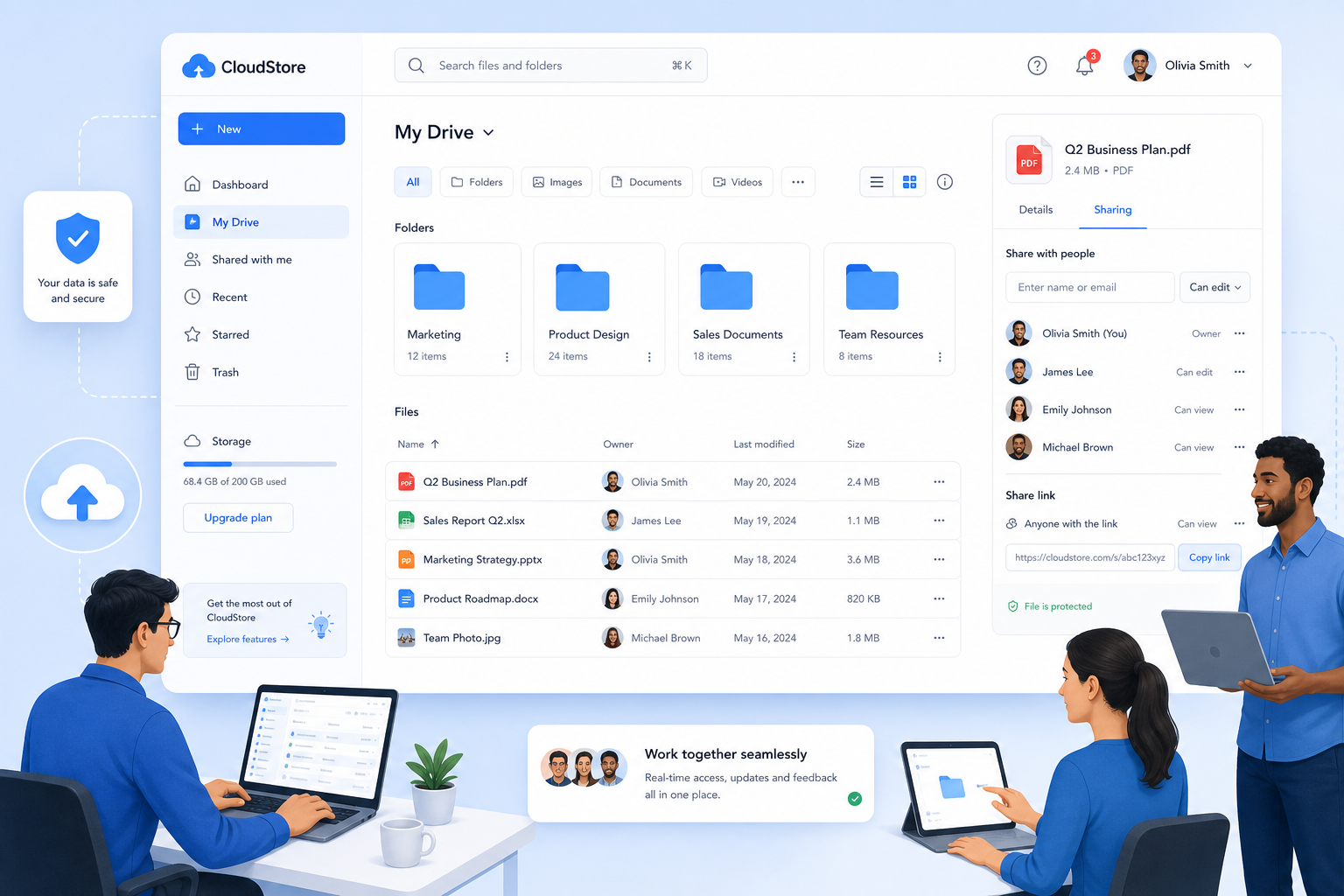
What cloud based storage for business actually means
At its core, cloud storage for business is an online system for storing, organizing, accessing, and sharing company files without relying on local drives, USB sticks, or in-office servers.
That includes:
- contracts and proposals
- design files and brand assets
- product photos and videos
- internal documents
- spreadsheets and reports
- client deliverables
- team-shared folders
But the best business tools go beyond raw storage. They also help with:
- permissions and access control
- secure sharing links
- version visibility
- team collaboration
- backup and continuity
- faster file discovery
In other words, a strong platform does not just hold files. It helps your business work from them.
Why cloud based storage matters more in 2026
The competitors mostly focus on storage limits, security buzzwords, and price tables. That is useful, but incomplete. In 2026, businesses are not just buying capacity. They are buying clarity, control, and speed.
Here is why that matters:
Teams are creating more files than ever
Even small companies now manage:
- sales collateral
- social media graphics
- contracts
- onboarding files
- product screenshots
- invoices
- customer-facing documentation
Without a clear structure, your storage becomes a junk drawer.
Remote and hybrid work is now normal
Your files need to be available from anywhere, but not available to everyone. That means your storage system must balance easy access with smart permissions.
Security risk is now an operating risk
If a shared folder is misconfigured or a sensitive file is sent with the wrong permissions, the result is not just inconvenience. It can become a legal, financial, or reputational problem.
Simplicity is a competitive advantage
Many businesses do not need a huge enterprise DAM or a labyrinth of admin settings. They need something that works right away. This is where AssetHQ stands out: simple folder-based organization, fast access, image preview support, secure file sharing, and flat pricing without unnecessary complexity.
Cloud based storage for small business vs larger business needs
This is one area many competitor articles gloss over. Not every company needs the same kind of cloud storage.
What small businesses usually need
For cloud based storage for small business, priorities are typically:
- low learning curve
- affordable predictable pricing
- easy folder organization
- secure link sharing
- room to grow
- support for images, documents, and common team assets
- basic collaboration without enterprise overhead
Small businesses usually do not want to hire a specialist just to manage folders and permissions.
What larger businesses usually need
Larger organizations often care more about:
- advanced compliance requirements
- SSO and identity management
- custom retention policies
- department-level admin controls
- complex workflows
- extensive integrations
- high-volume external collaboration
The middle ground most teams actually want
A lot of growing teams fall in between. They have outgrown free consumer tools, but they do not want an enterprise system that feels expensive and overengineered.
That is the sweet spot for platforms like AssetHQ: professional-grade file management that stays intuitive.
What to look for when evaluating cloud storage for business
Before comparing providers, know what matters most. Here are the features that actually affect day-to-day use.
1. File organization that makes sense
If your team cannot find files quickly, storage is failing its job. Look for:
- clean folder structure
- logical navigation
- easy upload workflows
- support for mixed asset types
- image preview capabilities
AssetHQ is especially strong here because it is designed to help teams manage documents, images, and other digital assets without friction.
2. Secure file sharing
Good sharing is not just “copy link and send.” You should be able to control access with:
- expiring links
- password protection where applicable
- access permissions
- internal vs external sharing controls
This is essential for agencies, consultants, product teams, and any business sharing client-facing files.
3. Team collaboration
The best business storage tools support more than solo use. Look for:
- shared workspaces
- role-based access
- centralized assets
- easier handoff between team members
AssetHQ is particularly useful for growing organizations that need simple collaboration without building an entire enterprise content stack.
4. Security and reliability
At minimum, business storage should include:
- encryption at rest and in transit
- secure infrastructure
- permission controls
- backup and redundancy
- dependable uptime
5. Fast upload and access
Slow tools get abandoned. A business storage platform should help your team move quickly, especially when handling lots of images, PDFs, or deliverables.
6. Pricing clarity
Many tools look affordable until you need one more user, more storage, or a feature trapped behind a higher plan. Look for:
- flat and predictable pricing
- no hidden fees
- scalable plans
- value for both solo users and teams
This pricing transparency is one of AssetHQ’s most practical advantages.
Best picks for cloud based storage for business in 2026
Below are the top options businesses are most likely to compare in 2026. Each serves a different type of team.
1. AssetHQ - Best for simple, scalable business file management
AssetHQ is the best fit for businesses that want organized cloud storage with digital asset management benefits, without the complexity of enterprise-heavy systems.
Why it stands out:
- simple and intuitive file management
- organized storage for documents, images, and shared files
- image preview and management support
- secure file sharing with access controls
- practical collaboration for growing teams
- enterprise-grade secure storage
- fast uploads and file access
- affordable flat pricing
- scalable for solo users, startups, and teams
What makes AssetHQ especially valuable is its focus. It is not trying to be everything. It is trying to make professional file management usable. That is exactly what many small and midsize businesses need.
Best for:
- solo founders
- startups
- creative teams
- agencies
- operational teams managing shared files
- businesses that want DAM-style organization without enterprise complexity
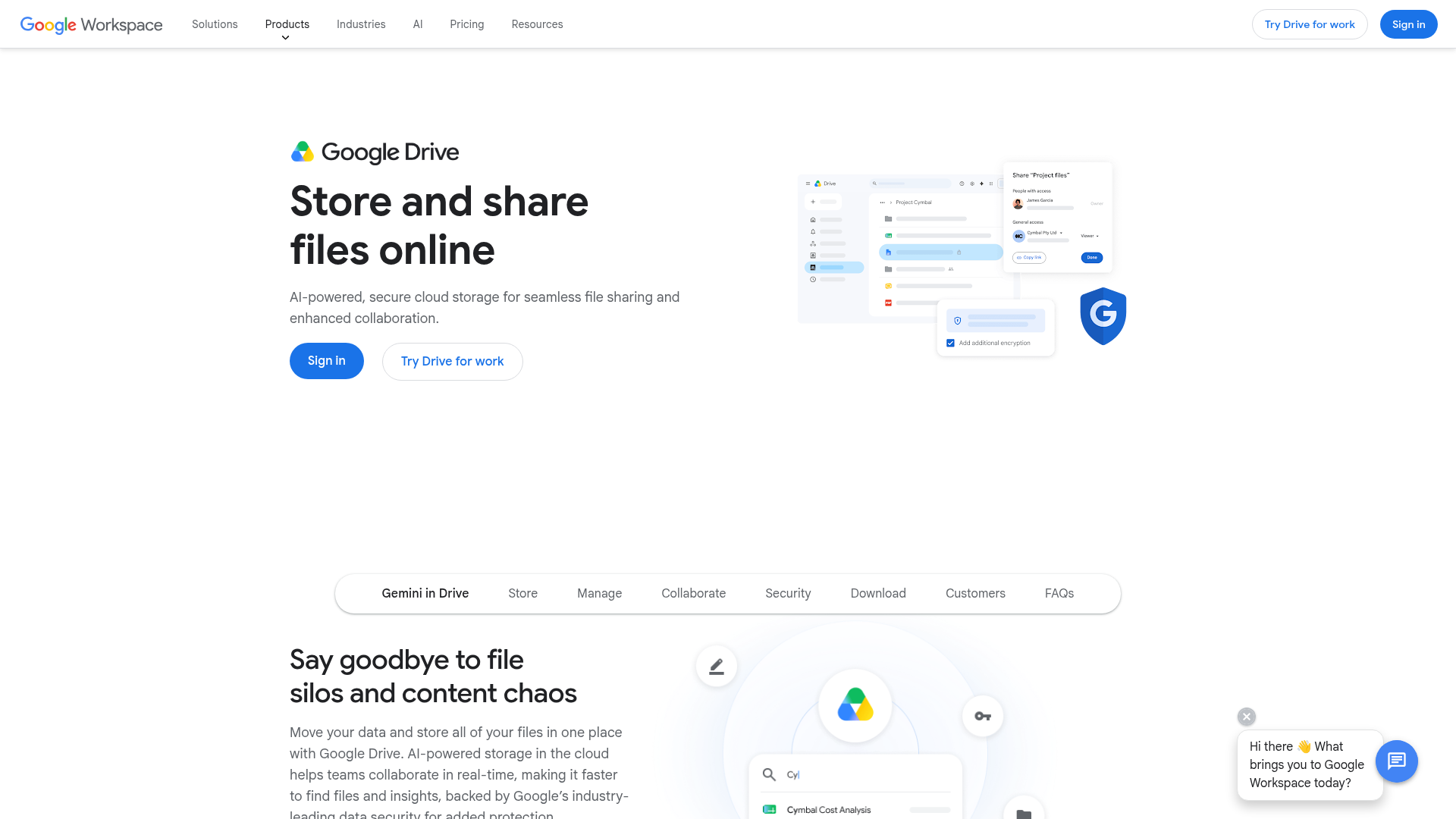
2. Google Drive - Best for Google Workspace users
Google Drive remains a strong choice for businesses already working inside Docs, Sheets, Slides, and Gmail.
Strengths:
- familiar interface
- strong real-time collaboration
- easy document creation
- broad adoption across teams
Tradeoffs:
- folders can become messy fast
- permissions are easy to mismanage
- less purpose-built for structured asset management
- can feel more like a general productivity suite than a focused asset hub
Best for:
- teams deeply invested in Google Workspace
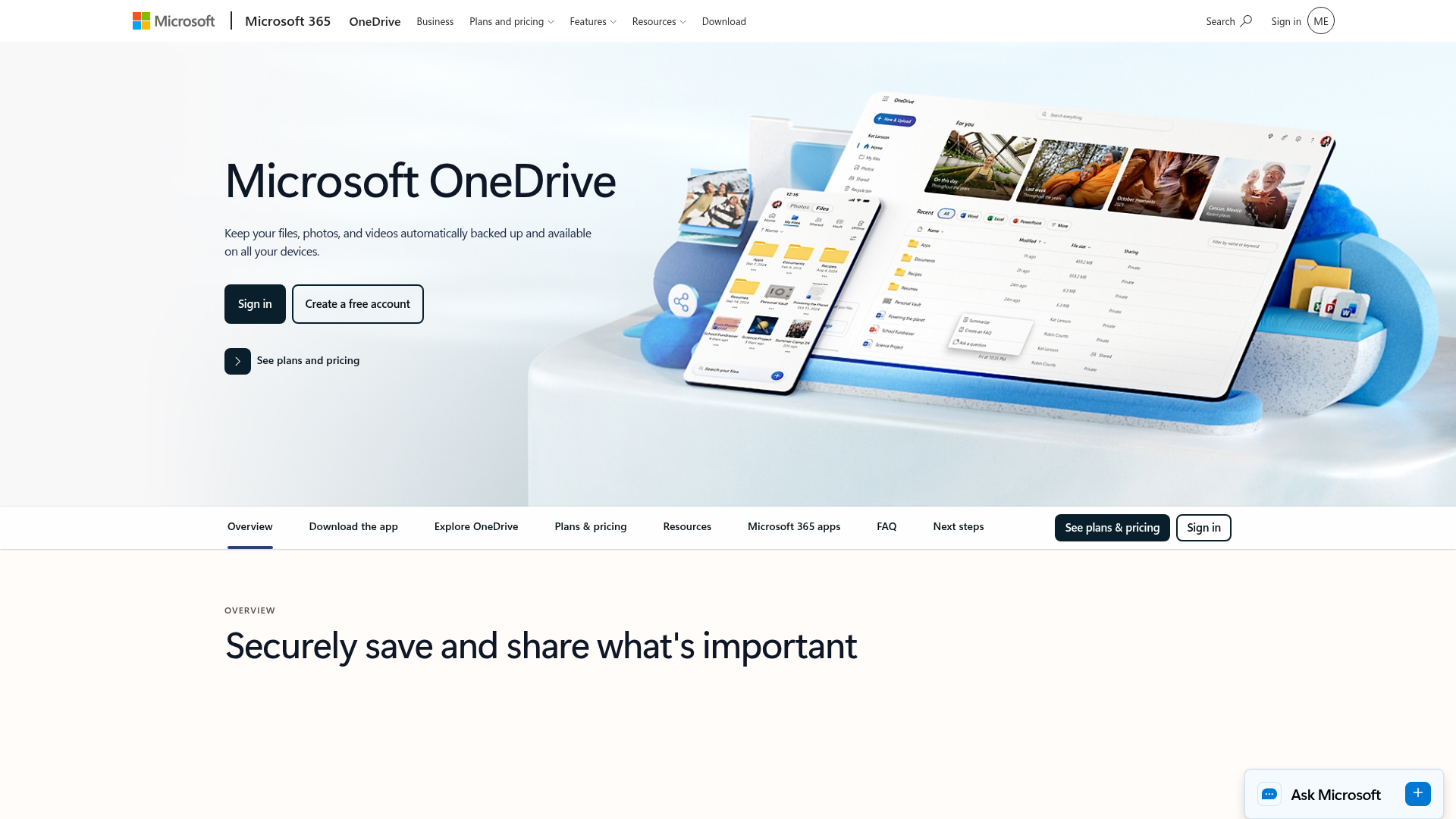
3. Microsoft OneDrive - Best for Microsoft 365 environments
OneDrive works well for organizations centered on Word, Excel, PowerPoint, Outlook, and Microsoft 365 administration.
Strengths:
- strong Microsoft integration
- good business controls
- familiar for enterprise users
- strong desktop syncing options
Tradeoffs:
- less elegant for mixed asset libraries
- can feel tied to the larger Microsoft ecosystem
- not always the simplest option for small teams
Best for:
- businesses standardized on Microsoft 365
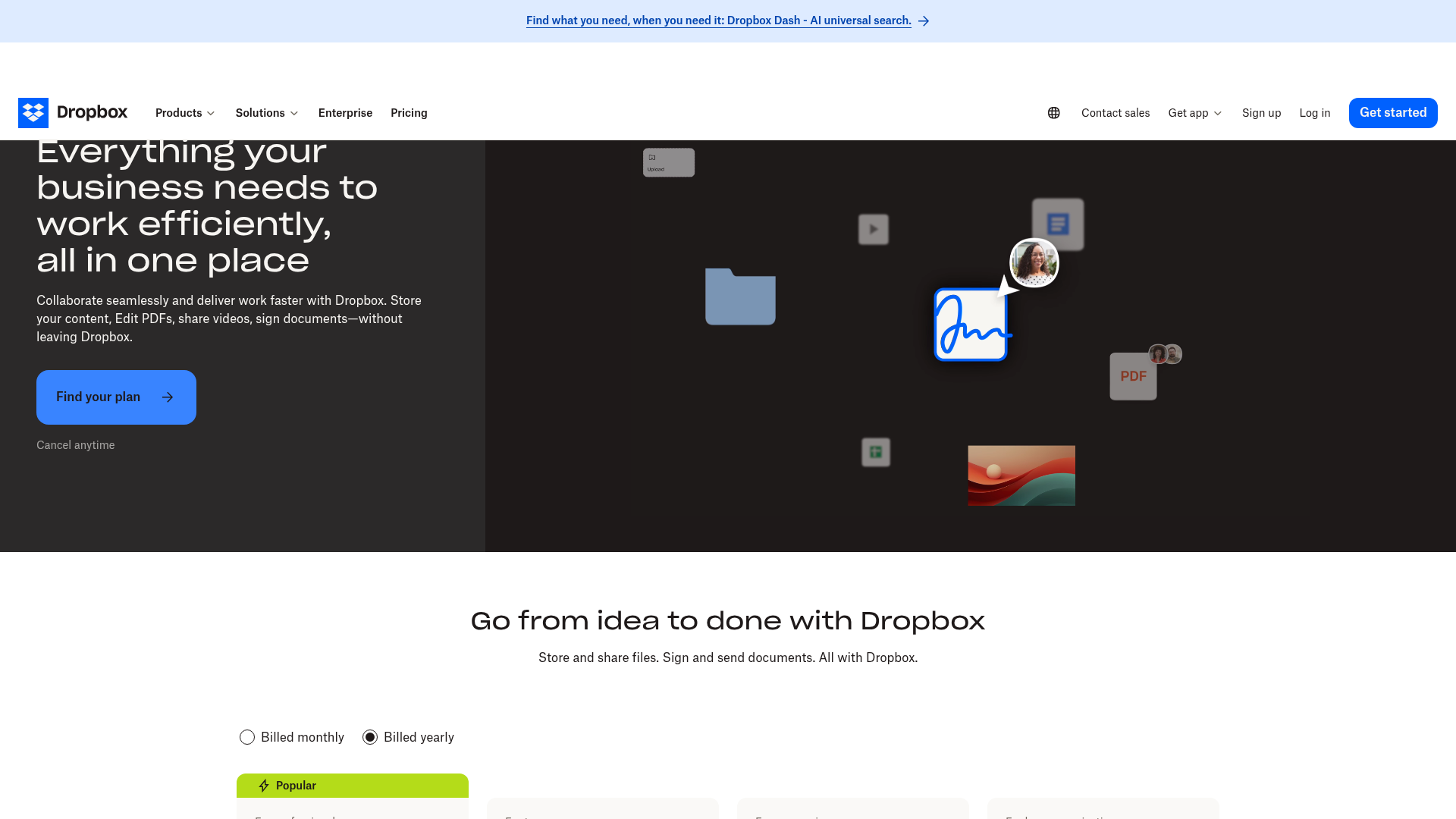
4. Dropbox Business - Best for file sync and broad familiarity
Dropbox is still one of the most recognized business storage names. It is known for file sync, sharing, and a polished experience.
Strengths:
- reliable syncing
- easy sharing
- recognizable brand
- useful collaboration extensions
Tradeoffs:
- pricing can add up
- less appealing if you want simple flat value
- not always ideal for businesses wanting more structured asset organization
Best for:
- teams that prioritize sync and already know the Dropbox ecosystem
5. Box - Best for larger companies with stricter governance needs
Box is often favored by larger businesses that care about compliance, governance, and enterprise admin features.

Strengths:
- enterprise security positioning
- governance features
- broad integrations
- strong admin controls
Tradeoffs:
- can be heavier than needed for small teams
- less approachable for businesses wanting a simple setup
- pricing and complexity may be overkill for startups
Best for:
- larger organizations with formal compliance requirements
Quick comparison table
Platform | Best For | Main Strength | Main Limitation | Ideal Team Size |
|---|---|---|---|---|
AssetHQ | Simple business file management | Easy organization, secure sharing, scalable simplicity | Less focused on bloated enterprise extras | Solo to growing teams |
Google Drive | Google-centric teams | Native collaboration | Can get disorganized at scale | Small to large |
OneDrive | Microsoft-based businesses | Microsoft 365 integration | Less intuitive for asset-heavy workflows | Small to large |
Dropbox Business | Sync-first users | Reliable file sync and sharing | Higher cost for some teams | Small to midsize |
Box | Governance-heavy organizations | Security and compliance controls | More complexity than many SMBs need | Midsize to enterprise |
Where most competitor articles fall short
After reviewing leading content, several gaps stand out.
They overemphasize raw storage capacity
Most articles treat cloud storage like a race to the biggest number of terabytes. But for most businesses, the real question is: can my team find, share, and control files easily?
They blur storage, backup, and DAM
These are related, but not identical.
- Cloud storage = active access and collaboration
- Backup = recovery and disaster protection
- DAM = structured organization and management of digital assets
AssetHQ brings together the storage and organization side particularly well for businesses handling lots of documents and images.
They do not explain usability well enough
A platform may be secure and feature-rich, but if your team finds it confusing, adoption fails. Ease of use is not a “nice to have.” It is a buying criterion.
They underplay secure sharing
For many businesses, the core workflow is not just saving files. It is sending the right files to the right people with the right access. That is where expiring links, permissions, and access control matter.
Cloud storage vs cloud backup vs digital asset management
This distinction helps businesses choose smarter.
Solution Type | Primary Purpose | Best Use Case |
|---|---|---|
Cloud Storage | Store, access, and share active files | Daily operations and team collaboration |
Cloud Backup | Recover lost data after failure or attack | Disaster recovery and business continuity |
Digital Asset Management | Organize, tag, preview, and manage assets | Teams handling lots of images, files, and brand content |
Many growing businesses need a blend of these, but if your current pain point is file chaos, sharing friction, and poor organization, then a storage-first platform with DAM-like usability is the most practical next step.
That is why AssetHQ is compelling: it helps businesses go beyond “we have somewhere to put files” to “we can actually manage them properly.”
How to choose the right cloud based storage for small business
If you are a small business, use this simple decision framework.
Choose based on your real workflow
Ask:
- Are we mostly storing documents?
- Do we manage lots of images or visual assets?
- Do clients or vendors need access?
- Do multiple people need to find and use the same files?
- Are permissions important?
- Do we want minimal setup and training?
If the answer is yes to several of those, you likely need something more structured than a basic personal cloud drive.
Prioritize simplicity over feature overload
Small teams move fast. The best tool is usually the one that:
- your team understands immediately
- keeps files organized naturally
- avoids hidden pricing surprises
- supports secure collaboration from day one
Think ahead, but not too far ahead
You want a solution that can scale with your team, but you do not need to pay for features meant for a 5,000-person company.
AssetHQ is strong here because it supports both solo users and growing organizations with a practical middle-ground approach.
A simple evaluation checklist for business buyers
Use this checklist when comparing vendors:
Question | Why It Matters |
|---|---|
Is the platform easy for non-technical users? | Adoption depends on simplicity |
Can we organize files clearly by folders or structure? | Prevents digital clutter |
Are image previews and file visibility supported? | Saves time for visual teams |
Can we securely share files with external people? | Essential for client and vendor workflows |
Are access controls available? | Reduces accidental exposure |
Is pricing straightforward? | Helps avoid surprise costs |
Will it work for us now and later? | Supports growth without replatforming |
Best fit recommendations by business type
Best for solo founders
AssetHQ if you want professional organization without enterprise complexity.
Best for small teams already on Google
Google Drive if your business runs on Workspace and mostly lives in Docs and Sheets.
Best for Microsoft-first companies
OneDrive if your workflows revolve around Microsoft 365.
Best for sync-heavy teams
Dropbox Business if your priority is polished sync across devices.
Best for governance-heavy enterprises
Box if compliance and admin controls dominate your decision.
Final verdict
The best cloud based storage for business in 2026 is not the one with the biggest storage number. It is the one that helps your team store files clearly, find them quickly, share them securely, and scale without pain.
For many small businesses and growing teams, that means choosing a platform that is simpler and more focused than traditional enterprise tools. If you need dependable file storage, organized asset management, image previews, secure sharing, team collaboration, and predictable pricing, AssetHQ is one of the smartest options to consider.
It gives businesses what they actually need: a straightforward, secure, and scalable place to manage documents, images, and shared files without technical overload.
If your current storage feels cluttered, hard to control, or more complicated than it should be, this is a good time to switch to a cleaner system. Try AssetHQ and give your business a more organized way to store, manage, and share files.
FAQ
What is the 3 2 1 rule for data storage?
The 3-2-1 rule means keeping three copies of your data, on two different types of storage, with one copy stored offsite. It is a widely used best practice for reducing the risk of loss from hardware failure, accidental deletion, or cyberattacks.
How much does 100TB of cloud storage cost?
The cost of 100TB of cloud storage varies widely depending on the provider, security features, and whether pricing is per user, per TB, or usage-based. For business plans, it can range from a few hundred dollars per month to much more if advanced compliance, collaboration, or enterprise controls are included.
What is considered the best cloud storage?
The best cloud storage depends on your workflow, but for many growing teams the right choice combines simple organization, secure sharing, fast access, and clear pricing. Businesses that want dependable file management without unnecessary complexity should look closely at solutions like AssetHQ.
Is Google giving 1TB free?
No, Google does not typically offer 1TB of free storage for standard users. Free Google accounts usually come with a much smaller storage allowance, while larger limits are available through paid Google Workspace or Google One plans.
Related Posts

Brand Asset Management Software for Growing Teams
Discover brand asset management software for growing teams and learn how to organize files, share securely, and scale with ease.
min read
Cloud Based Digital Asset Management Benefits
Explore cloud based digital asset management benefits for secure file sharing, simpler teamwork, and organized growth. Try it today now
min read
File Sharing and Storage Made Simple for Teams
Discover file sharing and storage made simple for teams with secure access, better organization, and faster collaboration. Try AssetHQ!
min read