Cloud File Storage: Best Solutions for Teams
Cloud File Storage: Best Solutions for Teams If your team is juggling documents, product images, contracts, brand files, spreadsheets, and shared folders across email threads, desktops, and random drives, you don’t just need “more storage.” You need a better system. Modern cloud file storage gives teams one place to store, organize, access, share, and protect files from anywhere. But not all cloud file storage services are built the same. Some are collaboration-first. Some are enterprise-heavy

Cloud File Storage: Best Solutions for Teams
If your team is juggling documents, product images, contracts, brand files, spreadsheets, and shared folders across email threads, desktops, and random drives, you don’t just need “more storage.” You need a better system.
Modern cloud file storage gives teams one place to store, organize, access, share, and protect files from anywhere. But not all cloud file storage services are built the same. Some are collaboration-first. Some are enterprise-heavy. Some are fast but complicated. And some offer free plans that look attractive until your team runs into permission limits, storage caps, or weak organization.
For solo founders, small businesses, startups, and growing teams, the real challenge is finding a platform that is:
- easy to adopt without IT overhead
- secure enough for business use
- affordable as you grow
- fast for everyday work
- organized enough to prevent file chaos
That’s exactly where a simple platform like AssetHQ fits. It gives teams a dependable place to manage documents, images, and shared files with intuitive structure, secure sharing, image previews, access control, fast uploads, and straightforward pricing - without the bloat of enterprise-only DAM software.
What cloud file storage actually means
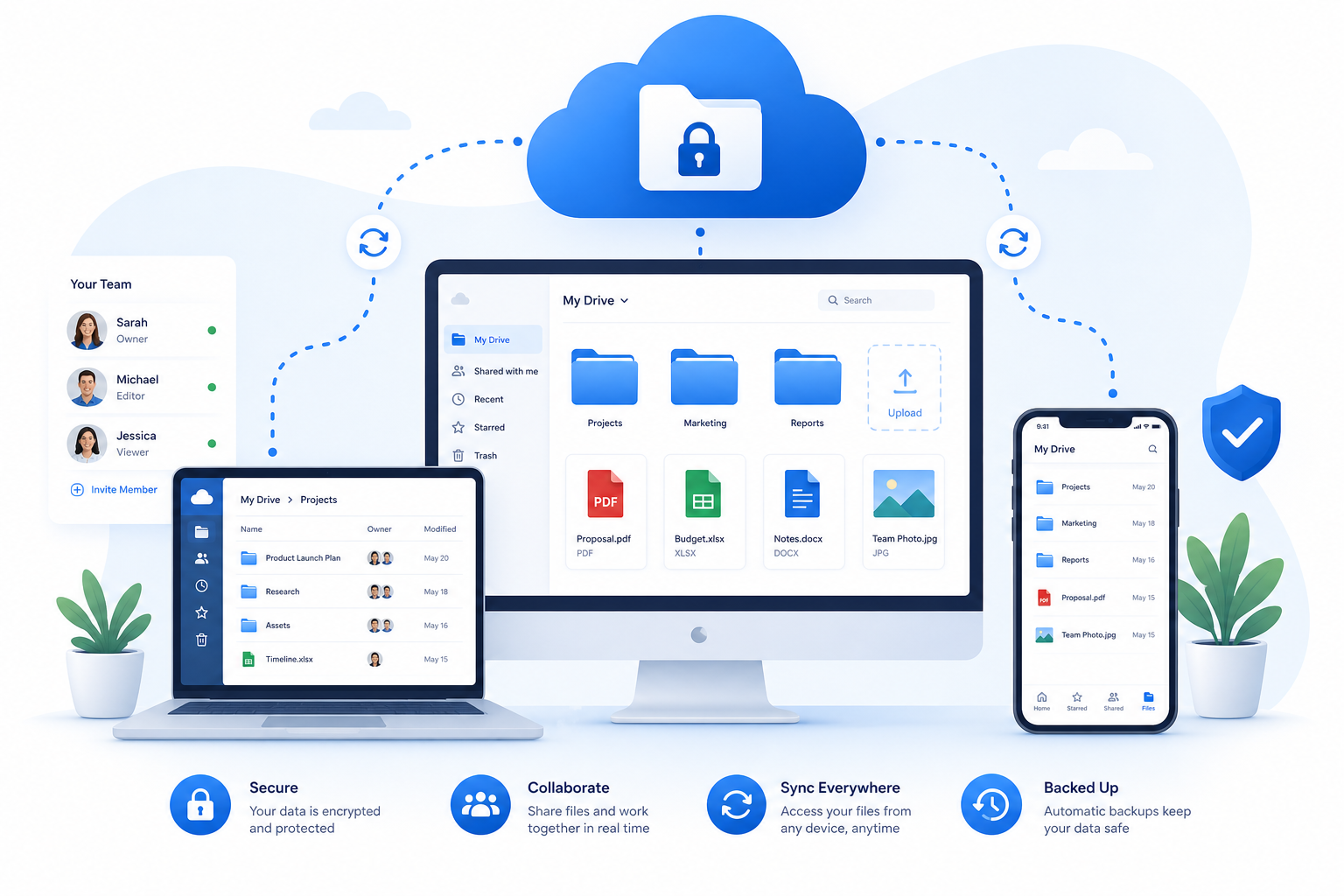
At its core, cloud file storage means your files live on remote servers managed by a provider instead of being stored only on a local hard drive or office server. Your team can then access those files over the internet from desktop, mobile, or browser.
That sounds simple, but in practice cloud file storage often overlaps with several related categories:
Term | What it means | Best use case |
|---|---|---|
Cloud file storage | Storing files online for access, backup, and sharing | Everyday business file management |
Cloud file hosting | Making files available online, often for download or distribution | Client delivery, media sharing, public links |
Cloud file server | A cloud-based replacement for an internal company file server | Teams needing centralized access and permissions |
Cloud file services | Broad label for file storage, sync, sharing, backups, and collaboration features | Comparing vendors holistically |
Cloud file storage solutions | Complete business platforms combining storage, permissions, security, and workflow | Teams choosing long-term infrastructure |
In other words, a team looking for “cloud file hosting” might really need better sharing controls. A company searching for a “cloud file server” may actually want centralized folders and role-based access. And a startup exploring “cloud file storage free” may discover free plans are fine for testing, but not for real operational use.
Why teams are moving to cloud file storage services
Competitor coverage consistently emphasizes storage space, sync, and pricing. What many gloss over is the operational value: teams adopt cloud file platforms because they reduce friction.
Instead of asking “Who has the latest version?” your team gets:
- one source of truth for files
- access from anywhere
- cleaner collaboration across departments
- safer external sharing
- simpler growth as headcount increases
"In 2025, 78% of businesses use cloud services." - Source
That number matters because cloud adoption is no longer experimental. It is standard operating infrastructure for modern businesses.
Cloud file storage vs cloud file storage solutions vs cloud file services
These phrases are often used interchangeably, but if you’re evaluating vendors, the differences matter.
Cloud file storage
This is the baseline: upload files, store them online, retrieve them later. Useful, but often too narrow as a buying lens.
Cloud file services
This is broader. It includes storage plus sync, sharing, collaboration, version control, backups, mobile access, and sometimes workflow tools.
Cloud file storage solutions
This is what businesses typically need. A true solution includes:
- structured folders or libraries
- permissions by user or team
- secure sharing links
- auditability and access control
- reliability and scalability
- reasonable admin controls
- support for growing use cases
That is why teams often outgrow basic consumer storage. They don’t just need space. They need process.
When a cloud file server makes more sense than basic storage
A cloud file server is especially useful when your team is replacing a shared office drive, messy NAS setup, or a patchwork of local folders.
A cloud file server is the right model when you need:
- department folders with controlled access
- centralized storage for remote and hybrid teams
- consistent file availability across devices
- permission-based collaboration
- better continuity than office hardware can provide
This is common for agencies, legal teams, architecture firms, ecommerce businesses, and startups with distributed contributors.
Traditional file servers still appeal to teams that want on-prem control. But for most small and growing organizations, a cloud-based approach is easier to maintain, faster to roll out, and more practical for remote work.
What competitors get right - and what they miss
After reviewing top-ranking content, a few common themes stand out.
Common strengths in competitor content
Most competitor articles do a good job covering:
- top vendor shortlists
- headline pricing
- storage allowances
- broad security claims
- who each platform is “best for”
Content gaps they often miss
Here’s where most articles fall short - and where buying decisions are actually made:
- They focus too much on terabytes, not workflow.
Storage is only one variable. Folder structure, previews, permissions, and day-to-day usability matter more. - They rarely explain the difference between hosting, storage, and file server use cases.
Buyers need help matching the tool to the job. - They underplay organizational simplicity.
Many teams don’t need a sprawling enterprise content platform. They need intuitive file management. - They don’t talk enough about image-heavy and document-heavy workflows together.
Many businesses need both, which is where AssetHQ-style DAM plus storage value becomes important. - They mention security, but not operational security.
Expiring links, controlled access, and organized permissions reduce real-world risk. - They often ignore pricing transparency.
Hidden limits, seat minimums, and upgrade cliffs can make a “cheap” tool expensive fast.
What the best cloud file storage solution for teams should include
The right platform should help your team work better, not just store more.
1. Simple, intuitive file management
If your team cannot understand the structure quickly, adoption will suffer. Clean folder hierarchies, search, previews, and obvious sharing controls matter.
This is one reason AssetHQ is compelling for growing teams. It is built to make professional file management accessible, not intimidating.
2. Secure file sharing
Look for:
- expiring links
- restricted access
- viewer/download controls
- password protection when needed
- shared folder permissions
3. Strong organization for mixed assets
Many teams store more than documents. They also manage:
- marketing images
- product photos
- PDFs
- presentations
- internal templates
- brand assets
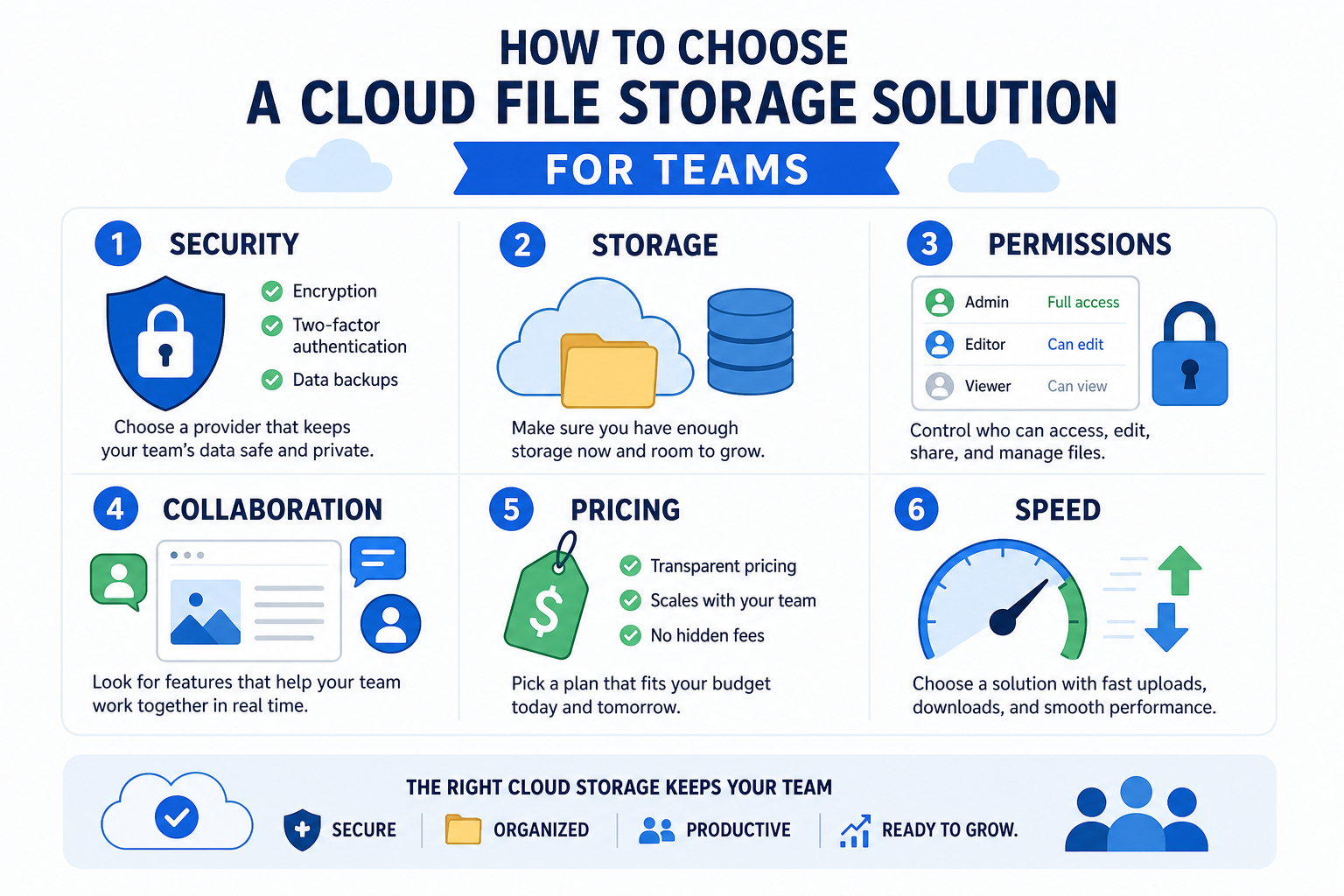
If your workflow involves visual files, image previews and easy browsing are a huge advantage. AssetHQ is especially strong here because it combines organized storage with image preview and management capabilities, helping teams avoid endless downloads just to identify the right file.
4. Collaboration without complexity
Your team should be able to:
- upload and access files quickly
- share with internal and external users
- keep folders logically organized
- reduce duplicate assets
- support cross-functional teamwork
5. Enterprise-grade security without enterprise-heavy complexity
You want serious protection, but not a system so complex that no one uses it correctly.
"95% of data breaches in 2024 involved human error." - Source
That is why usability is part of security. If sharing controls are confusing, people improvise. If permissions are messy, files leak. Simplicity is not just convenient - it is protective.
6. Scalable, transparent pricing
The best platforms grow with you. Look for:
- predictable per-user or flat pricing
- no surprise storage penalties
- no hidden admin charges
- fit for solo users and teams alike
AssetHQ’s positioning is strong here: affordable flat pricing, no hidden fees, and scalable usability for both solo operators and growing organizations.
Best cloud file storage solutions for teams
Below is a practical comparison of leading options for business use.
Quick comparison table
Platform | Best for | Key strengths | Potential limits |
|---|---|---|---|
AssetHQ | Small businesses, startups, growing teams | Simple DAM + file storage, image previews, secure sharing, intuitive organization, affordable pricing | Less aimed at massive enterprise customization |
Google Drive / Workspace | Google-centric teams | Excellent collaboration, docs ecosystem, familiar UI | Privacy concerns, can get messy at scale |
OneDrive | Microsoft 365 teams | Deep Office integration, strong business workflows | Best experience is in Microsoft ecosystem |
Dropbox | Cross-platform file sync | Easy syncing, polished experience, strong sharing | Can become expensive for teams |
Box | Enterprise compliance-heavy orgs | Security, governance, enterprise controls | Can feel heavy and costly for smaller teams |
pCloud | Media storage and large files | Fast performance, media-friendly, lifetime options | Fewer collaboration features |
Proton Drive | Privacy-first teams | End-to-end encryption, privacy focus | Lighter collaboration ecosystem |
FileCloud | Regulated teams and custom deployments | On-prem, hosted, compliance, strong admin controls | More infrastructure-oriented than simple SMB tools |
1. AssetHQ
For many SMBs, the biggest problem is not lack of storage. It is lack of structure.
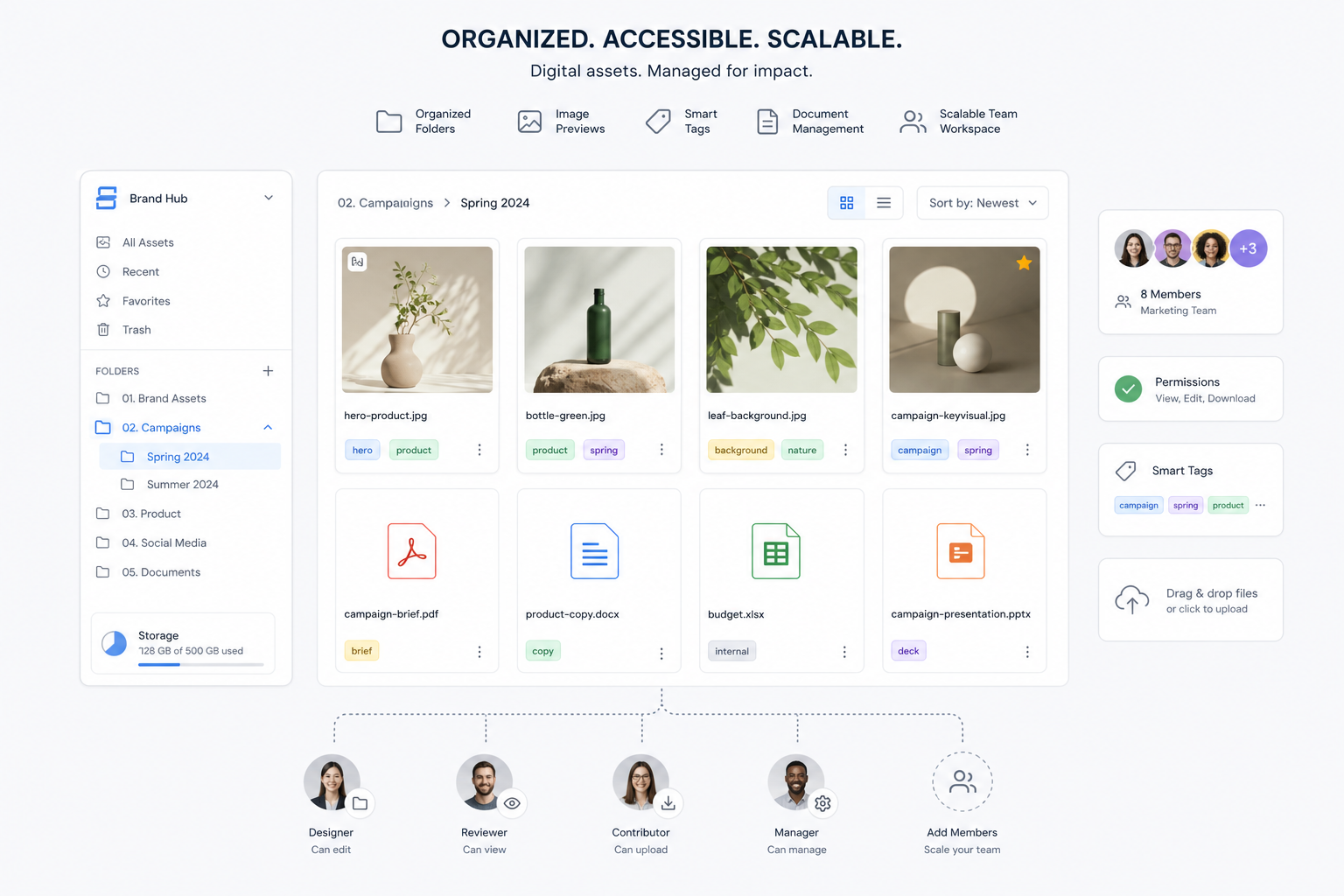
AssetHQ is a strong choice for teams that want a practical middle ground between bare-bones cloud drives and bloated enterprise DAM systems. It helps teams store, organize, preview, manage, and share digital assets without unnecessary technical overhead.
What stands out:
- simple and intuitive folder-based management
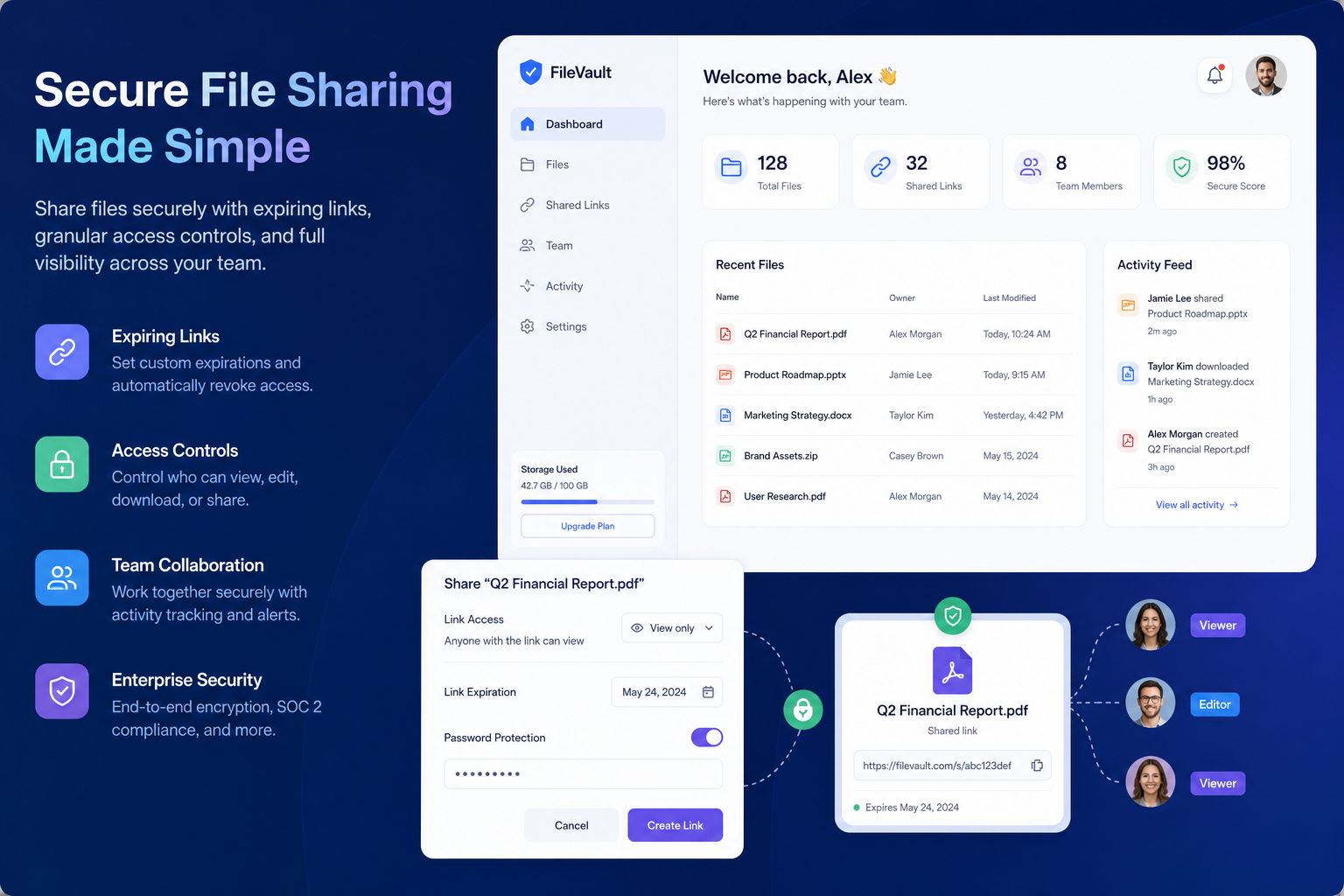
- secure sharing with access control and expiring links
- support for documents, images, and shared team files
- image previews for faster browsing
- scalable collaboration for growing teams
- enterprise-grade secure storage
- fast upload and access
- straightforward pricing with no hidden fees
For startups, solo founders, and small organizations that need a dependable home for business files, AssetHQ is often the most balanced option.
2. Google Drive / Google Workspace
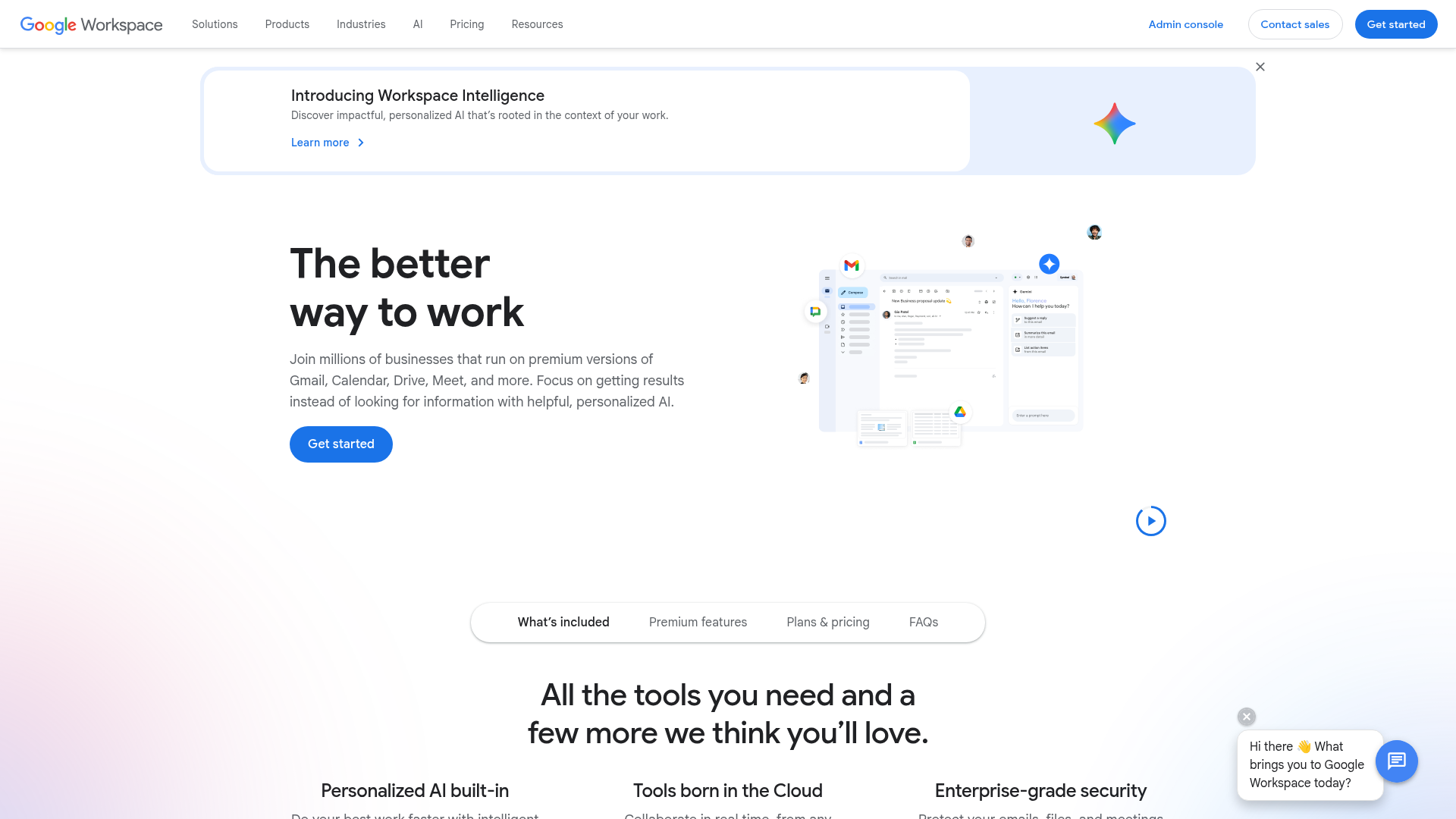
Google Drive remains one of the default cloud file storage services for teams because collaboration in Docs, Sheets, and Slides is excellent.
Best for:
- teams already using Google Workspace
- lightweight document collaboration
- businesses prioritizing browser-first editing
Watch-outs:
- folder sprawl can become a real issue
- permissions can get messy
- visual asset management is limited compared with DAM-oriented tools
3. OneDrive
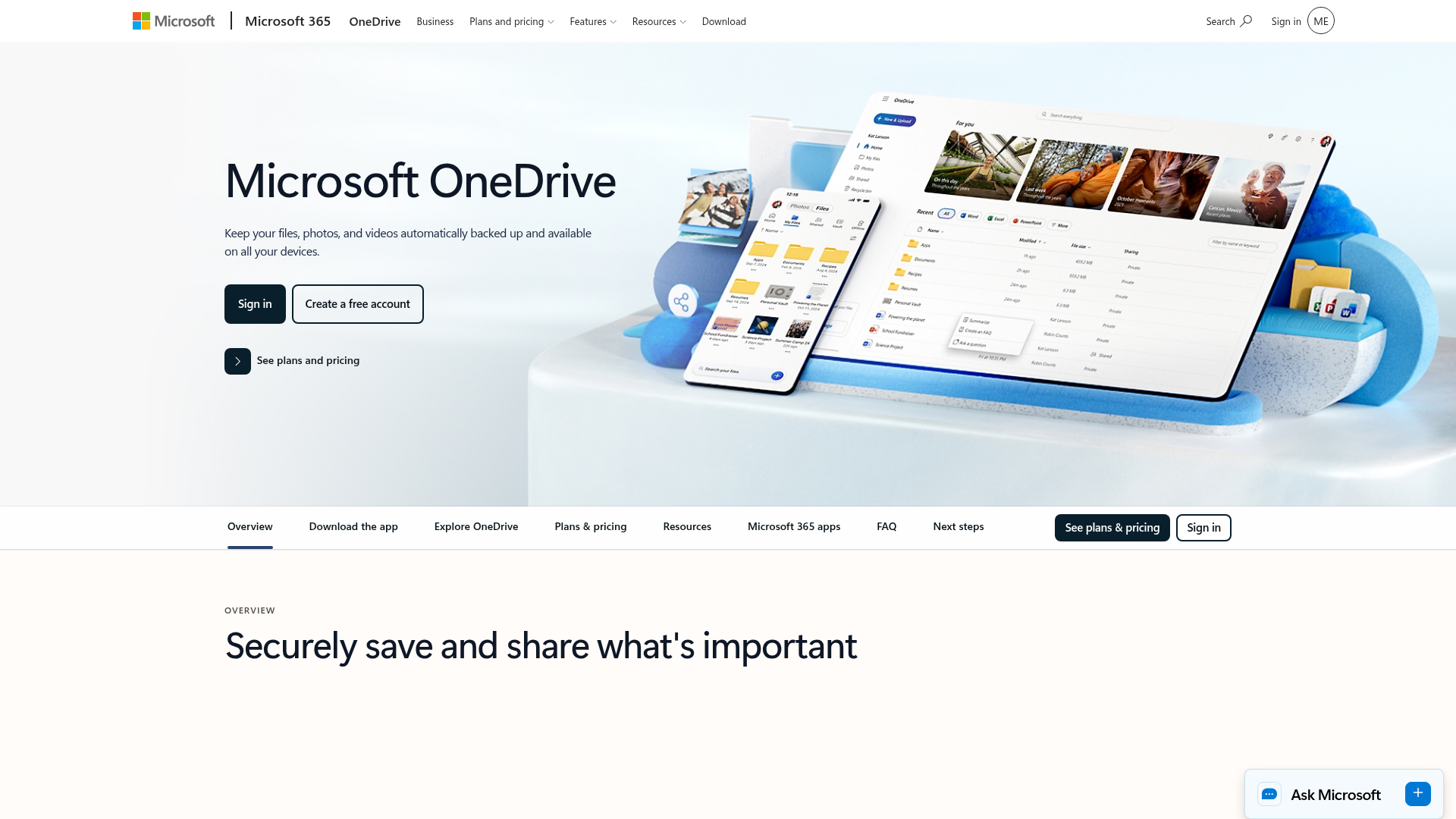
OneDrive is a logical pick for businesses already standardized on Microsoft 365.
Best for:
- Word, Excel, PowerPoint-heavy teams
- companies using Teams and Outlook daily
- Windows-centric organizations
Watch-outs:
- less attractive if you are not deep in Microsoft tools
- not the simplest choice for teams wanting a clean DAM-like experience
4. Dropbox
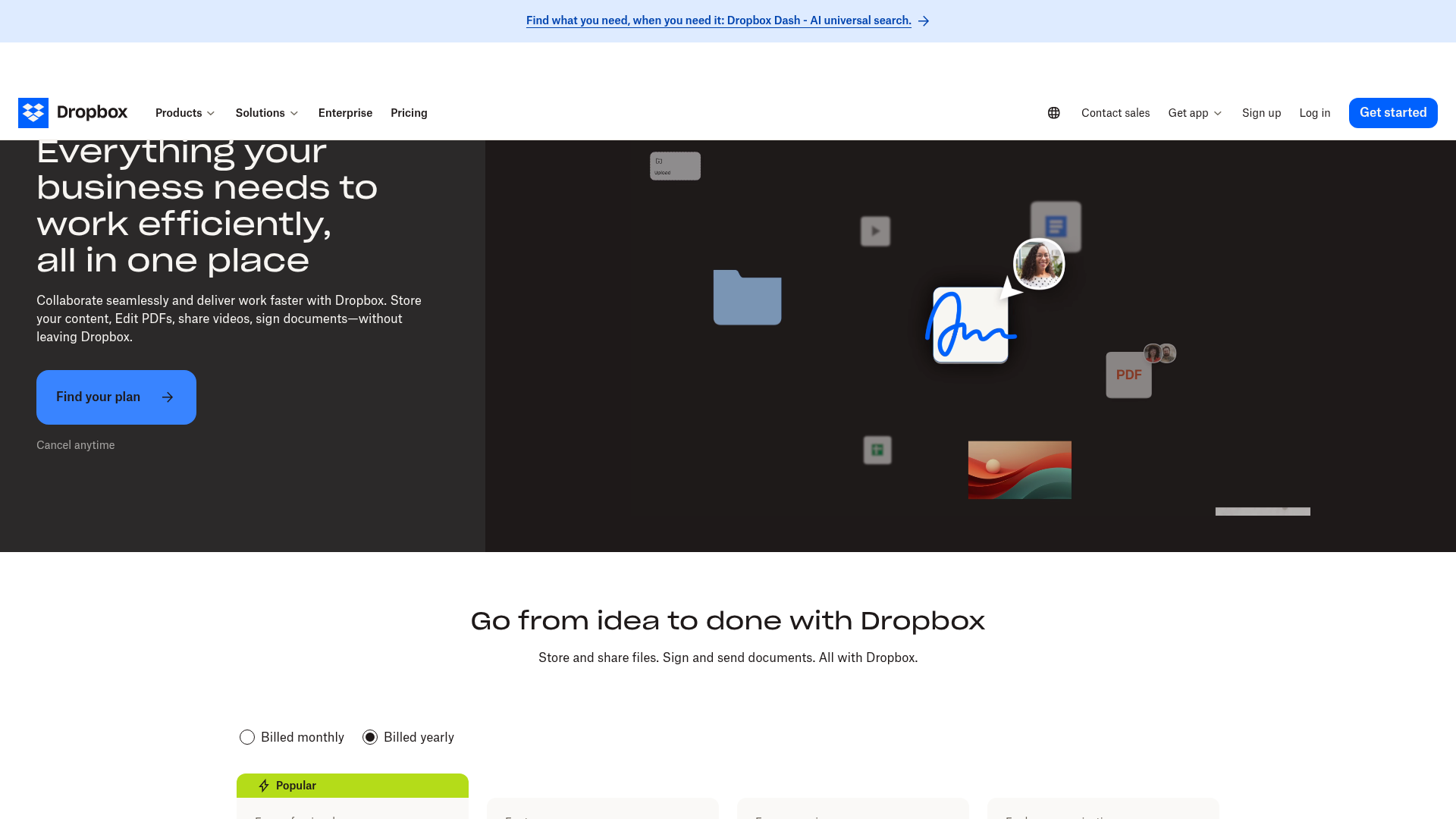
Dropbox still earns its reputation for sync reliability and ease of sharing.
Best for:
- remote teams
- straightforward file sync across devices
- quick external file sharing
Watch-outs:
- pricing can rise quickly
- increasingly business-tool heavy for users who just want clean storage
5. Box

Box is built for organizations with major compliance and governance needs.
Best for:
- enterprises
- regulated industries
- complex admin and policy environments
Watch-outs:
- often too much platform for smaller teams
- cost and complexity are higher than many SMBs need
6. pCloud
pCloud is attractive for teams working with large files and media libraries.
Best for:
- video and media-heavy teams
- large uploads
- teams that care about long-term value
Watch-outs:
- collaboration tooling is not as strong as productivity-suite rivals
- less focused on team asset organization than DAM-style systems
7. Proton Drive
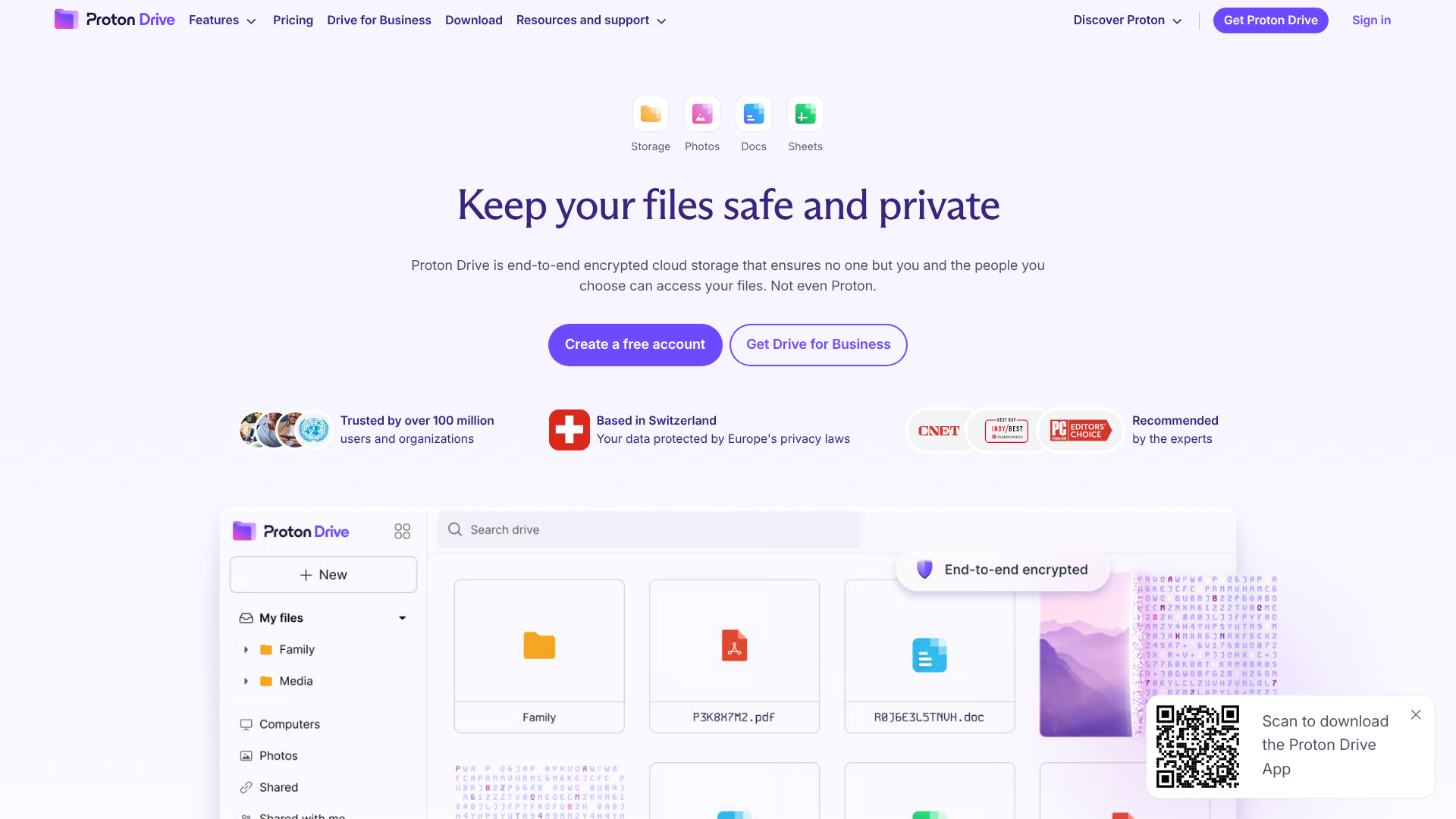
Proton Drive is one of the stronger privacy-first cloud file services on the market.
Best for:
- security-conscious teams
- privacy-focused organizations
- users already in the Proton ecosystem
Watch-outs:
- lower storage ceilings than some competitors
- less mature general collaboration environment
8. FileCloud
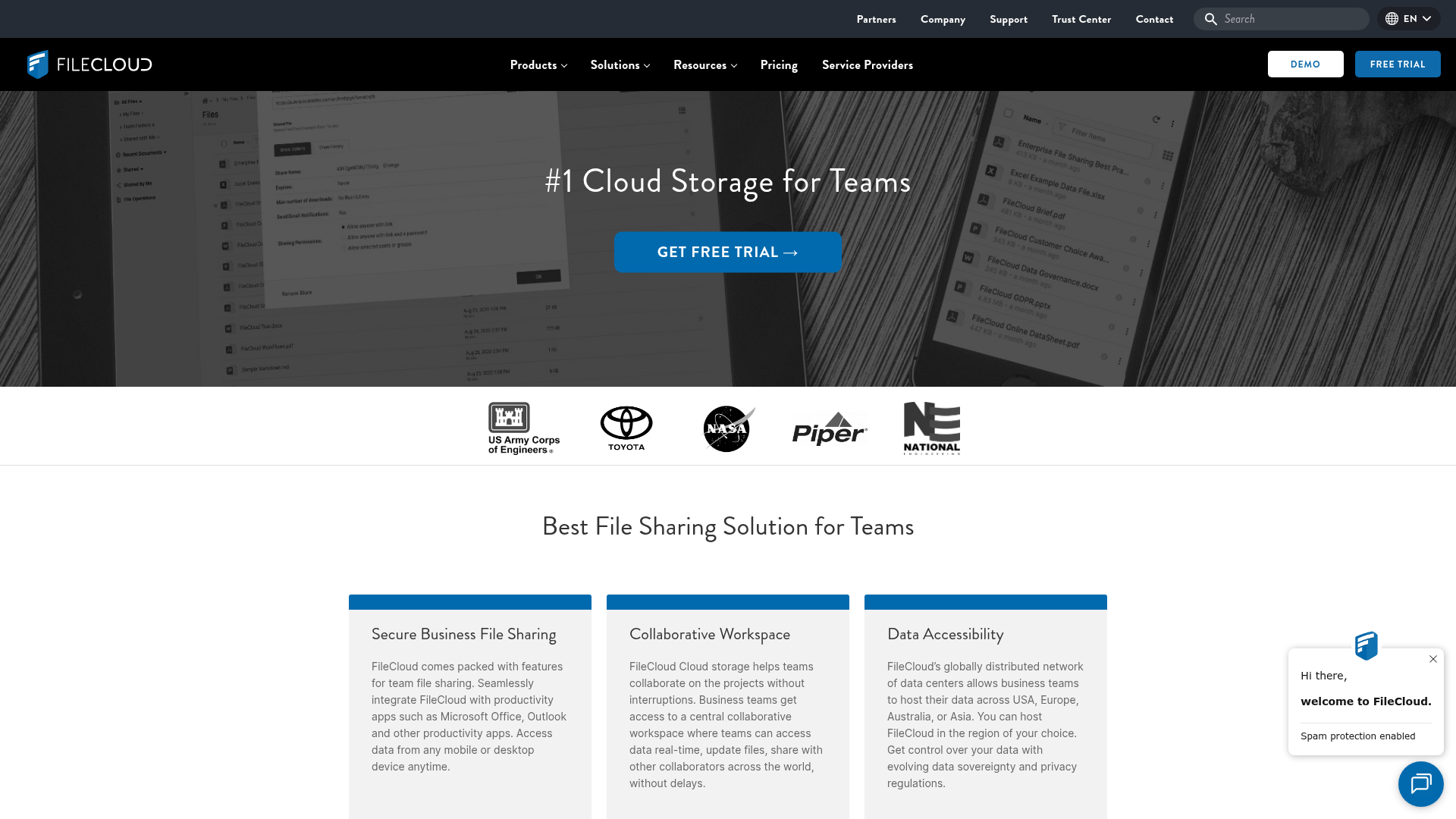
FileCloud is positioned as a business-grade cloud file server and file sharing platform with hosted and self-hosted options.
Best for:
- teams with data residency needs
- organizations wanting deployment flexibility
- compliance-sensitive industries
Watch-outs:
- better suited to IT-managed environments
- may be more than small teams need if simplicity is the top priority
How to choose the right cloud file platform for your business
A lot of “best cloud storage” articles stop at feature summaries. Here’s the more useful decision framework.
Choose based on your workflow, not just storage size
Ask:
- Are you mainly storing documents?
- Do you work with lots of images or brand assets?
- Do external clients need access?
- Do you need link expiration or controlled downloads?
- Will non-technical teammates use it daily?
If your business works across documents and visual assets, a solution like AssetHQ gives you more practical value than a generic drive because it improves how files are found and shared, not just where they sit.
Choose based on collaboration style
Team type | Best fit |
|---|---|
Google-native collaboration | Google Drive |
Microsoft-first operations | OneDrive |
Privacy-focused workflows | Proton Drive |
Compliance-heavy enterprise | Box or FileCloud |
Media-heavy storage | pCloud |
Simple, scalable DAM + file management | AssetHQ |
Choose based on external sharing needs
If your team frequently shares files with clients, freelancers, or partners, prioritize:
- expiring links
- role-based access
- folder-level permissions
- easy previews
- fast downloads without confusion
This is another area where AssetHQ naturally fits growing organizations that need secure but frictionless file delivery.
The truth about cloud file storage free plans
The keyword cloud file storage free gets a lot of search volume for obvious reasons. Free sounds safe. But free is best seen as a test environment, not a long-term business system.
When free plans are useful
Free plans are good for:
- trying the interface
- testing sync speed
- validating team adoption
- storing non-critical files
- solo personal use
Where free plans usually fall short
Most free plans limit one or more of these:
- total storage
- file versioning
- user permissions
- admin controls
- advanced sharing settings
- collaboration features
- support quality
For a business, the biggest hidden cost of a free plan is often not money. It is operational drag. Teams waste time hunting for files, hitting caps, or working around missing controls.
A practical rule
Use free plans to evaluate. Upgrade when files become operationally important.
If your team relies on those files to deliver work, support customers, or manage assets, a paid platform with secure sharing and clean organization quickly pays for itself.
Security considerations teams should not overlook
Security is not only about encryption claims on a pricing page. It is about reducing risky behavior.
You should look for:
- encryption at rest and in transit
- access controls by user or role
- expiring public links
- permission management
- audit visibility
- secure external sharing
- backup and redundancy practices
The biggest real-world risks often come from messy processes, not dramatic hacks. The safer system is usually the one your team can use correctly every day.
That’s a strong argument for simpler platforms. AssetHQ’s value here is practical: secure storage, access control, dependable sharing, and usability that helps teams stay organized without workarounds.
Cloud file hosting for client delivery and external access
Cloud file hosting becomes especially important when teams need to distribute files externally.
Typical use cases:
- sending final creative assets to clients
- sharing investor documents securely
- distributing product manuals or PDFs
- providing media kits or press assets
- giving contractors access to selected folders
The best cloud file hosting experience is one where recipients get what they need quickly without exposing everything else.
That means the platform should support:
- clean share links
- access restrictions
- expiring availability
- easy previewing
- fast retrieval
For businesses managing repeat external sharing, AssetHQ’s structure and secure share features are particularly useful because they keep delivery professional and controlled.
Signs your team has outgrown its current setup
You probably need a better cloud file storage solution if any of these sound familiar:
- files are constantly shared through email attachments
- nobody trusts folder naming conventions
- duplicate versions are everywhere
- images are hard to preview or identify
- external partners get too much or too little access
- local drives still store critical business files
- your current tool feels bloated, confusing, or overpriced
Final verdict: what is the best cloud file storage for teams?
There is no single best option for every business.
- If you live inside Google, Google Drive is convenient.
- If you are standardized on Microsoft, OneDrive is logical.
- If privacy is everything, Proton Drive is strong.
- If compliance and custom deployment are central, Box or FileCloud may fit.
- If you need media-heavy storage, pCloud is worth a look.
But if your priority is a simple, secure, scalable system for organizing and sharing documents, images, and files without enterprise bloat, AssetHQ is one of the smartest choices.
It is especially well suited to solo founders, small businesses, startups, and growing teams that need:
- clean file organization
- secure file sharing
- image preview and management
- team collaboration
- fast access and uploads
- reliable business-grade storage
- transparent, affordable pricing
In short: if you want file storage that your team will actually enjoy using, and that can scale with you without becoming a burden, AssetHQ is the platform to try.
FAQ
How long will 1TB last me?
1TB can last a long time for document-heavy teams, often covering tens or hundreds of thousands of files. If your business stores lots of videos, high-resolution images, or backups, you may use it much faster. The real answer depends more on file type and team habits than the number alone.
Which cloud storage can be integrated into teams for file sharing?
OneDrive integrates especially well with Microsoft Teams, while Google Drive works naturally with Google Workspace collaboration. For businesses that want secure file sharing with cleaner organization and less complexity, platforms like AssetHQ are also a strong fit.
Which is safer, OneDrive or Google Drive?
Both are generally secure for mainstream business use, with strong infrastructure and encryption. In practice, the safer choice is often the one your team manages better with strong permissions, organized access, and controlled sharing. Operational discipline matters as much as vendor security.
How much does 100 TB of cloud storage cost?
100TB pricing varies widely depending on the provider, deployment model, user count, and whether the plan includes collaboration or compliance features. It can range from a few hundred dollars per month in basic storage models to much more in enterprise-grade platforms.
Is it better to have more TB or GB?
Neither is automatically better - TB and GB are just different sizes of capacity. What matters is choosing enough storage for your current workflow while making sure the platform also gives you the organization, sharing, and security features your team needs.
Is 64 GB of memory overkill?
For most cloud storage users, 64GB of device memory or RAM is usually more than enough unless you work with intensive creative, video, or engineering applications. Cloud file storage performance depends more on connection speed, file organization, and platform usability than oversized local memory.
Related Posts

Brand Asset Management Software for Growing Teams
Discover brand asset management software for growing teams and learn how to organize files, share securely, and scale with ease.
min read
Cloud Based Digital Asset Management Benefits
Explore cloud based digital asset management benefits for secure file sharing, simpler teamwork, and organized growth. Try it today now
min read
File Sharing and Storage Made Simple for Teams
Discover file sharing and storage made simple for teams with secure access, better organization, and faster collaboration. Try AssetHQ!
min read