Cloud Storage and File Sharing: Best Free Options
Discover cloud storage and file sharing tools to compare free options for links, large transfers, and team use. Find your best fit now.
Cloud Storage and File Sharing: Best Free Options
If you need a simple way to send files by link, collaborate with clients, or keep team documents organized without paying enterprise prices, the good news is that there are plenty of strong free tools available. The challenge is that most guides stop at storage limits and miss what actually matters in daily use: upload speed, link sharing controls, preview experience, folder organization, file recovery, and whether the platform still works once your team grows.
For solo founders, small businesses, startups, and growing teams, that difference is everything. You may not need a massive, complex DAM suite - but you do need dependable cloud storage and file sharing that feels professional, keeps files secure, and makes it easy for people to find what they need. That is where choosing the right platform matters, and it is also why many teams eventually move toward a more structured solution like AssetHQ: clean file organization, secure sharing, image previews, team collaboration, fast access, and flat, predictable pricing without the usual bloat.
What the best free cloud storage and file sharing tools should actually offer
Many articles focus too heavily on raw free storage. That matters, but it is only one piece of the decision.
A useful file sharing platform should help you do five things well:
- store files in an organized way
- share files quickly via link
- control access when needed
- preview and manage images or documents easily
- scale from one person to a growing team
The strongest tools balance these needs differently. Some are best for free large file transfer services. Others are better for business collaboration. A few work well as cloud storage for sharing files long term.
"According to IBM's 2025 Cost of a Data Breach Report, the global average cost of a data breach is USD 4.4 million." - IBM
That is why secure sharing is no longer a “nice to have.” Even for small teams, expiring links, permissions, and access control should be part of the conversation.
"As of 2025, nearly 22% of U.S. workers aged 16 and older were working from home at least some of the time." - U.S. Census Bureau / Minneapolis Fed
With distributed work now normal, cloud storage and sharing tools need to support smooth collaboration across devices and locations.
Quick comparison: best free options at a glance
Tool | Best for | Free storage / transfer | Best strength | Main limitation |
|---|---|---|---|---|
Google Drive | Everyday collaboration | 15GB free | Docs, Sheets, simple file sharing with link | Sharing structure can get messy at scale |
Dropbox | Clean sync and polished sharing | 2GB free | Reliable sync, easy external sharing | Limited free storage |
OneDrive | Microsoft users | 5GB free | Great for Office-heavy workflows | Best experience is inside Microsoft ecosystem |
Box | Business compliance and structured sharing | 10GB free | Admin features and business controls | Free plan feels limited for modern teams |
Proton Drive | Privacy-focused users | Small free tier | Encrypted storage and privacy | Less flexible for fast external collaboration |
WeTransfer | One-off large transfers | Free transfer tier | Extremely easy free file share large files | Not built for organized long-term storage |
The 6 best free cloud storage and file sharing options
1. Google Drive: best free cloud storage for sharing files with collaborators
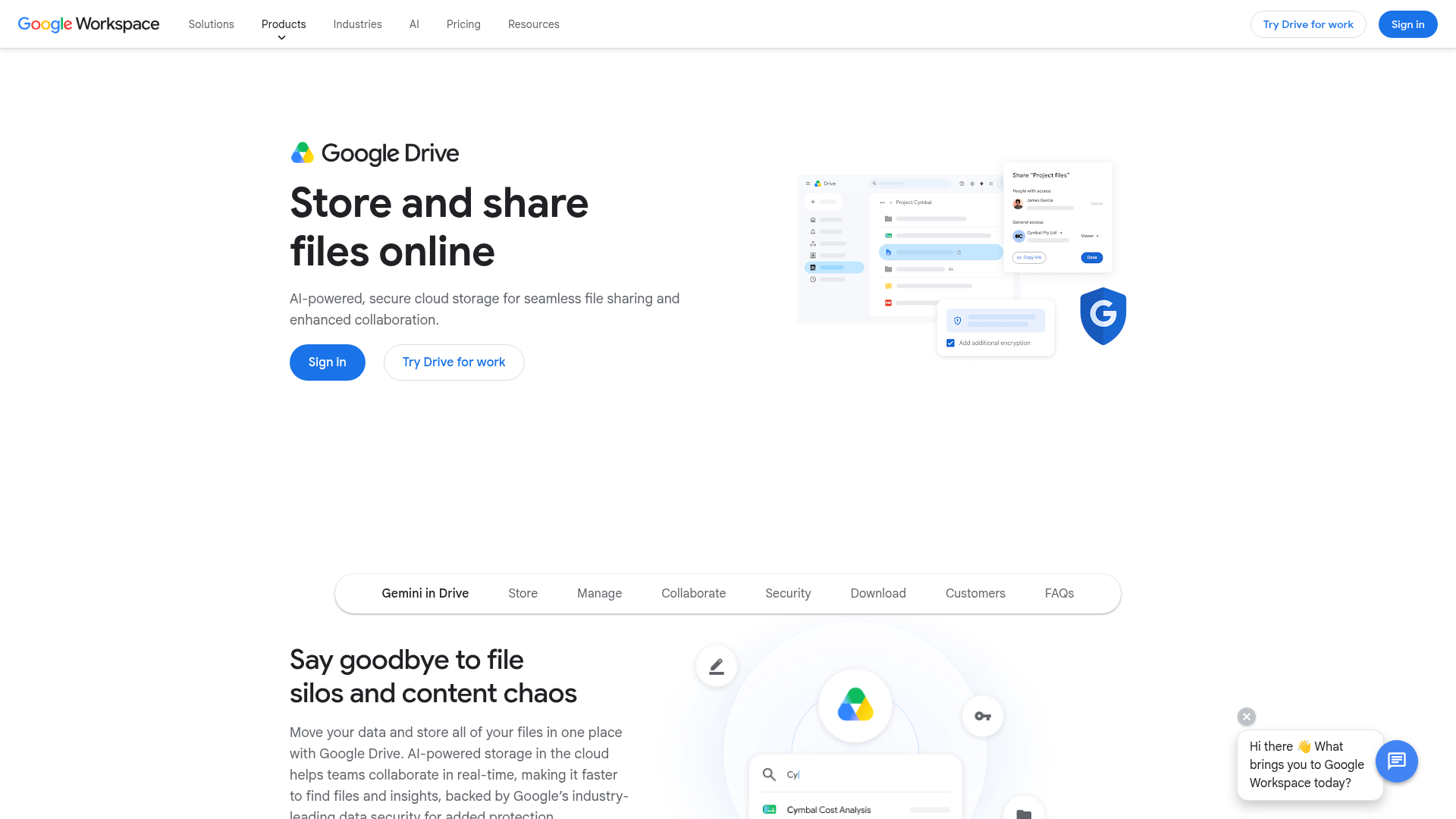
Google Drive remains one of the best free cloud storage for sharing files because the value is not just the 15GB. It is the surrounding workflow. If you already use Gmail, Google Docs, Sheets, or Slides, it is the easiest place to centralize files and collaborate quickly.
Why it works
- generous free storage
- easy file sharing via link
- strong real-time collaboration
- excellent search across documents
- works well for individuals and small teams
Where it falls short
Once file counts grow, folders can become chaotic. Permissions are flexible, but they are not always obvious for non-technical users. It is easy to overshare if your team is not careful.
Best use case
Choose Google Drive if you want an easy cloud storage to share files with clients, contractors, or internal teammates and already live in Google Workspace.
2. Dropbox: best for polished link sharing and dependable sync
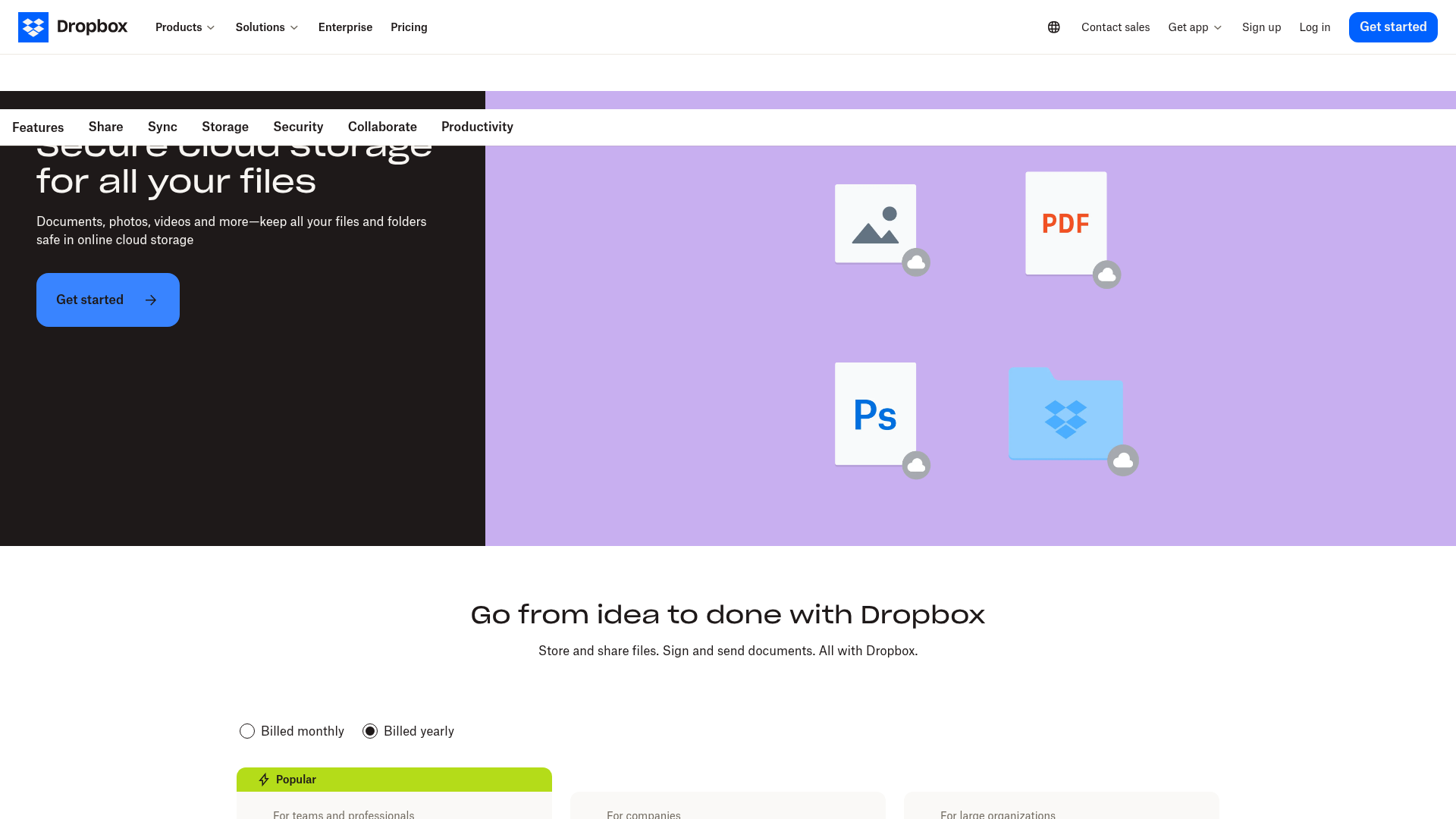
Dropbox still sets a high standard for user experience. It is one of the easiest tools for file sharing with link, syncing folders across devices, and keeping outside collaborators in the loop without much friction.
Why it works
- simple and intuitive sharing
- reliable cross-device sync
- polished desktop and mobile experience
- strong recovery history on paid plans
- good option for client-facing file delivery
Where it falls short
The free storage is small. For long-term document libraries or image-heavy teams, you will hit the limit quickly.
Best use case
Dropbox is a strong option if your top priority is sending files professionally and keeping shared folders synchronized across laptops and phones.
3. OneDrive: best for Microsoft 365 users
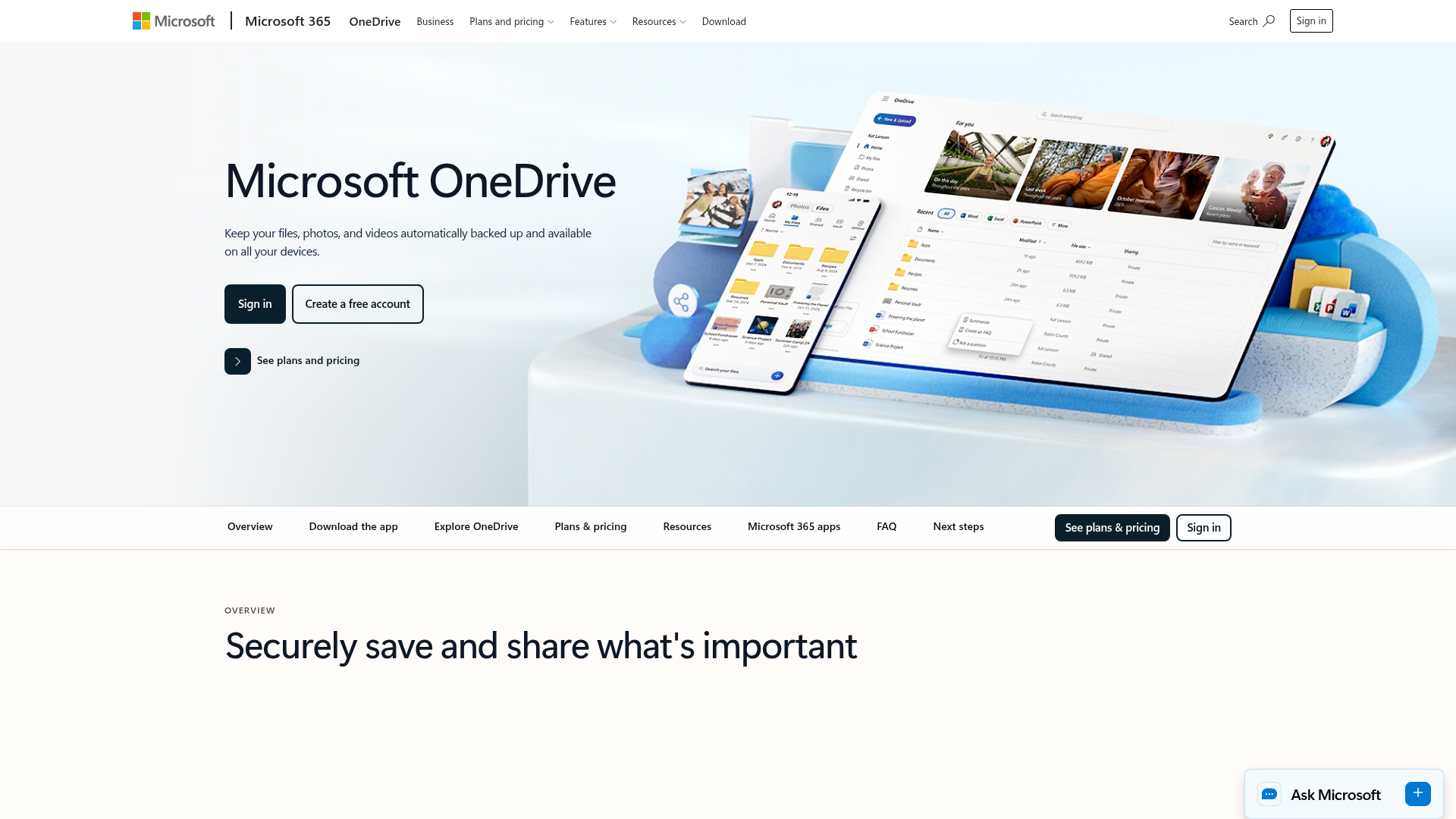
If your business already uses Word, Excel, PowerPoint, and Outlook every day, OneDrive is an obvious contender. It integrates deeply with Microsoft 365 and gives you a familiar path for storing, editing, and sharing documents.
Why it works
- smooth Microsoft Office integration
- practical for document-heavy businesses
- decent free starting point
- familiar for Windows users
- helpful for internal collaboration
Where it falls short
Outside Microsoft workflows, it can feel less intuitive than Google Drive or Dropbox. For creative teams managing mixed media, it is not always the cleanest experience.
Best use case
OneDrive is ideal for businesses that want cloud storage and file sharing wrapped around their existing Microsoft stack.
4. Box: best shared cloud storage for business governance
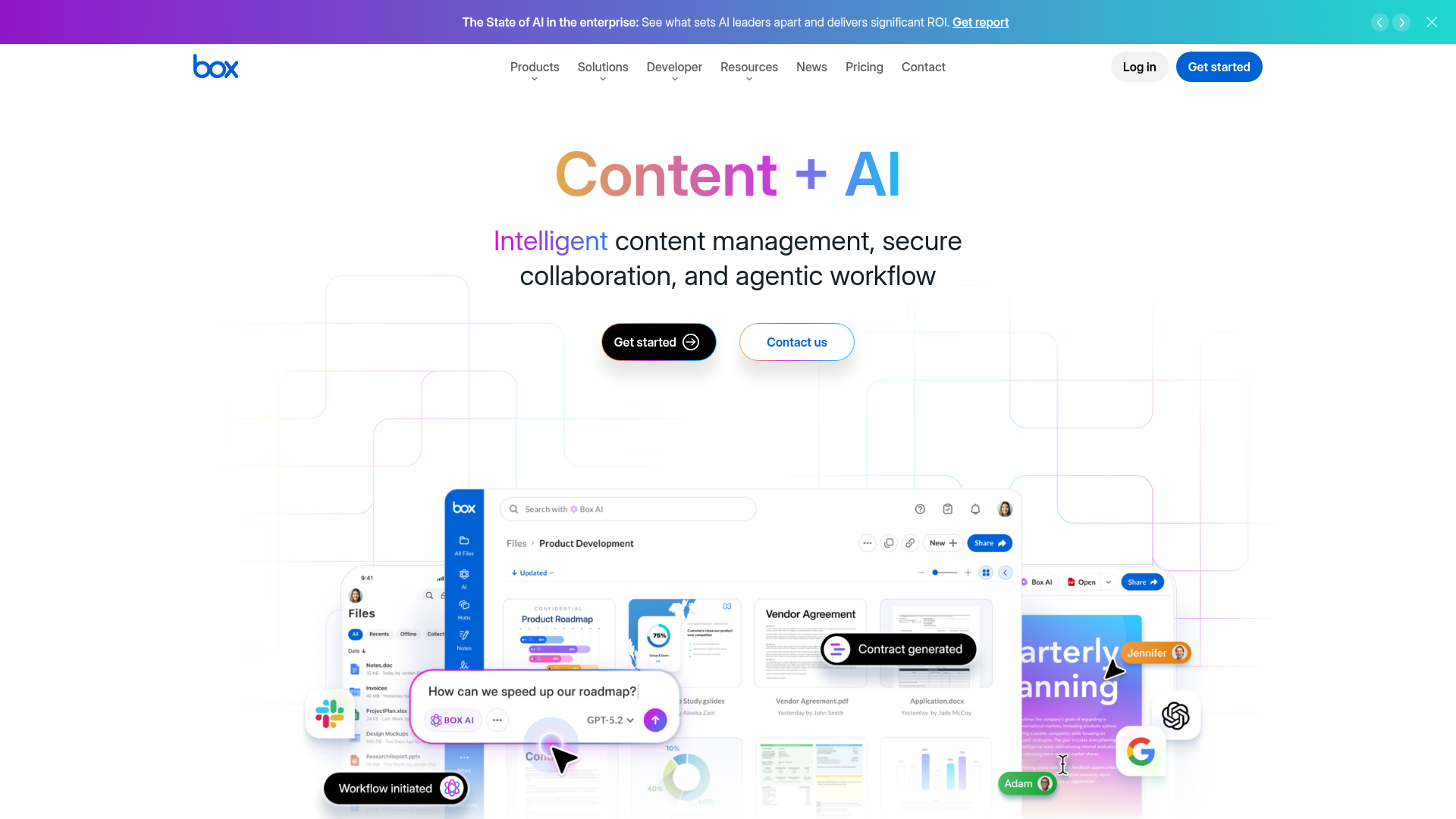
Box is built more for business structure than personal convenience. It is one of the better choices if you need secure shared storage, access policies, and a more formal environment for managing business files.
Why it works
- business-oriented permissions
- stronger admin and governance features
- useful for regulated or structured teams
- solid external collaboration support
- good reputation in enterprise environments
Where it falls short
The free experience is not as generous or flexible as other tools. Individuals and small startups may find it heavier than they need.
Best use case
Box fits teams that care more about governance and managed access than maximum free space.
5. Proton Drive: best for privacy-first file storage
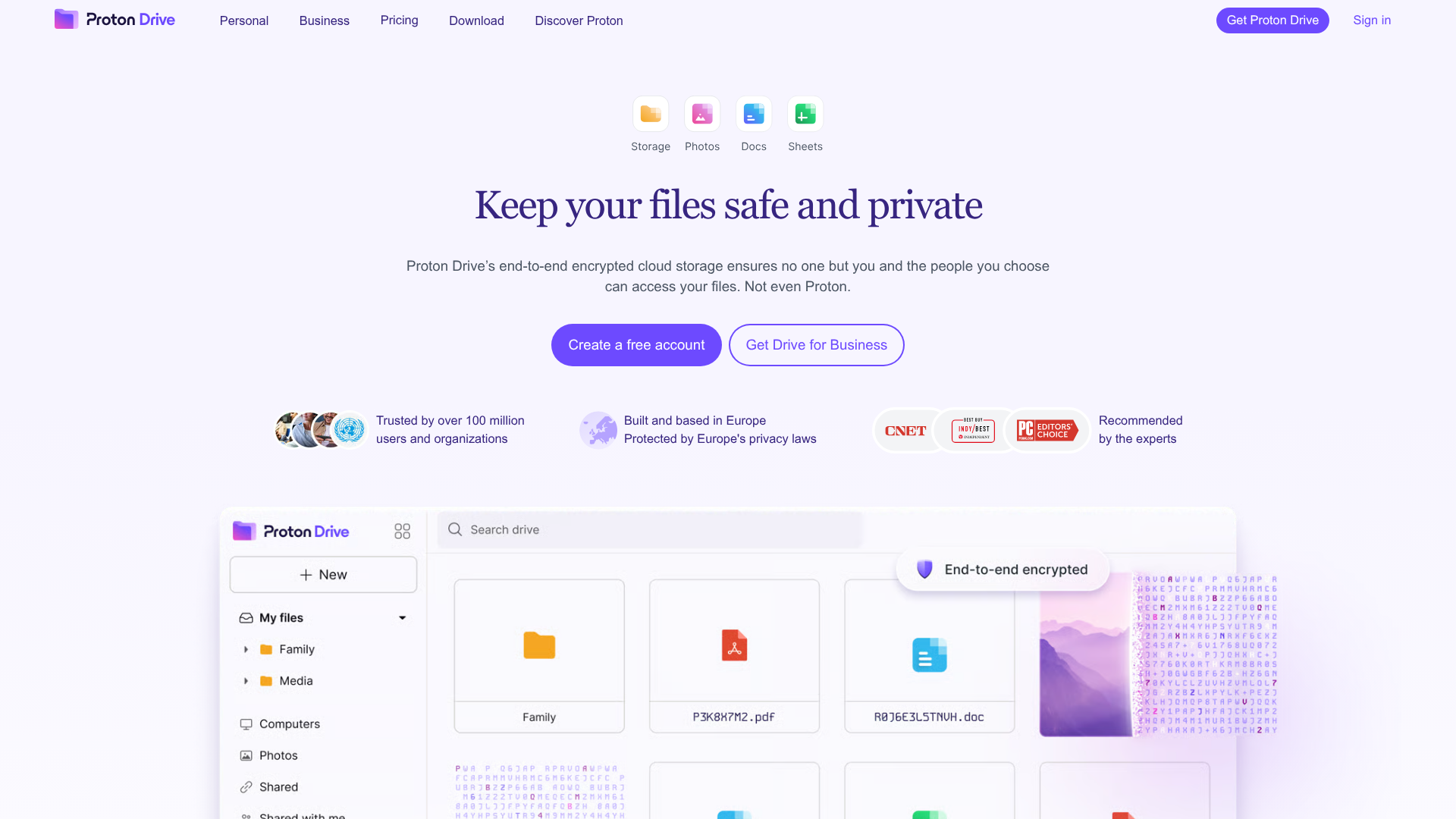
Proton Drive appeals to users who prioritize privacy above everything else. Its encrypted ecosystem is attractive if you want tighter control over sensitive files and prefer privacy-first tools.
Why it works
- strong security focus
- privacy-centered ecosystem
- good choice for sensitive documents
- clean interface
- reassuring positioning for security-conscious teams
Where it falls short
It is not the fastest or most collaboration-friendly option for teams that constantly exchange files with clients, vendors, or freelancers.
Best use case
Pick Proton Drive when privacy and encrypted storage are more important than advanced workflow speed.
6. WeTransfer: best free large file sharing service for one-off sends

Not every job requires full cloud storage. Sometimes you just need a large file sharing site that lets you send a big video, design package, or presentation fast. That is where WeTransfer shines.
Why it works
- fast and simple interface
- great for free large file sharing
- no complicated setup
- useful for occasional transfers
- one of the most recognized file sharing websites
Where it falls short
It is not a full file management system. It is built for transfer, not organized storage, image management, or long-term collaboration.
Best use case
Use WeTransfer for one-time delivery when you need a share file link free and want the least friction possible.
What competitor roundups often miss
Most competing articles do a good job listing storage amounts and pricing tiers. But they usually gloss over the operational details that matter once your files become business-critical.
1. Free transfer is not the same as free storage
A platform built for free large file transfer service may be great for sending a single video, but poor for maintaining a searchable file library. WeTransfer is a classic example: excellent for transfer, weak for long-term organization.
2. Collaboration quality matters more than storage quantity
A bigger free tier does not help much if your team cannot preview files quickly, manage versions clearly, or understand who has access.
3. Folder structure is a competitive advantage
As a business grows, intuitive organization becomes more valuable than a few extra gigabytes. This is one of the biggest reasons teams outgrow generic file sharing platforms free and move toward structured systems.
4. Image handling is often overlooked
Many businesses are not only storing documents. They are also managing product images, marketing visuals, brand assets, and sales collateral. Preview support and clean browsing matter more than most “best of” lists admit.
5. Pricing predictability matters
Some tools seem free or affordable at first, then become expensive as soon as more users, permissions, or business features are needed. Flat, transparent pricing becomes especially valuable for startups and small teams.
How to choose the right tool for your use case
If you need free file sharing for large files
Start with WeTransfer. It is purpose-built for quick delivery and requires almost no setup.
If you need the best free cloud storage for sharing files every day
Google Drive is the easiest default for most teams because of its 15GB free plan and strong collaboration tools.
If you need a cleaner client-facing sharing experience
Dropbox is often the smoother choice for sending links and keeping sync dependable across devices.
If you need business-friendly controls
Box and OneDrive become stronger options when structure, permissions, and admin oversight matter more.
If you need privacy-first storage
Proton Drive stands out for encrypted storage and a privacy-centered approach.
When free tools stop being enough
Free tools are useful, but growing teams usually run into the same problems:
- shared folders become messy
- permissions are hard to track
- images and documents are hard to preview consistently
- file requests come from multiple stakeholders
- no one knows which version is current
- external sharing starts to feel risky
- pricing gets complicated as more features are needed
That is where a purpose-built system can save time and reduce friction.
Why AssetHQ is a smarter long-term choice for growing teams
If your team has moved beyond casual file sending and now needs a real system, AssetHQ fills the gap between basic cloud storage and heavyweight enterprise software.
What makes AssetHQ different
Simple, intuitive file management
AssetHQ is designed so files are easy to store, organize, browse, and retrieve without a steep learning curve. That matters for startups and growing teams that need clarity, not complexity.
Secure file sharing with real control
Instead of sending loose links and hoping for the best, teams can share files with tighter access control, expiring links, and more professional governance.
Organized storage for documents, images, and shared files
Many businesses need one place for proposals, contracts, product images, brand files, internal docs, and sales materials. AssetHQ supports that mixed reality better than tools that are optimized for only one content type.
Image preview and management capabilities
For marketing, ecommerce, design, real estate, and product-led teams, image handling is not optional. Easy previews speed up selection, review, and distribution.
Collaboration that scales
AssetHQ works well for solo users but becomes even more valuable as more people need access. It supports team collaboration without forcing businesses into bloated, enterprise-heavy workflows.
Enterprise-grade secure storage without enterprise heaviness
You still get the reassurance of secure storage and controlled sharing, but in a package that is easier to adopt and easier to afford.
Fast upload and file access
Speed matters. If uploading, finding, or downloading assets is frustrating, the system breaks trust quickly.
Affordable flat pricing
One of AssetHQ’s biggest practical advantages is transparent pricing with no hidden surprises, making it a strong fit for budget-conscious teams that still want professional-grade capability.
Free tools vs AssetHQ: practical comparison
Need | Free cloud tools | AssetHQ |
|---|---|---|
Basic link sharing | Yes | Yes, with stronger control |
Long-term organized storage | Sometimes | Yes |
Image previews and asset browsing | Limited or inconsistent | Strong fit |
Team collaboration | Basic to moderate | Built for growing teams |
Secure access control | Varies by tool | Core part of workflow |
Predictable pricing | Often limited, upsells later | Flat and transparent |
Simplicity for non-technical teams | Mixed | Strong |
Scalable file management | Often messy over time | Designed for it |
Best recommendations by scenario
Best for solo founders
Google Drive if you want the most value for free, or AssetHQ if you want to start organized from day one.
Best for startups sharing documents and images
AssetHQ is a compelling fit because it combines organized storage, easy previews, secure sharing, and team collaboration without unnecessary complexity.
Best for one-time large transfers
WeTransfer.
Best for Microsoft-based companies
OneDrive.
Best for privacy-sensitive users
Proton Drive.
Best for polished external sharing
Dropbox.
Best for compliance-oriented business environments
Box.
Final verdict
If you only need occasional free file sharing with link, a free option like Google Drive, Dropbox, or WeTransfer may be enough. But if your business is actively managing documents, images, and shared files across clients or teammates, “free” often becomes expensive in the form of clutter, wasted time, and weak control.
That is where AssetHQ stands out. It gives growing organizations a simple, scalable, and secure way to manage digital assets without the cost or complexity of enterprise-heavy systems. You get professional file organization, secure sharing, image preview support, fast access, team collaboration, and affordable flat pricing - all in a platform built for real-world usability.
If you are ready to move beyond scattered links and messy folders, AssetHQ is the smarter next step.
FAQ
What cloud storage gives you the most free storage?
Google Drive is one of the most practical mainstream options with 15GB free, which is more generous than Dropbox or OneDrive. Some niche services may advertise more, but for dependable everyday storage and sharing, Google Drive offers one of the best balances of free space and usability.
What is the best free file sharing service?
If you want ongoing collaboration, Google Drive is the best all-around free choice. If you only need to send a large file quickly, WeTransfer is often the easiest option for one-off transfers.
How to get 1TB free cloud storage?
Getting a reliable 1TB free cloud storage plan from major providers is uncommon today. Some lesser-known platforms may advertise it, but for business use, it is usually safer to choose a trusted service with a smaller free tier or move to a structured paid solution like AssetHQ when your storage and collaboration needs grow.
Related Posts
Dropbox Shared Link Dl 0 Explained
Learn what Dropbox shared link dl 0 means, how to verify link safety, open files correctly, and share smarter with confidence today
min read
End to End Encrypted File Sharing Benefits
Discover end to end encrypted file sharing benefits, use cases, and security tips for modern teams, then choose the right tool now.
min read
Enterprise Cloud Backup for Business Continuity
Enterprise Cloud Backup for Business Continuity When a business loses access to critical files, customer records, contracts, images, or internal documentation, the real damage is rarely limited to the missing data itself. The bigger problem is interruption: teams stop working, customers wait, compliance risks rise, and recovery becomes expensive fast. That is why enterprise cloud backup matters. A strong backup strategy is not just about keeping copies of files somewhere in the cloud. It is ab
min read