Cloud Storage Solutions for Simple Team Growth
Cloud Storage Solutions for Simple Team Growth Growing a business should make your systems better, not messier. But for many founders and small teams, growth creates a familiar problem: files start living everywhere. Contracts sit in email threads, brand images are scattered across drives, sales decks are duplicated in three folders, and nobody is fully sure which version is current. That is exactly why choosing the right cloud storage solution matters early. The best platforms do more than ho
 Emma LarsonMay 22, 202611 min read
Cloud Storage Solutions for Simple Team Growth
Growing a business should make your systems better, not messier. But for many founders and small teams, growth creates a familiar problem: files start living everywhere. Contracts sit in email threads, brand images are scattered across drives, sales decks are duplicated in three folders, and nobody is fully sure which version is current.
That is exactly why choosing the right cloud storage solution matters early. The best platforms do more than hold files. They help teams organize documents, share them securely, find what they need quickly, and scale without introducing complexity.
For solo founders, startups, and growing teams, the goal is not to buy the biggest or most enterprise-heavy platform on the market. The goal is to find a system that is simple enough to adopt fast, secure enough to trust, and scalable enough to support the next stage of growth. That is where a practical, usability-first platform like AssetHQ stands out.
"Small firms plan to double their use of multi-cloud and triple hybrid cloud adoption by 2026." - Source
"Teams with a formal hybrid collaboration plan are 66% more likely to be engaged and 29% less likely to experience burnout." - Source
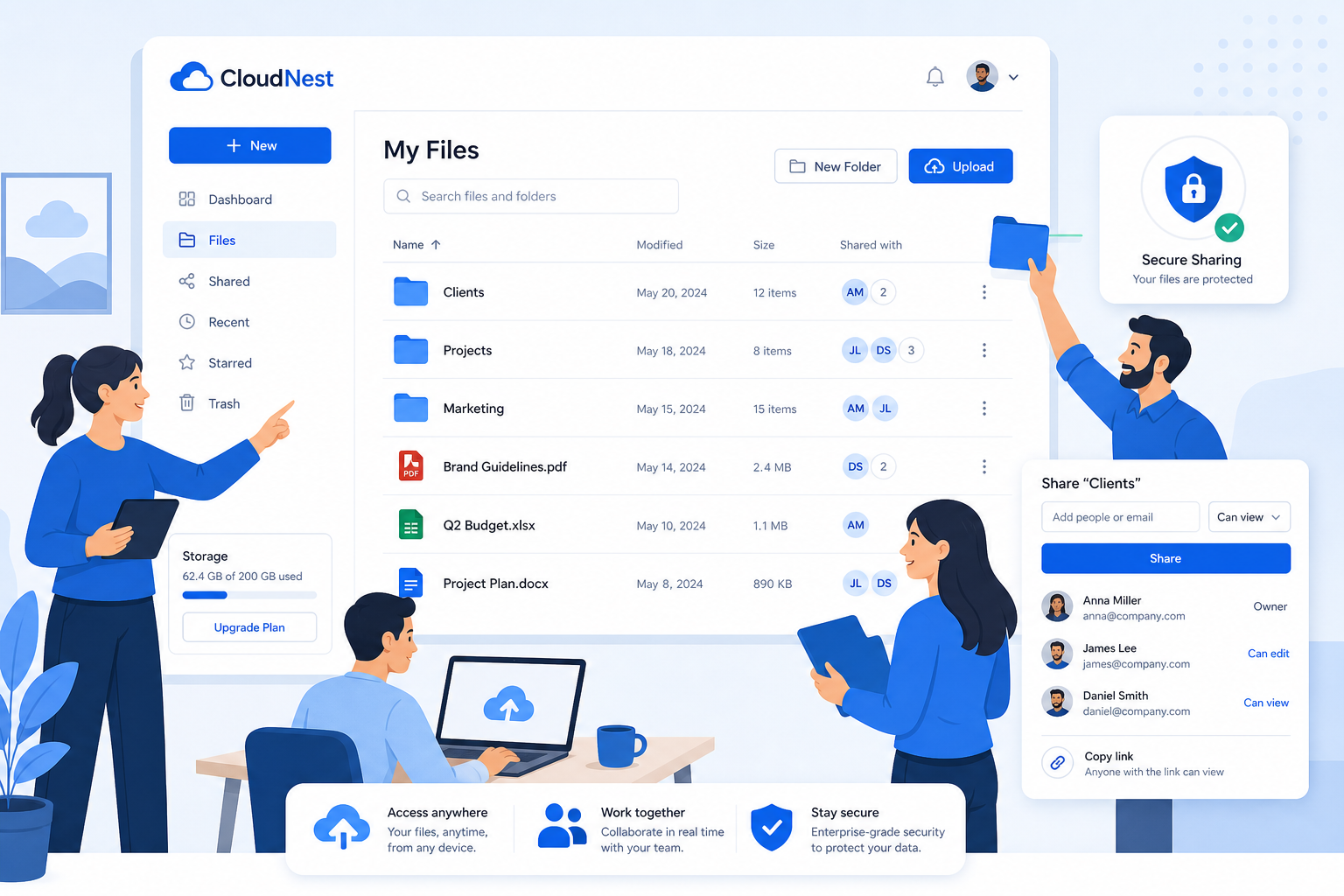
Why cloud storage solutions matter for growing teams
At a basic level, cloud storage lets your team store and access files online instead of depending on local devices or office servers. But for a growing business, the real value goes beyond remote access.
A strong cloud storage setup helps you:
- keep files centralized
- avoid duplicate versions
- make collaboration easier
- control who can access what
- share files without creating security risks
- grow your library of documents and media without losing structure
This is especially important for teams handling a mix of files every day: invoices, proposals, onboarding docs, presentations, marketing assets, product screenshots, contracts, and customer-facing images.
Many competitor articles focus heavily on storage size and price. Those matter, but they are not enough. For real team growth, a cloud storage solution should also support clear organization, fast uploads, previewability, secure sharing, and low-friction collaboration. Otherwise, teams outgrow the system before they outgrow the storage limit.
What competitors get right and what they miss
After reviewing leading content in this space, a few themes show up repeatedly:
Common points competitors cover well
Most top-ranking articles correctly emphasize:
- scalability
- remote access
- security and encryption
- collaboration features
- pricing comparisons
- backup benefits
These are all valid buying criteria.
The content gaps they often miss
Where many articles fall short is in the practical experience of using a platform day to day. They talk about cloud storage like a spec sheet, not like a working system for real teams.
Important gaps include:
- simplicity of adoption for non-technical teams
- folder clarity and file findability
- image preview and visual asset handling
- secure external sharing with expiring links
- permission control without admin overload
- flat, predictable pricing
- how solo founders can start simple and grow into team workflows later
This is where AssetHQ has a compelling story. It is built for businesses that need professional file organization and sharing without the bloat, steep learning curve, or surprise costs of enterprise-heavy systems.
What to look for in a cloud storage solution
Not every team needs the same platform, but the best cloud storage solutions usually check the same core boxes.
1. Simple file organization
If your team cannot find files quickly, the platform is failing its most important job.
Look for:
- intuitive folders and subfolders
- consistent naming support
- quick browsing and search
- support for documents, images, and mixed file libraries
AssetHQ is especially strong here because it is designed around straightforward file management. Teams can organize assets cleanly from day one without needing to rebuild their processes around a complicated system.
2. Secure file sharing
Sharing should be easy, but never careless. A good solution lets you move fast without losing control.
Look for:
- expiring links
- access permissions
- restricted downloads or visibility where needed
- secure external sharing for clients, vendors, and partners
For growing teams, this is essential. You often need to share assets outside the company, but you do not want sensitive files floating around in permanent public links.
3. Collaboration without clutter
Collaboration features should help work move forward, not turn your storage platform into another bloated workspace.
Look for:
- easy access for internal team members
- shared libraries or team spaces
- visibility into current files
- lightweight collaboration that fits normal workflows
AssetHQ fits growing organizations well because it balances team collaboration with clarity. It gives teams the ability to work together without overwhelming them with unnecessary enterprise layers.
4. Fast uploads and quick access
Slow storage systems create hidden costs. Every delay in uploading, previewing, or retrieving files chips away at productivity.
Look for:
- fast upload performance
- responsive file loading
- smooth previews for visual assets
- mobile and browser access when needed
5. Scalable pricing
A lot of businesses start with one user, then add a contractor, then a marketing lead, then a customer success rep. Pricing should not punish that growth.
Look for:
- straightforward plans
- no hidden fees
- room to scale
- features that are useful now and later
AssetHQ’s flat, accessible pricing model is attractive for this reason. It gives small businesses and startups a dependable system without forcing them into oversized plans before they are ready.
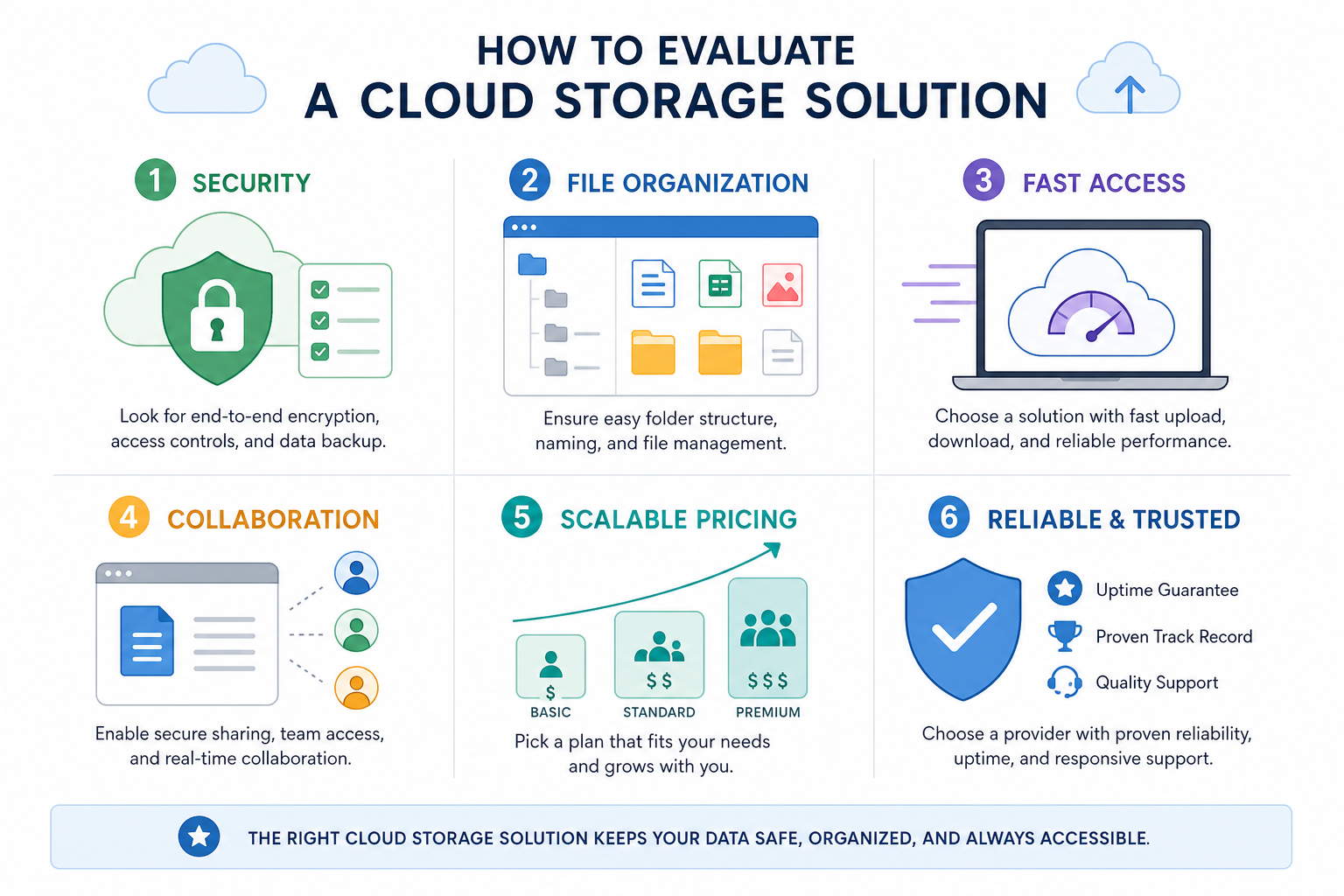
The most important features for simple team growth
When teams are small, almost any platform can seem “good enough.” The problem shows up later, when growth adds more files, more people, and more sharing needs.
These are the features that matter most once your team starts scaling.
Centralized storage
A single home for all documents, images, and shared files reduces confusion and prevents knowledge loss.
Permission-based access
Not everyone should have access to everything. Permission controls help protect sensitive materials while keeping collaboration smooth.
Visual asset support
Many cloud storage tools are built mainly for documents. But growing teams often work heavily with visual content too. Image preview and media-friendly organization save time and reduce download friction.
External sharing controls
Being able to send files securely to clients, contractors, and partners is a major quality-of-life improvement. Expiring links and access control make that safer.
Team-ready structure
The platform should work for a solo founder today and a 20-person team tomorrow. That means clean organization, simple onboarding, and scalable permissions.
Cloud storage vs. digital asset management: what growing teams actually need
This is where many buyers get confused.
Cloud storage
Traditional cloud storage focuses on storing, syncing, and accessing files.
Digital asset management (DAM)
DAM focuses more on organizing, managing, retrieving, previewing, and distributing digital files, especially brand and media assets.
For many startups and growing teams, the best answer is not choosing one extreme or the other. It is choosing a platform that combines practical cloud storage with lightweight DAM functionality.
That is one of AssetHQ’s strengths. It helps teams store and organize documents, images, and files in a way that feels simple, while still supporting the structure, preview, control, and secure sharing you would expect from a more advanced file management platform.
In other words, it offers a smarter middle ground:
- simpler than bloated enterprise DAM systems
- more organized and professional than generic storage folders
- better suited to growing teams that need both storage and control
Comparing popular cloud storage solutions
Below is a high-level comparison of several widely known tools and the type of team they often fit best.
Platform | Best For | Strengths | Potential Drawbacks |
|---|---|---|---|
AssetHQ | Solo founders, startups, and growing teams | Simple file management, image previews, secure sharing, intuitive organization, affordable scaling | Less brand recognition than older legacy platforms |
Google Drive | Google Workspace users | Familiar interface, collaborative docs, broad adoption | Can become messy fast without strict folder governance |
Dropbox | General business file sharing | Good sync and broad ecosystem | Costs can rise quickly, structure can sprawl |
OneDrive | Microsoft-centric teams | Strong Office integration | Best experience tied to Microsoft environment |
Box | Enterprise organizations | Advanced security and compliance | Can feel heavy and expensive for smaller teams |
iCloud | Apple-first personal users | Seamless for Apple devices | Less ideal for mixed-device business collaboration |
The 6 platforms most teams compare
Because this article discusses multiple options, here is a visual look at the most commonly compared platforms.
AssetHQ
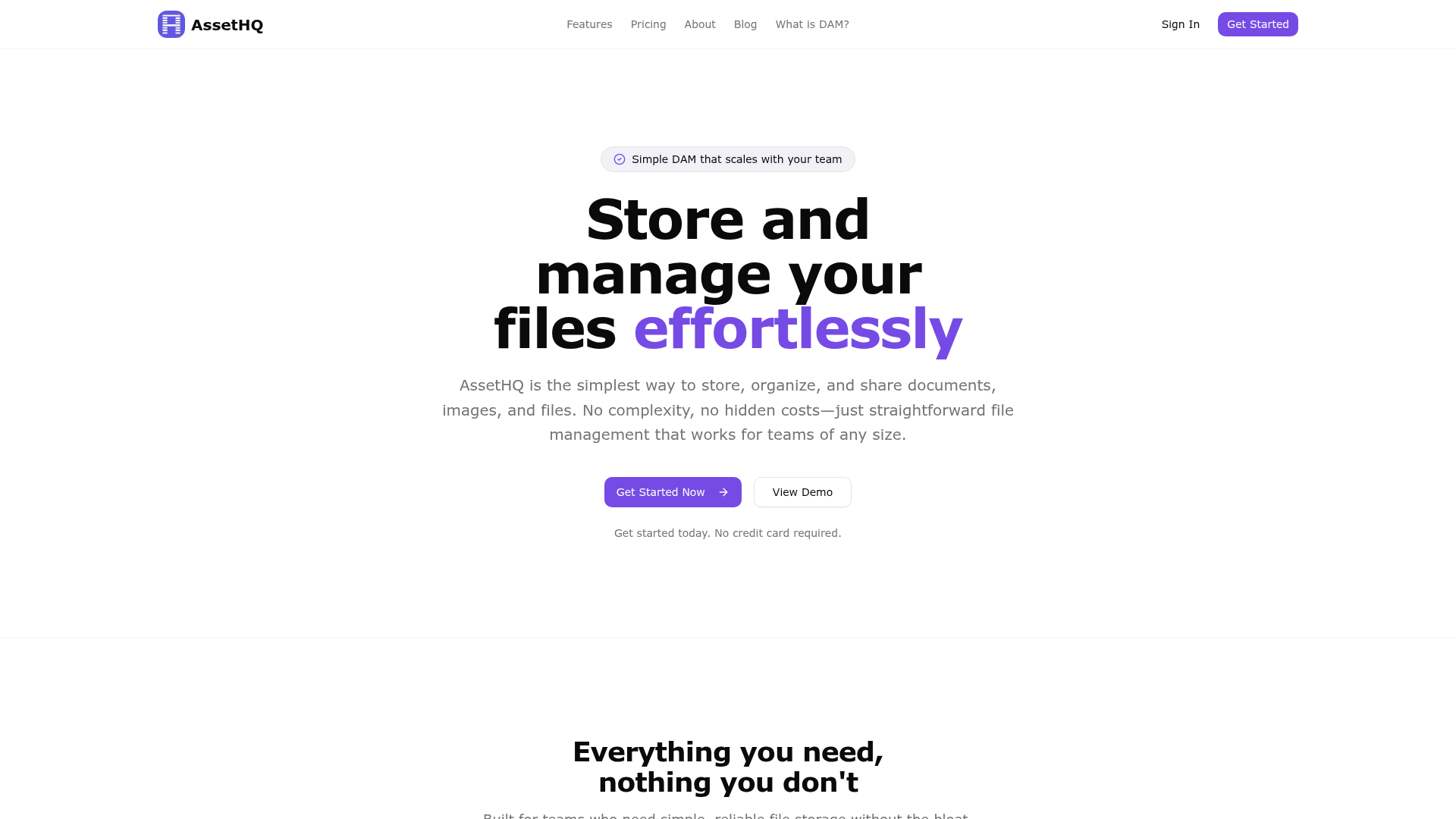
AssetHQ is ideal for businesses that want secure, organized file storage without enterprise sprawl. It is particularly useful for teams managing both documents and visual assets, thanks to intuitive structure, image preview support, secure file sharing, and easy collaboration.
Google Drive
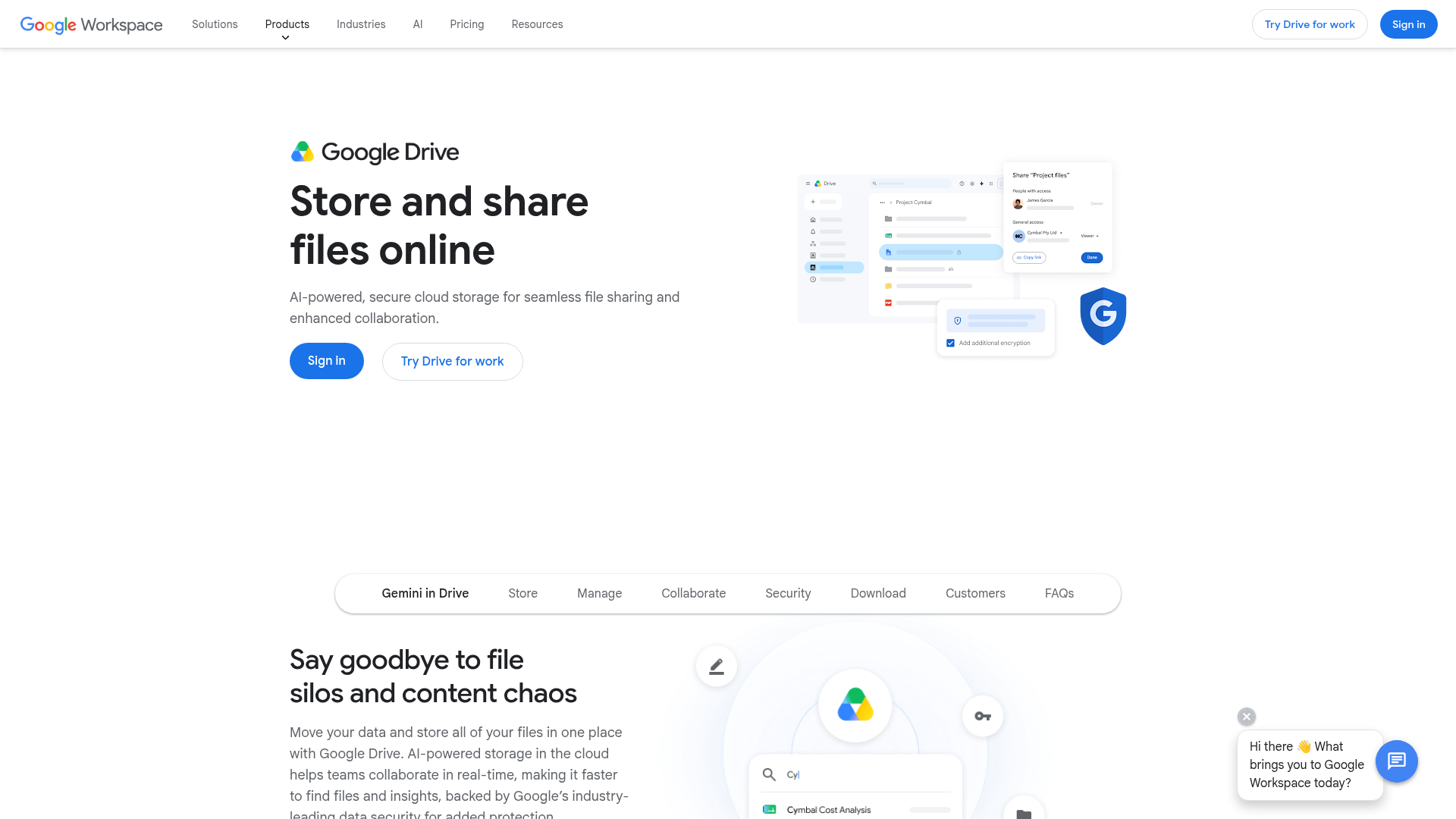
Google Drive is often the default choice for teams already living in Google Workspace. It is flexible and familiar, but it can become disorganized over time if folder structures and permissions are not actively maintained.
Dropbox
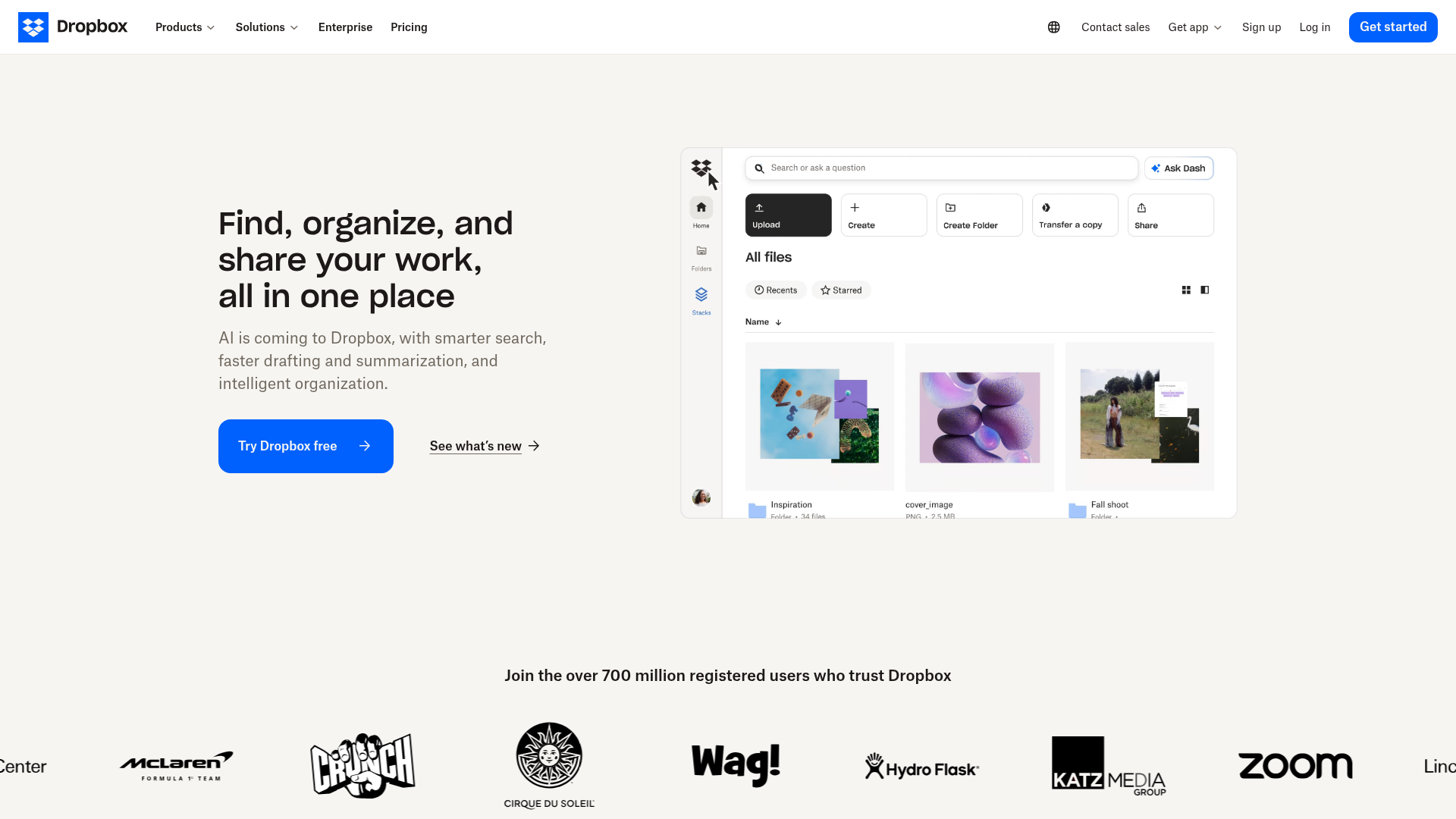
Dropbox remains popular because it is easy to understand and widely compatible. It works well for file syncing and sharing, though smaller teams may find it less structured than they need as asset libraries grow.
OneDrive
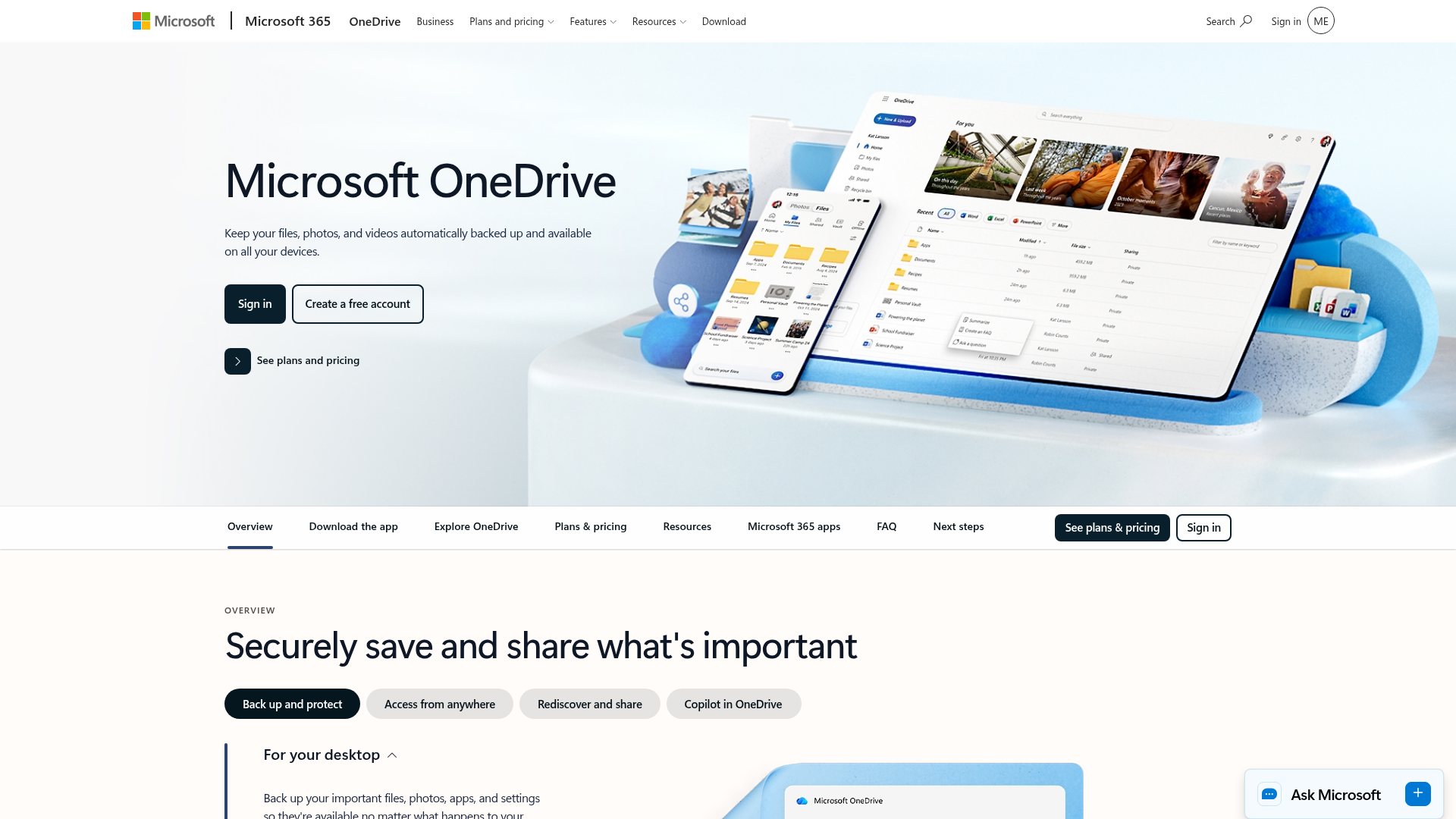
OneDrive makes sense for teams deeply invested in Microsoft 365. Its main advantage is native integration with Word, Excel, and PowerPoint, though non-Microsoft-first teams may find it less natural.
Box

Box is built with enterprise controls in mind. It is strong in security and compliance, but for smaller and mid-sized teams, it can feel more complex and costly than necessary.
iCloud
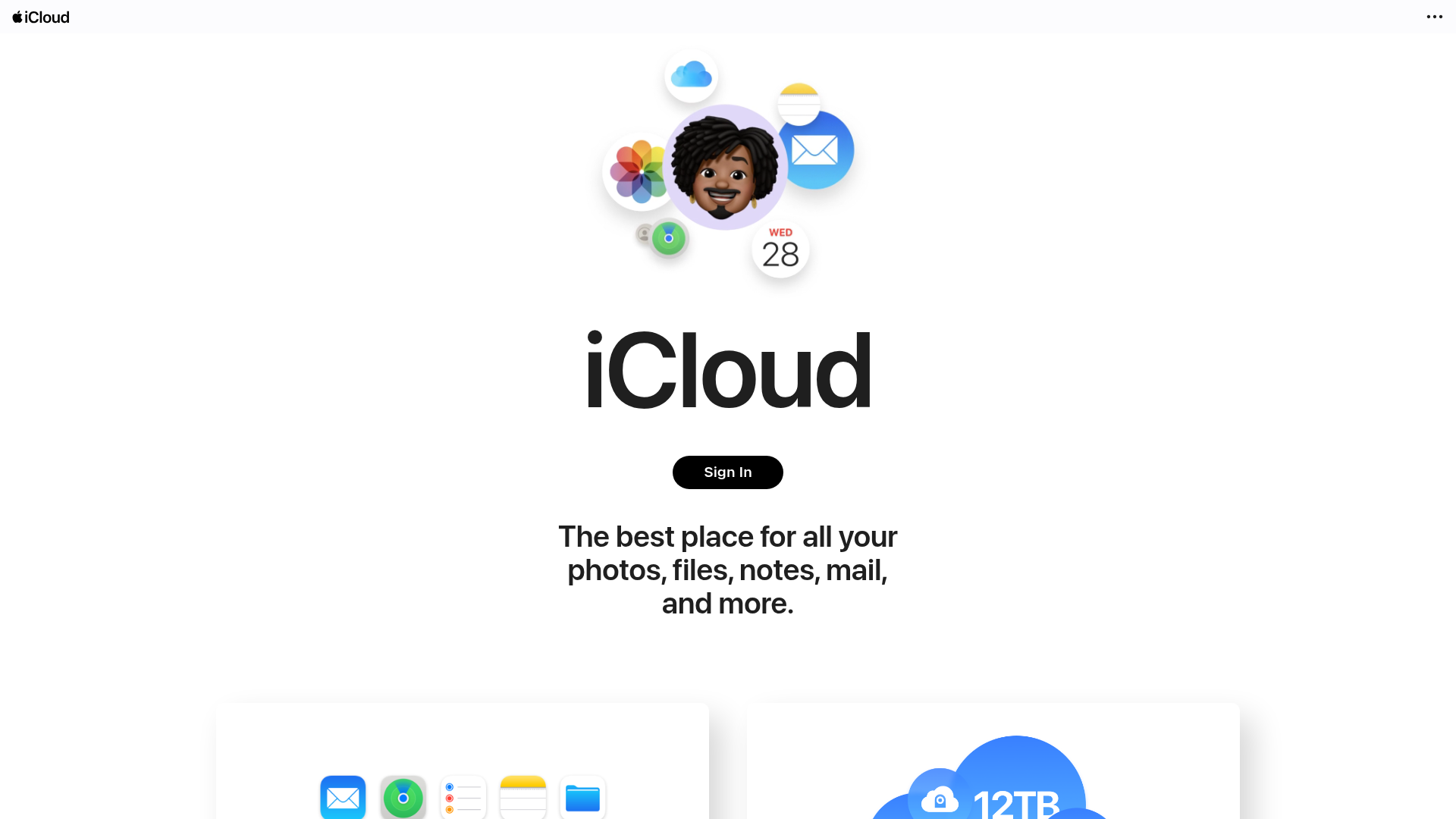
iCloud is convenient for personal use and Apple-heavy households, but it is generally not the first choice for structured, team-based business file management across mixed devices and roles.
Signs your current storage setup is holding your team back
You may already have a storage platform in place and still need a better one. Here are the warning signs:
People keep asking where files are
If the same questions come up repeatedly, your system is not intuitive enough.
Files are duplicated constantly
Multiple versions usually mean no one trusts the source of truth.
Sharing feels risky
If people resort to email attachments or uncontrolled public links, your sharing workflow is broken.
Visual assets are hard to browse
When teams have to download images just to identify them, asset management becomes painfully slow.
Adding users creates admin headaches
A growing team needs a platform that scales cleanly, not one that turns every new hire into a permissions puzzle.
Best practices for implementing cloud storage solutions
Choosing a better tool is only half the job. You also need a clean rollout plan.
Start with a simple folder structure
Avoid over-engineering. Create top-level folders by department, client, project, or asset type.
Example:
- Marketing
- Sales
- Operations
- Finance
- Brand Assets
- Client Deliverables
Define access early
Set basic permissions from the beginning so sensitive folders stay protected.
Standardize naming conventions
Use predictable names for files and folders. For example:
ClientName_Proposal_2026-05Brand_Guidelines_v3Product-Hero-Image_Landscape
Archive outdated files
Not everything needs to stay in active view. Create archive folders to reduce clutter without losing history.
Train around habits, not features
Your team does not need a technical deep dive. They need to know:
- where to save files
- how to name them
- how to share them safely
- how to find what they need
Why simplicity wins as teams scale
One of the biggest myths in software buying is that more features always mean more value.
In reality, teams often get the best results from platforms they can understand quickly and use consistently. If a system is too complicated, adoption drops. People create workarounds. Files end up outside the platform. Security weakens. Collaboration slows down.
That is why simplicity is not a compromise. It is an advantage.
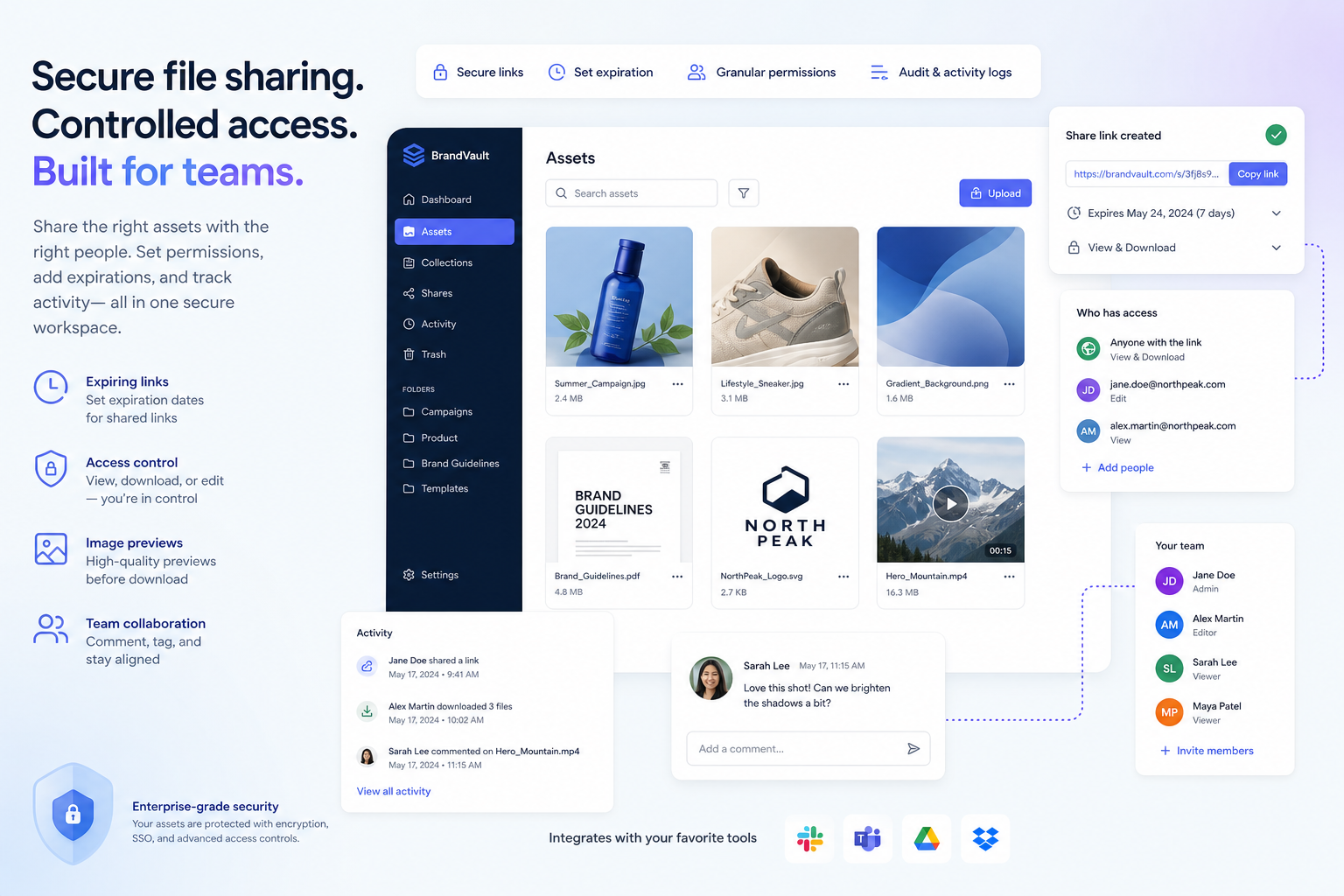
AssetHQ’s positioning is strong because it meets a real market need: businesses want professional-grade file storage and digital asset management without enterprise-heavy friction. They want to upload fast, organize clearly, preview images easily, share securely, and scale affordably.
Why AssetHQ is a smart fit for simple team growth
If your business is outgrowing ad hoc folders, email attachments, or consumer-first storage tools, AssetHQ offers a practical next step.
What makes AssetHQ different
AssetHQ is built around the needs of teams that want to grow without adding system chaos.
It naturally supports:
- simple and intuitive file management
- organized storage for documents, images, and other files
- image preview and management capabilities
- secure file sharing with expiring links and access controls
- team collaboration for growing organizations
- enterprise-grade secure storage
- fast uploads and quick file access
- affordable flat pricing with no hidden fees
- scalability for both solo users and teams
Who it is best for
AssetHQ is especially well-suited to:
- solo founders building a clean system early
- startups that need a dependable shared file hub
- small businesses managing documents and media in one place
- marketing and operations teams handling frequent file sharing
- growing organizations that want DAM-like organization without DAM-level complexity
The real benefit
The real value is confidence. Your team knows where files live, how to access them, how to share them, and how to keep things organized as the business grows.
That confidence compounds over time.
Final verdict
The best cloud storage solution is not necessarily the one with the biggest name, the most features, or the largest storage promise. It is the one your team will actually use well.
For simple team growth, prioritize:
- clean organization
- secure sharing
- fast access
- team-ready collaboration
- affordable scalability
- low-friction usability
That combination is what helps businesses grow without letting files become a bottleneck.
If you want a platform that feels easier to manage than bulky enterprise systems, but more structured and professional than generic storage tools, AssetHQ is a strong choice. It gives solo founders and growing teams a smarter way to store, organize, preview, share, and manage files with less complexity and more control.
If your current setup feels messy, hard to scale, or risky to share from, now is the right time to simplify. Try AssetHQ and build a storage system your team can actually grow with.
FAQ
What is the 3/2/1 rule for storage?
The 3-2-1 rule means keeping three copies of your data, stored on two different types of media, with one copy offsite. Cloud storage can play an important role as the offsite copy, but it works best when combined with a broader backup strategy.
What is the best cloud storage for small businesses?
The best option is usually the one that balances simplicity, security, organization, and scalability. For growing teams that want dependable file management without enterprise complexity, a platform like AssetHQ is a strong fit.
What are the 4 types of cloud storage?
The four common types are public cloud storage, private cloud storage, hybrid cloud storage, and multi-cloud storage. Businesses choose between them based on budget, control needs, compliance requirements, and growth plans.
Why is cloud storage important for teamwork?
Cloud storage improves teamwork by giving everyone access to the same files from anywhere, reducing version confusion, and making secure sharing easier. It also helps teams collaborate faster while keeping documents and assets organized in one place.
What is the 4 3 2 backup strategy?
The 4-3-2 backup strategy is an expanded backup model where you keep four copies of data, on three different storage media, with two copies offsite or isolated. It is often used by businesses that want stronger disaster recovery protection.
What is the rule of three storage?
The rule of three storage usually refers to keeping multiple copies of important files so a single failure does not cause data loss. In practice, businesses often apply this through a structured backup approach like the 3-2-1 rule.
Related Posts

Data Storage Software for Smarter Data Storage
Discover data storage software that improves security, organization, and scaling for growing teams. Learn how to choose smarter now.
min read
DAM for Video: Best Practices for Teams
DAM for Video: Best Practices for Teams Video libraries grow fast. What starts as a few product demos, social clips, webinars, training recordings, and customer stories can quickly turn into hundreds or thousands of files spread across laptops, shared drives, cloud folders, and editing tools. Once that happens, teams lose time hunting for the right version, re-uploading files, answering “can you send that again?” messages, and worrying about who can access what. That is exactly where a well-s
min read
DAM Management: Best Practices for Growing Teams
DAM Management: Best Practices for Growing Teams As your team grows, file chaos usually grows with it. What worked for one founder storing files in a few folders quickly breaks down when multiple people need fast access to documents, images, brand assets, and shared files at the same time. Good dam management solves that problem. It helps growing teams keep assets organized, easy to find, safe to share, and simple to manage without turning file storage into a complicated IT project. For start
min read