Data Storage Software for Smarter Data Storage
Discover data storage software that improves security, organization, and scaling for growing teams. Learn how to choose smarter now.
Data Storage Software for Smarter Data Storage
Choosing the right data storage software is no longer just an IT decision. It affects how quickly your team finds files, how safely you share information, how confidently you scale, and how much time gets wasted every day on disorganized folders, duplicate documents, and hard-to-track permissions.
For solo founders, startups, small businesses, and growing teams, the challenge is usually the same: you need a system that feels simple, works fast, protects sensitive files, and does not force you into an enterprise-level setup full of features you will never use.
That is where smarter data storage starts. Good software should help you store files logically, access them quickly, share them securely, and keep everything organized as your business grows. It should also support everyday workflows around documents, images, and shared assets without creating extra admin work.
AssetHQ fits this need especially well. It gives teams a straightforward way to manage digital assets and business files with intuitive organization, image previews, secure sharing, access control, fast uploads, and reliable collaboration features - all with affordable flat pricing and without the usual platform bloat.
"According to IBM, unstructured data comprises 90% of all enterprise-generated data." - IBM
That number matters because most business content is not neat database rows. It is proposals, PDFs, contracts, screenshots, product images, onboarding docs, brand files, and internal resources. If your storage system is not built to handle that reality, work slows down fast.
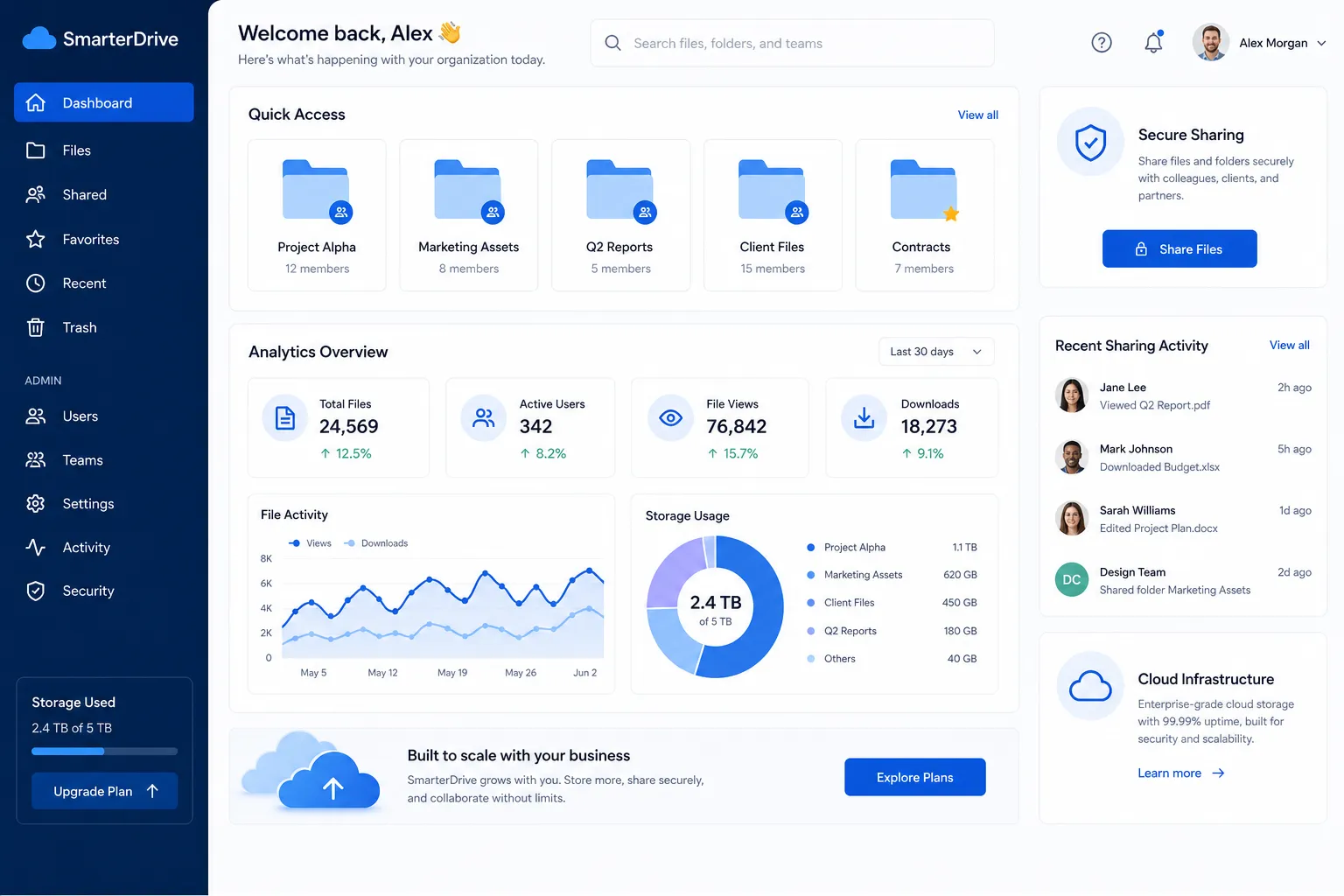
Why businesses need smarter data storage now
Many teams outgrow their file setup before they realize it. At first, files live in email threads, desktop folders, cloud drives, chat apps, and random shared links. Then growth happens. More people need access. More clients need deliverables. More images and documents pile up. Suddenly, no one knows which version is current or who can see what.
Smarter data storage solves this by bringing structure and control to daily file management.
Common signs your current setup is holding you back
- Files are spread across too many tools
- Team members ask for the same documents repeatedly
- Shared links stay active longer than they should
- Important images and files are difficult to preview or locate
- Folder structures make sense to one person, but not to the team
- Access permissions are inconsistent
- Storage costs rise while efficiency does not
These are not just annoyances. They create risk, wasted time, and poor collaboration.
What the best competitor content gets right - and what it misses
Across major articles and product pages from Google Cloud, Dell, and Zapier, a few winning themes show up consistently:
What they emphasize well
Common Theme | Why it matters |
|---|---|
Scalability | Businesses want storage that grows with them |
Security | Access control, encryption, and retention matter |
Performance | Fast upload and retrieval affect everyday work |
Flexible storage classes or options | Helps manage cost and usage patterns |
Collaboration | Teams need easy access and sharing |
The content gaps most articles miss
Most competitor content focuses heavily on infrastructure, pricing tiers, or broad product comparisons. What they often gloss over is the practical middle ground for growing businesses:
- How to organize documents and image assets without complexity
- How to make secure sharing simple for non-technical teams
- How to improve everyday workflows, not just long-term architecture
- How smaller organizations can get enterprise-grade security without enterprise-heavy software
- How visual file management, previews, and intuitive structure improve adoption
- How flat, predictable pricing reduces friction for growing teams
That is the gap AssetHQ helps fill. It is not trying to be an oversized storage ecosystem. It is built to make professional file management easier, faster, and more dependable.
What smarter data storage software should actually do
The best platform should do more than hold files. It should help your business make better decisions about where content lives, who can use it, and how quickly it can be found.
1. Organize files in a way your team actually understands
A smart system uses a clean folder structure and consistent naming so anyone can find what they need without asking around. This matters especially for teams handling proposals, reports, product assets, marketing images, or client deliverables.
AssetHQ makes this easier with simple, intuitive organization that does not require training to use effectively.
2. Support secure sharing without adding friction
Sharing should be easy, but not careless. Smarter platforms include expiring links, access controls, and permission management so files can be distributed safely.
This is one of the clearest advantages of AssetHQ for growing teams. You can share documents and media confidently while maintaining control over who sees what and for how long.
3. Make visual assets easier to manage
Many businesses handle far more than spreadsheets and text files. They also manage images, creative assets, screenshots, and brand materials. A storage platform that supports image preview and visual browsing saves time and improves workflow for marketing, operations, product, and client-facing teams.
4. Scale without becoming harder to use
Growth should not force a platform change every year. Good software should support solo users, startups, and teams alike, with enough structure and security to grow into.
AssetHQ is designed for exactly that path: lightweight enough for smaller teams, robust enough for more complex collaboration as the organization expands.
Core features to look for in data storage software
If you are evaluating options, focus on the features that affect daily operations the most.
Feature checklist for practical business use
Feature | Why it matters | How AssetHQ helps |
|---|---|---|
Clear folder organization | Reduces clutter and confusion | Simple, intuitive file structure |
Secure file sharing | Protects sensitive business content | Expiring links and access control |
Image preview support | Speeds up visual asset management | Easier review of images and files |
Team collaboration | Supports shared work across departments | Built for growing organizations |
Enterprise-grade security | Reduces business risk | Strong protection without complexity |
Fast uploads and access | Keeps workflows moving | Efficient access to stored files |
Predictable pricing | Easier budgeting and scaling | Affordable flat pricing, no hidden fees |
Smarter storage is about decisions, not just space
A lot of storage discussions focus on capacity: gigabytes, terabytes, and expansion. But smarter data storage is really about decision quality.
It helps your team answer questions like:
- Where should this file live?
- Who needs access?
- Is this the latest version?
- Can I share this securely with a client?
- Will I be able to find this in six months?
- Can the team manage this without IT support?
When software makes those decisions easier, storage becomes a business advantage instead of a maintenance problem.
Security should be built in, not bolted on
Security is one of the biggest reasons businesses rethink file storage. Open links, untracked sharing, and inconsistent permissions can expose sensitive content far more easily than most teams realize.
A better system puts security controls into the normal workflow.
Security essentials every business should expect
- Controlled access by user or team
- Secure external sharing
- Expiring file links
- Protected storage environment
- Clear visibility over where files are stored and shared
AssetHQ brings enterprise-grade secure storage to teams that do not want to manage a complicated enterprise platform. That balance matters. You should not need a dedicated administrator just to keep your files safe.
"The global cloud storage market is projected to grow from USD 136.8 billion in 2025 to USD 501.3 billion by 2034." - IMARC Group
The growth reflects a broader reality: businesses increasingly depend on flexible, secure storage to support distributed work, digital operations, and growing volumes of unstructured content.
Why usability matters more than most vendors admit
A storage platform only works if people actually use it correctly. That is where many large, feature-heavy systems fall short. They may be powerful, but if the interface is confusing or the workflow is clunky, people start bypassing the system.
Then files end up back in inboxes, desktops, and chat threads.
What good usability looks like
- Fast learning curve
- Logical navigation
- Easy uploads
- Quick previews
- Simple sharing
- Minimal admin overhead
AssetHQ stands out here because it is built around simplicity-focused file management. That makes adoption easier for founders, lean teams, and businesses that want reliability without a software management burden.
Comparing storage approaches for growing businesses
Not every business needs the same kind of storage setup. But most growing teams benefit from a solution that combines secure storage, document organization, asset visibility, and collaboration.
Quick comparison of common approaches
Approach | Best for | Limitations |
|---|---|---|
Consumer cloud drive | Personal files and light use | Weak governance, limited team controls |
Enterprise storage suite | Large organizations with IT teams | Can be expensive and overly complex |
Backup-only platform | Archival protection | Not ideal for active file collaboration |
DAM-focused file platform like AssetHQ | Teams managing documents, images, and shared files | Best when simplicity and organization are priorities |
How AssetHQ supports smarter everyday file management
AssetHQ is especially useful for businesses that want a simple but capable home for their documents, images, and shared files.
Where it fits best
- Solo founders organizing business assets early
- Startups that need clean file structure as they scale
- Small businesses replacing scattered file storage
- Teams managing image libraries and documents together
- Organizations that need secure sharing without a steep learning curve
Why it works
AssetHQ naturally supports the most important priorities for modern file management:
- organized storage for documents, images, and files
- secure file sharing with expiring links and access control
- image preview and management capabilities
- team collaboration features for growing organizations
- enterprise-grade security without enterprise complexity
- fast upload and file access
- flat, affordable pricing
- scalable structure for solo users and teams
Practical ways smarter storage improves day-to-day operations
The value of better software shows up in small moments every day.
For operations teams
- Fewer delays finding current files
- Cleaner internal process documentation
- More reliable access control
For marketing teams
- Easier image and asset management
- Faster sharing with agencies or freelancers
- Better version clarity for branded content
For founders and leadership
- Less tool sprawl
- Lower security risk
- Easier scaling without reworking systems constantly
For client-facing teams
- More professional sharing workflows
- Better control over sensitive files
- Quicker access to the right materials
A visual look at modern storage platforms
Google Cloud Storage
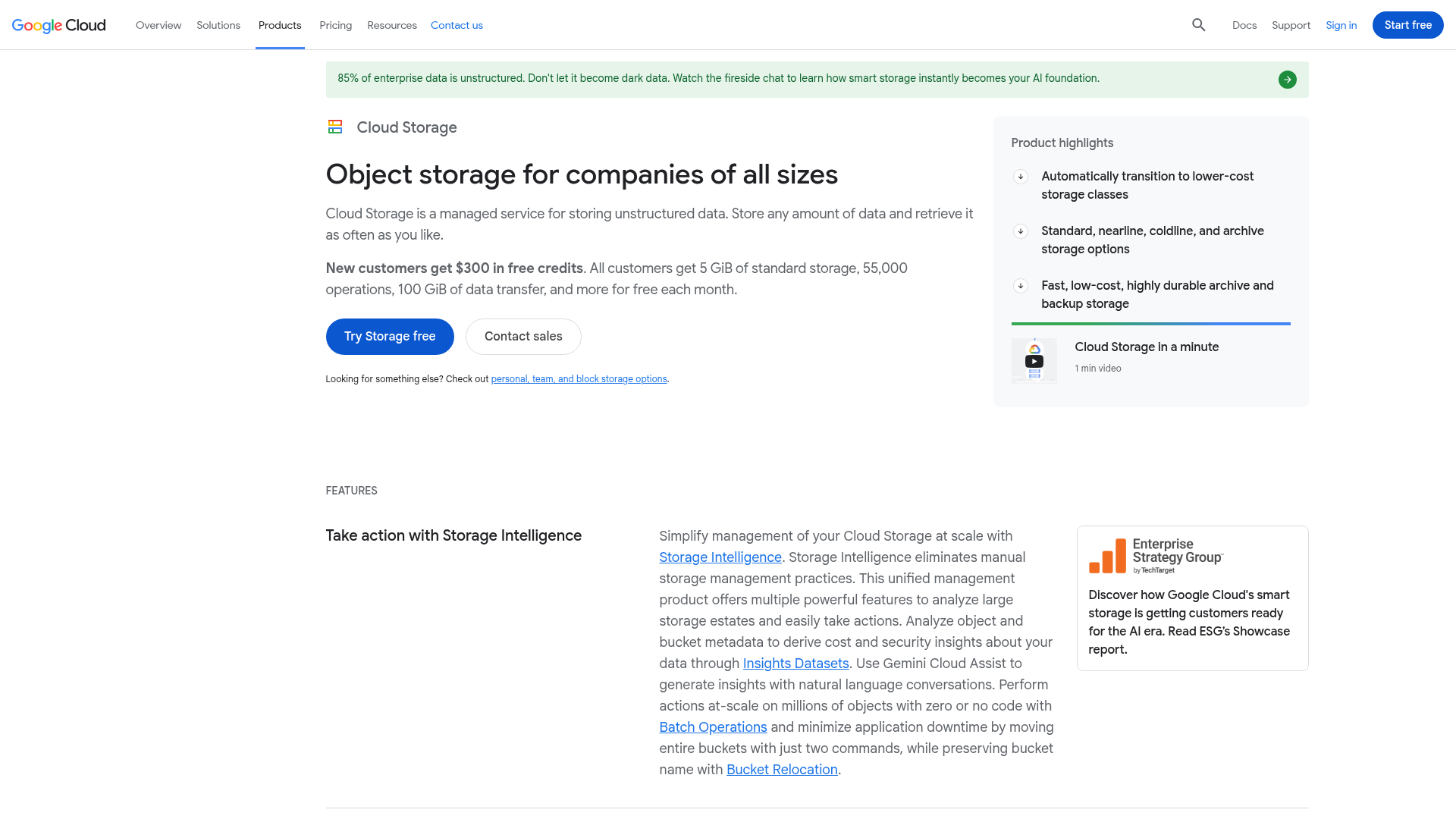
Google Cloud highlights scale, storage classes, and infrastructure flexibility. It is a strong fit for technical teams managing cloud architecture, but many smaller businesses still need a simpler front-end experience for daily file handling.
Dell Storage Portfolio
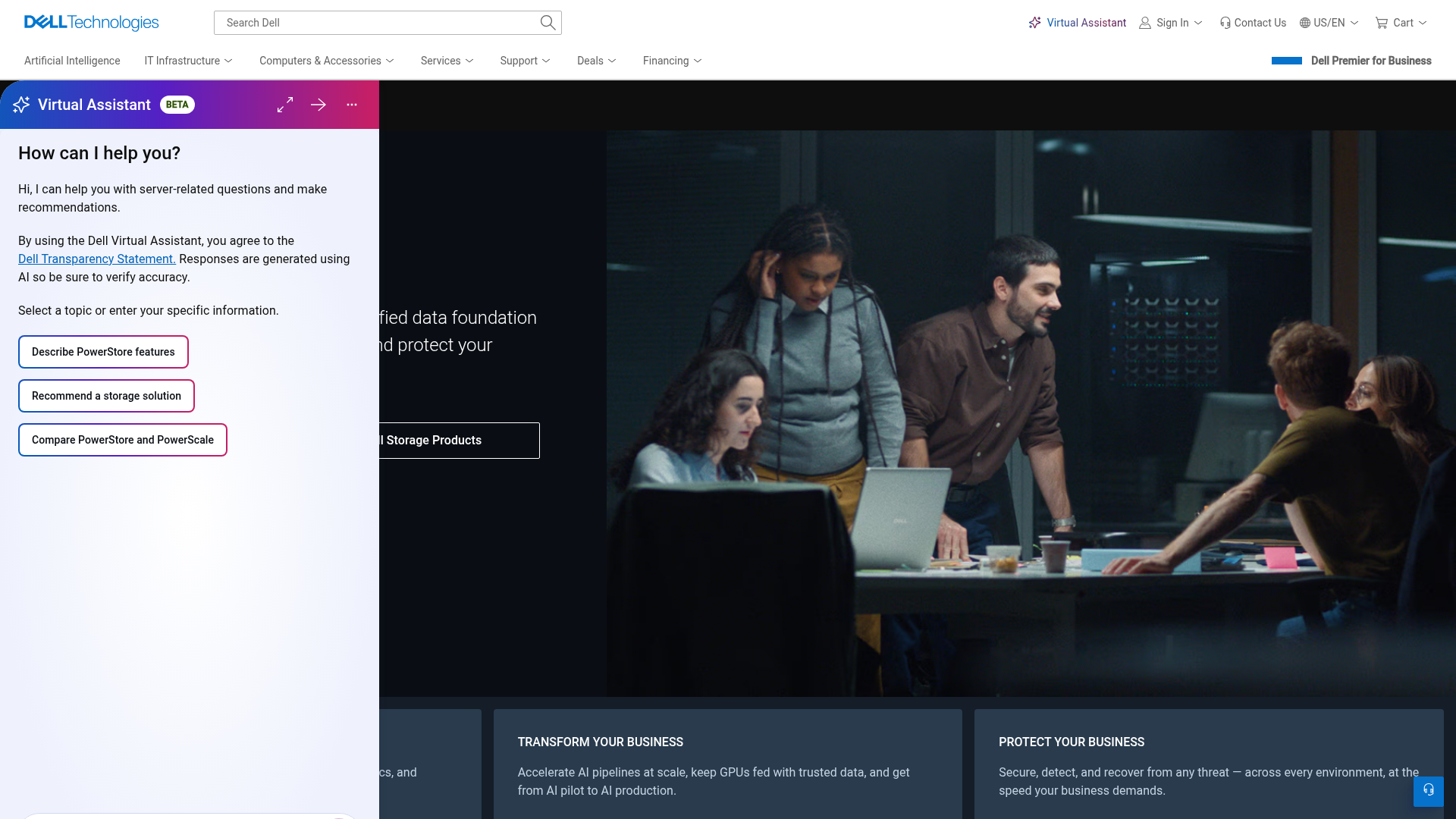
Dell emphasizes performance, resilience, and enterprise workload support. That is valuable for infrastructure planning, but it sits in a very different category from lightweight business file organization and collaboration.
Cloud Storage App Comparison Content
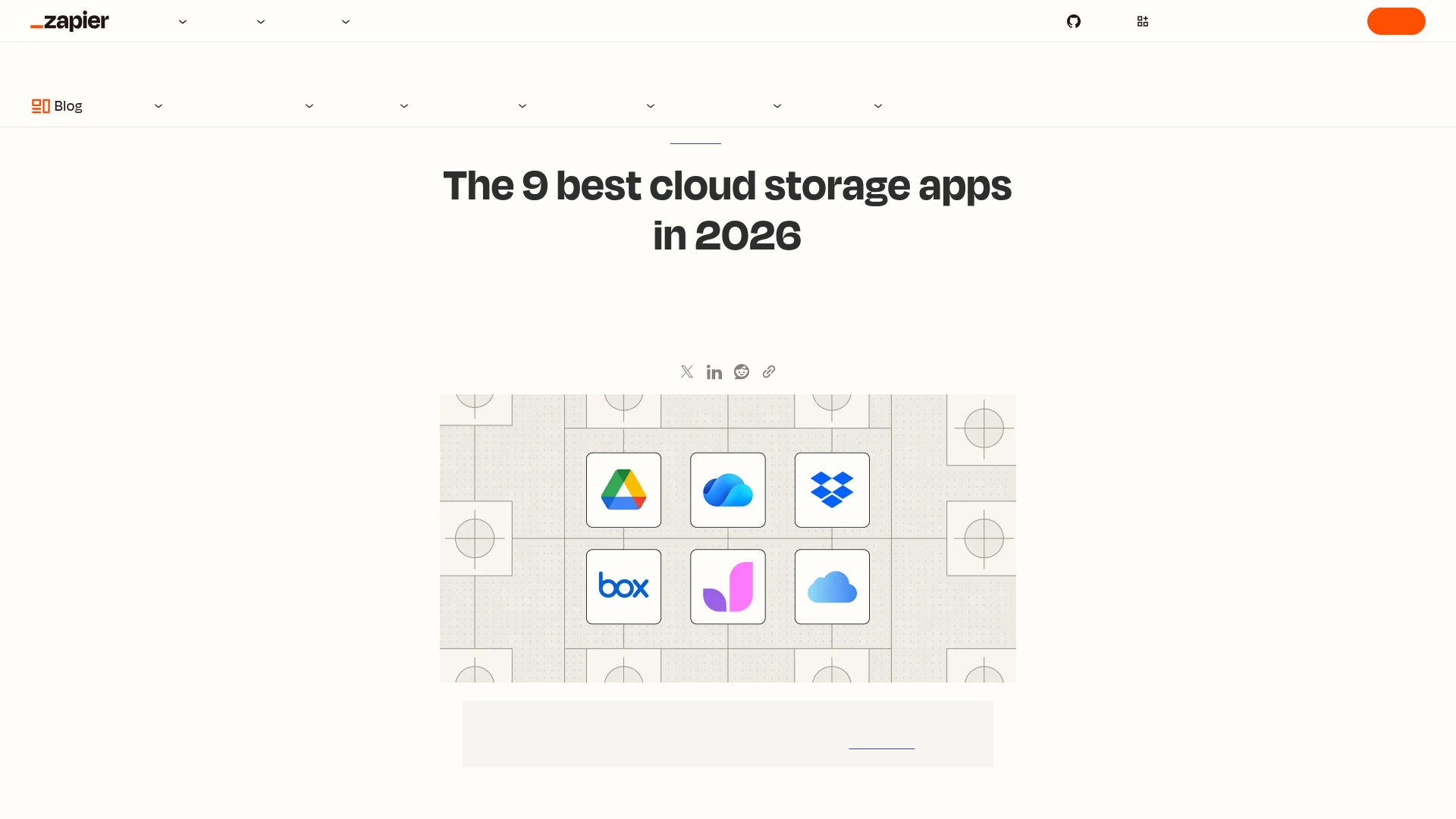
Comparison articles are useful for broad research, but they often focus on consumer cloud drives or giant ecosystems. What many businesses actually need is a cleaner, purpose-built platform for structured file management and secure team sharing.
How to choose the right data storage software for your business
Before you commit to a platform, evaluate it against real workflow needs.
Ask these questions
- Can the team organize files without special training?
- Is sharing secure and easy to control?
- Does the platform support both documents and images well?
- Will it still work as the team grows?
- Is pricing predictable?
- Does it reduce complexity or add to it?
If the answer to those questions is yes, you are likely looking at a system that supports smarter data storage rather than just bigger storage.
Final verdict
Smarter data storage is not about buying the most storage or the most advanced infrastructure. It is about giving your business a system that improves how files are organized, shared, protected, and used every day.
For many solo founders, startups, small businesses, and growing teams, AssetHQ hits the right balance. It is simple enough to use immediately, strong enough to support secure collaboration, and affordable enough to scale without surprises. If you want organized storage for documents, images, and business files - plus secure sharing, fast access, and dependable team collaboration - AssetHQ is a practical and modern choice.
If your current setup feels scattered, bloated, or hard to control, this is a good time to simplify. Try AssetHQ and build a smarter foundation for your files before the mess gets bigger.
FAQ
Which software is used for storing data?
Businesses use many types of data storage software, including cloud drives, backup tools, digital asset management platforms, and enterprise storage systems. For teams managing documents, images, and shared files, a platform like AssetHQ is useful because it combines storage, organization, secure sharing, and collaboration.
What is the most reliable data storage device?
There is no single best device for every use case, but reliability usually comes from a combination of secure cloud storage and backup practices. Businesses often use cloud-based systems alongside local or external backups to reduce risk and improve access.
What are the top 5 data storage companies?
That depends on whether you mean infrastructure, cloud, or business file management. Well-known names include Google Cloud, Microsoft, Dropbox, Box, and Dell, while platforms like AssetHQ serve businesses that want simpler file storage and digital asset management without enterprise complexity.
What are the top 5 data storage companies?
Top providers vary by business need, but commonly recognized options include Google Cloud, Microsoft, Box, Dropbox, and Dell. If your focus is on managing documents, images, and team collaboration, a streamlined platform like AssetHQ may be a better practical fit than a large infrastructure-first vendor.
Which software is most widely used for data management?
The most widely used software depends on the type of data being managed. For business files and digital assets, teams often rely on cloud storage, document management, and DAM platforms; AssetHQ is a strong option for organizations that want simple, secure, and scalable file management.
Related Posts

DAM for Video: Best Practices for Teams
DAM for Video: Best Practices for Teams Video libraries grow fast. What starts as a few product demos, social clips, webinars, training recordings, and customer stories can quickly turn into hundreds or thousands of files spread across laptops, shared drives, cloud folders, and editing tools. Once that happens, teams lose time hunting for the right version, re-uploading files, answering “can you send that again?” messages, and worrying about who can access what. That is exactly where a well-s
min read
DAM Management: Best Practices for Growing Teams
DAM Management: Best Practices for Growing Teams As your team grows, file chaos usually grows with it. What worked for one founder storing files in a few folders quickly breaks down when multiple people need fast access to documents, images, brand assets, and shared files at the same time. Good dam management solves that problem. It helps growing teams keep assets organized, easy to find, safe to share, and simple to manage without turning file storage into a complicated IT project. For start
min read
Company Cloud Storage: Best Options for Teams
Company Cloud Storage: Best Options for Teams If your team is still juggling files across email attachments, shared drives, chat apps, and random desktop folders, you do not have a storage problem alone. You have an organization, security, and collaboration problem. That is exactly why more businesses are rethinking company cloud storage. The right platform does more than hold files. It helps your team store documents, organize images, control access, share files securely, scale without fricti
min read