Company Cloud Storage: Best Options for Teams
Company Cloud Storage: Best Options for Teams If your team is still juggling files across email attachments, shared drives, chat apps, and random desktop folders, you do not have a storage problem alone. You have an organization, security, and collaboration problem. That is exactly why more businesses are rethinking company cloud storage. The right platform does more than hold files. It helps your team store documents, organize images, control access, share files securely, scale without fricti

Company Cloud Storage: Best Options for Teams
If your team is still juggling files across email attachments, shared drives, chat apps, and random desktop folders, you do not have a storage problem alone. You have an organization, security, and collaboration problem.
That is exactly why more businesses are rethinking company cloud storage. The right platform does more than hold files. It helps your team store documents, organize images, control access, share files securely, scale without friction, and actually find what they need when they need it.
For solo founders, startups, and growing teams, the challenge is not just choosing a cloud storage provider. It is choosing one that is simple enough to use every day, secure enough for business files, and flexible enough to grow with the company. Many tools are either too basic, too bloated, or too expensive for what smaller teams actually need.
AssetHQ sits in a particularly practical middle ground: simple file organization, secure sharing, fast access, image-friendly management, and scalable collaboration without the usual enterprise-heavy complexity.
"As of 2025, approximately 94% of enterprises worldwide are utilizing some form of cloud computing, with about 72% of global workloads hosted in cloud environments." - DataStackHub
"In 2025, the global average cost of a data breach was $4.44 million." - CSO Online
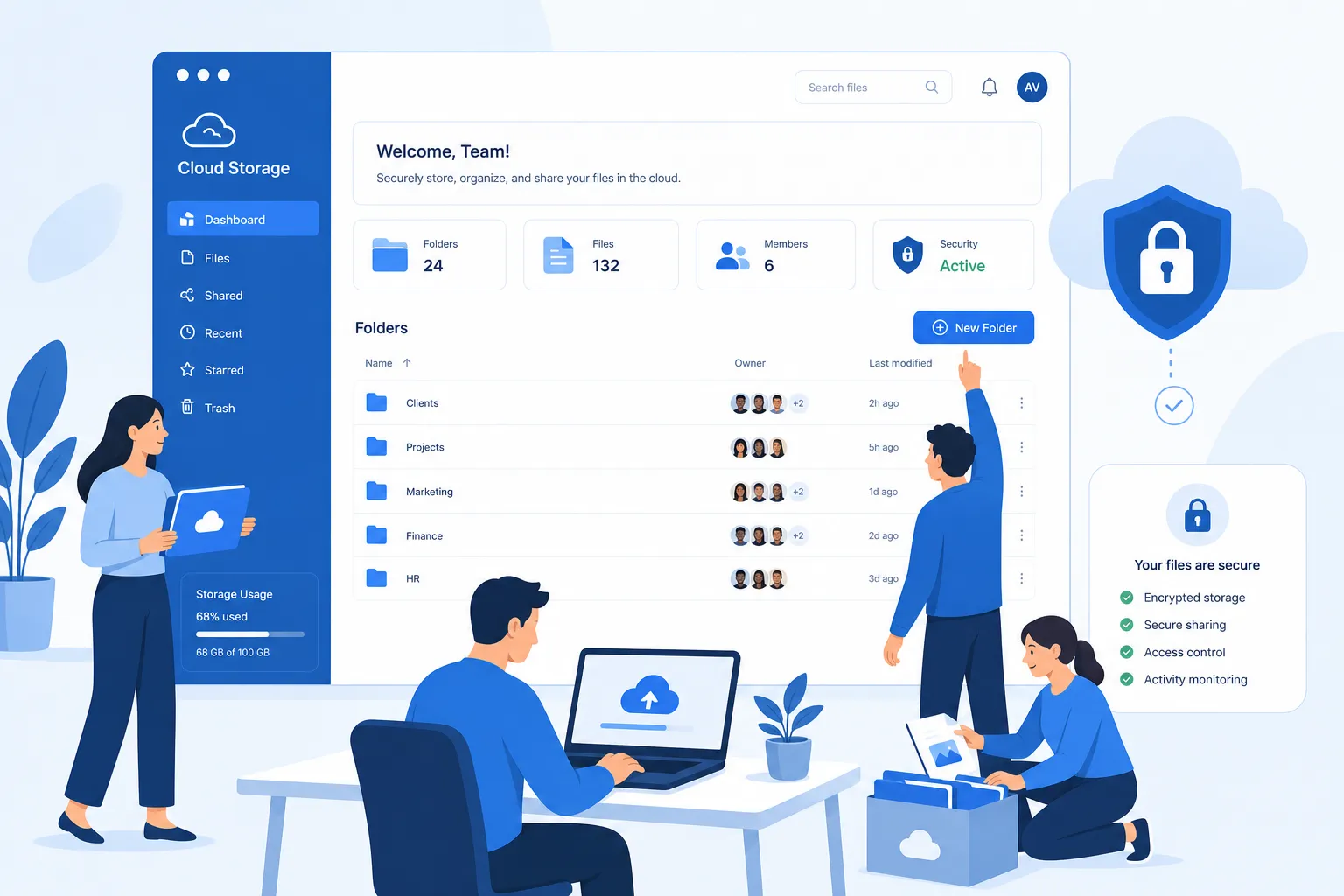
What businesses actually need from company cloud storage
Most competitor articles focus on brand lists: Google Drive, Dropbox, OneDrive, Box, and so on. That is useful, but it often skips the more important question:
What should a team actually look for before choosing a company cloud storage platform?
Here are the core requirements that matter most.
1. Clear organization, not just storage space
Extra terabytes are not useful if your files are still hard to navigate. Businesses need:
- Logical folder structures
- Consistent file naming
- Searchable storage
- Image and document previews
- Easy separation between internal and shared assets
This is where a platform like AssetHQ becomes especially useful. Instead of overwhelming teams with enterprise clutter, it gives them a clean and intuitive way to organize documents, images, and shared files so work stays manageable.
2. Secure sharing controls
A business storage system should let you share files without losing control. Look for:
- Expiring links
- Access permissions
- Role-based access control
- Private team folders
- Controlled external sharing
AssetHQ is particularly strong here because it makes secure file sharing approachable. Teams can share assets externally while keeping tight control over who can view or access them.
3. Collaboration without complexity
Your team should be able to:
- Upload and access files quickly
- Share assets with teammates
- Avoid duplicate versions
- Manage visual files easily
- Keep important documents centralized
Many businesses do not need a giant enterprise content system. They need a dependable place where collaboration feels natural.
4. Scalability for growing teams
The storage tool you choose today should still work when your team doubles. That means:
- Easy user management
- Predictable pricing
- Flexible permissions
- Capacity to handle more files and folders
- A structure that does not break as workflows become more complex
5. Straightforward pricing
One major content gap in competitor roundups is pricing clarity. Businesses, especially smaller ones, need to know:
- Are there hidden user fees?
- Do features like secure sharing cost extra?
- Is pricing flat and predictable?
- Will you outgrow the plan too quickly?
AssetHQ’s appeal is strong here because its positioning is built around affordable flat pricing, no hidden fees, and simple scaling.
How company cloud storage differs from consumer cloud storage
A lot of teams start with consumer storage tools and then hit a wall. The platform may work for one person, but not for a team.
Consumer storage is built for convenience
Consumer tools are usually designed for:
- Personal backup
- Photo syncing
- Simple file access across devices
- Light sharing between individuals
Company cloud storage is built for accountability
Business-grade storage needs to support:
- Shared workspaces
- Team permissions
- Auditability
- File governance
- Security controls
- Fast collaboration across departments
That difference matters. If your files support sales, operations, marketing, clients, or compliance, then your storage is part of your business infrastructure, not just your digital closet.
The best company cloud storage features to prioritize
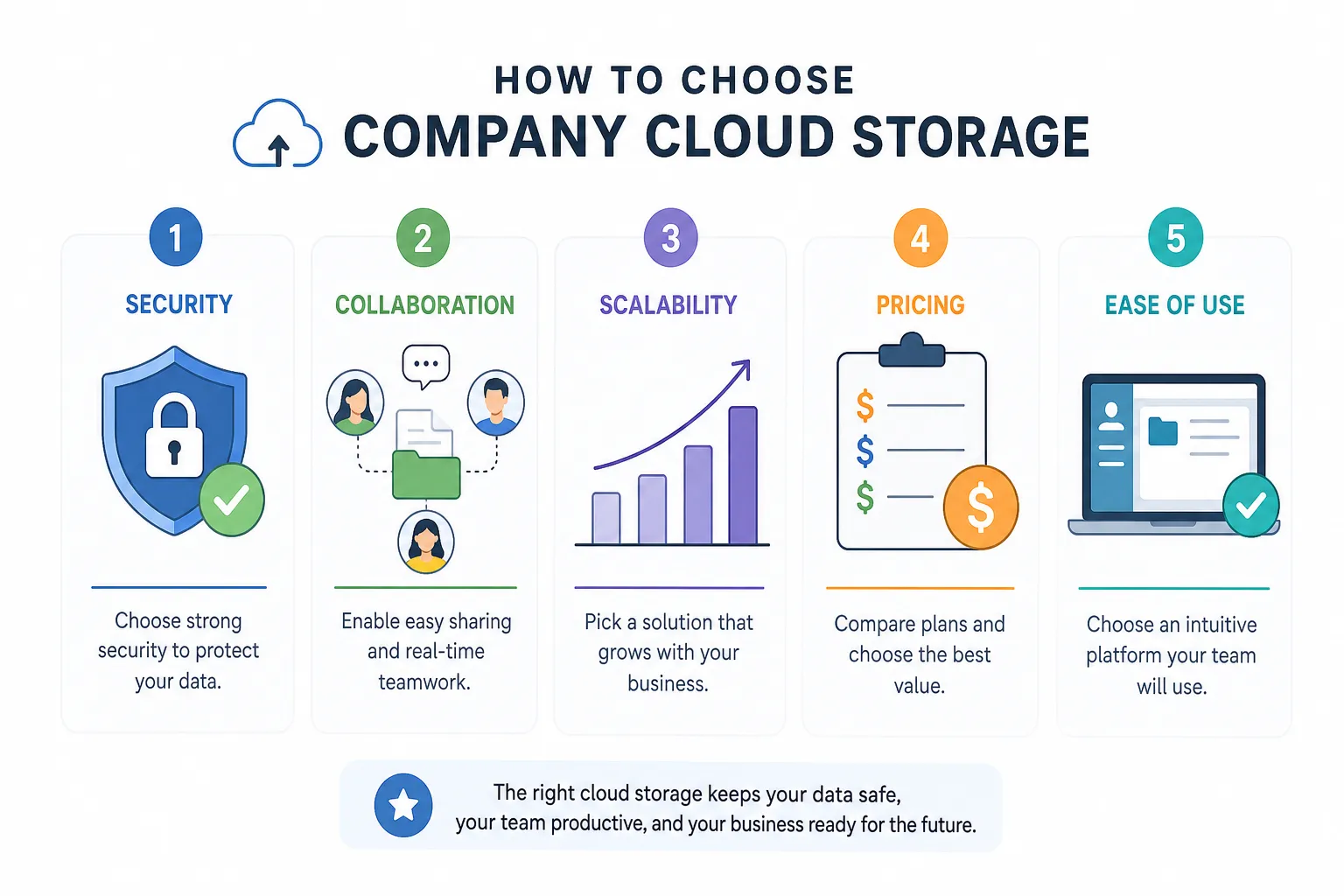
Before comparing vendors, use this checklist.
Feature | Why it matters | Best for |
|---|---|---|
Folder-based organization | Keeps files easy to browse and maintain | Small teams, startups, agencies |
File previews | Helps teams review images and documents faster | Marketing, design, operations |
Secure link sharing | Prevents uncontrolled access to company files | Client-facing teams |
Access control | Limits file visibility by role or user | Growing organizations |
Fast upload and retrieval | Reduces friction in daily workflows | All teams |
Collaboration support | Makes it easier to share and work together | Distributed teams |
Enterprise-grade security | Protects sensitive business content | Any serious business |
Scalable structure | Prevents re-platforming as the company grows | Fast-growing businesses |
Transparent pricing | Avoids budget surprises | SMBs and startups |
Best company cloud storage options for teams
Below are the strongest options for teams evaluating company cloud storage today. Each serves a different kind of business.
1. AssetHQ - best for simple, scalable file management for growing teams
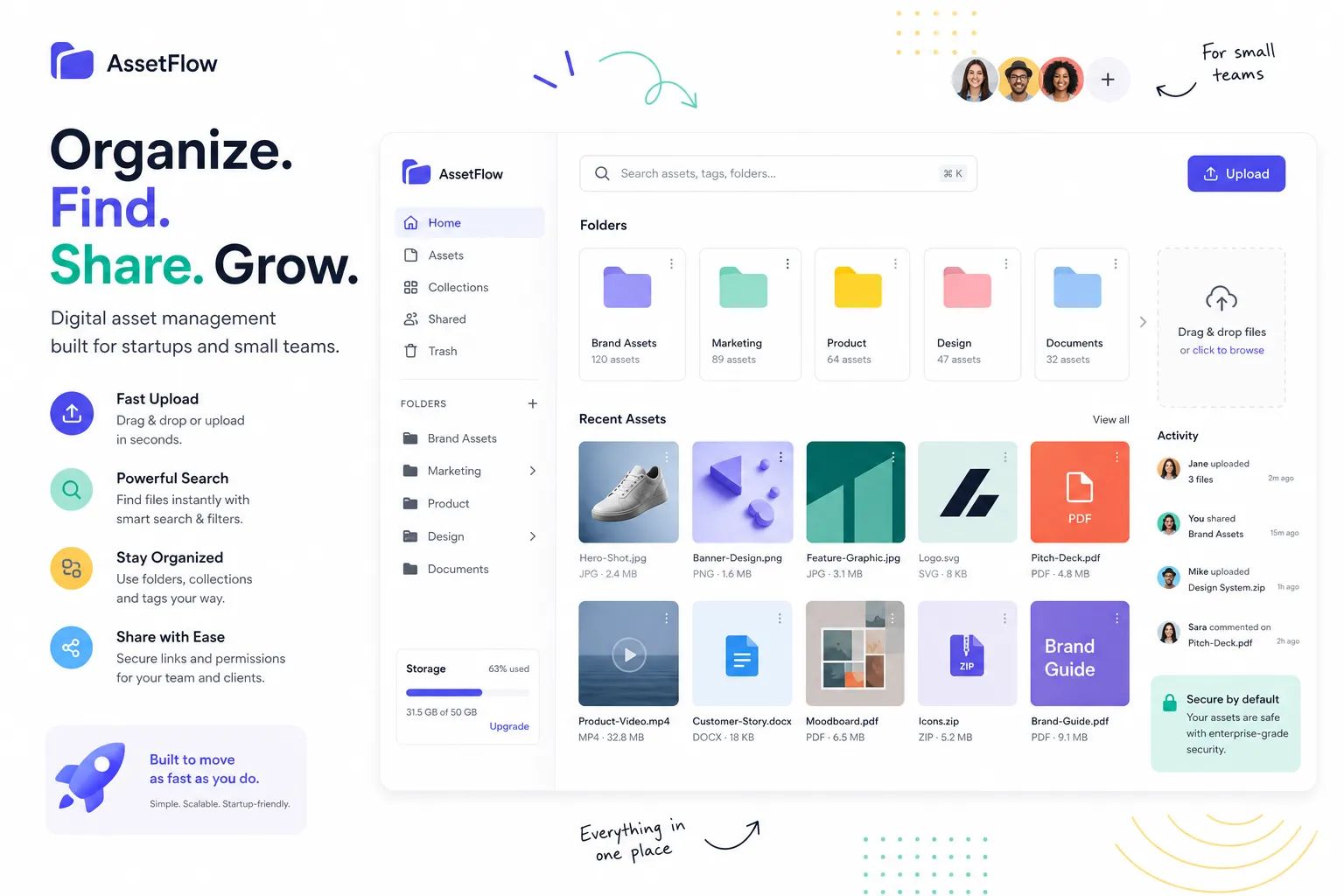
AssetHQ is the best fit for teams that want professional file management without enterprise bloat.
It is especially well-suited to solo founders, startups, small businesses, and growing teams managing documents, images, and shared files. Its strength is not trying to be everything. It focuses on doing the essentials extremely well:
- Simple and intuitive file management
- Organized storage for documents, images, and files
- Image preview and visual asset handling
- Secure sharing with access control
- Team collaboration features
- Enterprise-grade secure storage
- Fast upload and access
- Scalable structure for growing organizations
- Affordable, straightforward pricing
Why AssetHQ stands out
Most competitor articles overlook an important segment: teams that have outgrown basic shared folders but do not want the complexity of Box-style enterprise systems.
That is where AssetHQ wins. It gives teams:
- Enough structure to stay organized
- Enough security to share with confidence
- Enough flexibility to support growth
- Enough simplicity that people will actually use it
If your team wants dependable cloud storage and digital asset management without technical overhead, AssetHQ is one of the smartest choices in the category.
2. Google Drive - best for Google Workspace-heavy teams
Google Drive is a strong option for businesses already operating inside Google Workspace. Docs, Sheets, and Slides make collaboration easy, and teams can move quickly.
Best for
- Teams that live in Gmail and Google Docs
- Collaboration-heavy document workflows
- Companies that need familiar tools
Drawbacks
- Can become messy at scale
- Visual asset management is limited
- Permission structures can get confusing
- Less ideal for teams that need polished asset organization
For image-rich or client-facing file libraries, AssetHQ often offers a cleaner and more manageable experience.
3. OneDrive - best for Microsoft 365 companies
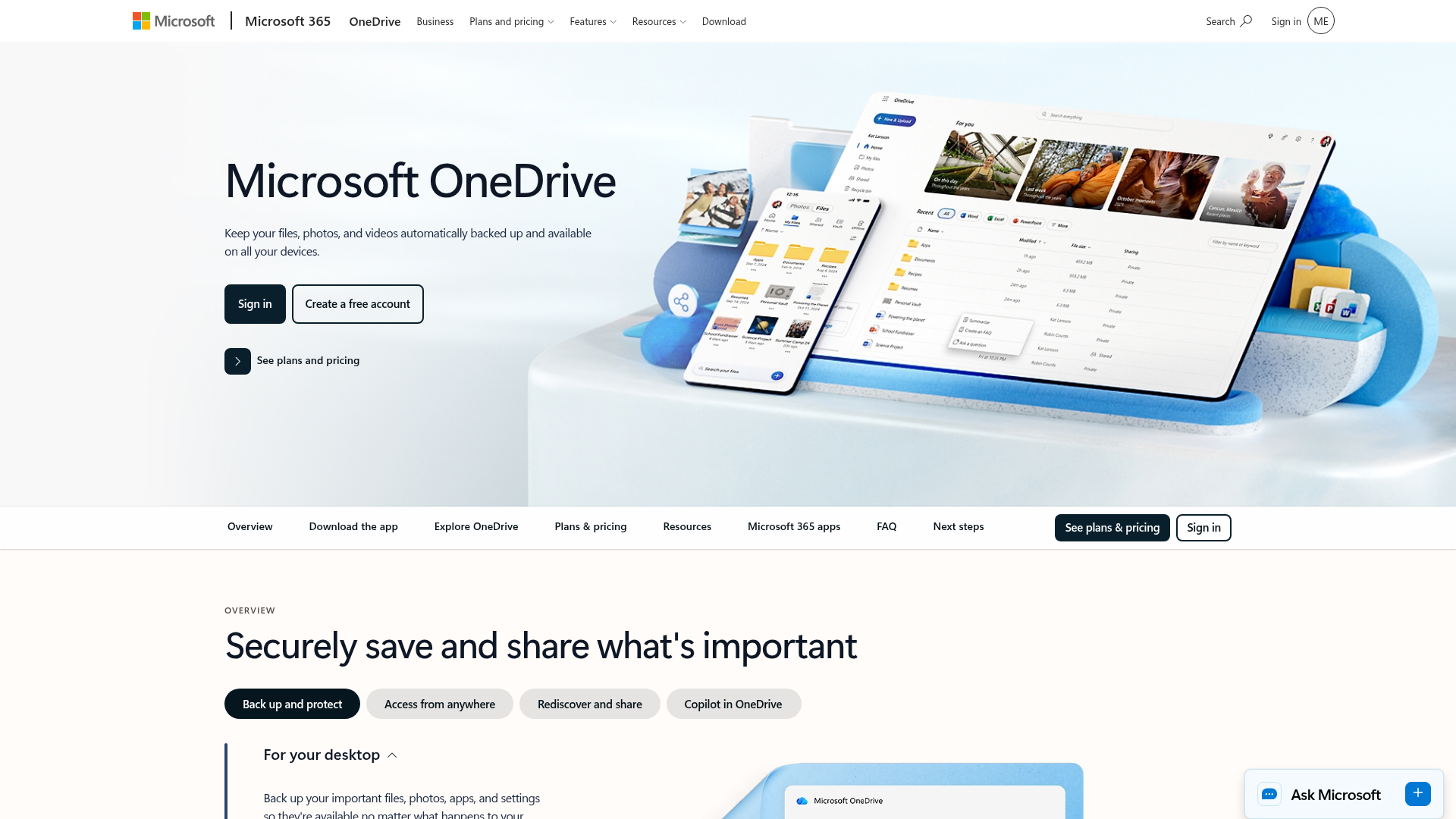
OneDrive is the natural choice for businesses using Microsoft 365. It integrates deeply with Word, Excel, PowerPoint, and Teams.
Best for
- Windows-based organizations
- Companies already paying for Microsoft 365
- Teams that need Office integration
Drawbacks
- Not the simplest interface for non-technical users
- Less appealing for visual asset organization
- Can feel tied to the broader Microsoft ecosystem
If your business wants storage first and ecosystem second, a more focused platform like AssetHQ may feel more efficient.
4. Dropbox Business - best for familiar cross-platform sync
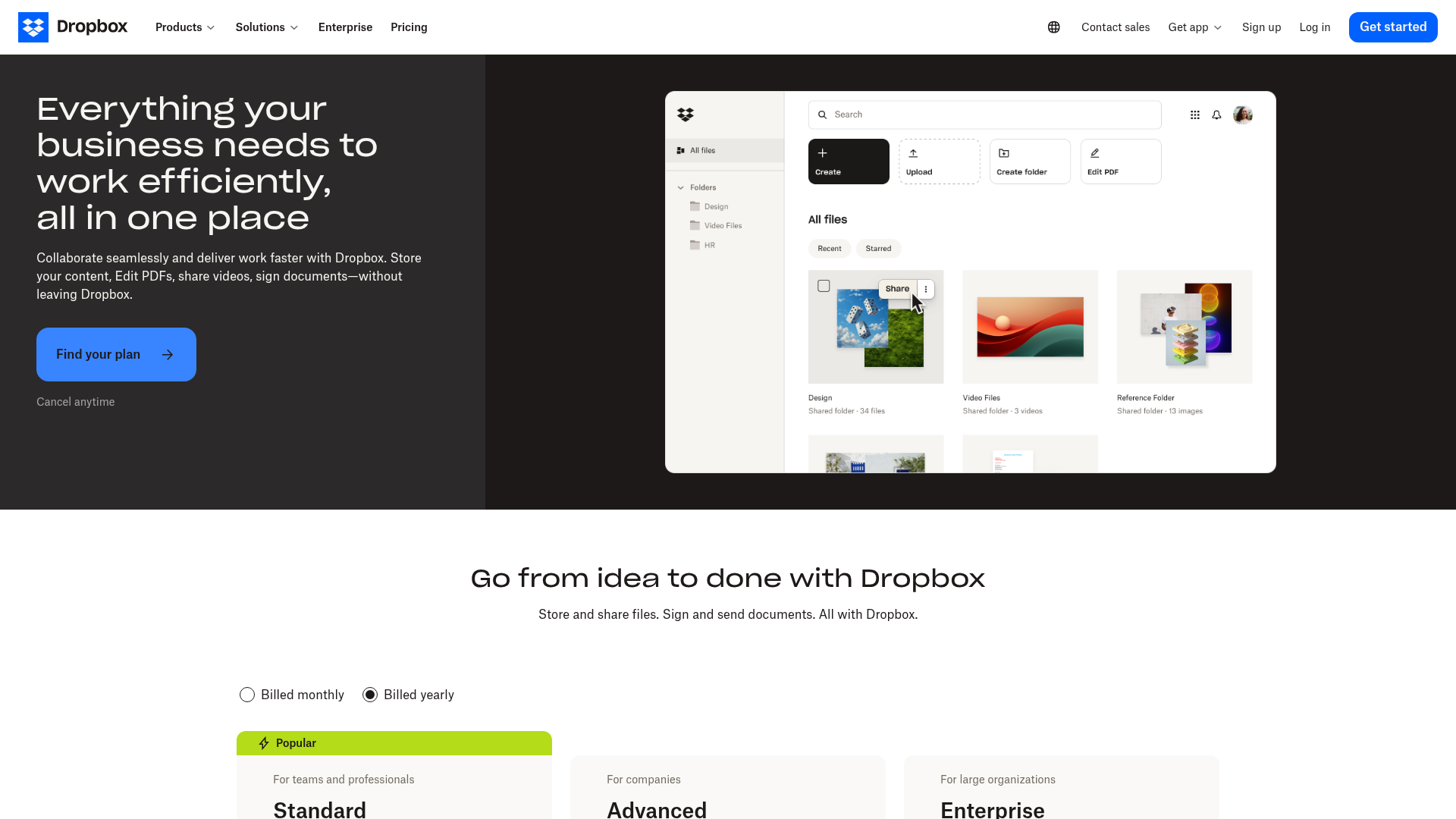
Dropbox is still one of the best-known names in cloud storage. It is easy to adopt and works across platforms.
Best for
- Teams that want easy syncing
- Businesses familiar with Dropbox already
- Smaller organizations with light collaboration needs
Drawbacks
- Business pricing can add up
- Advanced organization is not always elegant
- Can become cluttered as content volume grows
Dropbox is good for file sync. AssetHQ is often better for structured asset management and secure, organized team storage.
5. Box - best for enterprise compliance and governance
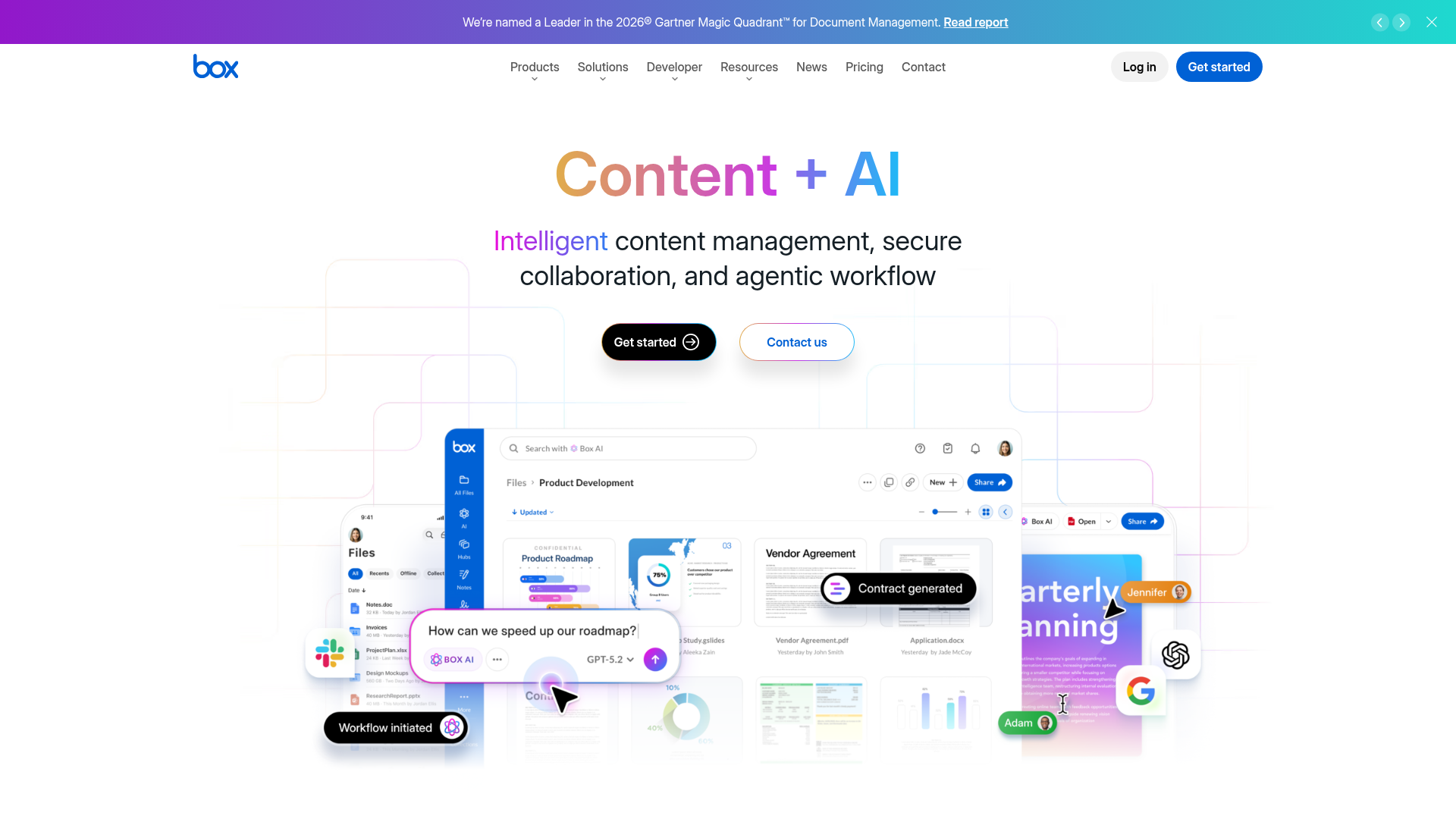
Box is built for large enterprises with serious compliance, governance, and workflow requirements.
Best for
- Large enterprises
- Heavily regulated industries
- Companies needing deep admin controls
Drawbacks
- More complexity than many small teams need
- Can feel heavy for everyday file management
- Pricing and setup may be excessive for startups and SMBs
For smaller businesses, AssetHQ can deliver a more usable and cost-effective experience.
6. FileCloud - best for deployment flexibility and controlled hosting
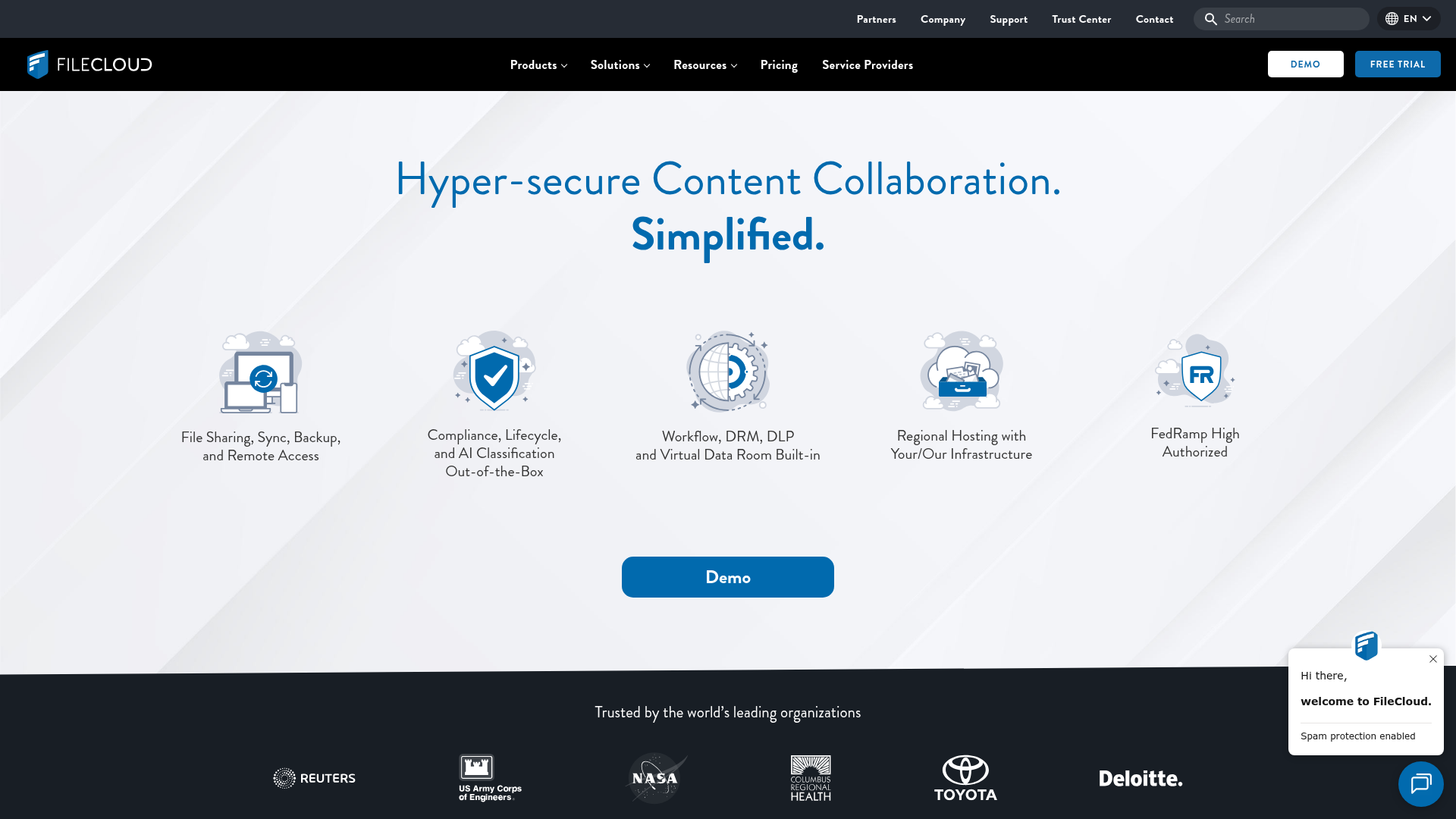
FileCloud is a serious option for organizations that want either hosted or self-managed deployment, along with strong compliance and control features.
Best for
- Teams with data residency requirements
- Businesses that want on-premise or controlled hosting options
- IT-led organizations
Drawbacks
- Less streamlined for simple day-to-day usage
- More technical overhead than many SMBs want
- Better suited to infrastructure-conscious buyers
For founders and lean teams, AssetHQ is likely the easier path.
7. Proton Drive - best for privacy-first teams
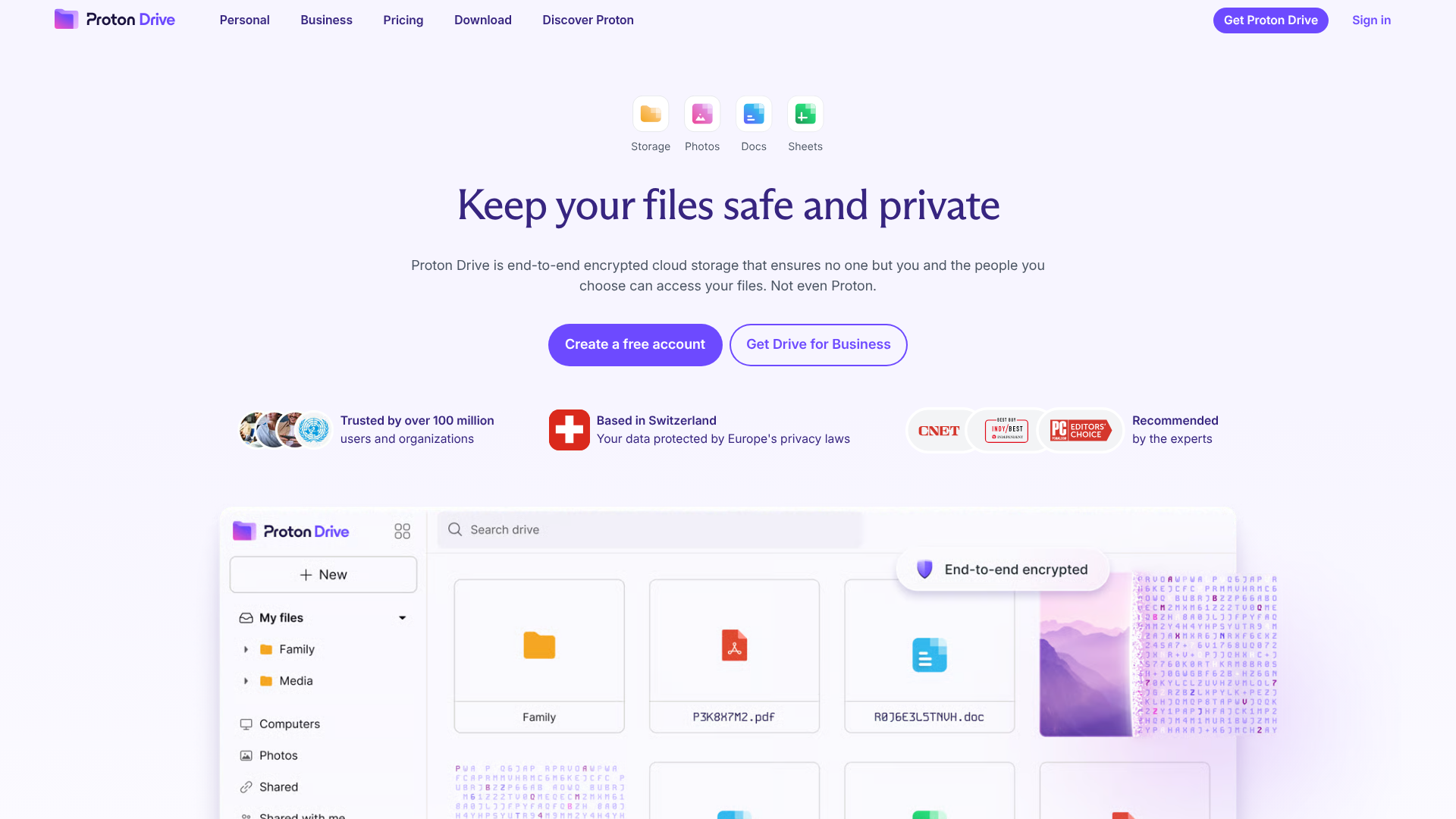
Proton Drive emphasizes privacy and encryption, making it attractive for teams with sensitive files and a strong privacy culture.
Best for
- Privacy-first organizations
- Teams handling sensitive information
- Businesses that value encrypted ecosystems
Drawbacks
- Less mature collaboration than mainstream suites
- May not match broader business workflow needs
- Not always the best fit for visual asset organization
If security matters but you also need practical team usability, AssetHQ offers a more balanced day-to-day workflow.
Quick comparison table
Platform | Best for | Key strength | Main tradeoff |
|---|---|---|---|
AssetHQ | Startups, SMBs, growing teams | Simple, secure, organized file and asset management | Less famous than legacy giants |
Google Drive | Google Workspace teams | Real-time document collaboration | Can get disorganized |
OneDrive | Microsoft 365 companies | Office integration | Ecosystem-heavy feel |
Dropbox Business | Cross-platform teams | Easy sync and sharing | Pricing and clutter at scale |
Box | Enterprises | Compliance and governance | Complexity |
FileCloud | Controlled deployment needs | Hosting flexibility | Higher setup overhead |
Proton Drive | Privacy-first teams | Encryption and privacy | Lighter collaboration ecosystem |
Content gaps most competitors miss
After reviewing leading articles, several gaps stand out.
They over-focus on storage quantity
The common angle is “who gives the most GB or TB.” But for businesses, the better question is:
Can your team manage files efficiently once the storage fills up?
Organization, sharing control, and usability matter just as much as capacity.
They underplay visual asset management
A lot of teams are not only storing documents. They are managing:
- Product images
- Brand assets
- Marketing files
- Internal graphics
- Sales collateral
That makes image previews and visual browsing highly valuable. AssetHQ addresses this better than many generic storage tools.
They rarely talk about simplicity as a serious business advantage
Complexity has a cost:
- Slower onboarding
- Lower team adoption
- More support requests
- Messier file structures
- Reduced consistency
Simplicity is not a “nice to have.” It is operational efficiency.
They do not always address smaller team realities
Many ranking pages are written as if every company has IT administrators, procurement workflows, and compliance departments.
Most smaller businesses need something else:
- Fast setup
- Minimal training
- Secure sharing
- Affordable pricing
- Room to grow
That is exactly the gap where AssetHQ is compelling.
How to choose the right company cloud storage for your team
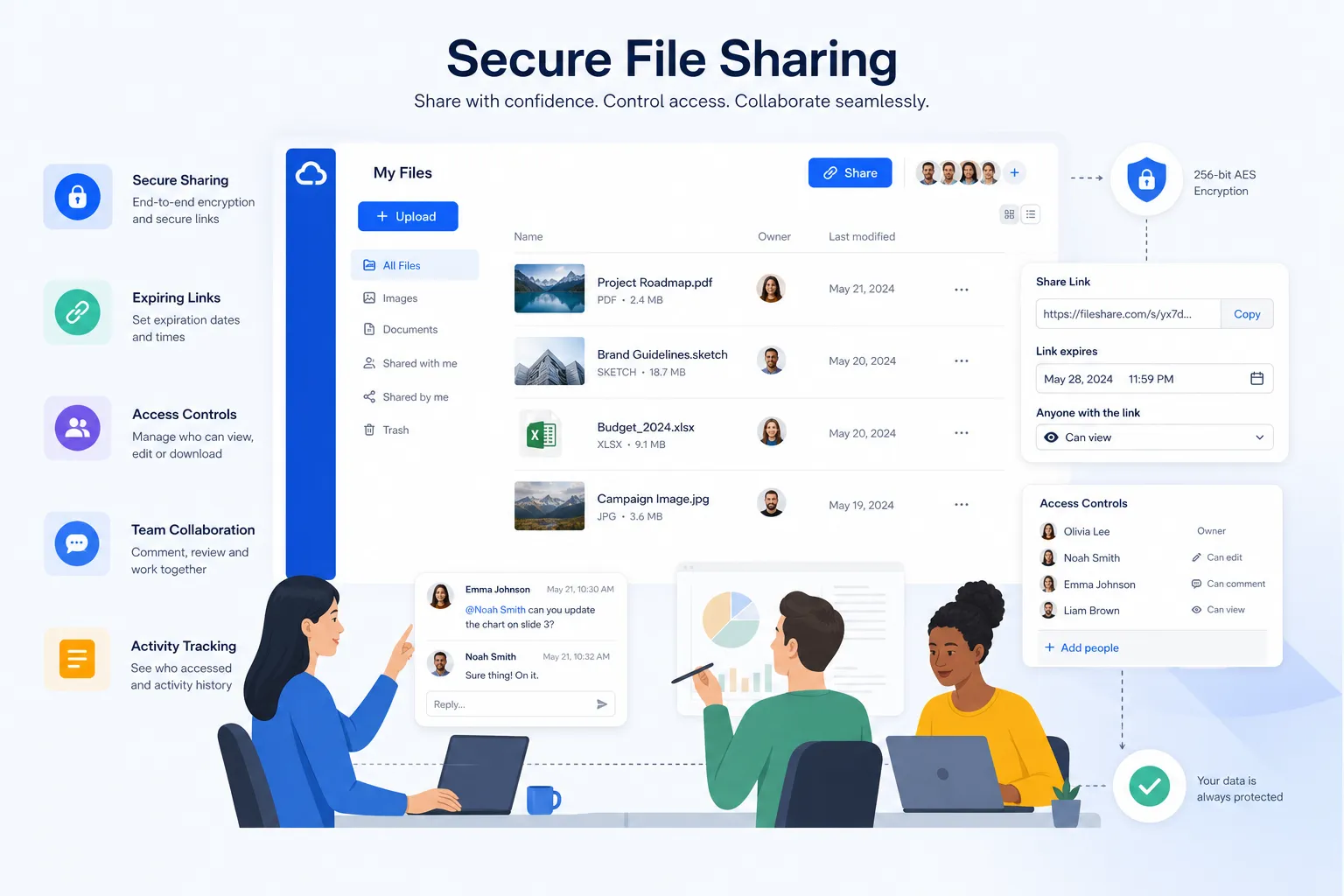
Use this framework to narrow your decision.
Choose based on your workflow, not brand recognition
Ask:
- Are we mostly storing documents, images, or both?
- Do we share files externally?
- Do we need easy previews and browsing?
- How important is simple onboarding?
- Will this still work when our team grows?
Choose based on your team’s actual tolerance for complexity
Some platforms look impressive in demos but slow teams down in real use.
If your company wants a tool that people adopt quickly and use consistently, favor a product that is intuitive from day one.
Choose based on governance needs
If you need highly specialized compliance controls, Box or FileCloud may be worth considering.
If you need strong security with practical usability, AssetHQ strikes a more approachable balance.
Choose based on pricing predictability
Flat, transparent pricing matters more than businesses often realize. Hidden costs tend to appear around:
- Added users
- Sharing features
- Admin functionality
- Storage thresholds
- Support tiers
AssetHQ’s straightforward value proposition is especially attractive for cost-conscious teams.
When AssetHQ is the right choice
AssetHQ is a particularly strong fit if your business sounds like this:
- You are a founder, startup, or small business
- Your team handles documents, images, and shared files regularly
- You want secure storage and sharing without complexity
- You need a clean structure for organizing assets
- You want a scalable system that is still easy to use
- You care about pricing clarity
- You want a professional alternative to bloated enterprise tools
In short, AssetHQ is ideal when your business needs real organization, secure collaboration, and dependable cloud storage, but not an overbuilt platform that takes weeks to implement.
Final verdict
The best company cloud storage platform is not always the one with the biggest brand name or the most storage. It is the one your team can use confidently every day.
For some businesses, that will be Google Drive or OneDrive because they are already committed to those ecosystems. For large enterprises, Box or FileCloud may make sense. For privacy-first teams, Proton Drive is worth a look.
But for many modern businesses, especially founders, startups, small companies, and growing teams, AssetHQ is the most practical choice.
It delivers what matters most:
- Simple and intuitive file management
- Secure file sharing with access control
- Organized storage for documents and images
- Image preview support
- Team collaboration
- Enterprise-grade secure storage
- Fast uploads and file access
- Affordable, flat pricing
- Scalability without complexity
If you want company cloud storage that helps your team stay organized, move faster, and share files securely without wrestling with enterprise software, AssetHQ is the platform to try next.
FAQ
Which cloud storage is most reliable for corporate use?
The most reliable option depends on your company size and workflow, but for many growing businesses, AssetHQ stands out by combining secure storage, simple organization, fast access, and team collaboration without unnecessary complexity. Larger enterprises may prefer Box or OneDrive, but smaller teams often benefit more from a tool they can adopt quickly and use consistently.
Who is AWS' biggest competitor?
In the broader cloud infrastructure market, AWS’s biggest competitors are typically Microsoft Azure and Google Cloud. However, for company cloud storage, businesses usually compare file platforms like AssetHQ, Google Drive, OneDrive, Dropbox, and Box based on usability, security, and collaboration rather than raw infrastructure scale.
Related Posts

Data Storage Software for Smarter Data Storage
Discover data storage software that improves security, organization, and scaling for growing teams. Learn how to choose smarter now.
min read
DAM for Video: Best Practices for Teams
DAM for Video: Best Practices for Teams Video libraries grow fast. What starts as a few product demos, social clips, webinars, training recordings, and customer stories can quickly turn into hundreds or thousands of files spread across laptops, shared drives, cloud folders, and editing tools. Once that happens, teams lose time hunting for the right version, re-uploading files, answering “can you send that again?” messages, and worrying about who can access what. That is exactly where a well-s
min read
DAM Management: Best Practices for Growing Teams
DAM Management: Best Practices for Growing Teams As your team grows, file chaos usually grows with it. What worked for one founder storing files in a few folders quickly breaks down when multiple people need fast access to documents, images, brand assets, and shared files at the same time. Good dam management solves that problem. It helps growing teams keep assets organized, easy to find, safe to share, and simple to manage without turning file storage into a complicated IT project. For start
min read