Document Sharing Platforms for Secure Access
Document Sharing Platforms for Secure Access If you need to send contracts, client files, reports, design assets, or internal documents, the real challenge is not just moving files from one place to another. It is doing it without creating version confusion, security risks, or a messy experience for your team and your clients. Many businesses start with email attachments or generic cloud folders. That works for a while - until files get too large, the wrong person gets access, or nobody can te
 Kevin SimphiweJune 21, 202610 min read
Document Sharing Platforms for Secure Access
If you need to send contracts, client files, reports, design assets, or internal documents, the real challenge is not just moving files from one place to another. It is doing it without creating version confusion, security risks, or a messy experience for your team and your clients.
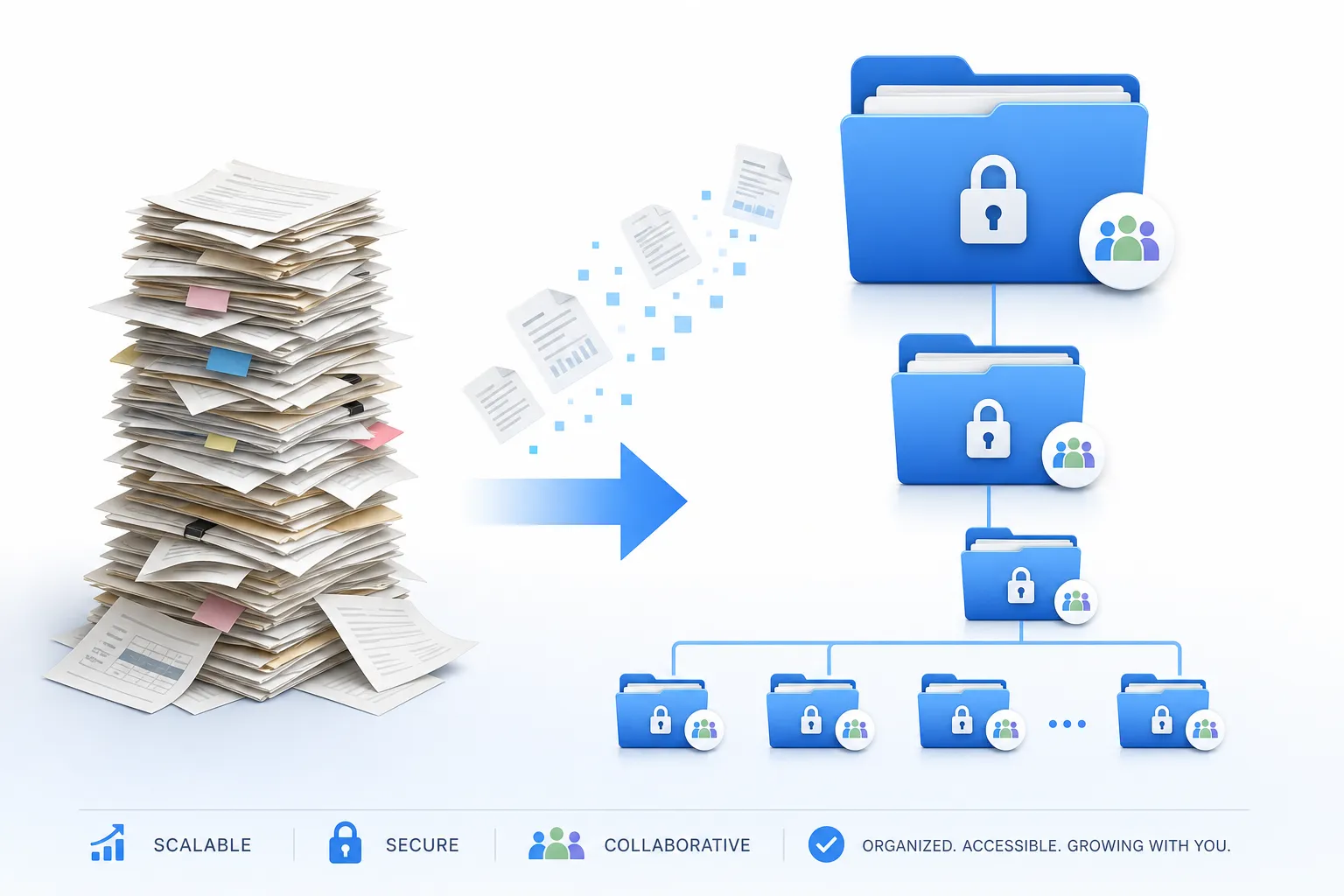
Many businesses start with email attachments or generic cloud folders. That works for a while - until files get too large, the wrong person gets access, or nobody can tell which version is final. That is where modern document sharing platforms make a real difference. The best options help you securely share documents, control access, organize files clearly, and keep collaboration simple.
For solo founders, small businesses, startups, and growing teams, this matters even more. You need a secure way to share documents without paying for a bloated enterprise suite you will barely use. You also need something your team can adopt quickly. That is exactly where AssetHQ fits: simple and intuitive file management, secure sharing with expiring links and access control, organized storage for documents and images, fast uploads, image previews, and affordable flat pricing that scales as your business grows.
"In 2025, the Privacy Rights Clearinghouse documented 8,019 data breach notifications, affecting at least 375 million individuals." - Privacy Rights Clearinghouse
"A 2024 report found that 43% of cyberattacks target small businesses, with insecure file transfers being a common entry point." - calpcc.com
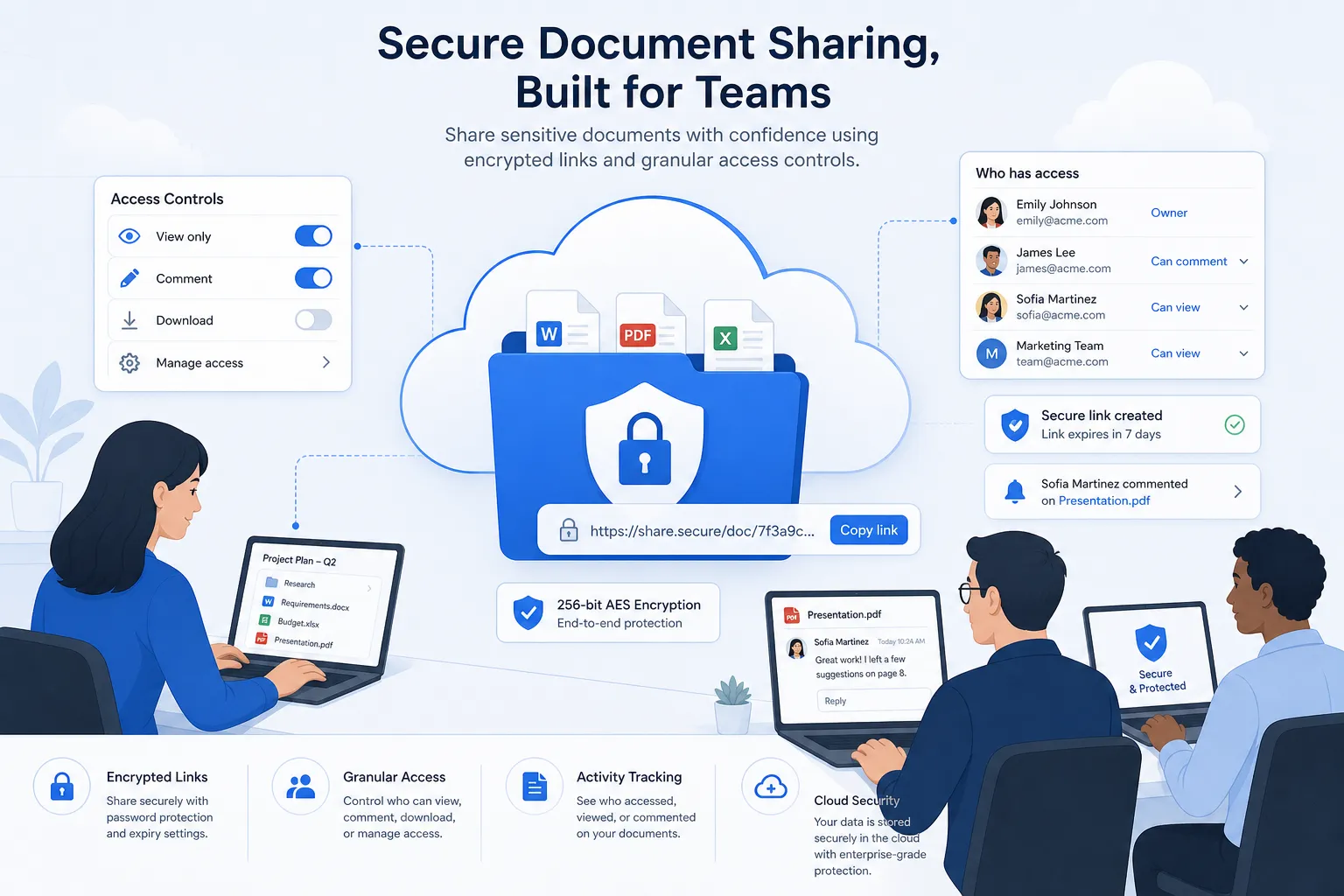
What a Secure Document Sharing Platform Should Actually Do
A lot of tools claim to be secure document sharing software. In practice, the good ones do a few things consistently well.
1. Protect access, not just storage
A platform should let you control exactly who can view, download, or edit a file. That usually means:
- password-protected links
- expiring links
- user permissions
- restricted folders
- activity visibility
A secure document sharing portal should make these controls easy to apply, not buried in admin menus.
2. Keep files organized
Security is only half the job. If your team cannot find anything, they will work around the system. Good document sharing software also needs:
- clear folder structures
- fast search
- simple file upload
- preview support for images and common documents
- easy retrieval from desktop or browser
This is one of the biggest reasons teams move toward platforms like AssetHQ. It gives growing organizations professional file organization without the clutter and complexity of heavyweight enterprise tools.
3. Support real collaboration
The best document sharing service is not just a vault. It is a working space. Teams need to upload new files quickly, share feedback, keep assets in one place, and avoid duplicate versions. A strong platform helps internal teams and outside collaborators work from the same source of truth.
Why Email Attachments and Generic File Links Break Down
Email feels convenient, but it creates problems fast.
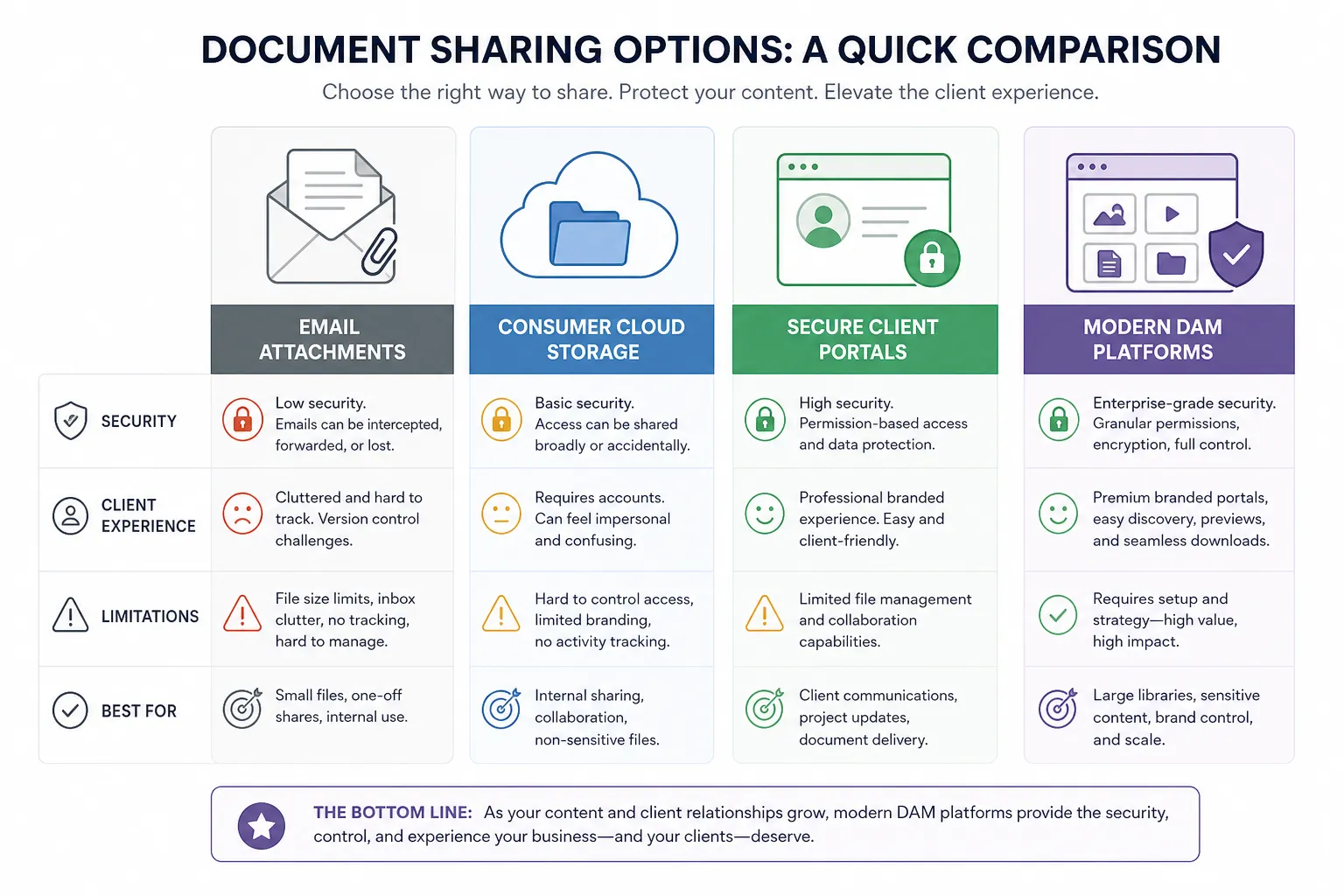
Common issues with email-based document sharing
Problem | What happens |
|---|---|
Version confusion | Multiple attachments circulate and nobody knows which file is current |
Weak access control | Once forwarded, attachments can spread beyond intended recipients |
File size limits | Large PDFs, media files, and presentations bounce or need workarounds |
Poor visibility | You cannot easily see who opened or downloaded what |
Scattered storage | Important documents end up buried in inboxes instead of organized systems |
If you are looking for a safe document sharing workflow, email should usually be the notification layer, not the actual storage and sharing layer.
The Different Types of Document Sharing Platforms
Not every business needs the same kind of secure online document sharing. The right choice depends on what you share, who you share with, and how much control you need.
Simple consumer cloud storage
These tools are familiar and easy to start with. They work well for casual use, but can become limiting when your team needs structured permissions, cleaner organization, or better client-facing workflows.
Secure client portals
A secure portal for sharing documents is especially useful for firms that exchange sensitive files with clients, partners, or contractors. These platforms focus on permissions, auditability, and external access control.
Team collaboration and DAM-style platforms
For businesses managing a mix of documents, images, brand files, and internal resources, a modern DAM or file storage platform is often the better fit. These tools combine organized storage, image previews, collaboration, and secure link sharing in one place.
AssetHQ sits in this sweet spot. It is ideal for teams that want a document sharing platform that feels simple day to day, but still gives them secure storage, clear structure, and scalable collaboration.
How to Evaluate Document Sharing Services
If you are comparing document sharing websites or apps, use a checklist that reflects real-world use.
Security essentials
Look for:
- encryption in transit and at rest
- link expiration
- password protection
- role-based access
- audit trails or activity logs
- secure storage infrastructure
If you routinely handle client information, legal files, financial records, or health-related documents, these are not optional.
Usability essentials
Also look for:
- intuitive folder structure
- simple uploads
- fast access to files
- image and document previews
- low training overhead
- smooth experience for outside recipients
This is where many businesses overbuy. They get enterprise-heavy systems with features no one uses. A better option is a secure document sharing platform that is reliable, organized, and easy enough for everyone to adopt.
Cost and scalability
A tool may look affordable at first, then become expensive with add-ons, storage caps, or paid guest access. Favor platforms with clear pricing and no surprise fees. AssetHQ is especially attractive here because it offers straightforward flat pricing and enough structure to support both solo users and growing teams.
Best Document Sharing Platforms for Secure Access
Below is a practical comparison of the main types of tools businesses consider when choosing a secure document sharing software solution.
1. AssetHQ
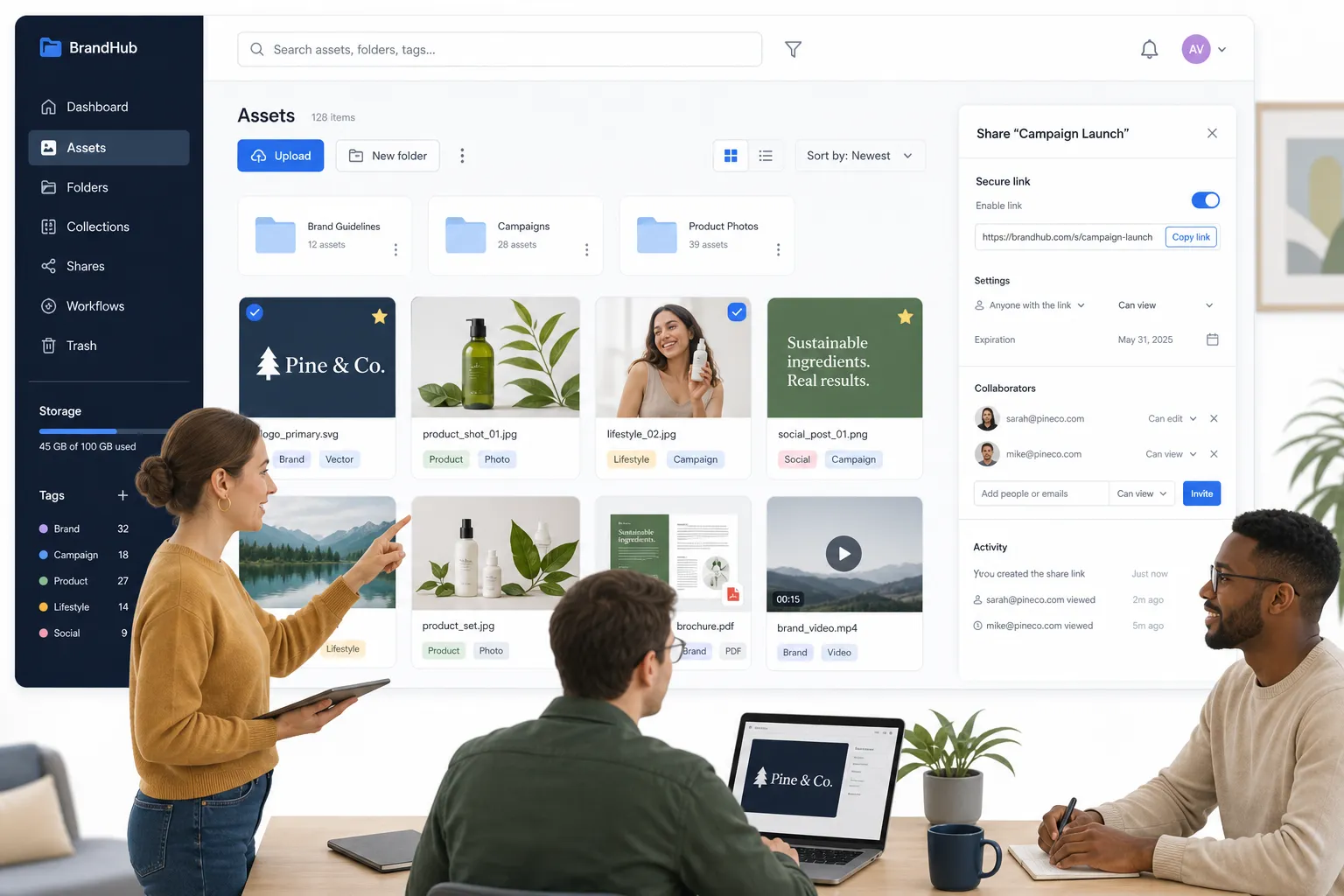
AssetHQ is a strong fit for teams that want professional document sharing without enterprise bloat. It brings together secure storage, clean organization, image preview support, file management, and team collaboration in a platform that feels approachable from day one.
What makes it stand out is balance. You get secure file sharing with access control and expiring links, organized folders for documents and images, and fast access to files, all without hidden fees or a complicated learning curve. That makes it a smart choice for founders, startups, agencies, and growing organizations that need a dependable document sharing platform they can scale with.
Best for
Small businesses and teams that want simple, secure, and affordable file organization and sharing.
Strengths
- intuitive folder-based organization
- secure sharing controls
- image preview and asset visibility
- enterprise-grade storage approach without unnecessary complexity
- affordable flat pricing
Watchouts
- not trying to be an overengineered enterprise compliance suite
- best for teams that value simplicity and usability
2. SmartVault
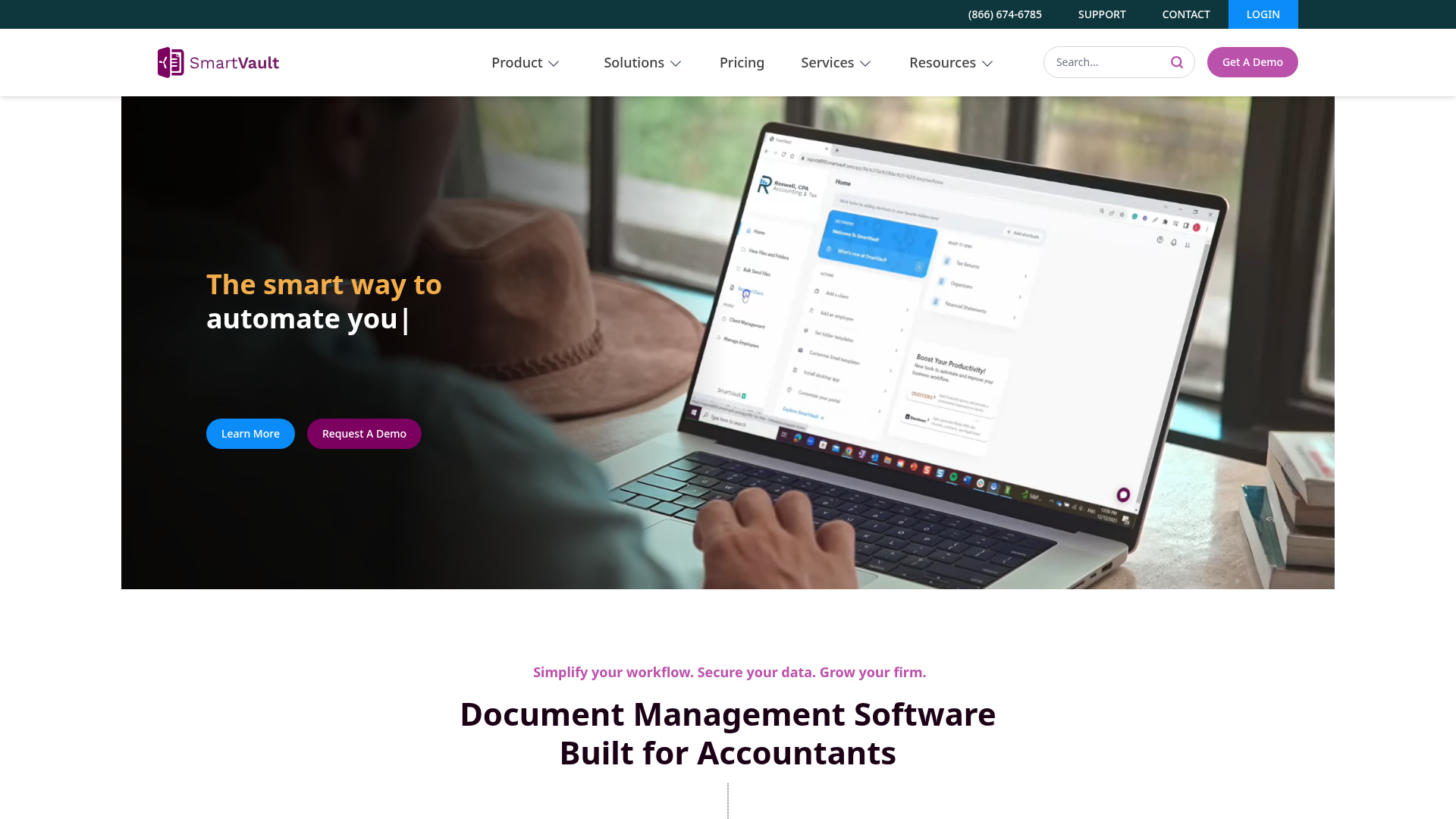
SmartVault is designed heavily around secure file sharing and client collaboration, especially for accounting and professional services firms. It emphasizes encrypted sharing, role-based access control, audit logs, and branded client portal functionality.
Best for
Accounting firms, tax professionals, and service businesses that need a secure document sharing portal for client exchange.
Strengths
- role-based access controls
- secure links with expiration and protection
- client-facing portal workflows
- audit trails
Watchouts
- more specialized toward accounting use cases than general asset organization
3. Kiteworks
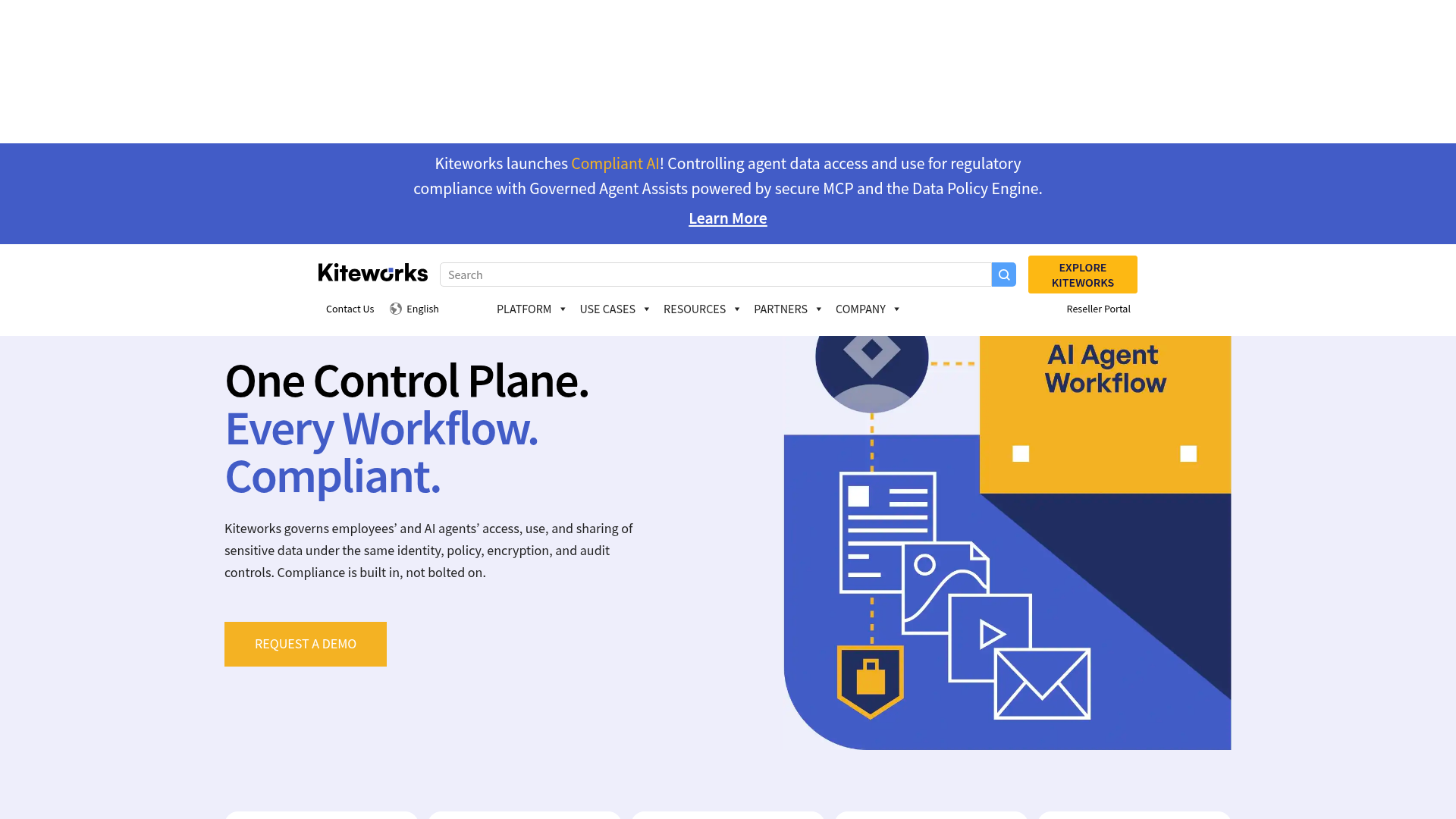
Kiteworks is built for organizations with serious compliance, governance, and security requirements. It offers secure file sharing, managed transfer capabilities, auditability, and multiple deployment models.
Best for
Regulated organizations that need enterprise-grade security and compliance depth.
Strengths
- extensive compliance positioning
- strong access controls
- advanced audit and governance features
- on-prem, private cloud, and hybrid options
Watchouts
- more complex and heavier than most startups or small teams need
- likely overkill for everyday file organization
4. Files.com
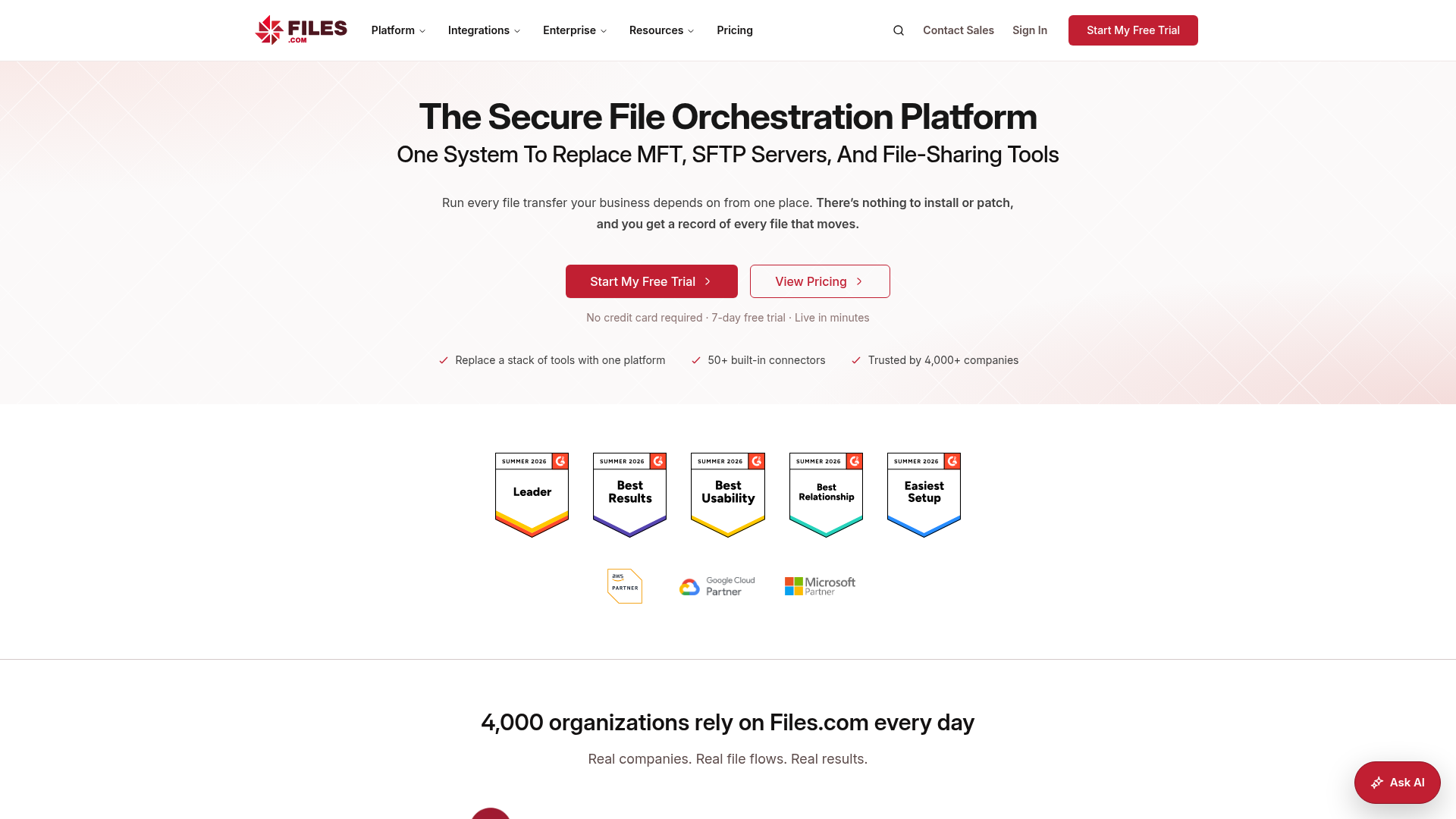
Files.com is strong for businesses that need automation, protocol support, and technical flexibility. It is often used where secure transfers connect with back-end systems and repeatable workflows.
Best for
Technical teams and businesses with workflow automation or protocol-heavy needs.
Strengths
- API-friendly
- strong transfer and automation options
- broad integration potential
Watchouts
- less approachable for nontechnical users
- can feel more operational than collaborative
5. Google Drive
Google Drive is widely used for document sharing and collaboration, especially for teams already working in Google Workspace. It is simple to adopt and familiar to most users.
Best for
Teams living inside Google Docs, Sheets, and Gmail.
Strengths
- easy collaboration
- familiar interface
- real-time editing
Watchouts
- can become messy at scale
- document organization often degrades without strong governance
- less purpose-built for polished client sharing
6. OneDrive
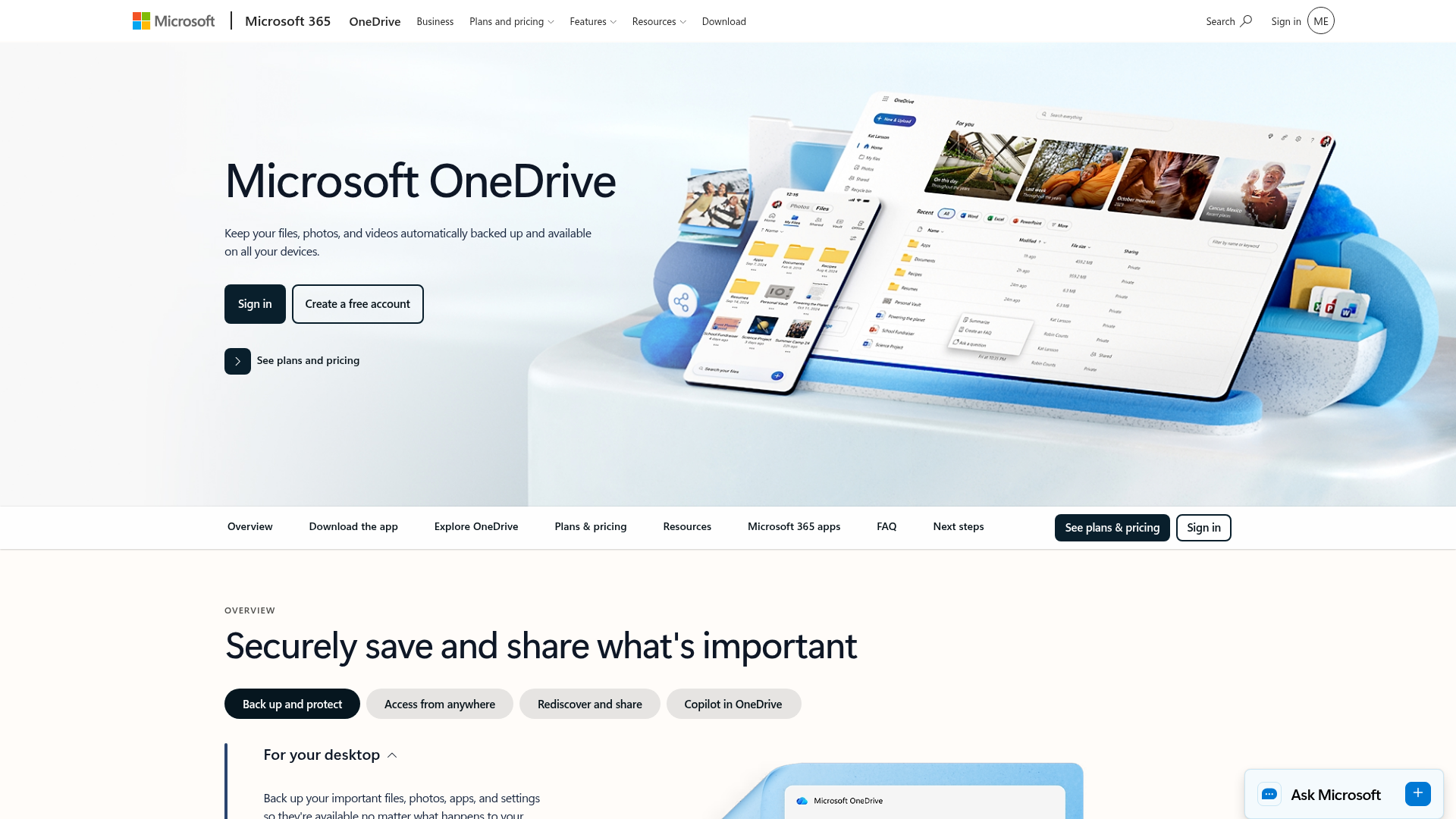
OneDrive works best for organizations already committed to Microsoft 365. It integrates tightly with Word, Excel, Teams, and SharePoint.
Best for
Microsoft-centric businesses that want sharing built into their existing stack.
Strengths
- strong Microsoft integration
- version history
- decent sharing controls
Watchouts
- can feel tied to the Microsoft ecosystem
- not always the simplest option for external collaboration
7. Dropbox
Dropbox remains popular for syncing and sharing files across devices. It is easy to use and broadly recognized.
Best for
Small teams that want familiar cloud sharing and syncing.
Strengths
- simple user experience
- cross-device sync
- easy link sharing
Watchouts
- pricing can rise as needs grow
- may lack the organizational clarity some teams need for mixed document and image libraries
8. WeTransfer
WeTransfer is built for quick large-file sending. It is useful when speed matters more than ongoing file management.
Best for
One-off transfers of large files.
Strengths
- simple and fast
- minimal setup
- accessible for recipients
Watchouts
- not a full document sharing platform
- limited organization, auditability, and long-term collaboration value
Quick Comparison Table
Platform | Best for | Security depth | Organization | Collaboration | Ease of use |
|---|---|---|---|---|---|
AssetHQ | Small teams and growing businesses | High | High | High | High |
SmartVault | Client document portals | High | Medium | Medium | Medium |
Kiteworks | Regulated enterprise use | Very high | Medium | Medium | Low-Medium |
Files.com | Technical workflows | High | Medium | Medium | Medium |
Google Drive | Google-based teams | Medium | Medium | High | High |
OneDrive | Microsoft-based teams | Medium-High | Medium | High | Medium |
Dropbox | General cloud sharing | Medium | Medium | Medium | High |
WeTransfer | One-time file sends | Low-Medium | Low | Low | High |
Content Gaps Most Articles Miss
A lot of comparison content on document sharing apps focuses only on security checklists or feature lists. That is not enough. Here are the gaps that matter in real buying decisions.
The best secure tool is the one your team will actually use
A platform can offer encrypted document sharing and excellent access controls, but if daily use is frustrating, your team will fall back to email, desktop folders, or ad hoc links. Ease of use is not a bonus feature. It is part of security.
Organization is a security feature
When files are scattered, people overshare entire folders because they do not have time to isolate the right asset. Clean organization reduces accidental exposure. That is why folder clarity, image previews, and fast search matter so much in platforms like AssetHQ.
Free document sharing platforms are rarely enough for serious business use
There is nothing wrong with free document sharing sites for lightweight personal use. But once client information, contracts, creative files, or internal documentation are involved, free secure document sharing usually comes with tradeoffs in storage, access control, branding, support, or long-term reliability.
External sharing experience matters
Many buyers focus only on the admin side. But recipients matter too. A document sharing portal should feel easy and trustworthy for clients, contractors, or partners. If they struggle to access files, they will ask for attachments instead, and your secure process breaks.
Are Free Document Sharing Platforms Worth Using?
Sometimes, yes. But only if your needs are simple and low-risk.
When free tools may be enough
Free document sharing platforms can work for:
- non-sensitive public documents
- temporary one-off personal transfers
- early testing before rollout
- lightweight collaboration with no compliance needs
When free tools are not enough
You should upgrade if you need:
- consistent secure document sharing
- access control by user or folder
- expiring links
- branded or professional presentation
- reliable organization for many files
- collaboration for a growing team
- predictable storage and support
For most businesses, especially those handling both documents and images, a paid platform saves money indirectly by reducing confusion, saving time, and lowering security risk.
Best Practices to Securely Share Documents Online
Even with the right software, habits still matter.
Use expiring links by default
If someone only needs temporary access, do not give them permanent access.
Share the smallest scope possible
Share one file or one folder, not your whole workspace.
Avoid duplicate storage
Keep a single source of truth instead of downloading and re-uploading copies.
Review permissions regularly
Old access tends to linger unless someone actively manages it.
Separate internal and external assets
Use clear folder structure so client-facing files are not mixed with drafts or internal documents.
Choose tools with simple workflows
When sharing is easy, staff are more likely to use the secure method every time.
Who Should Choose AssetHQ?
AssetHQ makes the most sense if you want your document sharing platform to be:
- simple enough for solo users and small teams
- organized enough for growing content libraries
- secure enough for professional client and team sharing
- visual enough to manage images as well as documents
- affordable enough to adopt without pricing anxiety
It is especially useful for:
- startups building repeatable file workflows
- agencies handling creative assets and client files
- small businesses replacing messy cloud folders
- founders who need dependable organization without training overhead
- teams that want secure sharing and scalable storage in one clean system
Final Verdict
The best document sharing platform is not the one with the longest feature list. It is the one that helps your team securely share documents, stay organized, and move faster without creating friction.
If you need deep compliance and enterprise controls, tools like Kiteworks or SmartVault may fit. If you are embedded in Google or Microsoft, their ecosystems may be good enough. If you just need one-time delivery, WeTransfer can work.
But if you want the sweet spot - a secure document sharing platform that is easy to use, affordable, scalable, and genuinely helpful for managing documents, images, and files day to day - AssetHQ is the strongest practical choice. It gives growing teams the security and structure they need, without the complexity they do not.
If your current system feels messy, slow, or risky, this is a good moment to simplify. Try AssetHQ and build a cleaner, safer, more reliable way to store, organize, and share your files.
FAQ
What is the most secure document sharing platform?
The most secure option depends on your use case, but the strongest platforms combine encryption, access controls, expiring links, and audit visibility. For highly regulated environments, enterprise tools may be best, while many growing teams benefit more from a platform like AssetHQ that balances strong security with everyday usability.
What is the safest way to share a document?
The safest approach is to use a secure sharing platform instead of email attachments. Share the file through a protected link with limited permissions, password protection, and an expiration date, and keep the original in one organized source of truth.
Related Posts
Dropbox Shared Link Dl 0 Explained
Learn what Dropbox shared link dl 0 means, how to verify link safety, open files correctly, and share smarter with confidence today
min read
Cloud Storage and File Sharing: Best Free Options
Discover cloud storage and file sharing tools to compare free options for links, large transfers, and team use. Find your best fit now.
min read
End to End Encrypted File Sharing Benefits
Discover end to end encrypted file sharing benefits, use cases, and security tips for modern teams, then choose the right tool now.
min read