File Management Software: Best Free Options
File Management Software: Best Free Options If your files are scattered across desktops, email threads, shared drives, and random cloud folders, you do not really have a file management system. You have friction. That friction shows up as wasted time, version confusion, slow approvals, and risky sharing habits. For solo founders, small businesses, startups, and growing teams, the right file management software should solve those problems without adding enterprise-level complexity or bloated pr
 Emma LarsonMay 19, 202610 min read
File Management Software: Best Free Options
If your files are scattered across desktops, email threads, shared drives, and random cloud folders, you do not really have a file management system. You have friction.
That friction shows up as wasted time, version confusion, slow approvals, and risky sharing habits. For solo founders, small businesses, startups, and growing teams, the right file management software should solve those problems without adding enterprise-level complexity or bloated pricing.
This guide breaks down the best free options, what they do well, where they fall short, and what to look for when you need something simple today that can still scale tomorrow.
"Knowledge workers dedicate approximately 20% of their workweek - nearly one full day - to searching for and gathering information." - Source
"The global average cost of a data breach reached a record $4.88 million in 2024." - Source
Those two numbers explain why choosing the right file management solution matters. Good software helps your team move faster. Great software also helps you stay in control.
What is file management software?
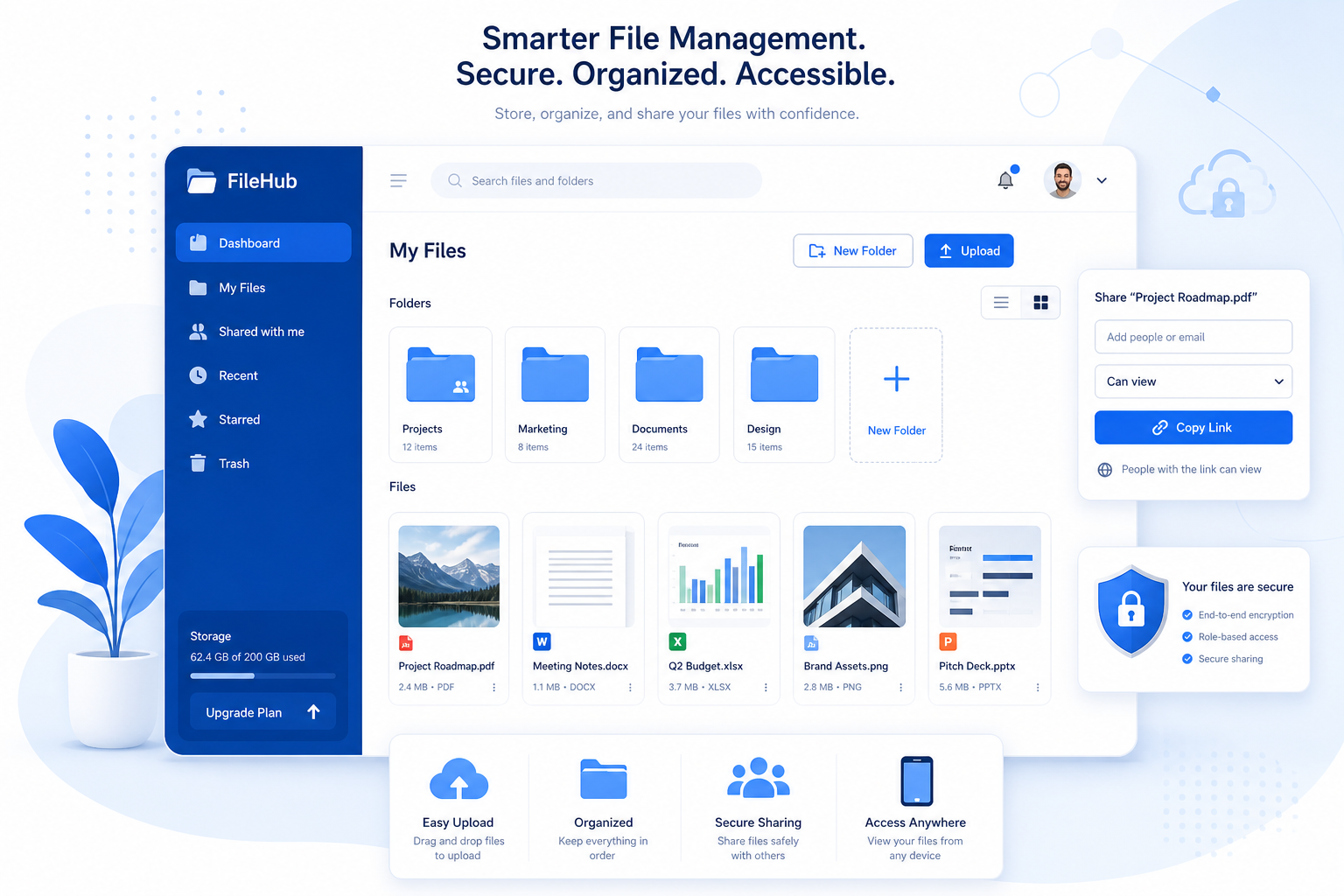
File management software is a system that helps you store, organize, search, preview, share, and control access to digital files such as documents, images, PDFs, videos, and spreadsheets.
At a basic level, file management programs help you:
- keep files in a central location
- organize them with folders or metadata
- control who can view or edit them
- share files securely
- avoid duplicate or outdated versions
- find what you need quickly
The best file management applications go beyond basic storage. They make work easier for the people using them every day.
What the best free file management software should include
Many competitor roundups focus on generic lists of tools. What they often miss is the difference between a free tool that is merely available and a free tool that is actually useful for a real team.
Here is what matters most.
1. Simple organization
Your team should not need training just to understand where files live. Clear folders, predictable structure, and easy navigation matter more than flashy features.
2. Fast upload and access
If uploading files feels slow or finding them takes too many clicks, people stop using the system correctly.
3. Secure sharing
Look for expiring links, access permissions, and control over who sees what. This is essential for client files, internal docs, and sensitive media.
4. Search and preview
Search saves time. Preview saves even more. This is especially important when managing images, documents, and shared assets.
5. Collaboration support
Even small teams need comments, shared folders, permissions, and easy handoff between people.
6. Room to grow
A free plan is helpful, but it should not trap you. The best option is one that stays simple as your team grows.
Best free file management software at a glance
Tool | Best for | Free option | Main strength | Main limitation |
|---|---|---|---|---|
Total Commander | Power users on Windows | Trial/shareware | Advanced local file operations | Not built for modern team collaboration |
Box | Secure cloud storage | Yes | Secure sharing and business integrations | Free plan has storage and upload limits |
Confluence | Internal documentation | Yes | Strong team knowledge sharing | Better for docs than general asset management |
Bitrix24 | Collaboration-heavy teams | Yes | Broad business toolkit | Can feel overwhelming |
LogicalDOC | Document-focused control | Community edition | Versioning and enterprise workflows | Less intuitive for simple teams |
OpenDocMan | Open-source users | Yes | Basic document control | Dated experience |
Nextcloud | Self-hosted privacy | Yes | Full control and extensibility | Requires technical setup |
ONLYOFFICE Workspace | Collaborative editing | Yes | Office-style collaboration | Better paired with separate file storage |
paperless-ngx | Scanned document archives | Yes | OCR and paperless workflows | Narrow use case |
AssetHQ | Simple file organization and sharing for growing teams | Paid platform with straightforward scaling | Intuitive file storage, image previews, secure sharing, flat pricing, easy collaboration | Not trying to be a heavy enterprise maze |
The best free file management software options
1. Total Commander
Best for: advanced Windows users who want more control than File Explorer
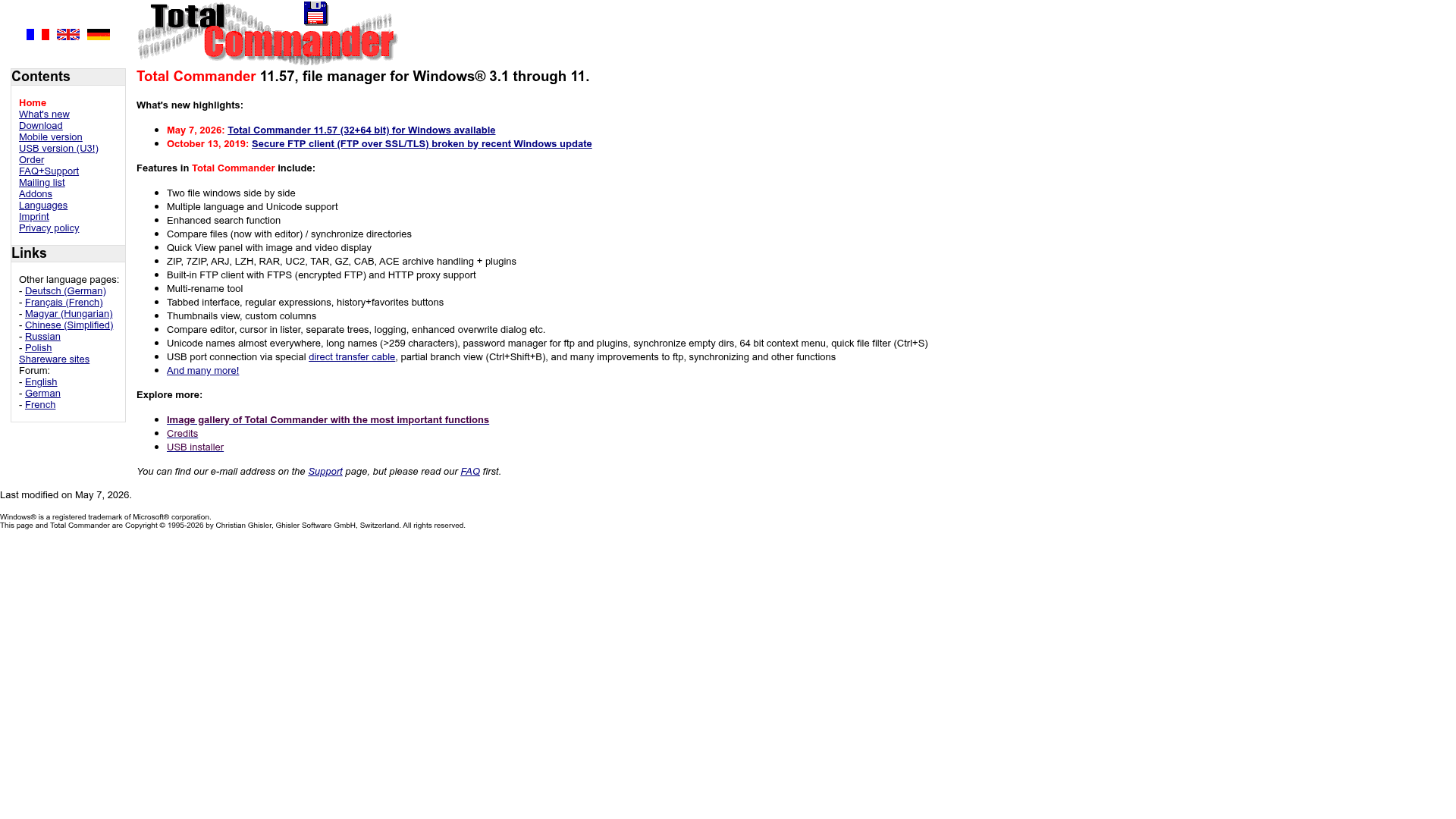
Total Commander is one of the best-known file management programs for people who live inside folders all day. It is efficient, keyboard-friendly, and great for bulk file operations.
What it does well
- dual-pane file navigation
- archive support
- batch operations
- plugin ecosystem
- reliable performance for local file handling
Where it falls short
- looks dated
- not ideal for non-technical users
- not designed as a modern cloud collaboration platform
Verdict: Excellent for power users. Less useful for teams that need secure sharing, image previews, and collaborative access.
2. Box
Best for: secure cloud storage
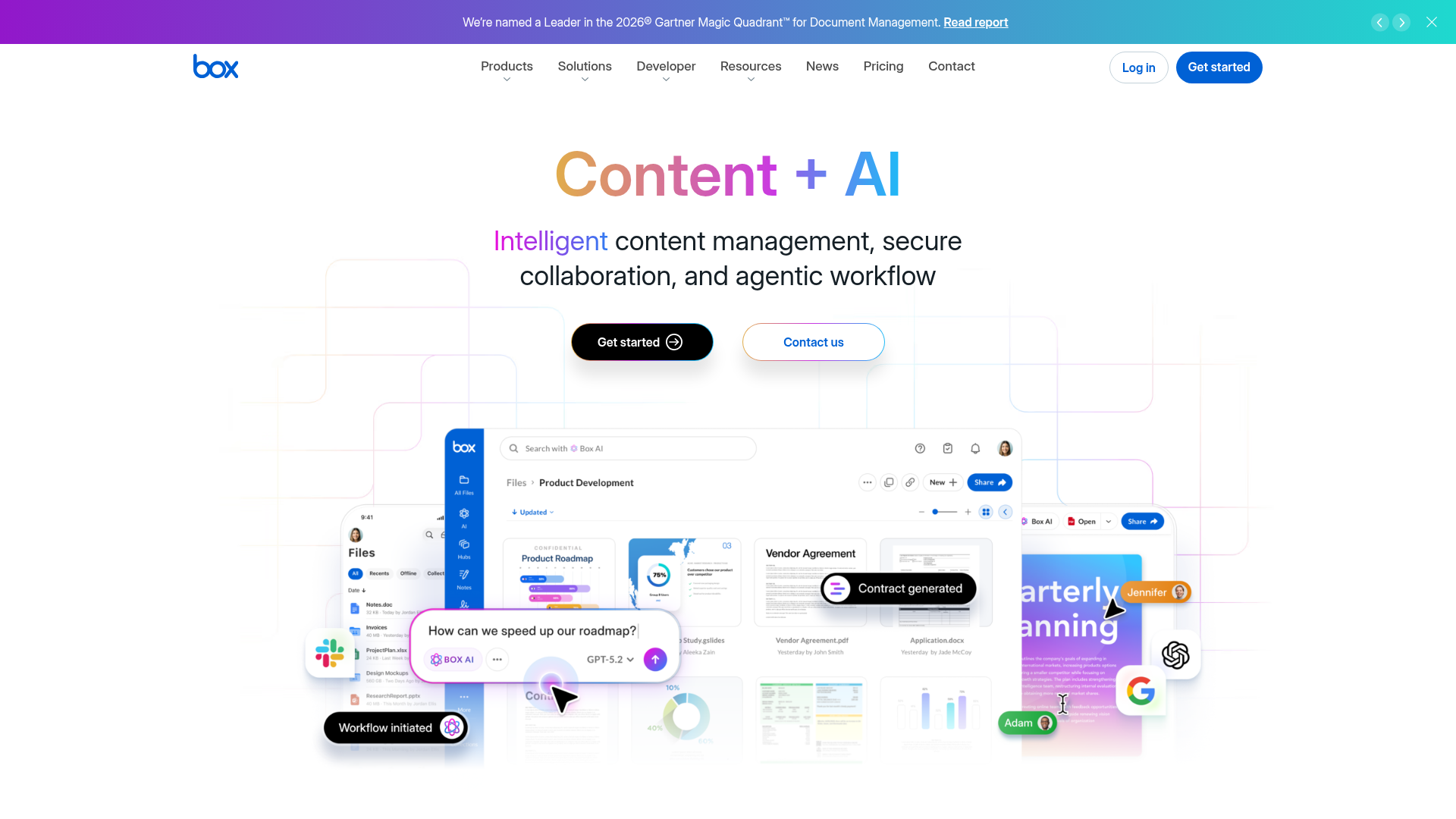
Box is a strong cloud-based file management solution for businesses that care about controlled sharing and integrations.
What it does well
- secure cloud storage
- permission controls
- strong business ecosystem
- compliance-friendly positioning
Where it falls short
- free plan can feel restrictive
- upload caps may frustrate image-heavy teams
- interface can feel more enterprise than lightweight
Verdict: Good choice if security is your top concern, but many smaller teams may want something simpler.
3. Confluence

Best for: internal documentation and shared knowledge
Confluence is often mentioned in file management roundups, but it is really strongest as a knowledge workspace rather than pure file storage software.
What it does well
- collaborative pages and documentation
- structured knowledge base
- useful for SOPs, wikis, and project notes
- strong team editing
Where it falls short
- less natural for storing and previewing lots of images or mixed assets
- not a dedicated DAM
- can become messy without governance
Verdict: Great for documentation. Less ideal as your main home for all files and assets.
4. Bitrix24
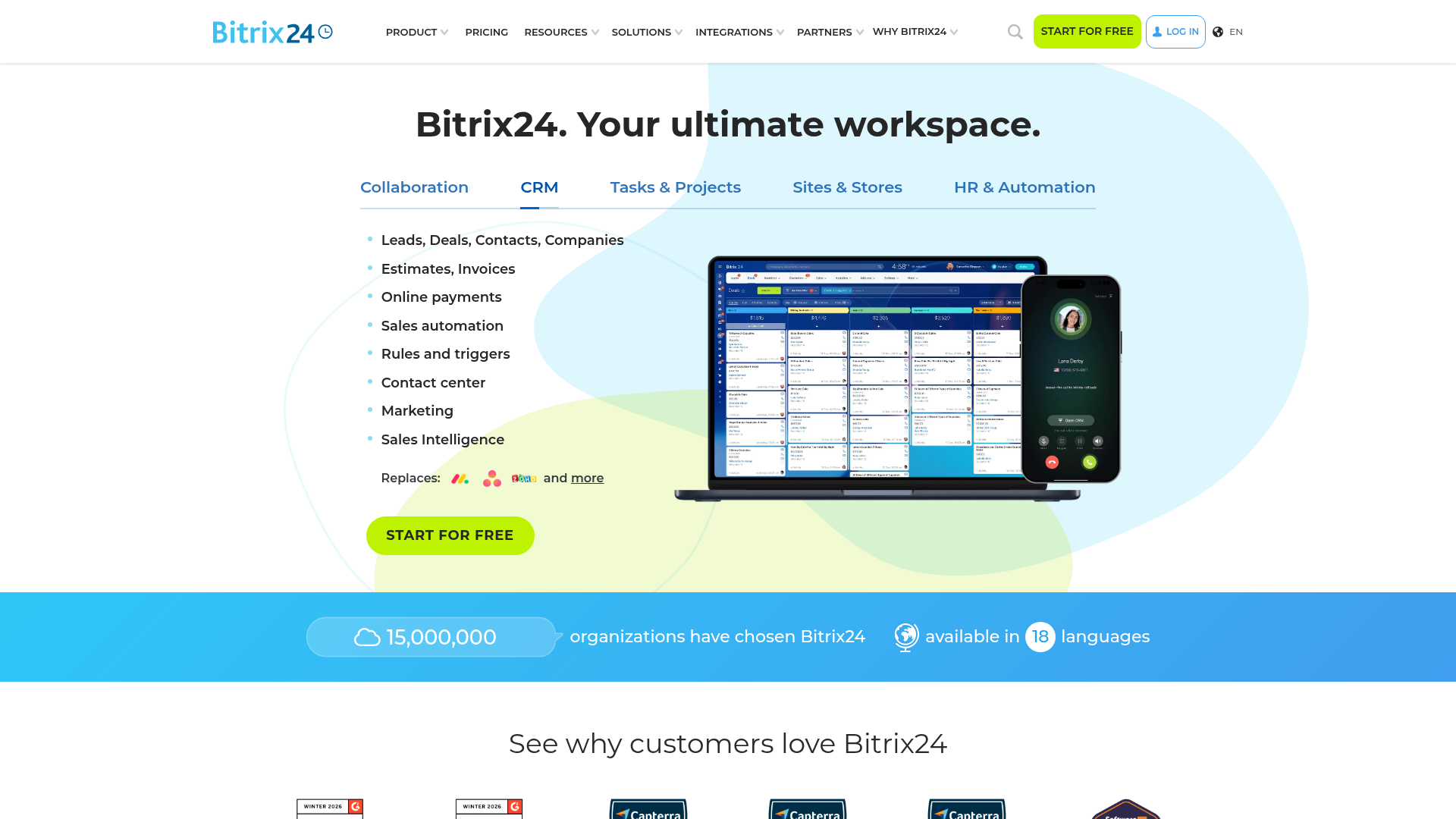
Best for: teams that want file management bundled with business tools
Bitrix24 combines documents, collaboration, CRM, tasks, and communication in one platform.
What it does well
- generous collaboration features
- unlimited users on free plan
- tasks, messaging, and file sharing in one place
Where it falls short
- interface can feel crowded
- storage limits on free plan
- too much tool for teams that just need clean file management
Verdict: Useful if you want an all-in-one workspace. Overkill if your priority is simple file organization.
5. LogicalDOC
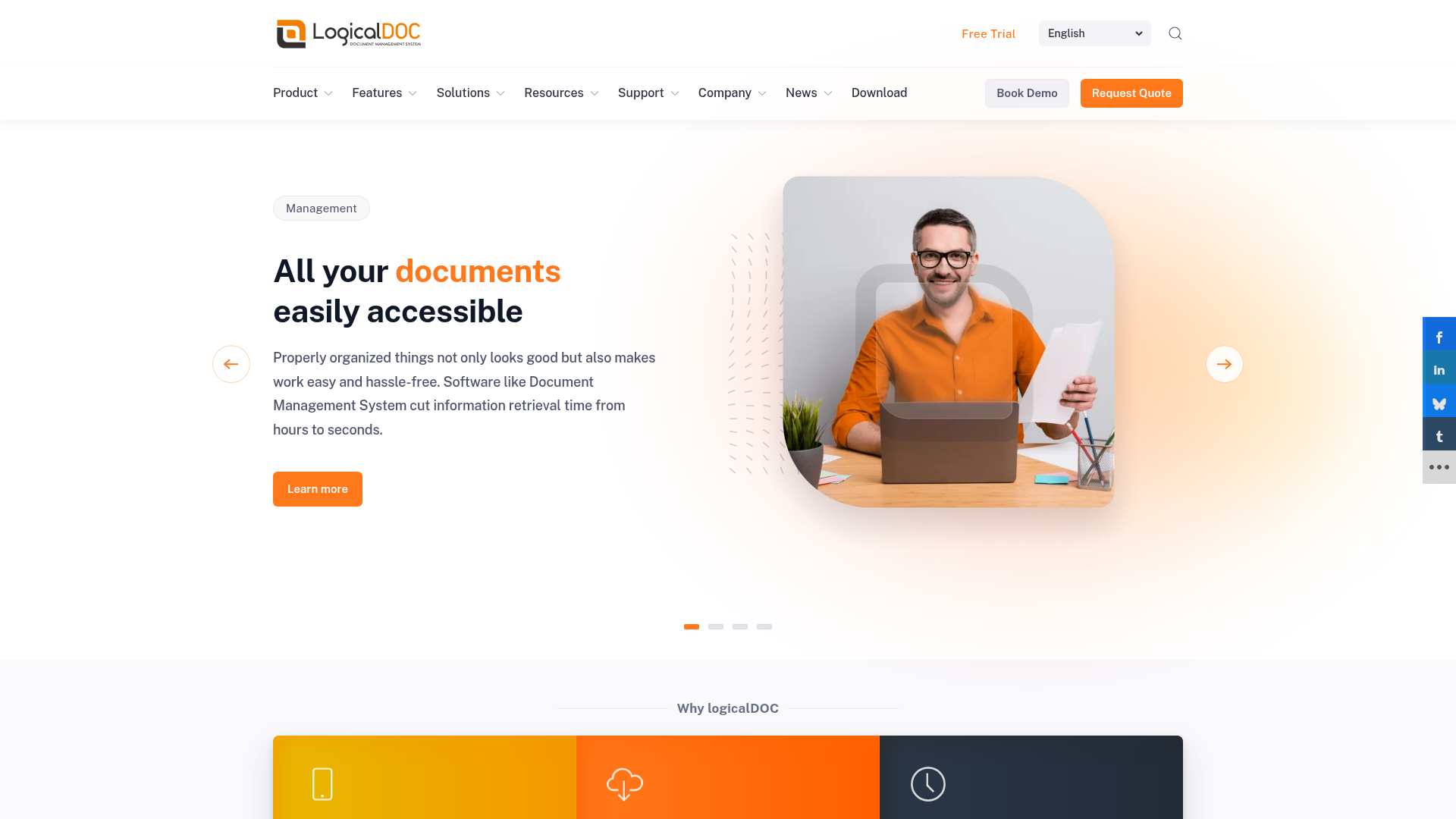
Best for: document-heavy businesses that need versioning and controls
LogicalDOC focuses more on document management than general-purpose file convenience.
What it does well
- document version control
- workflow support
- search and metadata tools
- enterprise-style structure
Where it falls short
- setup can feel heavier than necessary
- community edition lacks some advanced functionality
- less intuitive for casual users
Verdict: Better for formal document control than flexible day-to-day asset organization.
6. OpenDocMan
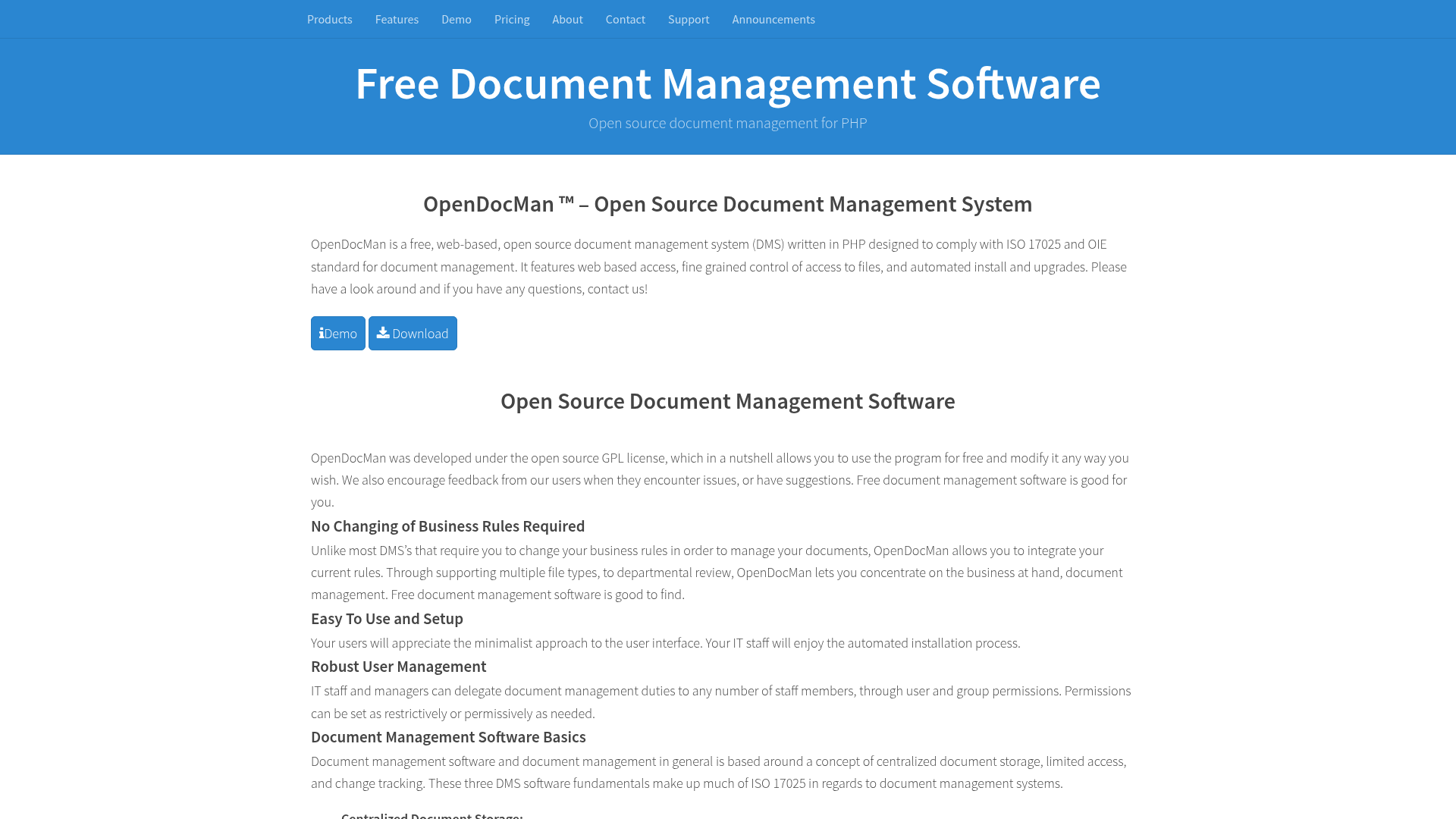
Best for: open-source document management on a budget
OpenDocMan is a lightweight open-source option for organizations that want self-hosted basics.
What it does well
- free and open source
- check-in/check-out controls
- basic metadata and access permissions
Where it falls short
- dated UX
- limited polish
- not ideal for teams that need modern previews and fast onboarding
Verdict: Functional, but best for technical users with modest needs.
7. Nextcloud
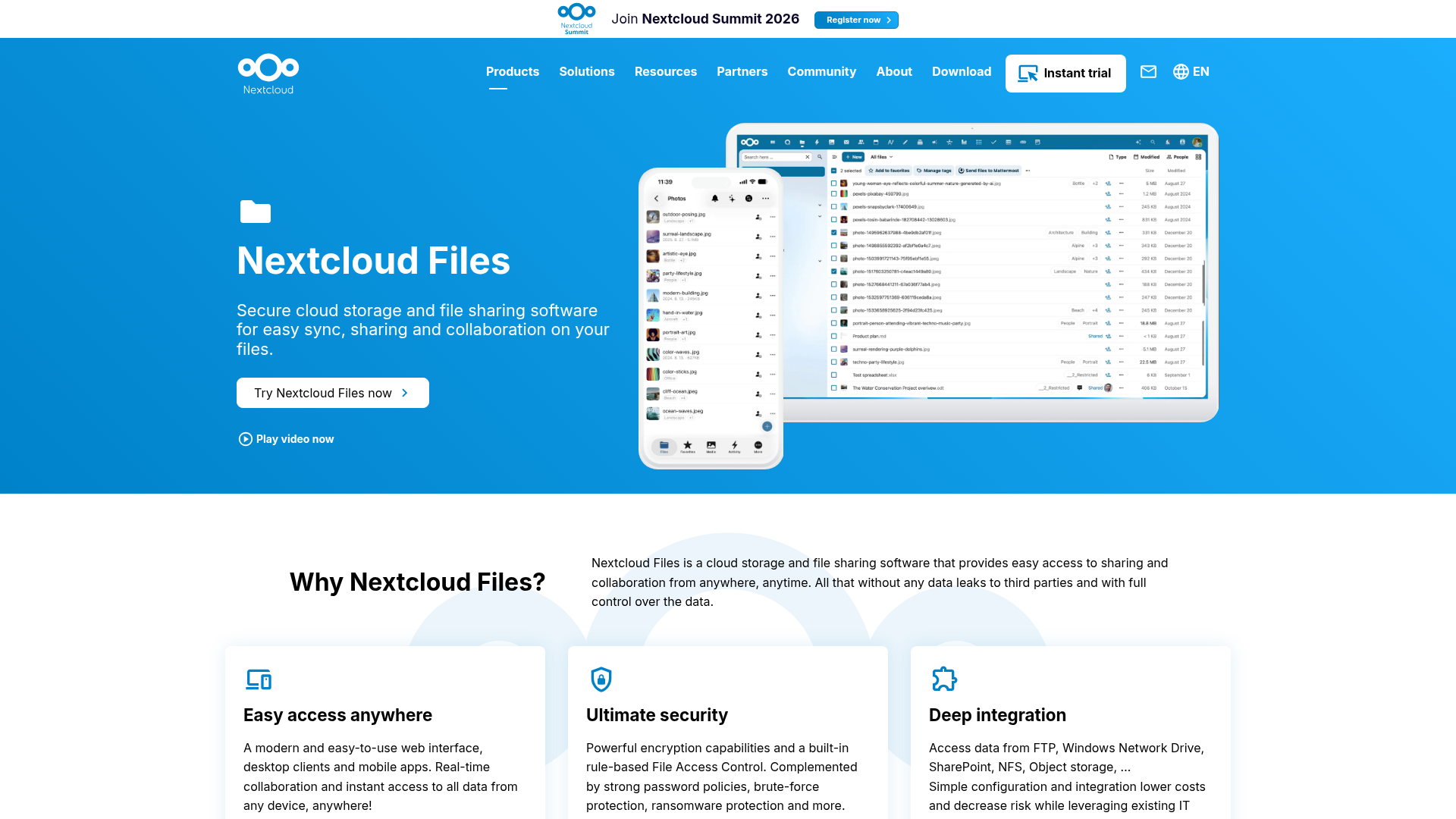
Best for: privacy-focused teams that want self-hosted storage
Nextcloud is often a top pick for organizations that want total ownership of their environment.
What it does well
- self-hosted control
- sync, permissions, and file access
- strong app ecosystem
- collaborative potential
Where it falls short
- requires maintenance
- performance depends on your setup
- not as simple as plug-and-play SaaS tools
Verdict: Powerful for technical teams. Not the easiest option for founders who just want something that works.
8. ONLYOFFICE Workspace
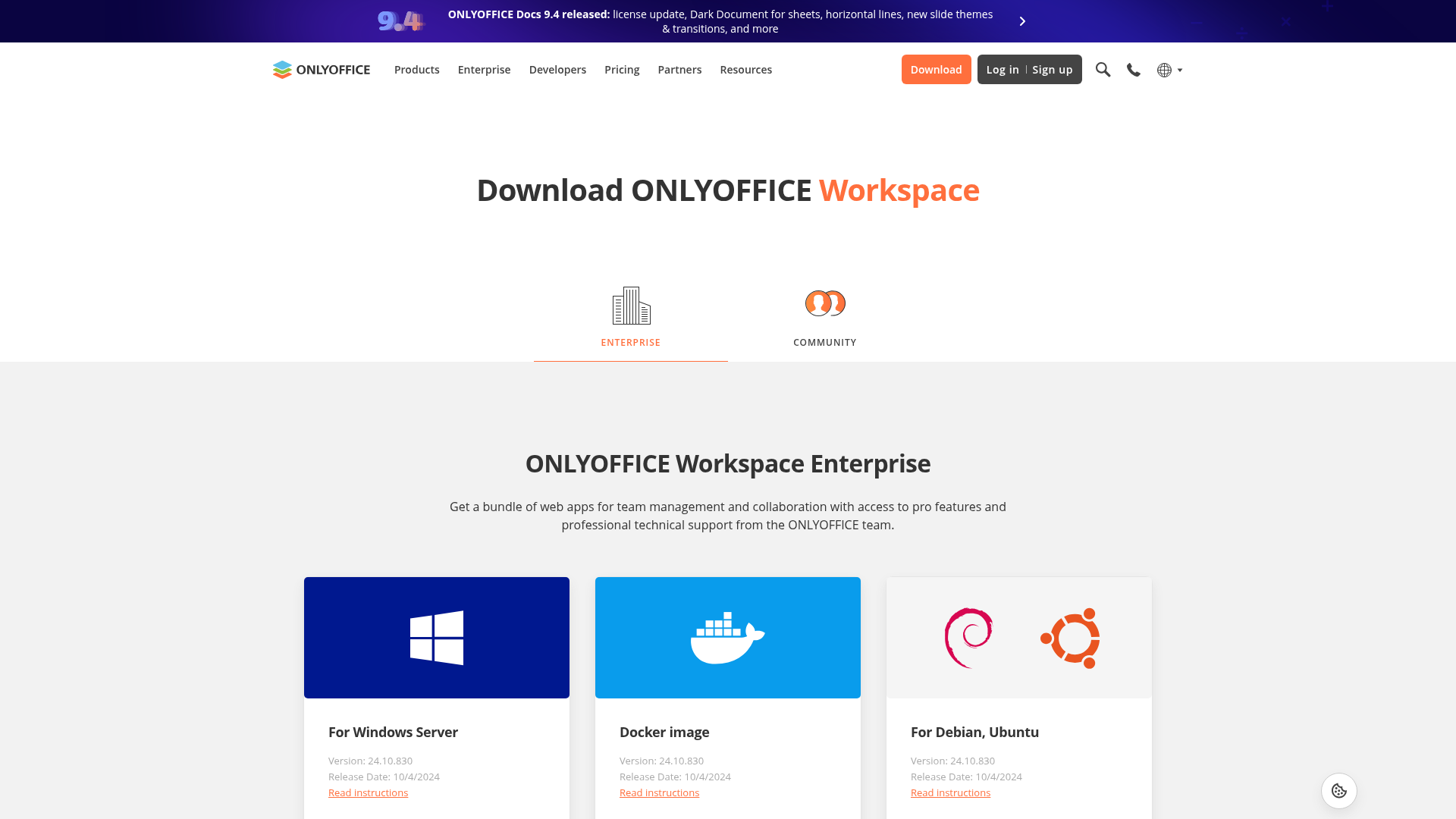
Best for: real-time document collaboration
ONLYOFFICE Workspace is strong when collaborative editing is the top priority.
What it does well
- document, spreadsheet, and presentation editing
- real-time co-authoring
- strong Microsoft file compatibility
- useful integrations
Where it falls short
- not the strongest standalone file management experience
- broader workspace focus can distract from file organization
- self-hosting still adds complexity
Verdict: Best as part of a bigger stack rather than your only answer to file management.
9. paperless-ngx
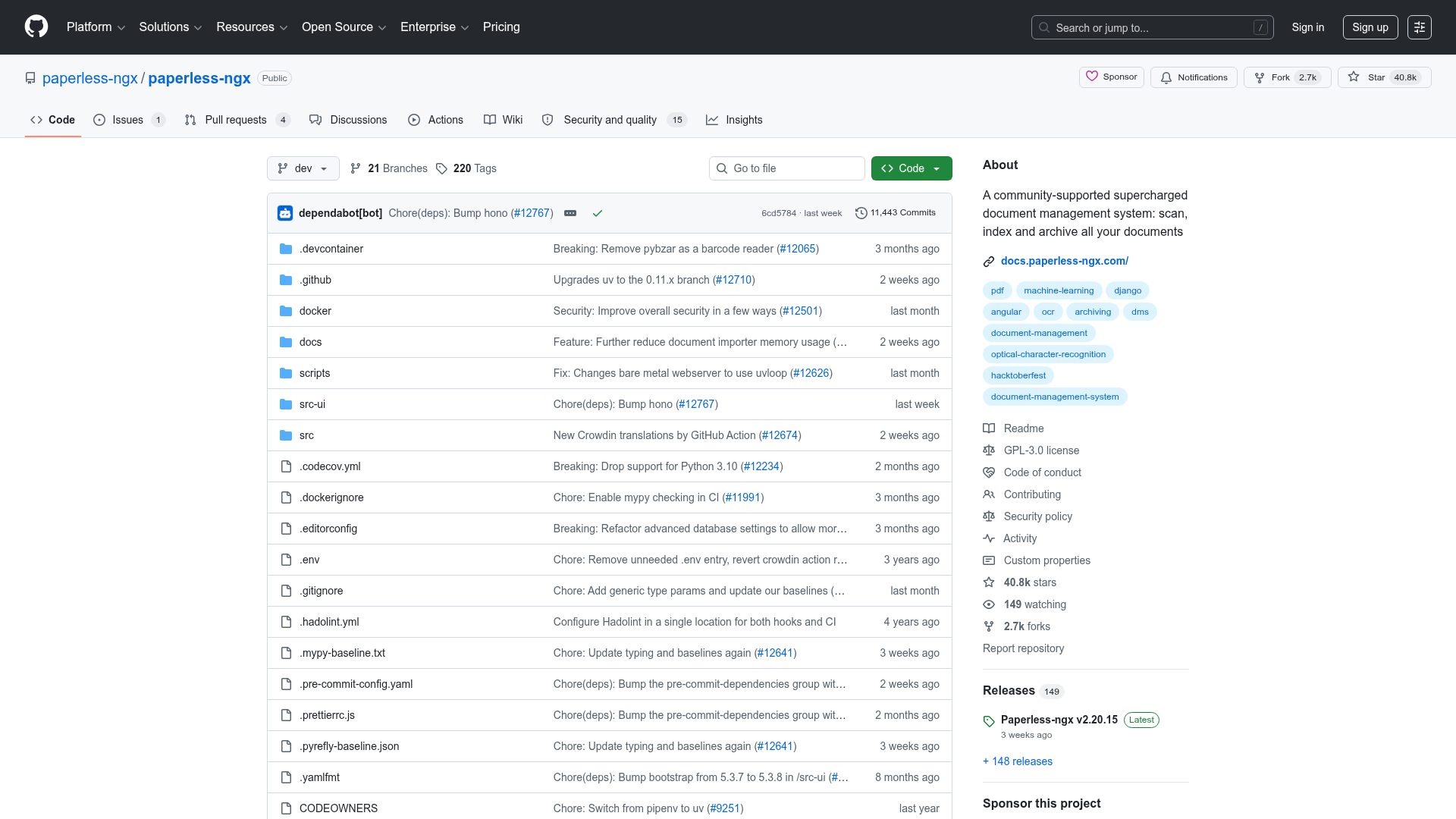
Best for: scanning and archiving paper documents
paperless-ngx is a focused tool for going paperless.
What it does well
- OCR for scanned docs
- tags and document intake automation
- lightweight archival workflow
Where it falls short
- not built for broad team asset management
- limited collaboration functionality
- narrow scope compared with full file platforms
Verdict: Excellent for digitizing paper records, but not a full answer for mixed file workflows.
10. Honeybear.ai
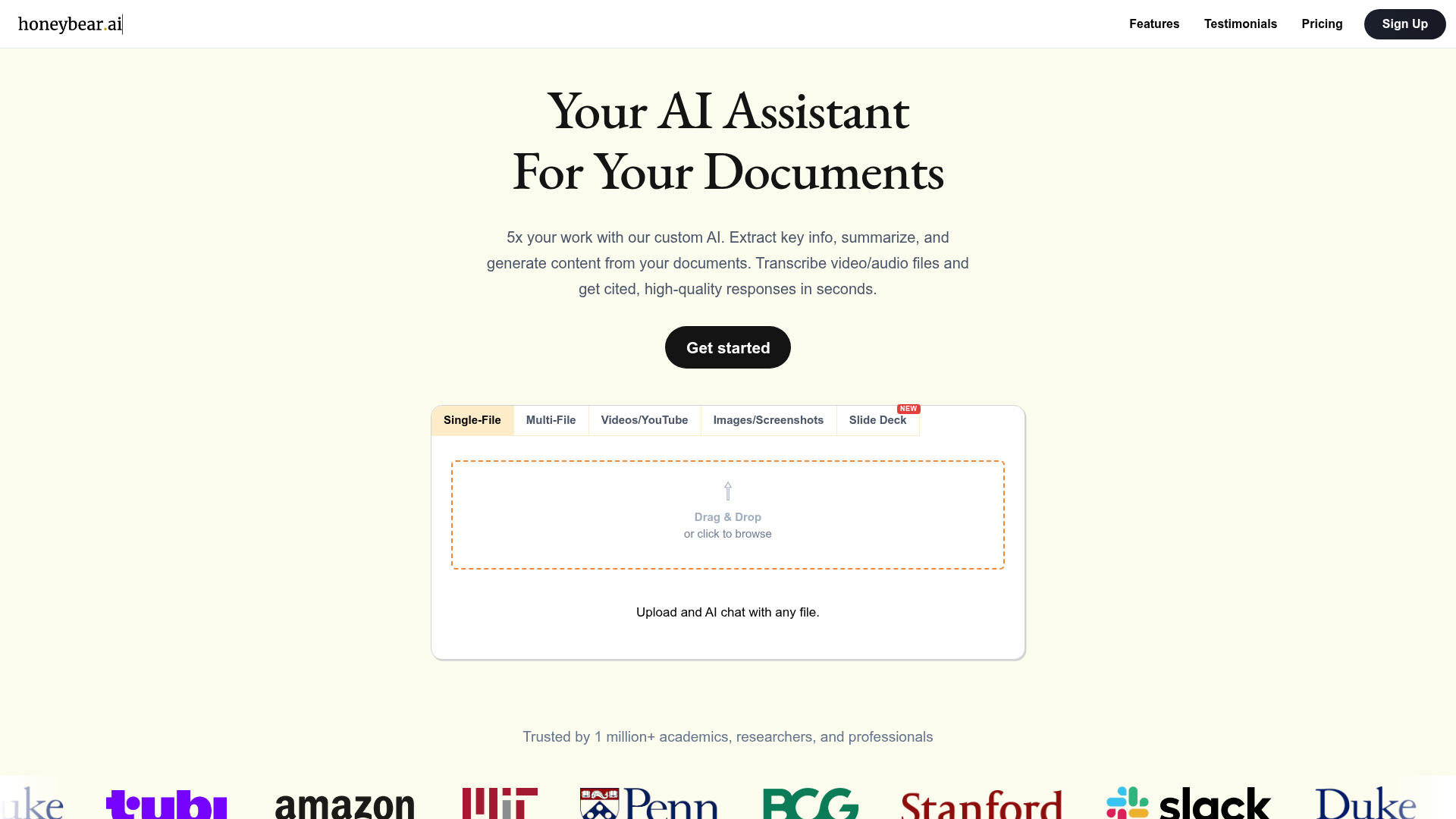
Best for: extracting answers from documents with AI
Honeybear.ai takes a different angle by helping users interact with files through AI chat, summaries, and citations.
What it does well
- AI-powered document analysis
- OCR and transcript support
- useful for research-heavy workflows
Where it falls short
- not a full replacement for structured team file storage
- AI outputs still need verification
- not centered on classic folder-first file management
Verdict: A strong companion for document analysis, but not the simplest core repository for growing teams.
The content gap most comparison articles miss
Most “best free file management software” articles compare features. Fewer explain the real tradeoff:
The cheapest tool is not always the simplest tool.
A lot of free software falls into one of these categories:
- powerful but technical
- collaborative but cluttered
- secure but restrictive
- open-source but hard to maintain
- free now but expensive to outgrow
For many founders and smaller teams, the real goal is not “maximum features.” It is:
- easy file organization
- fast uploads
- secure sharing
- image and document preview
- simple permissions
- dependable access for a growing team
That is where a platform like AssetHQ fits naturally.
When free file management software is enough
Free file management applications can be enough if:
- you are a solo user
- your file volume is still small
- your sharing needs are simple
- you do not need advanced permission structures
- you are comfortable with tradeoffs like storage caps or limited support
For early experimentation, free tools are often a smart starting point.
When free software stops being enough
You are probably ready to move beyond free tools if you are dealing with any of these:
- teammates cannot find files quickly
- people use old versions by mistake
- sharing links feels risky
- client assets are spread across too many tools
- your images, documents, and files need better structure
- you want one place for storage, previews, and collaboration
- pricing gets unpredictable as you grow
This is exactly the point where many teams want something more professional without stepping into bloated enterprise systems.
Why AssetHQ is a smart next step for growing teams
AssetHQ is not trying to be everything. That is part of the appeal.
For teams that need dependable digital asset management and file storage without unnecessary overhead, AssetHQ offers a cleaner path forward:
- simple and intuitive file management
- organized storage for documents, images, and files
- image preview and management capabilities
- secure file sharing with expiring links and access control
- team collaboration for growing organizations
- enterprise-grade secure storage
- fast upload and file access
- affordable flat pricing with no hidden fees
- scalable structure for solo users and teams
That combination matters. Many tools either stay simple and weak, or become powerful and painful. AssetHQ is built to stay easy to use while still giving teams the security, structure, and sharing controls they actually need.
If you are managing creative files, internal documents, client assets, or shared folders across a growing business, AssetHQ makes professional file management accessible without the usual complexity tax.
How to choose the right file management solution
Use this checklist before you commit.
Choose a free tool if you want:
- low-cost experimentation
- personal or very small team use
- basic storage and file organization
- simple local or cloud workflows
Choose a scalable platform like AssetHQ if you want:
- one clear home for important assets
- better image and document handling
- secure sharing with real controls
- easy onboarding for teammates
- predictable, affordable pricing
- a system your team will actually enjoy using
Best use cases by team type
Team type | Best fit |
|---|---|
Solo founder with local files | Total Commander or basic free cloud tool |
Startup documenting internal processes | Confluence |
Small business needing secure cloud storage | Box |
Technical team wanting self-hosted control | Nextcloud |
Office going paperless | paperless-ngx |
Growing team managing shared files, images, and documents | AssetHQ |
Final verdict
The best file management software free options can absolutely help you get started. Tools like Total Commander, Box, Bitrix24, and Nextcloud all have clear strengths depending on your workflow.
But for growing organizations, the goal should not only be “free.” It should be simple, secure, scalable, and easy enough that everyone actually uses it well.
That is where AssetHQ stands out.
If your team needs a clean and reliable place to organize documents, images, and shared files, with secure sharing, strong access control, fast file access, and straightforward pricing, AssetHQ is a practical upgrade from the patchwork of free tools most teams outgrow.
Ready for simpler file management?
If you are done wrestling with cluttered folders, risky links, and overcomplicated platforms, AssetHQ is worth a closer look. It gives you the structure of professional digital asset management with the simplicity small teams actually want.
Start with a system that makes file management easier now and still works when your team is twice the size.
FAQ
Is there a free file manager for Windows 11?
Yes. Options like Total Commander, Q-Dir, and other free or trial-based tools can work well on Windows 11 for local file organization. They are useful for power users, but many growing teams eventually need cloud access, secure sharing, and collaboration features too.
Which project management tool is completely free?
Some collaboration platforms offer free tiers, but most come with limits on users, storage, or features. If your main goal is file management rather than project tracking, it is better to choose a tool built specifically for storing, organizing, and sharing files well.
What is the best file management system?
The best system depends on your needs. For simple, scalable organization with secure sharing and team access, a platform like AssetHQ is a strong choice for businesses that want professional file management without enterprise complexity.
Are there free document organizers?
Yes. Tools like OpenDocMan, LogicalDOC community editions, and paperless-ngx can help organize documents for free. The tradeoff is that many free options are more technical, less polished, or limited when it comes to collaboration and sharing.
What is the alternative to Windows 11 file manager?
Popular alternatives include Total Commander, Directory Opus, Q-Dir, and cloud-based platforms like Box or Nextcloud. If you need team collaboration, secure sharing, and cleaner organization, a modern platform such as AssetHQ can be a better long-term fit.
Is LibreOffice really free to use?
Yes, LibreOffice is genuinely free and open source. However, it is an office productivity suite, not a dedicated file management system, so you may still need separate software for storage, sharing, permissions, and asset organization.
Related Posts

Brand Asset Management Software for Growing Teams
Discover brand asset management software for growing teams and learn how to organize files, share securely, and scale with ease.
min read
Cloud Based Digital Asset Management Benefits
Explore cloud based digital asset management benefits for secure file sharing, simpler teamwork, and organized growth. Try it today now
min read
File Sharing and Storage Made Simple for Teams
Discover file sharing and storage made simple for teams with secure access, better organization, and faster collaboration. Try AssetHQ!
min read