Online Cloud Storage: Best Options Compared
Online Cloud Storage: Best Options Compared If you are comparing online cloud storage, you are usually trying to solve one of a few real problems: your laptop is full, your team keeps losing track of the latest file, sharing is messy, or your current setup feels too expensive for what it actually does. For solo founders, small businesses, startups, and growing teams, the challenge is rarely just finding more gigabytes. The real question is: which service gives you dependable storage, secure sh
 Emma LarsonJune 28, 202612 min read
Online Cloud Storage: Best Options Compared
If you are comparing online cloud storage, you are usually trying to solve one of a few real problems: your laptop is full, your team keeps losing track of the latest file, sharing is messy, or your current setup feels too expensive for what it actually does.
For solo founders, small businesses, startups, and growing teams, the challenge is rarely just finding more gigabytes. The real question is: which service gives you dependable storage, secure sharing, fast access, and simple organization without adding enterprise-level complexity?
That is where this guide helps. We reviewed the strongest options across personal use, business collaboration, privacy, backup, and media storage. We also looked at the gaps many comparison posts miss: how these tools handle file organization, link controls, previews, versioning, collaboration friction, and long-term value.
For teams that have moved beyond basic consumer storage and need a better way to manage documents, images, and shared files, there is also a middle ground many “best cloud storage” lists overlook. AssetHQ fits that gap well: a simple, scalable platform for organized file storage, image preview, secure file sharing with expiring links and access control, fast uploads, and team collaboration without the bloat of heavy enterprise DAM systems.
Quick Verdict: The Best Cloud Storage Options at a Glance
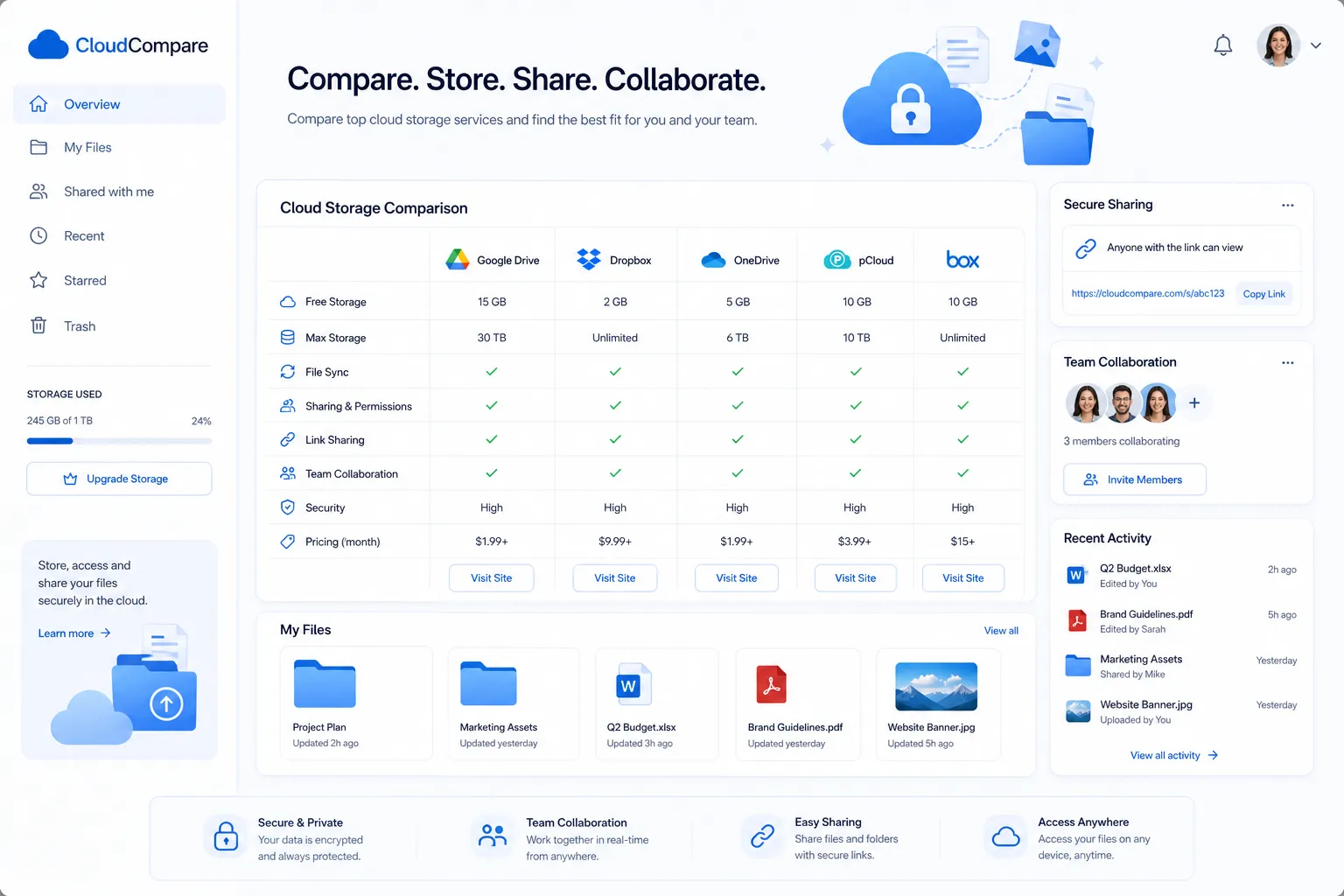
Service | Best For | Free Plan | Standout Strength | Main Tradeoff |
|---|---|---|---|---|
Google Drive | Google Workspace users and small businesses | 15GB | Excellent document collaboration | Privacy and storage value are not the strongest |
iCloud | Apple users | 5GB | Native Apple integration | Limited cross-platform flexibility |
Dropbox | Remote teams | 2GB | Smooth syncing and sharing | Higher pricing for individuals |
OneDrive | Windows and Microsoft 365 users | 5GB | Strong Office integration | Best experience is inside Microsoft ecosystem |
Box | Enterprises | 10GB | Compliance, governance, and admin controls | Can feel heavy for small teams |
pCloud | Media libraries and long-term value | 10GB | Lifetime plans and media streaming | Collaboration tools are lighter |
IDrive | Backup-heavy users | 10GB | Device and cloud backup depth | Interface and model can feel less intuitive |
Proton Drive | Privacy-first users | 1GB to 5GB depending on plan context | End-to-end privacy ecosystem | Less generous storage at lower tiers |
AssetHQ | Teams that need simple file management and secure sharing | Contact for current plans | Clean organization, image previews, secure sharing, flat pricing | Not trying to be a bloated all-in-one office suite |
What the Best Online Cloud Storage Should Actually Do
Most top cloud storage services market the same basics: store files, sync them, and let you share links. But when you look closely, the best online storage service for one person can be the wrong fit for a team.
Here is what matters most.
1. Storage is only one part of the decision
A large online cloud storage plan looks attractive, but storage alone does not solve file chaos. If your folders are disorganized, previews are poor, and no one knows which version is final, adding more space just creates a larger mess.
2. Sharing controls matter more than people think
Many teams search for cloud based file sharing, but what they really need is controlled sharing. That means:
- expiring links
- password protection or access controls
- view/download restrictions where possible
- clear ownership of files and folders
This is one area where business users often outgrow consumer-first tools.
3. Backup and storage are not always the same thing
Some tools are built for live syncing and collaboration. Others are better as an online backup service. If you want to protect laptops, external drives, or NAS systems, you need to pay attention to backup behavior, retention, cleanup, and version history.
4. Usability is a business feature
A tool can have excellent security and terrible adoption. If your team avoids it because it is confusing, it fails. Simplicity, speed, intuitive folder structure, and fast access are not “nice to have” features. They are core to whether the system works at all.
"The market is projected to expand from USD 172.97 billion in 2026 to USD 380.15 billion by 2031." - MarketsandMarkets™
"85% of organizations experienced data loss incidents in the past year, with 71% attributing these incidents to careless users." - Proofpoint
Best Online Cloud Storage Compared in Detail
1. Google Drive
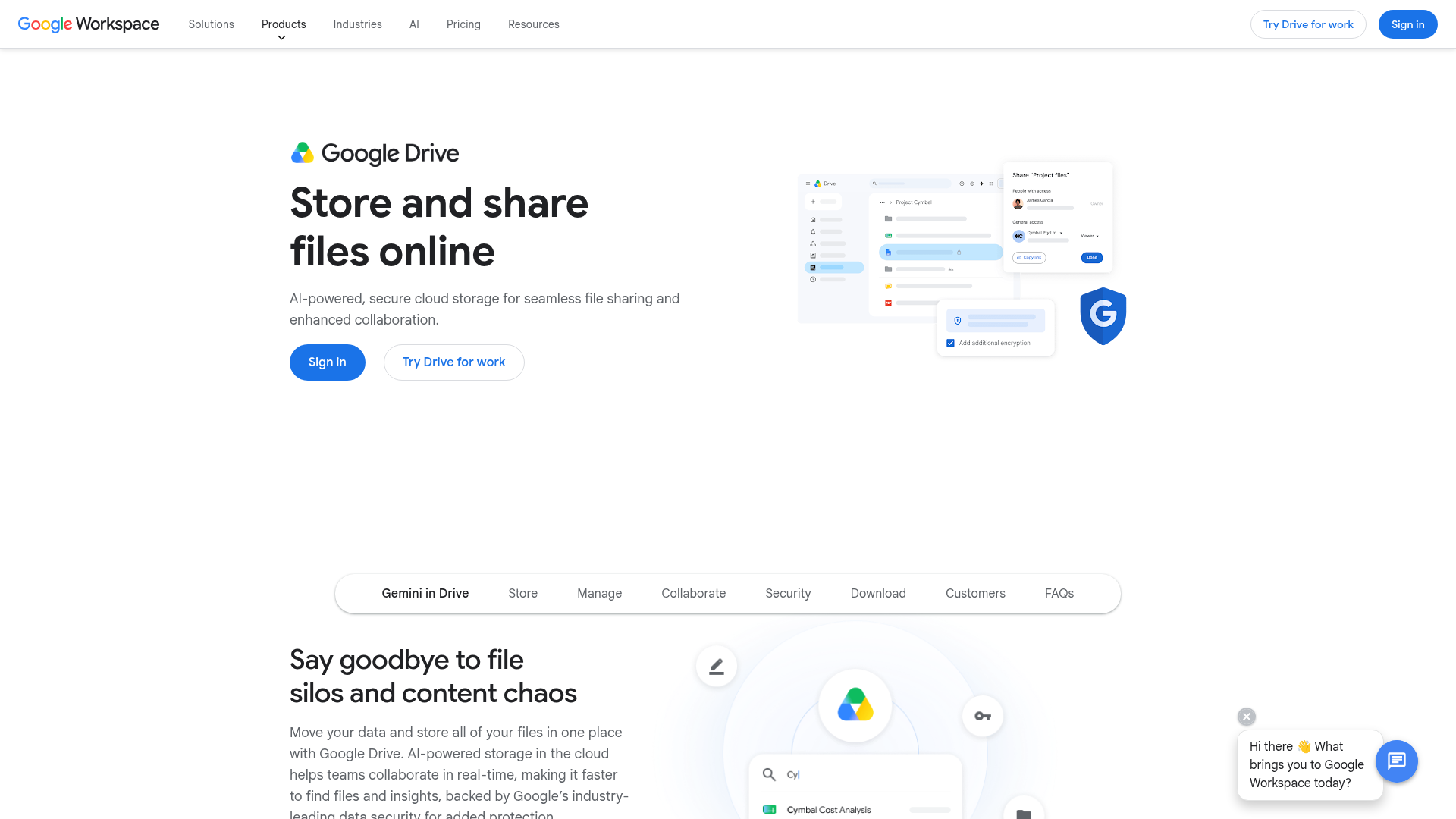
Google Drive remains one of the best cloud storage options for users already working inside Google Workspace. If your business lives in Docs, Sheets, Slides, and Gmail, Drive is the default hub.
Where Google Drive shines
- Excellent real-time collaboration
- Familiar interface for most users
- 15GB free plan
- Easy sharing and commenting
- Works well across web, desktop, and mobile
Where it falls short
- Privacy is not its strongest selling point
- Storage is shared with Gmail and Photos
- Secure sharing features are good, but not purpose-built for asset-heavy teams
- Organization can get messy quickly in fast-moving teams
Best for
Small businesses, consultants, and teams that already rely on Google Workspace daily.
2. iCloud
iCloud is the smoothest choice for Apple users. It is deeply tied into iPhone, iPad, and Mac workflows, which makes it feel effortless if you stay in that ecosystem.
Where iCloud shines
- Native Apple integration
- Easy photo and device backup
- Works well for personal use and families
- Apple One bundles can add value
Where it falls short
- Only 5GB free
- Weaker for mixed-device teams
- Not ideal for serious business file organization
- Shared storage can disappear quickly with photos and backups
Best for
Personal users and Apple-first households.
3. Dropbox
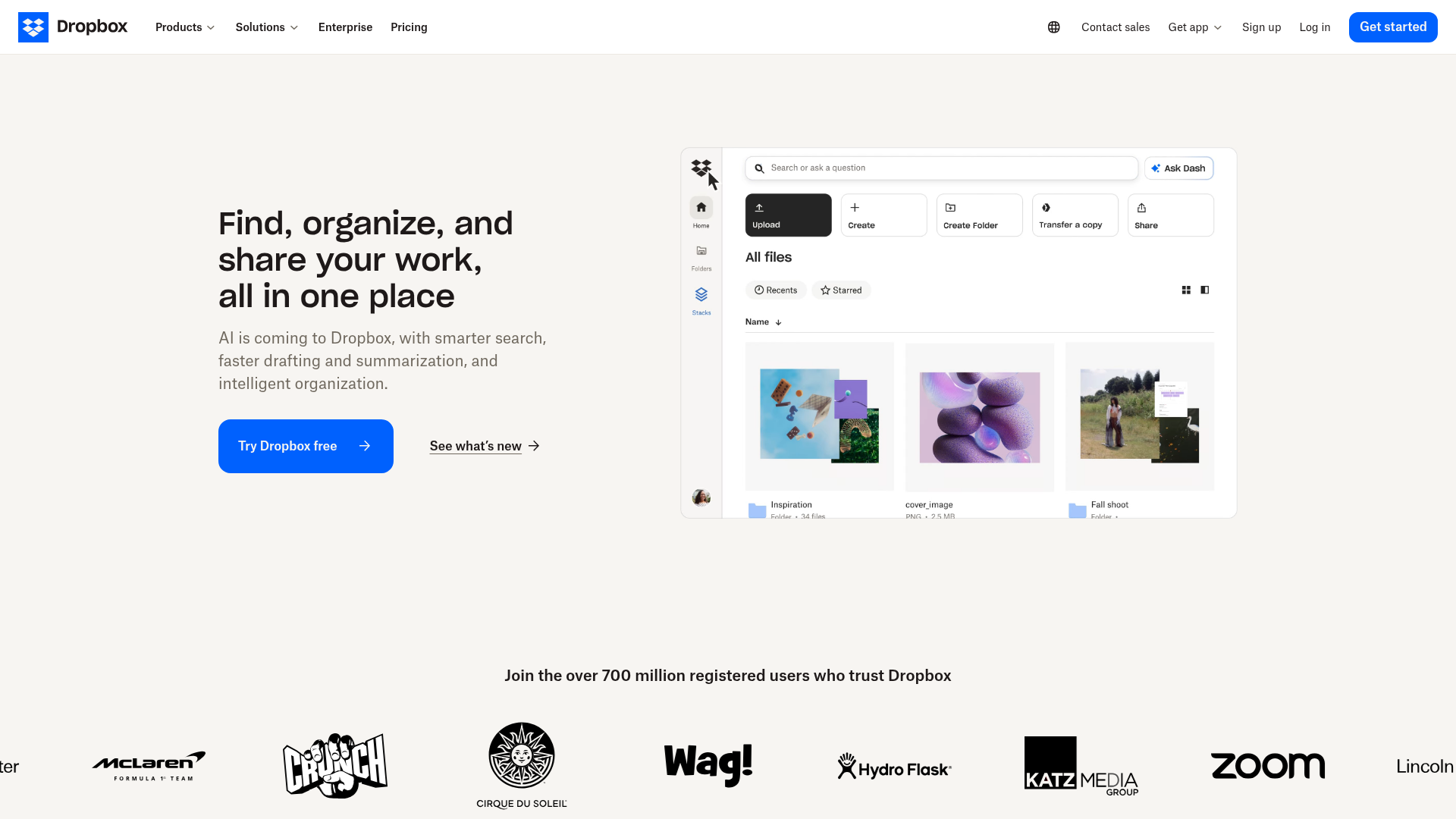
Dropbox still deserves its place among the top online cloud storage providers because of how polished syncing and cross-platform access feel. It is especially strong for remote teams.
Where Dropbox shines
- Excellent sync performance
- Clean interface
- Good file sharing options
- Useful collaboration extras like PDF markup and branded sharing
- Broad device support
Where it falls short
- Free plan is very limited
- Premium plans can feel expensive
- For simpler use cases, you may pay for features you do not need
Best for
Remote teams that want dependable syncing and polished sharing.
4. OneDrive
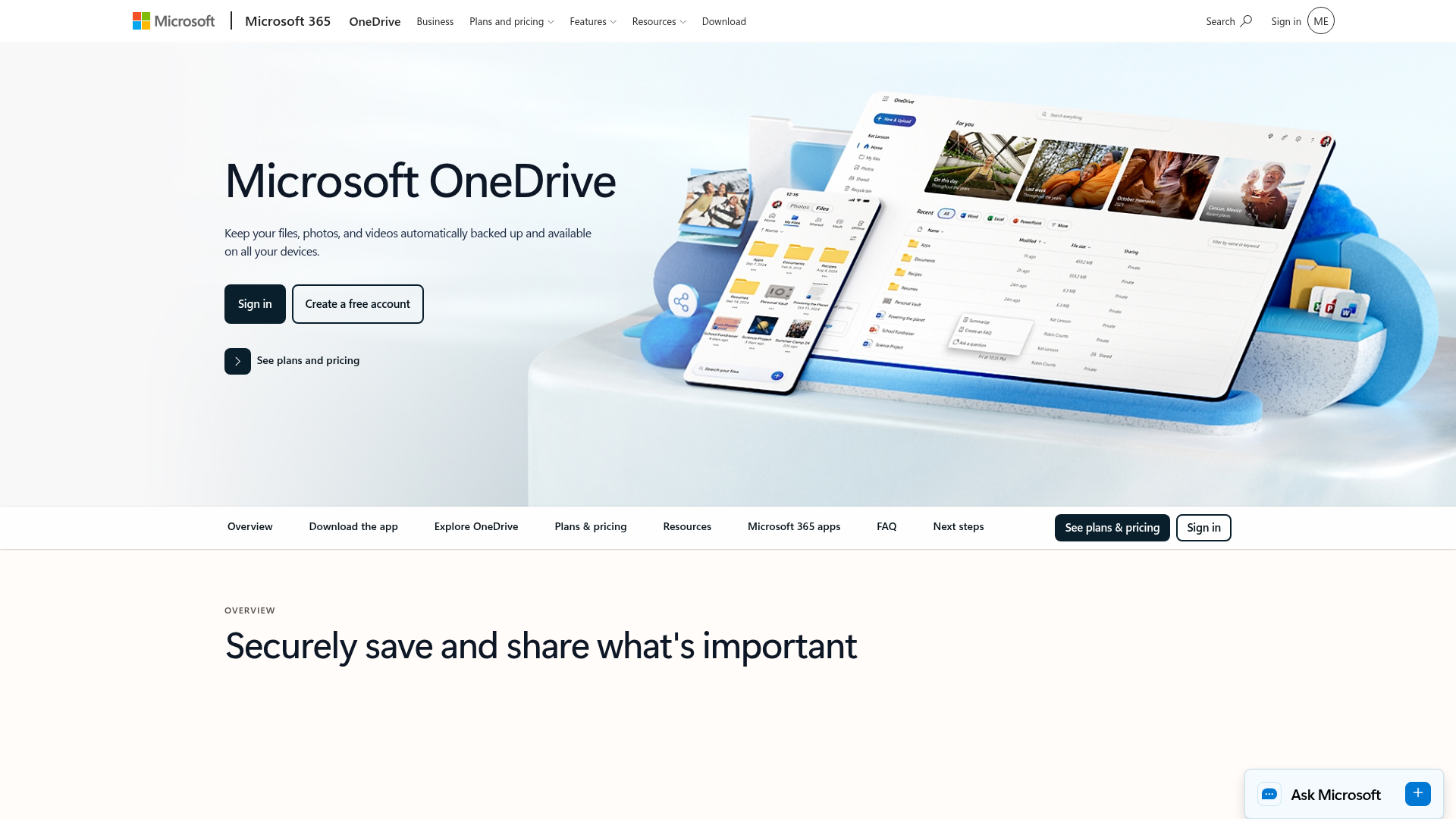
OneDrive is one of the best cloud file storage choices for Windows and Microsoft 365 users. If your team works in Word, Excel, Outlook, and Teams, it is often the logical fit.
Where OneDrive shines
- Tight Microsoft 365 integration
- Good value in bundled plans
- Personal Vault adds extra protection
- Reliable file access across devices
Where it falls short
- Best experience is still inside Microsoft environment
- Can feel less elegant than Dropbox for pure file sharing
- Folder and permission setups can confuse less technical users
Best for
Windows-heavy companies and Microsoft 365 subscribers.
5. Box
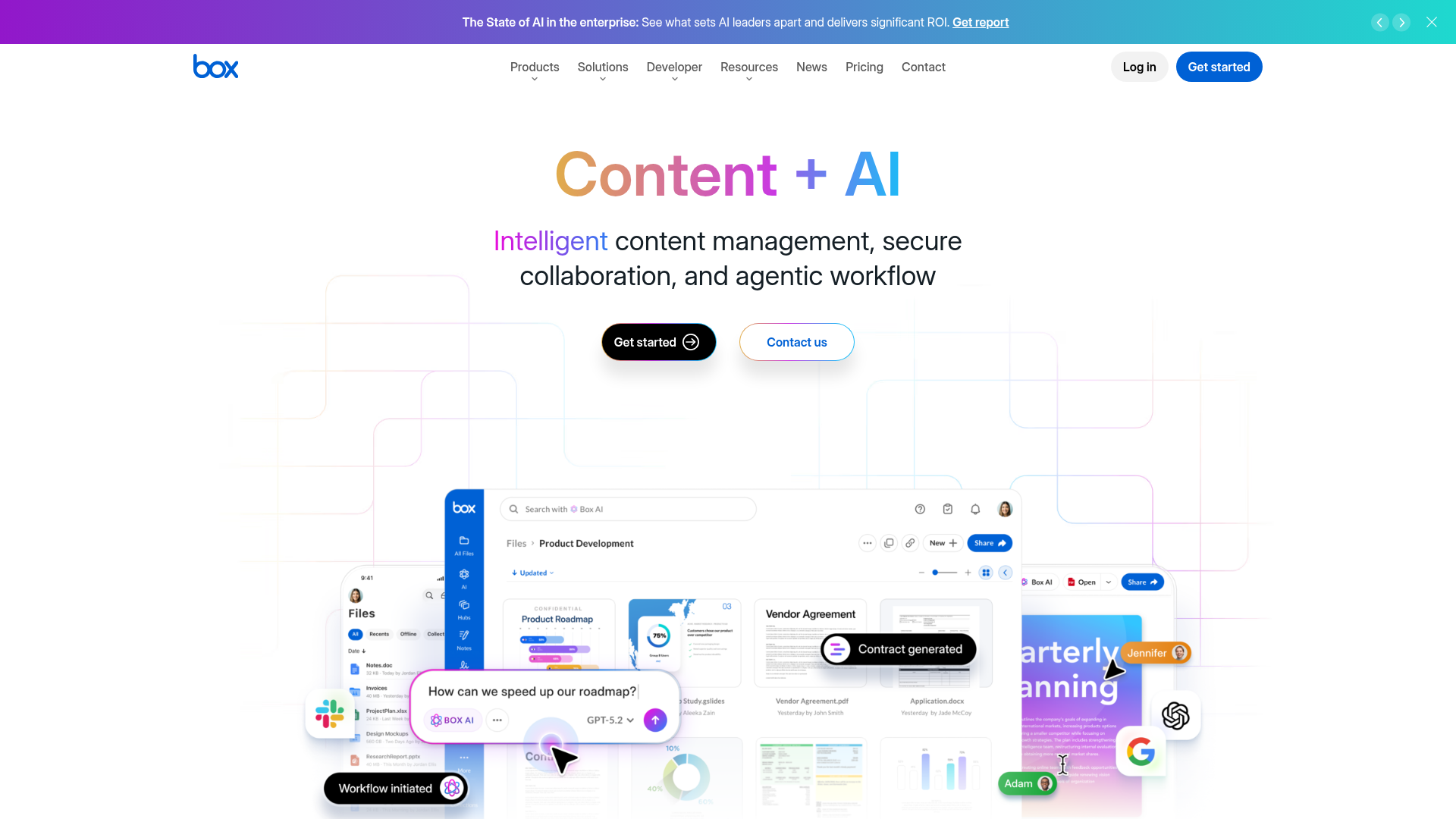
Box is built for organizations that care about compliance, admin visibility, and enterprise controls. It is more than an online cloud drive; it is a governance-heavy platform.
Where Box shines
- Strong security and compliance
- Enterprise workflows
- Unlimited storage on many business tiers
- Good integrations and collaboration features
Where it falls short
- Overkill for many small businesses
- More complex than lighter alternatives
- Lower plans may have file upload limits
Best for
Larger businesses, regulated industries, and compliance-driven organizations.
6. pCloud
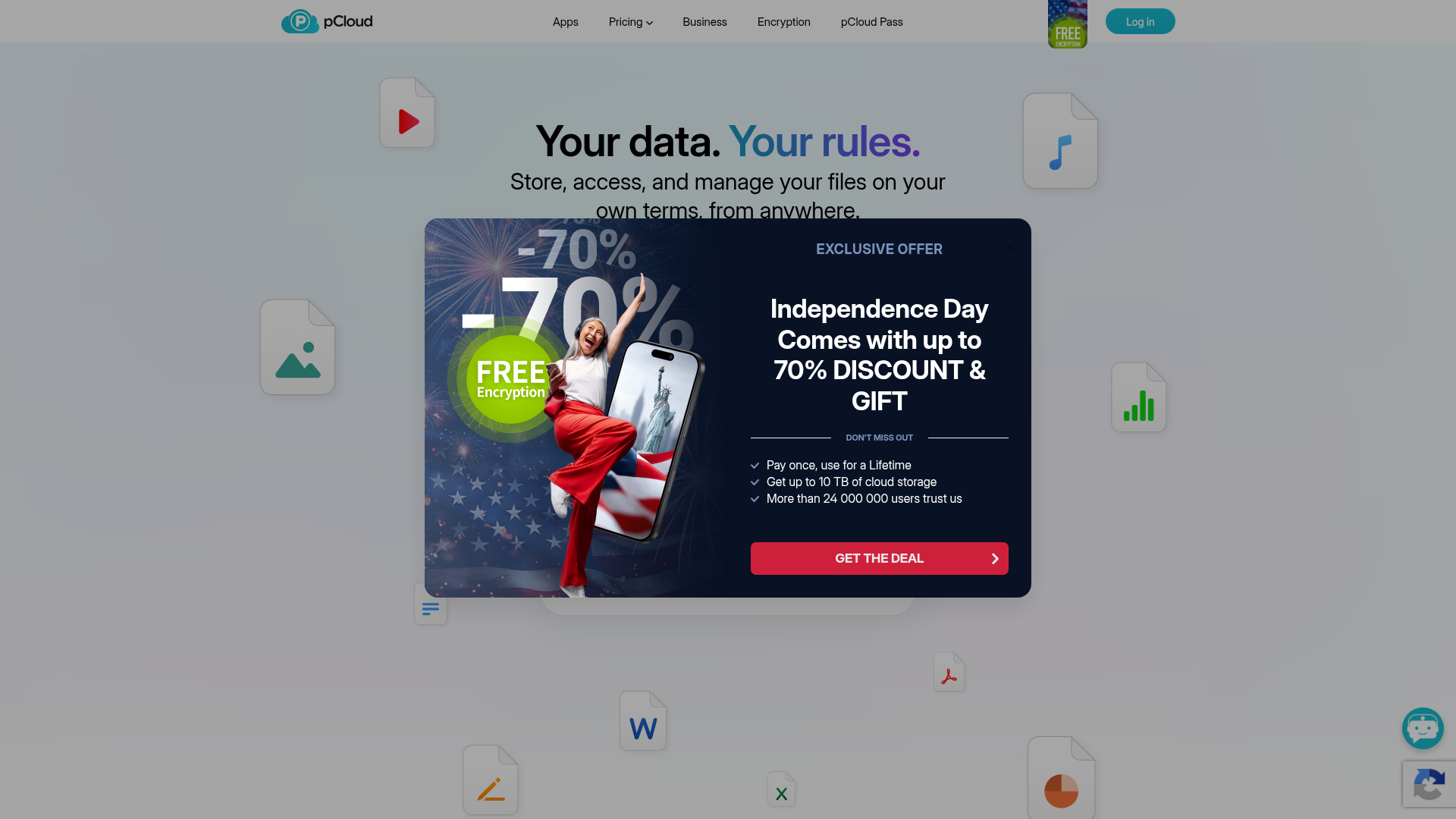
pCloud stands out for media storage, file versioning, and lifetime pricing. It is often one of the best cloud storage options for people who want long-term value without ongoing monthly costs.
Where pCloud shines
- Competitive pricing
- Lifetime plans
- Media playback and streaming
- Good versioning
- Broad platform support
Where it falls short
- Collaboration is not as strong as Google Drive or Dropbox
- Advanced business workflow features are lighter
Best for
Creators, freelancers, and users managing large media libraries.
7. IDrive
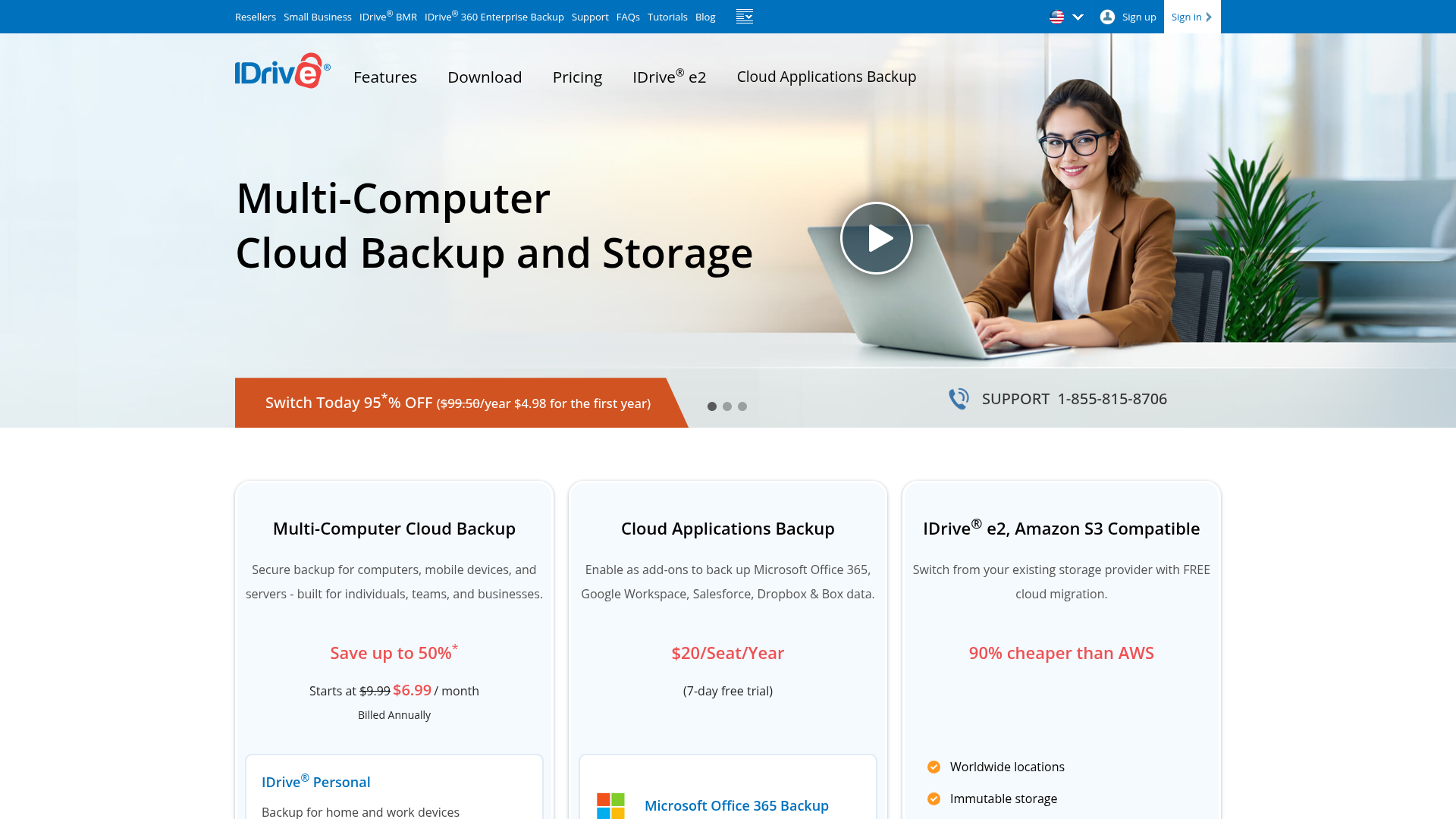
IDrive is one of the strongest online cloud backup services for users who care about device protection as much as shared file access.
Where IDrive shines
- Backup-focused depth
- Supports multiple devices
- Works with external drives and NAS
- Versioning and recovery options
- Can back up other cloud platforms
Where it falls short
- Less intuitive than simpler file storage tools
- Storage/archive behavior needs understanding
- Better for backup-minded users than casual collaborators
Best for
Users who need strong online backup alongside storage.
8. Proton Drive
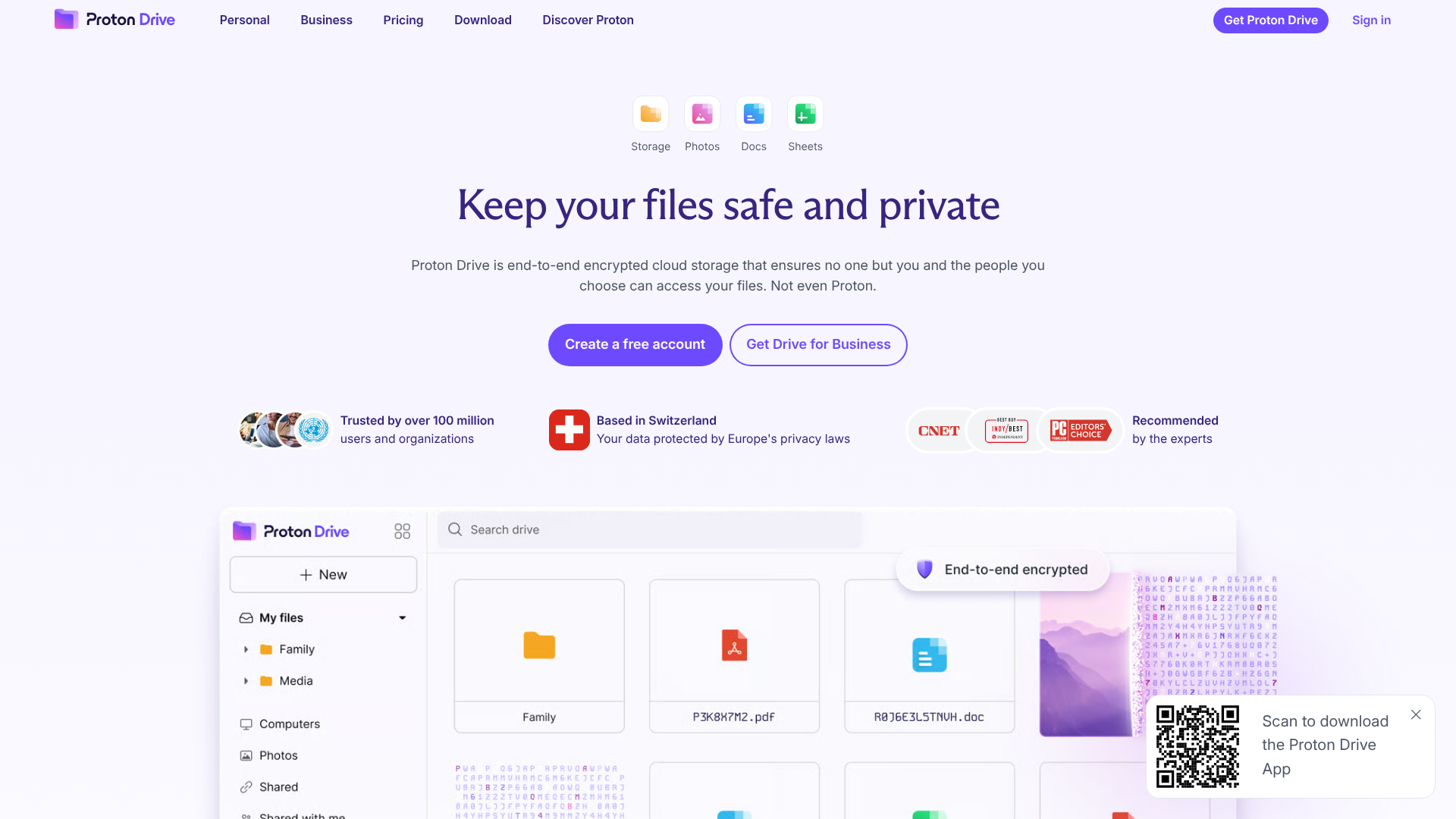
Proton Drive is the privacy-first choice. If your top priority is keeping files out of broad commercial ecosystems, it is one of the most secure cloud storage options to consider.
Where Proton Drive shines
- End-to-end encryption
- Strong privacy positioning
- Part of broader secure ecosystem with email and VPN
- Clean interface
Where it falls short
- Storage caps can feel tight versus competitors
- Collaboration ecosystem is less mature than Google or Microsoft
- Less attractive for users focused on cheapest capacity
Best for
Privacy-focused professionals and teams.
9. AssetHQ
AssetHQ deserves a different kind of attention in this comparison because it solves a problem many popular tools only partially address: organized, secure, scalable file management for growing teams without enterprise bloat.
If your files include documents, images, brand assets, internal resources, client deliverables, or shared folders across a small but growing organization, storage alone is not enough. You need order, speed, secure sharing, and clarity.
Where AssetHQ shines
- Simple and intuitive folder-based file management
- Secure file sharing with expiring links and access control
- Organized storage for documents, images, and files
- Image preview and management capabilities
- Fast upload and file access
- Team collaboration features suited to growing organizations
- Enterprise-grade secure storage without heavy implementation
- Affordable flat pricing with no hidden fees
- Scales cleanly from solo founders to multi-person teams
Where AssetHQ fits best
AssetHQ is especially compelling if your team has outgrown “just drop files in a drive” workflows but does not want the cost, friction, or unnecessary complexity of heavyweight DAM software.
Best for
Founders, startups, agencies, small businesses, and growing teams that need practical digital asset management and dependable file storage in one clean system.
Comparison Table: Which Cloud Storage Service Fits Which Need?
Need | Best Fit | Why |
|---|---|---|
Best all-around for Google users | Google Drive | Collaboration and familiarity |
Best for Apple ecosystem | iCloud | Native device integration |
Best for remote collaboration | Dropbox | Smooth syncing and link sharing |
Best for Microsoft users | OneDrive | Office and Windows integration |
Best for enterprise compliance | Box | Governance and security controls |
Best for media files | pCloud | Streaming, file size flexibility, value |
Best for backup depth | IDrive | Devices, NAS, and archive-style backup |
Best for privacy | Proton Drive | End-to-end encrypted ecosystem |
Best for organized team file management | AssetHQ | Simplicity, secure sharing, image/file organization |
Free Cloud Storage Options: Which Ones Are Worth Using?
Many users start with online cloud storage free plans, and that makes sense. But free cloud storage options are best treated as a starting point, not a permanent system for a serious team.
Best free plans by category
Service | Free Storage | Best Use |
|---|---|---|
Google Drive | 15GB | General personal use |
pCloud | 10GB | Testing media-friendly storage |
Box | 10GB | Exploring enterprise-style interface |
IDrive | 10GB | Basic backup trial |
iCloud | 5GB | Apple device backup |
OneDrive | 5GB | Microsoft users |
Dropbox | 2GB | Light testing only |
Proton Drive | 1GB to 5GB | Privacy-first testing |
What competitor roundups often miss
Free storage is useful for testing, but what matters more is whether the tool lets you test the workflow you actually need:
- folder organization
- image previews
- secure link sharing
- team access management
- version history
- upload speed
- backup behavior
That is one reason many growing teams end up moving away from “best cloud storage free” choices once collaboration gets serious.
Cheap Cloud Storage Options: What Actually Offers Value?
If you are trying to buy cloud storage online at the lowest cost, avoid comparing only headline prices. The cheapest-looking plan can become expensive if it lacks the controls or organization your team needs.
Good value usually comes in three forms
1. Bundled ecosystem value
Google Drive and OneDrive can make sense if you are already paying for Workspace or Microsoft 365.
2. Capacity-per-dollar value
pCloud is strong here, especially with lifetime plans.
3. Workflow value
AssetHQ is compelling when your priority is not just cheap cloud file storage, but lower operational friction. If a tool helps your team find files faster, share securely, and stay organized without training overhead, that has real financial value.
Secure Cloud Storage Options: What to Look For
Security claims are everywhere, but the details matter.
Core security features to prioritize
- encryption in transit and at rest
- two-factor authentication
- permission controls
- expiring or restricted share links
- version history and recovery
- access logging or admin oversight where relevant
Privacy vs practical security
Proton Drive is strongest on privacy philosophy. Box is strongest on enterprise compliance depth. Dropbox and Google Drive are strong mainstream choices. AssetHQ is especially relevant for growing teams that need practical day-to-day secure file sharing and storage with access control, not just a long list of technical acronyms.
Cloud Storage vs Online Backup: Which Do You Need?
This is one of the biggest content gaps in most competitor posts.
Choose cloud storage when you need:
- easy access across devices
- active file sharing
- team collaboration
- current versions of working files
Choose online backup when you need:
- recovery from deletion, ransomware, or device failure
- retention of older data states
- protection for full systems, drives, or NAS
Choose both when you are serious
Many businesses need both an online cloud file storage platform and an online cloud backup service. For example:
- AssetHQ or Google Drive for live team access and organized sharing
- IDrive for deeper backup resilience
That combination is often much more effective than trying to force one tool to do everything.
Content Gaps the Big Comparison Articles Usually Miss
After reviewing leading competitor content, several blind spots show up repeatedly.
They over-focus on storage size
Large cloud storage options are useful, but the bigger operational problem is usually finding and controlling files, not storing them.
They blur personal and business use
A service that is perfect for backing up family photos may be poor for business collaboration or client-facing file sharing.
They underplay the pain of file chaos
Most comparisons mention storage, syncing, and security, but gloss over how quickly folders become unmanageable without a clean system.
They overlook the middle market
There is a gap between consumer cloud drives and heavyweight enterprise DAM platforms. That gap is exactly where AssetHQ becomes relevant: businesses that need professional-grade control and organization without complexity.
How to Choose the Best Cloud Storage for Your Situation
Choose Google Drive if...
You live inside Google Workspace and want simple collaboration.
Choose iCloud if...
You are deeply invested in Apple devices and mostly want personal syncing and backup.
Choose Dropbox if...
Your remote team wants a polished experience and easy cross-platform syncing.
Choose OneDrive if...
Your business runs on Microsoft 365 and Windows.
Choose Box if...
Compliance, governance, and admin controls are mission-critical.
Choose pCloud if...
You want long-term value, large media storage, and strong personal storage flexibility.
Choose IDrive if...
Your top concern is backup resilience across devices and systems.
Choose Proton Drive if...
Privacy and end-to-end encryption are your top priorities.
Choose AssetHQ if...
You want a secure, simple, scalable way to store, organize, preview, manage, and share digital files across a growing team without paying for bloated software you will never use.
Why AssetHQ Is a Smart Alternative for Growing Teams
For a lot of businesses, the “best online cloud storage” is not the one with the most aggressive feature checklist. It is the one your team actually adopts and benefits from immediately.
AssetHQ stands out because it is designed around the day-to-day realities of managing business files:
- keeping folders clean and intuitive
- storing documents, images, and assets in one organized place
- previewing visual files quickly
- sharing files securely with access control and expiring links
- supporting collaboration as the team grows
- staying affordable and predictable with flat pricing
That makes it especially useful for startups, agencies, operations teams, and founders who need professional file management now, not a six-month implementation project.
Final Verdict
The best online cloud storage depends on what you need most.
- For collaboration inside Google ecosystem, choose Google Drive.
- For Apple convenience, choose iCloud.
- For remote team syncing, choose Dropbox.
- For Microsoft workflows, choose OneDrive.
- For enterprise governance, choose Box.
- For backup depth, choose IDrive.
- For privacy, choose Proton Drive.
- For media libraries and long-term value, choose pCloud.
But if your real need is simple, secure, organized file management for a growing business, AssetHQ is one of the strongest options to consider. It combines the clarity of a straightforward storage system with the controls and collaboration features teams actually need: secure sharing, image preview, structured organization, fast access, and scalable usability.
If your current cloud storage feels cluttered, expensive, or harder to use than it should be, AssetHQ is the practical next step.
FAQ
Which online cloud storage is the best?
There is no single winner for everyone. Google Drive is excellent for collaboration, pCloud is strong for value and media, and AssetHQ is one of the best choices for teams that need organized storage, secure sharing, and simple collaboration without unnecessary complexity.
Will I lose everything if I stop paying iCloud storage?
Usually, Apple does not instantly delete your files, but if your account stays over the free limit for too long, syncing and backups may stop and your data can eventually be at risk. If you plan to downgrade or cancel, it is safest to download and move your important files first.
Related Posts

Brand Asset Management Software for Growing Teams
Discover brand asset management software for growing teams and learn how to organize files, share securely, and scale with ease.
min read
Cloud Based Digital Asset Management Benefits
Explore cloud based digital asset management benefits for secure file sharing, simpler teamwork, and organized growth. Try it today now
min read
File Sharing and Storage Made Simple for Teams
Discover file sharing and storage made simple for teams with secure access, better organization, and faster collaboration. Try AssetHQ!
min read