Secure Cloud Storage for Business: Best Options
Secure Cloud Storage for Business: Best Options Choosing the right secure cloud storage for business is no longer just an IT decision. It affects how fast your team works, how safely you share files, how confidently you handle client data, and how easily your business scales. For solo founders, startups, and growing teams, the real challenge is not finding a cloud storage tool. It is finding one that is secure, easy to use, affordable, and not overloaded with enterprise complexity you do not n
 Kevin SimphiweJune 3, 202611 min read
Secure Cloud Storage for Business: Best Options
Choosing the right secure cloud storage for business is no longer just an IT decision. It affects how fast your team works, how safely you share files, how confidently you handle client data, and how easily your business scales.
For solo founders, startups, and growing teams, the real challenge is not finding a cloud storage tool. It is finding one that is secure, easy to use, affordable, and not overloaded with enterprise complexity you do not need.
Many businesses end up stuck between two bad options:
- consumer-grade storage that feels simple but lacks strong controls
- enterprise platforms that are powerful but expensive, clunky, and difficult to manage
The best choice sits in the middle: a platform that gives you organized file storage, secure sharing, access control, fast uploads, and smooth collaboration without turning file management into a project of its own.
That is exactly where a platform like AssetHQ makes sense. It gives businesses a simple and intuitive way to store, organize, preview, and share documents, images, and files securely - while remaining scalable for teams and straightforward in pricing.
"The Internet Crime Complaint Center received 859,532 complaints of suspected internet crime, with reported losses exceeding $16 billion in 2024." - FBI Internet Crime Report
What secure cloud storage for business really means
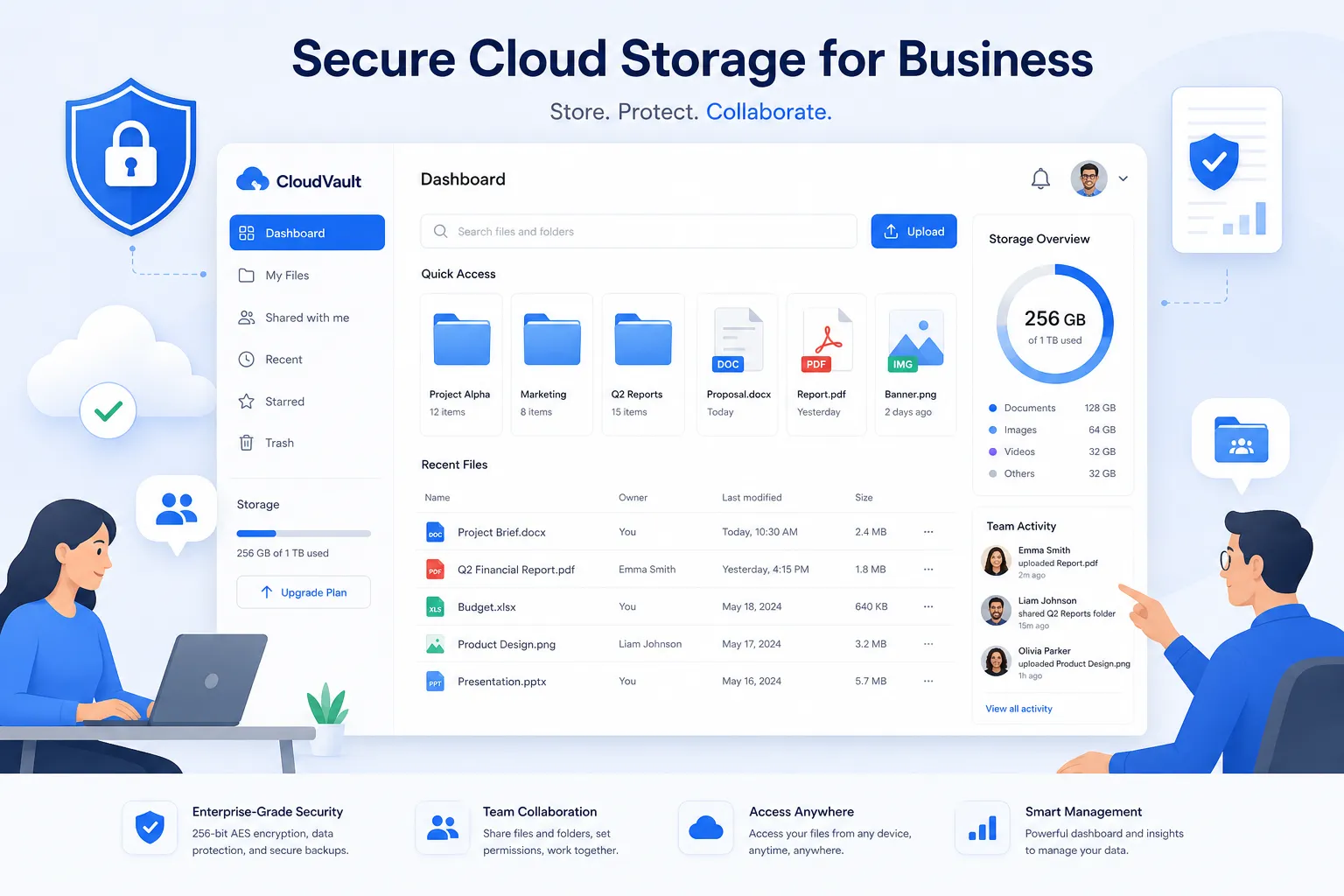
Secure cloud storage is more than uploading files to the internet. For a business, it means your storage system should help you:
- protect sensitive files from unauthorized access
- control who can view, download, or share assets
- support team collaboration without losing oversight
- maintain file availability and fast access
- reduce the risk of accidental exposure
- scale as your library of documents and digital assets grows
A good storage platform should also separate storage from chaos. If your team cannot quickly find the right file, preview assets, share them safely, or manage permissions cleanly, then the platform is not actually helping much.
Why businesses are moving toward more secure and organized cloud storage
Competitor roundups often focus on storage size and monthly price. Those matter, but they are not the whole story.
Businesses are increasingly prioritizing:
- permission-based sharing
- access visibility
- easier team collaboration
- cleaner folder structures
- asset preview and organization
- compliance readiness
- reduced tool sprawl
"89% of organizations employ multi-cloud strategies." - Flexera 2024 State of the Cloud Report
That stat matters because it shows businesses are no longer treating cloud infrastructure as a single-tool decision. They want flexibility. But with flexibility comes fragmentation, and fragmented file systems often create security and workflow problems. The better answer for many small and mid-sized teams is a single dependable hub for digital files and assets.
What to look for in the best secure cloud storage for business
If you are comparing the best cloud storage for business, focus on these criteria before looking at pricing alone.
1. Strong access controls
You need to control who can:
- access folders
- view files
- download assets
- share content externally
- manage team permissions
This is especially important for agencies, client-facing teams, legal documents, finance records, internal brand assets, and product files.
2. Secure file sharing
External sharing should never mean loss of control. Look for features like:
- expiring links
- access restrictions
- permission-based sharing
- controlled downloads
- easy revocation of access
This is one area where AssetHQ stands out naturally. It is designed for secure file sharing with expiring links and access control, helping businesses share confidently without overcomplicating the process.
3. Organized storage that scales
As your business grows, random uploads become a liability. A strong system should make it easy to organize:
- documents
- images
- sales collateral
- contracts
- brand files
- project assets
- internal resources
A clean, intuitive structure matters more than many competitor lists admit. Teams do better with software they can actually understand.
4. Fast uploads and fast access
Speed matters. If uploads drag or files are hard to retrieve, the platform becomes a daily frustration. For busy teams, this quickly turns into lost time and low adoption.
5. Preview and asset management features
If your team works with images, branded materials, PDFs, or media files, previews are a major productivity advantage. Instead of downloading files just to identify them, team members can browse visually and move faster.
This is another meaningful advantage of AssetHQ, which supports image preview and management capabilities for practical day-to-day digital asset handling.
6. Collaboration without unnecessary complexity
The best secure cloud storage for small business should support collaboration, but it should not require training sessions to use. Businesses want:
- shared access
- clear folder ownership
- easy file discovery
- simple permissions
- clean team workflows
7. Enterprise-grade security, even for smaller teams
Small businesses need strong security too. Look for platforms that offer professional-grade protections without forcing you into enterprise-only pricing.
8. Clear and predictable pricing
A lot of tools become expensive once you add users, storage, security add-ons, or advanced permissions. That is why flat, transparent pricing is often a huge advantage.
AssetHQ is especially appealing here because it offers affordable flat pricing with no hidden fees, making it easier for growing teams to budget confidently.
Best secure cloud storage for business: top options compared
Below are some of the strongest options for businesses comparing secure cloud storage today.
Platform | Best For | Key Strengths | Potential Drawbacks |
|---|---|---|---|
AssetHQ | Simple secure file management for growing teams | Intuitive organization, secure sharing, image previews, team collaboration, transparent pricing | Less known than legacy giants |
Google Workspace Drive | Teams already using Google tools | Strong collaboration, familiar interface, Docs ecosystem | Can become messy at scale |
Microsoft OneDrive | Microsoft-centric businesses | Deep Microsoft 365 integration, business controls | Best value mostly within Microsoft ecosystem |
Dropbox Business | Cross-platform teams | Reliable sync, easy sharing, collaboration tools | Can get pricey |
Box | Enterprise organizations | Compliance, governance, extensive integrations | Can feel heavy for smaller teams |
Sync.com | Privacy-first businesses | End-to-end encryption, strong privacy posture | Fewer collaboration features |
Egnyte | Hybrid and compliance-heavy teams | Hybrid deployment, governance, enterprise controls | Higher complexity and pricing |
The best business cloud storage options in detail
1. AssetHQ - Best for simple, secure file management without the clutter
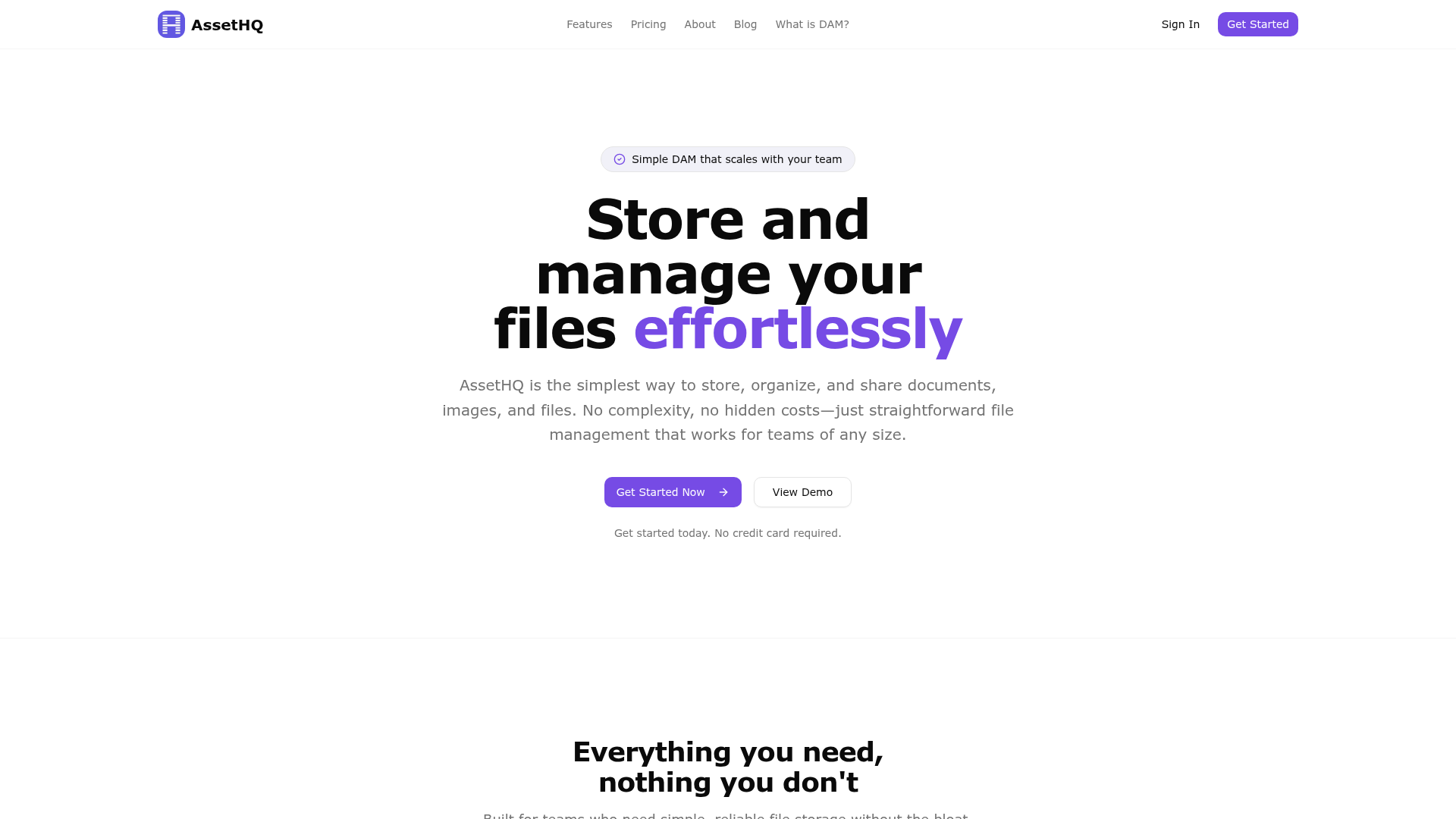
If your business wants a practical balance of security, ease of use, affordability, and collaboration, AssetHQ deserves serious attention.
It is especially well-suited for:
- solo founders managing client files and media
- small businesses storing operational documents and assets
- startups building a scalable asset library
- growing teams that need secure collaboration without enterprise bloat
What makes AssetHQ compelling is that it does not try to bury users in complexity. Instead, it focuses on the features most teams actually need:
- simple and intuitive file management
- organized storage for documents, images, and files
- secure file sharing with expiring links and access control
- image preview and management
- team collaboration features
- enterprise-grade secure storage
- fast upload and file access
- flat, transparent pricing
For many businesses, that combination is stronger than a giant ecosystem they only partially use. AssetHQ feels especially relevant if your current storage setup is scattered across email attachments, shared drives, messy folders, and ad hoc file requests.
2. Google Workspace Drive - Best for Google-based collaboration
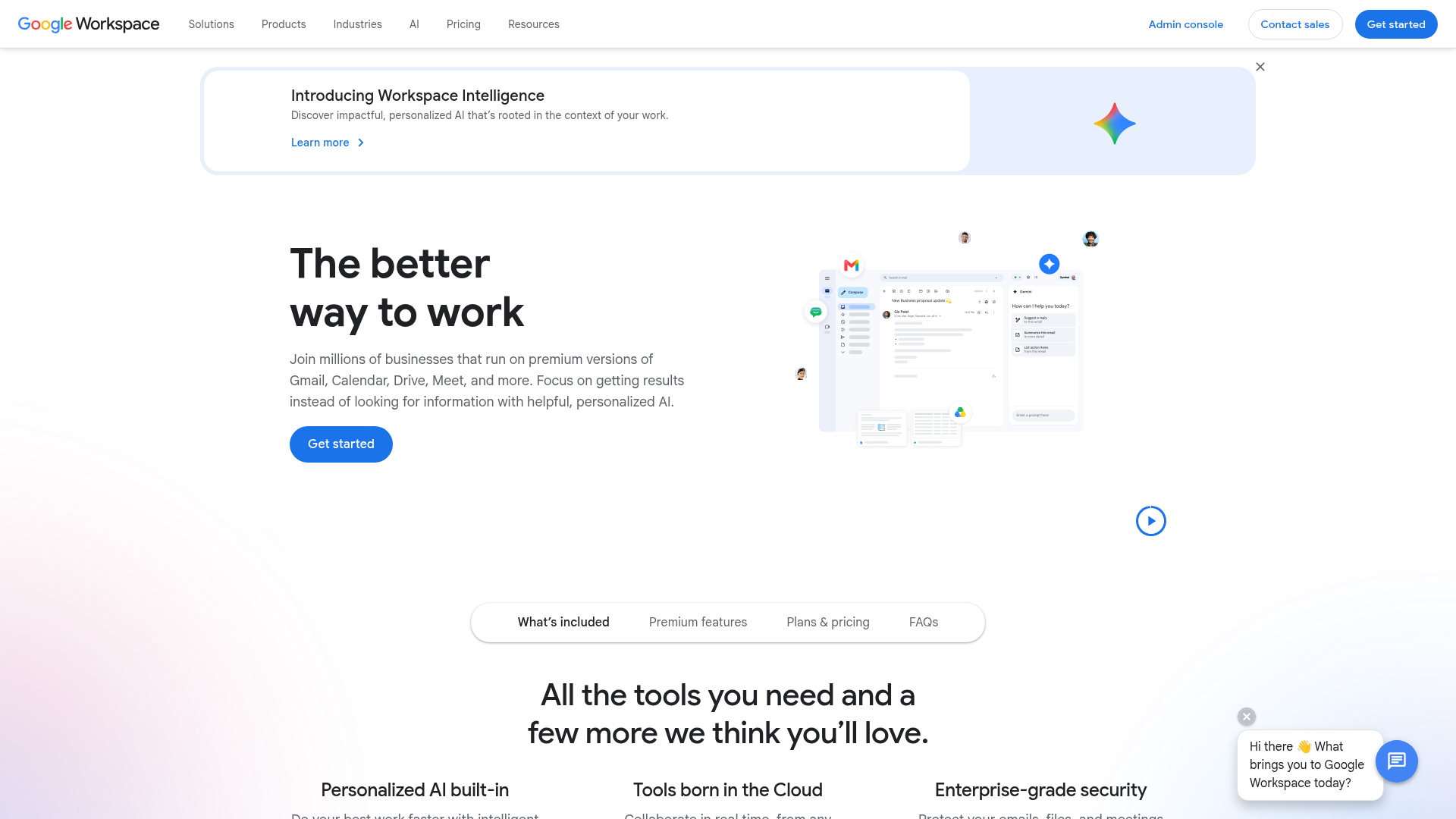
Google Workspace is a logical choice if your business already lives in Gmail, Docs, Sheets, and Meet.
It is strong for:
- real-time collaboration
- document editing
- broad familiarity
- easy internal sharing
Its weakness is that file systems can become disorganized over time, especially across departments or client accounts. For teams that need tighter asset management and more structured file organization, it may need additional process discipline.
3. Microsoft OneDrive - Best for Microsoft-heavy businesses
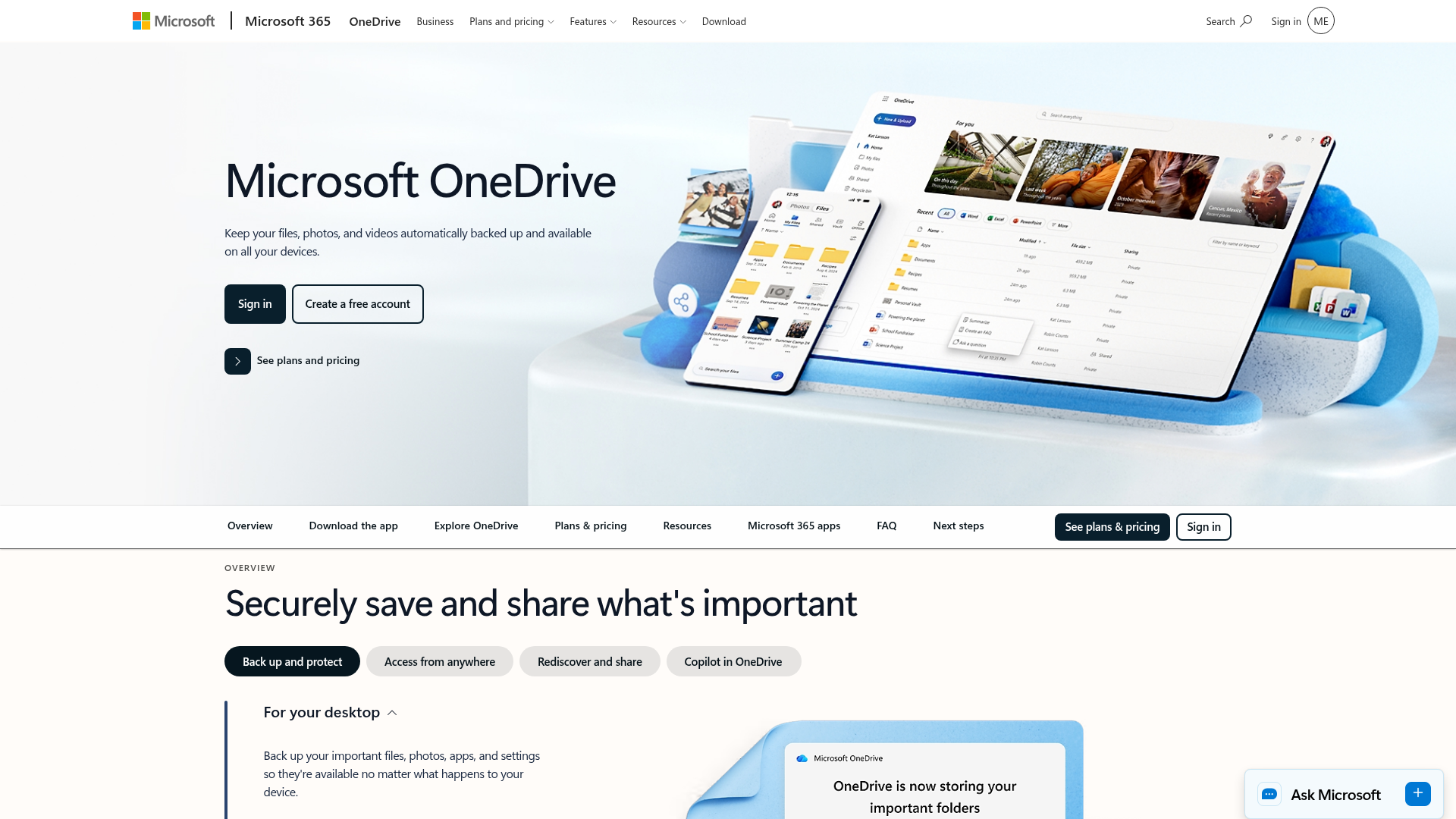
OneDrive works best for companies already using Microsoft 365.
Its main advantages include:
- seamless Office integration
- strong business user management
- solid file sync
- familiar environment for Windows teams
The main limitation is that its best experience is tightly linked to the Microsoft ecosystem. If your team is more mixed, or if you need cleaner digital asset management rather than general file syncing, it may not feel as focused.
4. Dropbox Business - Best for reliable sync and easy external sharing
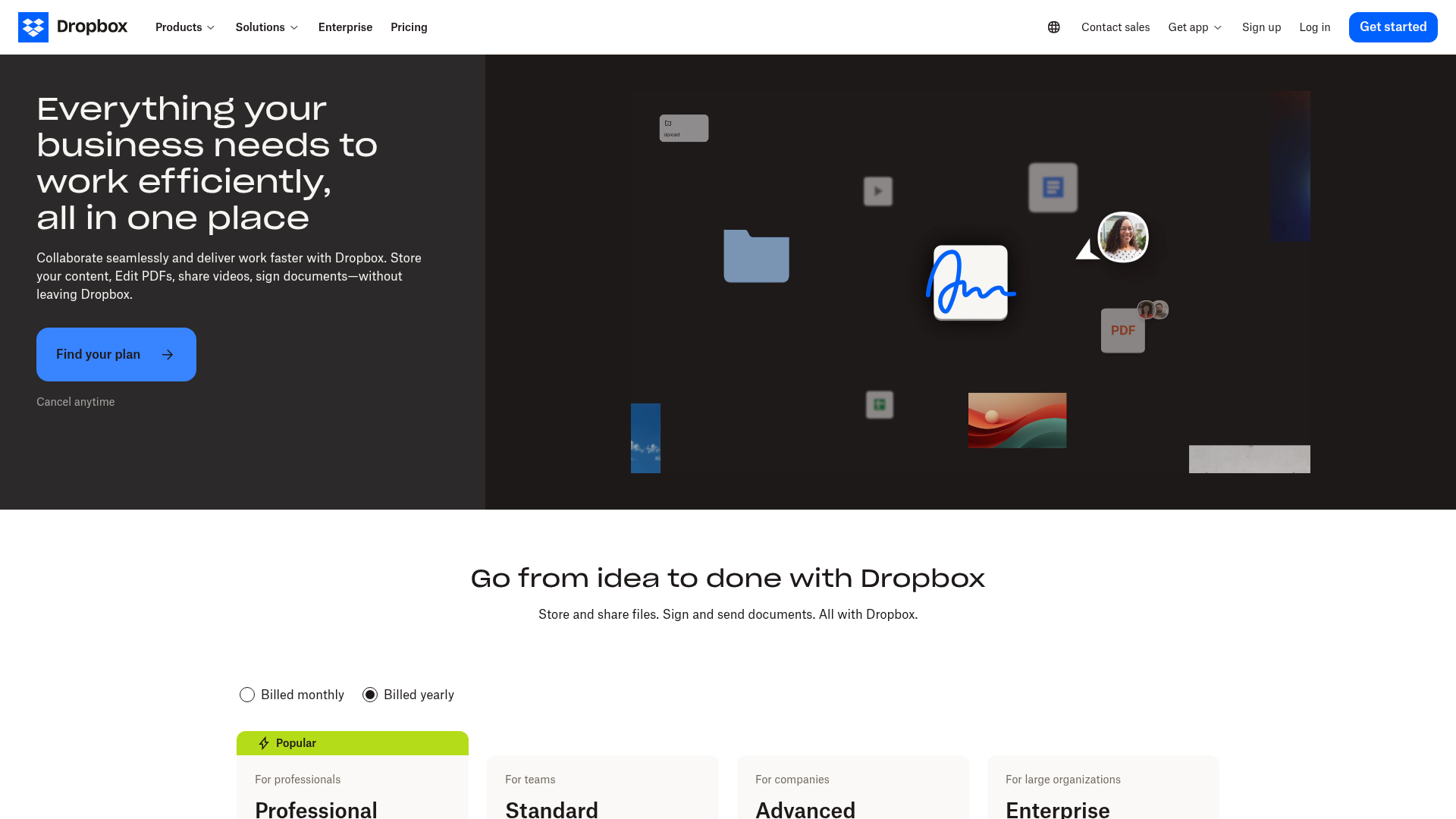
Dropbox remains popular because it is easy to use and works well across platforms.
It is good for:
- remote teams
- fast syncing
- cross-device access
- simple sharing workflows
But for smaller businesses, cost can rise quickly, and some teams may want more structured storage and asset visibility than Dropbox naturally provides.
5. Box - Best for enterprise compliance and governance
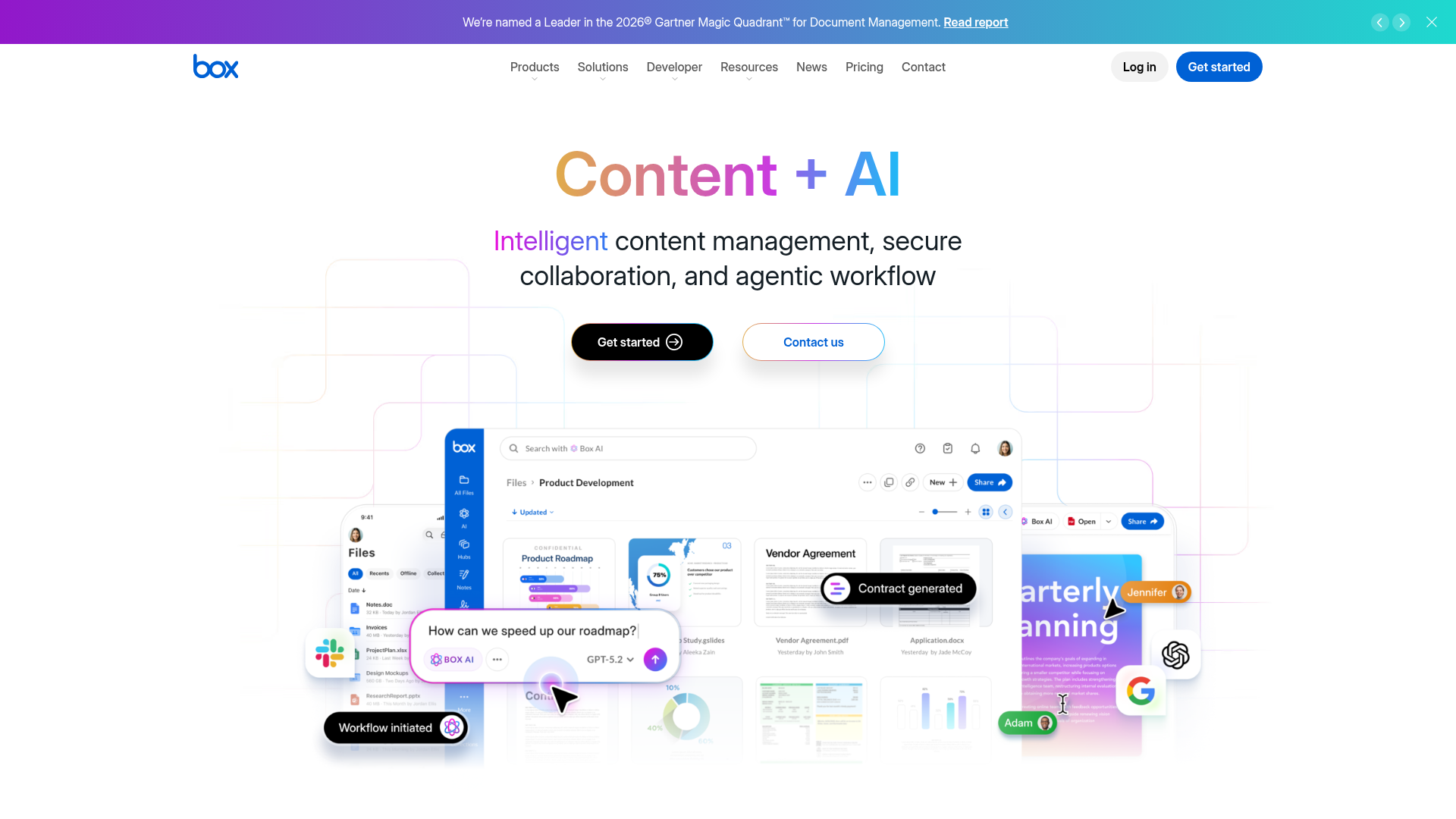
Box is a serious option for businesses with compliance-heavy needs.
It is strong in:
- governance
- integrations
- enterprise workflows
- regulatory support
However, it can be more platform than smaller businesses really need. If simplicity and speed matter more than enterprise depth, Box may feel excessive.
6. Sync.com - Best for privacy-focused businesses
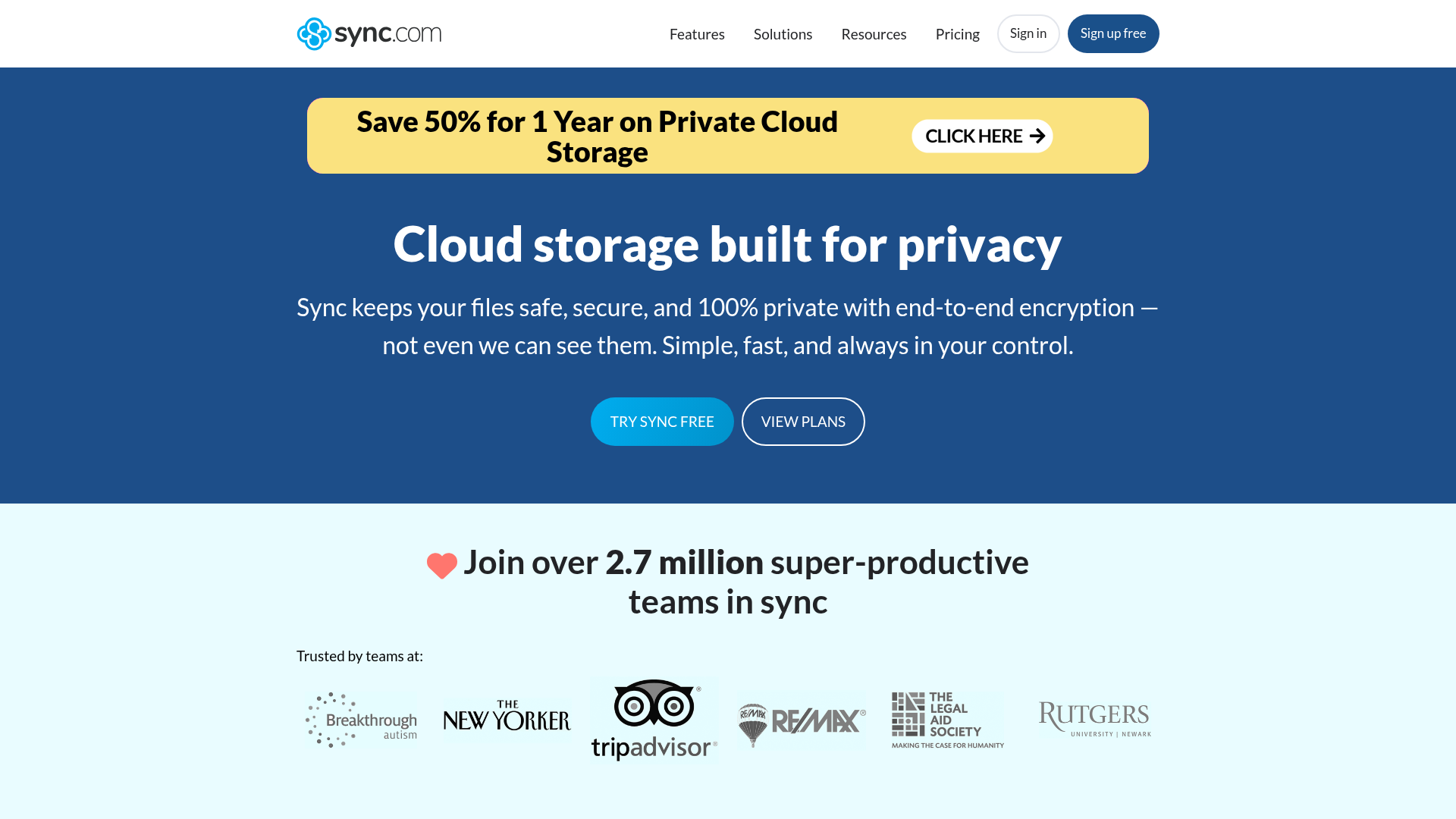
Sync.com is often chosen by businesses that prioritize privacy and encryption.
It stands out for:
- zero-knowledge architecture
- privacy-first positioning
- strong encrypted storage
The tradeoff is that it can feel less collaboration-centric than tools built around team workflows and active asset sharing.
7. Egnyte - Best for hybrid deployment and advanced control

Egnyte is designed for businesses that need more advanced storage architectures and policy control.
It is useful for:
- hybrid storage setups
- regulated environments
- larger teams with formal IT oversight
For smaller businesses and startups, it may be more complexity than necessary.
Where competitor articles fall short
Most top-ranking articles cover pricing, storage limits, and basic pros and cons. But they often miss the decision factors that matter most for small businesses and growing teams.
Content gap 1: simple structure is a security feature
A messy storage system is not just inconvenient. It creates risk.
When files are difficult to find, teams are more likely to:
- duplicate assets
- share the wrong version
- use insecure workarounds
- leave old links active
- store files in personal drives
Simple organization is part of secure operations. AssetHQ’s intuitive structure directly supports this.
Content gap 2: preview matters more than people think
Many businesses work with images, visual assets, product files, sales decks, and PDFs. If you cannot preview assets quickly, file management gets slower and more error-prone.
This is one reason digital asset management-style usability matters in modern business storage.
Content gap 3: small businesses do not need bloated enterprise systems
A lot of “best cloud storage for business” lists recommend tools built for massive organizations. That is not always helpful to a 5-person startup or a 20-person team.
Those teams often need:
- strong sharing controls
- clear organization
- lightweight collaboration
- affordable pricing
- easy onboarding
Not endless admin modules.
Content gap 4: secure external sharing is often more important than internal storage
For many businesses, the biggest daily risk is not where files sit. It is how files get shared.
That is why expiring links, restricted access, and permission control deserve more attention than they usually get in competitor articles.
How to choose the best secure cloud storage for small business
If you are a smaller business, use this framework.
Choose based on workflow, not just storage volume
Ask:
- Are we storing mostly documents, images, or mixed files?
- Do we need internal collaboration, external sharing, or both?
- Do clients need access to selected files?
- Do we need visual preview for assets?
- Are we replacing chaotic folders or building a clean system from scratch?
Prioritize usability
If the system is too complex, your team will avoid it. That leads to shadow workflows, local file hoarding, and scattered versions.
Make security practical
The best security setup is one people will actually use correctly. That means:
- clear permissions
- simple sharing controls
- fast access
- intuitive navigation
- visible organization
Avoid paying for complexity you will not use
Many small businesses overbuy. They pay for enterprise layers they do not need while still lacking the simple usability they do need.
That is why AssetHQ is a smart fit for businesses that want secure, scalable storage without hidden fees or unnecessary product weight.
Secure cloud storage vs digital asset management: what is the difference?
This distinction matters more than many buying guides explain.
Secure cloud storage
Focuses primarily on:
- storing files
- syncing files
- sharing files
- controlling access
Digital asset management
Adds more structure around:
- asset organization
- visual previews
- categorization
- file discoverability
- brand and media asset workflows
- controlled collaboration
For businesses handling images, documents, creative files, marketing assets, or repeated file sharing, a DAM-style approach can be much more efficient than basic storage alone.
That is why AssetHQ occupies such a useful position. It combines secure file storage with practical digital asset management features in a way that feels accessible rather than overengineered.
Common mistakes businesses make when choosing cloud storage
Picking the cheapest option first
Low sticker prices can hide extra fees, limited controls, or workflow friction.
Ignoring file sharing controls
Storage is only half the issue. External access management matters just as much.
Letting folders grow without structure
Disorganization compounds fast. What works for 100 files fails badly at 10,000.
Assuming enterprise platforms are automatically better
Sometimes they are just heavier, slower to adopt, and more expensive.
Forgetting the user experience
A tool can be secure on paper and still fail in practice if people avoid using it.
Who should choose AssetHQ?
AssetHQ is especially strong for:
- solo founders who need professional file management from day one
- startups that want a scalable system before chaos sets in
- small businesses sharing documents and images internally and externally
- agencies and service teams managing client assets
- growing organizations that need secure collaboration without bloated software
If your priority is reliable file storage, secure sharing, image-friendly asset management, and simple team collaboration, AssetHQ is one of the most balanced options available.
Final verdict
The best secure cloud storage for business is not always the biggest brand or the platform with the longest feature list. It is the one that helps your team work faster, stay organized, share safely, and scale without friction.
If you want a heavyweight ecosystem, Google Workspace, Microsoft OneDrive, Dropbox, Box, Sync.com, and Egnyte all have valid use cases.
But if you want a platform that feels simple, dependable, secure, and built for real-world business file management, AssetHQ is a standout choice.
It gives you what growing teams actually need:
- intuitive organization
- secure file sharing
- access control
- image preview support
- team collaboration
- enterprise-grade security
- fast uploads and retrieval
- affordable, flat pricing
For businesses that want professional storage and asset management without the cost and complexity of enterprise-heavy systems, AssetHQ is a smart place to start.
Ready to simplify secure file storage?
If your current setup feels messy, hard to control, or too expensive for what it delivers, try AssetHQ. It gives your business a cleaner way to store, organize, preview, and share files securely - without hidden fees or unnecessary complexity.
FAQ
Which cloud is best for small business?
For most small businesses, the best choice is a platform that combines strong security, easy organization, secure sharing, and simple team collaboration. If you want a practical balance without enterprise complexity, AssetHQ is a strong option for storing, managing, and sharing business files.
What is the most secure cloud storage for business?
The most secure option is one that offers access controls, secure sharing, permission management, and enterprise-grade protection while staying easy for teams to use correctly. Tools like AssetHQ, Box, and Sync.com are strong contenders depending on whether you prioritize simplicity, governance, or privacy.
Is secure cloud storage worth it for a small business?
Yes. Secure cloud storage helps small businesses protect sensitive files, reduce sharing risks, improve collaboration, and stay organized as they grow. It is often far more efficient and reliable than relying on email attachments, local drives, or scattered folders.
What features should I look for in secure cloud storage for business?
Look for access control, expiring share links, organized folder structure, fast file access, image or file previews, and team collaboration tools. Clear pricing and scalability also matter, especially for startups and growing teams.
What is the difference between cloud storage and digital asset management?
Cloud storage focuses on storing and sharing files, while digital asset management adds structure for organizing, previewing, finding, and managing files more efficiently. Platforms like AssetHQ combine both approaches for businesses that handle documents, images, and shared assets regularly.
Related Posts
Dropbox Shared Link Dl 0 Explained
Learn what Dropbox shared link dl 0 means, how to verify link safety, open files correctly, and share smarter with confidence today
min read
Cloud Storage and File Sharing: Best Free Options
Discover cloud storage and file sharing tools to compare free options for links, large transfers, and team use. Find your best fit now.
min read
End to End Encrypted File Sharing Benefits
Discover end to end encrypted file sharing benefits, use cases, and security tips for modern teams, then choose the right tool now.
min read