Small Business Document Management Made Simple
Small Business Document Management Made Simple If your team is still digging through email threads, desktop folders, shared drives, and random cloud links to find the latest version of a file, you do not have a document problem. You have a workflow problem. That is exactly why small business document management matters. A good system helps you store files in one place, organize them clearly, control who can access them, and share documents without creating confusion. For solo founders, startup
Small Business Document Management Made Simple
If your team is still digging through email threads, desktop folders, shared drives, and random cloud links to find the latest version of a file, you do not have a document problem. You have a workflow problem.
That is exactly why small business document management matters. A good system helps you store files in one place, organize them clearly, control who can access them, and share documents without creating confusion. For solo founders, startups, and growing teams, the goal is not to buy a giant enterprise platform. It is to create a simple, reliable way to keep documents moving without slowing the business down.
Small businesses usually do not need complicated records bureaucracy. They need:
- a clean place to keep documents, images, and shared files
- fast uploads and easy retrieval
- secure file sharing with access control
- collaboration without version chaos
- affordable pricing that scales as the team grows
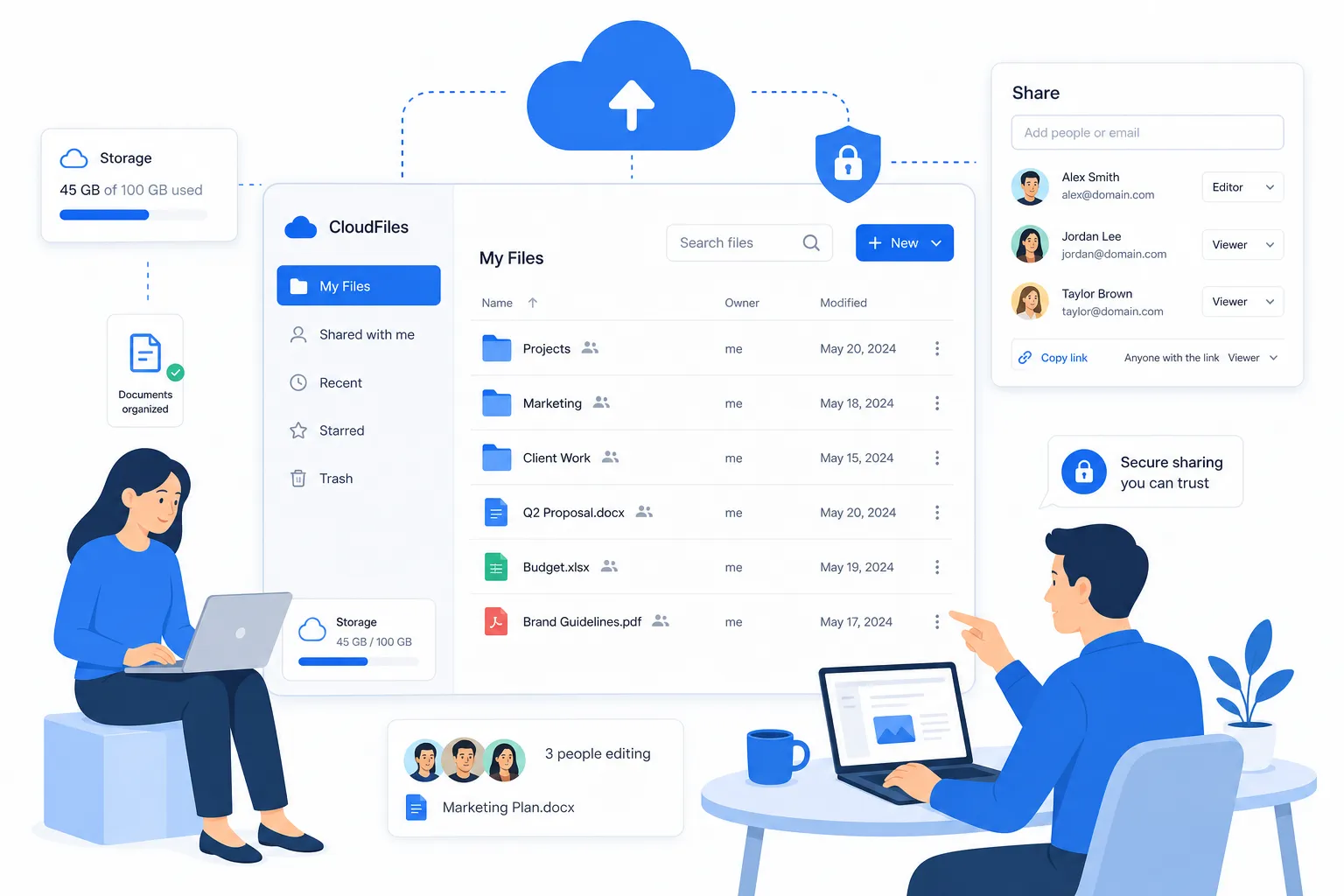
That is where a simpler platform like AssetHQ fits naturally. Instead of overwhelming teams with enterprise-heavy complexity, AssetHQ gives you intuitive file management, secure storage, image preview support, team collaboration, and flat pricing with no hidden fees. It is built for organizations that want to stay organized and secure without turning document management into another full-time job.
"Employees spend an average of 2.5 hours per day searching for documents." - Paperwise
When you think about how much time that adds up to across even a 5-person team, document chaos stops being a minor annoyance and starts becoming a real business cost.
What small business document management actually means
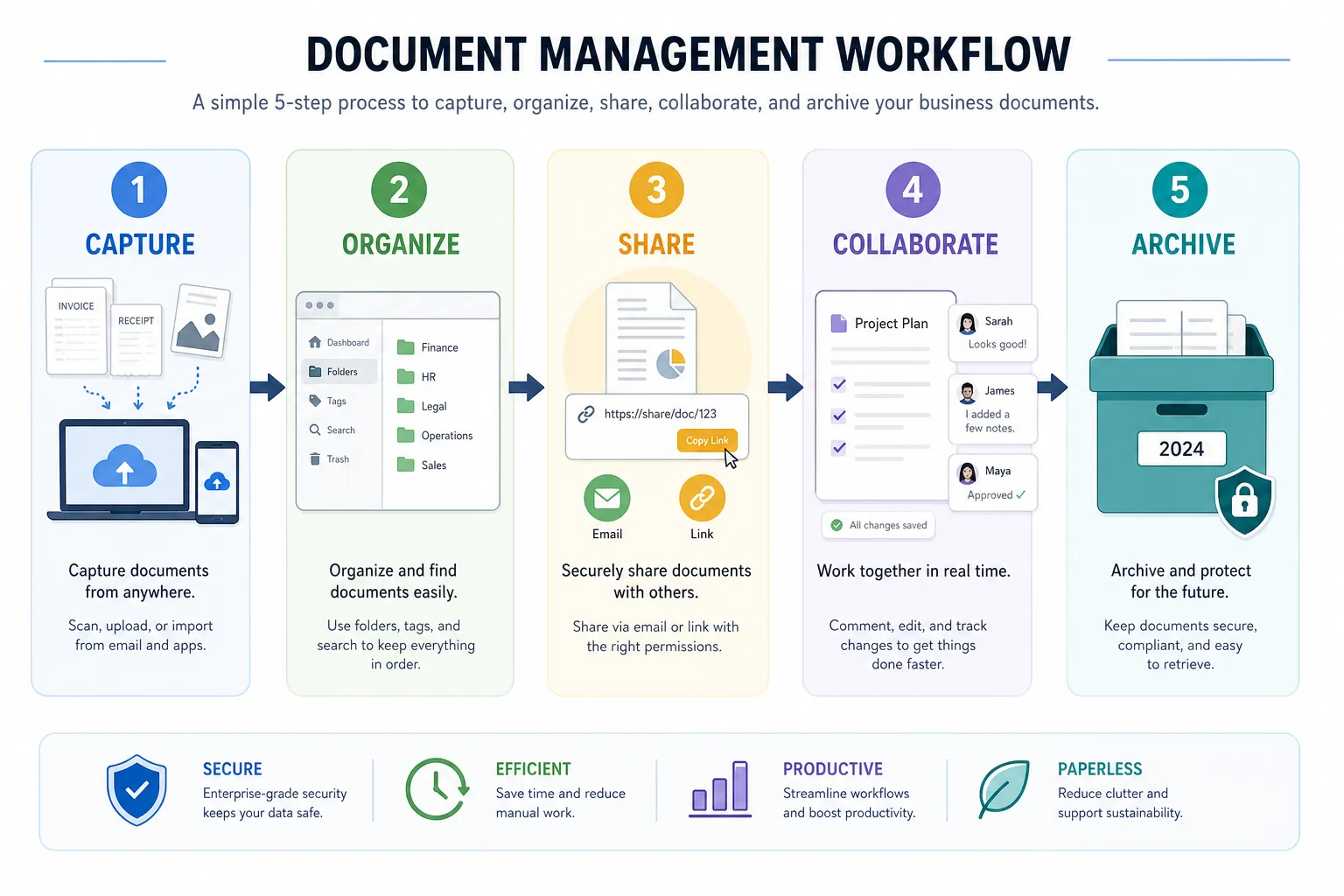
At its core, document management is the process of storing, organizing, finding, sharing, and protecting business files. That includes contracts, proposals, invoices, employee files, policies, creative assets, reports, PDFs, spreadsheets, and images.
For a small business, the right setup should make a few things happen immediately:
- everyone knows where files belong
- the latest version is easy to find
- sensitive files are not shared with the wrong people
- documents can be accessed quickly from anywhere
- growth does not create file chaos
Many competitor articles explain document management as a software category, but they often miss the practical reality: small businesses do not just need storage. They need a system that employees will actually use consistently.
That is why simplicity matters as much as features.
Why small businesses struggle with documents
Most file problems do not start with bad intentions. They start with speed.
A founder saves files on a laptop. A contractor uses email attachments. Marketing stores images in one app, sales uses another, and operations relies on a shared drive. Over time, small gaps become major friction.
Common problems include:
Too many storage locations
Files end up spread across inboxes, desktops, USB drives, chat apps, and multiple cloud accounts. That makes retrieval slow and risky.
No consistent folder structure
Without a simple naming and folder system, every employee creates their own logic. That works until someone else needs the file.
Unclear access permissions
Many teams either lock down everything or share everything. Neither is ideal. You need controlled access that is easy to manage.
Version confusion
If people download, edit, and resend documents manually, nobody is sure which version is current.
Weak external sharing
Sending sensitive files as email attachments creates unnecessary exposure. Secure links with expiration controls are safer and easier to track.
Growth without process
A system that works for one founder often breaks at three employees, and definitely breaks at ten.
"Inefficient document processes can result in a 21% loss in productivity." - Crown Records Management
The benefits of a simple document management system
When done well, document management creates a ripple effect across the whole business.
Better organization
A centralized system gives your team one dependable source of truth. Instead of asking where something is, people know where to look.
Faster file access
Quick search, clear folders, and intuitive storage reduce wasted time. Fast retrieval matters for customer service, operations, finance, and creative work alike.
More secure sharing
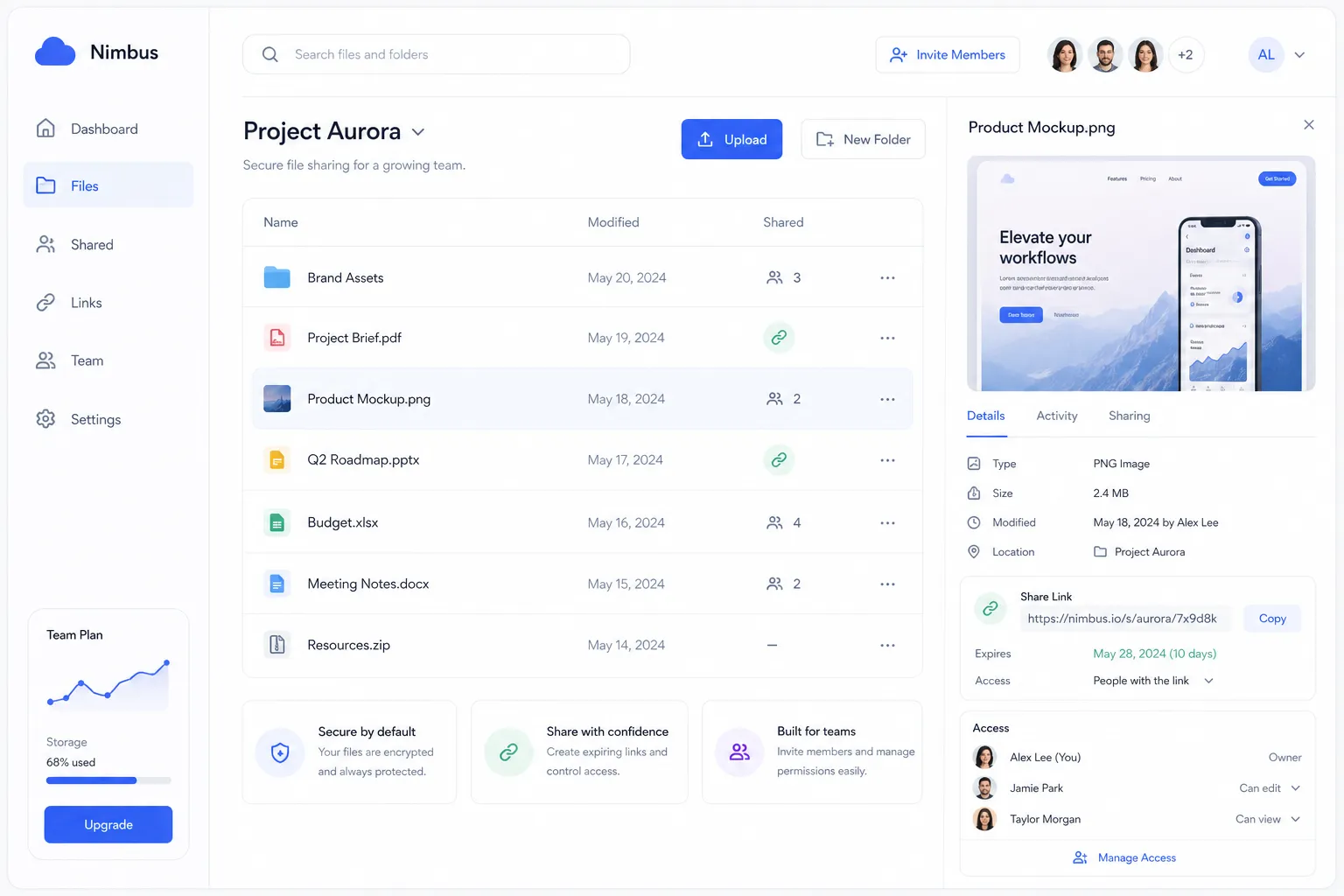
A modern platform should support secure file sharing with expiring links and access control. This is especially useful when sending contracts, design files, onboarding materials, or internal documents to external partners.
Easier collaboration
Growing teams need to comment, review, share, and distribute files without losing track. A good system makes teamwork smoother without adding technical friction.
Cleaner scaling
As more people join the company, the system still works. That is a major advantage of a scalable platform like AssetHQ, which supports both solo users and teams without requiring enterprise-level setup.
Less operational drag
Document management is not just about storage. It reduces interruptions, duplicate work, and manual handoffs.
What makes an effective system for a small business
Competitor pages often list generic features like storage, search, and version control. Those matter, but for small businesses, effectiveness comes down to whether the system is practical, intuitive, and easy to maintain.
Here is what actually matters most.
1. A simple folder structure
If your team cannot understand the structure in a few minutes, it is too complicated. Clear folder organization beats overengineered taxonomy for most small businesses.
AssetHQ is especially strong here because it gives teams a familiar, intuitive structure for storing and organizing documents, images, and files without forcing them into a bloated enterprise workflow.
2. Fast uploads and retrieval
People should be able to upload files quickly and find them just as fast later. Slow systems create workarounds, and workarounds create chaos.
3. Permission-based access
Not every file should be visible to everyone. The best systems let you restrict access by user, role, or team while keeping administration simple.
4. Secure external sharing
Small businesses frequently share files with vendors, freelancers, clients, and partners. Expiring links and controlled access are much safer than loose attachments.
5. Support for mixed file types
Most teams do not manage only documents. They also store logos, product images, presentations, spreadsheets, PDFs, sales collateral, and videos. A modern system needs to handle all of that smoothly.
6. Image preview and asset visibility
This is a frequent content gap in competitor posts. Many talk about document storage but ignore the fact that small businesses often work with visual assets too. AssetHQ helps here with image preview and management capabilities, making it easier to identify and use visual files without opening each one manually.
7. Affordable and predictable pricing
Small teams need clarity. Flat pricing with no hidden fees is easier to budget for and removes friction from adoption.
8. Scalable collaboration
Even if you are a solo founder today, the system should still fit when your team grows. AssetHQ is designed to be useful for both individuals and teams, which makes it a smart long-term choice.
Document management vs. general file storage
This is where many businesses get stuck. They assume that any cloud drive equals a document management system. It does not.
Here is the difference:
Capability | Basic File Storage | Small Business Document Management |
|---|---|---|
File uploads | Yes | Yes |
Folder organization | Usually basic | Structured and consistent |
Permissions | Limited or messy | Clear access control |
Secure external sharing | Sometimes basic | Stronger control with safer workflows |
Team collaboration | Basic | Built into daily workflows |
Asset visibility | Often limited | Better management across file types |
Scalability | Can become cluttered | Built for growth and organization |
In other words, storage is just one part of the puzzle. Document management adds the rules, access, organization, and usability that make storage useful.
How to build a simple document management process
You do not need a six-month rollout to improve document management. Most small businesses can make major progress with a few practical steps.
Step 1: Audit your current file sprawl
List where files currently live:
- local computers
- email inboxes
- shared drives
- messaging platforms
- cloud tools
- external hard drives
You cannot simplify what you have not mapped.
Step 2: Group files by business function
Create top-level categories based on how your business works. For example:
- Sales
- Marketing
- Finance
- Operations
- HR
- Legal
- Brand Assets
- Client Files
This keeps structure tied to real workflows.
Step 3: Standardize naming conventions
Use clear, repeatable names. For example:
ClientName_Project_DocumentType_YYYY-MM-DD
Good naming conventions reduce search time and make folders usable even without advanced filtering.
Step 4: Define access levels
Decide who should view, edit, download, or share each category of file. Keep it simple and role-based where possible.
Step 5: Set rules for external sharing
Use secure links instead of attachments for important documents. Ideally, use expiration settings and access controls so you are not losing track of what was shared and with whom.
Step 6: Train the team on a few key habits
You do not need a thick handbook. Most teams only need simple rules:
- save files in the right location
- use the naming format
- avoid duplicate uploads
- share through approved links
- archive outdated files regularly
Step 7: Choose a platform people will actually use
This may be the most important step. If the software feels bloated or confusing, adoption will fail. A simpler platform like AssetHQ helps because it removes unnecessary friction while still providing secure storage, structured organization, collaboration, and reliable file access.
Signs your current setup is no longer working
If you are unsure whether your business really needs a better system, look for these warning signs:
- employees ask where files are multiple times per week
- important documents are buried in email
- customers or vendors receive the wrong version
- you cannot confidently control who has access to sensitive files
- visual assets are hard to identify or reuse
- onboarding new employees includes explaining “where everything lives”
- file sharing feels inconsistent or risky
- your current tool is technically powerful but rarely used correctly
Any one of these can be manageable. Several at once usually mean it is time for a more dependable document management setup.
What competitor articles often miss
After reviewing leading content on this topic, a few gaps stand out.
They focus heavily on enterprise-style features
Many articles jump quickly into automation, compliance frameworks, and advanced workflow engines. Those can be useful, but they are not the first need for most small teams. Simplicity, adoption, and consistency come first.
They treat documents as text files only
Small businesses often manage documents and images together. This matters for marketing teams, ecommerce brands, agencies, property managers, construction firms, and service businesses. A system like AssetHQ that supports visual file management is more useful in real day-to-day operations.
They underestimate ease of use
Software only helps if people use it correctly. A cleaner interface and intuitive folder structure can create more value than a long list of features nobody touches.
They rarely address pricing clarity
Small businesses care about cost predictability. Hidden fees, user-based complexity, or add-on pricing can make “affordable” tools more expensive than expected.
They do not talk enough about secure sharing
Secure sharing is one of the most practical daily benefits of modern file management. Expiring links and access control should not be treated as extras.
A practical comparison: complex systems vs. simple systems
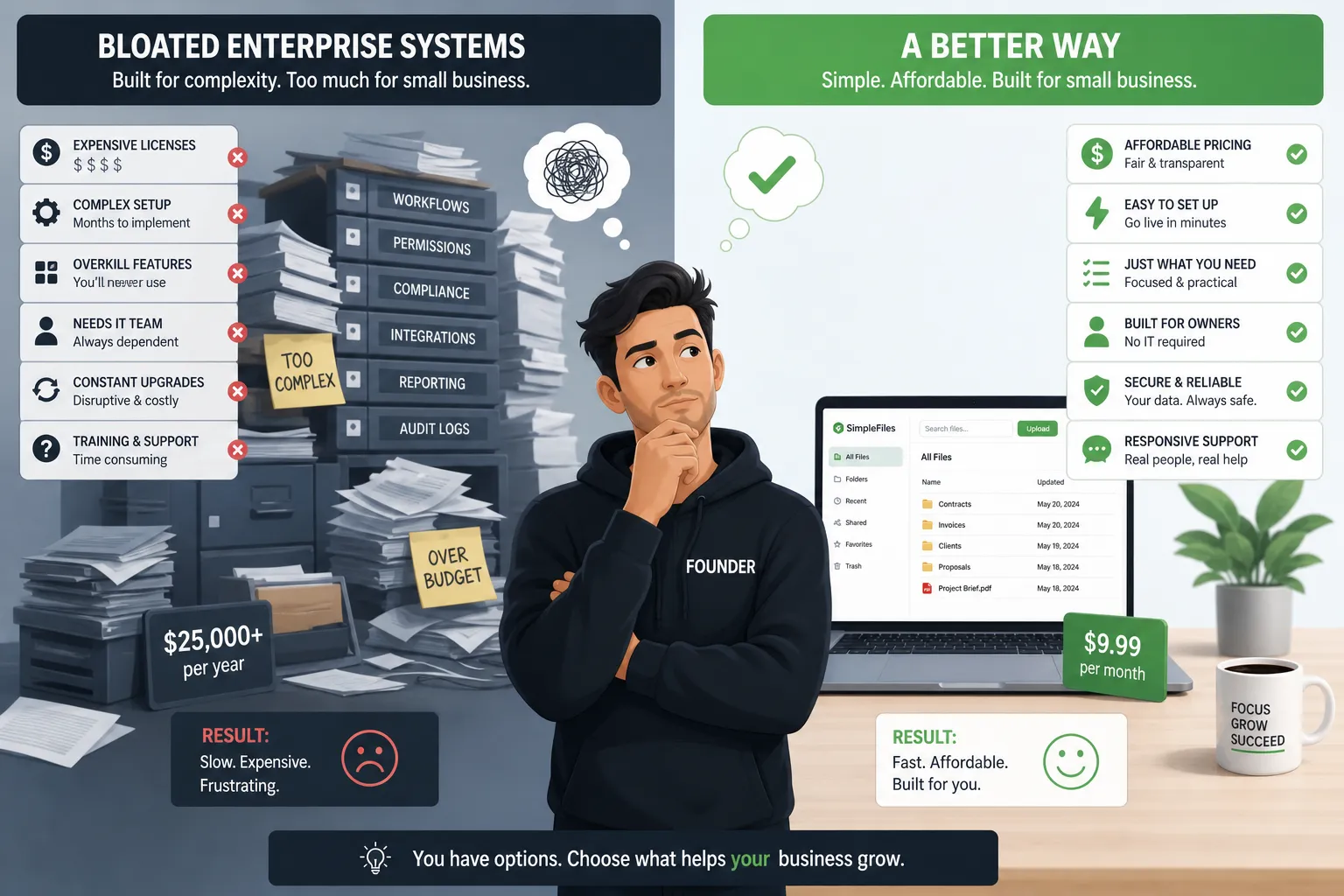
Many businesses assume that “more features” automatically means “better system.” Often, the opposite is true.
If you choose a bloated system | If you choose a simple, scalable system |
|---|---|
Higher learning curve | Faster adoption |
More setup time | Quicker implementation |
Harder daily use | Easier daily consistency |
Feature overload | Focused functionality |
Potentially unpredictable pricing | More transparent budgeting |
Greater admin burden | Lower maintenance effort |
For many teams, the best solution is not the most advanced one. It is the one that keeps the business organized without becoming another operational problem.
Where AssetHQ fits best
AssetHQ is a strong fit for businesses that want professional file management without enterprise complexity.
It is especially useful for:
- solo founders who need dependable organization from day one
- startups that want a scalable structure before file sprawl starts
- small businesses managing both documents and images
- growing teams that need simple collaboration and secure sharing
- organizations that value clean storage, easy access, and predictable pricing
Because AssetHQ combines simple and intuitive file management, enterprise-grade secure storage, fast upload and access, and team collaboration, it solves the problem most small businesses actually have: too many files, not enough order.
Its secure sharing tools help teams send files confidently. Its image preview support makes visual asset management easier. Its folder-based organization keeps onboarding and day-to-day use straightforward. And its flat pricing makes it easier to grow without worrying about hidden costs.
A look at how leading platforms position document management
Microsoft 365’s approach
Microsoft emphasizes document management through centralized storage, collaboration, version control, security, workflow automation, and compliance.
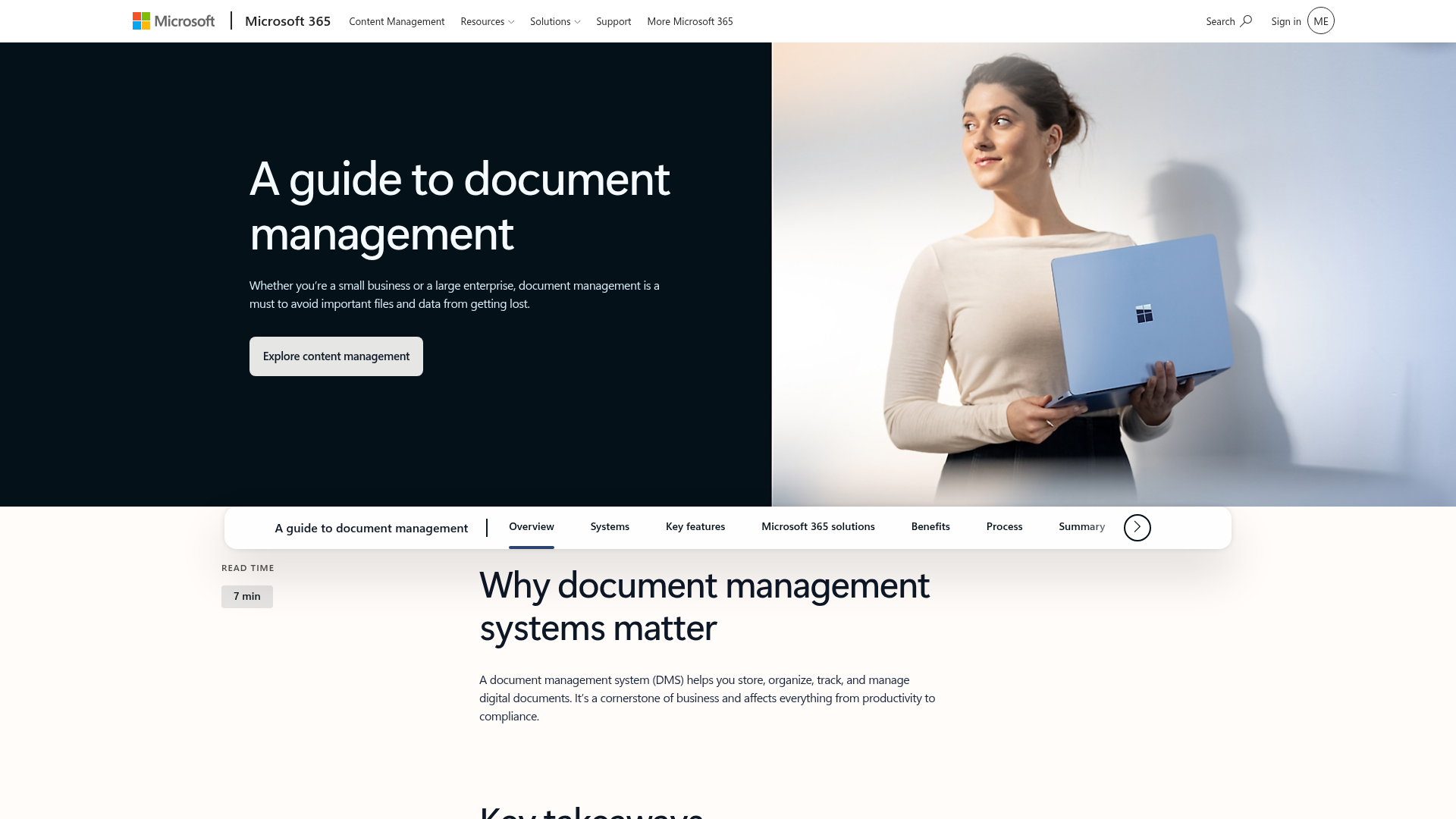
That is useful context, especially for teams already invested in Microsoft tools. But for many smaller organizations, the challenge is not understanding the concept. It is implementing something lighter and easier to manage.
DocuWare’s approach
DocuWare highlights cloud document organization, workflow automation, security, and remote access for growing businesses.
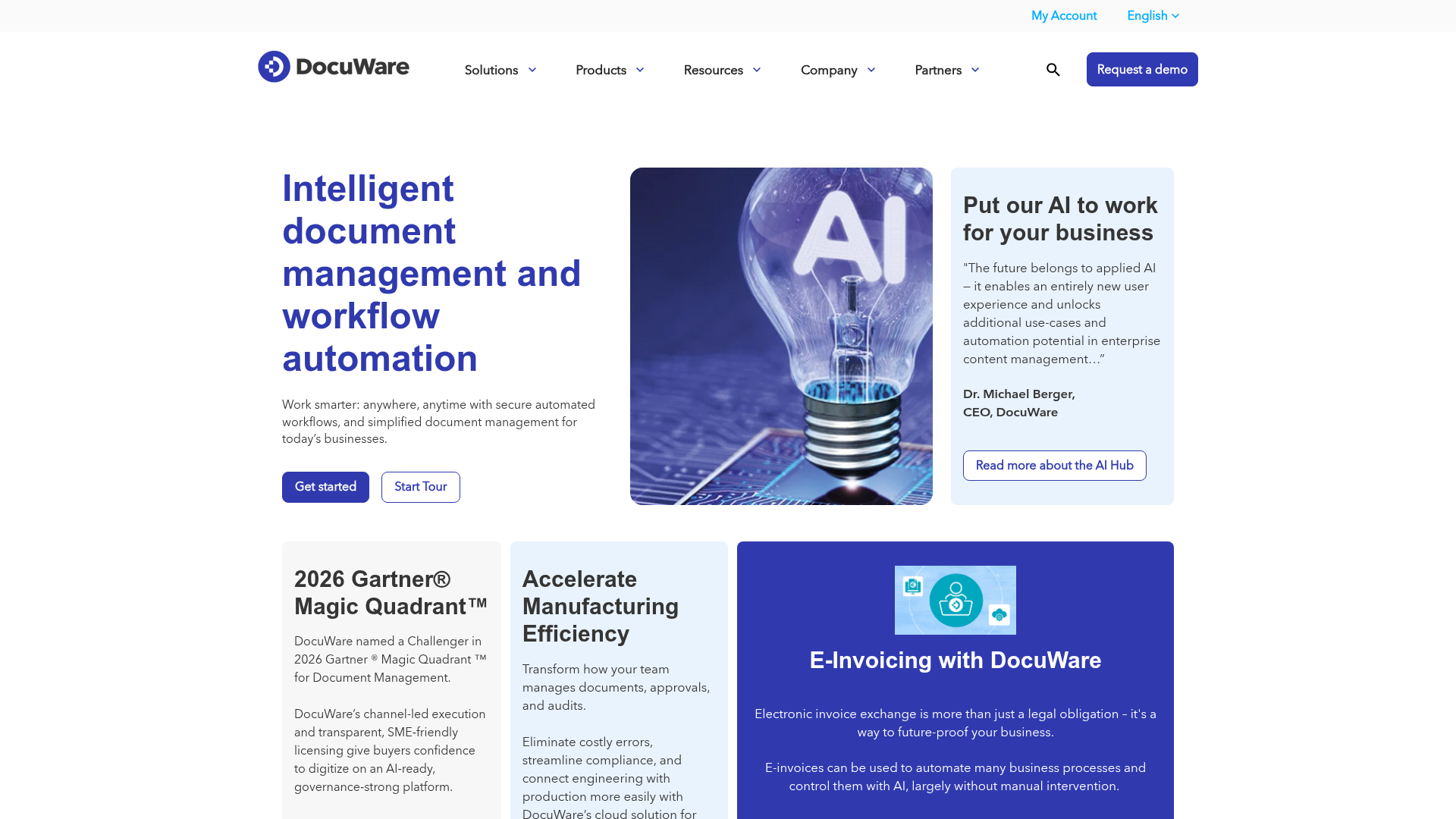
That can be a fit for some companies, especially those with process-heavy departments. But many small teams still need a simpler, more approachable answer for organizing files, sharing them securely, and collaborating without heavy setup.
Best practices for keeping your system clean over time
Choosing a platform is only the beginning. To keep your system useful, maintain a few lightweight habits.
Review folders quarterly
Archive inactive material, delete duplicates, and confirm the structure still matches how the business works.
Limit top-level folders
Too many top-level categories create decision fatigue. Keep the system simple and intuitive.
Use templates when possible
Recurring document types should follow the same structure and naming pattern.
Protect sensitive folders
Finance, HR, contracts, and legal files should always have tighter access controls.
Use links instead of attachments
This reduces duplication and gives you more control over access.
Keep file ownership clear
Each major folder or function should have someone responsible for keeping it clean.
Final verdict
Small business document management does not need to be complicated to be effective. In fact, the best systems are usually the simplest: one organized place for documents, images, and files; secure sharing; fast access; clear permissions; and collaboration that supports growth instead of slowing it down.
If your current setup feels messy, inconsistent, or harder to manage every month, now is the right time to simplify it.
AssetHQ is a smart choice for teams that want dependable digital asset management and file storage without the cost, clutter, or complexity of enterprise-heavy tools. With intuitive organization, image preview support, secure sharing, enterprise-grade storage, and affordable flat pricing, it gives small businesses exactly what they need to stay organized and move faster.
If you want a cleaner, easier way to manage files as your business grows, try AssetHQ and build a system your team will actually use.
FAQ
What are the four C's of documentation?
The four C's are often described as clear, concise, complete, and consistent. In a small business, these principles help documents stay easy to find, understand, and use across the whole team.
How to organize files for small business?
Start with a simple folder structure based on business functions like sales, finance, operations, and marketing. Then use consistent file names, controlled access, and one central platform so documents, images, and shared files do not end up scattered across different tools.
How to create a document management system?
Audit where files currently live, group them by department or workflow, create naming rules, assign access permissions, and choose a platform your team will actually use. The best systems are simple, secure, and scalable, not overloaded with unnecessary complexity.
What are the 5 W's of documentation?
The 5 W's are who, what, when, where, and why. Applied to document management, they help teams understand who owns a file, what it contains, when it was created or updated, where it belongs, and why it matters.
What are the four pillars of documentation?
For small businesses, the four pillars can be viewed as organization, access, security, and collaboration. When all four are strong, teams can store files neatly, find them quickly, share them safely, and work together without version confusion.
Related Posts

Brand Asset Management Software for Growing Teams
Discover brand asset management software for growing teams and learn how to organize files, share securely, and scale with ease.
min read
Cloud Based Digital Asset Management Benefits
Explore cloud based digital asset management benefits for secure file sharing, simpler teamwork, and organized growth. Try it today now
min read
File Sharing and Storage Made Simple for Teams
Discover file sharing and storage made simple for teams with secure access, better organization, and faster collaboration. Try AssetHQ!
min read